When you click on links to various merchants on this site and make a purchase, this can result in this site earning a commission. Affiliate programs and affiliations include, but are not limited to, the eBay Partner Network.
I recently purchased the MBito OBD device primarily to disable the Auto Stop/Start. A quick overview of the first impressions. I ordered from their website and the OBD device was delivered from Latvia to the US in just over a week. It was well-packaged and in an attractive box.
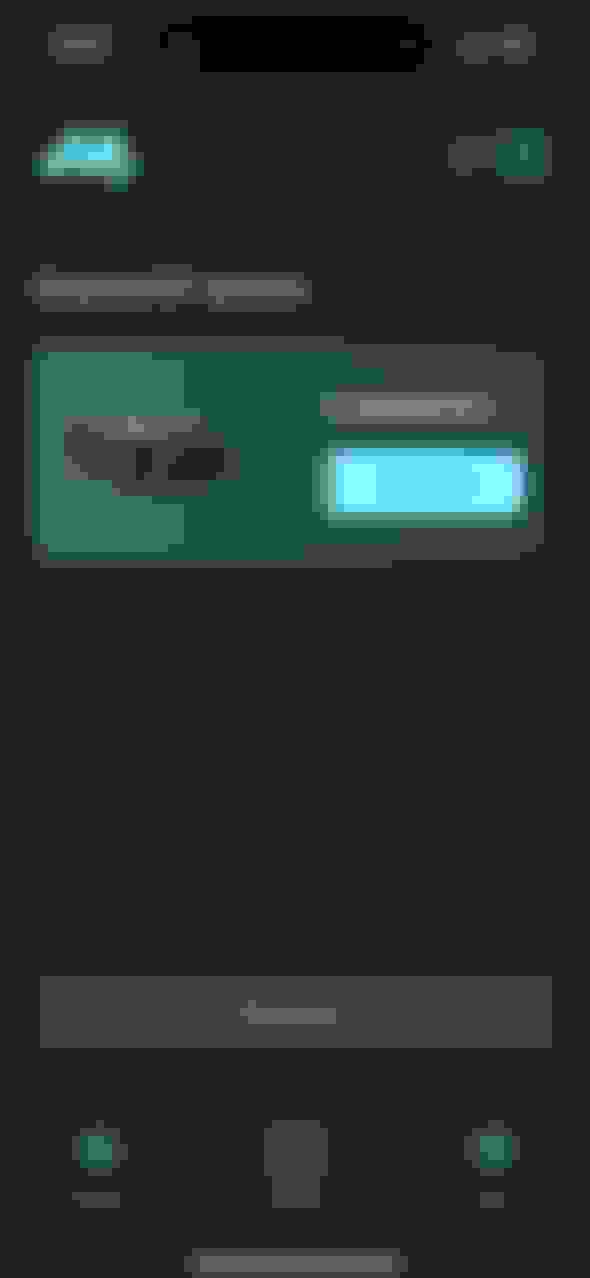
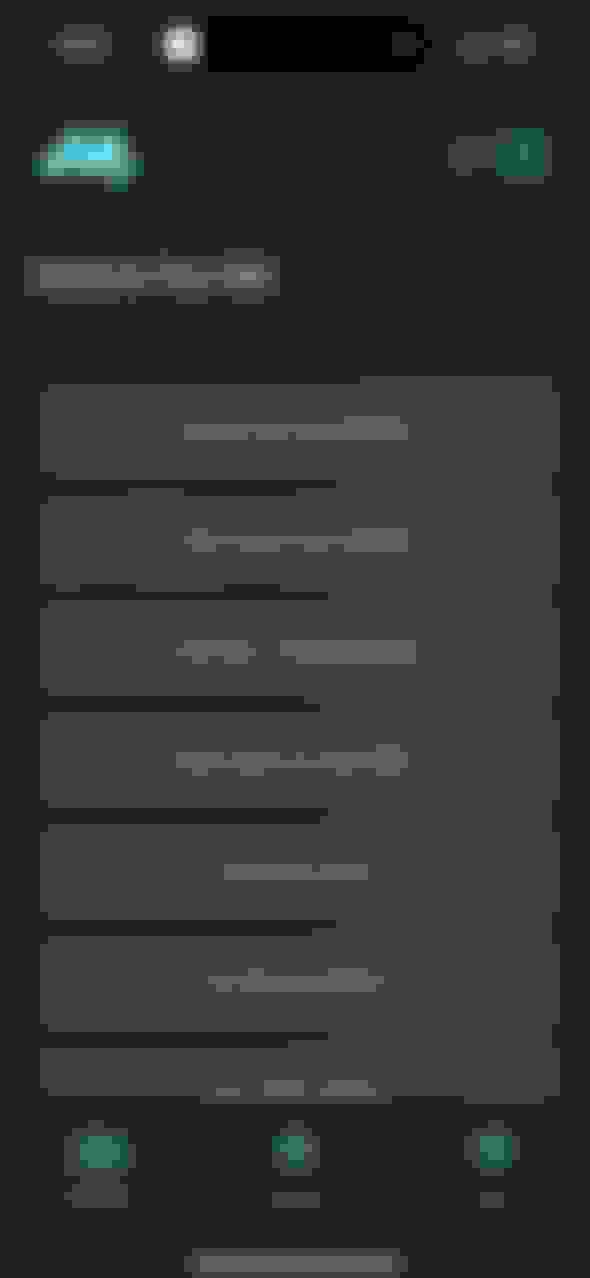
I plugged in the device and then downloaded the App from the App Store. You do have to create an account to be able to run the app and associate a payment account for purchasing features. Running the app presents the connect screen:
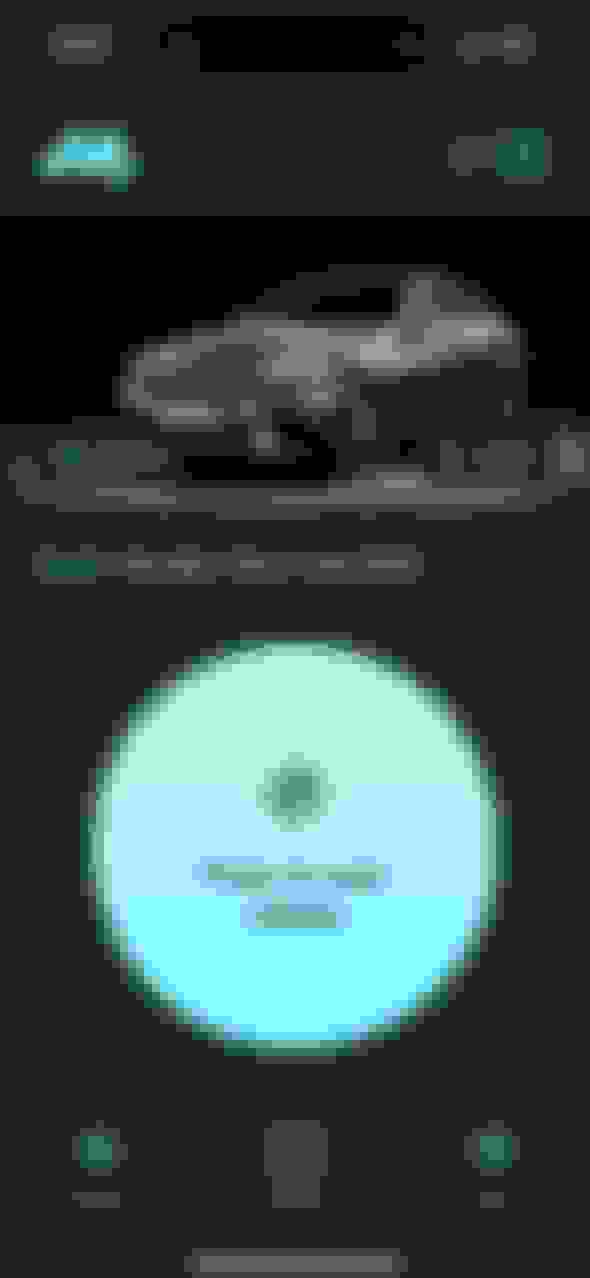
After successfully connecting and selecting your MB model, you can scan the vehicle for faults:
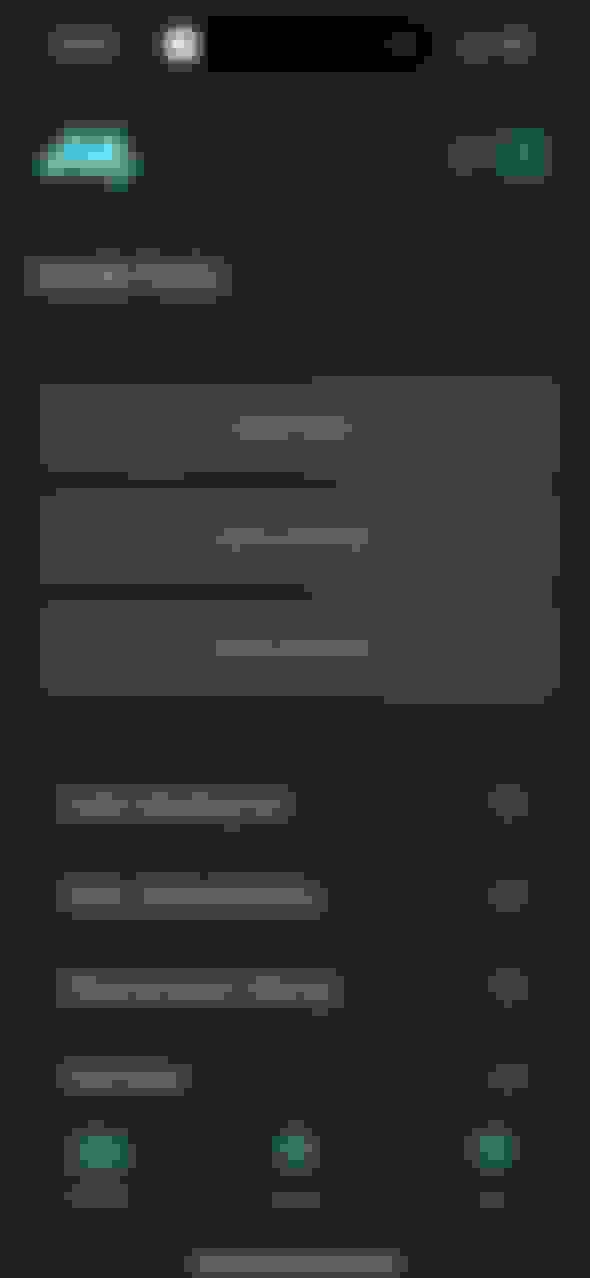
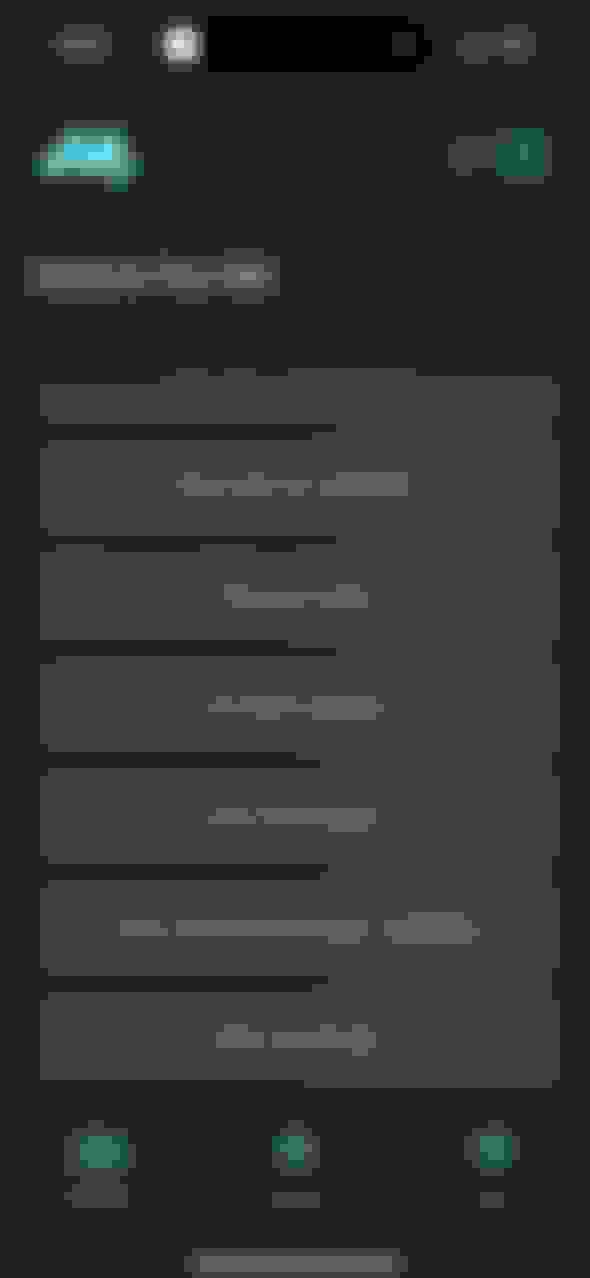
Scanning can take a few minutes, depending on the number of ECUs in the vehicle. When complete, the screen shows the available functions:
Handle Faults allows you to review and erase DTCs for the complete vehicle, or for individual ECUs:
There is currently nothing on the Service Functions page, perhaps reserved for future use.
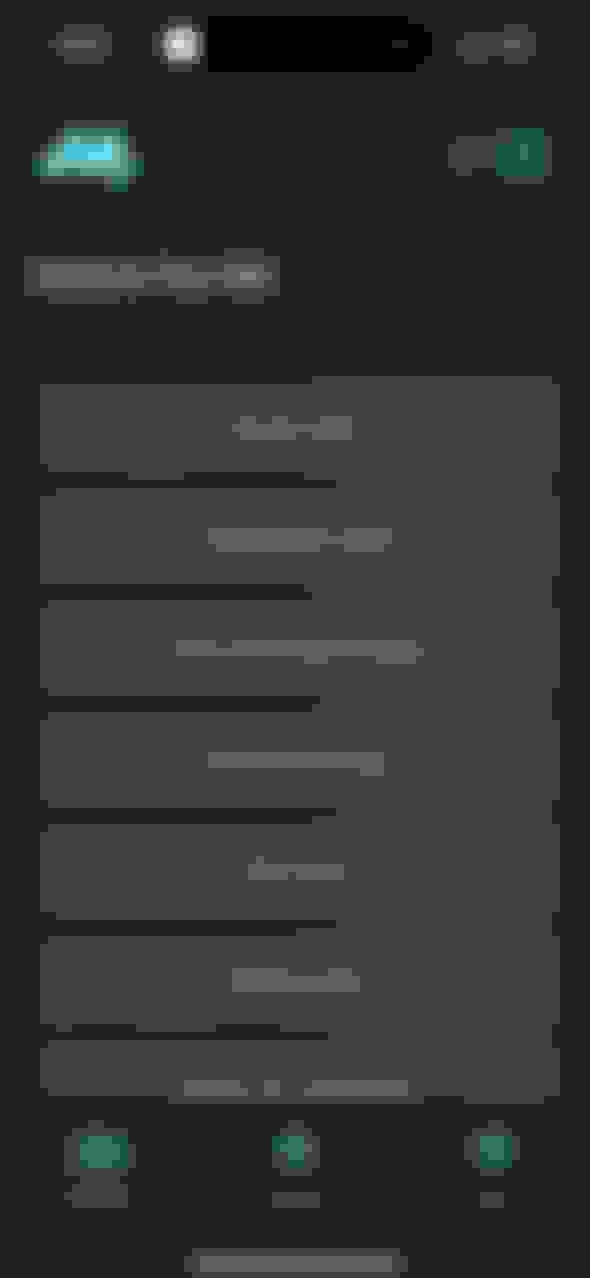
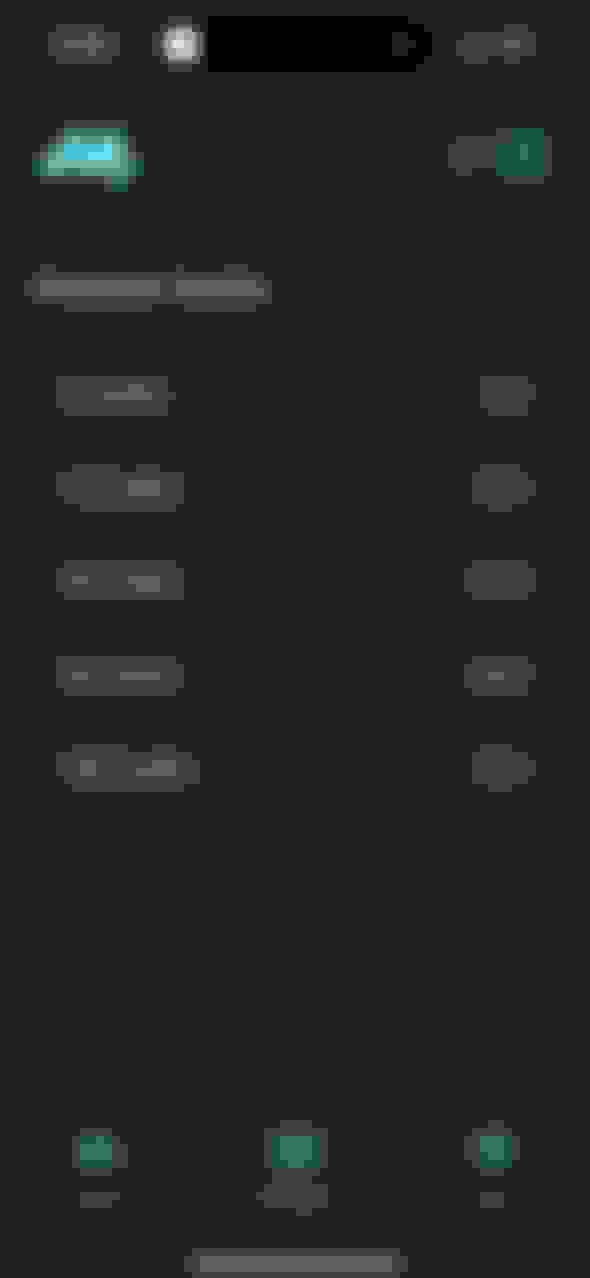
The Improve Your MB page provides access to the optional features you can enable/disable on your vehicle. I suspect this list is vehicle-dependent but here are the options available for the W205:
If you want to change one of the options, just click on the title and the enable/disable page appears. It shows the number of credits required to purchase this feature, and if you have sufficient credits in your account, you can simply unlock the feature.
If you don't have sufficient credits, the purchase page allows you to top up your credits. You do have to link a payment account to the app.
On the whole, it's a very impressive, well-designed app that is very simple to use. I had no issues downloading the app, connecting to the vehicle, or enabling features. I'm so happy I don't have to turn off the Auto Start/Stop every time I start the engine. I haven't used any of the Handle Faults functions as I have another device for that purpose. However, I plan to keep the OBD device in the vehicle to use on the road.
Looks impressive. Do you get any credits with the tool and are credits only required for the Improve Your MB actions?
The device came without credits. However, its cost was significantly lower than that of other equivalent devices I have seen. If I remember correctly, I paid just over $73, including shipping. Yes, so far credits are only required for the Improve Your MB functions. I did use the Handle Faults to reset some random DTCs in a few ECUs and this did not require credits.
2015 SL400 (M276 Turbo), 2014 C350 Sport (M276 NA), 2004 SL500 (M113), 2004 Audi TT225 (BEA)
It would be great if they provided a "price list" for customizations. Do you know if they require an annual subscription (like Carly)? There is very little info on the website.
It would be great if they provided a "price list" for customizations. Do you know if they require an annual subscription (like Carly)? There is very little info on the website.
There isn't a comprehensive price list but when you select a particular Improve Your MB function, the cost of this option (number of credits required) is shown. No annual subscription is required; you just pay for the additional features that you want to install.
Can you use it on 2 cars or is locked in to a single VIN?
I don't expect to only pay only once for an 'Improve your MB' function, I just want to avoid buying 2 devices.
Yes, you can use the device on multiple vehicles. You just have to pay to unlock the feature on each vehicle. Also, the features available vary by vehicle.
Have you used this on a W204. What are the differences?
I haven't connected it to the W204 as it is off the road for a new oil filter housing. I can temporarily reconnect the battery next weekend and try it.
Hello, where to find a list of what you can do without paying ? Many people call it scam as you can't do anything...
Changing options all require payment. Reading and resetting DTC faults is free. That function alone is a bargain when you compare it to even basic DTC readers, which typically do not read MB-specific faults.
Unfortunatelly, Start/Stop didn't work on my SLK R172, although it is there. I tried activating/deactivating it a million times, turn the ignition off/on, remove the keys, lock/unlock the car... no success. Besides, the most appealing features that are in the demo mode for my car (Screen Type, Stroboscope. AMG car design), don't exist.
I only had success deactivating the Seatbelt warnings. Not worthy only for this.
Unfortunatelly, Start/Stop didn't work on my SLK R172, although it is there. I tried activating/deactivating it a million times, turn the ignition off/on, remove the keys, lock/unlock the car... no success. Besides, the most appealing features that are in the demo mode for my car (Screen Type, Stroboscope. AMG car design), don't exist.
I only had success deactivating the Seatbelt warnings. Not worthy only for this.
Sorry to hear disabling the Start/Stop didn't work. For me, it was a really annoying feature. Did you try contacting their technical support? Here is the link from their website https://www.mbito.app/support
I have a C 300 W206 and was looking at the photos that you provided about the features. Under the Improve Your MB there was a setting for One-touch turn signal. I'm just curious is this is a way to extend the setting from the default 3 times to more. Is that something you can look at without having to pay? I was going to ask my MB mechanic at the dealership about this since my car is new. I just wonder since I'm able to adjust that on my wife's Hyundai from 3 to 5 or 7.
You can disregard the question. I was able to finally locate the website and found information about the app and that is something that can be adjusted from as few as 1 to as many as 5 from the default 3, but that is for a W 205. There is nothing listed for the W 206.
Last edited by ChrisJ214; Nov 14, 2024 at 08:22 PM.
I have a C 300 W206 and was looking at the photos that you provided about the features. Under the Improve Your MB there was a setting for One-touch turn signal. I'm just curious is this is a way to extend the setting from the default 3 times to more. Is that something you can look at without having to pay? I was going to ask my MB mechanic at the dealership about this since my car is new. I just wonder since I'm able to adjust that on my wife's Hyundai from 3 to 5 or 7.
You can disregard the question. I was able to finally locate the website and found information about the app and that is something that can be adjusted from as few as 1 to as many as 5 from the default 3, but that is for a W 205. There is nothing listed for the W 206.
Besides @EleBest , nobody can code 206/223. Using Chinese or wechat clones like mbito can damage the new firewalls from new cars.
Why no exact list of what can be done without paying more ? I hate this company marketing... Thank you.
I have just received mine for my 2018 W205 C200 I took note of features prices, sharing them with the group to have all the information before buying.
Screen type , Temp unit, Fuel km/l, Seatbelt type, Strobe free
Start stop 10 credits
One touch Signal 5credits
Rear light DRL 5credits
Pressure units 5 creditd
Car play 40 credits
Anti theft 25 credits
Air recirculating 10 credits
Seat belt in cluster 10 credits
AMG in head unit 15 Credits
Ambient lights 25 credits
Welcome lights 20 credits
Parktronic extender 20 credits
Parktronic volume 10 Credits
Hi all. I purchased a Mbito dongle and so far am pleased with it. My question is can you activate the stroboscope/knight rider function WITHOUT the dongle attached to the OBD port? I can get this function to work with the dongle attached but cant get it to work when dongle is removed. Many thanks.
Murray Motroni
Perth Western Australia
UPDATE: I had a reply from MBITO themselves. The strobe/Nightrider function only works with the dongle inserted in the OBD2 port. Kind of defeats the purpose given it throws some errors when inserted but car (and MBITO enhancements) works perfectly when dongle is removed.
Cheers,
Murray
Last edited by murraymot; Dec 16, 2024 at 08:05 PM.
Reason: updated info received
Before I buy the product I was wondering. I am more interested in the night rider mode to flashlights, and maybe a few features.But what features do you have to pay for.?.. They say it does work on my vehicle. I send an event number but I was looking through the post and I haven't seen my year.And it was curious anyone had it, and it worked...or what options do you have to pay for??
Mercedes SLR McLaren 722 S Is Extremely Rare Example Modified by McLaren
Slideshow: A one-of-one U.S.-spec Mercedes-Benz SLR McLaren Roadster became even rarer after a factory-backed transformation at McLaren's headquarters.