When you click on links to various merchants on this site and make a purchase, this can result in this site earning a commission. Affiliate programs and affiliations include, but are not limited to, the eBay Partner Network.
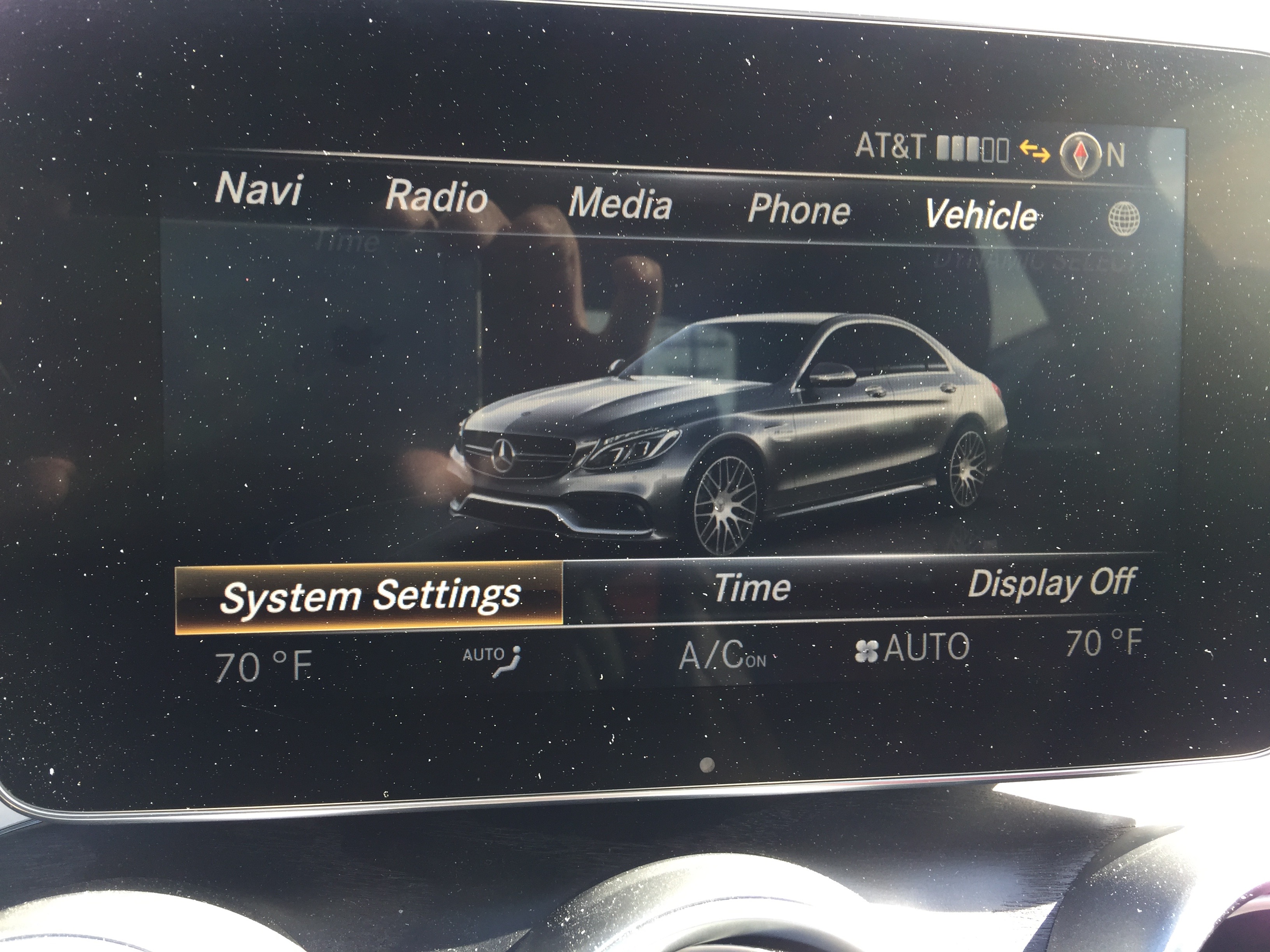
Ok, so, Engineering Mode does exist on the W205's NTG5*2 as has been mentioned on various online forums/sources. And it IS disabled at the factory, by default.
Normally, the only way you can enable it is via a dealer service tool.
I spent about a month poking around the HU, then about a week figuring out how to enable EM.
Then I spent two weeks sitting on this info deciding whether or not its a good idea to release it.
I've compiled my notes on how I figured this stuff out and how it _can_ be done, but not a step-by-step guide on turning on EngMode.
I'm giving you the bullets but you're going to have to pull the trigger and shoot yourself in the foot.
There is no easy/safe way to do this for most people, which is why I'm only providing details and not instructions.
So here's the notes I've made: HURRDURR
I wasn't sure if I should have even posted this because I'm sure there will be whining/outcry to just "do it for us".
Call me an a$$hole or whatever, I don't care. I can't give you a simple plug-and-play solution here, sorry.
I've been poking at the Head Unit / KOM / PASS etc firmware for a bit, but haven't been able to get live info until today.
I wouldn't exactly say there's "very little use" here, in fact quite a lot of good stuff if you do export some internal tracing logs...you can move around some very interesting Head Unit data/logs to USB drive for investigation.
Here's just a sample of what you can see from a coredump (edited to remove my info)
Above is an example of an HTTP connection sent from the HU. When online our cars make a VPN connection if you use the COMAND browser and all data flows through there. Data used to go through Germany, now goes to Mexico (at least in my case). If you use another computer and connect to in-car WiFi, the connection goes straight over Verizon's network.
I've caught stuff like this before via packet sniffing but this is good to see from logs as well. Anyway theres a lot more interesting stuff here..
I have no idea where all this data is from (well, the Head Unit duh) but there is soooooooo much stuff to look through. Logs, traces, coredumps and libraries from QNX. I don't think I'd be able to do this in my wildest CAN-sniffing dreams.
Thank you, I will not be sleeping tonight while I sift through every bit of data here.
I was looking around in this the other day and say the option for Drive mode. something about learning. ill take a picture. i also saw soemthing about auto start stop and was hoping it would disable it but it didnt
I've been poking at the Head Unit / KOM / PASS etc firmware for a bit, but haven't been able to get live info until today.
I wouldn't exactly say there's "very little use" here, in fact quite a lot of good stuff if you do export some internal tracing logs...you can move around some very interesting Head Unit data/logs to USB drive for investigation.
Here's just a sample of what you can see from a coredump (edited to remove my info)
Above is an example of an HTTP connection sent from the HU. When online our cars make a VPN connection if you use the COMAND browser and all data flows through there. Data used to go through Germany, now goes to Mexico (at least in my case). If you use another computer and connect to in-car WiFi, the connection goes straight over Verizon's network.
I've caught stuff like this before via packet sniffing but this is good to see from logs as well. Anyway theres a lot more interesting stuff here..
I have no idea where all this data is from (well, the Head Unit duh) but there is soooooooo much stuff to look through. Logs, traces, coredumps and libraries from QNX. I don't think I'd be able to do this in my wildest CAN-sniffing dreams.
Thank you, I will not be sleeping tonight while I sift through every bit of data here.
Glad you are enjoying this. I have been convinced there are menus available if the sequence of steps to get to them becomes public. Most everybody thinks this version of the HU does not offer engineering mode or that it is set to disabled altogether at the factory. I keep searching and a few days ago found the dealer mode somewhere and wanted to share it. In terms of modifying the functionality of the car, I don't thing dealer mode is very useful, which is what I meant.
Ok so I've been digging through this stuff (Core dumps, "Emergency Log" trace files) for a while... I'll have a long writeup soon but here's some teasers.
I had a friend show me the DVD in Motion "hack" and its files. I took apart their code and while going back and forth with the trace logs realized how it works and how I can load my own code and then have it run on the NTG5's QNX OS.
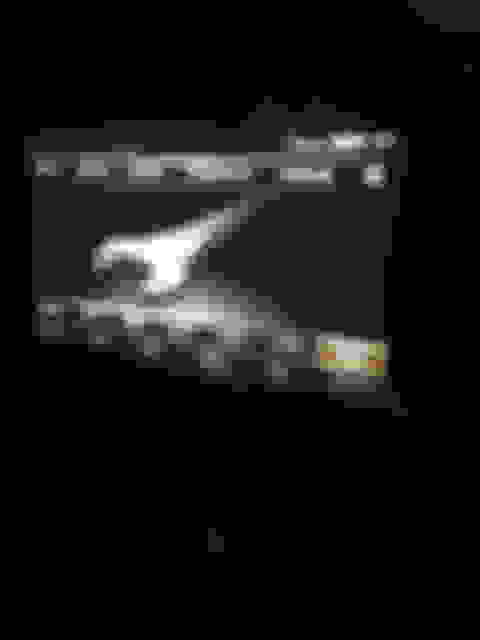
So I wrote a QNX library in C which (for the sake of quicker testing) launches a shell (ksh to be exact) on the Head Unit which runs a shell script on my SD card which calls an internal program called Splash (guess what it does...) which loads and displays a file from my SD card. Thats all it does for now... here's what it looks like:
Nothing exciting, but I learned quite a bit about how the HU works and all the behind the scenes stuff. Still lots more to do.
Regarding "Engineering Mode/Menu"... there are hints but I still haven't figured out how to launch it either... here's some strings from a file named "engineering.cfg" on the HU's file system:
There's a few similar entries to what we see in the Dealer Menu, but a lot of stuff that we don't (such as Variant Coding over file... which is really how the DVD in Motion thing is done btw).
I'm going to keep digging and let you know how it goes.
Ok, so, Engineering Mode does exist on the W205's NTG5*2 as has been mentioned on various online forums/sources. And it IS disabled at the factory, by default.
Normally, the only way you can enable it is via a dealer service tool.
I spent about a month poking around the HU, then about a week figuring out how to enable EM.
Then I spent two weeks sitting on this info deciding whether or not its a good idea to release it.
I've compiled my notes on how I figured this stuff out and how it _can_ be done, but not a step-by-step guide on turning on EngMode.
I'm giving you the bullets but you're going to have to pull the trigger and shoot yourself in the foot.
There is no easy/safe way to do this for most people, which is why I'm only providing details and not instructions.
So here's the notes I've made: HURRDURR
I wasn't sure if I should have even posted this because I'm sure there will be whining/outcry to just "do it for us".
Call me an a$$hole or whatever, I don't care. I can't give you a simple plug-and-play solution here, sorry.
Please excuse my ignorance but as an old man who is not that literate in IT speak, what is the practical application of what you are doing? How will it benefit owners?
Ok, so, Engineering Mode does exist on the W205's NTG5*2 as has been mentioned on various online forums/sources. And it IS disabled at the factory, by default.
Normally, the only way you can enable it is via a dealer service tool.
I spent about a month poking around the HU, then about a week figuring out how to enable EM.
Then I spent two weeks sitting on this info deciding whether or not its a good idea to release it.
I've compiled my notes on how I figured this stuff out and how it _can_ be done, but not a step-by-step guide on turning on EngMode.
I'm giving you the bullets but you're going to have to pull the trigger and shoot yourself in the foot.
There is no easy/safe way to do this for most people, which is why I'm only providing details and not instructions.
So here's the notes I've made: HURRDURR
I wasn't sure if I should have even posted this because I'm sure there will be whining/outcry to just "do it for us".
Call me an a$$hole or whatever, I don't care. I can't give you a simple plug-and-play solution here, sorry.
Start a "go fund me" for more R&D!
Or maybe contact some tune companies see if they want to maybe pitch in for your insight!
So I've made myself a ticket to the dance!
Still need to explore the options and see what can be done but there's a few teasers... Distraction / Distraction_ECE_USA_CHN and various hex-based switches
As Mozy mention, It's not easy! His write up was a good push in the right direction but a lot of gaps needed to be filled. I wouldn't call what I've done perfect - But it achieves the end result!
I didn't have access to any of the DVD In Motion / VIM files, which would have been a massive help... So if anyone would like to share their files with me I'd greatly appreciate it!
Hmm, I guess my guide wasn't vague and misleading enough... haha JK good job. Glad to see a kindred spirit. The gaps in info are on purpose as stated before, both as a safety-net and a challenge. Looks like you did just fine.
There's really nothing else interesting in the DiM files (at least to me), I _believe_ the actual process of making the coding changes to remove Distraction stuff is encrypted/obfuscated and I don't care to debug QNX programs. I found my entry-point into the system and moved on from there, wiped those files as I have no more use for them. EngMode was just a challenge to see if I can do it, not the ultimate goal in my case.
So I've made myself a ticket to the dance!
Still need to explore the options and see what can be done but there's a few teasers... Distraction / Distraction_ECE_USA_CHN and various hex-based switches
As Mozy mention, It's not easy! His write up was a good push in the right direction but a lot of gaps needed to be filled. I wouldn't call what I've done perfect - But it achieves the end result!
I didn't have access to any of the DVD In Motion / VIM files, which would have been a massive help... So if anyone would like to share their files with me I'd greatly appreciate it!
maybe a write up how to turn these off for us code-illiterate
Hmm, I guess my guide wasn't vague and misleading enough... haha JK good job. Glad to see a kindred spirit. The gaps in info are on purpose as stated before, both as a safety-net and a challenge. Looks like you did just fine.
There's really nothing else interesting in the DiM files (at least to me), I _believe_ the actual process of making the coding changes to remove Distraction stuff is encrypted/obfuscated and I don't care to debug QNX programs. I found my entry-point into the system and moved on from there, wiped those files as I have no more use for them. EngMode was just a challenge to see if I can do it, not the ultimate goal in my case.
Have fun, and dont fsck **** up.
Your guide was great!!
I still have challenges with library paths -- splash / dispmsg / netstat... some binaries won't run due to missing lib* but didn't stop me getting EngMode...
I think the biggest challenge was obtaining QNX SDP. I compiled a basic C program and struggled with 'Library not found' but once I compiled under QNX it cleared things up and suddenly I was in shell execution land.
If someone has the DVD in Motion files they are willing to share, I would barter it for the files to unlock engineering mode. I really want to look at the "professional" hack files to learn more about what they are doing!
Mercedes SLR McLaren 722 S Is Extremely Rare Example Modified by McLaren
Slideshow: A one-of-one U.S.-spec Mercedes-Benz SLR McLaren Roadster became even rarer after a factory-backed transformation at McLaren's headquarters.