When you click on links to various merchants on this site and make a purchase, this can result in this site earning a commission. Affiliate programs and affiliations include, but are not limited to, the eBay Partner Network.
Good evening,
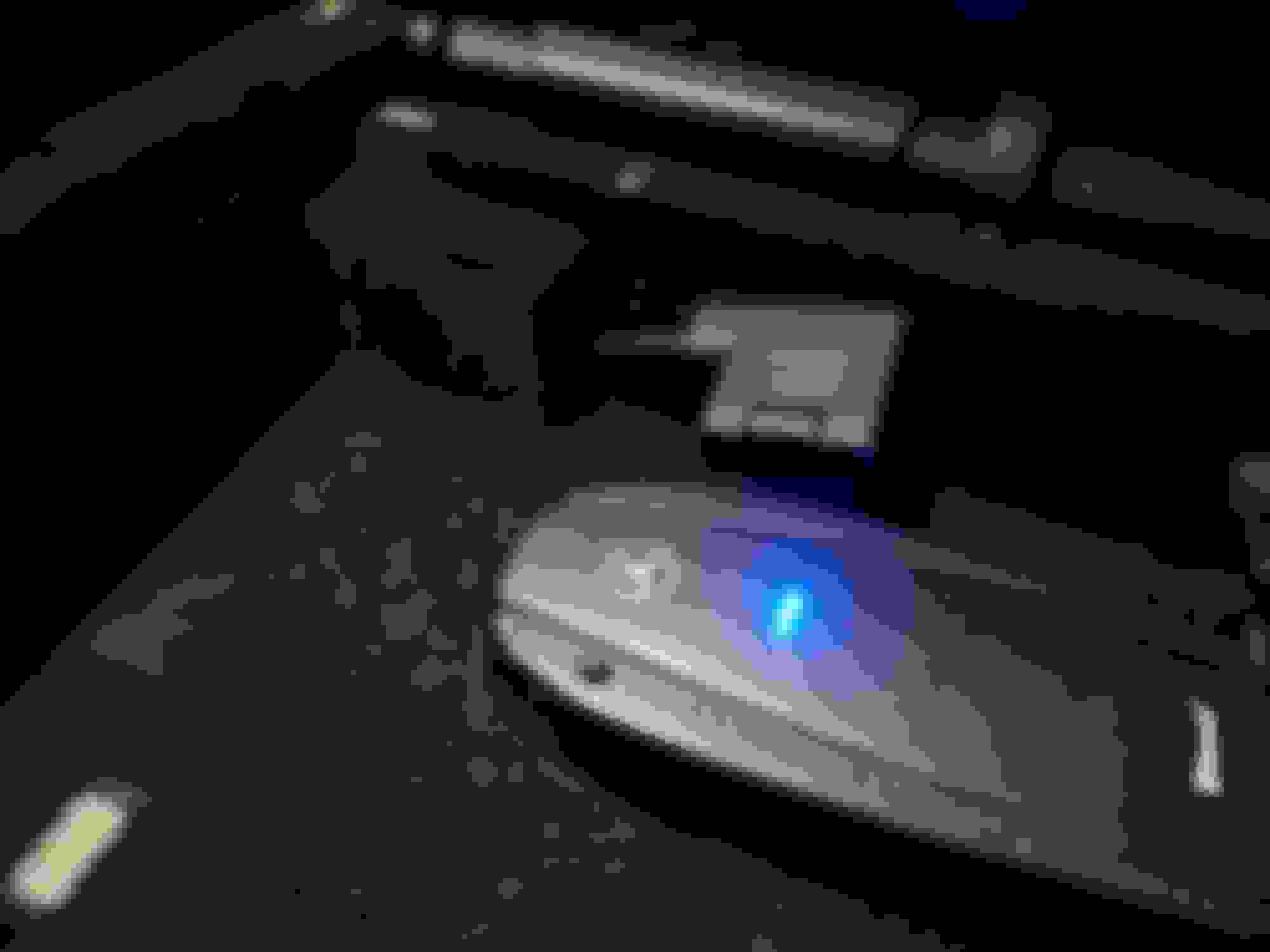
I found an AUX cable in the armrest, it seems not to be a standard or option made by Mercedes but an aftermarket interface.
Unfortunately I can't ask info to the previous owner.
I don't know how and where it's connected, I don't want to disassemble the tunnel, there's anyone that have something similar?
I know that the cable is an MMI adapter, I have a source to connect but it doesn't play anything....the AUX menu is enabled in the Command options.
OK, then I am going to hazard to guess that the previous owner has had the MMI connection fitted into the armrest, as it might not have been part of the manufacturing process at the time.
If not already included in the car (which mine was, 2014 model) then you can buy MMI cables that fit onto that connector. There are 3 different endpoints, usb, iPhone and AUX all separate cables.
I use the USB one to connect a USB pendrive so that my music can stream through the car system.
Ok but the point is that I tried to use that connector, I have two adapter (one USB and one Bluetooth made by Invery for this Mercedes plug) but doesn't work....
FWIW, I bought regular old RCA cables, plugged them into the holes in the glove box, bought an adapter from RCA cables to lightning cable, and listen to music/podcasts/books through my car speakers. I can only control content from my phone or watch, but it's really not a problem for me. The whole setup cost like $7 on Amazon.
Ok but the point is that I tried to use that connector, I have two adapter (one USB and one Bluetooth made by Invery for this Mercedes plug) but doesn't work....
Make sure your USB device is a pendrive and not an SSD, and it cannot be larger than 32GB or at least in 32GB partitions if the USB pendrive is larger. I had to partition my 128GB pendrive into 4 partitions, and then format each partition a few times before the car decided to accept it.
The car system will see it as a media device and will play your media.
The housing for the cable seems identical to the surrounding area - if so then maybe this is how it came from the factory and therefore an original connector. I don't have that housing in my armrest.
- ensure the pendrive is no bigger than 32GB else partition it so that it conforms. Maybe the older cars took smaller capacity, try 16GB.
- format the partition FAT32 - NTFS will not be read by the car
- place one mp3 music file on the partition
- connect it up to the car
- turn ignition to at least where the dashboard lights up
- look for media interface - I do not think it plays through the AUX option
Post a photo of your final setup. When I go to the car this morning I will take some photos for you.
-
The software is updated, I done all the updates available just the last week in a Mercedes service. But I don't have the media interface option in the menu...because mine is not a media interface, I know that the official one is only the one in the glove box, mine is in the armrest and "maybe" it should work on the AUX input. The PCMCIA instead works well...
OK, if you believe it to be an AUX then I think you will need the final connection to be a 3.5mm jack female. Then, using a male to male 3.5mm headphone cable, you will connect a media output, something like an ipod or your mobile phone if it has a headphone jack. When you press play on your external media device it should hopefully play through the car system.
So this is what you need :
- MMI cable with a 3.5mm input
- male to male 3.5mm cable/adapter
- media device, ipod or similar or maybe even your mobile with a headphone jack
I am uncertain if you can get a MMI cable with a male output. If available then that would suffice - you can then connect that directly to your media device.
Ideally you would also need a wireless remote to control your media device so that you don't have to physically touch the ipod or similar. I don't think that would be an option for a mobile device.
You can also get a USB to 3.5mm, but I am uncertain if that many different types of interfaces/connections would work or even give you the same quality of music output. But I think it would be cheaper than getting the MMI cable with 3.5mm.
OK, if you believe it to be an AUX then I think you will need the final connection to be a 3.5mm jack female. Then, using a male to male 3.5mm headphone cable, you will connect a media output, something like an ipod or your mobile phone if it has a headphone jack. When you press play on your external media device it should hopefully play through the car system.
So this is what you need :
- MMI cable with a 3.5mm input
- male to male 3.5mm cable/adapter
- media device, ipod or similar or maybe even your mobile with a headphone jack
I am uncertain if you can get a MMI cable with a male output. If available then that would suffice - you can then connect that directly to your media device.
Ideally you would also need a wireless remote to control your media device so that you don't have to physically touch the ipod or similar. I don't think that would be an option for a mobile device.
No no...I know what is an AUX with the 3.5 jack, but this is not the case. The MMI interface in the armrest is female, I have an adapter with a MMI male / USB female at which I connected the USB that I told you before, without success.
I have a little Mercedes manual given me with the car that explain how to connect an "iPod" to the car, with a media interface, and there is written to select the AUX choice in the menu...not the media interface. Maybe it appear with the newest software versions.
However, I tried a lot of times with different USB, formatted in different ways, with the Invery adapter that simulate the iPod, but ever without success.
I think that I have to dismount the dash to see where and how this is interface is plugged in to the Comand...
What did the dealer charge for the software update? How many hours billed?
He didn't charge me...The works has been done by my mechanic that is an unofficial Mercedes service, he did a lot of maintenance on my CL so he included in the final cost the upgrade to the AMG cluster, the update of the maps (unfortunately to V15...seems that the V17 has some problems with my unit) and the telematic.
Last edited by iamback; Nov 23, 2021 at 03:20 AM.
Reason: quote
No no...I know what is an AUX with the 3.5 jack, but this is not the case. The MMI interface in the armrest is female, I have an adapter with a MMI male / USB female at which I connected the USB that I told you before, without success.
I have a little Mercedes manual given me with the car that explain how to connect an "iPod" to the car, with a media interface, and there is written to select the AUX choice in the menu...not the media interface. Maybe it appear with the newest software versions.
However, I tried a lot of times with different USB, formatted in different ways, with the Invery adapter that simulate the iPod, but ever without success.
I think that I have to dismount the dash to see where and how this is interface is plugged in to the Comand...
Then use my last suggestion - get a USB to 3.5mm input and connect an ipod or similar.
I've been using the 3.5mm setup to my iPhone 11. No headphone jack needed, as I bought a $6 part on Amazon to connect a headphone plug to a lightening cable. I control the iPhone/music with my Apple Watch. Not a perfect setup, but works well enough.
Mercedes SLR McLaren 722 S Is Extremely Rare Example Modified by McLaren
Slideshow: A one-of-one U.S.-spec Mercedes-Benz SLR McLaren Roadster became even rarer after a factory-backed transformation at McLaren's headquarters.



 AUX cable in the armrest