When you click on links to various merchants on this site and make a purchase, this can result in this site earning a commission. Affiliate programs and affiliations include, but are not limited to, the eBay Partner Network.
I've been through a bunch of threads and finally took the plung on the android screen.
Check out my video on the unboxing and the install video will be also uploaded tonight!
Just an update with all the issues I have been having.
If anyone knows of a fix please comment and for those looking to buy one be warned nothing is perfect and his thing has its issues
nice summary
I think I m using same device, for a last few days, powered with Snapdragon625
Left steering wheel controls do not work for me either but I think u can edit right one in Factory menu (settings) - mine code is 1314, probably same as yours
I m not using any car or androidplay - just decided to go with data plan
so as for Navi - I get rid of CHN app just use Gm and local (polish) one - works well - u can set prefferd one in settings
Music - I m bit surprised cos S625 uses Hexagon 546 DSP - not great one but works very well in terms of sound quality
and again I use Poweramp instead of predefined one (settings again) and I think it can be feeded directly with BT but never tried that in car , just on mobile
apart from that I use tunein, spotify and tidal all work well
what I dont like is
-crappy propietary BT settings instead of native android one - they messed with it - I cant connect with OBD properly
-I cannot change order of icons
-cant make set system to work on reverse - screen goes black althought I switched back camera off in settings (probably...) then comes back when switch transmission to onward
-multitasking works poorly -2 navi apps , Spotify and chrome working same time made system killing GM...
nice summary
I think I m using same device, for a last few days, powered with Snapdragon625
Left steering wheel controls do not work for me either but I think u can edit right one in Factory menu (settings) - mine code is 1314, probably same as yours
I m not using any car or androidplay - just decided to go with data plan
so as for Navi - I get rid of CHN app just use Gm and local (polish) one - works well - u can set prefferd one in settings
Music - I m bit surprised cos S625 uses Hexagon 546 DSP - not great one but works very well in terms of sound quality
and again I use Poweramp instead of predefined one (settings again) and I think it can be feeded directly with BT but never tried that in car , just on mobile
apart from that I use tunein, spotify and tidal all work well
what I dont like is
-crappy propietary BT settings instead of native android one - they messed with it - I cant connect with OBD properly
-I cannot change order of icons
-cant make set system to work on reverse - screen goes black althought I switched back camera off in settings (probably...) then comes back when switch transmission to onward
-multitasking works poorly -2 navi apps , Spotify and chrome working same time made system killing GM...
will post update if learn new tricks
Thank you man! I knew I wasn't the only one. I'll be back once I find some more fixes too!
...does anyone know if they figured out how to work with OE Bluetooth hands free? I am reviewing recent listings, and everywhere they "give you mic for free", indicating that these Chinese makers still have not solved the problem of OE integration. Either you get a standalone Carplay/AA module that works with OE display and OE Bluetooth for voice, OR this beautiful 12.3" screen with Android OS and "extra" mic, which we all know - does not really compare to OE hands-free and only allows you to make calls when car is stationary...
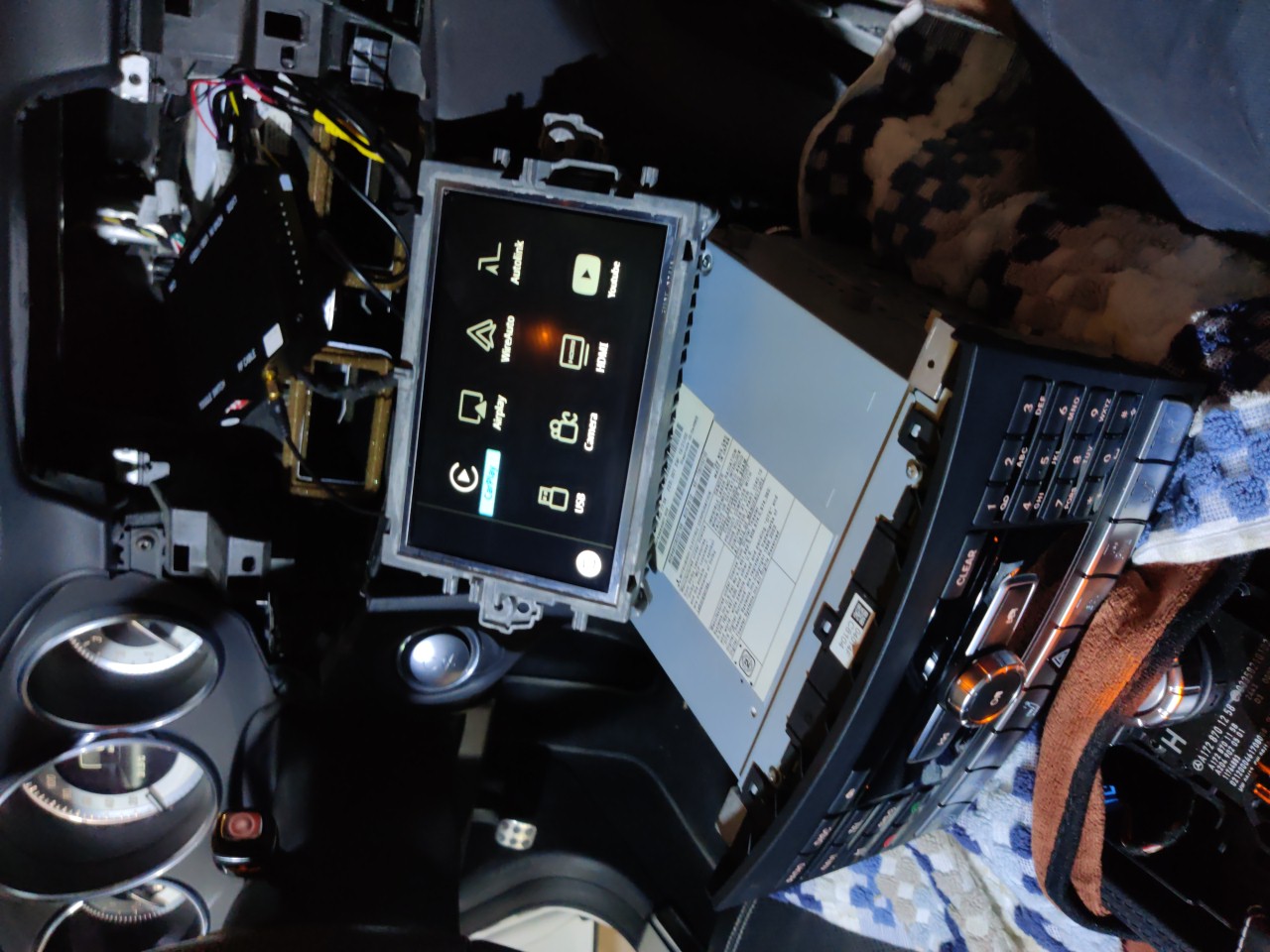
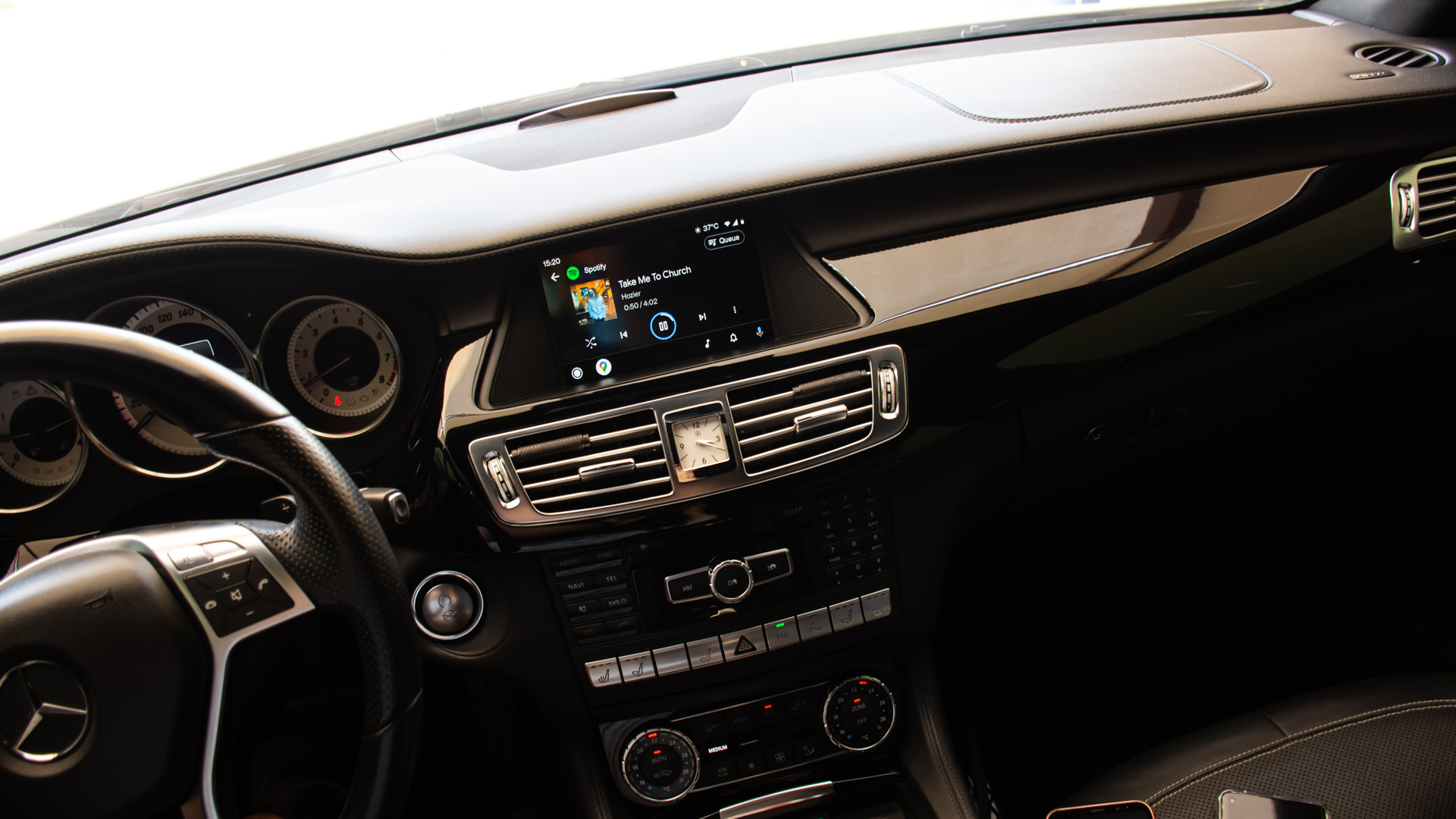
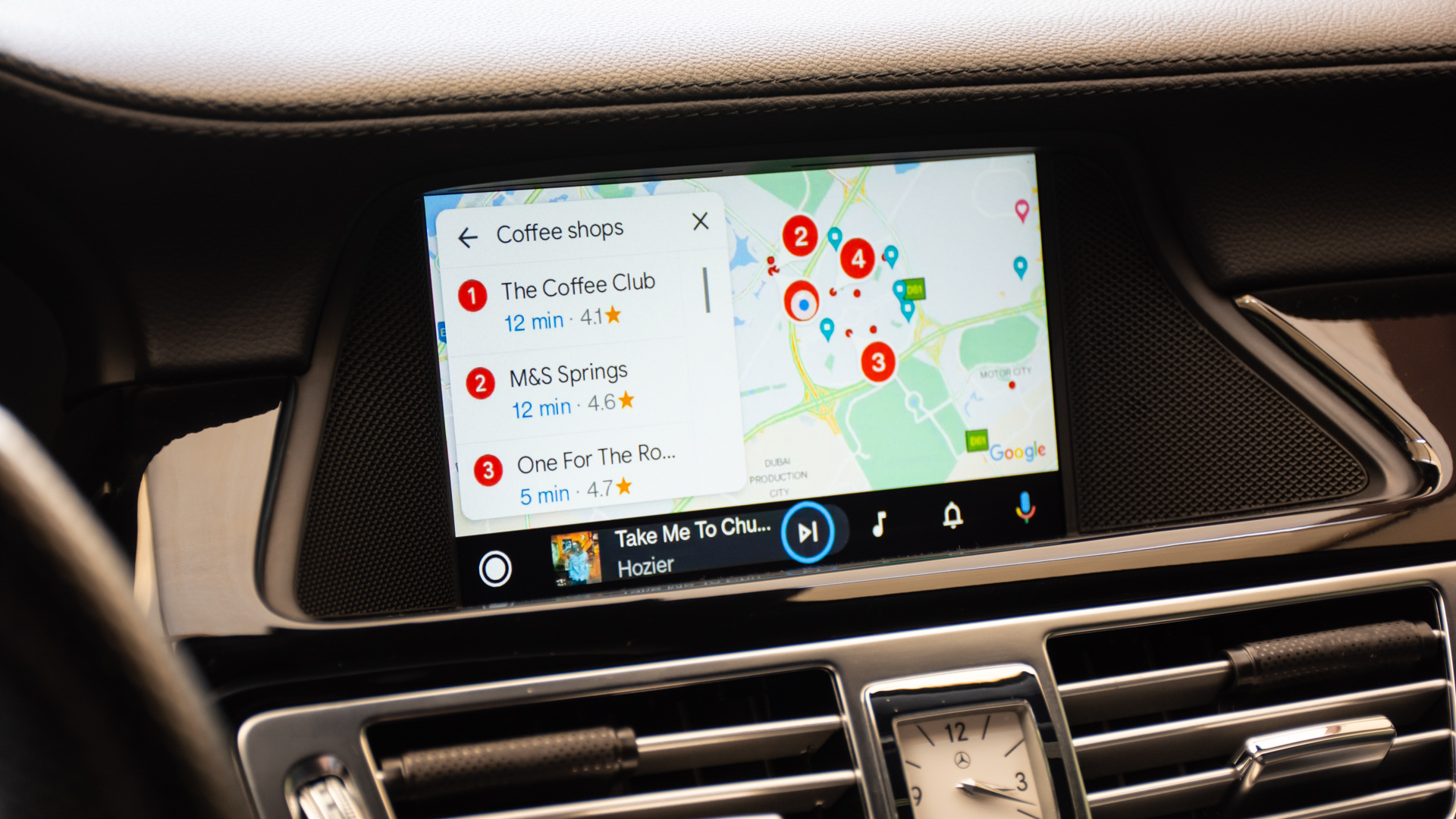
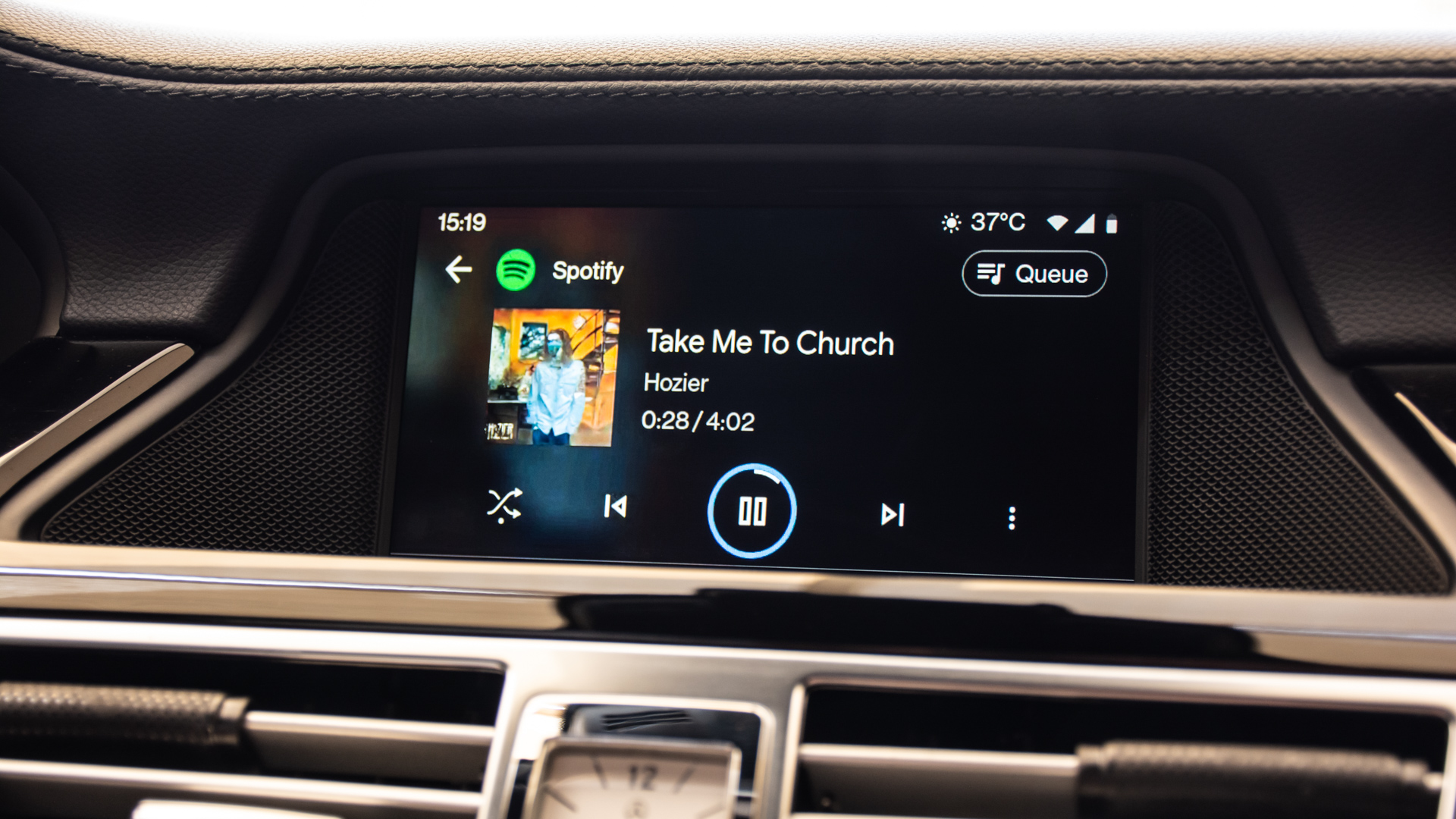
I gave up searching and went different route - since I cannot give up Bluetooth voice, I used the box... OEM native voice support combined with carplay with no lag. The only (minor) downside is the screen, which - surprisingly after enabling colorful carplay features does not seem that small anymore:
I've been through a bunch of threads and finally took the plung on the android screen.
Check out my video on the unboxing and the install video will be also uploaded tonight!
I gave up searching and went different route - since I cannot give up Bluetooth voice, I used the box... OEM native voice support combined with carplay with no lag. The only (minor) downside is the screen, which - surprisingly after enabling colorful carplay features does not seem that small anymore:
Can you elaborate on this mod? I am not a fan of the floating screen and this looks like exactly what I need.
Can you elaborate on this mod? I am not a fan of the floating screen and this looks like exactly what I need.
I believe what he did is juist get a Apple Car play module that plugs right into the Benz COMMAND unit and turns it into a Car play unit while leaving the screen and all factory functions same but gives us Car play capabilities and no bugginess with Bluetooth playback like most have had with complete head unit retrofits.
These modules are available from a lot of places, dont have the time now but just google "Apple Car play module for CLS"
@BBS63 is correct. I'm talking about latest generation carplay module from aliexpress... I chose RoadTop vendor - I guess there are others offering the same - but this one at least offers after sales support and works without any issues - I used it on my W222 and wife's W218 - in both cases it works as advertised and I can't say bad word about it. I use it with Android phone (so Android Auto, to be precise, but it supports wireless Carplay the same way).
I had some issues during initial setup, but these guys support you via whatsapp and they managed to sort it on the run - all because provided manuals are not very accurate, so when you do it yourself for the first time - wiring diagram might be a bit misleading...
It says that the left-side steering buttons are not supported. Unless I'm crazy that means I would no longer be able to move through the menus that adjust features like ESP, lighting, etc. This can't possibly be the case.
I believe what they are trying to say by not supported means the module doesnt control them, which in my case 2012 CLS550 the settings for lights, EPS, Coffee Reminder are not shown on the Command screen anyways but the small one on the instrument cluster. I doubt their module would somehow interfere with those functions. But I could be wrong.
It says that the left-side steering buttons are not supported. Unless I'm crazy that means I would no longer be able to move through the menus that adjust features like ESP, lighting, etc. This can't possibly be the case.
@get_your_goat , call it "lost in translation" or bad marketing - these left-hand side buttons are not used to control the unit - you only use the knob (and basic phone buttons / volume +- & siri voice button).
This thing does not affect the way how the left-hand side buttons work - they remain functional as originally, allowing you to shuffle settings over the gauge cluster... I guess they put this statement to set expectation that you are not supposed to use steering controls to navigate the carplay.
Another one installed. This time on my wife's CLS 550. I can't get enough of it... the tiny screen's surprisingly high resolution makes it look so FINE, to the point where I am being distracted while driving It's just beautiful the way it looks now...
Hey I actually have this but I’m having a hard time figuring out what setting the box should be on how do you know what numbers to turn on or off on the box
Mercedes SLR McLaren 722 S Is Extremely Rare Example Modified by McLaren
Slideshow: A one-of-one U.S.-spec Mercedes-Benz SLR McLaren Roadster became even rarer after a factory-backed transformation at McLaren's headquarters.

















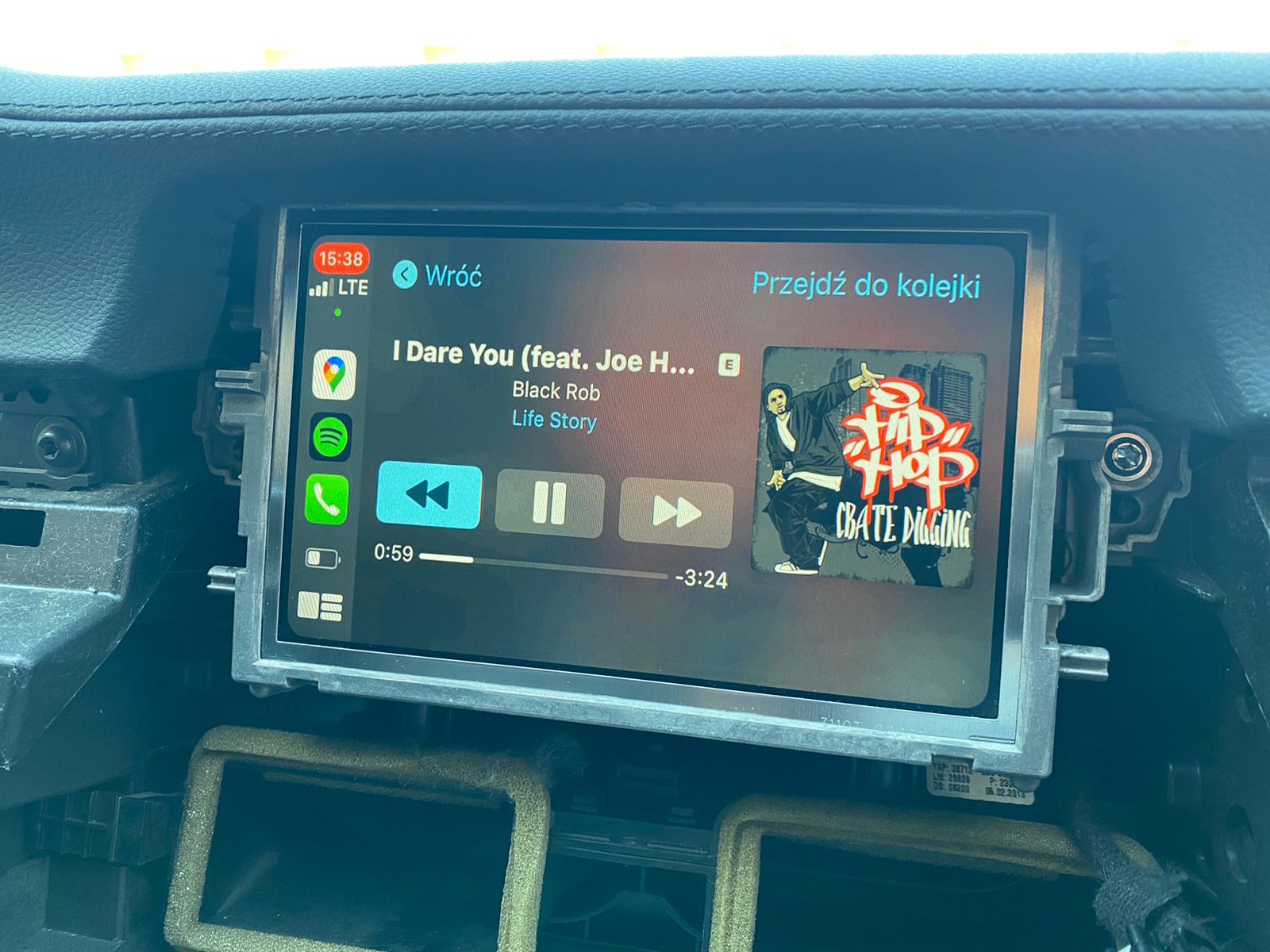
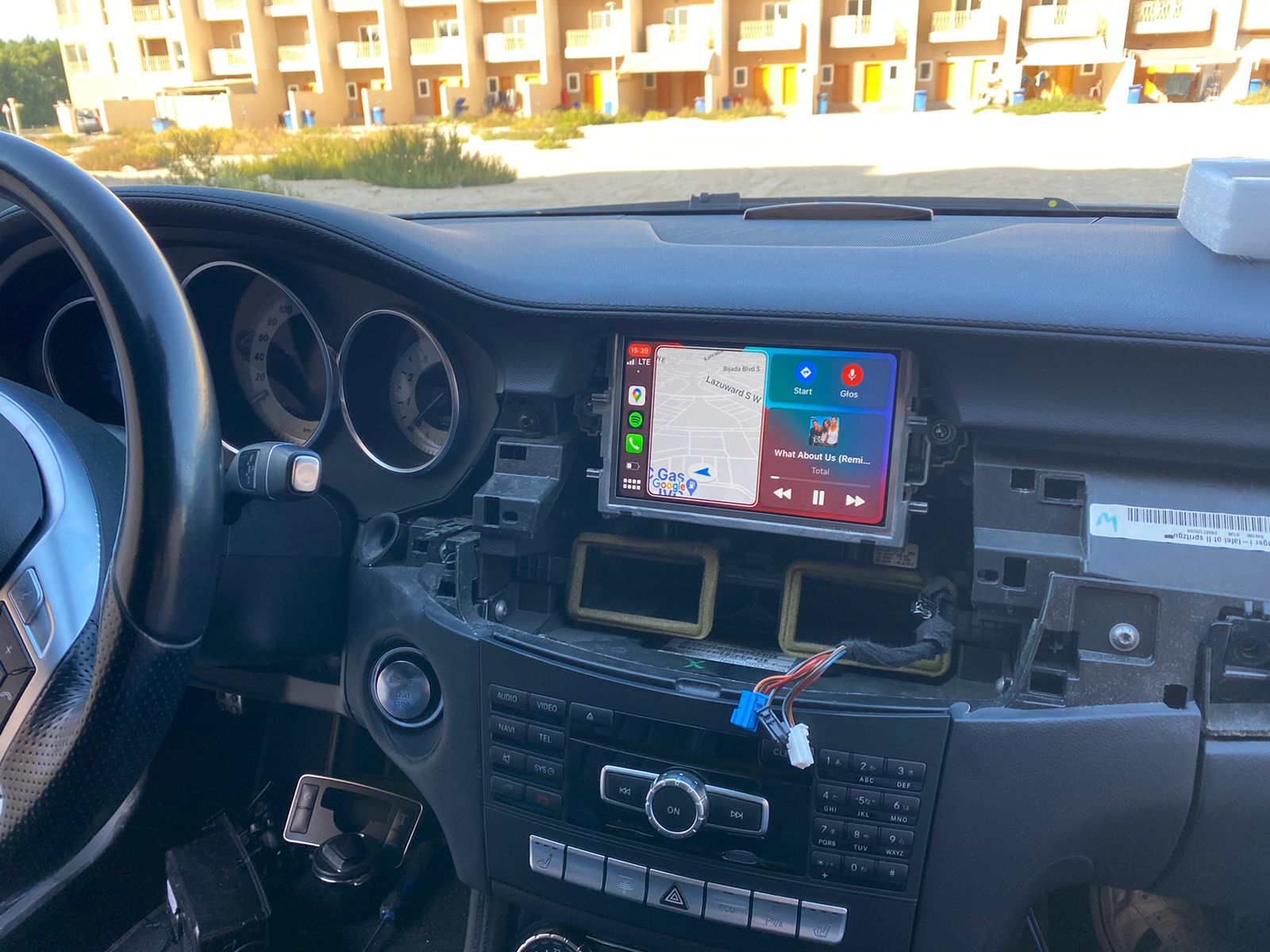
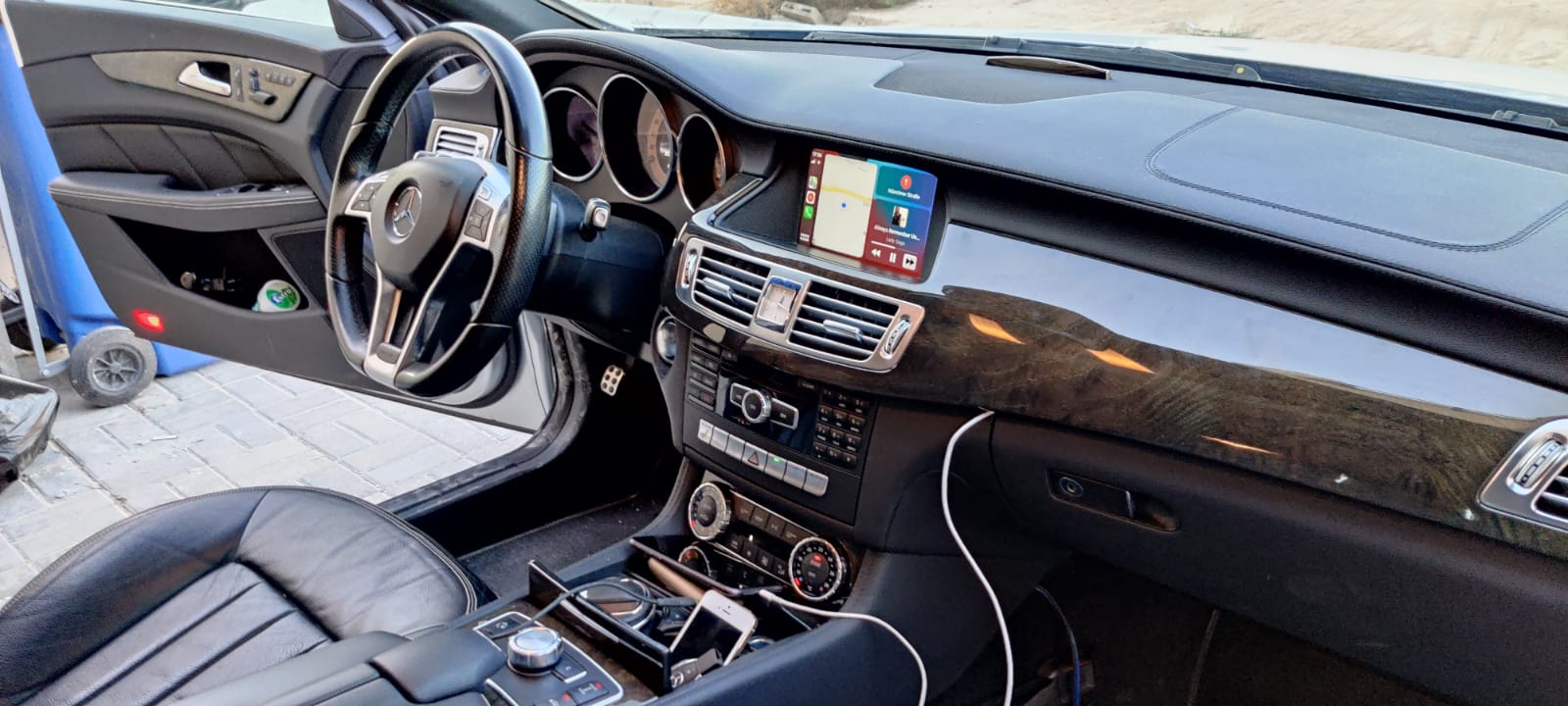


 It's just beautiful the way it looks now...