Hello, maybe you can help me.
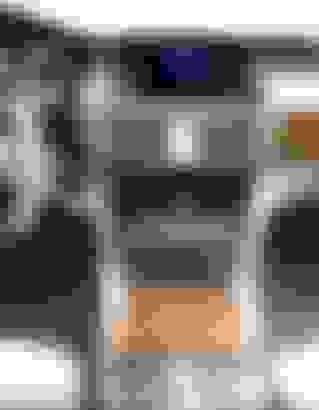
I have 2011 MB CLS (C218), and there ar 2 clocks one in the LCD screen, and one in the panel, you see picture below.
But both clocks are showing different time, and I am unable to change time in this clock in the panel.
Maybe somebody had the same problem?
Would be great for any help, or sugestion
Going through the instrument cluster display on the vehicle settings menu, you should find something that says to Sync with headunit. There should also be a menu in the command settings menu for setting time/date and time zone.
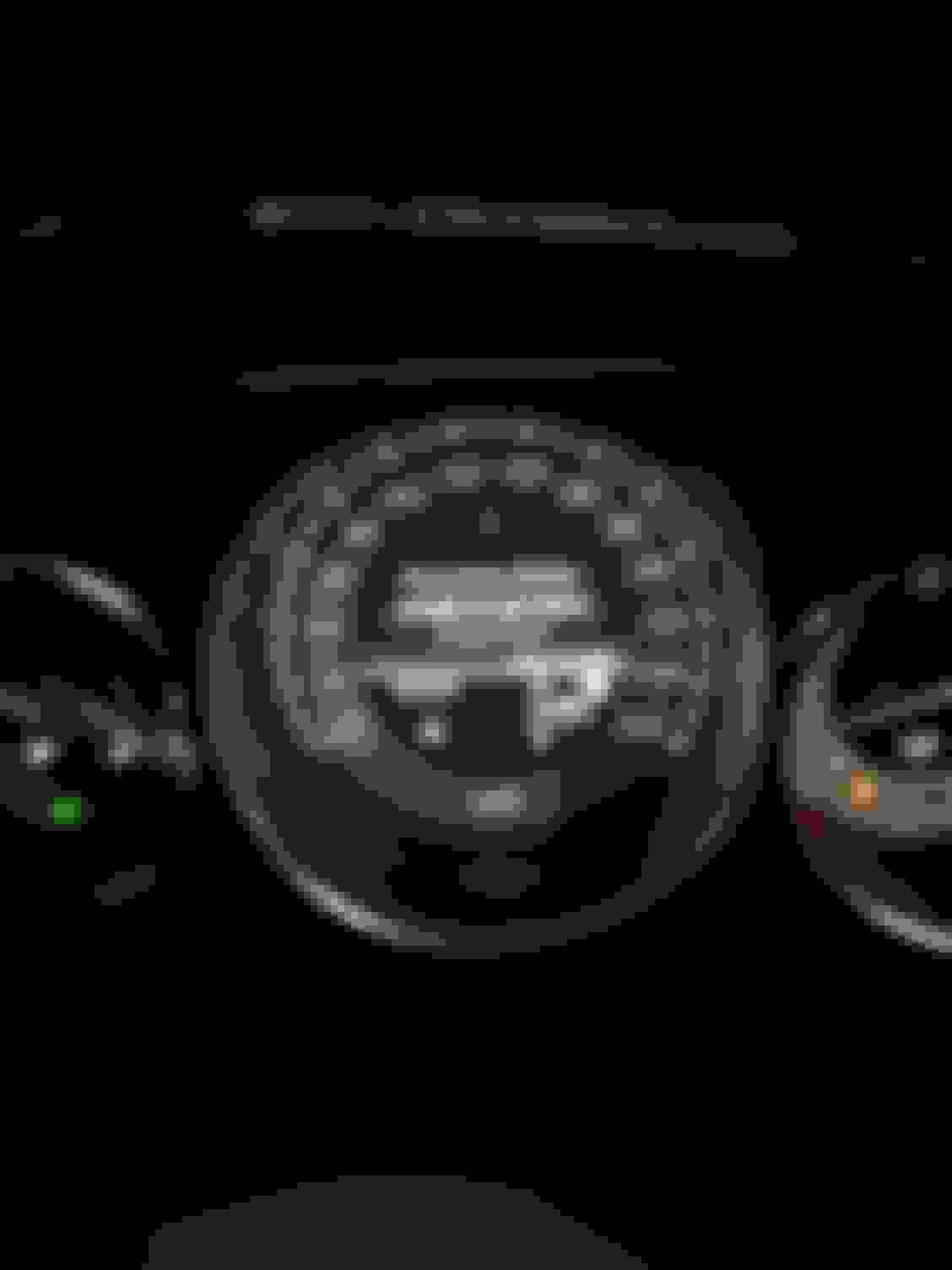
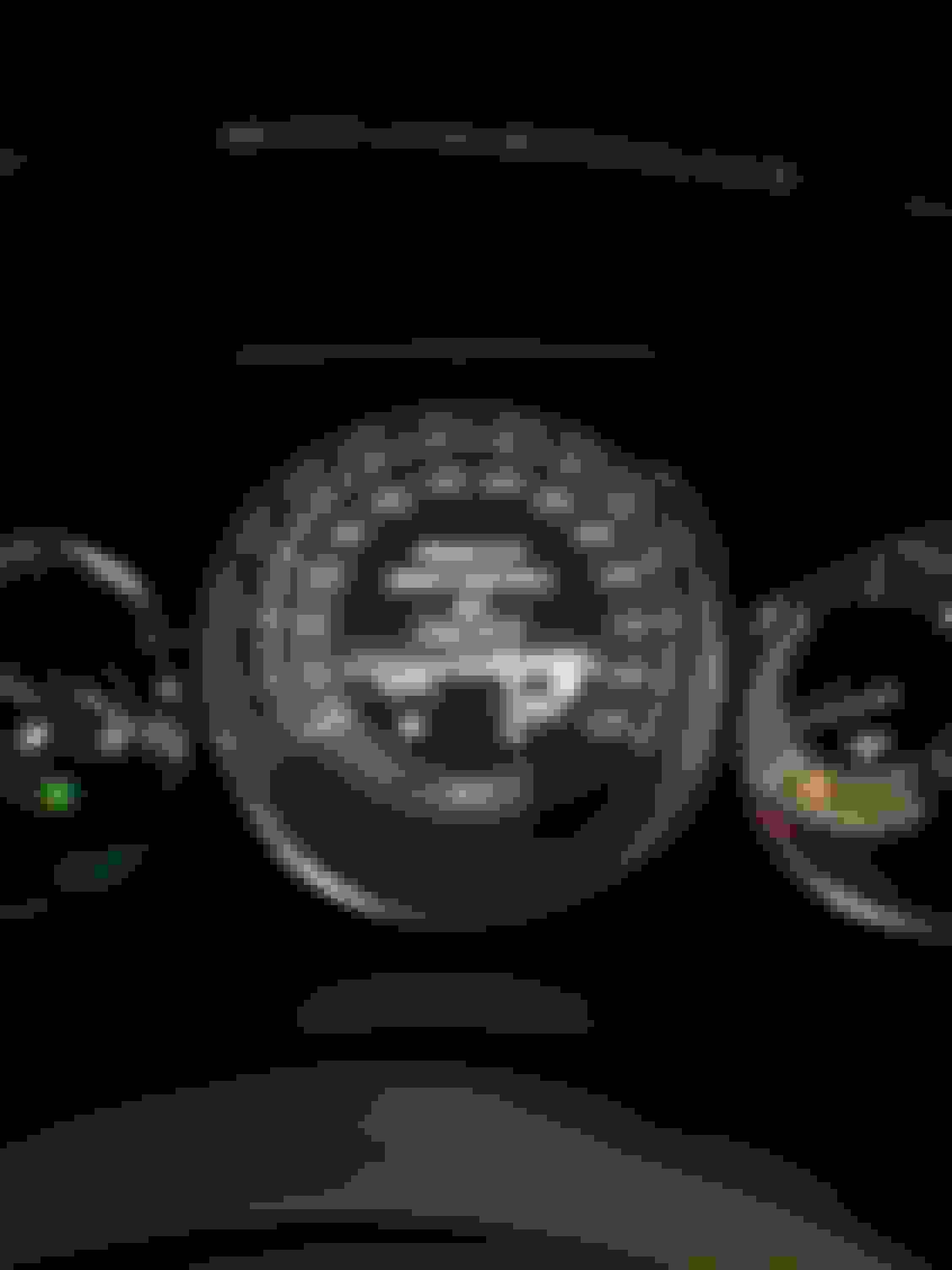
Thank you for your fast reply, I foun Instrument Cluster in the vehicle settings meniu, but there was only 2 meniu options (Added pictures):
1. About km switching to Mi
2. About Celsius switching to Kelvin
There is no meniu option for Syncing with head unit.
Maybe some other thoughts?