When you click on links to various merchants on this site and make a purchase, this can result in this site earning a commission. Affiliate programs and affiliations include, but are not limited to, the eBay Partner Network.
@tedboss1 you have it correct, the USB AUX is the one needed to play audio off your phone via Android Auto. Is there an option to select how to output the audio off your phone?
I’m using CarPlay so can’t really speak as to what you should check on your phone, but on iPhone you can select where you want to send the audio using AirPlay options.
Will this unit work and allow me to still have the command stuff if I ever needed it?
Is the UI fast and picture quality good?
more expensive than Vlad’s product, but his doesn’t work with my system.
Your instructions are awesome, so just want to make sure I don’t lose anything and gain CarPlay which is annoying me to not have Waze on longer trips.
I can only speak for the product above linked via Amazon as there are many products similar to each other. All command stuff remains intact. I don’t see any delay in speed and picture is as food as your display allows.
I can only speak for the product above linked via Amazon as there are many products similar to each other. All command stuff remains intact. I don’t see any delay in speed and picture is as food as your display allows.
I noticed after I asked that you were addressing a basic middleware box which costs less and maintains OEM screen!
I wonder if anyone has installed the one with a screen that is mbux and ntg. ?????
the one you have is unavailable on Amazon but looks to be on eBay
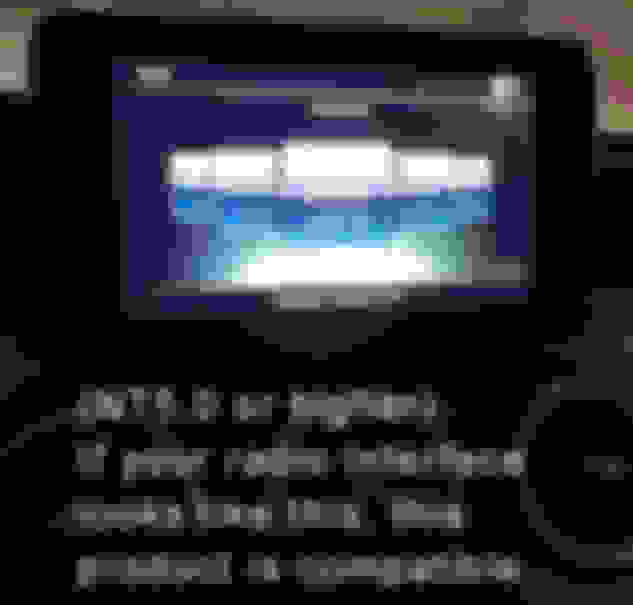
This is an install and review of Road Top’s device decoder box that adds Carplay or Android Auto or Mirror Link, plus other features. This product is for your Mercedes Benz 2015 to 2019 C, GLC, CLA, GLA with NTG 5.0+ interface that did not have Carplay or Android Auto capability from the factory. Depending on your factory options, you either have the infotainment system that has the smaller screen or the upgraded (Command) system with factory navigation and biggerscreen that does not have Carplay capability.
I bought this just 3 days ago via amazon https://www.amazon.com/gp/product/B0...?ie=UTF8&psc=1
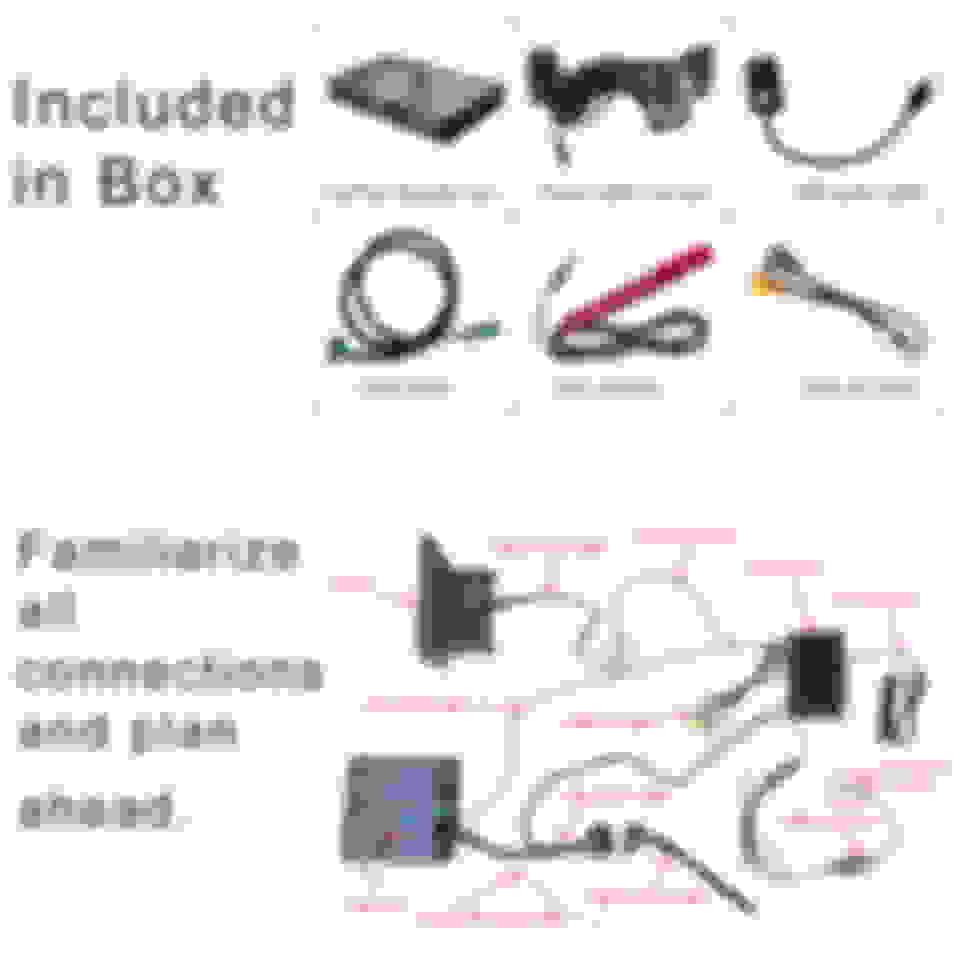
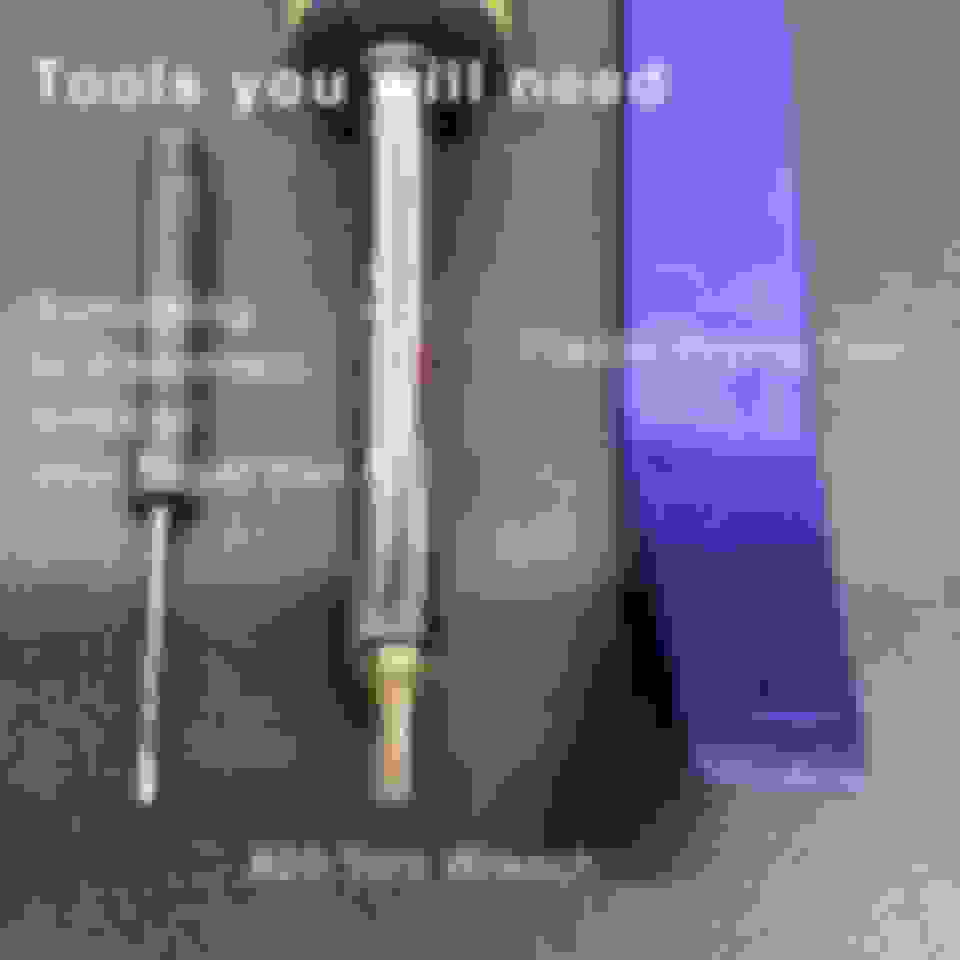
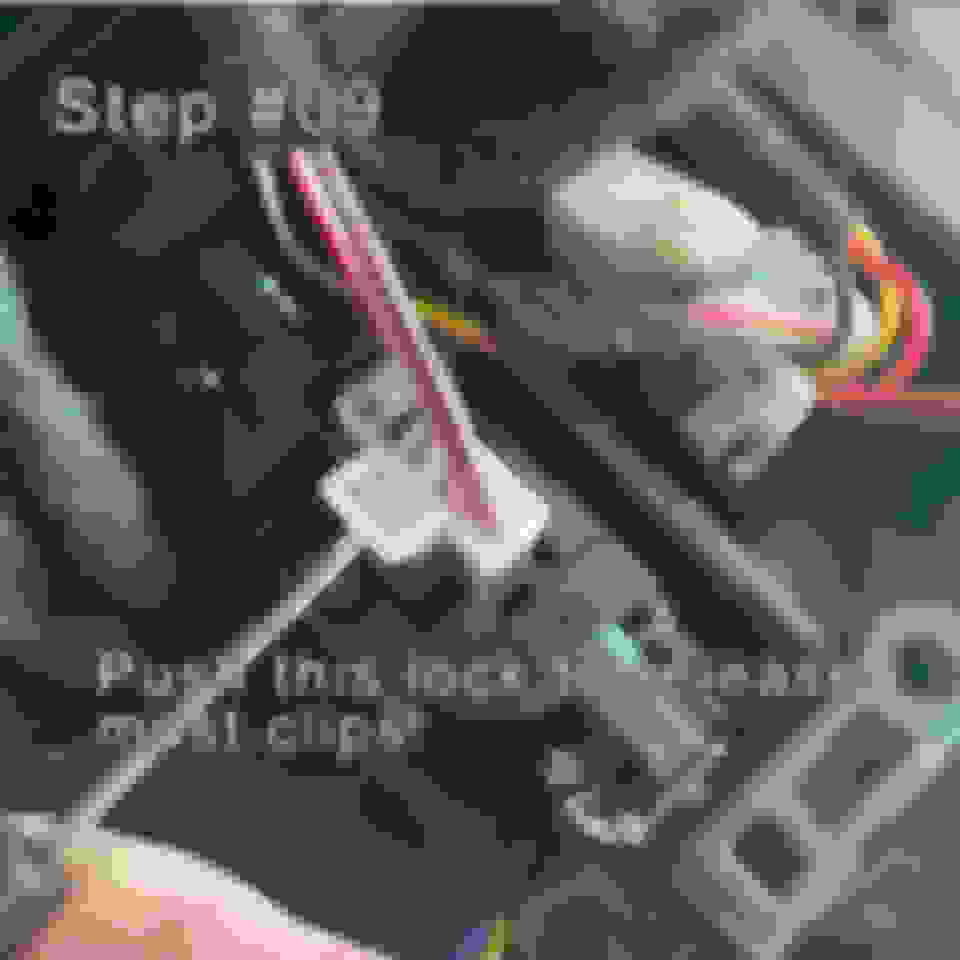
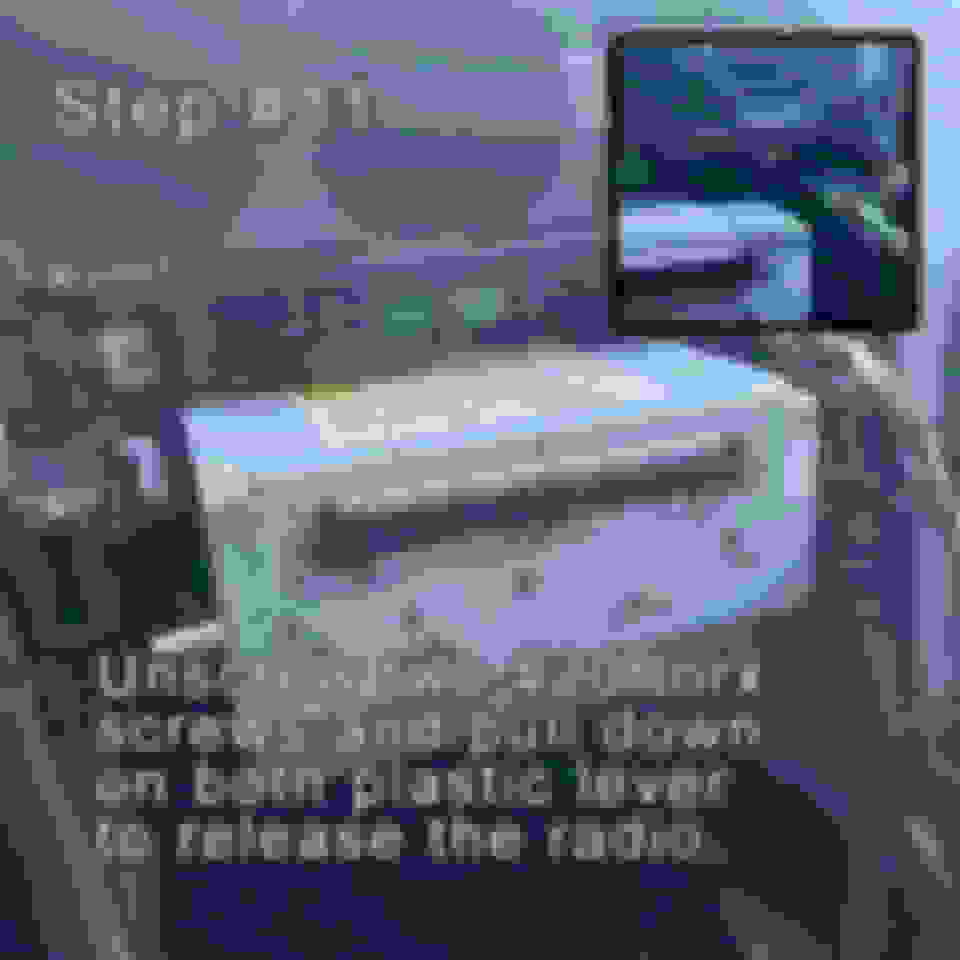
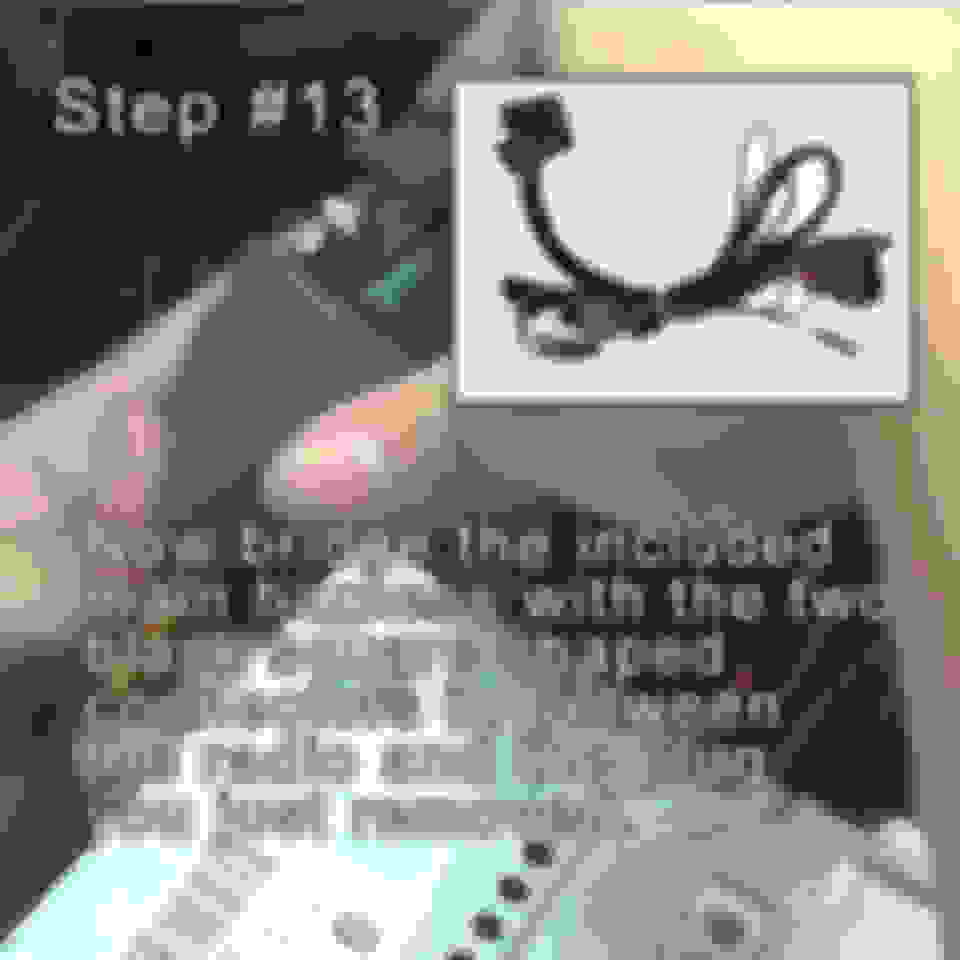
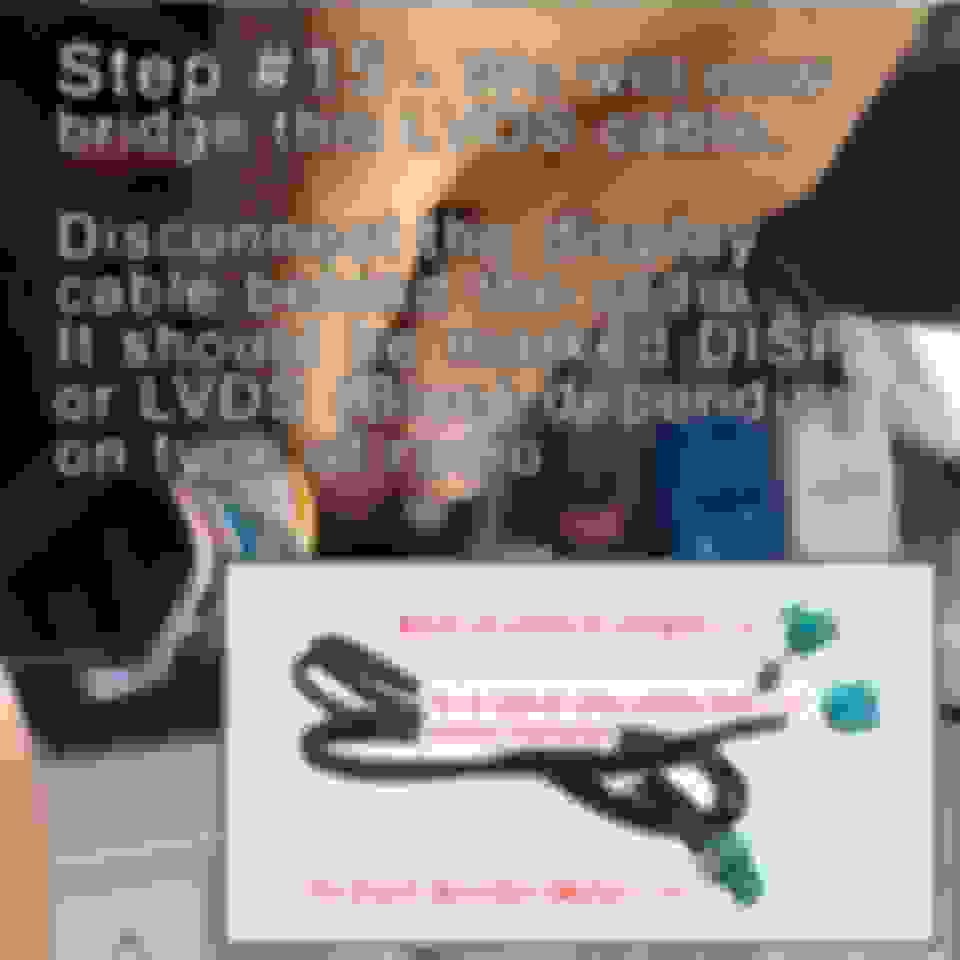
I decided to put together this tutorial to help others who are intimidated by the install which really is not difficult.
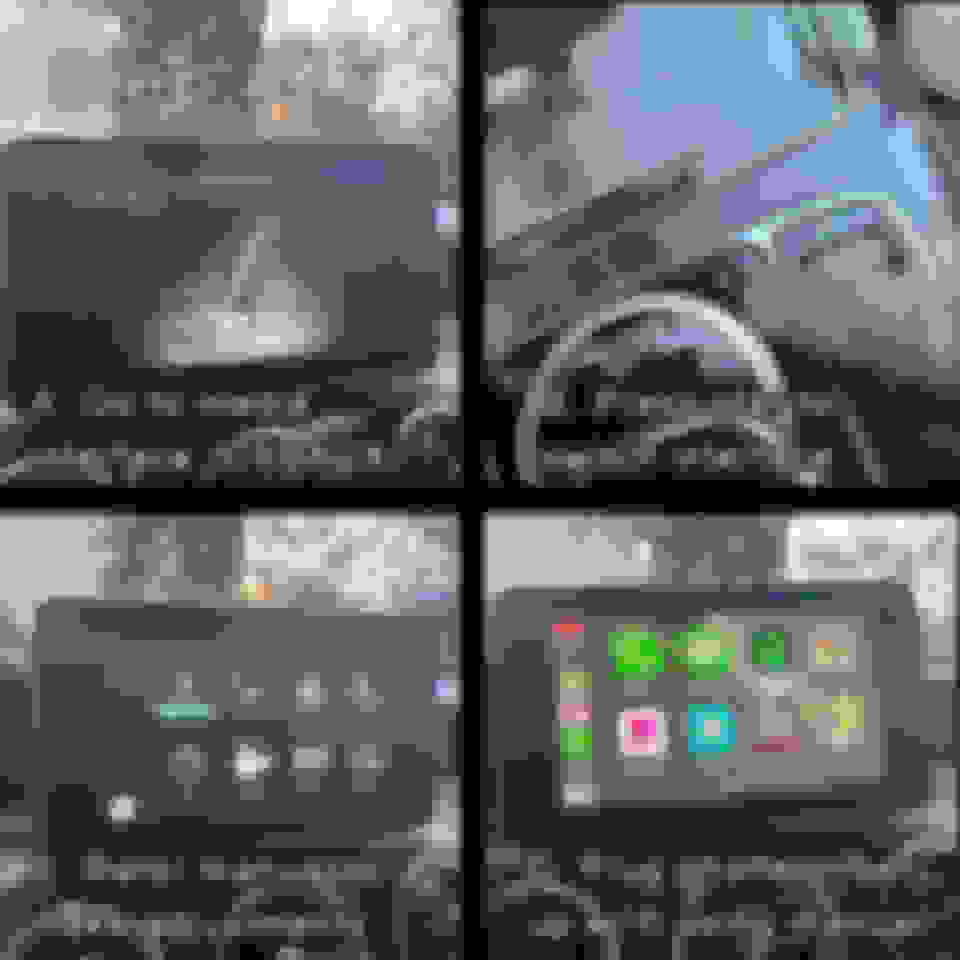
So what are the benefits of this device. Besides the obvious of adding Carplay, Android Auto or Mirrorlink wirelessly or via wired USB. It works with your usual factory controls including steering controls You also retain the factory interfac. All you have to do is click the button with the star symbol to switch from original and to the new one and vice versa.
What I have is a 2019 GLC63 Mercedes Benz with command with no Carplay from factory. So all my install information is base from my car. But it should be very similar towards all different Mercedes models mentioned above. Along with the manual that comes with the product and from the seller. There are plenty of Youtube videos that will help you with the install. So treat this as a supplement to other information.
finished over the weekend. Your instructions were a required reference to make things go faster. Thanks so much. Used it for a 3.5hr drive yesterday and it works like it should.
for anyone that wants CarPlay and has Command, this is a real solution. Curious if someone did the version with a bigger screen?
There's another thread a person installed the bigger one (with the MBUX looking interface), personally I chose this one because I wanted it to look OEM and avoid any potential issues at the dealer.
I ordered this and should arrive soon. From what I've researched, you need to disconnect your phone to the car's bluetooth in order to make calls. How is the calling experience? Im guessing it will only work if carplay is active.
Thanks.
I ordered this and should arrive soon. From what I've researched, you need to disconnect your phone to the car's bluetooth in order to make calls. How is the calling experience? Im guessing it will only work if carplay is active.
Thanks.
No need to disconnect anything. I do have my iPhone paired to the the COMAND system, but when I start the car the converter turns on and I have mine set up to use wireless CarPlay. I make calls using the CarPlay interface without any problems.
Has anyone tried this with the Burmester audio system? I see some people on YouTube complaining about battery drain when they installed the unit on a Burmester system.
Last edited by LenniePaz; May 27, 2022 at 12:11 AM.
Has anyone tried this with the Burmester audio system? I see some people on YouTube complaining about battery drain when they installed the unit on a Burmester system.
MY19 w/ Burmester Audio System, I installed myself back in January 2021 and I’ve had no issues.
I don’t have more than one driver paired to the car using the Mercedes-Benz interface, but the CarPlay module will allow you to pair more than one device (looking at the menu options). Having the option to connect iPhone to CarPlay module using the cable or wireless the first one that connects is the one controlling the CarPlay module, even if the primary device connects to the Mercedes-Benz interface.
I don’t have more than one driver paired to the car using the Mercedes-Benz interface, but the CarPlay module will allow you to pair more than one device (looking at the menu options). Having the option to connect iPhone to CarPlay module using the cable or wireless the first one that connects is the one controlling the CarPlay module, even if the primary device connects to the Mercedes-Benz interface.
Thanks! So if we're both not in the car at the same time, it can handle 2 iPhones when we are driving separately?
Last edited by LenniePaz; May 29, 2022 at 11:19 AM.
You’re an awesome member mate, I wish there were more members on here like you. Thanks for the awesome info.
Originally Posted by izzyAMG
This is an install and review of Road Top’s device decoder box that adds Carplay or Android Auto or Mirror Link, plus other features. This product is for your Mercedes Benz 2015 to 2019 C, GLC, CLA, GLA with NTG 5.0+ interface that did not have Carplay or Android Auto capability from the factory. Depending on your factory options, you either have the infotainment system that has the smaller screen or the upgraded (Command) system with factory navigation and biggerscreen that does not have Carplay capability.
I bought this just 3 days ago via amazon https://www.amazon.com/gp/product/B0...?ie=UTF8&psc=1
I decided to put together this tutorial to help others who are intimidated by the install which really is not difficult.
So what are the benefits of this device. Besides the obvious of adding Carplay, Android Auto or Mirrorlink wirelessly or via wired USB. It works with your usual factory controls including steering controls You also retain the factory interfac. All you have to do is click the button with the star symbol to switch from original and to the new one and vice versa.
What I have is a 2019 GLC63 Mercedes Benz with command with no Carplay from factory. So all my install information is base from my car. But it should be very similar towards all different Mercedes models mentioned above. Along with the manual that comes with the product and from the seller. There are plenty of Youtube videos that will help you with the install. So treat this as a supplement to other information.
Thanks! So if we're both not in the car at the same time, it can handle 2 iPhones when we are driving separately?
Form my testing it will allow you to switch to the other paired device. This is what I did. Phone 1 is paired to Mercedes-Benz system and CarPlay module. Phone 2 is only paired to CarPlay module. It seems that both will connect to the CarPlay module and it will load the last connected one. If you want to switch you go to the CarPlay module menu and under "Paired Devices" menu select the other device.
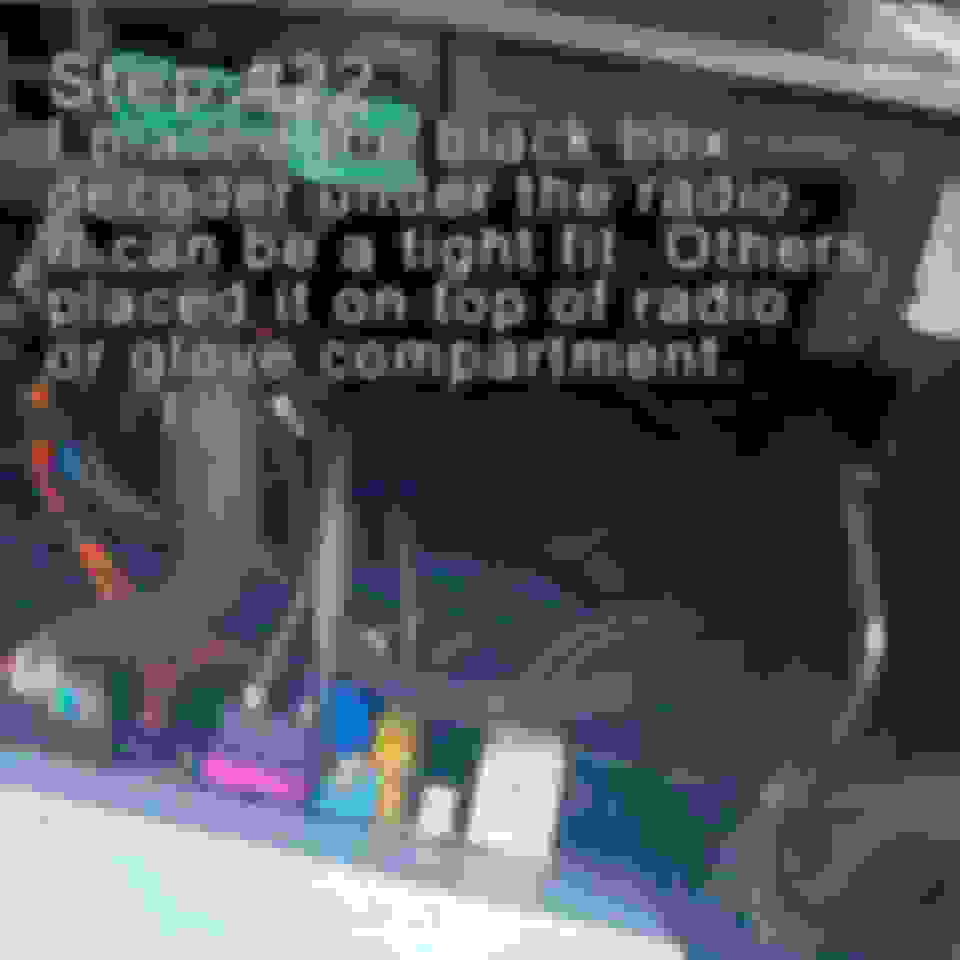
Where's the best place to hide the main box and the WiFi antenna? I'm not feeling the antenna hanging out the side of the center console.
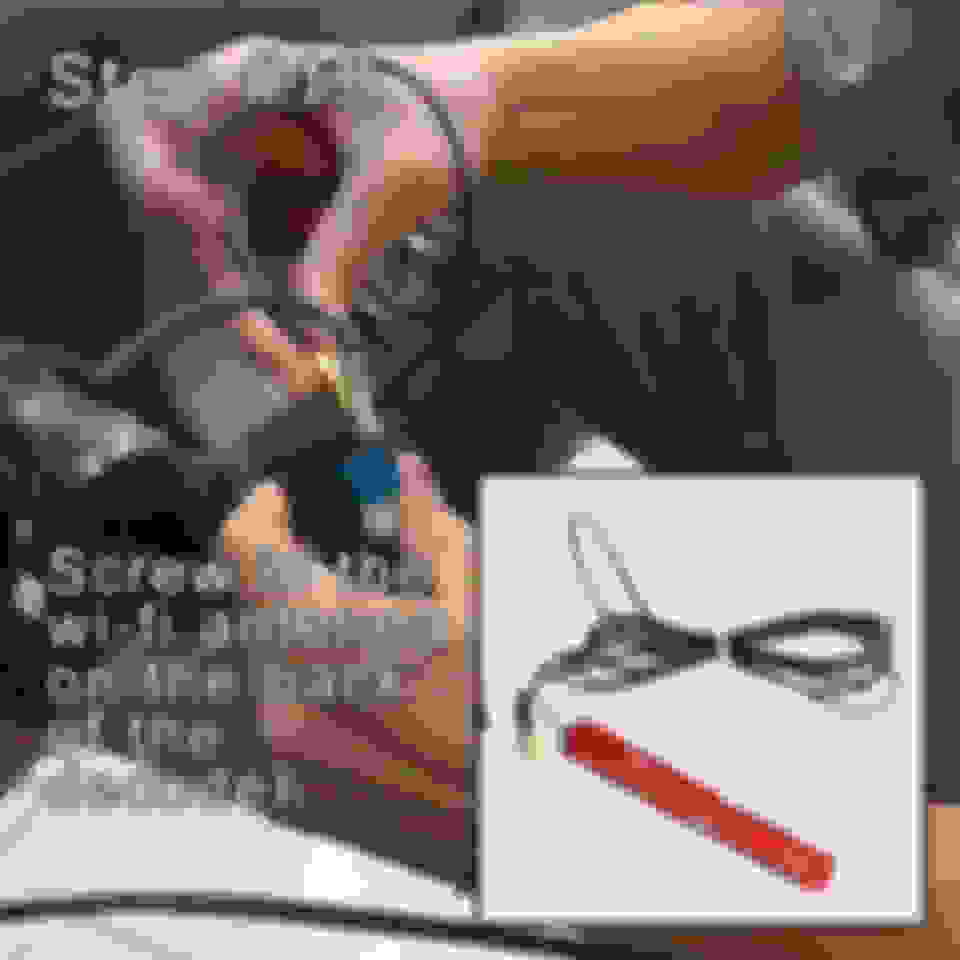
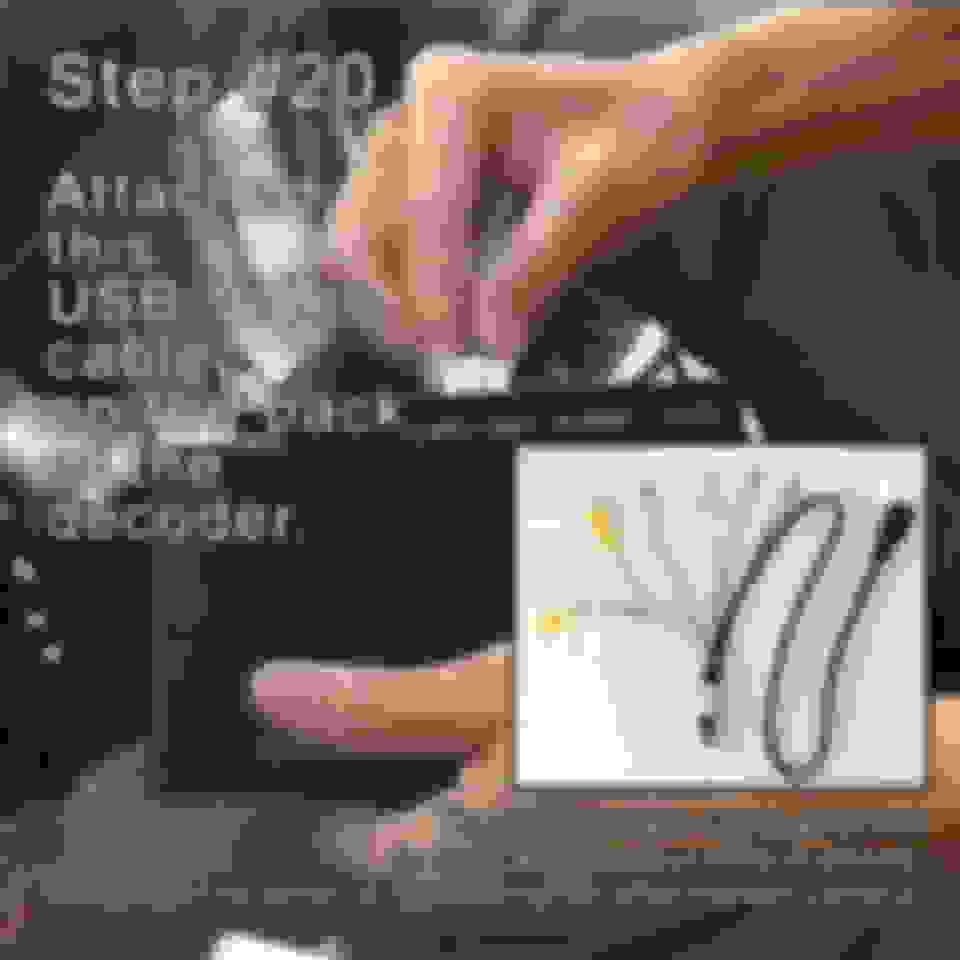
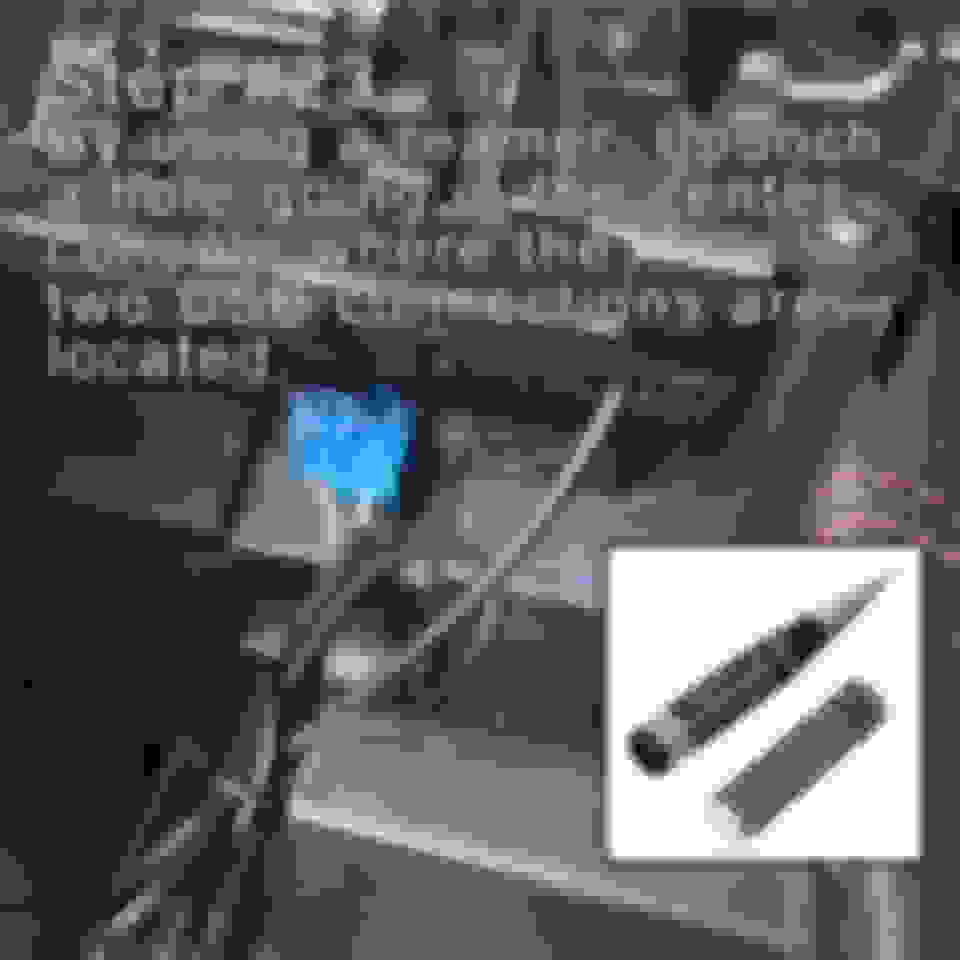
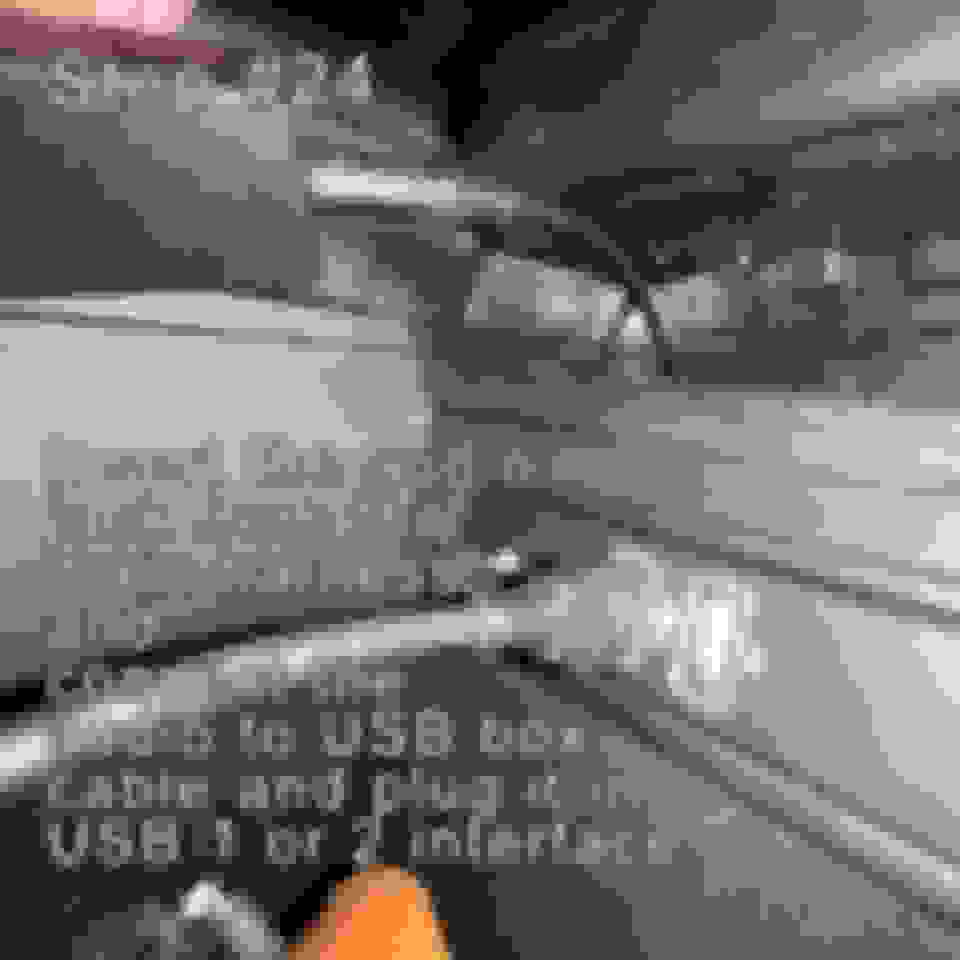
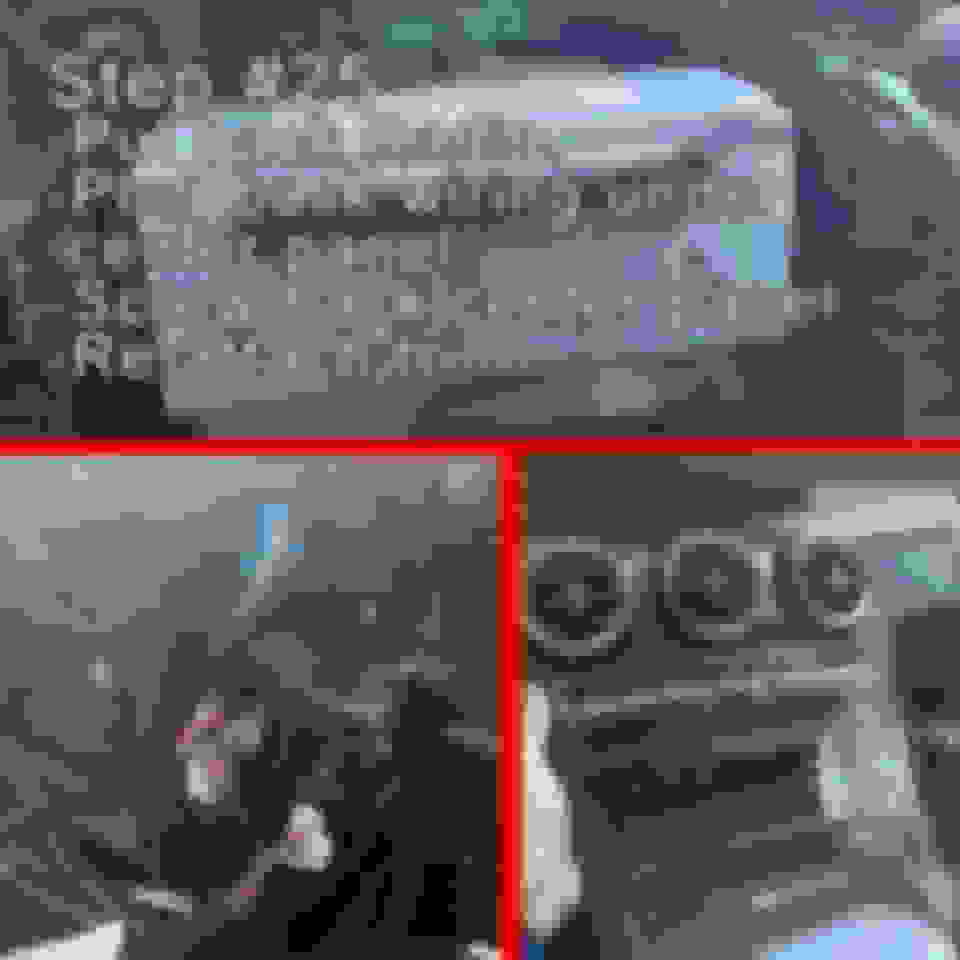
The main box I installed underneath the radio module, above the transmission area as the cables will limit your installation options. The antenna I installed near the back of the center console and extension cables so I don't have to mess with the actual plugs the kit comes with. Module is taped using 3M VHB tape, but the heat eventually made it sag, so now it just seats there . There you can see the whole I drilled to run the USB extension cables. One plugs into the car for the audio, and the other one is to connect the phone to the CarPlay module (to charge the phone at the same time) as opposed to using the wireless option (normal usage). Here you can see the kit cables connected to the extensions. At the bottom of the photo (not really seen) is the 3.5mm adapter and the Wi-Fi antenna.
I'm not getting turn by turn directions from any of the maps in Carplay. I'm getting sound from Sirius and Youtube Music apps in Carplay though. Also, should I be able to plug my iPhone into the USB cable and use Carplay wired instead of wirelessly? If so, nothing happens when I plug my iPhone into the USB cable.
I'm not getting turn by turn directions from any of the maps in Carplay. I'm getting sound from Sirius and Youtube Music apps in Carplay though. Also, should I be able to plug my iPhone into the USB cable and use Carplay wired instead of wirelessly? If so, nothing happens when I plug my iPhone into the USB cable.
If you have tried various navigation apps and none of them speak the directions I would assume that you don't have the spoken directions muted (it is an options within the app)? I would have to unplug the USB cable that is connected to the car to see if I can duplicate what you are describing. You also have to select the correct interface within the Mercedes-Benz audio options as well, check that. You are supposed to use the CarPlay module via USB instead of wireless, as in it should work using either method.
You may want to check your connections while I see if I can duplicate to help. Also, I am in no way affiliated with the maker, seller, or anything like that. I am just a regular guy that bought one and installed sharing what I did...
If you have tried various navigation apps and none of them speak the directions I would assume that you don't have the spoken directions muted (it is an options within the app)? I would have to unplug the USB cable that is connected to the car to see if I can duplicate what you are describing. You also have to select the correct interface within the Mercedes-Benz audio options as well, check that. You are supposed to use the CarPlay module via USB instead of wireless, as in it should work using either method.
You may want to check your connections while I see if I can duplicate to help. Also, I am in no way affiliated with the maker, seller, or anything like that. I am just a regular guy that bought one and installed sharing what I did...
When you say select the correct interface, you mean the correct USB port the unit is plugged into, or do mean hold the star button until it switches to Carplay? The sound icon on the Maps apps are not muted. It's weird because I did get voice directions once or twice, but most of the times I've tried Maps I got no sound.
Last edited by LenniePaz; Jun 1, 2022 at 06:31 PM.
When you say select the correct interface, you mean the correct USB port the unit is plugged into, or do mean hold the star button until it switches to Carplay? The sound icon on the Maps apps are not muted. It's weird because I did get voice directions once or twice, but most of the times I've tried Maps I got no sound.
Correct, make sure you select the correct USB port within the Mercedes-Benz interface.
Correct, make sure you select the correct USB port within the Mercedes-Benz interface.
Yes, I've chosen the right port. Like I said, music apps within Carplay work fine. I'm really confused about connecting wired instead of wirelessly. When I plug my iPhone into the USB port that goes to the box, do I have to do anything to get to Carplay? Should I disable Bluetooth so it doesn't connect through the Bluetooth, and uses the wired connection instead? I'm using an iPhone 13 Pro Max.
Mercedes SLR McLaren 722 S Is Extremely Rare Example Modified by McLaren
Slideshow: A one-of-one U.S.-spec Mercedes-Benz SLR McLaren Roadster became even rarer after a factory-backed transformation at McLaren's headquarters.