When you click on links to various merchants on this site and make a purchase, this can result in this site earning a commission. Affiliate programs and affiliations include, but are not limited to, the eBay Partner Network.
Traffic Information Service / Addl Music Apps on Native MBUX
Hi All –
New Owner of a 22 GLE450 here. Couple of questions specific to MBUX Operation and what I should or should not be seeing.
First, I understand that the vehicle has the Traffic Light Information Service which “should” alert you as to traffic light conditions upon approaching the (supporting) traffic light. I know of at least two traffic lights on my route that have this technology as my most recent Audi also had this technology and it worked great, but I'm not getting any indication on my GLE450. Does the Traffic Light Info Service necessitate a Paid Hotspot Internet subscription (thru T-Mobile) to operate? Other feature like online searching from Navigation for destinations works fine and without the paid internet feature.
Second question, I though I read that additional NATIVE Apps, e.g. Spotify, Amazon Music were available (w/o using Apple CarPlay) as an “App” in the App section of MBux? If so, I’m not seeing them at all. What feature service is this tied to in our Services Dashboard? And does it also require the paid Hotspot internet feature to operate and / or can I use my phone’s Hotspot to supply the internet connection.
New Owner of a 22 GLE450 here. Couple of questions specific to MBUX Operation and what I should or should not be seeing.
First, I understand that the vehicle has the Traffic Light Information Service which “should” alert you as to traffic light conditions upon approaching the (supporting) traffic light. I know of at least two traffic lights on my route that have this technology as my most recent Audi also had this technology and it worked great, but I'm not getting any indication on my GLE450. Does the Traffic Light Info Service necessitate a Paid Hotspot Internet subscription (thru T-Mobile) to operate? Other feature like online searching from Navigation for destinations works fine and without the paid internet feature.
Second question, I though I read that additional NATIVE Apps, e.g. Spotify, Amazon Music were available (w/o using Apple CarPlay) as an “App” in the App section of MBux? If so, I’m not seeing them at all. What feature service is this tied to in our Services Dashboard? And does it also require the paid Hotspot internet feature to operate and / or can I use my phone’s Hotspot to supply the internet connection.
Confused and any assistance would be appreciated.
Welcome to the forum.
Pretty sure our vehicles have none of these features. I have not seen that published anywhere. If you have, please share the source.
New Owner of a 22 GLE450 here. Couple of questions specific to MBUX Operation and what I should or should not be seeing.
First, I understand that the vehicle has the Traffic Light Information Service which “should” alert you as to traffic light conditions upon approaching the (supporting) traffic light. I know of at least two traffic lights on my route that have this technology as my most recent Audi also had this technology and it worked great, but I'm not getting any indication on my GLE450. Does the Traffic Light Info Service necessitate a Paid Hotspot Internet subscription (thru T-Mobile) to operate? Other feature like online searching from Navigation for destinations works fine and without the paid internet feature.
Second question, I though I read that additional NATIVE Apps, e.g. Spotify, Amazon Music were available (w/o using Apple CarPlay) as an “App” in the App section of MBux? If so, I’m not seeing them at all. What feature service is this tied to in our Services Dashboard? And does it also require the paid Hotspot internet feature to operate and / or can I use my phone’s Hotspot to supply the internet connection.
Confused and any assistance would be appreciated.
Hello, and welcome to the forum!!!
As for your 1st question, I believe you are referring to the red light countdown. If this service is activated and you have it selected in MBUX, then you will see it in the "Assistance" section in dash; that is the only place I have seen it - see below - please excuse the dust.
As for your 1st question, I believe you are referring to the red light countdown. If this service is activated and you have it selected in MBUX, then you will see it in the "Assistance" section in dash; that is the only place I have seen it - see below - please excuse the dust.
I have no input on the 2nd question.
man thats weird as hell , my s580 maybach doesent even have that thing. no user login section on the screen , no traffic light countdown and extra. and i also dont got any of the apps on my car , i tried everything but it didnt work.
man thats weird as hell , my s580 maybach doesent even have that thing. no user login section on the screen , no traffic light countdown and extra. and i also dont got any of the apps on my car , i tried everything but it didnt work.
man thats weird as hell , my s580 maybach doesent even have that thing. no user login section on the screen , no traffic light countdown and extra. and i also dont got any of the apps on my car , i tried everything but it didnt work.
Not very many stop lights are equipped with the countdown feature. It's just rolling out in most places in the US.
If you go to the Service menu and select Owners Manual, you can enter Key Words and you'll have a few links to the topic. And links within.
You can verify whether your car has the Ability to Receive countdowns, you can enable it and when you are near one, you'll see the icon.
I've never seen one, so I'm just talking "theoretically."
Not very many stop lights are equipped with the countdown feature. It's just rolling out in most places in the US.
If you go to the Service menu and select Owners Manual, you can enter Key Words and you'll have a few links to the topic. And links within.
You can verify whether your car has the Ability to Receive countdowns, you can enable it and when you are near one, you'll see the icon.
I've never seen one, so I'm just talking "theoretically."
As usual, @mikapen is correct. Even if you have this feature enabled, you will only see the countdown at intersections that have stoplights that are equipped with X-to-X communication. I have only seen it pop up in NYC; 99% of the time, it is not available.
Even with lights that have this feature, it seems to be spotty. I saw it twice at a light I've been it probably 40 times.
As for Apps, in the US I believe the only app we have is Tune-In Radio and you need the internet subscription for that. I think I saw some posts that Amazon music is available in other parts of the world.
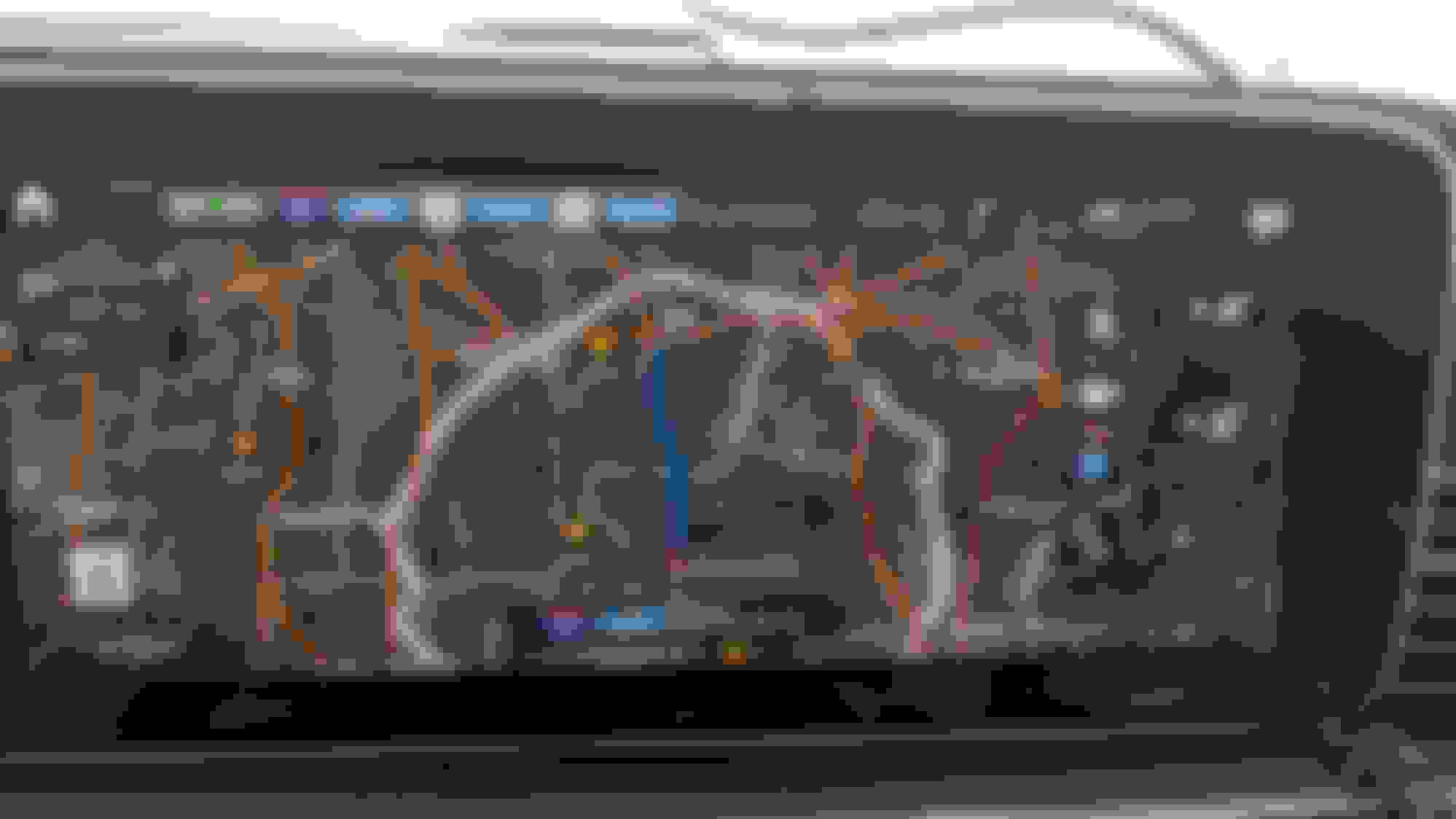
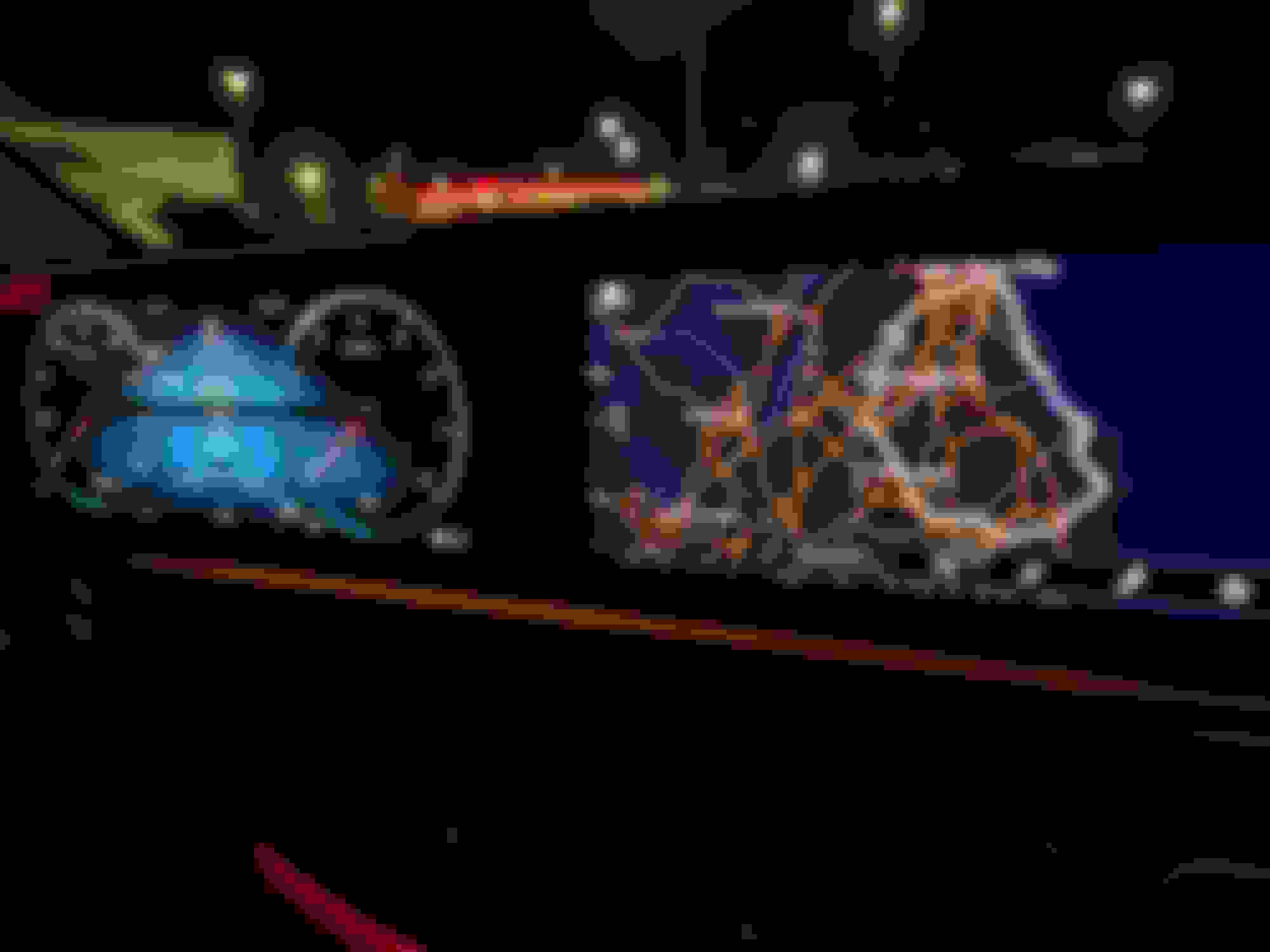
From time to time I see a weather display like this.
If I zoom way out it shows the extent of the storm.
It seems fairly accurate, when comparing it to my NOAA weather app.
Ummmm, isn't that the DTE range radius you can drive before running out of fuel? I don't think that's weather related. Or, I need to look at the weather data more often if it is related.... I dunno
Ummmm, isn't that the DTE range radius you can drive before running out of fuel? I don't think that's weather related. Or, I need to look at the weather data more often if it is related.... I dunno
I doubt it's DTE, for two reasons.
First, it changes, kind of in sync with my weather app. It'll change when I stop for lunch.
And I can drive out of it and leave it in the distance, right where that cloudbank is.
And I haven't run out of gas. 🙂
Thanks for that. It certainly looks similar.
I'll have to try it. I've only seen it a few times, so I'll have to wait until it appears again, then switch it off.
Thanks for that. It certainly looks similar.
I'll have to try it. I've only seen it a few times, so I'll have to wait until it appears again, then switch it off.
I think he’s correct after watching that video, that’s the calculated range ring base on actual routes/roads. That’s why it is irregular. I have never seen that on mine, not sure I have that feature, and if I do I doubt I have it on. Then again, perhaps I’ve never Zoomed out enough to see it. When the fuel level drops down to a 3/8ths of a tank, my wife tells me it’s out of gas….
Anyway, I have something to check out, that’s a cool feature. Thanks for posting that pic!
Does the vehicle come with Wi-Fi services for a period of time with the purchase of a new vehicle? I know Sirius/XM is included for 6 months but unsure of what else is included.
I believe you need to subscribe to Mercedes Me, which is free for for the first year. Did your dealer set you up with it?
sadly due to war in ukraine i just ordered the vehicle and it waited me in the dealer for over a year. my friend picked it up for me. i already did the verification stuff in mercedes me app but it still wants me to pay for it. next time ill try to enable it in ukraine later on.
I do have the range feature on my GLE, I had it off. Turned it on, and it took a while for the range ring to show up. But just checked and it’s there now. I have about half a tank and ~270 mile range. That is what is depicted by the white irregular shaped ring. My location is the center.
@jaxslk was correct. It's the Range that I posted before, not the weather. It was just coincidental that when I saw it on my display, it coincided with weather fronts moving around.
I found that you need to set the ignition to position two, in order for it to be active, even if you're just playing with settings.
I also found that the Weather Setting in the same menu, activates temperature and weather icons around the map. Not what I originally interpreted as storm fronts, that I posted above in post 11.
Thanks everybody for helping me figure that one out.
sadly due to war in ukraine i just ordered the vehicle and it waited me in the dealer for over a year. my friend picked it up for me. i already did the verification stuff in mercedes me app but it still wants me to pay for it. next time ill try to enable it in ukraine later on.
My heart goes out to you and your family in Ukraine. Best of luck to you.
Mercedes SLR McLaren 722 S Is Extremely Rare Example Modified by McLaren
Slideshow: A one-of-one U.S.-spec Mercedes-Benz SLR McLaren Roadster became even rarer after a factory-backed transformation at McLaren's headquarters.