




Engineering Menu

Thread Starter
Super Member
Joined: Aug 2011
Posts: 861
Likes: 38
From: Philly area
350 GLK, C280
Engineering Menu
Way back in 2012, I installed a backup camera in my 2010 GLK. (posted how-to to this forum) I used the Engineering Menu (hang-up, 1,and #) to activate it under the HU parameters. Because the cheap camera came with lines in it, I had to de-activate the MB lines on page 4 of the HU parameters. On the 2010 there are only 4 pages to the HU parameters. My wife has a 2014 c300 with Nav and original back-up camera and decided that she wanted the lines. So I went into the Engineering Menu and found that the HU parameters has 18 pages! But there were no lines activation selection. Do the 2014 and later GLK's have lines in the backup camera? Does anyone know if they can be turned on or off?
I tried all the Engineering Menu
I found that once in the Engineering Menu if you hold Hang-up - 4 -# you get a 2 page sub menu
And I tried the Dealer Menu Hang-up - 7 -9
Note ( you hold the three buttons down for about 10 seconds and the screen changes to the menu) only for vehicles with the NAV system.
I found on the C class forum that no one has cracked this so I thought I might try here. Seems weird to have the camera without something to judge the distance.
Thanks for any help
I tried all the Engineering Menu
I found that once in the Engineering Menu if you hold Hang-up - 4 -# you get a 2 page sub menu
And I tried the Dealer Menu Hang-up - 7 -9
Note ( you hold the three buttons down for about 10 seconds and the screen changes to the menu) only for vehicles with the NAV system.
I found on the C class forum that no one has cracked this so I thought I might try here. Seems weird to have the camera without something to judge the distance.
Thanks for any help

Newbie
Joined: Jan 2016
Posts: 6
Likes: 0
GLK 220 CDI AUTO
 Engineering Menu Pictures (1/2)
Here are 2 posts with a lot of images of the engineering menu which I took from my GLK 220 CDI Auto MY2014 (Comand APS NT4.7)
Hope this helps to find out what all these items mean.
I'm trying to find out if I can reduce the default Auto AC Fan Setting (runs at 4 bars out of 7 and pretty loud)
Also curious about ADAS map vd Default in Map Horizon

Engineering Mode (1/2)
MAIN PAGE
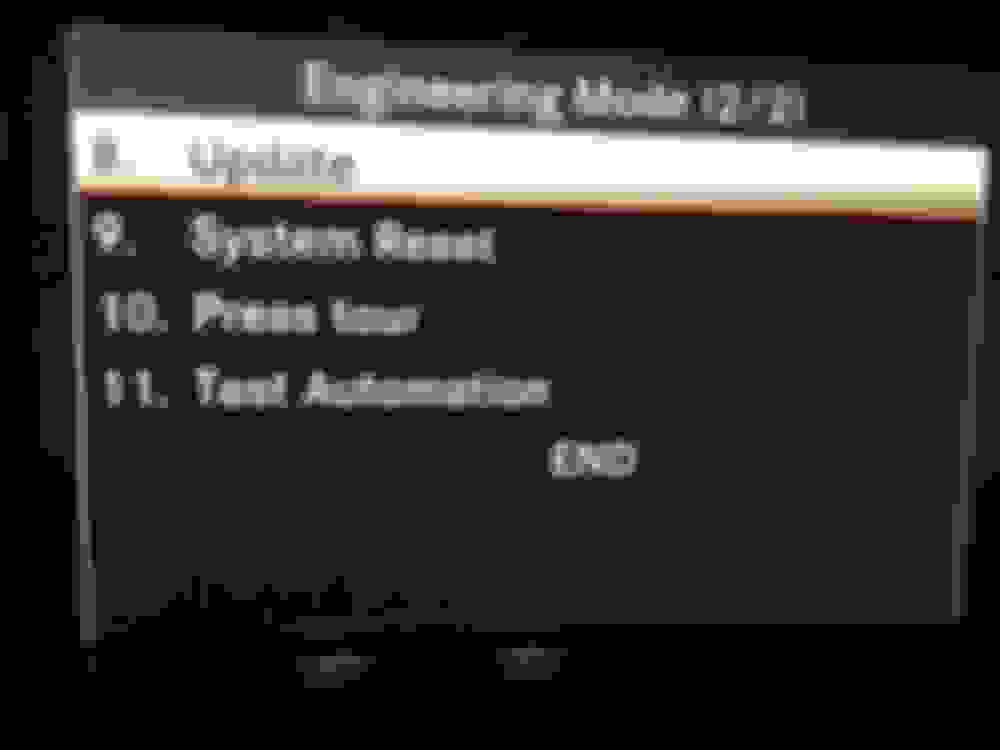
Engineering Mode (2/2)
MAIN PAGE with END to exit
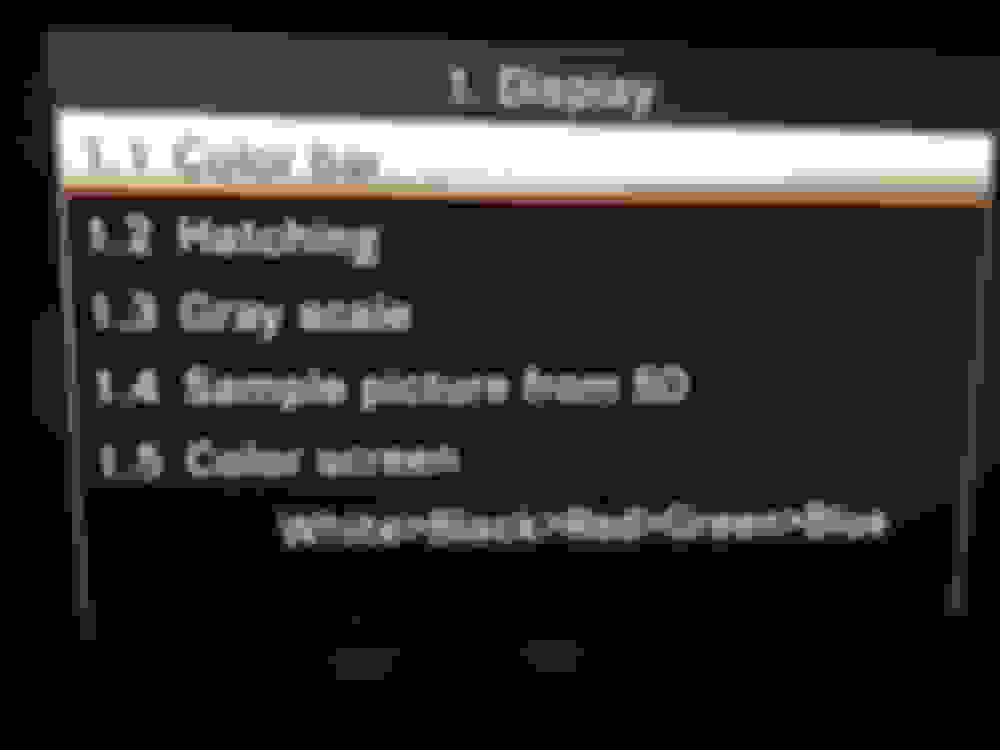
Display (1/1)
TBC...
Hope this helps to find out what all these items mean.
I'm trying to find out if I can reduce the default Auto AC Fan Setting (runs at 4 bars out of 7 and pretty loud)
Also curious about ADAS map vd Default in Map Horizon

Engineering Mode (1/2)
MAIN PAGE

Engineering Mode (2/2)
MAIN PAGE with END to exit

Display (1/1)
TBC...
Newbie
Joined: Jan 2016
Posts: 6
Likes: 0
GLK 220 CDI AUTO
Engineering Menu Pictures (2/2)
follows previous post:
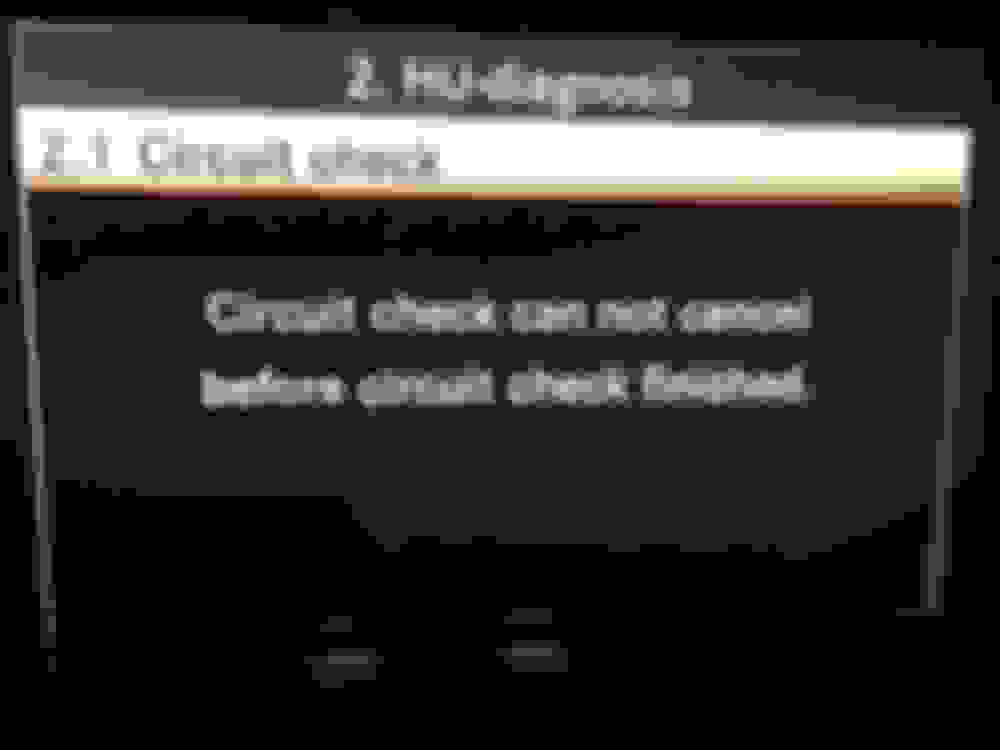
HU Diagnosis

HU Info (1/4)
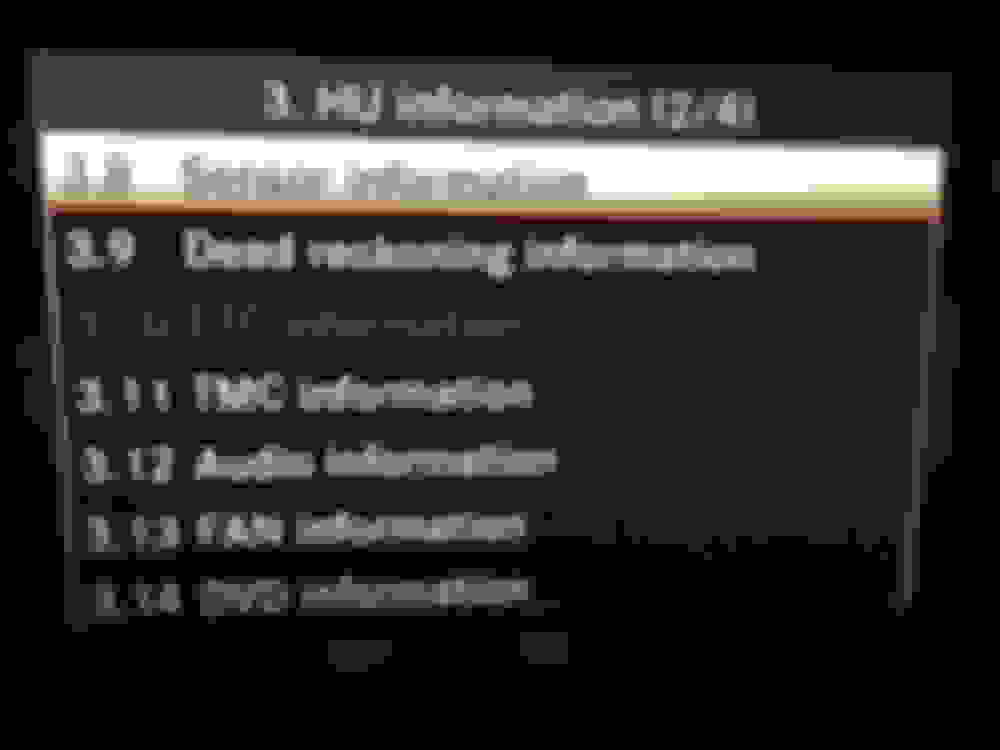
HU Info (2/4)
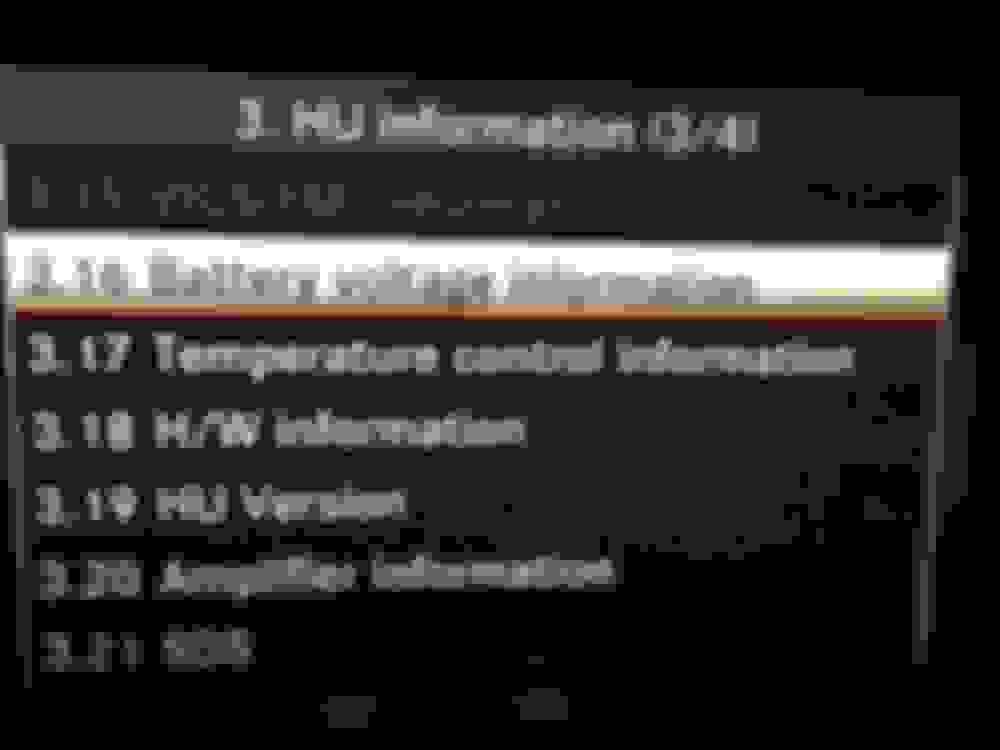
HU Info (3/4)
HU Info (4/4)
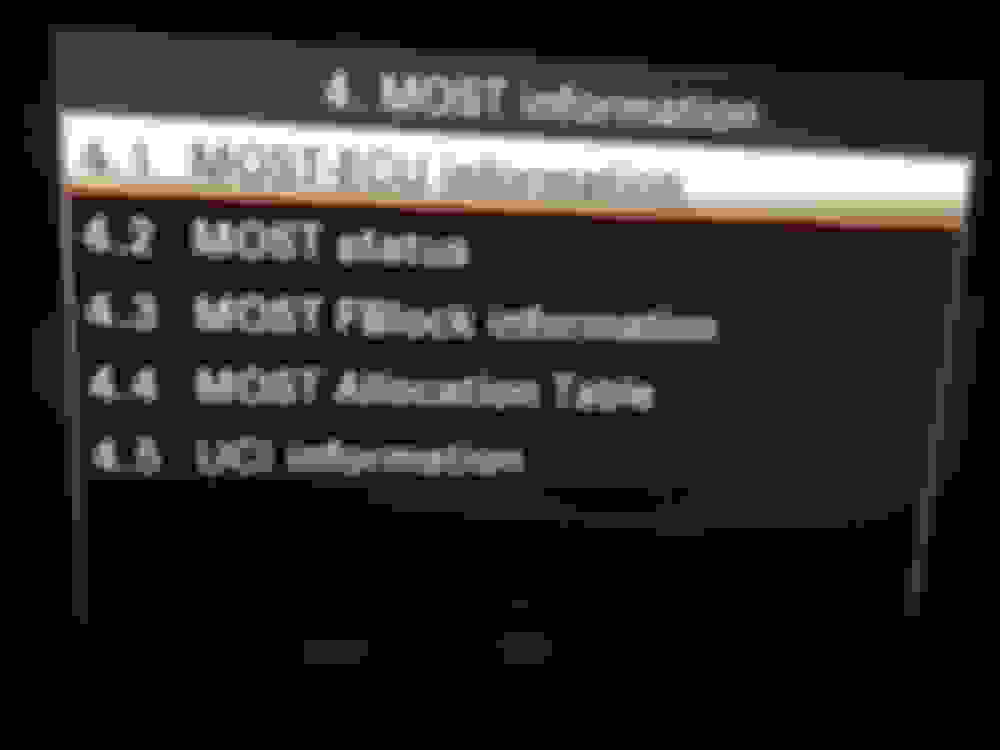
Most Info (1/1)
History Info (1/1)
SW Setting (1/1)

HW Setting (1/3)
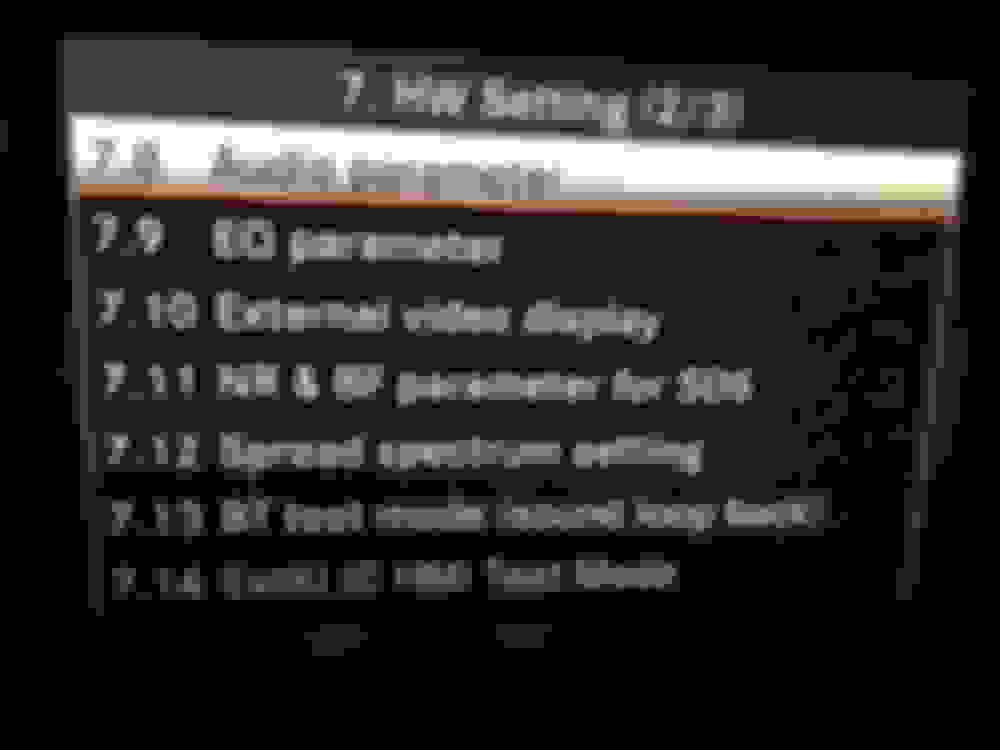
HW Setting (2/3)

HW Setting (3/3)
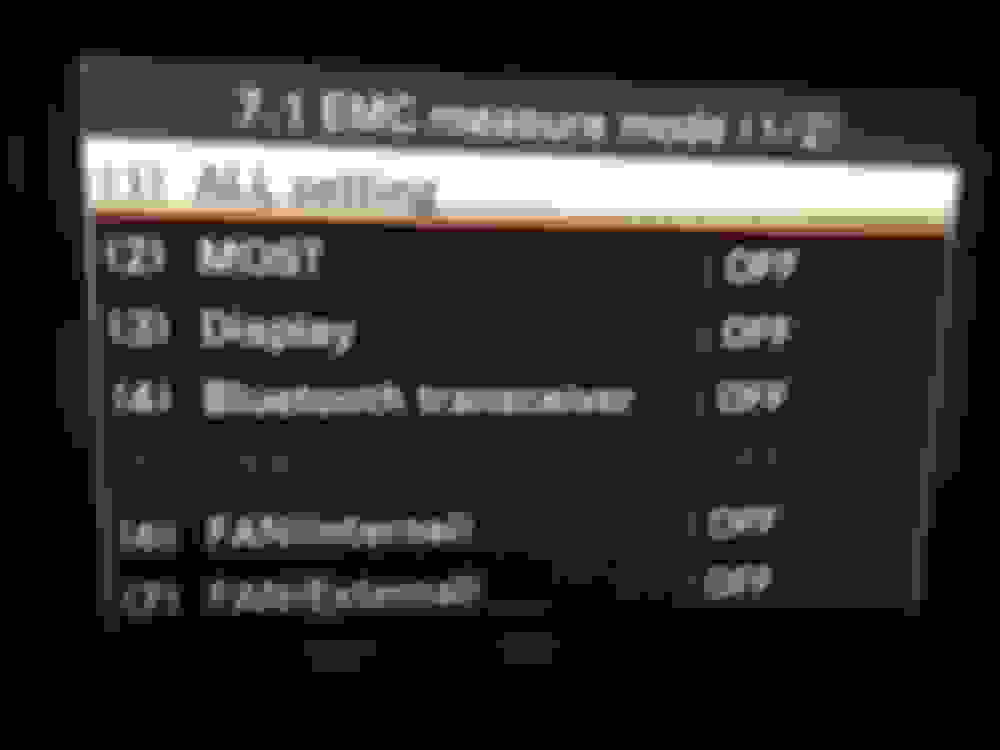
EMC Measure Mode (1/2)
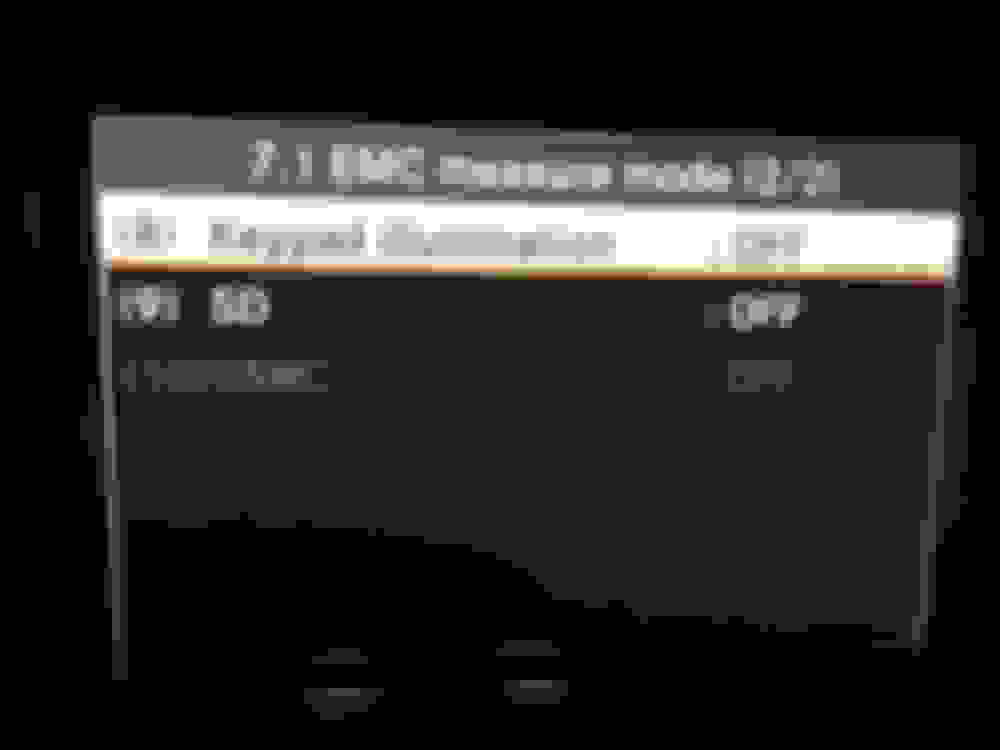
EMC Measure Mode (2/2)
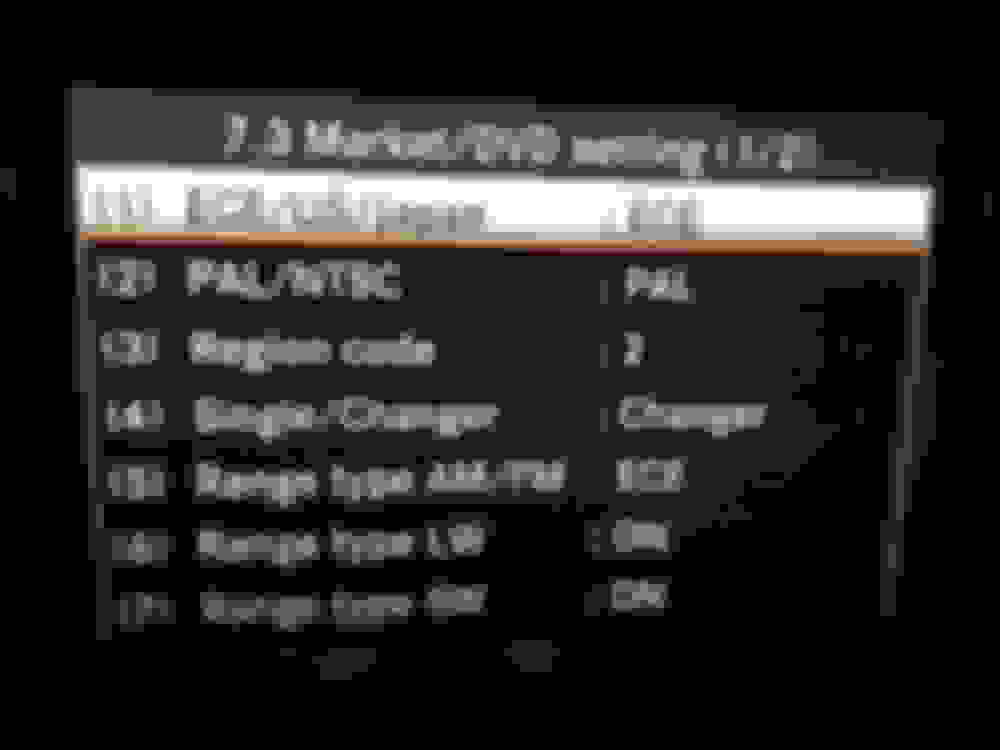
Market/DVD (1/2)

Market/DVD (2/2)
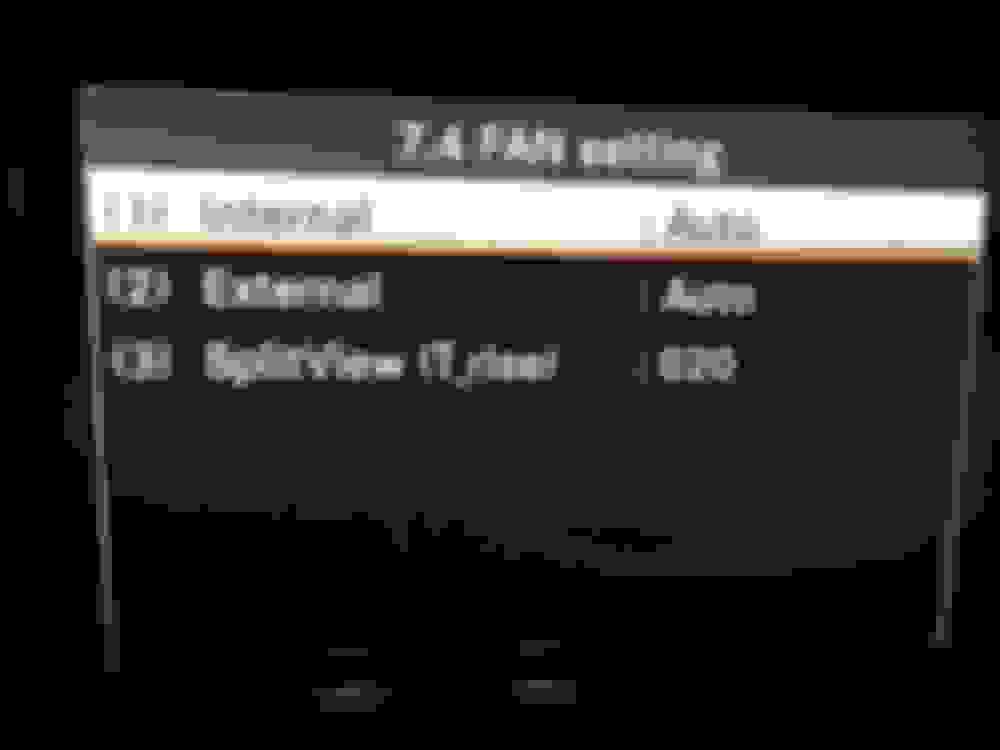
FAN Setting
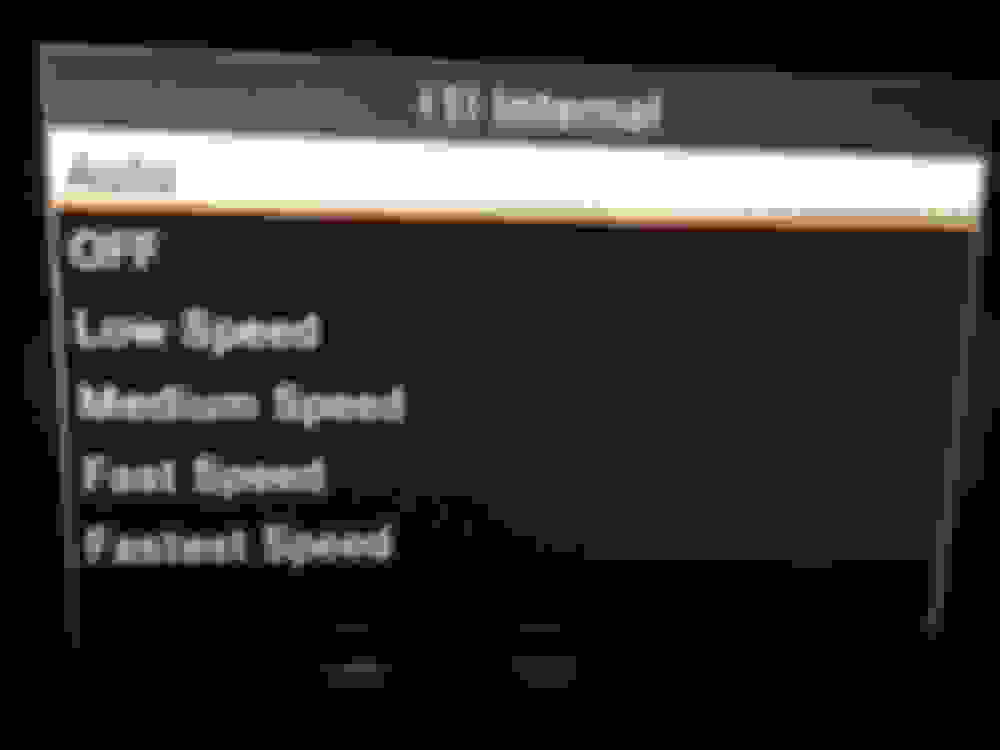
/ sub-menu
FAN Setting Internal (1)
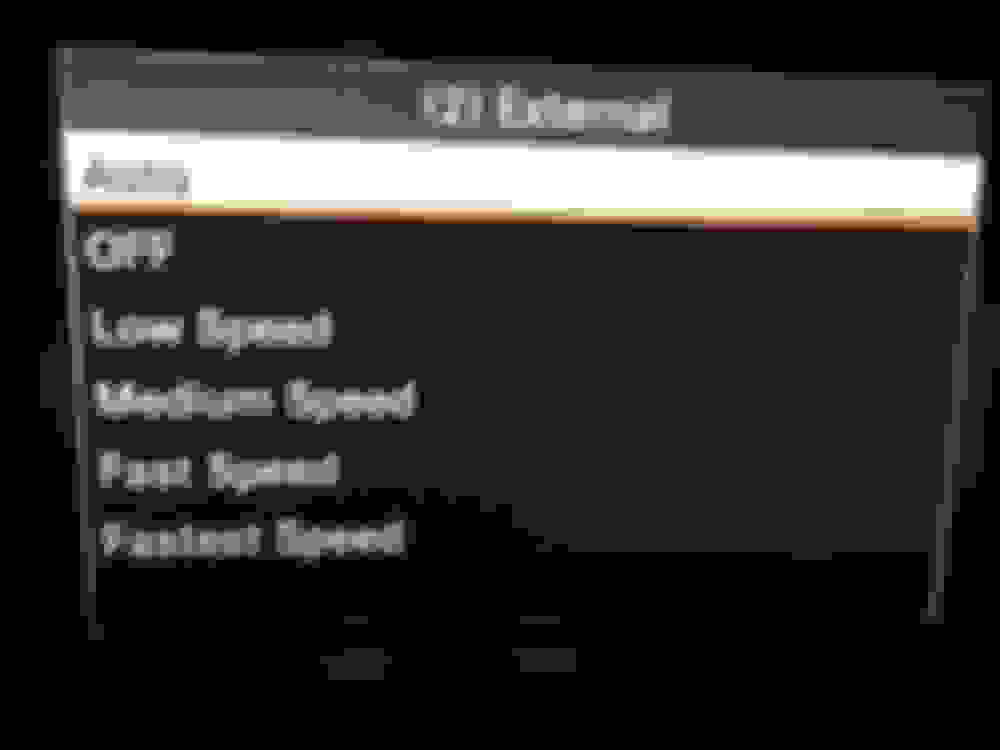
/ sub-menu
FAN Setting Internal (2)
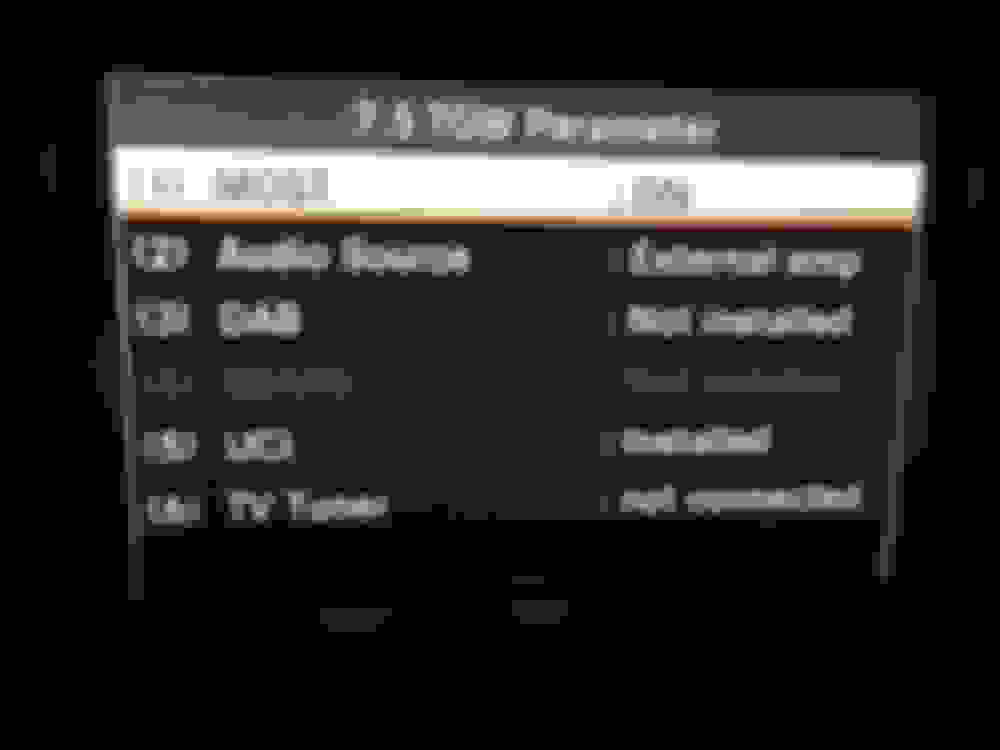
TGW Parameter (1/1)
Debug Serial setting
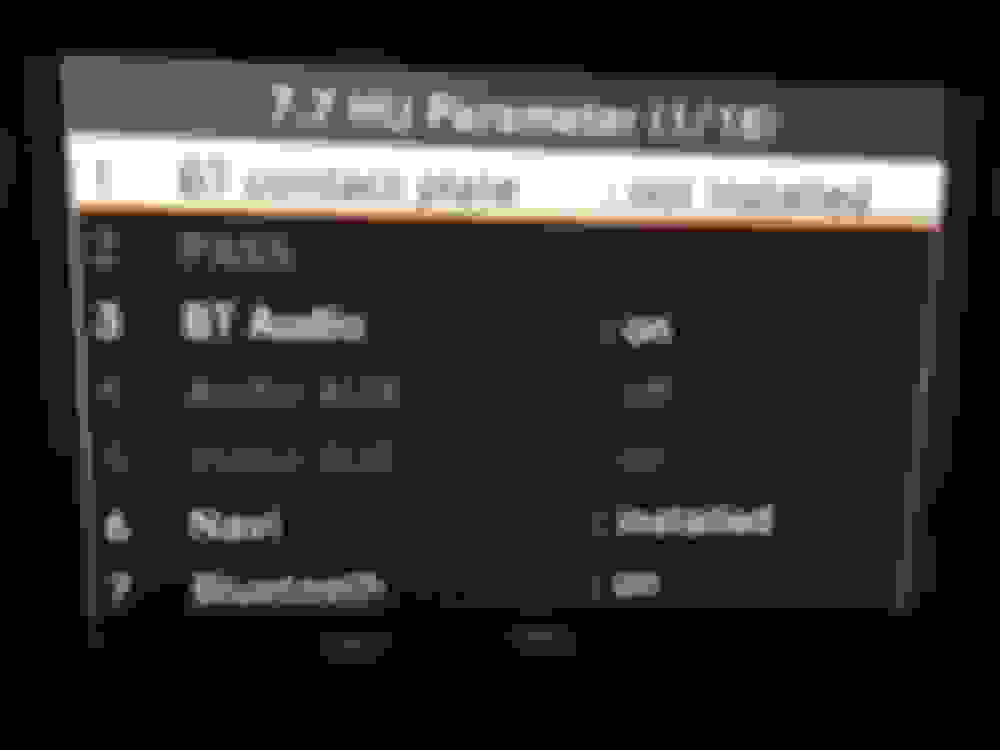
HU Parameter (1/18)
The biggest menu !!

HU Parameter (2/18)
The biggest menu !!

HU Parameter (3/18)
The biggest menu !!
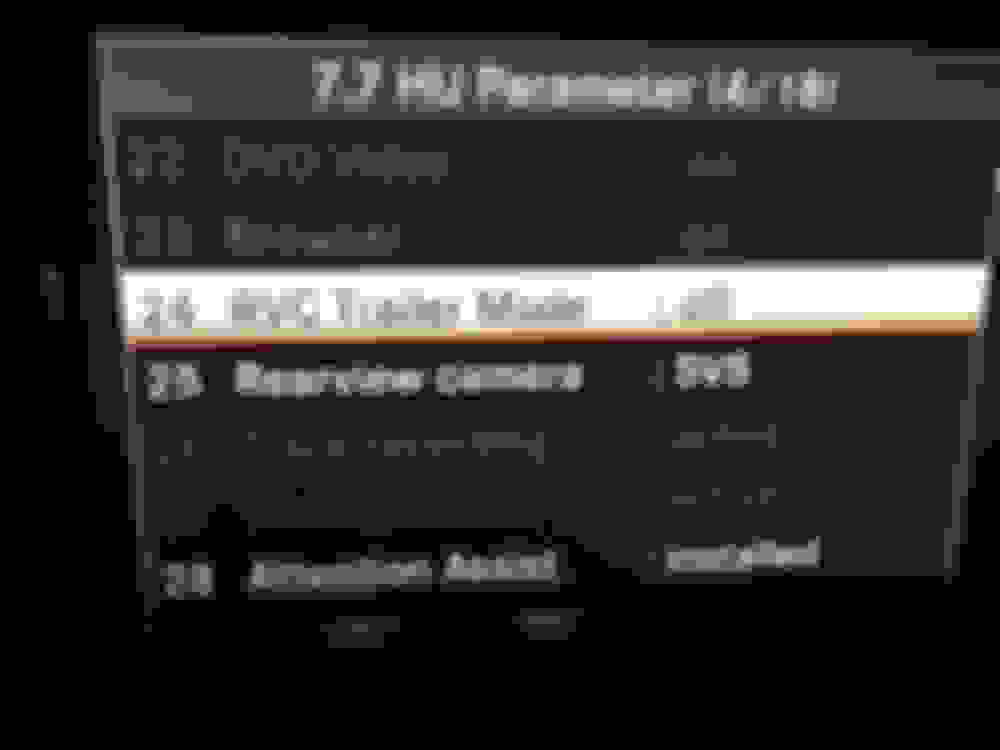
HU Parameter (4/18)
The biggest menu !!

HU Parameter (5/18)
The biggest menu !!
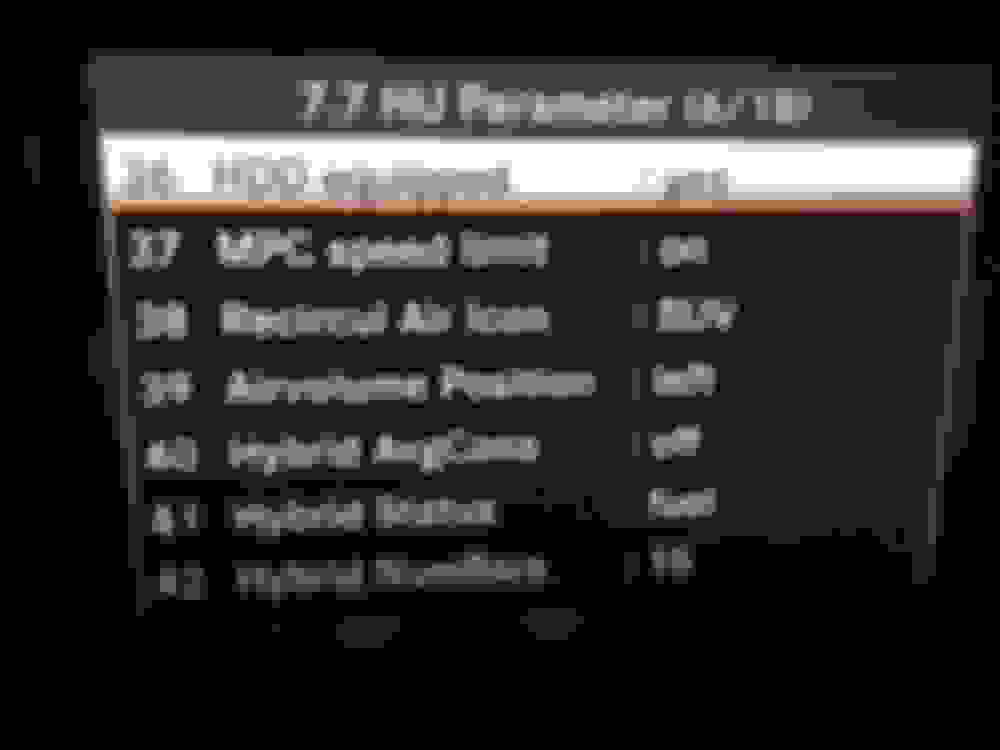
HU Parameter (6/18)
The biggest menu !!

HU Parameter (7/18)
The biggest menu !!
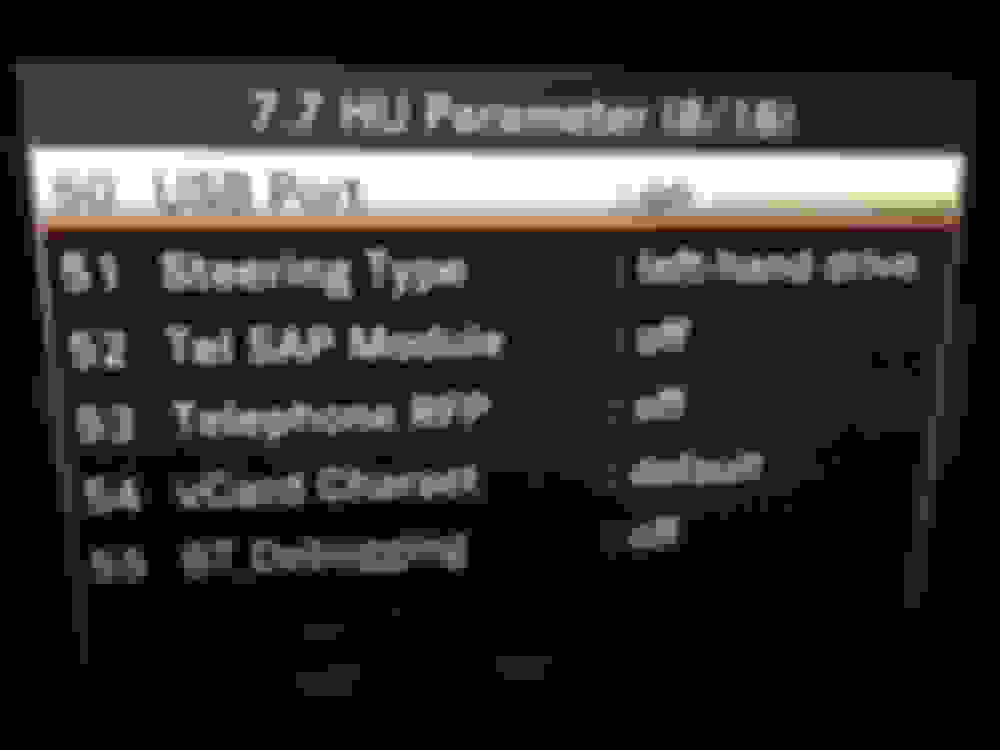
HU Parameter (8/18)
The biggest menu !!
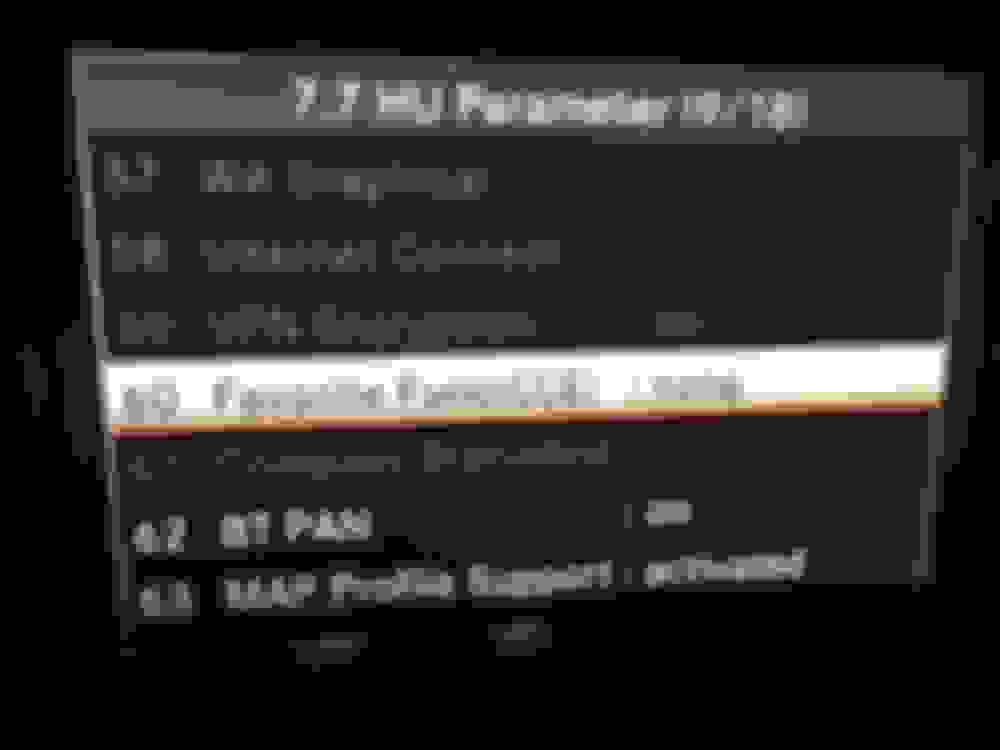
HU Parameter (9/18)
The biggest menu !!
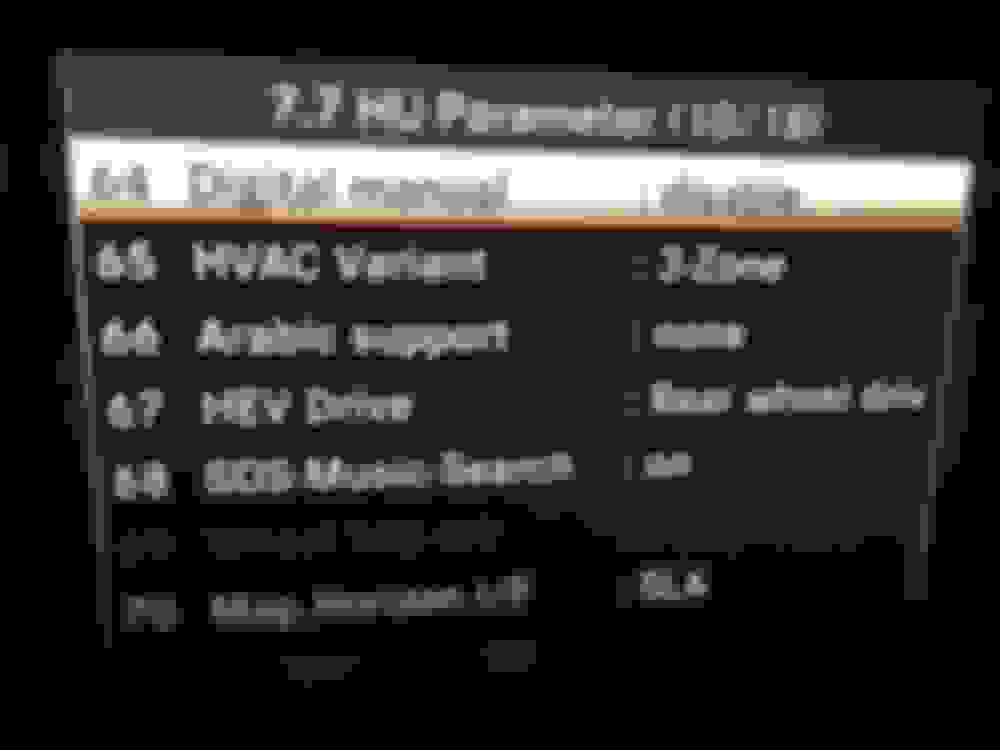
HU Parameter (10/18)
The biggest menu !!
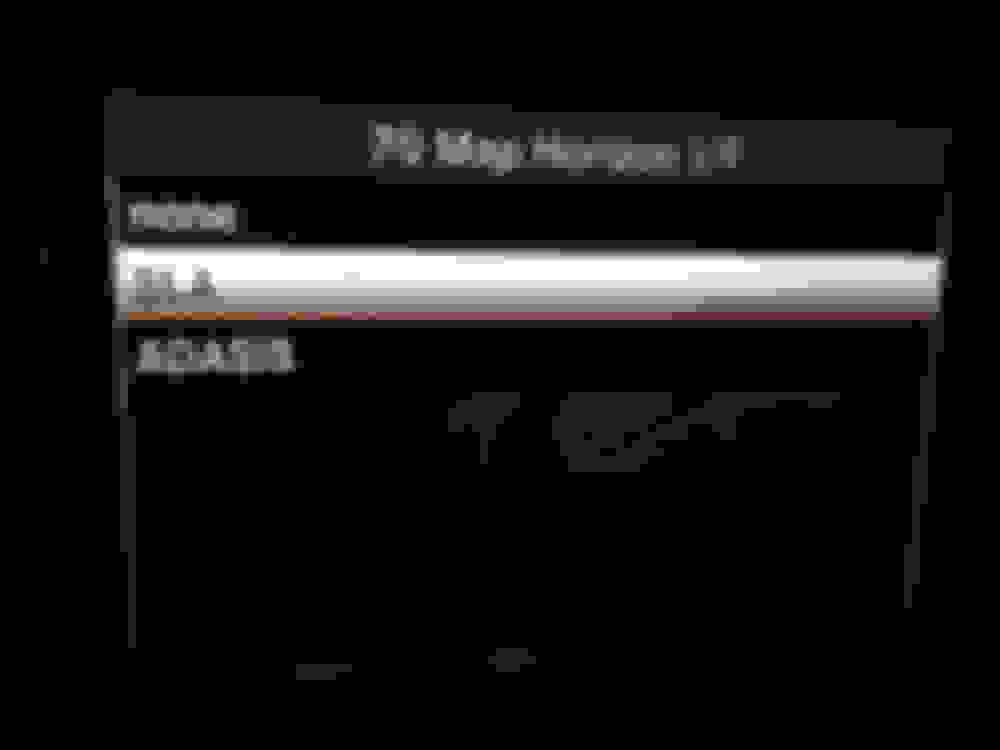
/ sub-menu
MAP Horizon I/F
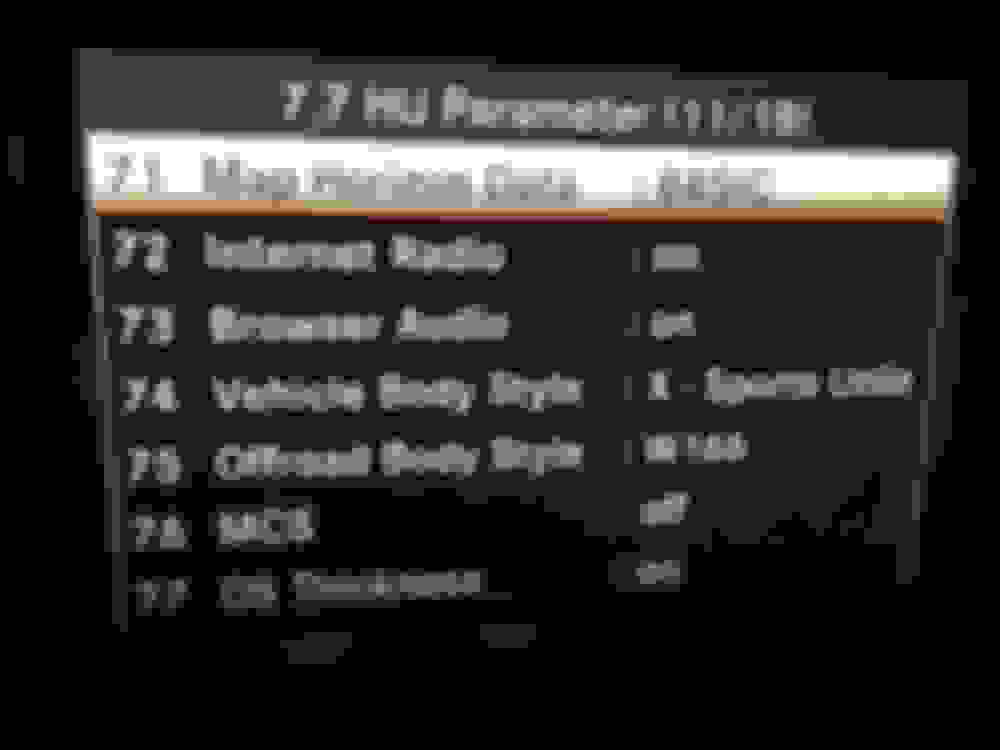
HU Parameter (11/18)
The biggest menu !!
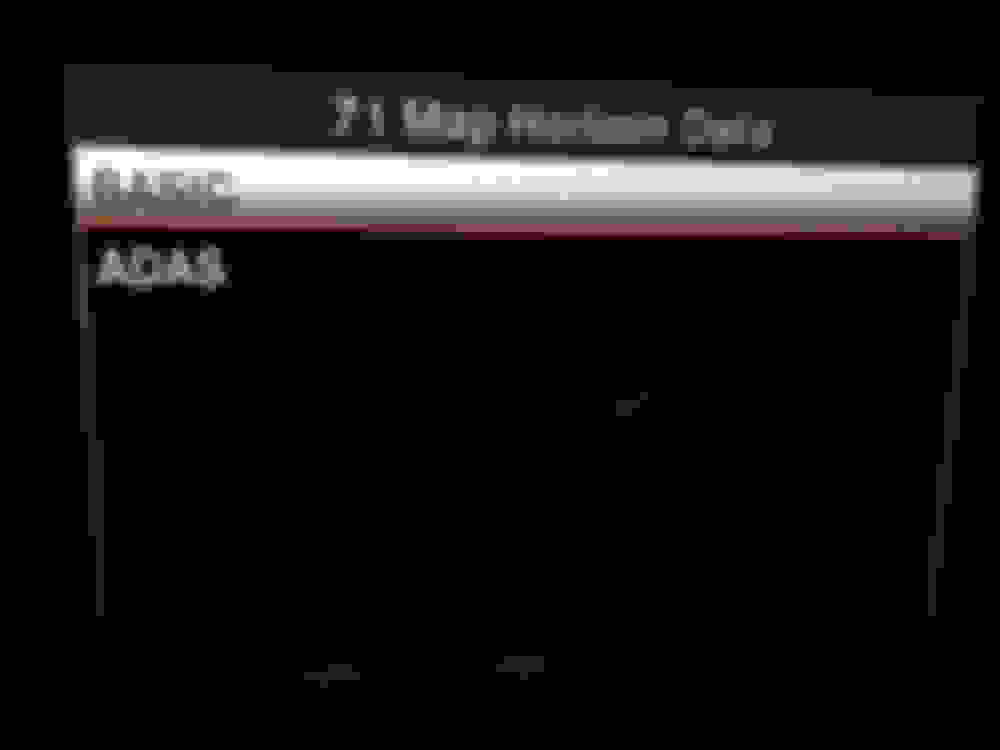
/ sub-menu
MAP Horizon Data
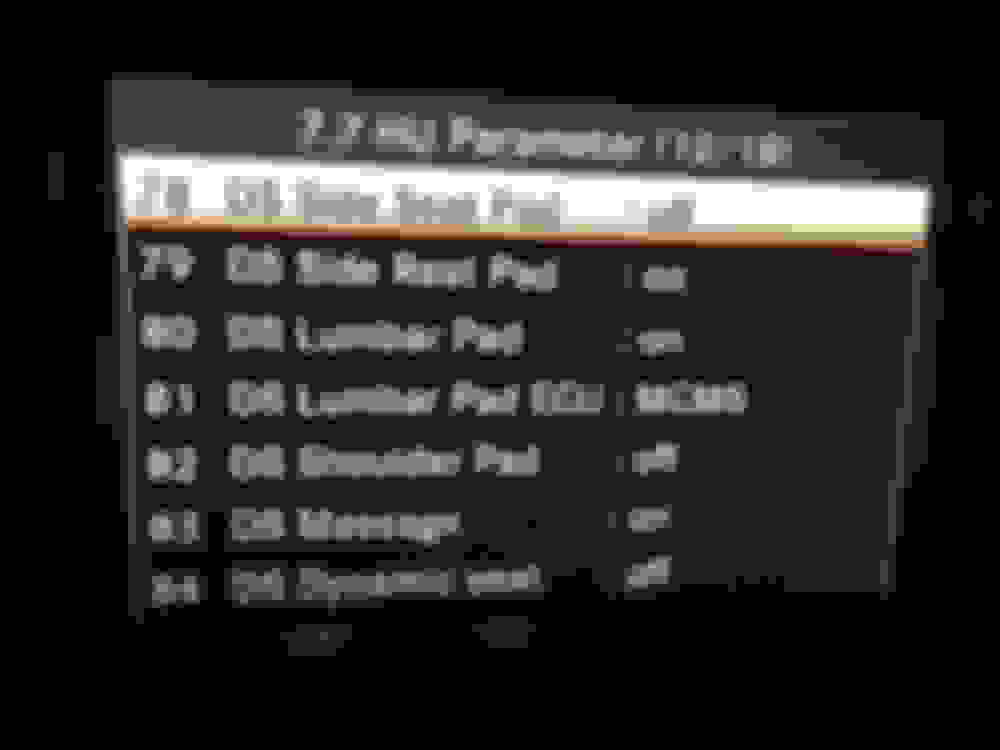
HU Parameter (12/18)
The biggest menu !!
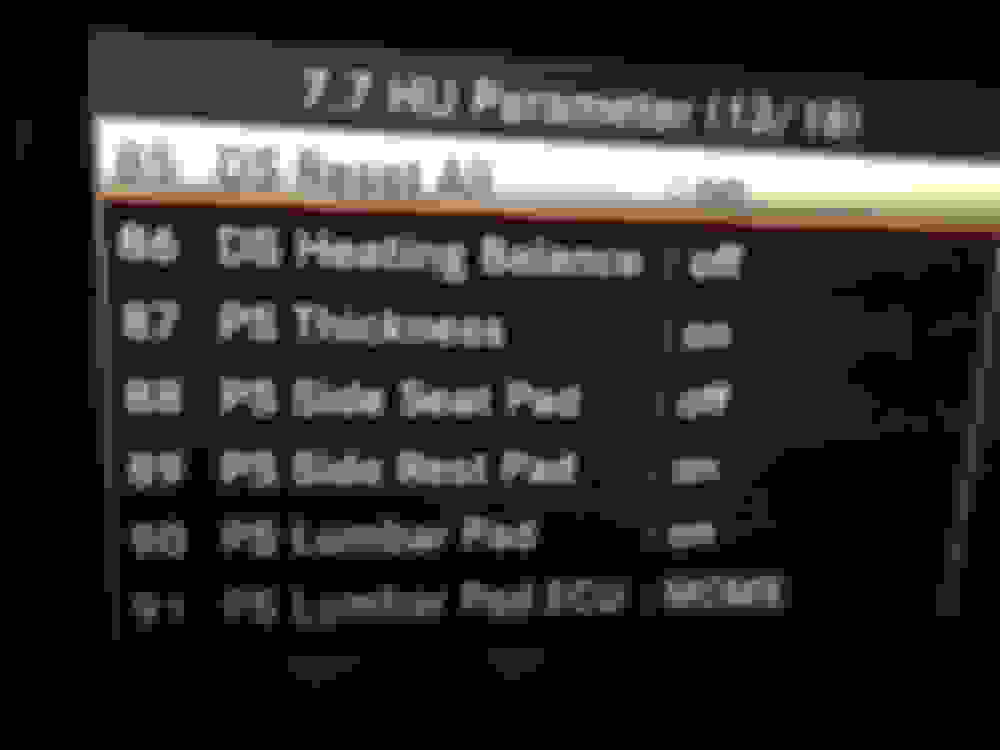
HU Parameter (13/18)
The biggest menu !!
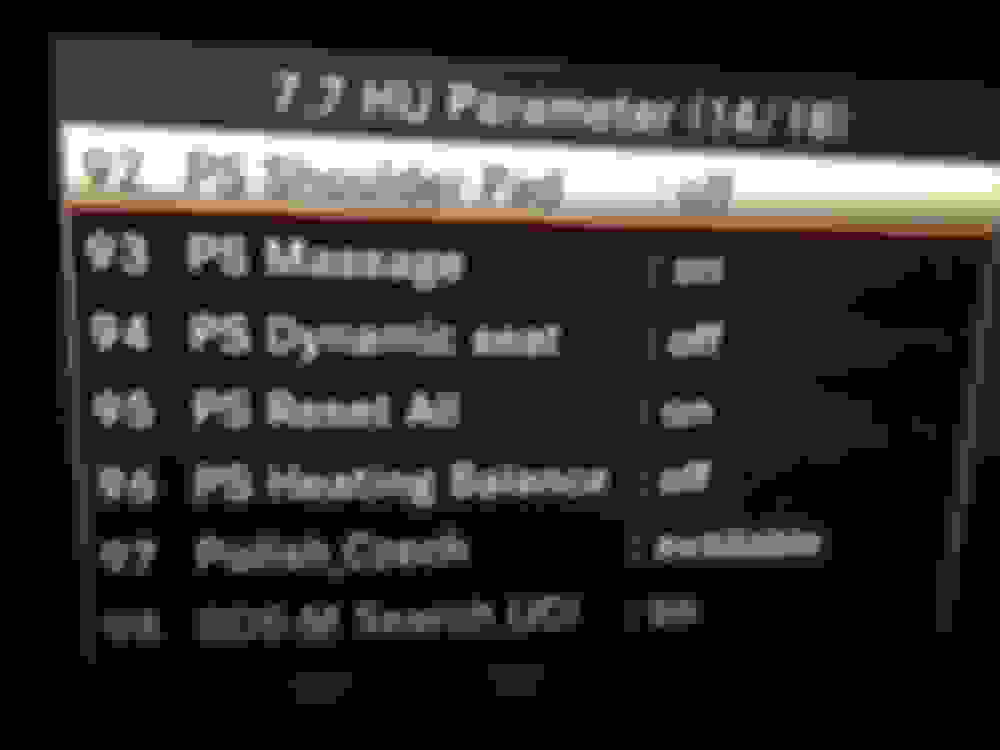
HU Parameter (14/18)
The biggest menu !!
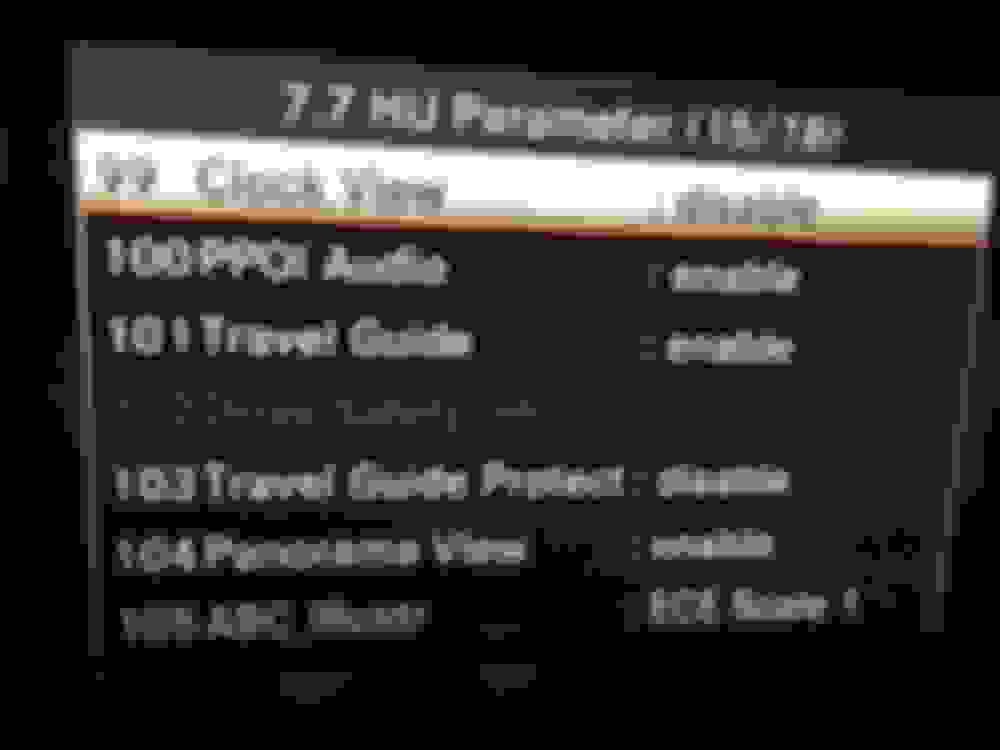
HU Parameter (15/18)
The biggest menu !!
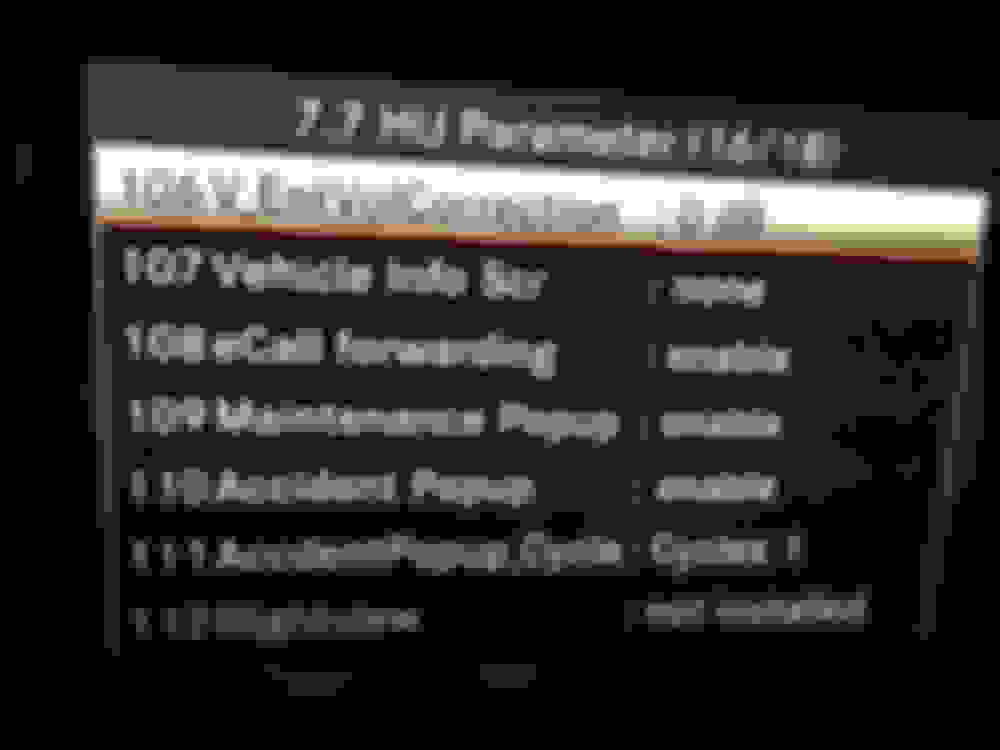
HU Parameter (16/18)
The biggest menu !!
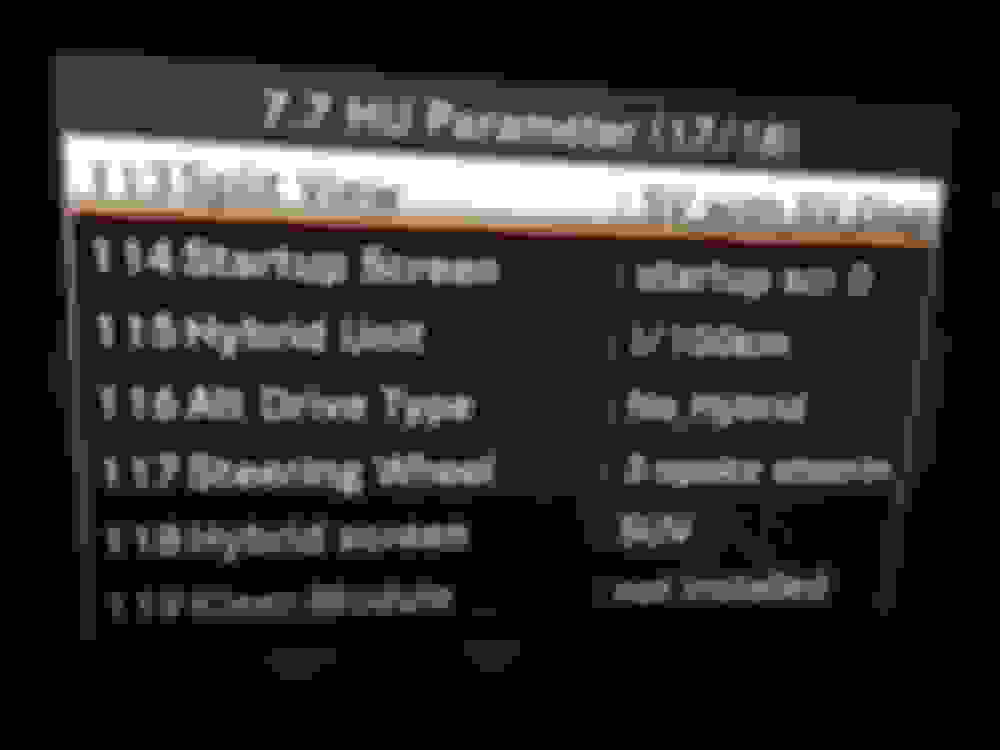
HU Parameter (17/18)
The biggest menu !!

HU Parameter (18/18)
The biggest menu !!

HU Diagnosis

HU Info (1/4)

HU Info (2/4)

HU Info (3/4)

HU Info (4/4)

Most Info (1/1)

History Info (1/1)

SW Setting (1/1)

HW Setting (1/3)

HW Setting (2/3)

HW Setting (3/3)

EMC Measure Mode (1/2)

EMC Measure Mode (2/2)

Market/DVD (1/2)

Market/DVD (2/2)

FAN Setting

/ sub-menu
FAN Setting Internal (1)

/ sub-menu
FAN Setting Internal (2)

TGW Parameter (1/1)

Debug Serial setting

HU Parameter (1/18)
The biggest menu !!

HU Parameter (2/18)
The biggest menu !!

HU Parameter (3/18)
The biggest menu !!

HU Parameter (4/18)
The biggest menu !!

HU Parameter (5/18)
The biggest menu !!

HU Parameter (6/18)
The biggest menu !!

HU Parameter (7/18)
The biggest menu !!

HU Parameter (8/18)
The biggest menu !!

HU Parameter (9/18)
The biggest menu !!

HU Parameter (10/18)
The biggest menu !!

/ sub-menu
MAP Horizon I/F

HU Parameter (11/18)
The biggest menu !!

/ sub-menu
MAP Horizon Data

HU Parameter (12/18)
The biggest menu !!

HU Parameter (13/18)
The biggest menu !!

HU Parameter (14/18)
The biggest menu !!

HU Parameter (15/18)
The biggest menu !!

HU Parameter (16/18)
The biggest menu !!

HU Parameter (17/18)
The biggest menu !!

HU Parameter (18/18)
The biggest menu !!
Trending Topics
MB World Stories
The Best of Mercedes & AMG

8 Oddball Mercedes Ideas That Actually Made it to Production
Verdad Gallardo
Dubai Tuner Gives the Mercedes G-Class An Entirely New Look
Verdad Gallardo
Six Gift Ideas Your AMG Loving Dad or Grad Will Cherish

7 Craziest Things AMG Gas Ever Built
Verdad Gallardo
New Electric Mercedes-AMG GT 4-Door Coupe Unveiled: 10 Things You Need to Know
Verdad Gallardo
6 Mercedes Models That Did NOT Age Well (But Are Somehow Still Cool)
Verdad Gallardo
Manual Mercedes? 6 Times Sindelfingen Let Drivers Have All The Fun
Verdad Gallardo
Mercedes SLR McLaren 722 S Is Extremely Rare Example Modified by McLaren
Verdad Gallardo
8 Classic Boxy Mercedes Designs That Have Aged Like Fine Wine
Verdad Gallardo
Member


Joined: May 2015
Posts: 96
Likes: 26
From: Calgary, AB, Canada
2015 GLK 250 BlueTec with AMG Sport package.
Any options you guys found useful in particular to change in the Engineering Menu? or is there a wiki for ALL the options available in the Engineering menu? I was just wondering if someone already played around with it 


Newbie
Joined: Aug 2019
Posts: 4
Likes: 3
GL350

follows previous post:
HU Diagnosis
HU Info (1/4)
HU Info (2/4)
HU Info (3/4)
HU Info (4/4)
Most Info (1/1)
History Info (1/1)
SW Setting (1/1)
HW Setting (1/3)
HW Setting (2/3)
HW Setting (3/3)
EMC Measure Mode (1/2)
EMC Measure Mode (2/2)
Market/DVD (1/2)
Market/DVD (2/2)
FAN Setting
/ sub-menu
FAN Setting Internal (1)
/ sub-menu
FAN Setting Internal (2)
TGW Parameter (1/1)
Debug Serial setting
HU Parameter (1/18)
The biggest menu !!
HU Parameter (2/18)
The biggest menu !!
HU Parameter (3/18)
The biggest menu !!
HU Parameter (4/18)
The biggest menu !!
HU Parameter (5/18)
The biggest menu !!
HU Parameter (6/18)
The biggest menu !!
HU Parameter (7/18)
The biggest menu !!
HU Parameter (8/18)
The biggest menu !!
HU Parameter (9/18)
The biggest menu !!
HU Parameter (10/18)
The biggest menu !!
/ sub-menu
MAP Horizon I/F
HU Parameter (11/18)
The biggest menu !!
/ sub-menu
MAP Horizon Data
HU Parameter (12/18)
The biggest menu !!
HU Parameter (13/18)
The biggest menu !!
HU Parameter (14/18)
The biggest menu !!
HU Parameter (15/18)
The biggest menu !!
HU Parameter (16/18)
The biggest menu !!
HU Parameter (17/18)
The biggest menu !!
HU Parameter (18/18)
The biggest menu !!
HU Diagnosis
HU Info (1/4)
HU Info (2/4)
HU Info (3/4)
HU Info (4/4)
Most Info (1/1)
History Info (1/1)
SW Setting (1/1)
HW Setting (1/3)
HW Setting (2/3)
HW Setting (3/3)
EMC Measure Mode (1/2)
EMC Measure Mode (2/2)
Market/DVD (1/2)
Market/DVD (2/2)
FAN Setting
/ sub-menu
FAN Setting Internal (1)
/ sub-menu
FAN Setting Internal (2)
TGW Parameter (1/1)
Debug Serial setting
HU Parameter (1/18)
The biggest menu !!
HU Parameter (2/18)
The biggest menu !!
HU Parameter (3/18)
The biggest menu !!
HU Parameter (4/18)
The biggest menu !!
HU Parameter (5/18)
The biggest menu !!
HU Parameter (6/18)
The biggest menu !!
HU Parameter (7/18)
The biggest menu !!
HU Parameter (8/18)
The biggest menu !!
HU Parameter (9/18)
The biggest menu !!
HU Parameter (10/18)
The biggest menu !!
/ sub-menu
MAP Horizon I/F
HU Parameter (11/18)
The biggest menu !!
/ sub-menu
MAP Horizon Data
HU Parameter (12/18)
The biggest menu !!
HU Parameter (13/18)
The biggest menu !!
HU Parameter (14/18)
The biggest menu !!
HU Parameter (15/18)
The biggest menu !!
HU Parameter (16/18)
The biggest menu !!
HU Parameter (17/18)
The biggest menu !!
HU Parameter (18/18)
The biggest menu !!
MBWorld Fanatic!

Joined: Jul 2012
Posts: 1,369
Likes: 319
From: WI
GLK 250
Thanks for posting these pics and instructions to get into the Menu. I'll try accessing tonight.
Wondering if I can enable certain things that are disabled now, or whether more hardware would be needed in order to actually enable some functions? I guess my question is, why isn't everything that the vehicle/accessories can do already enabled? Why are some things disabled?
Just looking for more insight into what hidden gems can actually be unearthed and unleashed with this menu.
Wondering if I can enable certain things that are disabled now, or whether more hardware would be needed in order to actually enable some functions? I guess my question is, why isn't everything that the vehicle/accessories can do already enabled? Why are some things disabled?
Just looking for more insight into what hidden gems can actually be unearthed and unleashed with this menu.

Newbie
Joined: Mar 2023
Posts: 1
Likes: 0
GLK
You said the pictures brought your sound back. Was there a particular item within the diagnostics that helped?
Any help would be greatly appreciated.


