When you click on links to various merchants on this site and make a purchase, this can result in this site earning a commission. Affiliate programs and affiliations include, but are not limited to, the eBay Partner Network.
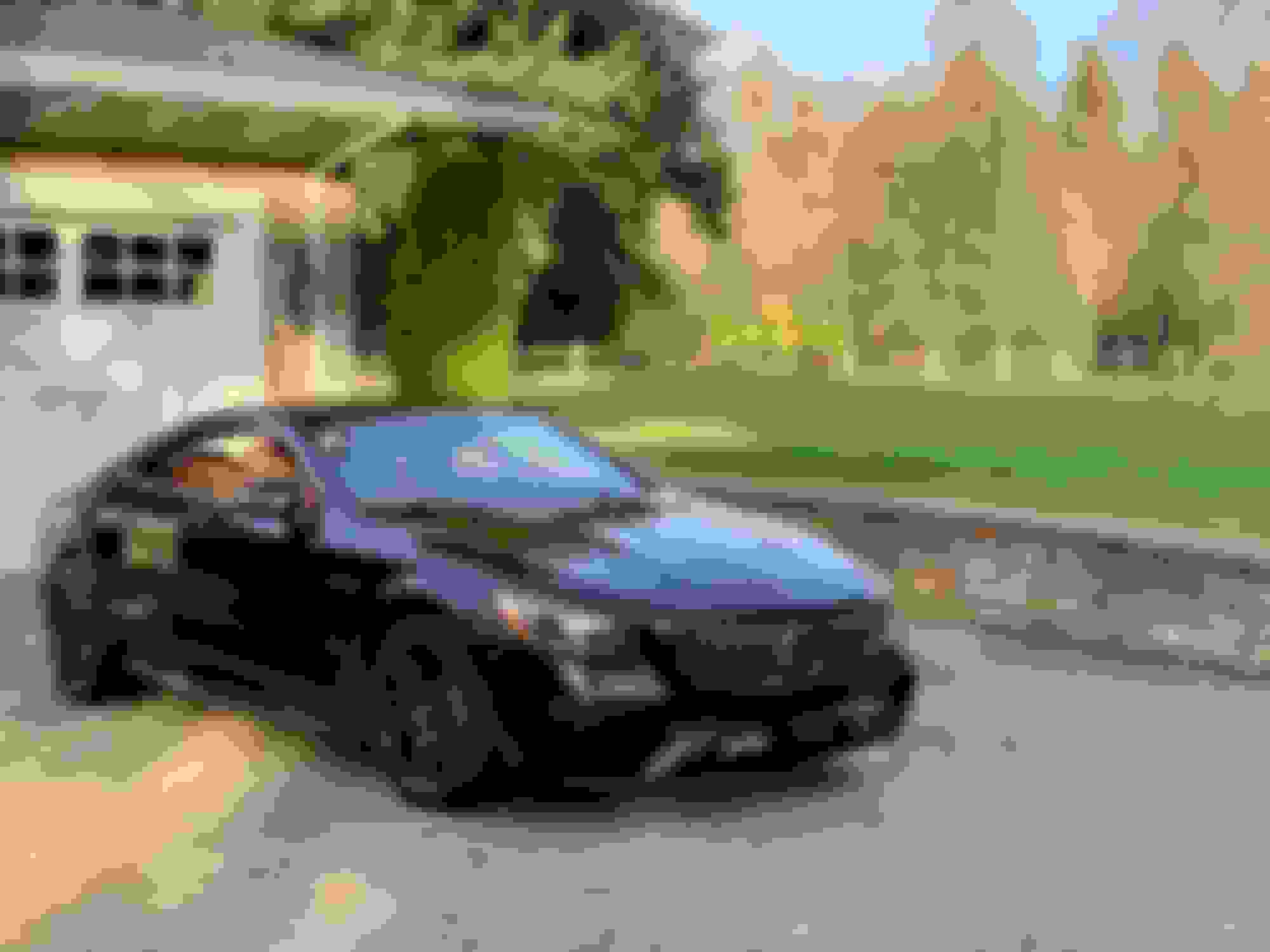
Greetings! Below is a quick pic of my new-to-me (it had 800 miles) 2018 S63 Coupe. I've got a couple of questions I'm hoping you can answer!
1) How can I get to the equalizer (bass/mid/treble) when playing a song in Carplay? I can find no way!
2) In a video review I saw online, the car seems to display the next navigation turn in the HUD, and slow down for corners under Cruise, even while using Apple Maps or Google Maps. My 2018 doesn't seem to work that way, there's no integration between the car's electronics and the phone's map. Does anyone know if this was added later, like 2019 or 2020? I don't supposed a software update to the 2018 adds it by chance? My 2018 does it just fine with the built in nav, but not CarPlay navs.
Nice looking car. I'm not familiar with the S as to which version of COMAND they run for a given year, so I can't specifically answer your question, but regarding integration, in the latest COMAND NTG 5.5 if you have an Android Phone, then the next turn is displayed in the cockpit and possibly the HUD when using Google Maps. Apple just added this capability to iOS in iOS 13, so Mercedes will first have to provide a software update to take advantage of it.
As for DISTRONIC, there is also no integration between Apple CarPlay and DISTRONIC. The GPS aware DISTRONIC if your car has it utilizes the car's own navigation system and maps to know when it approaches curves, roundabouts, exits etc. This still works in the background even if you use Apple CarPlay for navigation, so it will slow down for curves etc. because the internal maps would indicate that. This feature can be turned on/off in the vehicle settings. If you use the internal navigation for routing, then it's even richer, because it knows where you are going and can slow down for exits even before you signal. If you don't have an active route going, then it only slows down for exits if you signal. I have this latest system in my C63S Coupe and it works very well, but as said, Apple CarPlay has nothing to do with it.
Last edited by superswiss; Nov 2, 2019 at 05:49 PM.
The COMAND in your vehicle is the same generation as the W166 platform. I played with CarPlay today and was not able to find a way to adjust the EQ while CarPlay audio was active. I found no adjustments available in CarPlay.
It is possible to exit CarPlay with the star button (adjacent to scroll wheel), scroll to “Radio”, arrow down to the lower right menu and press the scroll wheel down to select audio and EQ controls. Radio will be playing while the audio adjustment is made. Press the back button, adjacent to scroll wheel, to return to CarPlay. Not a great implementation.
The directions on my 2018 S560 definitely show up on my HUD no matter if I am using Carplay, Android Auto or the factory NAV. I used Carplay when I first purchased the car and then switched to Android just a couple of months ago. Didn't have to do anything special to get the HUD to mesh.
Mercedes SLR McLaren 722 S Is Extremely Rare Example Modified by McLaren
Slideshow: A one-of-one U.S.-spec Mercedes-Benz SLR McLaren Roadster became even rarer after a factory-backed transformation at McLaren's headquarters.