When you click on links to various merchants on this site and make a purchase, this can result in this site earning a commission. Affiliate programs and affiliations include, but are not limited to, the eBay Partner Network.
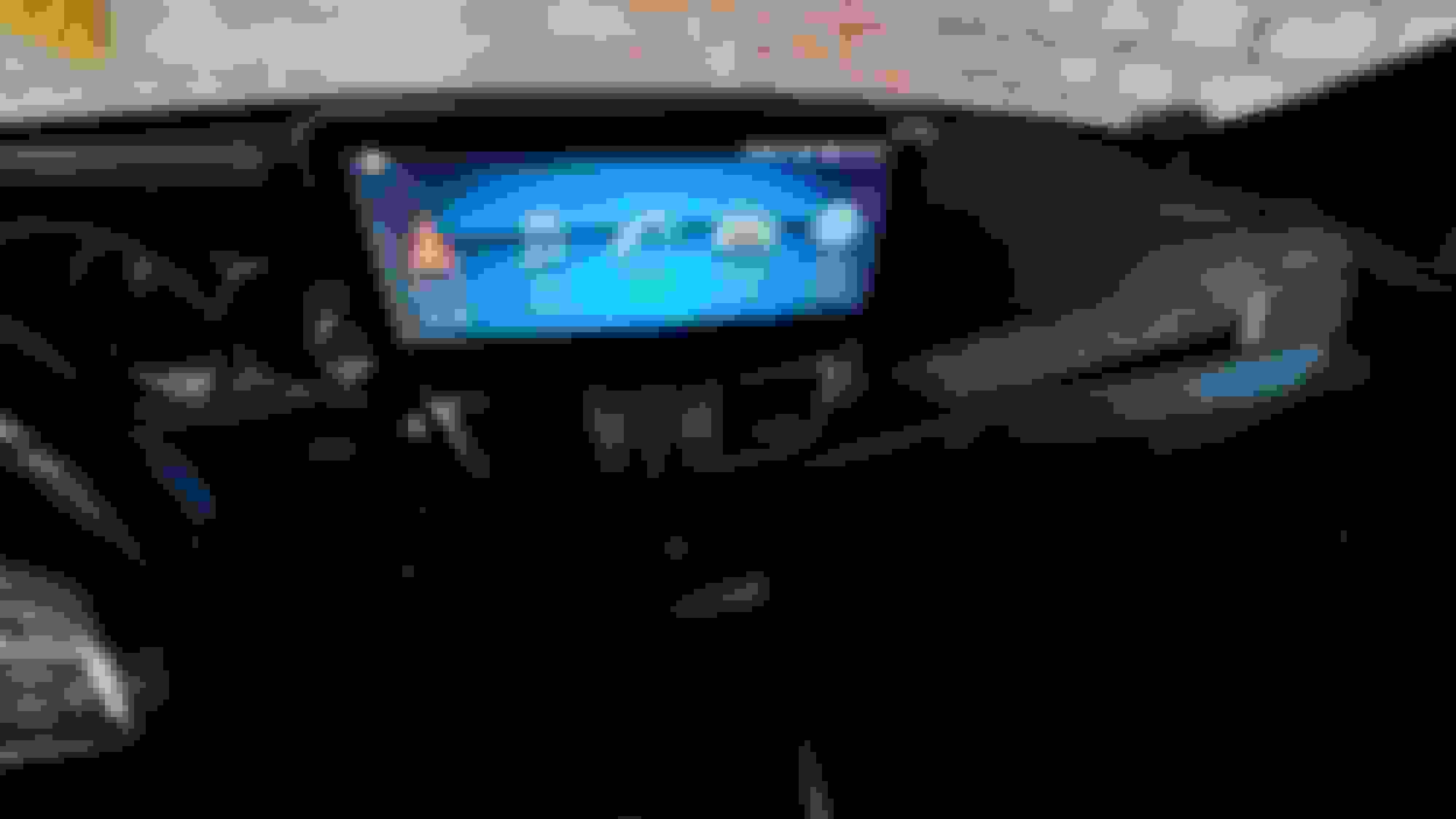
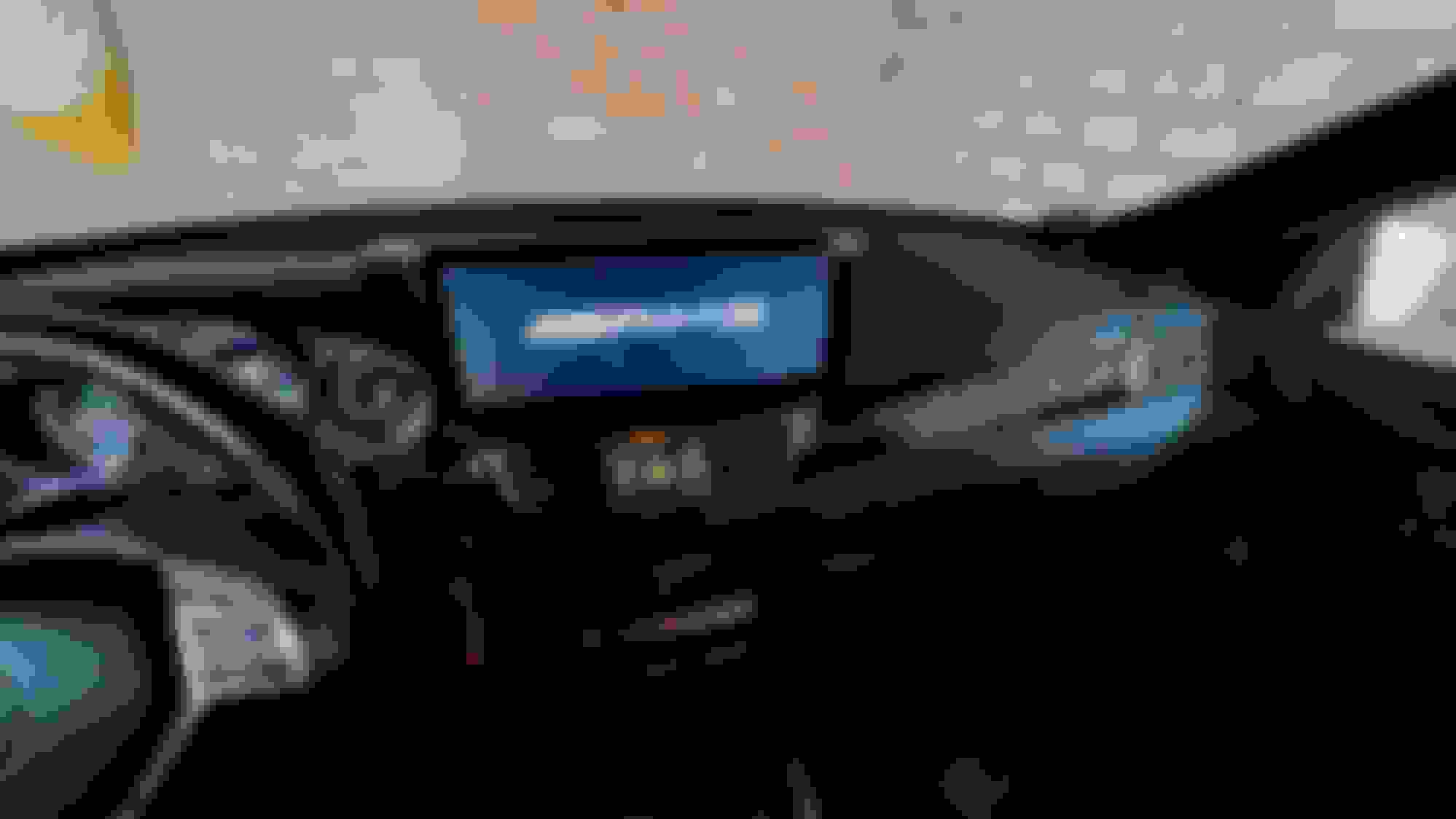
Out with the old, in with the 12.5". I researched and youtube'd a lot before buying this thing. Was a bit scared, taking the trim pieces of the dash, glove box and center controls but it went pretty smoothly.
Had some issues with the comand knob coding but the "roadtop" seller had great support. The Z-link app was an old version so Android Auto didn't connect. Software upgrade helped to get it work.
The biggest issue was the routing of the AMI adapter to the center console. Literally all covers under the NTG unit had to come off.
Now that it's installed, I'm pretty happy with the way it looks and feels. The adjustment possibilities are endless.
I also downloaded the AMG boot logo, thought it's appropriate for this kind of car. All steering wheel buttons and comand knob work as if it's from MB.
2 drawbacks though, this system is useless w/o your connected cell phone. WIFI won't work well together with Android Auto. I have yet to discover the data usage on longer trips.
Here are a couple install pics. I know, many of you have done this upgrade already but I didn't find much reference to the Android 11 monitor.
Does the screen not fit under the original screen hood? Just sits in front of it, like it was sticky-taped to it? Are there gaps on the side?
I like the idea of replacing the screen with something modern, but don't like the seemingly afterthought of the screen placement.
it comes with a plastic bezel that will mount it on a "OEM" manner.. looks better than the regular mercedes that came with the screen flying on the dash.
everyone that has got on the car thinks is stock and ask how can they install maps on their MB haha
downloads google maps or waze, config it as your navigation..
spotify or youtube music, config as your primary "music" app
Hello LICG,
Interesting thought, how do I configure different apps to the base menu? When I click on navigation, I have google maps coming up. I installed a waze type software with an overlay so this works well with maps.
Clicking on the music icon gives me my usb stick, automatically. Don't know how to configure this differently.
Would appreciate some support. I've never seen a operators manual for this kind of set up.
@ Thesaintusa, sorry, I didn't take the far left trim piece off but I'm sure it's clipped together, just like the other trim pieces.
Hello LICG,
Interesting thought, how do I configure different apps to the base menu? When I click on navigation, I have google maps coming up. I installed a waze type software with an overlay so this works well with maps.
Clicking on the music icon gives me my usb stick, automatically. Don't know how to configure this differently.
Would appreciate some support. I've never seen a operators manual for this kind of set up.
@ Thesaintusa, sorry, I didn't take the far left trim piece off but I'm sure it's clipped together, just like the other trim pieces.
I don't know how long will this be up, but if you have any more questions just PM me and I will share my limited knowledge about it / 2018 is the password for mine, which is A10.. yours may be different, but you should have got it on the "manual" they include.
Thanks so much for your instructions. Looking at it from my phone, factory menu code, scroll all the way down from the top menu on the left side.
I'll try that the next time I get into the car.
I asked my Chinese seller for a operator's manual.
Let's see if they respond.
It's working just fine for me. Did you install the AUX cable in the center console? Maybe that's the reason for your issue.
I had other issues with the mounting of the big monitor. I do a lot of high speed driving and noticed some bad road monitor vibrations, shaking slightly up and down.
So I took the mounting bracket out again and hot glued 1/8 rigid plastic reinforcements around all corners and surfaces. I also fabbed a third mount
towards the bottom of the holder, creating 3 mounting points instead of 2. That solved it.
Mercedes SLR McLaren 722 S Is Extremely Rare Example Modified by McLaren
Slideshow: A one-of-one U.S.-spec Mercedes-Benz SLR McLaren Roadster became even rarer after a factory-backed transformation at McLaren's headquarters.