Has anyone installed this on their car that still has warranty? I’m concerned about the dealer denying warranty claims should the car have any sort of issue that could somehow be associated with installing this.
Give me your email, I will share it on drive. I downloaded the update which was posted here some weeks ago, but haven't installed it yet, so do it at your own risk
I think the easy answer is, yes, people have installed this under warranty. Also, yes, if you have an issue associated with the installation of this unit they will not honor a warranty repair, but that's just standard for any modification you perform that causes an ill effect on the car.
Thank you for posting this! I installed mine last night without incident. I don’t think I wouldn’t have figured it out with out the instructions you posted.
Yes, you can access the stock screen by pressing the FM/Radio button on the touchscreen. When you put the car in reverse, the stock backup camera automatically starts as well.
And yes you can watch YouTube or any other files you want by downloading VLC from the Play Store.
Thanks for the detailed tutorial that helped me to install the android screen into the Merc GLC , the link you have provided now takes me to the 10.25 screen listing which is what I've got. The instructions to push down the air vents was a blessing and I can only imagine myself struggling if the vents couldn't be pushed down.The kit came with a USB connection for sound and Bluetooth is now built into the screen . The sound in my opinion is way better then stock with various equaliser options.
The only disappointment is that there is a lag whilst playing streaming videos via Youtube, Amazon Videos or even videos copied to a USB for that matter , is there a known fix to address this that you maybe aware of?
First of all, I'd like to thank you all for your posts in this thread as it really has help me in installing my 9.33 headunit I just recieved.
Nearly everything works great for now except the sound quality. I use the usb audio box sent by my dealer to plug the android screen to my car but the sound is really creepy and saturated.
I've made 2 videos to compare the sound between an MP3 played by my car directly and the same MP3 played by the android screen. You can check them here: https://we.tl/t-QXbVytg4T6
I wonder if some of you have the same sound quality or not (I have Burmester option) and the audio usb box I use is the following one:
And I have an other question, I thought I will be able to configure lots of thing in this android screen because I thought it was the same interface as in the 10.25 but our 9.33 version seems to be more "closed". If you check the next video, someone explain how to change lots of funny things in a 10.25 screen like the available application in the main menu and their order but I don't figure how to do it with our screen. Do you guys knows some secret or hidden menu to do such things ? https://www.youtube.com/watch?v=aecm...ature=youtu.be
First of all, I'd like to thank you all for your posts in this thread as it really has help me in installing my 9.33 headunit I just recieved.
Nearly everything works great for now except the sound quality. I use the usb audio box sent by my dealer to plug the android screen to my car but the sound is really creepy and saturated.
I've made 2 videos to compare the sound between an MP3 played by my car directly and the same MP3 played by the android screen. You can check them here: https://we.tl/t-QXbVytg4T6
I wonder if some of you have the same sound quality or not (I have Burmester option) and the audio usb box I use is the following one:
And I have an other question, I thought I will be able to configure lots of thing in this android screen because I thought it was the same interface as in the 10.25 but our 9.33 version seems to be more "closed". If you check the next video, someone explain how to change lots of funny things in a 10.25 screen like the available application in the main menu and their order but I don't figure how to do it with our screen. Do you guys knows some secret or hidden menu to do such things ? https://www.youtube.com/watch?v=aecm...ature=youtu.be
Thanks again everybody :-)
Hi there
My sound is carp as well I tired with same seller which there no longer reply and tired 3 different usb box same type no use
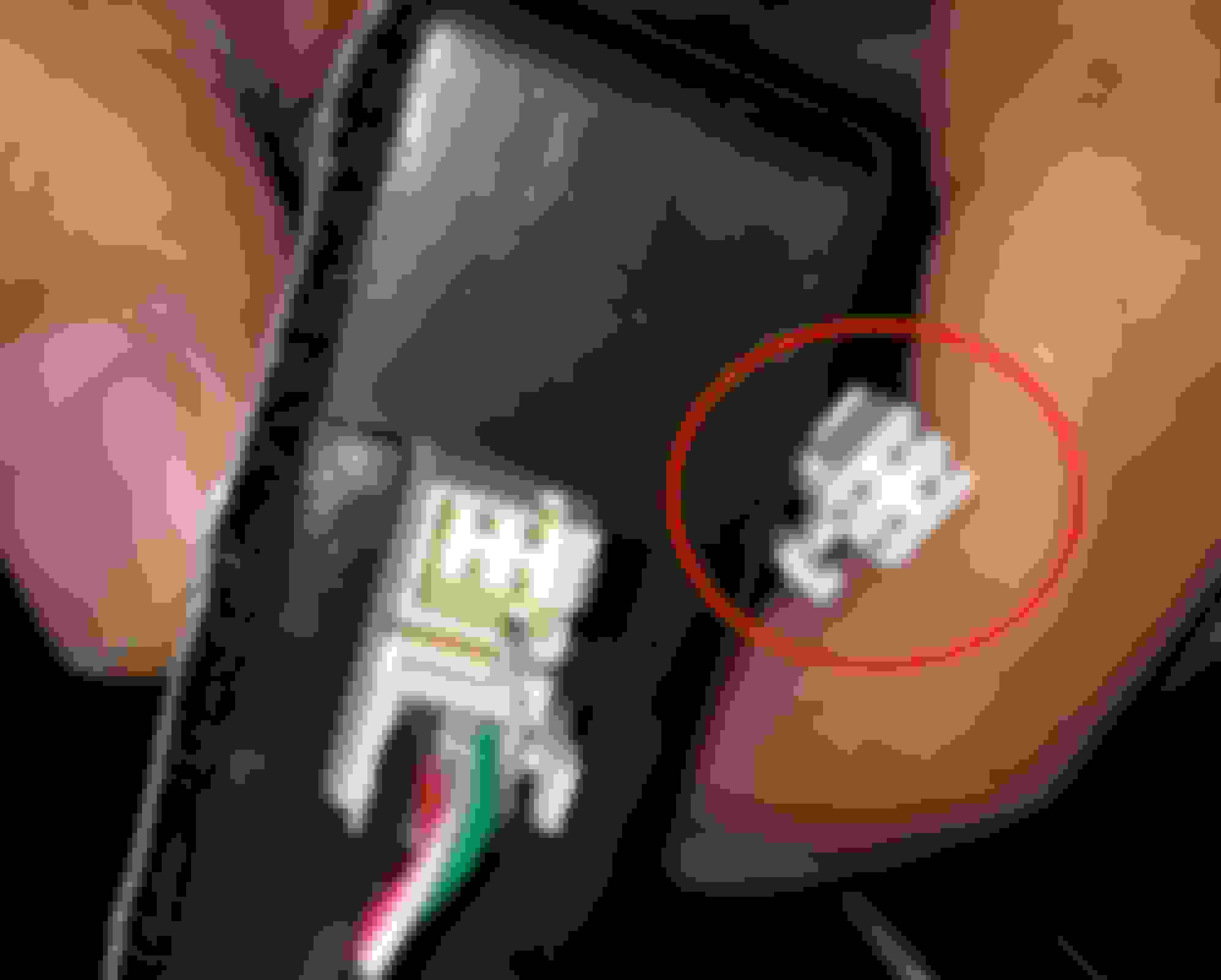
I'll try to plug 3 male Dupont cables on the cable that came from the screen harness (there is 4 holes in the white plug but only 3 cable are connected to it - white/green/black) and then connect them the 3.5 jack adapter.
I will then plug the 3.5 adapter to the new USB box.
If it works, I will then make a proper install by buying a normal 3.5 jack and follow the 3 cable on the harness (white/green/black) to identify where they are plugged in the ISO plug and directly connect my 3 jack cable (left/right/ground) to the harness like in this video:
I'll try to plug 3 male Dupont cables on the cable that came from the screen harness (there is 4 holes in the white plug but only 3 cable are connected to it - white/green/black) and then connect them the 3.5 jack adapter.
I will then plug the 3.5 adapter to the new USB box.
If it works, I will then make a proper install by buying a normal 3.5 jack and follow the 3 cable on the harness (white/green/black) to identify where they are plugged in the ISO plug and directly connect my 3 jack cable (left/right/ground) to the harness like in this video:
Got cha but thats a big risk taking if it doesn't work as you need to buy the whole Main Harness again is it didn't work
Need to find (white/green/black) which Are (left/right/ground) well Ground would b "Black" Left and Right might be hard and was wondering if you can set balancing on the Android Screen so that way we can see if we get and power from White/Green when we move the Balance and Fade to Left vise verse
Got cha but thats a big risk taking if it doesn't work as you need to buy the whole Main Harness again is it didn't work
Need to find (white/green/black) which Are (left/right/ground) well Ground would b "Black" Left and Right might be hard and was wondering if you can set balancing on the Android Screen so that way we can see if we get and power from White/Green when we move the Balance and Fade to Left vise verse
I'm not sure because this image is for COMAND online and I have Audio20 but if I see that the black wire is at the same place as the ground on this photo and that the white is also at the same place and that the green is at the place of the red one, I'll try with this scheme:
I'm not sure because this image is for COMAND online and I have Audio20 but if I see that the black wire is at the same place as the ground on this photo and that the white is also at the same place and that the green is at the place of the red one, I'll try with this scheme:
Hold up! So you going to remove 3 wire (white/green/black) of the audio box from Android screen and plug them behind audio 20 harness?
Hold up! So you going to remove 3 wire (white/green/black) of the audio box from Android screen and plug them behind audio 20 harness?
I believe that won't work
I haven't the harness next to me as it is plugged in my car and I don't know exactly where those 3 cables goes (white/green/black).
At first I thought they goes to the Audio20 harness as I describe it first but after discussing with you I realize that on the Audio20, it is an input.
And the 3 cables (white/green/black) must be the output of the screen so the might not be plug to the big plug that connect to the Audio20 headunit.
But anyway, I'll check where those 3 cables goes and wire my new jack cables at the exact same place assuming that black is ground, white is left and green is right.
In the meantime, if somebody receive a new Android headunit, maybe he could post a picture of the harness before installing it so that we can see where those cables goes.
I haven't the harness next to me as it is plugged in my car and I don't know exactly where those 3 cables goes (white/green/black).
At first I thought they goes to the Audio20 harness as I describe it first but after discussing with you I realize that on the Audio20, it is an input.
And the 3 cables (white/green/black) must be the output of the screen so the might not be plug to the big plug that connect to the Audio20 headunit.
But anyway, I'll check where those 3 cables goes and wire my new jack cables at the exact same place assuming that black is ground, white is left and green is right.
In the meantime, if somebody receive a new Android headunit, maybe he could post a picture of the harness before installing it so that we can see where those cables goes.
What i mite try is the plug that's coming from the screen to the audio box small white plug I'll tap that and add the wire from below pic and then buy the 3.5mm jack audio box you posted before from Aliexpress and see that should work as audio power will be coming from the 3 wire from the screen harness I'll unplug from the audio box and use the 3.5mm wire
What ever you do don't cut the wire in case it doesn't work and you need to plug back to original way so just tap into it
What i mite try is the plug that's coming from the screen to the audio box small white plug I'll tap that and add the wire from below pic and then buy the 3.5mm jack audio box you posted before from Aliexpress and see that should work as audio power will be coming from the 3 wire from the screen harness I'll unplug from the audio box and use the 3.5mm wire
What ever you do don't cut the wire in case it doesn't work and you need to plug back to original way so just tap into it
Slideshow: A one-of-one U.S.-spec Mercedes-Benz SLR McLaren Roadster became even rarer after a factory-backed transformation at McLaren's headquarters.