When you click on links to various merchants on this site and make a purchase, this can result in this site earning a commission. Affiliate programs and affiliations include, but are not limited to, the eBay Partner Network.
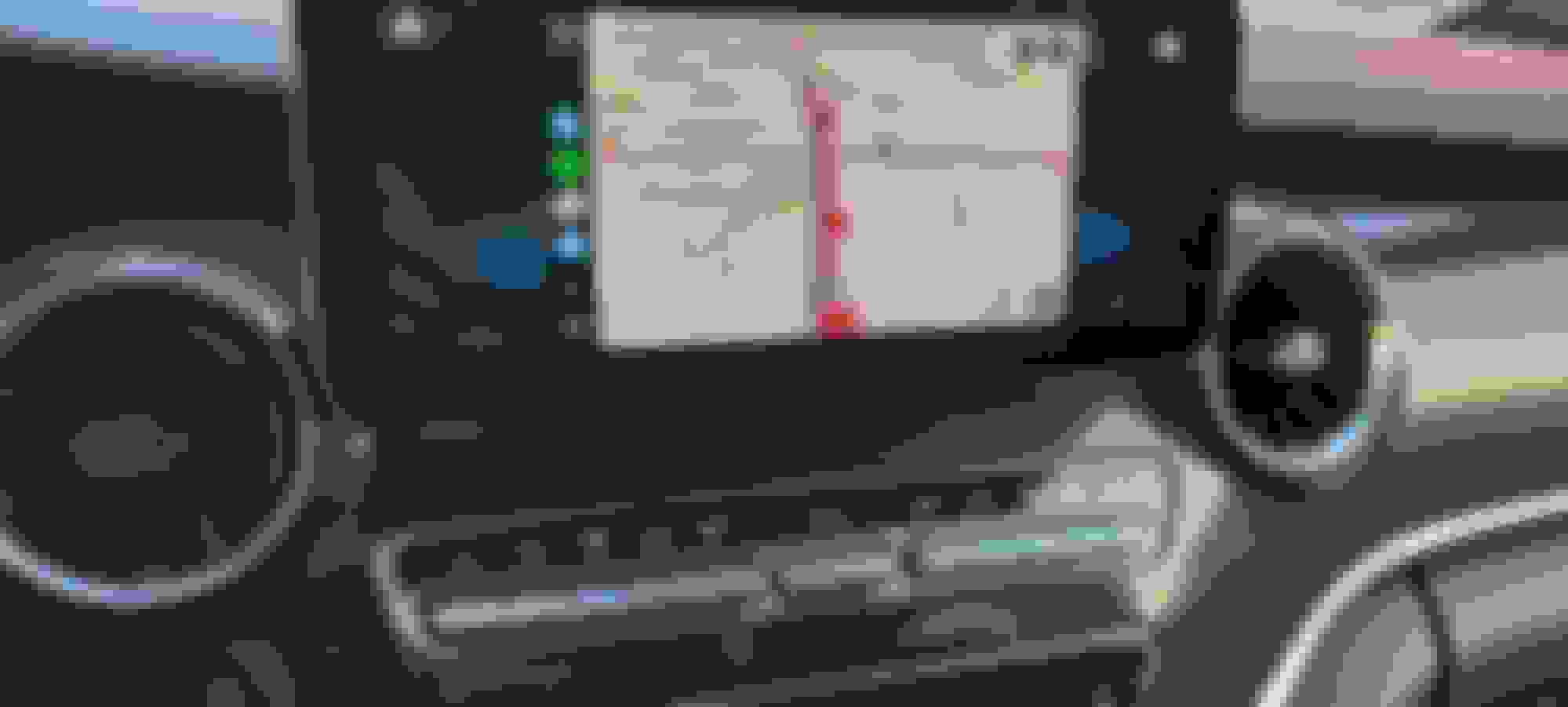
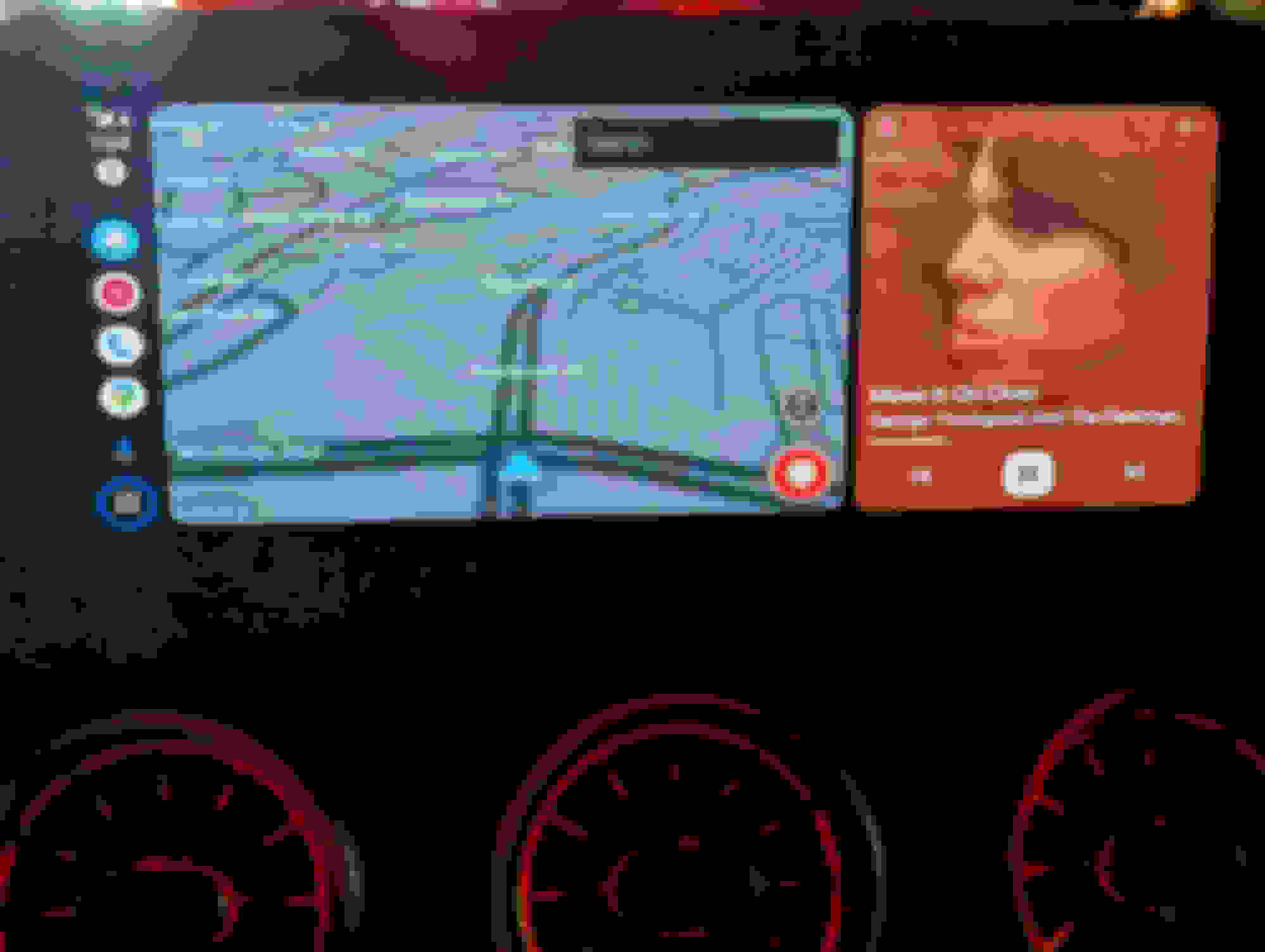
[QUOTE=swinster;8829863]So, for what it is worth, here are a couple of videos of the Ottocast Play2Video and the native Android Auto in the Mercedes AMG C43 coupe. Even though this is a new car, it is based on the old C class spec and uses the Comand NTG 5.5 system (a non-touchscreen control). You can see that the Ottocast is practically unusable, although it does give a much better use of the screen. The native Andriod auto has terrible screen real estate usage, but the controls work.
I would love to know if anyone knows of a system that can be used properly with a Comand NTG 5.5 system like this.
I don't know if I had the same problem as you; at least I experienced the same issues that your video displayed. I downloaded the latest firmware from the Ottocast site, downloaded the .zip file into a USB drive and updated the Ottocast play2video device. After the update, the Mercedes knob started to behave correctly. I hope this helps you too.
I just got my Ottocast U2 x Pro for my MBUX in V-class (W447), and I can confirm here that you can't get full screen Android Auto / CarPlay. See below picture. I'm going to return it back, because I just can't live with this "Old School" view.
Let me know if you experience the same. Is there any other solution which would show AA/CarPlay in full screen mode?
Still 1/3 of the screen filled only with MBUX background
Hello, Mercedes has deliberately limited the display of Carplay so that it cannot be displayed over the full width of the screen.
So if you want to show AA/CarPlay in full screen mode you will need a carplay module kit special for Mercedes.
Check this carplay module kit here: https://www.carputech.com/products/w...r-link-airplay
Worked perfectly on my 2020 E350. Full screen Android Auto streamed as CarPlay in full screen and full navigation wheel and steering wheel control support.
perfect...I had to see it to believe it. im picking up a 2019 S560 tomorrow. What ottocast are you using? Just want to make sure....thanks
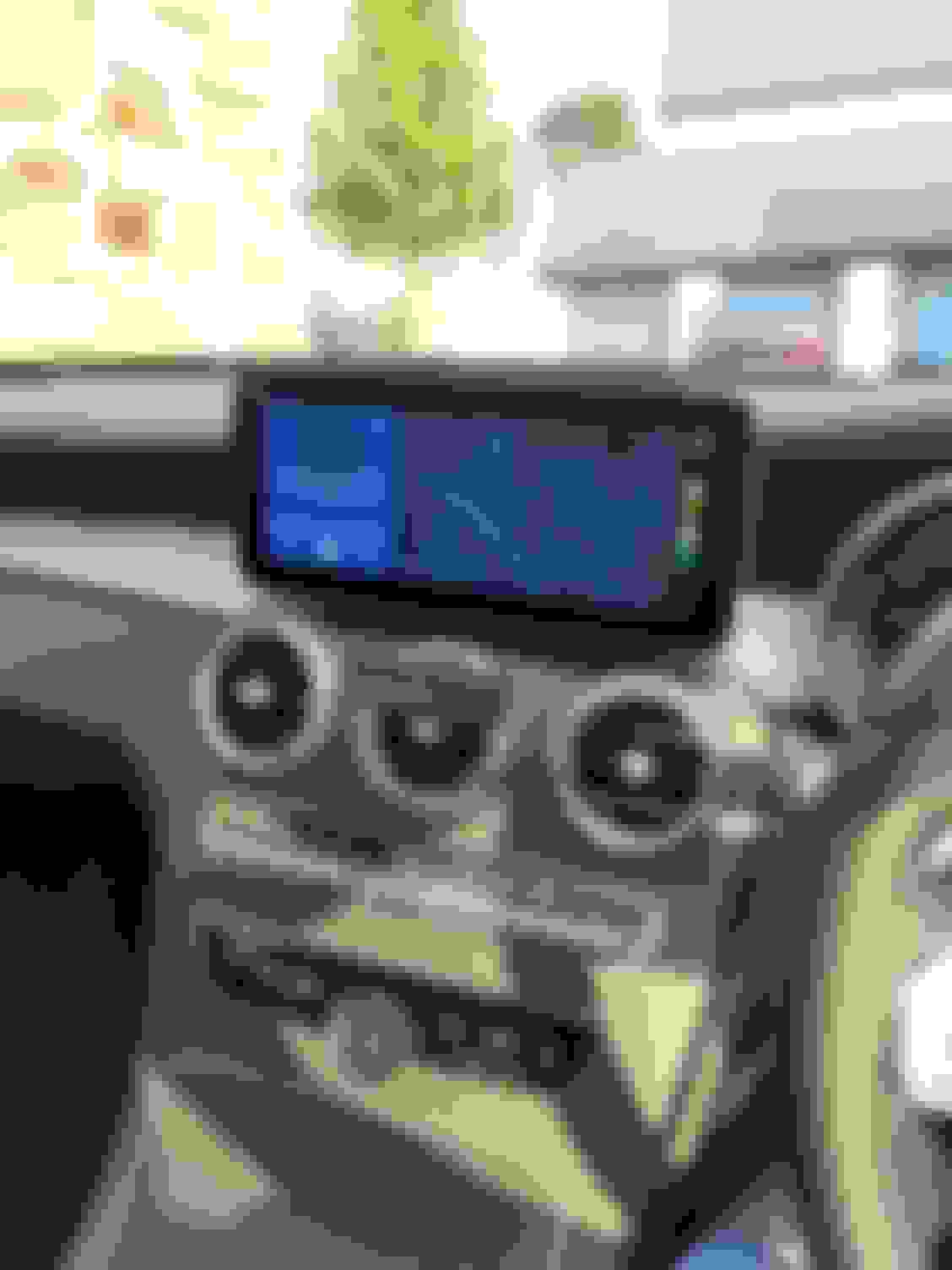
I've been in search for a way to get full screen Android auto ever since I got my car. Finally there's a very easy way. It's called the ottocast U2 x pro. It's on Amazon. I know the reviews are horrible but I swear it's working flawlessly for me. I just got it today. I suspect some cars either don't play well with it or they updated the firmware. Here's a screen shot of how it looks.
Good afternoon. how did you achieve this? Could you tell me the configuration or something? With the same car and the Ottocast I can't get the Android Auto logo to disappear from the screen. thank you
Just bought a (nearly) new c300 (2023) and have/had the same issue.. but I've fixed it!!
I upgraded from a 2022 CLA 200 which has MBUX rather than command so never had a problem with the screen layout or the steering wheel trackpad, and I use android auto a lot so I noticed the massive android auto logo and inability to use the trackpad on the steering wheel to control AA right away.
I bought the AAWIRELESS unit (to get android auto wireless) which has recently added apple car play functionality, in the settings there's an option to force all connections via car play.. I enabled that and voila!! I now have full screen android auto, and the trackpad on the wheel works again. Admittedly the trackpad isn't fantastic and I'll probably just use the control wheel but it's full screen so I'm happy! No issues with connection stability at all so far and it auto connects pretty quickly.
Hope this helps somebody else looking to fix this and not having any joy with the ottocast
Is this the new AAWireless 2024 model they put out? I've been looking at the right unit to get to maximize functionality and features but the AAWireless site isn't exactly descriptive.
Can you indeed confirm you can utilize the entire screen and the steering wheel controls work?
Is this the new AAWireless 2024 model they put out? I've been looking at the right unit to get to maximize functionality and features but the AAWireless site isn't exactly descriptive.
Can you indeed confirm you can utilize the entire screen and the steering wheel controls work?
I can use the entire screen by setting the unit to use apple car play. So it is displaying android auto, just via apple car play. It looks great, the screen is nice and crisp and it does use the full screen, corner to corner. After a bit of use now it does have a few drawbacks to be aware of though. Nothing major and I am really happy with it!
1) generally I've had very few issues with this set up and the wireless connection works well. However I do sometimes find my phone doesn't connect and I have to fiddle around switching things off and back on again. It's happened only a few times. I'm putting it down to the fact the android auto through apple car play features are still new(ish)
2) the left wheel touchpad does work, but... It's like the sensitivity isn't correct and it's unreliable. Eg if I swipe down, the cursor moves up first and then down. Clicking the button in to select something often moves the cursor first etc. it's just not the best so I've gotten used to using the wheel on the centre console instead and honestly, I'm quite happy with it after a bit of time. It is probably something to do with the screen format passing as via car play so hopefully can be fixed via an aawireless update
3) this is minor but when using voice commands it doesn't make the beep noise to indicate when it's ready for me to speak.
4) My phone (nothing phone 1) runs out of juice very quickly using wireless Android auto so I've bought a wireless charging pad to put in the storage compartment. So I just drop my phone on the pad and it charges it without needing to plug it in. This is the unit I bought: https://amzn.eu/d/ecop67y
also bought a few usb adapters to keep things tidy
I have a 2023 C118 and it has MBUX6, but I know a lot of 2023 have MBUX5.1 It will tell you what version you have in the menu somewhere.
When connected to AA if you were getting the AA giant icon on a portion of the screen that was MBUX5.1. In that version Carplay is full screen. In MBUX6 Carplay has the left and right of the screen reserved for MBUX. That is how people think that the Ottobox makes it full screen. Ottobox exploits Carplay to overlay native android or Android auto. This is similar to what you did in AA wireless. This is my third Mercedes and one of the most frustrating things about them is they are always way behind on tech.
In my 2011 W211 it didn't even have bluetooth audio even though 99% of cheap cars already had that feature. In my C118 they took away next and previous song from the steering wheel commands. The track pad is a PITA. It is very easy to mistakenly hit the next/previous shortcut. I have a Maserati that has a navigation wheel instead of the pad. It is excellent.
Then Mercedes doesn't let you use the full screen in Carplay and Android Auto. The popular reason is that Mercedes wants you to purchase their navigation. Charging to use navigation is stupid when Google Maps, Waze etc are excellent.
I have a 2023 C118 and it has MBUX6, but I know a lot of 2023 have MBUX5.1 It will tell you what version you have in the menu somewhere.
When connected to AA if you were getting the AA giant icon on a portion of the screen that was MBUX5.1. In that version Carplay is full screen. In MBUX6 Carplay has the left and right of the screen reserved for MBUX. That is how people think that the Ottobox makes it full screen. Ottobox exploits Carplay to overlay native android or Android auto. This is similar to what you did in AA wireless. This is my third Mercedes and one of the most frustrating things about them is they are always way behind on tech.
In my 2011 W211 it didn't even have bluetooth audio even though 99% of cheap cars already had that feature. In my C118 they took away next and previous song from the steering wheel commands. The track pad is a PITA. It is very easy to mistakenly hit the next/previous shortcut. I have a Maserati that has a navigation wheel instead of the pad. It is excellent.
Then Mercedes doesn't let you use the full screen in Carplay and Android Auto. The popular reason is that Mercedes wants you to purchase their navigation. Charging to use navigation is stupid when Google Maps, Waze etc are excellent.
Sorry I'm not sure if I'm missing something (apologies if I am)... This thread was posted in the c class W205 forums, and was specifically trying to resolve a problem for that range (the giant AA logo you mentioned). Don't get me wrong, I totally get your frustration; I had a 2022 CLA (C118) which had NTG 6/MBUX so I know exactly what you mean, but that's not a W205. This thread was never trying to fix full screen AA problems across the board.. only for W205
For what it's worth, the facelift a class, and a I presume the equivalent CLA (the one without a trackpad in the centre console) has a newer version of MBUX which does give full screen AA and carplay, and is natively wireless. I bought one for my wife and was immediately jealous that her car had better tech than mine 🤣
While it was posted in the W205 forum, the title is "full screen Android auto". Regardless of what model you own. MBUX will react the same way if it is MBUX5.1 in a C class, S class etc. I was only trying to clarify for anyone else reading this that if you have 5.1 then Carplay is full screen and running anything that exploits that will give you full screen. That includes AA wireless, Ottocast, or any of the other 50 brands that use Carplay to display Android Auto. If you have MBUX 6 then there is nothing you can do except buy expensive hardware that is not a seemless experience. Of course I am aware that MBUX 7 is full screen.
I can confirm that AAwireless unit works perfectly and provides Android Auto in full screen.
All you need to do is enable AA over CP (Android Auto over Car Play) in advanced settings.
Proof:
I can confirm that AAwireless unit works perfectly and provides Android Auto in full screen.
All you need to do is enable AA over CP (Android Auto over Car Play) in advanced settings.
Proof: https://youtu.be/lvoHsO_rMEw
Mine is working great EXCEPT when I receive calls.... for some reason the native system boots AAwireless out and it drops the call. Did you experience that at all?
Mine is working great EXCEPT when I receive calls.... for some reason the native system boots AAwireless out and it drops the call. Did you experience that at all?
I have the same problem. It seems that whenever someone calls me the phone switches between Mercedes and AAwireless Bluetooth and I can't hear anything. I did not find any settings in AAwireless to fix this. I thought about setting some prioritization in Bluetooth phone settings but it's just not possible (or I don't know how) on my S23 Ultra.
The only solution that comes to mind is to set a procedure in my phone so that when Android Auto is off Bluetooth connection to AAwireless is disabled. I tried this already but without success (phone still automatically connects to AAwireless)
Ideally all phone calls should be made through Mercedes Bluetooth, not AAwireless but I don't know how to set this.
If someone knows how to fix this issue please share.
Phone calls used to work perfectly for me but I think I did a few too many updates and now I get some strange behavior. Sometimes when I answer I just hear a clicking and nothing else, so I have to hang up and call back. If I place the call it works just fine. The other thing that has recently happened is after about 30 seconds the connection with the unit drops while on a call, which is really frustrating. Other than that it works mostly perfectly. Every now and then you need to unplug it and replug it in to get it to work but that's pretty minor.
I purchased the AAWireless 2 and was unable to find the AA over CP option so I wrote AAWireless. This is the reply.Sadly, AAWireless TWO does not have AAoverCP support. We decided to discontinue the development for AAoverCP, keeping it as a BETA feature on AAWireless 1 only. It will not be available on AAWireless TWO+. I am really sorry for any inconvenience this might cause you!
Thanks for this thread! I'm in the same situation - taking in the feedback about the anti-glare screen. Has anyone found/ordered a matte screen somewhere? I also want the device to be 'standalone' with its own 4G connection and not dependent on the phone's system. Where have you all doing this routed the antenna? Thanks
You have Commend or MBUX? I have 2021 so for me probably would t work
Hi!
I have E220 2020 with command, so it should work. But I was told that only AA wireless first generation, model CS317 has the option of AA over CP.
Do you have that same version?
I wouldn't like to throw money away.
Thank you and best regards.
Worked perfectly on my 2020 E350. Full screen Android Auto streamed as CarPlay in full screen and full navigation wheel and steering wheel control support.
Hi!
I have E220 2020 with command and Samsung 22 ultra, so I guess it should work.
If I understand this correctly you have Ottocast U2 x Pro and it has the option of AA over CP?
Thank you.
Mercedes SLR McLaren 722 S Is Extremely Rare Example Modified by McLaren
Slideshow: A one-of-one U.S.-spec Mercedes-Benz SLR McLaren Roadster became even rarer after a factory-backed transformation at McLaren's headquarters.