When you click on links to various merchants on this site and make a purchase, this can result in this site earning a commission. Affiliate programs and affiliations include, but are not limited to, the eBay Partner Network.
So yeah, no dining nite out as since COVID, we’ve pretty much omitted this. So it would of looked fishy to do this and then spring on her about my new screen for the Benz. She said “okay, if you think we need it for our car traveling adventures, why not!”... We have a travel vlog channel: YouTube.com/WhereTwoNext
She’s a keeper I guess, and here’s the day we got the car delivered. 😃
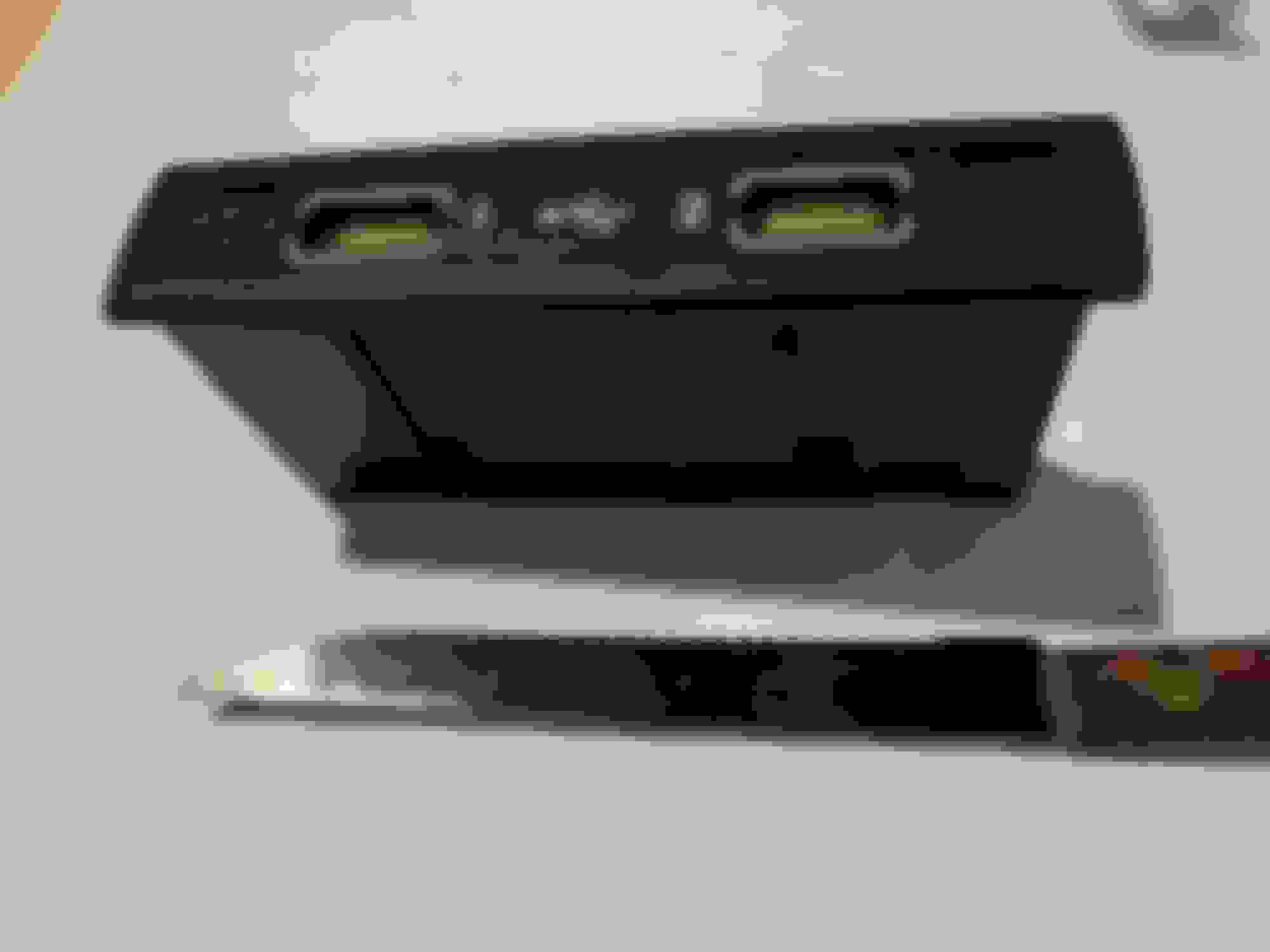
Future readers w this problem, let’s solve the hardest part that I couldn’t find on YouTube. Removing the USB port itself from the arm rest....
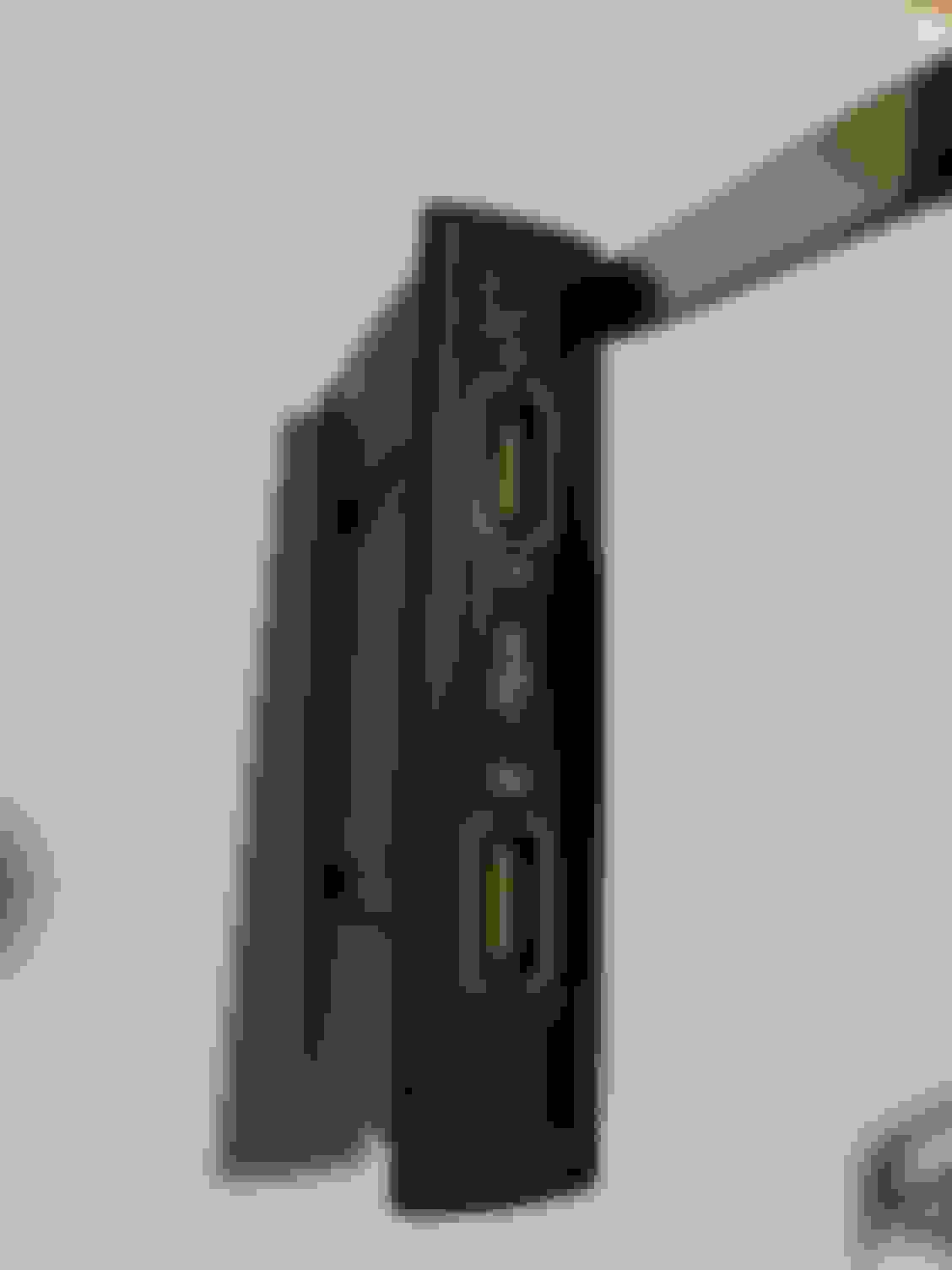
First up, I removed the entire center console, good videos on this, pretty easy and clean but there is no access to the usb area from underneath. Just note; you do not need to do this if you’re replacing just the usb hub device. It pops out easily from the top Usb side. There’s no videos on this, but I used an old serrated thin (that’s key) knife. You slide it in the slot with serrated side towards the inside of the hub, slight pivot to release the latch and you’re ready to do the other side. Very easy once you know and see the mechanics....
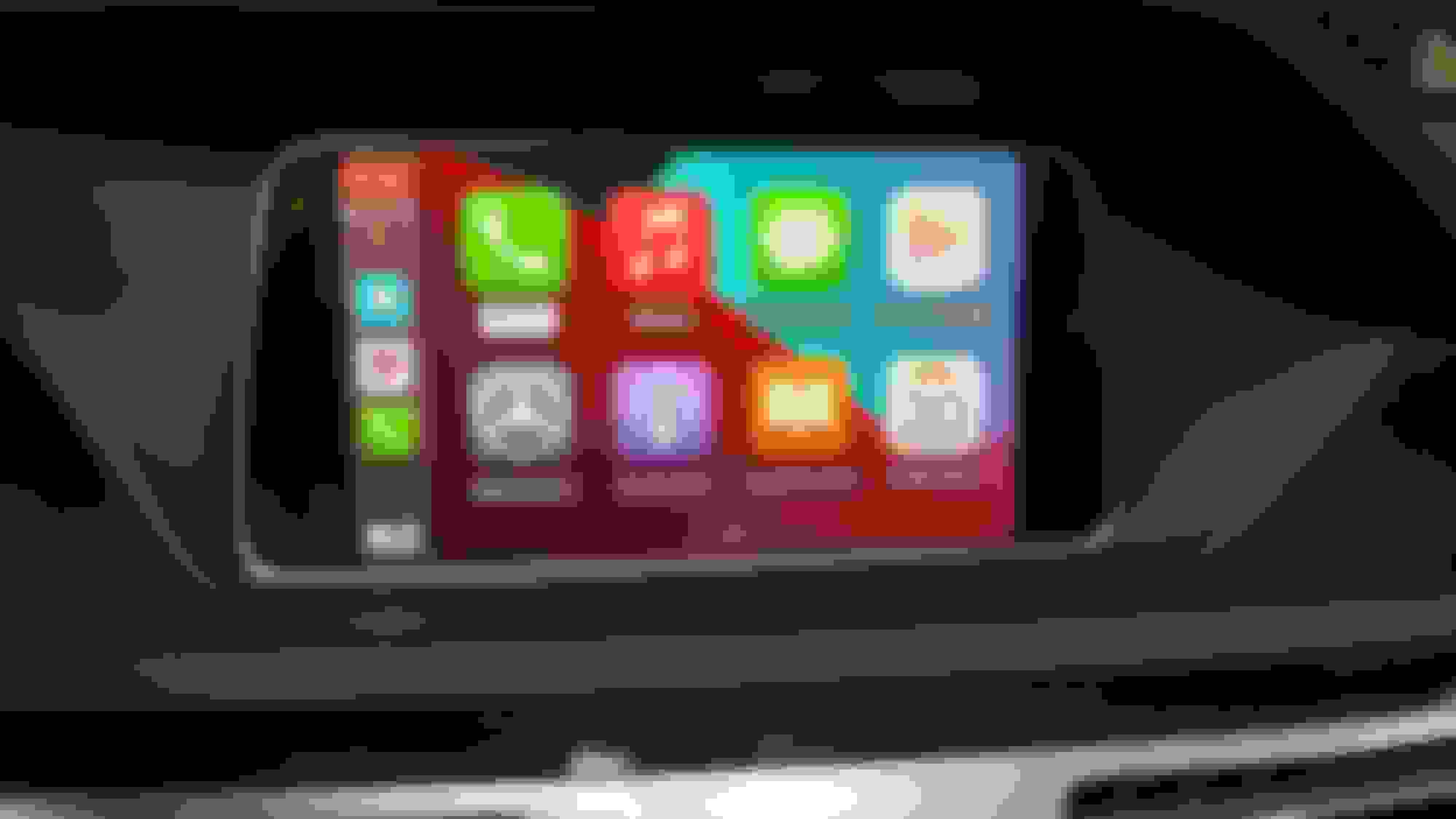
My dealer was correct, both USB ports were defective due to inactivity. (I’ve never used them). The camera shot w this ribbed screen, but not there in actuality. Happy camper, what an ordeal it’s been.
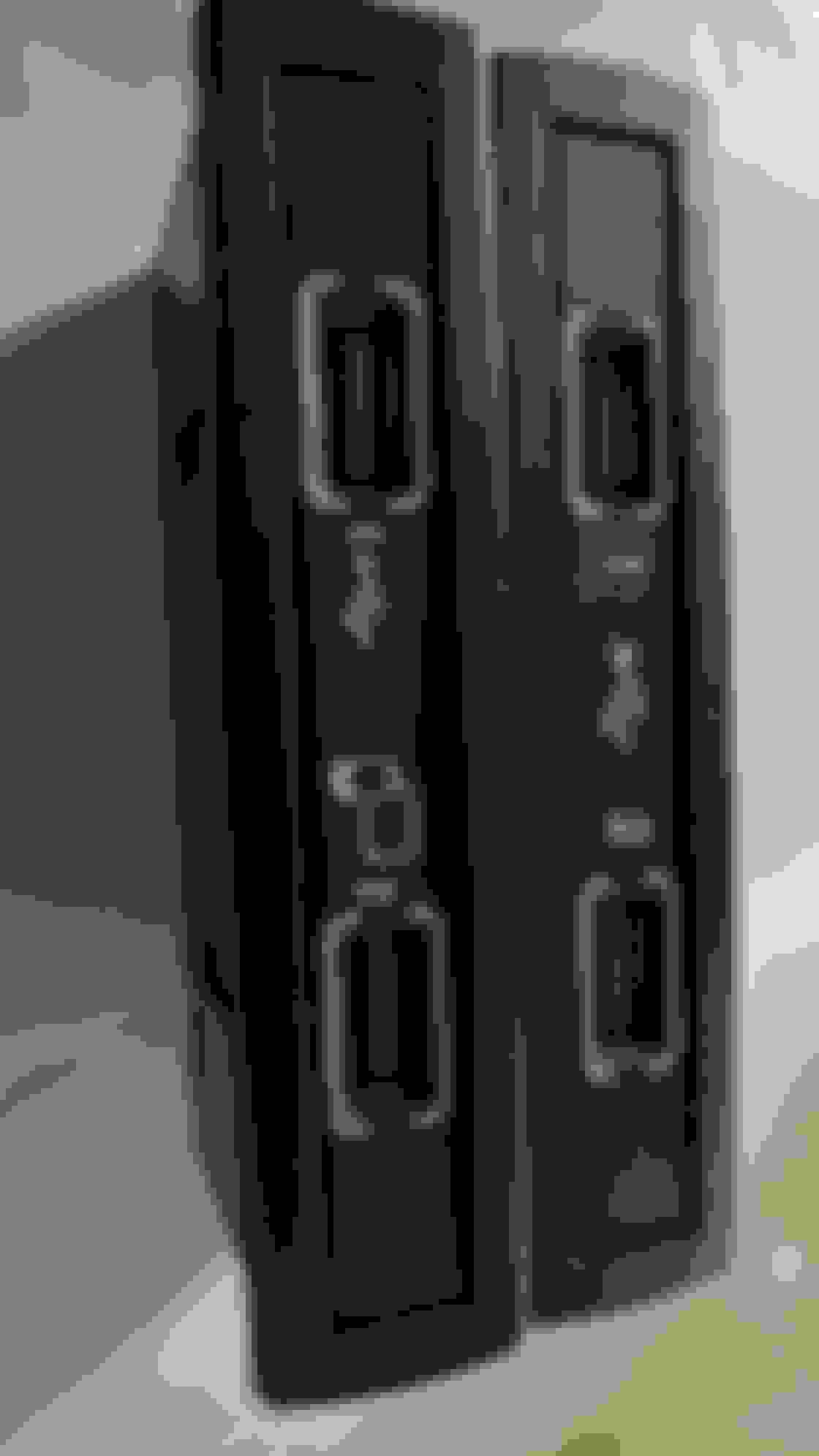
BTW (starting at post #417) Same hub, just with updated graphics. You do however have to install with text/graphics facing passenger as per OEM, there are slight grooves on one side that dictates this, but there is plenty of wire room to twist around. I kept it as factory w text reading to the passenger side and USB2 to the bottom.
I've heard this, and the 2016 I just bought has that on the dealer screen, yet Vladmere says Mercedes XEntry doesn't show my car as ever having been upgraded, so I dunno..
Since I updated my Comand at a local garage, I was able to get the ringtone volume for CarPlay and when I asked Vladimir he said my car wasn't updated even though it was! Then I enabled CarPlay and AA without issues, so as long as you have that option you are good.
2016 E350 4Matic wagon, 2019 Ford Expedition, 2019 Chevy Bolt EV
nah, I had that exact same setup, and i t 'should have worked' but it didn't. paid the dealer to update it, and its working awesome now, my wife loves it.
once its properly working, here's how you use it....
nah, I had that exact same setup, and i t 'should have worked' but it didn't. paid the dealer to update it, and its working awesome now, my wife loves it.
once its properly working, here's how you use it....
I have AA set to auto-launch at plug-in. Start AA on your phone when it is NOT connected to car. Go to Settings and then scroll down and turn on Autolaunch and Use Bluetooth. You can also define what apps you will use and the order they display under the Customize launcher setting. (I did not turn on Automatically resume media). Then back out and exit AA.
Now AA starts as soon as I plug-in my phone. The only downside:. If I don't plug-in my phone to Command, I have to pick an option on the dash or with the Command button.
2016 E350 4Matic wagon, 2019 Ford Expedition, 2019 Chevy Bolt EV
Originally Posted by Top_Speed1
[Replaced USB Hub Module]
My dealer was correct, both USB ports were defective due to inactivity. (I’ve never used them). The camera shot w this ribbed screen, but not there in actuality. Happy camper, what an ordeal it’s been.
those 'ribs' are a artifact of phone cameras shooting an LCD screen, mine does that, too.
Greetings, all - first time poster. I just bought a 2016 E-350 4MATIC sedan from a dealer in Iowa and am having it shipped to me in Oregon even as we speak. Apple CarPlay is one thing I'm not willing to live without, so this thread has been invaluable in guiding me in next steps.
I just located a Mercedes shop in the Portland area (not a dreaded dealer) who has an MB STAR computer, and can do anything a dealer service center can do. I called, and they said they'd be more than happy to upgrade my COMAND firmware to High_CY15_9. However, the tech I spoke with added something interesting: "...as long as we can order the right disc with that firmware on it."
So if this is just a matter of shoving a CD in the CD player, can I do that myself? Where does one find these magical CDs? Thanks in advance for your guidance!
2016 E350 4Matic wagon, 2019 Ford Expedition, 2019 Chevy Bolt EV
afaik, the firmware (Mercedes calls it Flashware) is downloaded online from Mercedes corporate Star systems, and programmed directly by the xentry system. The corporate/global Star system at Mercedes tracks what revision is on every module of every car, and when it was flashed. IIRC, I was charged about $200 by a dealer for this flashing.
High_CY15_9 is NOT sufficient, mine had that, but still needed updating.
ah, earlier in this thread, I posted...
Originally Posted by Left Coast GeekView Post
turns out that High_CY9_15 isn't the only thing. Vladimir tells me...
your current COMAND SW numbers are:
1769022401+2129025611+2129025910
the latest version are:
1769027702+2129026011+2129025910
so I've only got one of the 3 pieces with the right version, the other two need updating.
(the boldface was mine to highlight the version differences). I believe these 3 numbers represent three different modules that need flashware upgrades.
Hey guys I just purchased a 2016 E400 with build date in 2016. When I do into the hidden menu I do have the carplay volume option, does that mean my system is up to date and all I need to do is purchase the dongle?
First, many thanks to all who contributed to this posting. I just added CarPlay to my 16 S212 following the posted instructions and all went perfectly. However, I have noticed that the steering wheel controls will not allow me to skip tracks in the Music app. When I set the area between the tach and speedo to 'Audio', it says CarPlay in Use (or something like that) and the steering wheel 'next track' function does not work. I assume this is simply the way it is...an oversight in the MB CarPlay software.
Am I correct or does someone have this working on an E series W/S212?
2016 E350 4Matic wagon, 2019 Ford Expedition, 2019 Chevy Bolt EV
On mine, with Android Auto, the skip buttons on either side of the volume work. I'm not sure I have 'skip track' buttons on my steering? left side is the arrows for the speedometer menus, right side is volume up/down & mute, and phone answer/hangup, I think? (from memory, while still consuming first cup of coffee).
LCG, you do have 'next track' or 'previous track' on your steering once you set the speedo menu to 'audio'. Try it with CarPlay disconnected and using either Bluetooth or the usb connection not used for CarPlay.
The two pictures show:
1) with CarPlay active, the 'audio' selection on the speedo (as accessed from the left steering wheel controls) is inactive and doesn't allow track changing from the steering wheel (only the Command panel switch or the center console wheel)
2) with CarPlay disconnected and using Bluetooth, the 'audio' selection is active and allows track forward and track back using the steering wheel controls.
Last edited by bdunigan; Jan 29, 2022 at 04:10 PM.
2016 E350 4Matic wagon, 2019 Ford Expedition, 2019 Chevy Bolt EV
ok for that to work requires the car:: android auto interface supports the secondary screen, and from what I've gathered that support is more than a bit buggy in the first rounds of cars to support it, so we're probably better off that they didn't try. remember, AA/CP wasn't even a option until 2017
Last edited by Left Coast Geek; Jan 30, 2022 at 04:41 AM.
Interesting and thanks. So it kinda works with the Android but not CarPlay. Luv your S212. Mine is identical...white 2016 with Distronic. Luxury, not Sport. Sweet driving long roof!! Really want the AMG wagon but can't justify it as a daily driver.
Motorola launched Android Auto Wireless Dongle, currently out of stock on Amazon, this will come in handy, though significant battery drain on long routes.
CarPlay 'home' button...the star button...doesn't work after update to iOS 15.4. If I turn the phone off, then on, it works until I disconnect and reconnect later. Very weird and definitely an Apple issue.
2016 E350 4Matic wagon, 2019 Ford Expedition, 2019 Chevy Bolt EV
android auto has gone through some glitches too. it almost always works from my phone, but only works from my wifes phone about half the time. haven't figured out why yet
So I have an appointment with the dealer on Wednesday. If I gave them a printout of this sheet, would they know what I would be referring to? I did mention bluetooth cutting in/out, all that stuff.
2016 E350 4Matic wagon, 2019 Ford Expedition, 2019 Chevy Bolt EV
I wouldn't. play dumb, say you are having intermittent issues playing USB media, and insist on a full 'flashware' update to the COMMAND, they'll likely want to charge you for like 90 minutes labor as the process of doing this is surprisingly complicated and intricate.
Hello,
I am Srivathsan from Melbourne Australia.
I received the carplay OBD activator from Vladimir eBAY store and successfully activated the car play and AA. But I have one question. When the car play or android auto is active, I cannot change the media source or adjust the audio settings, etc. even if I come out to mercedes home command system. After I disconnect the cable completely I could play with other media settings on the car. Second issue is that, when I listen to songs through car play the volume output is reduced a lot, then the equalizer settings are totally lost. When I listen to the same music through bluetooth without car play, then the volume output is great and the equalizer settings are excellent. Any help could you please offer to fix this issue? Thanks Sri
2016 E350 4Matic wagon, 2019 Ford Expedition, 2019 Chevy Bolt EV
huh, using Android, and streaming stuff like Spotify, the audio volume is about the same as the radio.
I nearly always set equalizers to flat as exaggerating frequencies just induces distortion. Yes, you can't access it when the carplay/android device is linked, but IMHO, no big deal.
Following is a compilation of the research I’ve done on this to work within the MB dealership network to have this done. Anyone please correct anything I misstate here.
I read through this entire thread. You are super helpful. I am also in DFW and wonder if you would share any of the more cooperative local mechanics you have run across.
Mercedes SLR McLaren 722 S Is Extremely Rare Example Modified by McLaren
Slideshow: A one-of-one U.S.-spec Mercedes-Benz SLR McLaren Roadster became even rarer after a factory-backed transformation at McLaren's headquarters.