When you click on links to various merchants on this site and make a purchase, this can result in this site earning a commission. Affiliate programs and affiliations include, but are not limited to, the eBay Partner Network.
2016 E350 Sport; Mom Wrecked the 2008 E350; sold the 2002 C320
Originally Posted by rey_winslow
I'm thinking that this will be the given statement if we need warranty work on something like COMAND, sorry but since you went around the incompatibility with a 3rd party to update AA/ACP we void the warranty.
I'm not that concerned. These guys were so perplexed by the idea of updating anything other than the firmware or the maps that I doubt they would ever again investigate programmed features, let alone compare them to compatability lists
Update: No joy. SA informed me that they were unable to add the software due to an actual incompatibility with the W212 edition specifically.
As far as Eco Off, he told me that they were unable to reprogram for legal reasons, due to the need to remain compliant with fuel efficiency requirements imposed by law.
It looks like I am to-for-two on my earlier post.
EuroDriverSD, props to you for attempting to do it and to your dealer for updating the firmware for free. It is hard to find a dealer that will dig into this kind of research.
According to post #27 on this thread by DFWdude there was a promotional notice by MB offering the functionality for 207's(E coupe/cab) as a retrofit. His post has steps required and the notice reference and a link to the notice issued by MB. Based on this there is a chance that it could work on sedans also.
There is another summary by DFWdude in post #107.
SlvrArrow87 reported in Post #13 that he was able to to it. But he is MB tech and did on his "spare" time. Just as I have mentioned earlier, this type of people are rare and this knowledge/methodology typically is not propagated back to MB.
Given that W212 is identified as "Not Fitting" in this notice I did not bother bringing it up with my local dealer and went with vladimircdi's gizmo.
As for the ECO on ON/OFF default setting option, it looks like my guess we correct. "Do not mess with EPA" message is very clear.
I'm not that concerned. These guys were so perplexed by the idea of updating anything other than the firmware or the maps that I doubt they would ever again investigate programmed features, let alone compare them to compatability lists
Guys, I went to a local garage that has connection to German MB servers with the official MB Xentry/DAS computer system. I told them that I want to do a firmware update and they asked why. I told them Im having bluetooth connection errors and I read online that a firmware update should solve this. They agreed to do a firmware update for me but they requested about $1000!!!!!!!!! I don't know if this is the price for a firmware update or whether they were trying to rip me off or not. My w212 does not have warranty since it is an import. Does anyone have any idea about the price for this job??
Just guessing here, but if the "Full Dealer Method" is chosen, I imagine there is a time delay between Step 2...
2) Have your dealer add 3 Build codes via the re-documentation software (XSF), to accessory retrofit the following build codes needed to your VIN card: ------- 14U Smartphone Integration Package
------- 16U Smartphone Integration Carplay
------- 17U Smartphone Integration Google Automotive Link
...and Steps 3-5... 3) Have your dealer update your COMAND firmware to High_CY15_9. ...4) Confirm this firmware upgrade, preferably via Xentry printout, or via “Dealer Menu” (press Hangup+7+9 buttons) to read on page 2: “11. Ringtone Volume for CarPlay”... 5) Have your dealer recode/reflash the Comand firmware upgrade to enable Apple CarPlay/Android Auto.
If the re-documention updates your build codes in just a minute or two, then the rest can be done in one tech session. If the re-documentation takes overnight for the database to update, then your car is in the bay to re-document, then parked elsewhere for the overnight process, then returned to the bay for the rest of the process. This might be a good reason why the dealers don't want to get involved, as moving cars around for a two-day upgrade costs them money.
Guys, I went to a local garage that has connection to German MB servers with the official MB Xentry/DAS computer system. I told them that I want to do a firmware update and they asked why. I told them Im having bluetooth connection errors and I read online that a firmware update should solve this. They agreed to do a firmware update for me but they requested about $1000!!!!!!!!! I don't know if this is the price for a firmware update or whether they were trying to rip me off or not. My w212 does not have warranty since it is an import. Does anyone have any idea about the price for this job??
Thanks
They gave me their last price, $500... still too expensive... Plus $179 for the old.. total $679... so not worth it.
I went to the dealership instead and they told me they don't do firmware updates anymore. I told them about the bluetooth connections stuff but they told me that if they do a firmware update, the car's computer might hang and if this happened they have to replace the whole thing. So they stopped doing it at all. I asked the SA what should I do, he said nothing...........
I've owned a CPO 2016 E350 for about a year now and been following this thread for a while and decided to take actions on this (see below) - Thanks all for doing all the leg work and shared the information here!
Found this thread researching intermittent Bluetooth audio connection oddities (sound cut off, connection dropped...) - and the whole idea of optional CarPlay/Android Auto features along with solid BT connections put me into a hot pursuit of getting the COMAND firmware updated, especially the car MFG date is June 2015, and it is still within MFG/CPO warranty window.
At first the dealer refused to take any actions citing that the BT connection is not reproducible with tech's iPhone XS (I have a Google PXL). Within a week, I noted down the date and time that the connections dropped, took a screen shot of COMAND reconnecting to the phone as proof, then headed back to the dealer. This time around, the dealer updated the COMAND firmware (confirmed with CarPlay volume option added in engineering mode). The key point driving the dealer to update the FW is intermittent BT audio connection in my experience.
I've already ordered the CP/AA ODB module - will keep you all update once the procedures are carried out.
Thanks again to all who have spent much time researching and contributed on this project!
Question, has anyone had the Full Dealer Method Work? I can't find an answer for that, (I could have missed the answer) I work at a MB dealer and played with my car with the STAR today, had to contact email Tech Line to add the codes U14/16/17 to VeDoc, and then add to my vehicle, updated the firmware and then SCN code the Comand and then basically ran out of time, but I didn't start working. I will try again tomorrow if time allows, to SCN code but there is no information on MB side for this, no TB's or anything at all, I found more information here then at work, so again thank you. I will update if I get it working, and if anyway has let me know.
Thanks,
Question, has anyone had the Full Dealer Method Work? I can't find an answer for that, (I could have missed the answer) I work at a MB dealer and played with my car with the STAR today, had to contact email Tech Line to add the codes U14/16/17 to VeDoc, and then add to my vehicle, updated the firmware and then SCN code the Comand and then basically ran out of time, but I didn't start working. I will try again tomorrow if time allows, to SCN code but there is no information on MB side for this, no TB's or anything at all, I found more information here then at work, so again thank you. I will update if I get it working, and if anyway has let me know.
Thanks,
If you get stuck, you could PM member SlvrArrow87. He is also an MB tech, and programmed his car at his dealer over lunch hour(s). Please let us know how it works.
DFWdude; thanks for the reply and I looked back and you are right he did state that, I was going to PM SlvrArrow87 but I just brought he car back in and did another initial start up of the COMAND and it worked. So I did everything that I stated yesterday basically the 207 bulletin AZ82.60-P0028NKA which I looked at today and just did a second start-up and I plugged my Iphone in and Boom Carplay! I only works on number 2 USB port, but I didn't need to do any hardware updates.
Anyway, again thank you all for the great information.
DFWdude; thanks for the reply and I looked back and you are right he did state that, I was going to PM SlvrArrow87 but I just brought he car back in and did another initial start up of the COMAND and it worked. So I did everything that I stated yesterday basically the 207 bulletin AZ82.60-P0028NKA which I looked at today and just did a second start-up and I plugged my Iphone in and Boom Carplay! I only works on number 2 USB port, but I didn't need to do any hardware updates.
Anyway, again thank you all for the great information.
If you had to guess, how much time did you spend doing the dealer method? Others might want to know the amount of time needed when they talk to their local dealers.
The dealer would need your VIN before your appointment to get the codes added in VeDoc, and then it is updating firmware and SCN coding the vehicle. Once you know what you are doing, it really is an hour job, a bit more depending on how long it takes to code the vehicle, as mine was a few hours but as I stated I was updating a lot of the systems. I am not going to market it to do for customers, but if I did I would market it as an 2 hours update to the vehicle. That would make it most likely cost $225-$350 depending on the shop flat door rate of the dealer. And I would pay that for AA/CA everyday, as my 30 min drive home I sent 5 voice messages and used WAZE and got home in 20mins.
Thanks again all.
Just FYI, it is all true. the solution steps are still valid and accurate. It seems that "Working... xx" times have grown longer though,... way longer to almost 40 but all' s well that ends well.
Kudos to all that shared their time to type, video capture and post content on the topic.
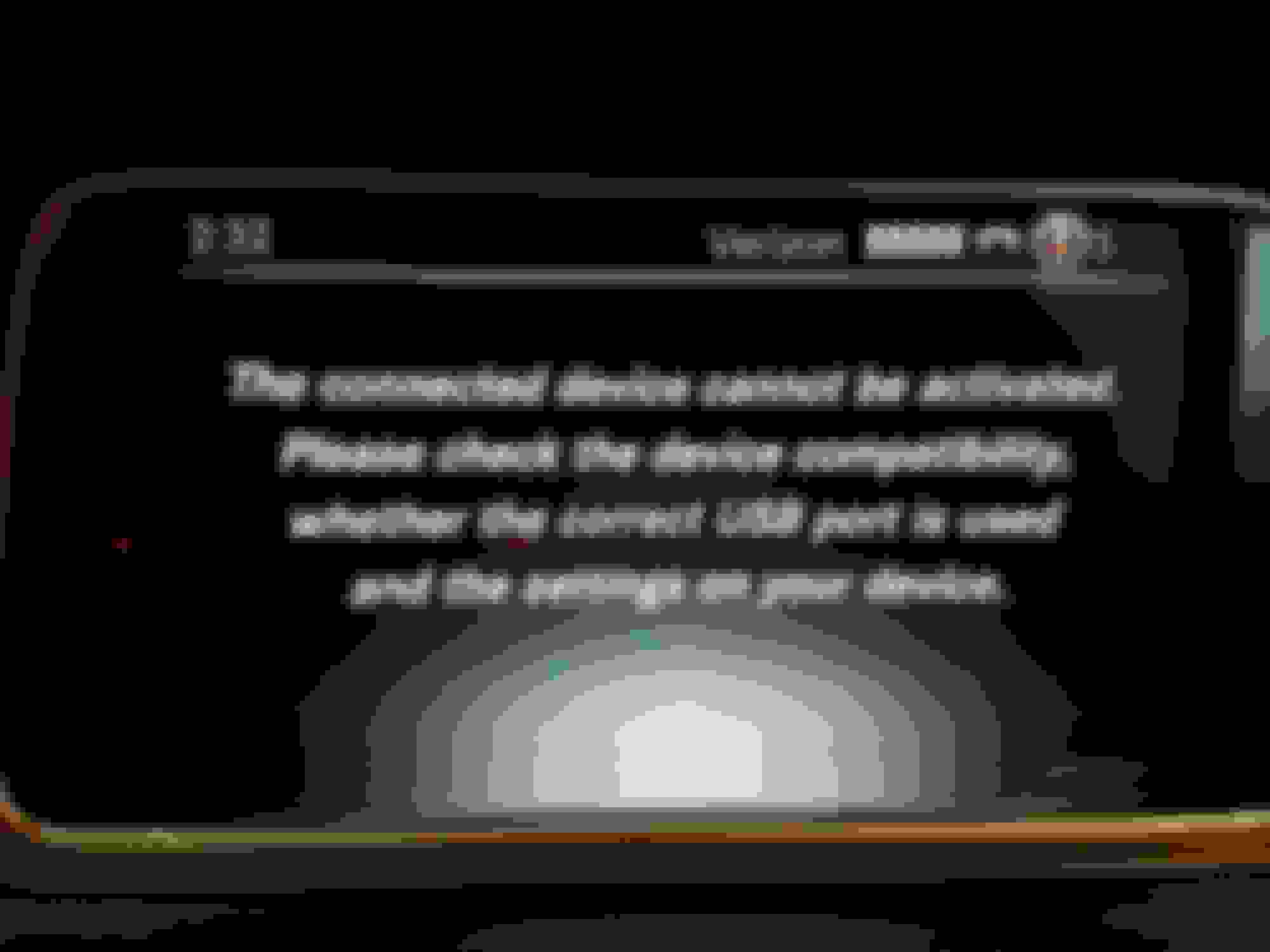
Hey guys, thanks for the great info here...but please help! I was able to check with the 7+7+Red button that I had the carplay option, bought the OBDII device and it activated first try after getting to about 27. All good news. I then plugged in my Galaxy S7 Edge and it didn't work. After some googling, had to enable USB debugging and make sure to allow MTP connection before it would try. With that done, here is the message the car gives me. I've researched everywhere Google knows, and tried multiple known-good USB cables. Tried my wife's Galaxy S8 also, with the exact same error. Ideas? I'm plugged into port 2 and it tries for about 30 seconds on "Activating device" but it's like the phone and car are just failing to talk. I'm in a 2016 E400.
Wow quick reply! I've restarted the car multiple times (been trying this for several days). Is there another way to reboot Comand? I accepted all terms of use and verified in the Settings/Apps that AA has all requested permissions enabled.
Yeah he had told me 50/50 chance it would work if I didn't go to the dealer to get the firmware updated. Just seems counter to what I've read on this forum about seeing option 11. He won't do a thing until I go to the dealer...and obv want to avoid that. Hopefully someone else has an idea soon.
If I understand this correctly, option 11 "Ringtone volume for Car Play" is a MUST HAVE before you proceed. Seeing this option 11 in the display confirms that you have the firmware update (High CY15_ 9) that is required before using the OBDII dongle. No one here has said you can proceed without the firmware update. I'm surprised that Vladimir suggested it might work without it.
I vaguely recall getting this error message, or similar. It seemed the several USB cable(s) I tried were not fast enough. I had to buy some top drawer Anker USB cables to establish connections. So, connectivity seems very sensitive to the USB cable used.
Before doing that, I suggest you try the cable that came with your Samsung phone first. USB slot #2, again.
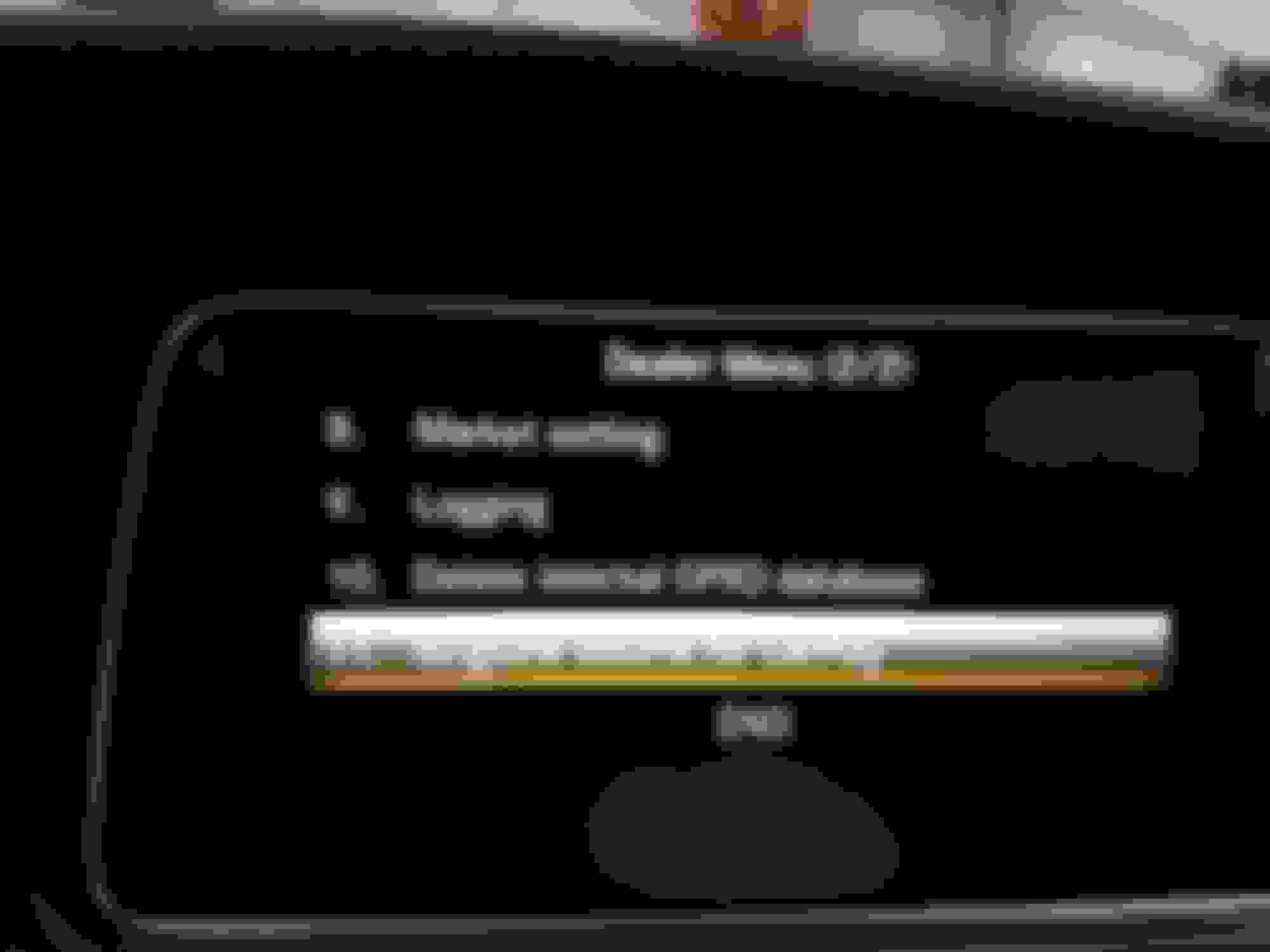
Thanks DFWdude, agreed that seeing option 11 is required. Here's the pic of option 11 showing on my car. And the update did say Success Carplay v1 as it should. For the cable, I'm using the Samsung OEM cable (actually tried two different ones) along with several others. Sounds like last ditch effort may be to get a top notch cable?
Mercedes SLR McLaren 722 S Is Extremely Rare Example Modified by McLaren
Slideshow: A one-of-one U.S.-spec Mercedes-Benz SLR McLaren Roadster became even rarer after a factory-backed transformation at McLaren's headquarters.