When you click on links to various merchants on this site and make a purchase, this can result in this site earning a commission. Affiliate programs and affiliations include, but are not limited to, the eBay Partner Network.
Differential input to oscilloscope on CH1 and CH2
for voltage between CANH pin 6 and CANL pin 14
16 pin OBD2 plug with flying leads https://www.amazon.com.au/iKKEGOL-Co...07F16GPMB?th=1
Assuming the tail lights themselves have been checked to be OK
Start pulling fuses and disconnecting things until fault clears to isolate the bad circuit
Could be the rear SAM fuse box itself, anything is possible. Pull all connectors and reseat them
Put ignition in acc and check for tail lights working when at first click anticlockwise from auto headlights position
I unplugged all the CAN wires from the distributors except for the ones that seemed to make the taillights start working. I then ran Xentry and found which modules those CAN wires were connected with, then I unplugged one and reran the scan and the only difference is that the Rear SAM disappeared. This leads me to believe that when the Rear SAM isn't present on the CAN network that the taillights start working. I took out the Rear SAM yesterday and soldered all the pins to make sure they made good contact but that didn't change anything. My next step will probably be to unplug the CAN wires directly from the SAM while everything else is connected and see if the taillights come on then.
Yours is 2014, so is mine. You got the rear LED lights...correct ?
The rear sam is the one controlling the tail lights. So no way you rear LED lights can work if rear SAM is totally disconnected, if only at its CAN BUS it is a different story.
Go to Rear SAM sheet 10 wiring diag., zone 50 upwards
So, maybe the issue is else where, but it is a signal which prohibits rear LED lights operation ?
NOTE :
1 - When using Xentry topo, engine computer N3/10 won't show. I don't know why, but on my car that is the way it is
2 - Some LIN bus wont show too, but that I don't really mind.
Rear LED Lights power and management is from Rear SAM
Yours is 2014, so is mine. You got the rear LED lights...correct ?
The rear sam is the one controlling the tail lights. So no way you rear LED lights can work if rear SAM is totally disconnected, if only at its CAN BUS it is a different story.
Go to Rear SAM sheet 10 wiring diag., zone 50 upwards
So, maybe the issue is else where, but it is a signal which prohibits rear LED lights operation ?
NOTE :
1 - When using Xentry topo, engine computer N3/10 won't show. I don't know why, but on my car that is the way it is
2 - Some LIN bus wont show too, but that I don't really mind.
Rear LED Lights power and management is from Rear SAM
......
Good luck with your troubleshooting.
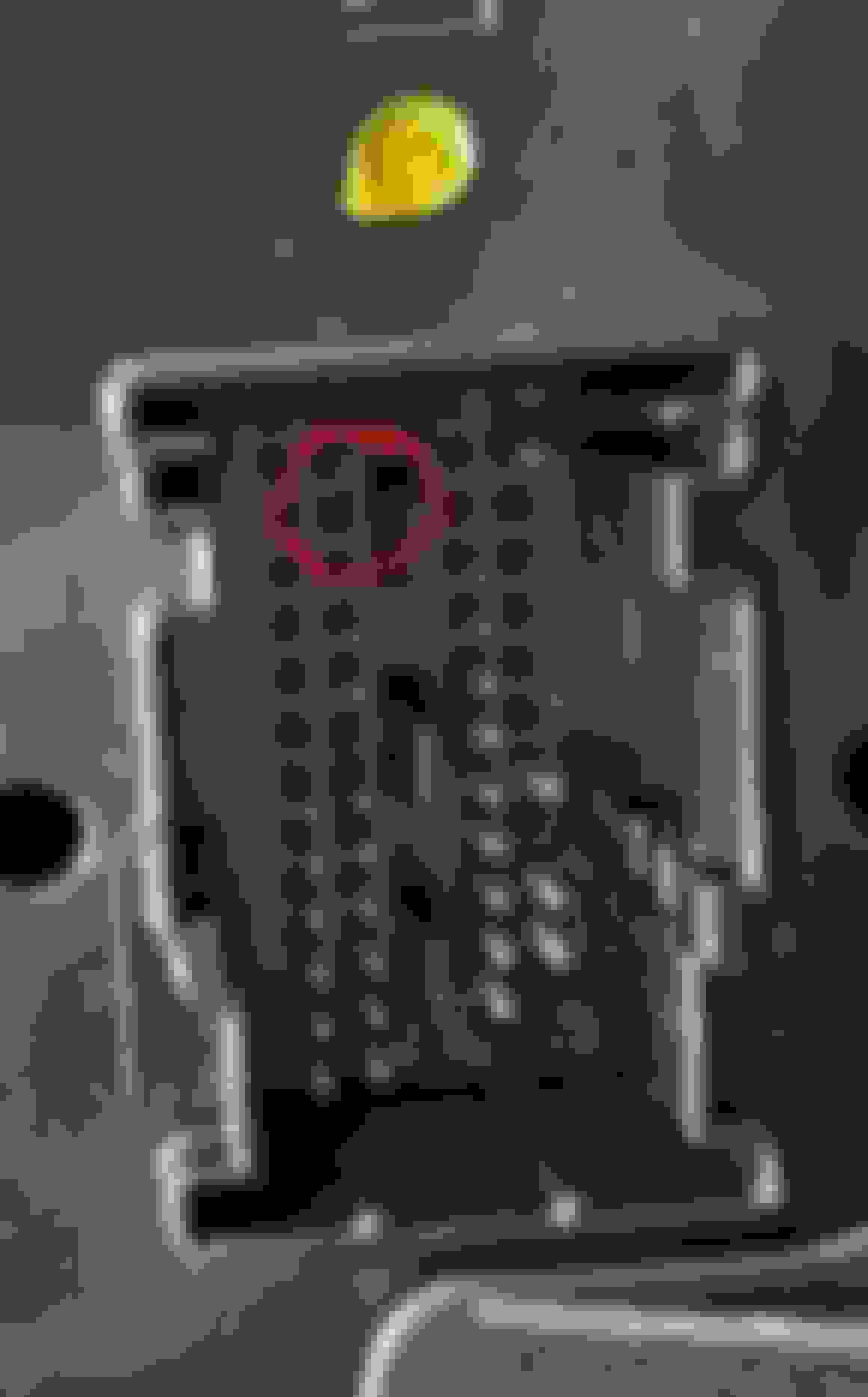
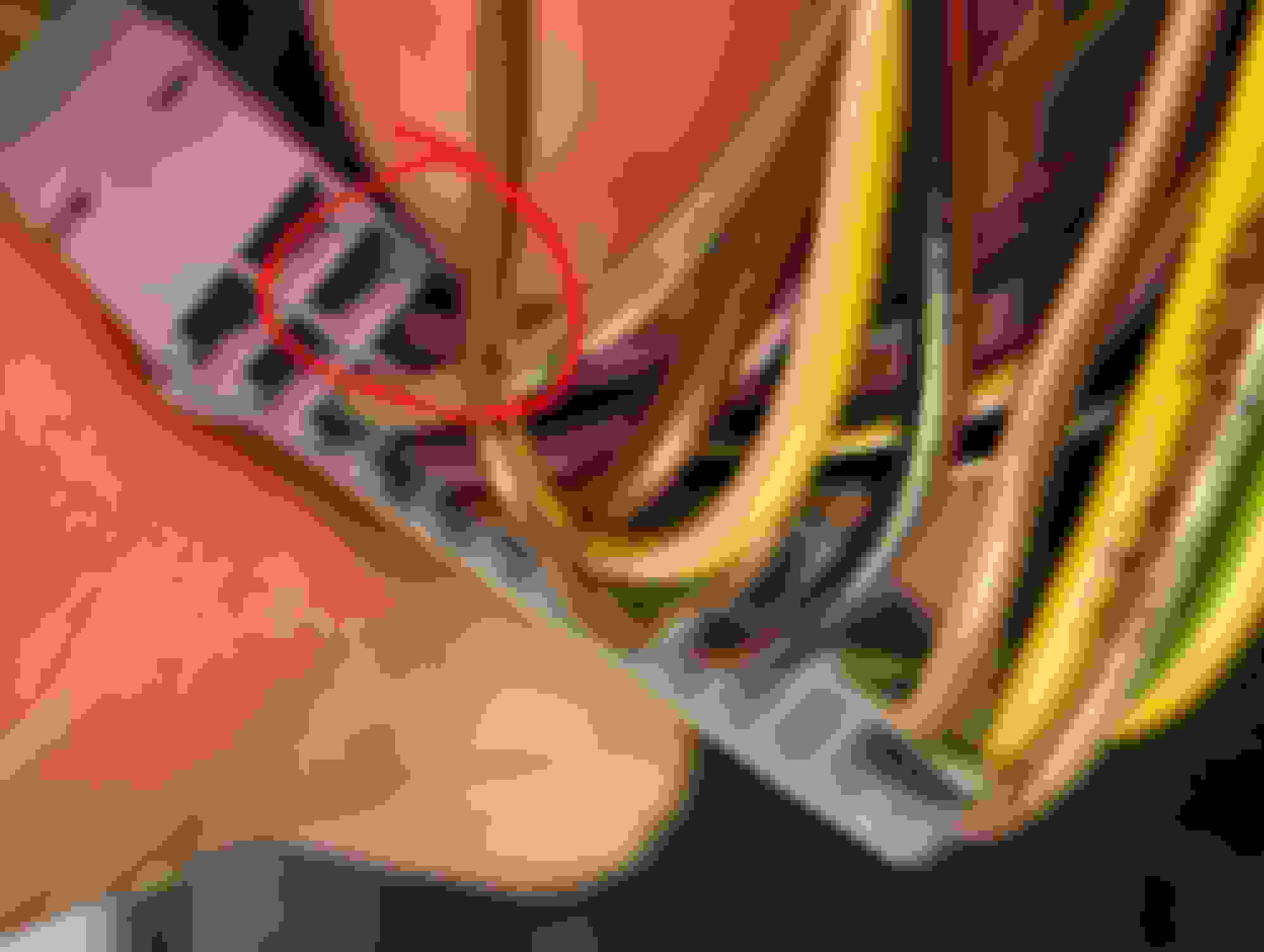
Yes, the car has LED taillights, unplugging the yellow connector in the back of the SAM but that didn't work, it makes sense that nothing would work if the Rear SAM controls the taillights. Something I noticed though is that there are some wires that go into the connector that don't have a corresponding pin and there were pins that didn't have wires. I'm wondering if this is the original SAM or is it normal for be like that.
If you want to know your rear SAM in depth, you have to audit its wiring schematic all 10 pages, remove what is NOT for your car, and the verify the actual wires by color and pin number on the SAM itself.
I done that for the Front SAM already, its a migraine maker.
I give you example of my audit ( cleaned ) of Rear SAM but at wiring diagram vs my car datacard which has the options. Find the zip file.
ButI have not audit each and every wire on the rear SAM itself.
So it is 95% accurate at best, but sure beats looking at standard crazy wiring diagram which can cause you migraine.
W212 car version has this many models
But the rear SAM is the same main design.
So what they do is, MB will populate the rear SAM to suit the model of the car.
MB will also code by software to tell the processor at rear SAM what other components/modules are for this car attached to this rear SAM.
Yes, the car has LED taillights, unplugging the yellow connector in the back of the SAM but that didn't work, it makes sense that nothing would work if the Rear SAM controls the taillights. Something I noticed though is that there are some wires that go into the connector that don't have a corresponding pin and there were pins that didn't have wires. I'm wondering if this is the original SAM or is it normal for be like that.
I was taking a look at other Rear SAMs and I noticed that the one in this car has a HW no. that starts with 204 but all the replacements for the W212 start with 212. I think what may have happened is if the previous owner had swapped it for the wrong part. This may also explain why many features aren't working.
"My scan tool says that the rear SAM is throwing codes for the lamps saying that they either have a short to positive or are an open circuit"
Assuming the LED tail lights are not intermittent and not going open circuit from time to time as can happen with cracked solder joints in them, but both doing it at same time is unlikely
The rear SAM itself is faulty
Or something in the rear SAM or connected to it is triggering the fault
Pull the fuses one by one and relays, relays can stick, anything is possible
Does it have illuminated Mercedes logo door scuff plates?
Could be shorting. Prone to failure from water ingress under the plate
Or the connector that plugs into them under the carpet
Mine is just LED but some vehicles seem to have a voltage converter from fuse 57
Pull fuse 57
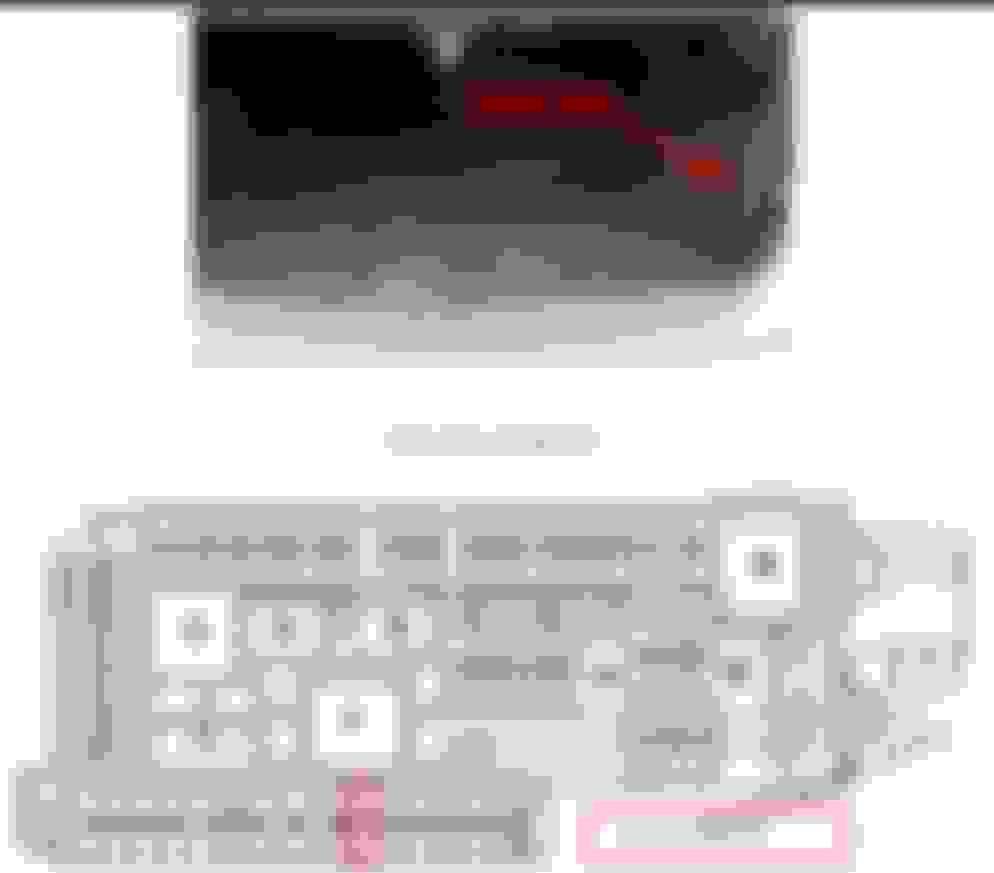
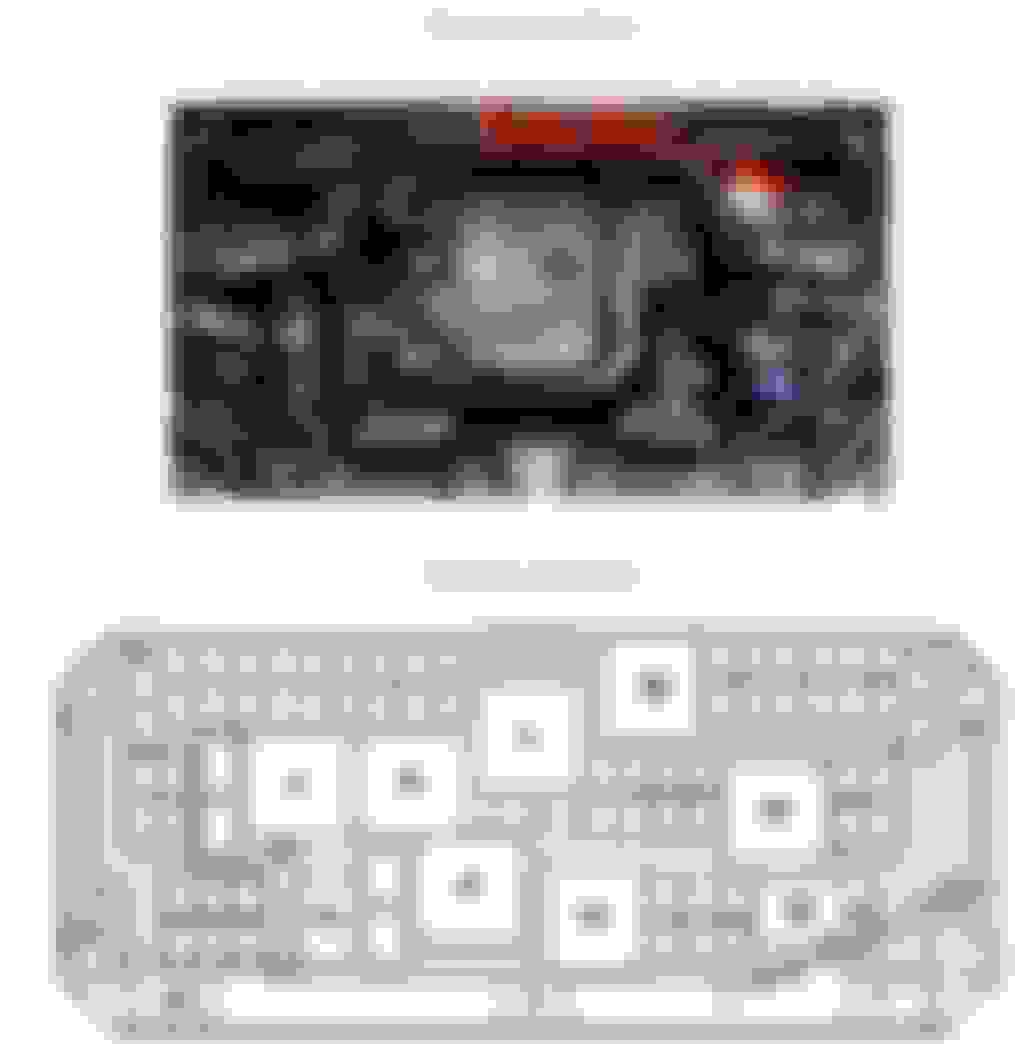
W212 SAM rear:
Hardware version and software version is probably different in the C class W204 to the E class W212
and also the wiring which is why you have cable mismatch with wires going nowhere and pins that seem missing
Last edited by Bruce Hubbard; Jun 23, 2024 at 11:51 PM.
The SAM shown is not in my vehicle
Just an example of one for sale online for E class W212 which carries the part number 212
It's a fair bet that's the problem though
The vehicle is said to have had some water damage, probably in the trunk, and someone threw anything in to get it going is my guess
You're on the ball. Need a SAM to match that vehicle VIN for what was fitted in production
Last edited by Bruce Hubbard; Jun 24, 2024 at 12:27 AM.
Reason: trunk in America, not boot
The SAM shown is not in my vehicle
Just an example of one for sale online for E class W212 which carries the part number 212
It's a fair bet that's the problem though
The vehicle is said to have had some water damage, probably in the trunk, and someone threw anything in to get it going is my guess
You're on the ball. Need a SAM to match that vehicle VIN for what was fitted in production
Ok noted.
It seems my SAM version being a facelift one is compatible with so many variants of W212 based on the SEARCH function I use, but of course coding/programming to suit the vehicle as built, is a must.
It fails to perform some of the tests. Xentry responds with the ECU refused to respond, or something of that sort.
I found a replacement with part number starting with "212 900" is on the way and will probably need to be programed to match the car.
I replaced the Rear SAM and the lights started working! but I haven't got it programmed yet. A few other things started working once of which was the sunshade
I hoped that the Headunit issue would also get solved when I swapped the Rear SAM but it hasn't. I went to a friend and noticed that after the MB logo it prompts the driver with a caution message, that message never comes on for me. After the MB logo the screen just goes black. Xentry says that the backup camera reports it cannot communicate with Command/Audio and the Electronic Ignition Lock. When I went down the list of modules I couldn't find one that was named "Audio/Command," I saw one called "Auto/Command display" but not the command unit itself. I tried performing a display test on the screen but nothing happened.
I replaced the Rear SAM and the lights started working! but I haven't got it programmed yet. A few other things started working once of which was the sunshade
I hoped that the Headunit issue would also get solved when I swapped the Rear SAM but it hasn't. I went to a friend and noticed that after the MB logo it prompts the driver with a caution message, that message never comes on for me. After the MB logo the screen just goes black. Xentry says that the backup camera reports it cannot communicate with Command/Audio and the Electronic Ignition Lock. When I went down the list of modules I couldn't find one that was named "Audio/Command," I saw one called "Auto/Command display" but not the command unit itself. I tried performing a display test on the screen but nothing happened.
Any Ideas?
Congrats on fixing your rear-SAM
The RFK camera is a little gem that comes loaded with errors from factory.
I don't think it is hurting your headunit issue.
I think it's something internal that interups the Mitsubishi unit boot process.
We've never seen the inside, yet we know it's got a spinning HDD and a CD-Player that hates dust. Perhaps you coukd try removing/ejecting CD's
Last edited by CaliBenzDriver; Jun 28, 2024 at 03:18 PM.
The RFK camera is a little gem that comes loaded with errors from factory.
I don't think it is hurting your headunit issue.
I think it's something internal that interups the Mitsubishi unit boot process.
We've never seen the inside, yet we know it's got a spinning HDD and a CD-Player that hates dust. Perhaps you coukd try removing/ejecting CD's
I tried taking it apart but couldn't figure out how to fully disassemble it. Is the HDD just for storing music or does it contain some sort of OS/Firmware on it?
As for the CDs a mechanism seems to be blocking the opening, I've tried pressing the CD button and the "Clear" button, but nothing happens. The only buttons that work on the headunit is the "On" button and the volume knob.
I tried taking it apart but couldn't figure out how to fully disassemble it. Is the HDD just for storing music or does it contain some sort of OS/Firmware on it?
As for the CDs a mechanism seems to be blocking the opening, I've tried pressing the CD button and the "Clear" button, but nothing happens. The only buttons that work on the headunit is the "On" button and the volume knob.
Whatever you decide to do .... do not play with "factory reset": it will virginize the unit!!
I once tried to disassemble my working headunit and stopped after removing 15+ screws all different lengths - At least we know it's not all glued together.
The day my CMD quits, I will go into battle-mode will all my tiny screwdriver collection. Maybe your best option or a specialized Internet repair shop.
Whatever you decide to do .... do not play with "factory reset": it will virginize the unit!!
I once tried to disassemble my working headunit and stopped after removing 15+ screws all different lengths - At least we know it's not all glued together.
The day my CMD quits, I will go into battle-mode will all my tiny screwdriver collection. Maybe your best option or a specialized Internet repair shop.
I like the sound of going into battle-mode. I'm going to try taking it all apart but I'm not exactly sure what to look for or what could cause an issue like this.
Maybe you have a compatibility issue with that as well
Although you say you checked that it matches VIN
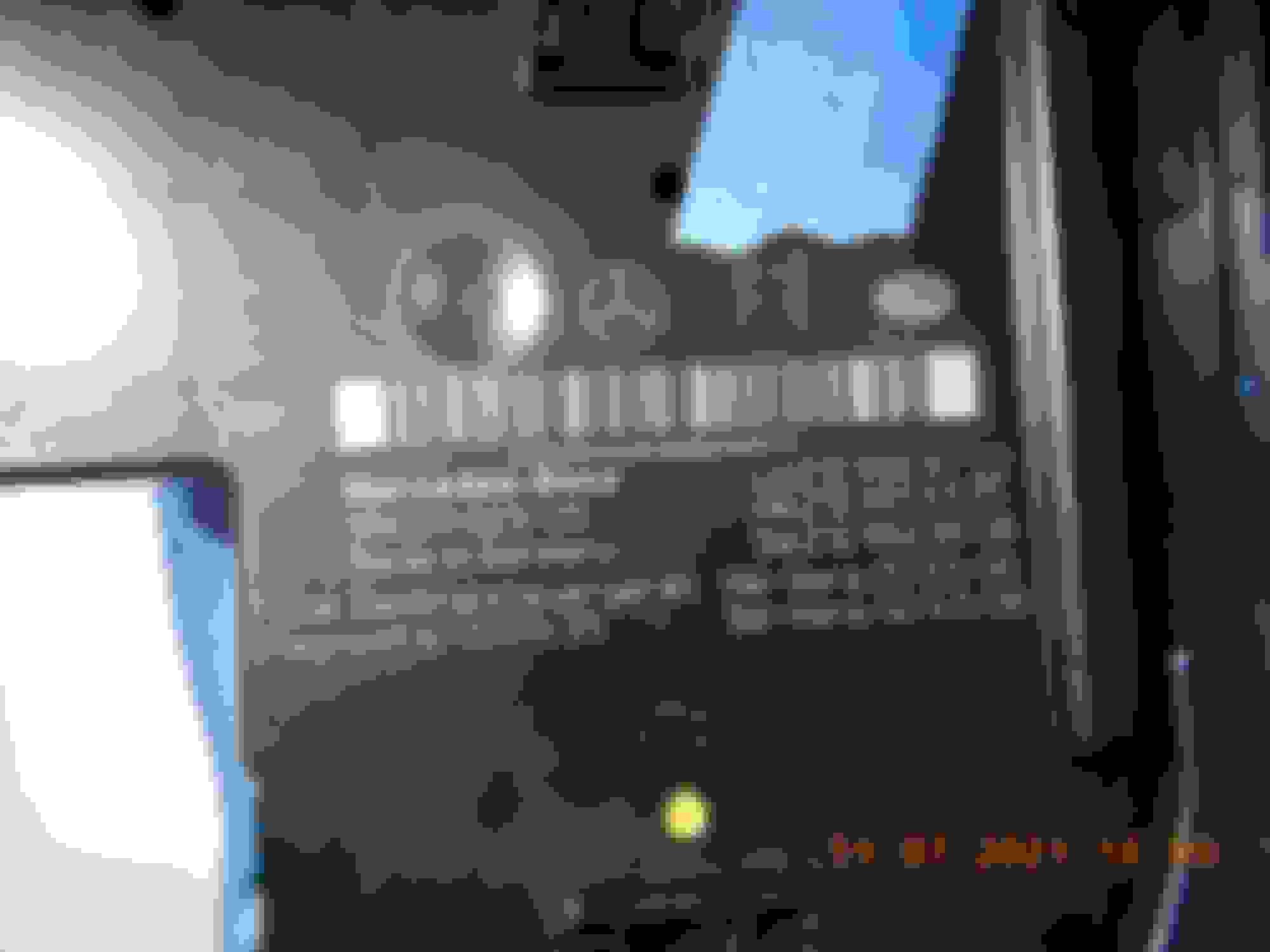
Post the picture of the labels and let us have a look
Sounds like it's booting with the Mercedes logo showing, but there's no program to drive it
Someone has bricked it possibly, trying to change or update software
I take it all the connectors are seated properly
Last edited by Bruce Hubbard; Jun 28, 2024 at 10:34 PM.
I like the sound of going into battle-mode.
I'm going to try taking it all apart but I'm not exactly sure what to look for or what could cause an issue like this.
before you remove the head for exploration... LISTEN for the usual CD/DVD-Player restart noise.
The quick boot abort sequence may be looking for a key press to open maintenance menu before it quits.
To recognise where each screw goes: MARK HOLES DURING disassembly.
you divide screw types in categories each with distinctive signage you apply with a black marker when removing screws.
a dot or multiples
a triangle with 1-2-3 dots
a line with 1-2-3 dots
The way this unit fails reliably make it a possibility we are dealing with an amazing design features: the nearly good capacitors and solderless
Mercedes SLR McLaren 722 S Is Extremely Rare Example Modified by McLaren
Slideshow: A one-of-one U.S.-spec Mercedes-Benz SLR McLaren Roadster became even rarer after a factory-backed transformation at McLaren's headquarters.