When you click on links to various merchants on this site and make a purchase, this can result in this site earning a commission. Affiliate programs and affiliations include, but are not limited to, the eBay Partner Network.
Has anyone ever figured out a solution for this? It would be absolutely awesome if the mute button on steering wheel could be programmed for next track
Has anyone ever figured out a solution for this? It would be absolutely awesome if the mute button on steering wheel could be programmed for next track
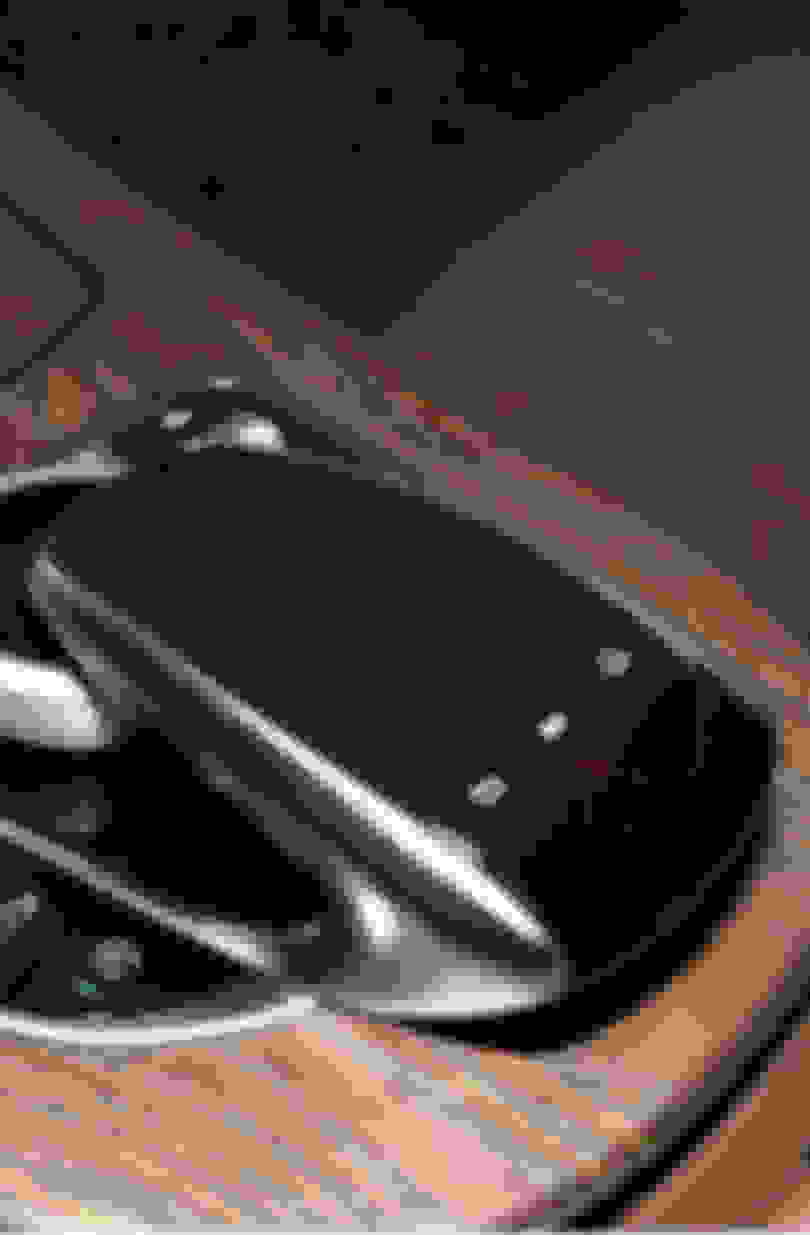
press the button(shown on picture) once and then turn the rotary ***. Clockwise is next, counter-clockwise is previous(two clicks, as one click wil just start the song over)
Press middle button
will work in whatever is showing on screen, as it pops-up with a small window showing current track. Once you dial the knob, it will instantly change track and the pop-up goes away about 5 sec after. It will perform the action in the media you have activated. Carplay music, mb media, music stations.
Last edited by JakeW213; Apr 16, 2023 at 03:26 AM.
press the button(shown on picture) once and then turn the rotary ***. Clockwise is next, counter-clockwise is previous(two clicks, as one click wil just start the song over)
Press middle button
will work in whatever is showing on screen, as it pops-up with a small window showing current track. Once you dial the knob, it will instantly change track and the pop-up goes away about 5 sec after. It will perform the action in the media you have activated. Carplay music, mb media, music stations.
Thanks for the reply. I know about this method and the media submenu on dash. I just wish there was something better than a two step process or losing my amg display on the dash
Thanks for the reply. I know about this method and the media submenu on dash. I just wish there was something better than a two step process or losing my amg display on the dash
if you have a smartwatch thats connected, then you can push the next track button on that. My applewatch automatically opens up spotify remote when spotify is running on carplay… so thats a one button solution:-)
This is also one of my complaints on my ‘19 E63S. I usually like to scroll through my radio stations and in all my previous vehicles it’s a simple and quick one touch of a button on the steering wheel. Now it’s a quirky two step process using the center pad and a swipe that sometimes works sorta lol. Oh well, it’s a relatively minor complaint and everything else about the car is amazing!
If there are any programmers that could change the mute button to a next track, you could probably make a lot of money. Many many Mercedes models have this issue.
The Apple Watch mention gave me an idea. Has anyone ever tried a Bluetooth remote that affixes the steering wheel? It would look a little cheesy, but could provide a bit of utility for people who mostly stream. This would obviously pair to the phone you’re streaming from and not the car so it wouldn’t work for radio.
If there are any programmers that could change the mute button to a next track, you could probably make a lot of money. Many many Mercedes models have this issue.
The Apple Watch mention gave me an idea. Has anyone ever tried a Bluetooth remote that affixes the steering wheel? It would look a little cheesy, but could provide a bit of utility for people who mostly stream. This would obviously pair to the phone you’re streaming from and not the car so it wouldn’t work for radio.
I have a simple bluetooth remote for my sons iPad thats attached to the headrest. So changing, tracks etc is possible. Maybe that could be applied to control iPhone attached to carplay?
Mercedes also has an iPad app(that works in my W213) that makes it so it can control volume/track etc. meant for backseat use…
But none of these functions is easier than the “one button push-turn knob” function. Which - by the way, can be operated with out looking :-)
Mercedes SLR McLaren 722 S Is Extremely Rare Example Modified by McLaren
Slideshow: A one-of-one U.S.-spec Mercedes-Benz SLR McLaren Roadster became even rarer after a factory-backed transformation at McLaren's headquarters.