When you click on links to various merchants on this site and make a purchase, this can result in this site earning a commission. Affiliate programs and affiliations include, but are not limited to, the eBay Partner Network.
I think the initial backup is just in case the update fails and you lose all the data(old and new)
Maybe better to back up your original version just in case. anything could happen during a multi hour upload.
2017 GLA 250, 2011 C63 P31 (p30 w/ lsd) (in repair), 2005 C230 Sport Eurocharged, 2003 C320~sold
mine completed successfully though the activation failed; you just have to close the download manager and reopen it.
I left mine running overnight to update the maps so not sure exactly how long it took.
I dont think yours stopped in the middle of the download but rather was still writing data to your SD Card; if you had a status led for your hard drive or SD Card I would have looked at that to make sure it was still working/writing. Your download was 100% but the update was still only 80%. Mine I am sure took 10 hours or so and others said 15 hours or more. Mine seemed to only increase the Total Update about 5% every 30 minutes how I estimated it would take 10 hours for me.
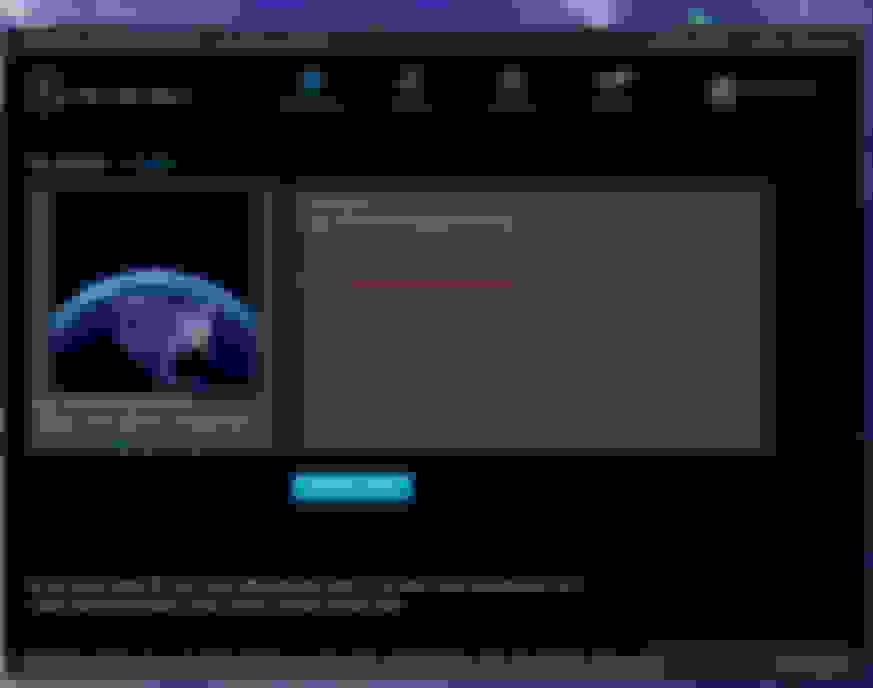
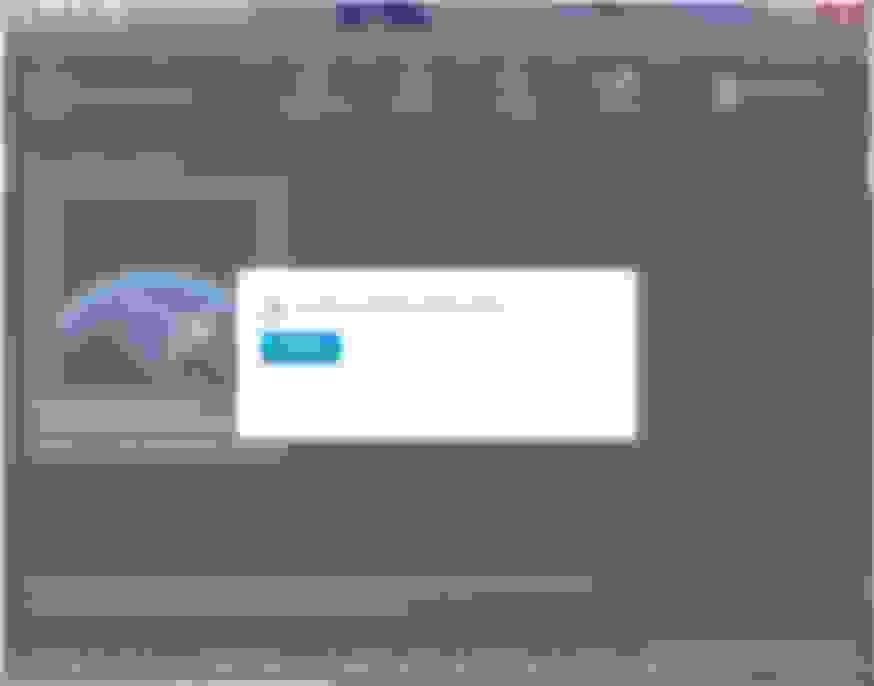
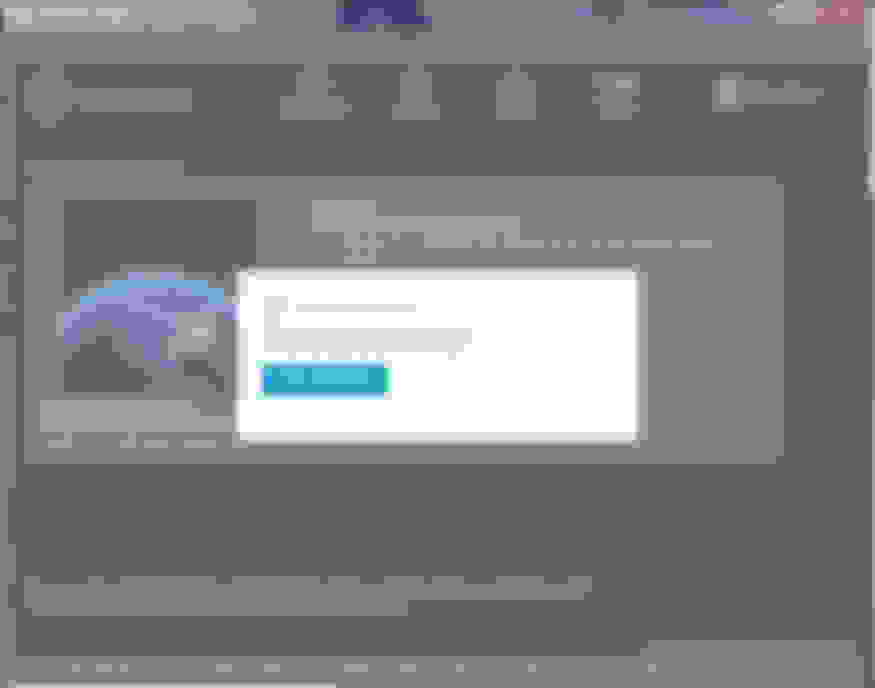
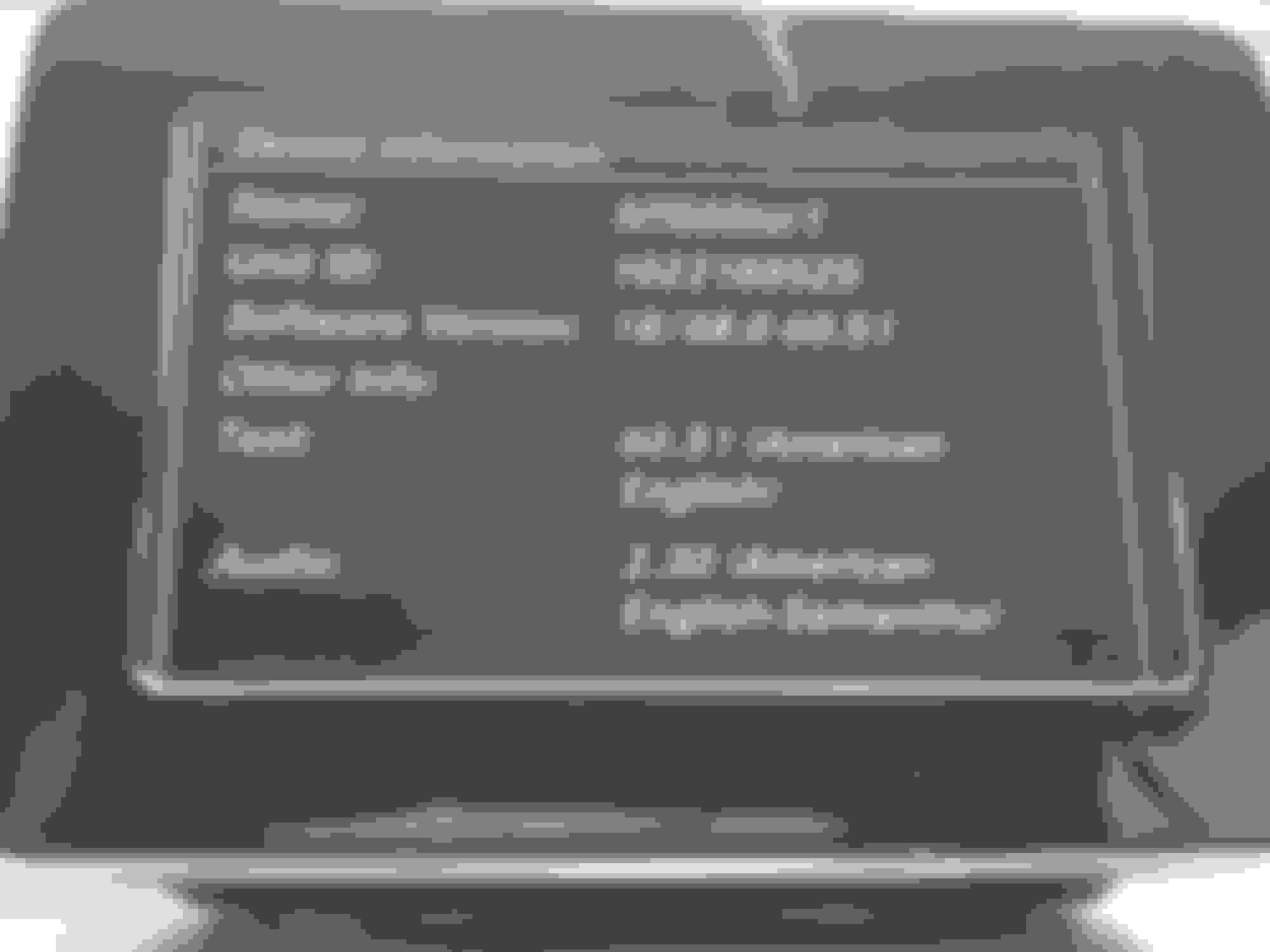
Here are pics of my current V12 update and final update steps.
Note-- if you made a previous backup, you will have to move or rename that backup folder so you can do another backup. If not you only have the option to restore from the old backup. I moved my original V6 backup then was able to make a new V12 backup.
2017 GLA 250, 2011 C63 P31 (p30 w/ lsd) (in repair), 2005 C230 Sport Eurocharged, 2003 C320~sold
SUMMARY Garmin MAP Pilot Update
This is a complete summary of what to purchase and how to update a Mercedes-Benz Garmin MAP Pilot SD Card
I successfully purchased V6.0 A2189066002 and updated to V12.0
Current version as of this writing 6/17/2019 are:
Navigation User Interface SW/Text 18/48.00 60.51 E59.3
MAP V12.0
Purchase any original NEW not used version SD Card part number A 218 XXX XX XX (XX can be any number) -- card locks to vehicle VIN (First 3 digits 218 are for different vehicles)
Install SD Card into your vehicle and follow prompts to activate it
Insert SD Card into your computer and launch newly installed Mercedes Download Manager (DL Mgr)
Backup your SD Card before doing anything under the "Restore Button" (takes about 10 minutes)
Under "Your products" button and follow the prompts to update your card
IF you have a software update for the navigation user interface it will be about 488MB (takes about 15 minutes)
After updating software install the SD Card into your vehicle again to activate then reinstall into your computer and continue to update the Map
Update your MAP following prompts (about 20GB will take about 10+ hours) Recommend having a physical hard line to your internet but not necessary
Do not select backup as it will erase your original backup
Once Map download completed it will say activation failed
close DL Mgr and start it again. It will say an update was cancelled, follow prompts and it will complete.
Install SD Card into your vehicle, activate it and enjoy.
If you want to backup your current version rename or move folder located on your computer -- should be located here for PC %AppData%\com.mercedes-benz.downloadManager\Local Store\Backup\
Insert SD Card into your computer and backup your current map and software version via DL Mgr. It should say there are no updates available under Your products
I moved the NAV map around and a few newer roads(within 1-2 years) are still not on this version. POI is similar(newer stores not listed)
It does seems to work fine(same as V.10)
But for the amount of time it took?? probably was not worth the time.
I am sure going from V.6 to 12 has more useful updates. But from 10 to 12. it seems identical
2017 GLA 250, 2011 C63 P31 (p30 w/ lsd) (in repair), 2005 C230 Sport Eurocharged, 2003 C320~sold
Originally Posted by donho
I moved the NAV map around and a few newer roads(within 1-2 years) are still not on this version. POI is similar(newer stores not listed)
It does seems to work fine(same as V.10)
But for the amount of time it took?? probably was not worth the time.
I am sure going from V.6 to 12 has more useful updates. But from 10 to 12. it seems identical
Glad you got it sorted.
Never know what was updated if you go on a trip too though but at least you have the newest version.
I would recommend setting a reminder in your calendar to check for updates before the 60 day limit is up too.
Lot of useful and detailed step-by-step instructions in this thread. I have a 2019 W205 and used MB Entry Navigation and not Garmin Pro Pilot. I purchased the SD card part number A2139069807, and was able to successfully activate the SD card on my car. It's roughly a month since I did this and hence wanted to try updating the maps within the 60-day period
I tried downloading it and then using it on my laptop but I don't see any updates when I insert the SD card. The Map version continues to say 2018 (V5.0) N.AMERICA. Any suggestions on what I might be missing in terms of the updates? Would the Garmin Pro Pilot Nav Download Manager work for this too? Thoughts?
2017 GLA 250, 2011 C63 P31 (p30 w/ lsd) (in repair), 2005 C230 Sport Eurocharged, 2003 C320~sold
Originally Posted by Tuxdude
I tried downloading it and then using it on my laptop but I don't see any updates when I insert the SD card. The Map version continues to say 2018. Any suggestions on what I might be missing in terms of the updates? Would the Garmin Pro Pilot Nav Download Manager work for this too? Thoughts?
Can you post screenshots of your update process? Someone might be able to help looking at that....
Can you post screenshots of your update process? Someone might be able to help looking at that....
Thanks for the response. Your info in this thread has been really invaluable. I went through the UI once again; I was about to give up and call it a day, thank God I did not. I checked out all the screenshots and realized that I had to hit Restore (not the menu someone goes around looking around for updating the existing maps on the card) and then select Check to see all available updates.
Once I did that, it kicked off the updater and showed me that I could Restore (i.e. Update) to 2019/2020 (V6.0) N.AMERICA which is a 23.6 GB download.
Roughly one hour after letting it run, it has completed 7.3%. I'm expecting that it would take roughly 12 hours in total to complete. I have a hard-wired connection and this is my desktop, so I'll just let it run overnight and see what happens in the morning. I have a fast internet connection (150 Mbps), but it looks like it downloads files one by one (instead of a giant archive or image) and hence takes long.
The Mercedes-Benz Download Manager SD Card Navigation has a slightly different UI and didn't allow me to backup though. So I just manually copied the existing content of my SD card safely to a folder on my hard drive for safe keeping which I'm hoping is sufficient to restore this backup if it comes to that.
Regarding my SD card update, I kept running into the above errors. There was a log file in the AppData directory which indicated download failures.
I wanted to make a backup SD card just in case I lost my original. So I cloned the card manually on my linux workstation using dd. However inserting the card in my car threw the infamous message "Copy protection is active. Please consult your Mercedes-Benz partner.". So realized that making even a backup copy of the SD card was hard.
Went back to my windows machine, inserted the original SD card with the backup files restored, I cleared all the temp files present in AppData and began a fresh update process. I started the update around 5 PM on Sunday evening and this time it completed rapidly by around 9 PM. It said that the Nav data was updated to 2019/2020 (V6.0) N.AMERICA. However when I plugged the SD card in my car, I got this infamous message "Copy protection is active. Please consult your Mercedes-Benz partner.".
I was upset that I somehow blew up a perfectly working SD card and on top of that I misunderstood that now my SD card's CID has been blacklisted.
I went back to restoring the original data once again, inserted it back in the car and got back my original 2018 nav v5.0 based maps working again. Yaaay!
I did a lot of exploring and learnt quite a bit:
- Just copying the files manually to the hard drive is an easy and sufficient backup. Restoring it is basically wiping everything on the card and copying back all the files from this backup.
- The download manager logs are present under the AppData directory and have valuable information regarding any errors/failures.
- The download manager hits failures in the middle of the download process which pauses the update until you hit the Retry/Continue button.
- The files are being downloaded from Azure servers and have an expiry associated (roughly 12 hours or so I think). After this time period expiry, it is no longer possible to resume the download without having to restart the entire update process from the very beginning.
- These SD cards have an identifier called CID. This CID can only be set at the time of manufacture of the card. The data on the SD card and the data stored on the Nav system in the car keeps track of the CID. This is why an SD card gets married to the Nav unit during activation. Some cards manufactured around 2016 or earlier had a bug which exposed a means to modify the card's CID. However almost none of the recent cards allow this since it's a violation of the spec. It is however possible to order SD cards from certain sellers online by providing the CID of the card.
I have just in case kicked off another SD card update to see if it makes any difference this time, let's see.
The SD card update yesterday night kept hitting failures while download. It sucks that the update process is so hard.
There are two main possibilities I can think of at the moment:
- The SD card I received has some hacked maps software/data such that it works but once my card gets updated it no longer works since the copy protection kicks in.
- The maps update is not reliable and any corruption/interruption during the update causes the similar "copy protection" error message even though it is not related to copy protection.
I will try updating the maps software once again tonight to see if it makes any difference. My 60 day period is about to run out, so let's see what happens. Otherwise I just stick with the 2018 version of the maps and be happy with it
I tried to update my SD card A2139069807 with 2018 (V5.0) N.AMERICA maps multiple times. Even when the download of the update (2019/2020 (V6.0) N.AMERICA) is successful, the car's Nav system detects Copy protection issues. It appears as if this particular version of the map and data on the card has been engineered/hacked to keep the system happy, but breaks after the update. So for now, I've decided to keep the version that works since I use Google Maps / Waze with Android Auto most of the time.
Also, when I used a German VPN endpoint and when I started the download around 6 PM PT, the download completes within 3 hours on a fast internet connection. The writes to the SD card is the part which actually take longer than the download.
I'm interested to see screenshots from this version of MB Entry Navigation to see if there are obvious differences between the genuine and these fakes ones from ebay.
I just picked one up myself for only $25 from ebay --- v6.0 instead of the latest v11 and is a genuine Mercedes card
You do not need the newest version and can upgrade the maps for free here --- https://shop.mercedes-benz.com/en-gb...rmin-map-pilot
EDIT: updated with correct link for version 3 download manager
You will however need an SD card slot on a computer, adapter or friend that has one to update the maps.
You also need to ensure you have code 522 "AUDIO 20 RADIO NAVIGATION CAPABLE NTG5" which can be verified here https://www.datamb.com/
In any case, mine is enroute and will post verifying everything went smoothly updating to the latest map version.
I'm trying to update my SD card using the instructions in this thread, but I can't find download manager anywhere. Some also tell me that this app is not available for public use anymore (but only for dealers). Can somebody please upload the last version of installation file on WeTransfer and share the link?
Mercedes SLR McLaren 722 S Is Extremely Rare Example Modified by McLaren
Slideshow: A one-of-one U.S.-spec Mercedes-Benz SLR McLaren Roadster became even rarer after a factory-backed transformation at McLaren's headquarters.