When you click on links to various merchants on this site and make a purchase, this can result in this site earning a commission. Affiliate programs and affiliations include, but are not limited to, the eBay Partner Network.
2018 GLS550 & 2015 S550 gone but not forgotten: 2001 S500, 2006 ML500, 2010 S550 & 2014 GL550
Originally Posted by ephico2real
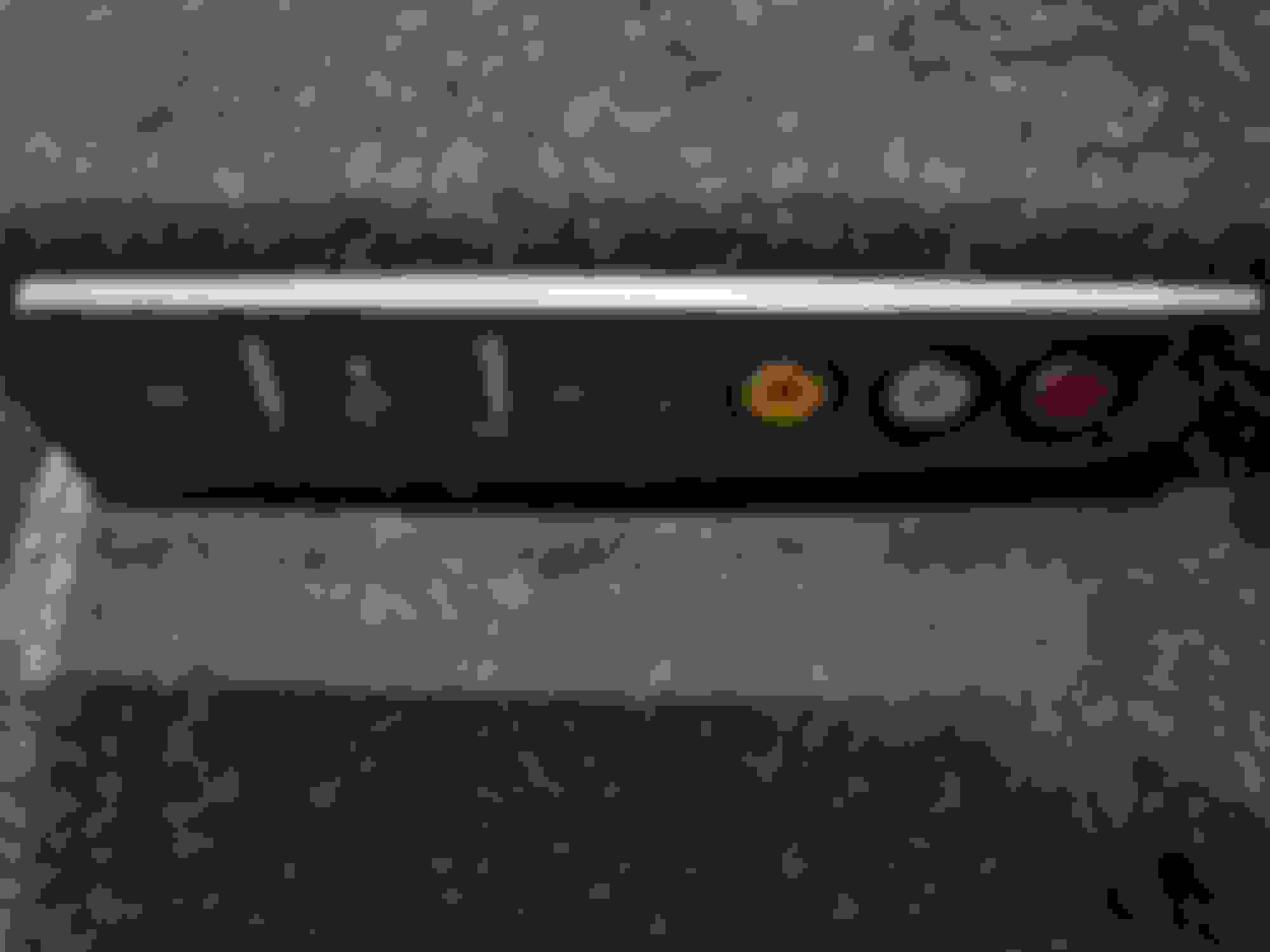
Nice one. I had thought all w222 trims came with the built-in USB or aux port as standard. Oh oh.. i guess this is why Kim- the shop owner asked for a picture from my car center console etc. I remembered him saying that would be soldering something internally since I already have aux and USB ports. This is what I sent him.
Good job
So your car dont have the 3.5 mm jack? So what settings did you go to get sound from the carplay? Mine has the 2 usb ports and the only way I was able to get sound from the carplay was to get the adapter, but in your pic I dont see the 3.5 plugged in anywhere.
First I'd like to thank ephico2real for starting this thread and giving a good review on installation of this car play unit for our W222 s63.
After i read this, i too decided to purchase the korean version kit without the use of an external mic.
I got delivery within 3 days and i immediately started to install the unit on my own watching these youtube videos.
I also ordered a AUX activator through OBDII, but its on its way here.... so my audio wont work until i get the OBDII Aux activator. I bought it on aliexpress.
Installation was very easy... I don’t have rear climate or rear entertainment and got it all finished and tidy in less then 1hr... I too was confused on the installation of extra wires, and the aux cable since there was no where to plug it in. I found that I had to cut the aux cable and wire the 3 wires of the aux into the factory harness in the back of the unit.
For me, everything seemed to be working good at first, but I noticed my front camera didn’t turn on after reversing, so they sent me an updated file which fixed that problem. My firmware is 20.10.5.10 can you please check if we are all on the latest versions?
2. Screen mirroring seems to be a pain so far... I got it to work once then the unit got stuck on the settings mode screen and wouldn’t go back to the Home Screen... so had to reset the unit. I tried to get it working again but it wasn’t being cooperative... so gave up tonight... I’ll keep trying... is there an easier way you got it to work? Wish we could just plug and play...
3. I ordered a usb 3.0 flush mount usb extender that will install flush next to all the other usb inputs in the storage console on amazon.
are their any other tips and tricks that you guys figured out? I can’t get any audio of CarPlay until I get my aux, shoulda just got the one they sell... didn’t understand it until we got the unit... thought the obdii version was the simplest.... but now I think getting that adapter was easier and faster.
also tech support advised me not to use connect wireless as it’s a hit and miss...
Thanks in advance.
Last edited by wickedrsr; Nov 10, 2020 at 03:12 AM.
So your car dont have the 3.5 mm jack? So what settings did you go to get sound from the carplay? Mine has the 2 usb ports and the only way I was able to get sound from the carplay was to get the adapter, but in your pic I dont see the 3.5 plugged in anywhere.
I have the 3D burnmester sound system and rear entertainment. I think mercedes bridge the signal internally. The on-screen adapter came with my car and already activated. I usually plug my android phone to usb port on the wire harness, But iPhone paired flawlessly. I didt have to do anything.
First I'd like to thank ephico2real for starting this thread and giving a good review on installation of this car play unit for our W222 s63.
After i read this, i too decided to purchase the korean version kit without the use of an external mic.
I got delivery within 3 days and i immediately started to install the unit on my own watching these youtube videos.
I also ordered a AUX activator through OBDII, but its on its way here.... so my audio wont work until i get the OBDII Aux activator. I bought it on aliexpress.
Installation was very easy... I don’t have rear climate or rear entertainment and got it all finished and tidy in less then 1hr... I too was confused on the installation of extra wires, and the aux cable since there was no where to plug it in. I found that I had to cut the aux cable and wire the 3 wires of the aux into the factory harness in the back of the unit.
For me, everything seemed to be working good at first, but I noticed my front camera didn’t turn on after reversing, so they sent me an updated file which fixed that problem. My firmware is 20.10.5.10 can you please check if we are all on the latest versions?
2. Screen mirroring seems to be a pain so far... I got it to work once then the unit got stuck on the settings mode screen and wouldn’t go back to the Home Screen... so had to reset the unit. I tried to get it working again but it wasn’t being cooperative... so gave up tonight... I’ll keep trying... is there an easier way you got it to work? Wish we could just plug and play...
3. I ordered a usb 3.0 flush mount usb extender that will install flush next to all the other usb inputs in the storage console on amazon.
are their any other tips and tricks that you guys figured out? I can’t get any audio of CarPlay until I get my aux, shoulda just got the one they sell... didn’t understand it until we got the unit... thought the obdii version was the simplest.... but now I think getting that adapter was easier and faster.
also tech support advised me not to use connect wireless as it’s a hit and miss...
Thanks in advance.
Good job. I don't think you need to cut any wire IMO.
Then, only wires that you need to move are the two digital light orange red looking-⁸digital audio cable by taking out from factory harness and plugging it into same spot on the aftermarket harness.
Pls check the reference videos. You will see a section when the guy installing performed that scenerio
Last edited by ephico2real; Nov 11, 2020 at 06:21 AM.
Hi... so I got to hook up the aux through obdii and i finally have sound through the car play.... I noticed that when I’m in aux mode, the music is very low quality or the volume is very low where I have to turn it all the way up to get a normal good volume but sounds pretty distorted... do you guys have the same experience as me? When I’m mirroring audio/video in YouTube, the audio volume is very low and have to turn all the way up... and when I go back to radio or Bluetooth, and forget the volume was turned all the way up.... it blasts very loud.... please let me know your experience... thanks in advance.
Hi... so I got to hook up the aux through obdii and i finally have sound through the car play.... I noticed that when I’m in aux mode, the music is very low quality or the volume is very low where I have to turn it all the way up to get a normal good volume but sounds pretty distorted... do you guys have the same experience as me? When I’m mirroring audio/video in YouTube, the audio volume is very low and have to turn all the way up... and when I go back to radio or Bluetooth, and forget the volume was turned all the way up.... it blasts very loud.... please let me know your experience... thanks in advance.
This is the volume settings- Controlling volume: I set mine to 17. Go to setup and select volume
Got it.. thanks.. everything is working perfect now... i just installed a googleTv using the HDMI port and it works flawlessly... i think its much better then mirroring the phone display... uses the full scree... the googletv is conencted to my phones wifi hotspot. =) This carplay mod should have been done years ago.....
Got it.. thanks.. everything is working perfect now... i just installed a googleTv using the HDMI port and it works flawlessly... i think its much better then mirroring the phone display... uses the full scree... the googletv is conencted to my phones wifi hotspot. =) This carplay mod should have been done years ago.....
omg! This is so cool. Everyone is getting creative.. What version of Google TV did you buy? Can you post the pictures of your new setup with google tv? what version of google tv did you install? What are you using for your wifi?
Last edited by ephico2real; Nov 30, 2020 at 11:20 PM.
Reason: fixed typo
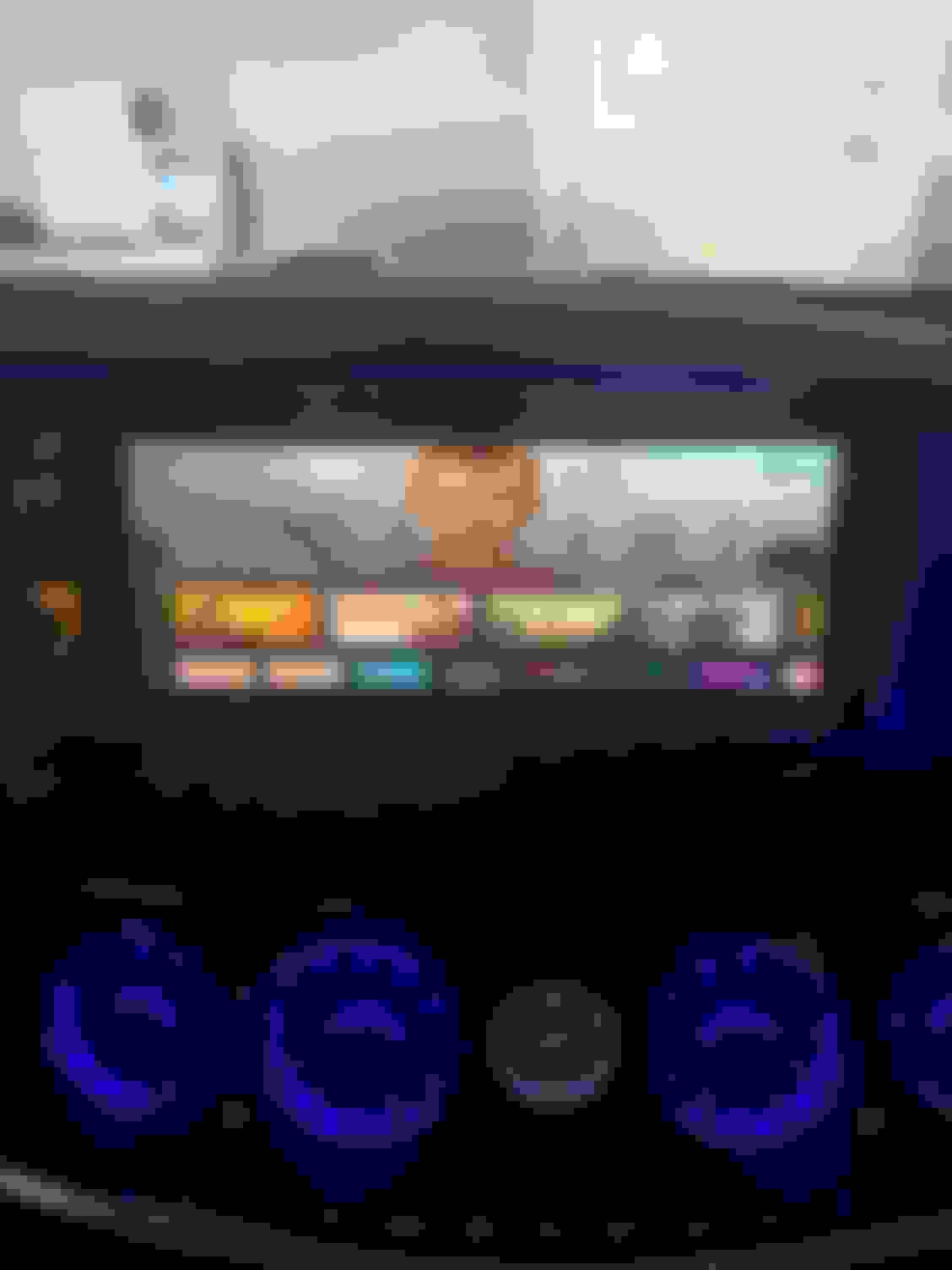
I used the newest google tv with the remote.... works perfect and fast... not laggy at all... best connection... while carplay is running wireless, the googletv is running through hdmi... has great connection with audio and high resolution... can play hbo max, netflix, youtube... all sorts of apps.... etc... much better then running screen mirroring... for wifi... i just use my phones hotspot... these days most wireless services give u free hotspot unlimited use... Also instead of a google tv, you can use apple tv, firestick, roku etc....
For install only really took about 15 min from start to finish... you dont need to cut any holes... theres a small hole already near the hingle to run the usb cable through the air vent to get power..... this is only needed if you use the newest googletv... (the newer versions of 4k video sticks need the extra power to be plugged in an outlet).... if you use the older models... you do not need to plug the unit in the power outlet, you can use the usb outlet as a power source if your not using the newest 4k modules which is a cleaner install... from the hdmi cable running through the console, theres the cell phone holder, you can run the usb wire underneath it without cutting any holes and still put the holder in place.
good luck and have fun... finding things to do during second phase of shelter in place lol
I used the newest google tv with the remote.... works perfect and fast... not laggy at all... best connection... while carplay is running wireless, the googletv is running through hdmi... has great connection with audio and high resolution... can play hbo max, netflix, youtube... all sorts of apps.... etc... much better then running screen mirroring... for wifi... i just use my phones hotspot... these days most wireless services give u free hotspot unlimited use... Also instead of a google tv, you can use apple tv, firestick, roku etc....
For install only really took about 15 min from start to finish... you dont need to cut any holes... theres a small hole already near the hingle to run the usb cable through the air vent to get power..... this is only needed if you use the newest googletv... (the newer versions of 4k video sticks need the extra power to be plugged in an outlet).... if you use the older models... you do not need to plug the unit in the power outlet, you can use the usb outlet as a power source if your not using the newest 4k modules which is a cleaner install... from the hdmi cable running through the console, theres the cell phone holder, you can run the usb wire underneath it without cutting any holes and still put the holder in place.
good luck and have fun... finding things to do during second phase of shelter in place lol
Cool info. I like your setup- I bought the googletv last night on bestbuy because of the 4k as they were on sale for 49.99$. I guess I made the right decision. lol. I have a multi socket plug adapter already in my car for running stuff. I will just run the power cable from it. I cannot deal with taking the car apart again since my device is installed in the passenger front firewall.
QQ: what is your car model and year? Did you retrofit the vent light? or is it factory?
I retrofitted the vents the same time I bought the CarPlay... I purchased the vents off aliexpress and it came in 4 days through dhl... the tech support was very supportive... the fronts are direct plug and play and doesn’t take very long to install... the rears are more of a pain in the *** as you have to do some cutting and dremaling to have it fit inside the vent couplings... they are actually made to for the new E class. They have 2 models, one for 64 colors and one for 7 color ambient light. Outside is a perfect fit, just the inside needs a little trim. These are called turbo vents. After doing these mods, my 2015 s63 should last me another few years before I get the itch to buy something new again... I was planning to sell it cheap.... but for now, it seems like a new car to me...
let me know if your interested in doing the vents, I can send over the trusted aliexpress seller which helped answer all installation questions.... I also installed the 3D center roof speaker.... to match the 3D tweeter I installed a few years ago, but looks like you have the burmester 3D audio already.
I retrofitted the vents the same time I bought the CarPlay... I purchased the vents off aliexpress and it came in 4 days through dhl... the tech support was very supportive... the fronts are direct plug and play and doesn’t take very long to install... the rears are more of a pain in the *** as you have to do some cutting and dremaling to have it fit inside the vent couplings... they are actually made to for the new E class. They have 2 models, one for 64 colors and one for 7 color ambient light. Outside is a perfect fit, just the inside needs a little trim. These are called turbo vents. After doing these mods, my 2015 s63 should last me another few years before I get the itch to buy something new again... I was planning to sell it cheap.... but for now, it seems like a new car to me...
let me know if your interested in doing the vents, I can send over the trusted aliexpress seller which helped answer all installation questions.... I also installed the 3D center roof speaker.... to match the 3D tweeter I installed a few years ago, but looks like you have the burmester 3D audio already.
Yes - I have the 3D burmester sound and the music is so loud and clear. I play a lot of hip hop and west african songs. I was able to feel all the notes, drums, and percussions instrument. That was my number one request when searching for the S550 two years ago.
Please if you've paid off the S63 then don't sell it - I think the car is a real steal and an absolute joy to drive. I had to tune my own w222 to get the same good drive feel of an S63. The carplay and hack is the best brain exercise during this pandemic. lol. You just need a good part seller like FCPEURO (lifetime warranties) and a place to buy tires with 2 years warranty like tirerack.com. Then get a good mechanic to help you with basic service. I also follow a guy on youtube that does all the services himself.
I'm very satisfied with the carplay result because it changed the car experience for me when driving around town or highway. My friend has the 2018 model with factory carplay but it is not as fast or intuitive like the aftermarket device. I am interested in the air vent. I saw sample install on youtube but I was worried about fittings and level of effort required.
Did you get the 64 color or 7 color? I know 2015 w222 are all limited to 7 colors. Can you share the seller or sale link?
Last edited by ephico2real; Dec 1, 2020 at 07:59 PM.
Reason: typo
heres the link where i bought it from. https://www.aliexpress.com/item/4000...230570cdnTvikv
JMGO is the store and he shipped me the fronts and the rears. I got shipment in 4 days... and he was able to answer all my questions and helped me through the install. There are 3 different manufactures that makes these vents.... From what ive heard he sells the higher quality ones.... I got the 7 color because my car only has the 7 color. The front vents shouldnt take you more then 45 min to install... basically all clips to clip off the factory vents... all plug and play... the rear... took me a few hours of trying to get a perfect fit without over cutting the inside tube. Overall i am very pleased with the quality and the change in my cockpit. If you decide to purchase it, and if you have any questions.. ill be happy to help.
heres the link where i bought it from. https://www.aliexpress.com/item/4000...230570cdnTvikv
JMGO is the store and he shipped me the fronts and the rears. I got shipment in 4 days... and he was able to answer all my questions and helped me through the install. There are 3 different manufactures that makes these vents.... From what ive heard he sells the higher quality ones.... I got the 7 color because my car only has the 7 color. The front vents shouldnt take you more then 45 min to install... basically all clips to clip off the factory vents... all plug and play... the rear... took me a few hours of trying to get a perfect fit without over cutting the inside tube. Overall i am very pleased with the quality and the change in my cockpit. If you decide to purchase it, and if you have any questions.. ill be happy to help.
Thank you for the info. Did you take out the door panel in order to install this new vents and where did you plug the electrical connectors? Do you also have a youtube guide that you followed.
The one you look for info. Almost 550$ for all set, they look very high quality though but I found an alternative for around 300$. They are on sale. What do you think? Just curious. See link below
From my understanding, there are 3 main manufacturers of the vents... mainly just quality... i decided to go with the higher quality ones then the cheaper ones... and had them ship dhl. Ask them the difference between the 3 manufacturers... from what i heard.. when buying the cheaper ones... is that the lights may burn out quicker or when you recieve them, they may already have problems and you may have to send them back for an exchange... The company i bought them from tested the units before they ship.
yes i had to pull off the door panel to plug the ambient lights into the speaker controller... everything is plug and play... the wiring harness they sent me already had the pins installed and all i had to do was plug it through the door harness and it was a cinch....
I did follow youtube chris i think hes cmk designs are something... if you youtube search he has many diy instruction videos that are very clear and easy to follow..
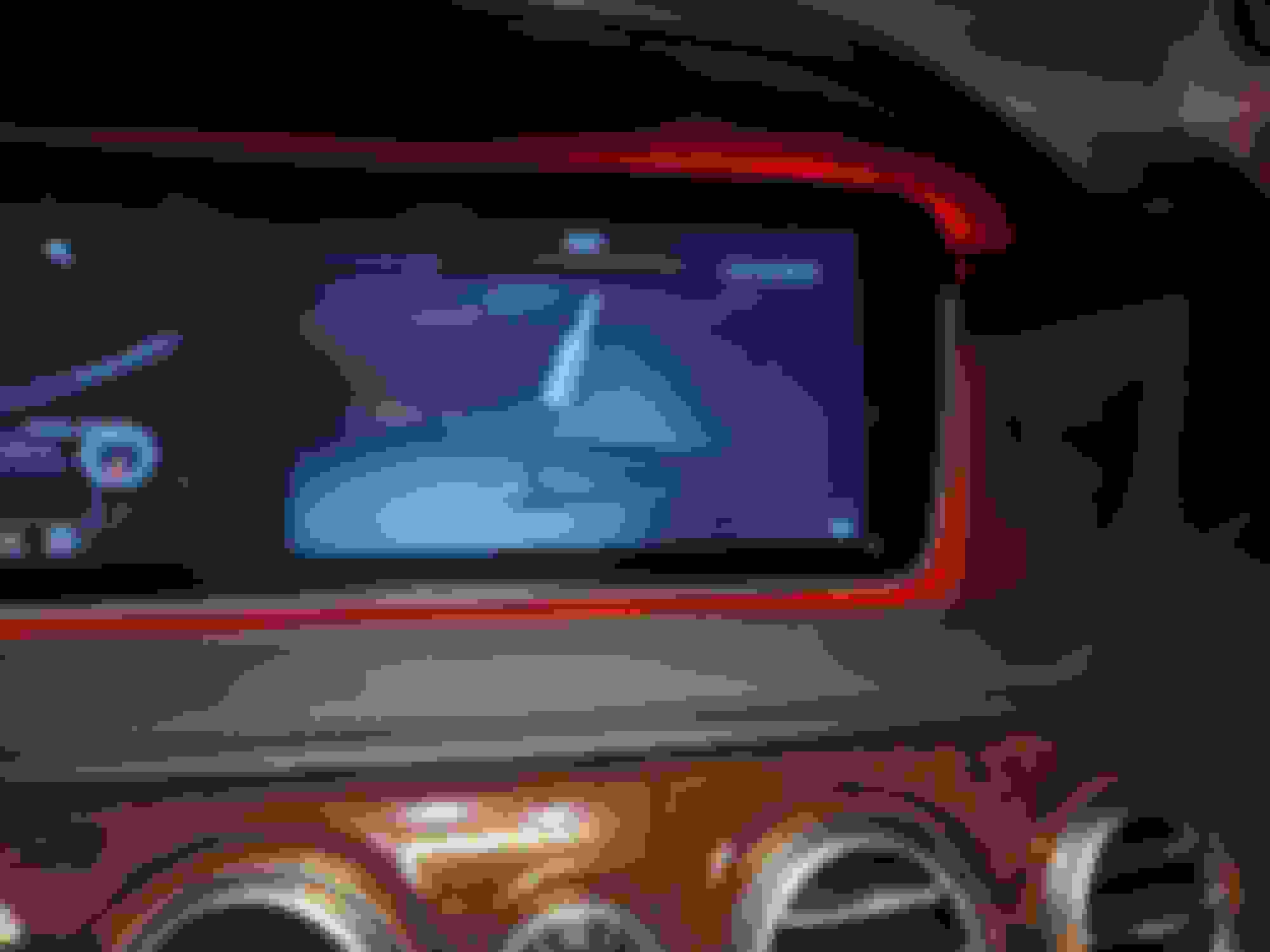
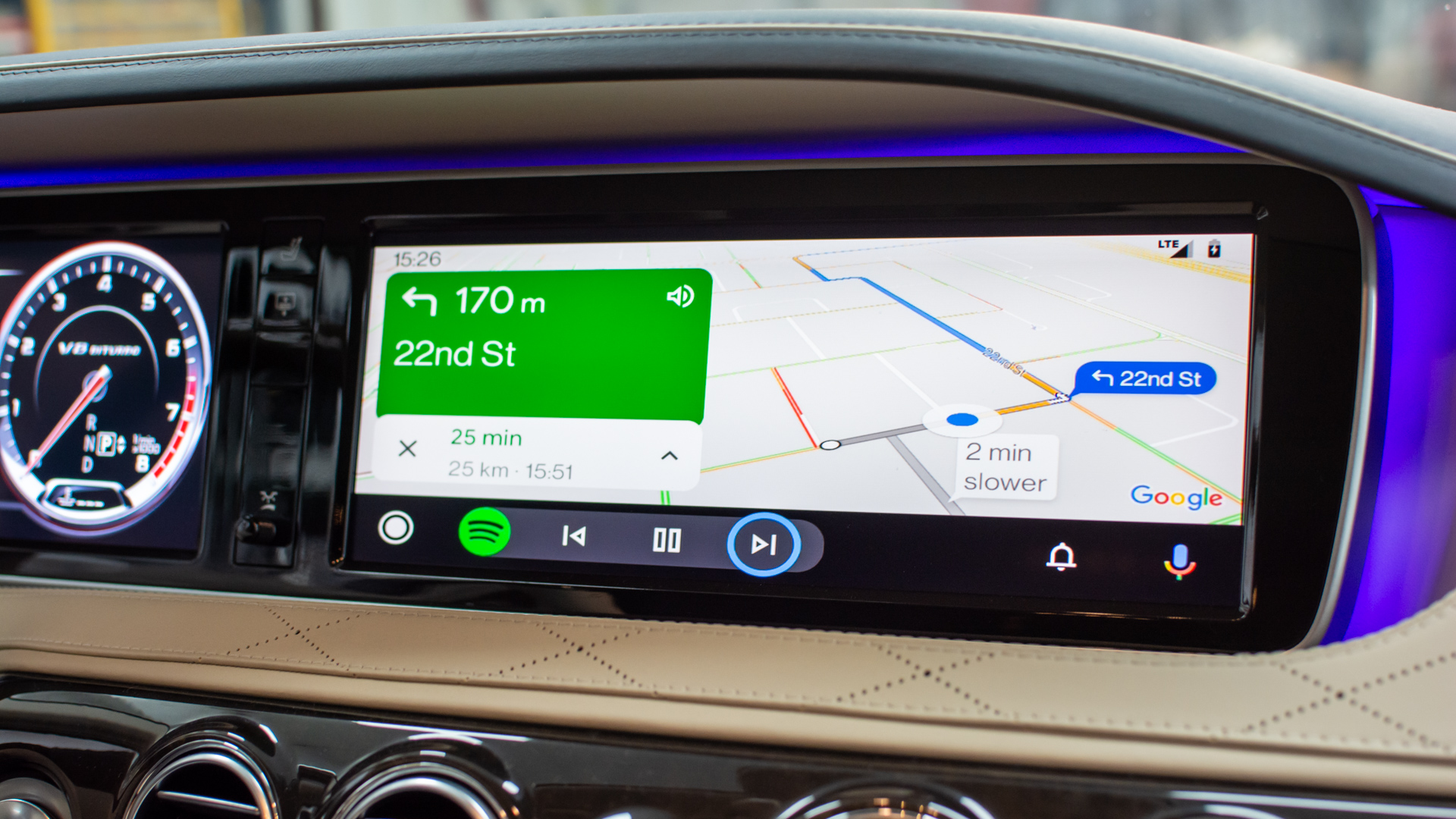
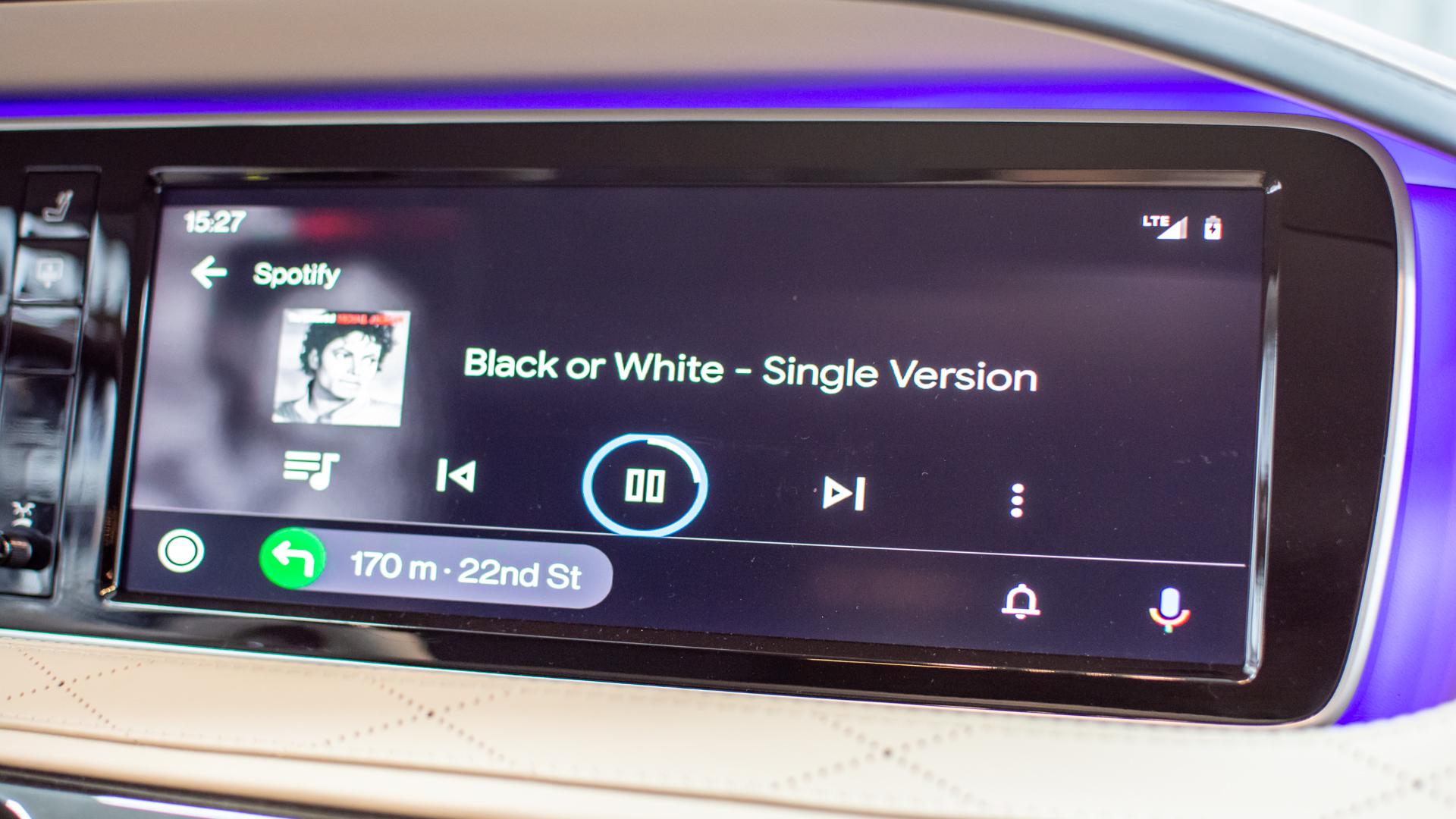
guys, is this an expected resolution for Carplay/AA module? (installed latest model from Radtop, working perfectly, with wireless AA, which is unexpected)
The quality is fine, just I was expecting a bit higher resolution from this thing - everything seems SO HUGE...
heres the link where i bought it from. https://www.aliexpress.com/item/4000...230570cdnTvikv
JMGO is the store and he shipped me the fronts and the rears. I got shipment in 4 days... and he was able to answer all my questions and helped me through the install. There are 3 different manufactures that makes these vents.... From what ive heard he sells the higher quality ones.... I got the 7 color because my car only has the 7 color. The front vents shouldnt take you more then 45 min to install... basically all clips to clip off the factory vents... all plug and play... the rear... took me a few hours of trying to get a perfect fit without over cutting the inside tube. Overall i am very pleased with the quality and the change in my cockpit. If you decide to purchase it, and if you have any questions.. ill be happy to help.
Can you elaborate on the plug and play connection of the wiring.... They look Great!
This device worked with OEM mic. They told me to flash the carplay with 2 files. one for 360 camera and i think the second help with the oem functions to work. That is why there was no mic installation. I like this look. Sometime though the mic has static sounds. SHSSH. SO they told me to switch some settings to pick up call using OEM mic. That worked.
my OEM mic stopped working after connecting this device. Can you tell me what settings you changed?
guys, is this an expected resolution for Carplay/AA module? (installed latest model from Radtop, working perfectly, with wireless AA, which is unexpected)
Let me answer my own question: update solved the problem.
So from my perspective this is a 1st class product - I used newest RoadTop unit, so I dont have an external Mic - hands free works using OE setup and is just crystal clear. I was a bit worried because all these external units are advertised as CarPlay thingies, where Android Auto mode is just added as a second category citizen and there are very few examples online where people install it for the sake of having Android experience - but it is not the case! AA works perfectly fine! With google assistant and road guidance (e.g. take me home, or recognizing weird local mall names pronounced in local dialect while cruising down the highway). I'm all in!
So to summarize:
1/ AA Wired works as expected (just plug in, and the screen switches from OE to AA in less than 2 seconds)
2/ Once wired is set, it automatically works with WIRELESS AA (no configuration required) - this mode starts music MUCH faster than when you are normally using BT music via spotify on OE BT system
3/ Audio quality is fine (e.g. comparable to bluetooth audio, if you don't spin high tones all the way up on crappy burmeister audio). if you need more, you can fall back to OE stream (Radio, DVD, HDD), while enjoying full-screen navigation...
4/ Switching between AA mode and OE is fast, reliable, does not flicker the screen, etc...
5/ after last update the AA works in widescreen mode, native resolution of the OE screen, which is more than enough for me! (I started getting used to large AA icons, but this thing feels like the native 1920x720 experience on known Android 10 units that I used to have in W221.
Hi,
Do you need AUX USB adapter to get sound for Carplay with this Road Top module?
As I saw from the seller's listing, this module has HDMI input button missing from its menu compare to the Indiwork's module, so how could you switch to HDMI input on the Road Top ?
Do you know if I only need the HDMI input for the Android TV box, so the sound will go with the HDMI cable just like I connect it to a LCD TV, or I still need to order an AUX USB or OBDII AUX to get sound?
@lestuan , they put jack-to-usb adapter in the box with the device for S class. Nothing else is needed.
The adapter will need to be plugged into one of the two USB sockets in your car and connected to 3.5mm jack connector coming out of the roadtop module. The audio output is captured when you set your Comand to USB AUX (you have USB1 and USB2 slots you can choose - it will get renamed based on the device you plugged in there, so that their jack-to-usb will come up as "USB AUX"). Moreover, once you activate the OEM Aux via RoadTop's config menu (there is an option just for that), an additional AUX input will appear in your Comand's media list, and will also work here... there is a voice level difference between the two and both utilize the USB AUX connector, so I am not quite sure what exactly is happening behind the scenes... So you will have to also experiment a bit with audio settings, loudness and rqualizer in Roadtop, bass and treble settings in Comand before you reach your favorite setting - there is a lot to gain when you don't max out loudness. Audio quality is comparable with BT music played straight from your phone (BT music no longer works when AA/Carplay is active on your phone, by the way), so I am satisfied with it 100%.
It is not HDMI-related. AFAIK you can plug anything into this HDMI thing if you like, including chromecast if you really need - HDMI becomes just another signal input you can switch to from device's menu...
Mercedes SLR McLaren 722 S Is Extremely Rare Example Modified by McLaren
Slideshow: A one-of-one U.S.-spec Mercedes-Benz SLR McLaren Roadster became even rarer after a factory-backed transformation at McLaren's headquarters.