When you click on links to various merchants on this site and make a purchase, this can result in this site earning a commission. Affiliate programs and affiliations include, but are not limited to, the eBay Partner Network.
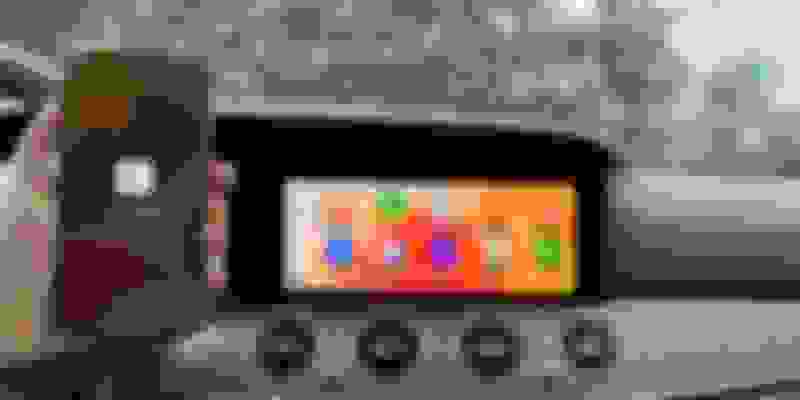
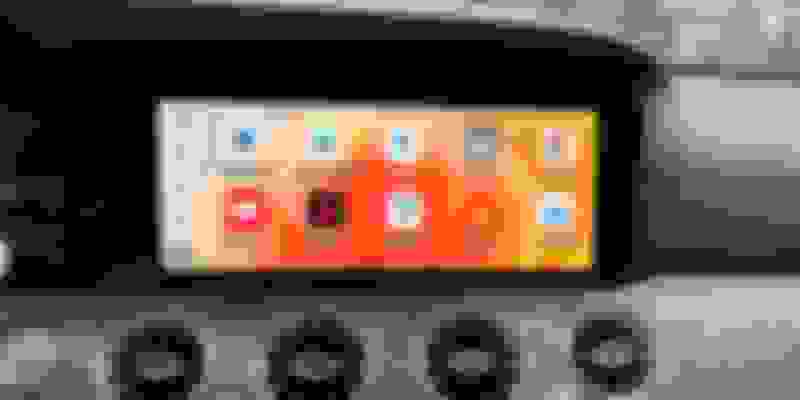
AI CarPlay Adapter, the World's first wireless Adapter,
which converts wired CarPlay and Android Auto wireless and gets access to more applications, YouTube, Netflix, Games, Chrome...
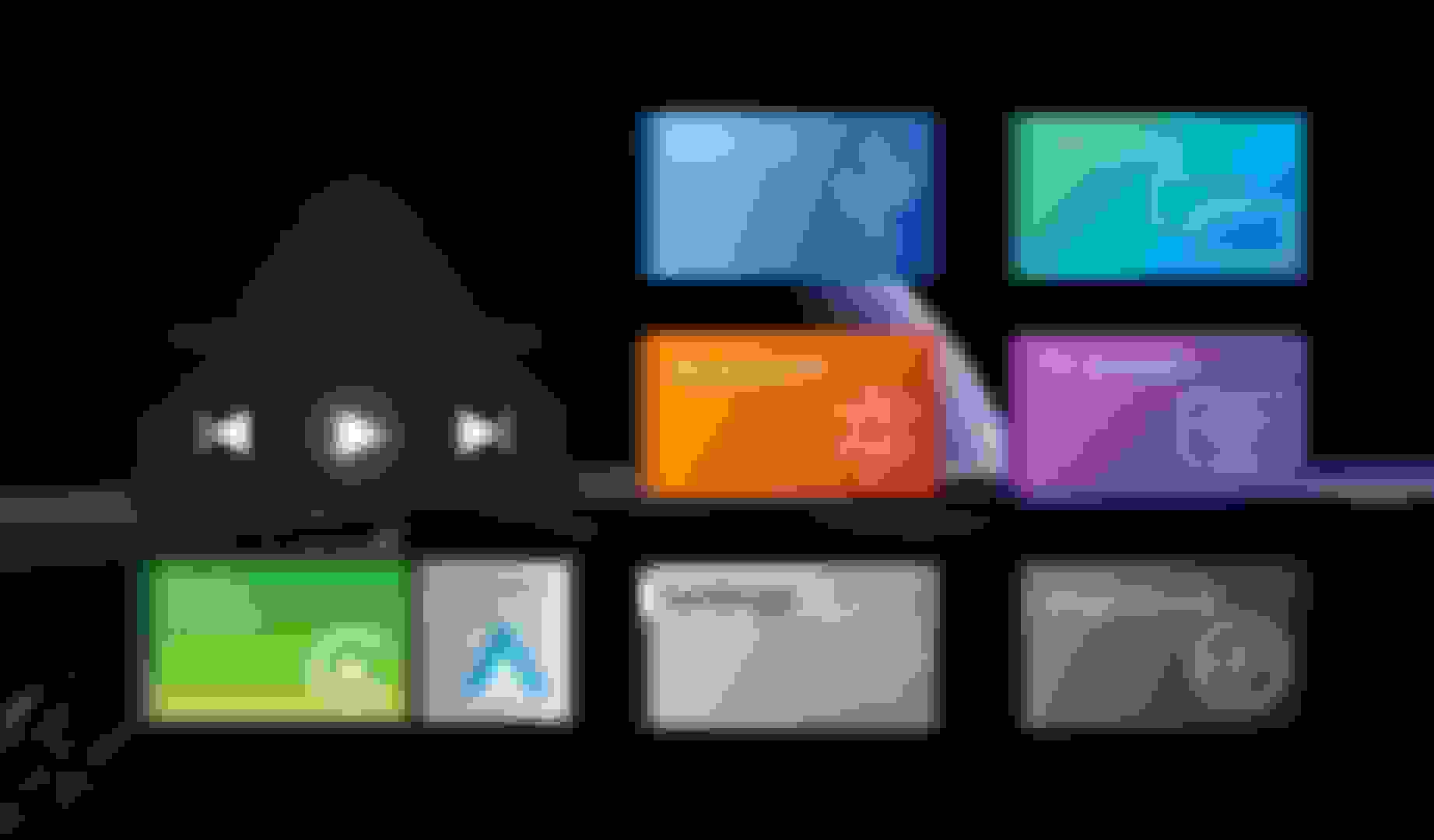
AI Box works with S Class 2018-2021 came with a wired CarPlay feature. It supports 2 applications running on the dashboard at the same time. AI BOX- Multi-window
Are you still using wired CarPlay for directions, listening to music, or making a phone call? Not only 2022 S class has a wireless CarPlay, Smart CarPlay box, but a USB adapter also makes your WIRED CarPlay to wireless.
We're looking for someone to help us promote our products, Are you interested in evaluating any of our products on MBWorld?
And we would like to invite you to do a review on our new coming adapter.
Please see the below thread to join us.
I have a 2018 W222 model with a NTG5.5 Comand online and would like to test and review the Android Wireless Box. Lets check out how it behaves in this specific car.
Does this make Android Auto into full screen or is it still that half usable screen with other half showing Android Auto logo? I see above the full screen on CarPlay
Hi, It's AI CarPlay box with the first post. AI Box with multiple window that allowing 2 applications running on the screen.
The blow post is our new launched Wireless box plus. It supports full screen with CarPlay and Android Auto.
Today we gonna publish the results in thread who are the lucky Mercedes Owners, please let a comment on the thread and will reach you out soon.
Thanks for all your attention and interest in our new wireless box, now we've released on our site CarPlay smart box
If you are interested, just go ahead with the purchase, and the online sale will be closed on 18th May, only pre-orders are acceptable on Kickstarter (Crowdfund platform)
We are happy to let you know we get 3 lucky Mercedes owners to help us to review the product, please PM me your address in both forums and email us: info@carplaysmartbox.com with your contact and address.
Dear Mercedes owner
Mr. Brandon MC
Mr. Bruce
Mr. Robert Beague
Thanks for all your attention and interest in our new wireless box, now we've released on our site CarPlay smart box
If you are interested, just go ahead with the purchase, and the online sale will be closed on 18th May, only pre-orders are acceptable on Kickstarter (Crowdfund platform)
We are happy to let you know we get 3 lucky Mercedes owners to help us to review the product, please PM me your address in both forums and email us: info@carplaysmartbox.com with your contact and address.
Dear Mercedes owner
Mr. Brandon MC
Mr. Bruce
Mr. Robert Beague
We are happy to hear from you!
Excited to try this out! Waiting patiently like a kid waiting for Xmas lolllll
Wired to Wireless CarPlay and Wireless Android Auto connection.
Plug CarPlay AI box to car original USB port.
Go to iPhone settings.
Click and open Bluetooth.
Come back to settings and find General.
Open CarPlay and allow Bluetooth pairing request
Select a connection with CarPlay on the car's dashboard
Your car is connected with CarPlay wirelessly and continues to pair automatically every time you enter your car.
How Can I mirror my phone to the car screen?
Plug the CarPlay AI box into the car's original USB port, then Android 11.0 OS will show on your car screen.
Open the phone (iPhone or Android phone) setting and share the hotspot with your car.
Click Mirroring or Cast on your car screen.
Then you can project any content, photos, or streaming media to your car screen.
Can I install any apps I want to my MBUX??
Plug the CarPlay AI box into the car's original USB port.
Then Android 11.0 OS will show on your car screen with pre-installed apps on your car.
Open the phone (iPhone or Android phone) setting and share the hotspot with your car.
Click YouTube, Netflix on the car screen, or install any apps with the entrance of the Google play store shown on the car screen.
Click CAR on the screen, then you will return back to the original MBUX.
I cannot get Google Play to download apps or Netflix playing for the life of me. System moves slow when selecting or scrolling and screen mirroring youtube is glitchy. I didn't use Android Auto before so this was specifically to mirror seamlessly and watch Netflix. Please advise on how I can get those to work then I can provide a review of its features.
Last edited by Robb92914; May 15, 2022 at 11:05 PM.
Mercedes SLR McLaren 722 S Is Extremely Rare Example Modified by McLaren
Slideshow: A one-of-one U.S.-spec Mercedes-Benz SLR McLaren Roadster became even rarer after a factory-backed transformation at McLaren's headquarters.



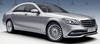


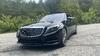




 W222 MBUX Upgraded! Wireless CarPlay, AA, YouTube, FB