


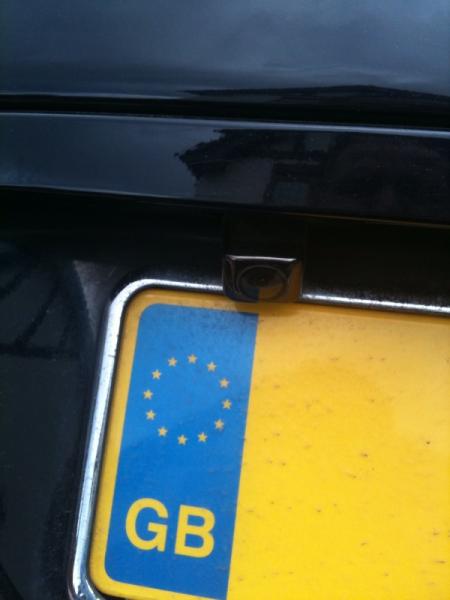
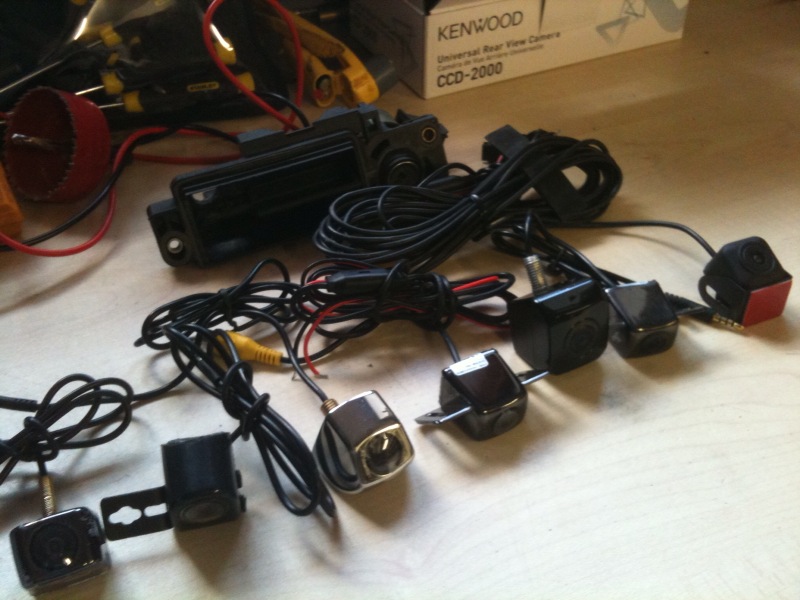
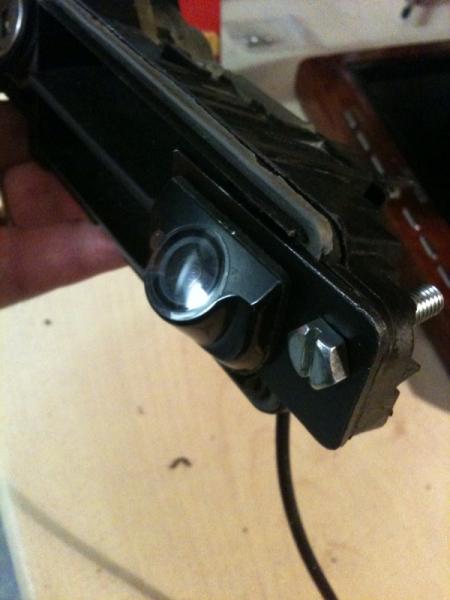
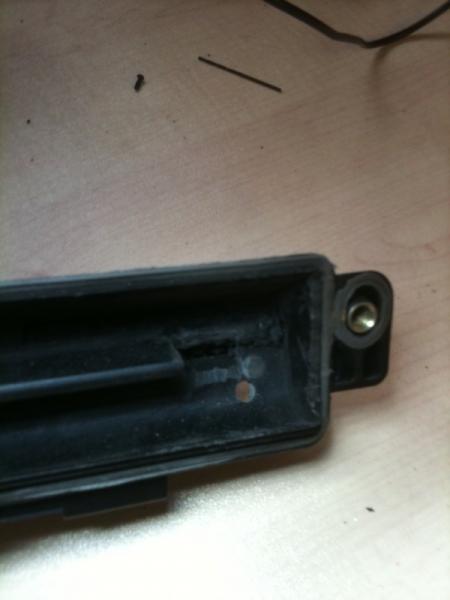

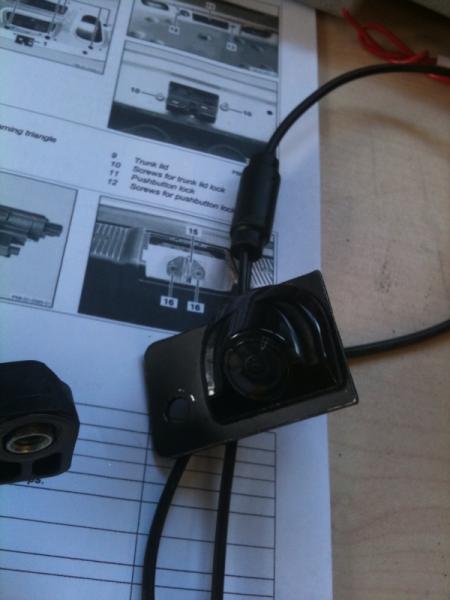
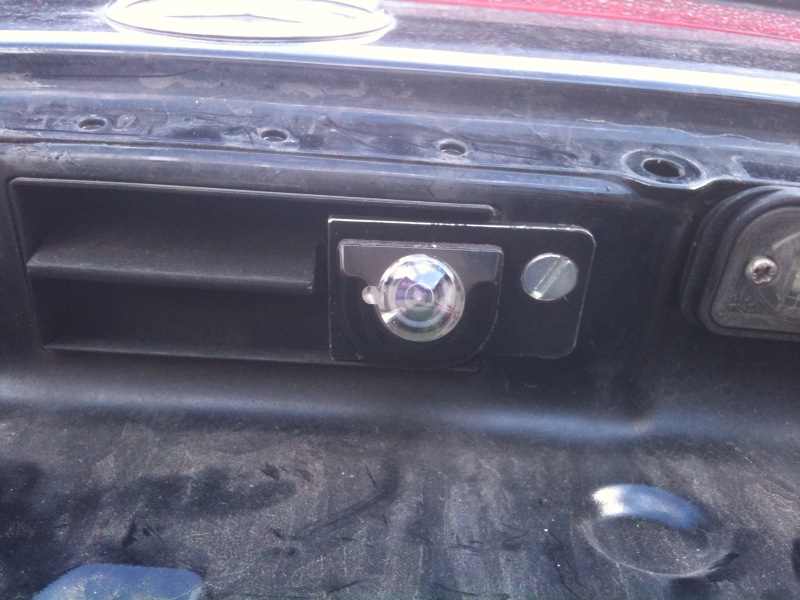
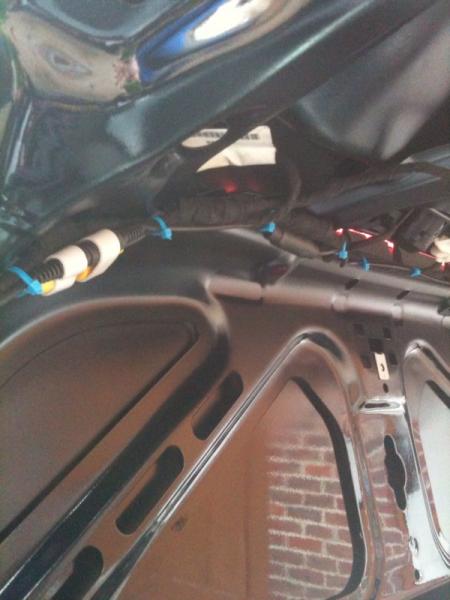

Camera for G Class Command

Thread Starter
MBWorld Fanatic!

Joined: Mar 2009
Posts: 2,136
Likes: 6
From: GA
2016 Chevrolet SS, 2006 Cadillac STS-V
Wow, that looks very nice! I do like that. I may have to get a new license plate applique since my tag bolt holes are starting to get stripped out, so I'm definately going to keep that install in mind.
Where did you get the distance-o-meter though? Did that come with that particular camera?
Where did you get the distance-o-meter though? Did that come with that particular camera?

Junior Member
Joined: Jan 2003
Posts: 28
Likes: 0
From: London
W203 C200K-2003
No that came with the reverse sensor interface I installed in the rear bumper strip because my car did not have that from factory.
The interface is connected in line with the video signal from the camera then to the Comand NTG2.5
The interface is connected in line with the video signal from the camera then to the Comand NTG2.5
MB World Stories
The Best of Mercedes & AMG

Dubai Tuner Gives the Mercedes G-Class An Entirely New Look
Verdad Gallardo
Six Gift Ideas Your AMG Loving Dad or Grad Will Cherish

7 Craziest Things AMG Gas Ever Built
Verdad Gallardo
New Electric Mercedes-AMG GT 4-Door Coupe Unveiled: 10 Things You Need to Know
Verdad Gallardo
6 Mercedes Models That Did NOT Age Well (But Are Somehow Still Cool)
Verdad Gallardo
Manual Mercedes? 6 Times Sindelfingen Let Drivers Have All The Fun
Verdad Gallardo
Mercedes SLR McLaren 722 S Is Extremely Rare Example Modified by McLaren
Verdad Gallardo
8 Classic Boxy Mercedes Designs That Have Aged Like Fine Wine
Verdad Gallardo
Flawlessly Restored Mercedes 190E Evo II Heads to Auction
Verdad Gallardo
Junior Member
Joined: Jan 2003
Posts: 28
Likes: 0
From: London
W203 C200K-2003
Here is the link
http://www.aliexpress.com/product-gs...olesalers.html
http://www.aliexpress.com/product-gs...olesalers.html

Newbie
Joined: Sep 2012
Posts: 2
Likes: 0
Mercedes C230 Kompressor 2005
Good Job Mr. but how did you link the camera to your command set ? i have the same command set NTG2 and there is no socket to plug in the camera. I have one blue for GPS antenna, one yellow for FM radio and the other is black for also the radio. So where did you plug the camera?
Plus what did you use to enable the Bluetooth? is your car wired till the armrest console? is there is a plug ready for bluetooth or you also installed yourself ?
About navigation, is it possible to have a GPS antenna only without a DVD navigation map ? in the command set there is three buttons:
1- SAT
2- NAV
3- MAP
What is the difference between these three ? if i only installed the GPS antenna what will happen?
Thanks in advance for your help,
Hani
Plus what did you use to enable the Bluetooth? is your car wired till the armrest console? is there is a plug ready for bluetooth or you also installed yourself ?
About navigation, is it possible to have a GPS antenna only without a DVD navigation map ? in the command set there is three buttons:
1- SAT
2- NAV
3- MAP
What is the difference between these three ? if i only installed the GPS antenna what will happen?
Thanks in advance for your help,
Hani
Last edited by hjardali; Oct 2, 2012 at 11:51 AM.


