When you click on links to various merchants on this site and make a purchase, this can result in this site earning a commission. Affiliate programs and affiliations include, but are not limited to, the eBay Partner Network.
i would wait a little for this solution. I was also interested in this and I got a reply that they are updating the system. So there will be an upgraded version of this.
Besides in the AliExpress link it is also mentioned:
Notice 3: Friend,since the product is in the debugging and update phase, please purchase it on November 13th.
Does anyone know how to change the default volume level? When i connect my iphone to stream BT music, the volume always starts off on level "10". I have to manually adjust this to ~level 20 every time to keep from turning up the OEM HU volume all the way up. In the settings menu under sound and equalization, the settings reset to default every time i turn the car on. When the screen is connected via wifi or 4g, I am able to use the spotify app that i downloaded but there's no volume control for the screen. Thanks.
Go to the hide settings menu (8888, know what I mean)
Go to volume
And set the "boot max volume" parameter to what you'd like.
I personally set it on 15, so I have the same volume level than the car radio.
advise: if you want to play with the other volume parameters, take a photo first of your current settings, then you can go back if need.
Cheers
All problems with sound are solved!
Carlife sent me the last software update, and boom!
Everything working! 😁
About time!
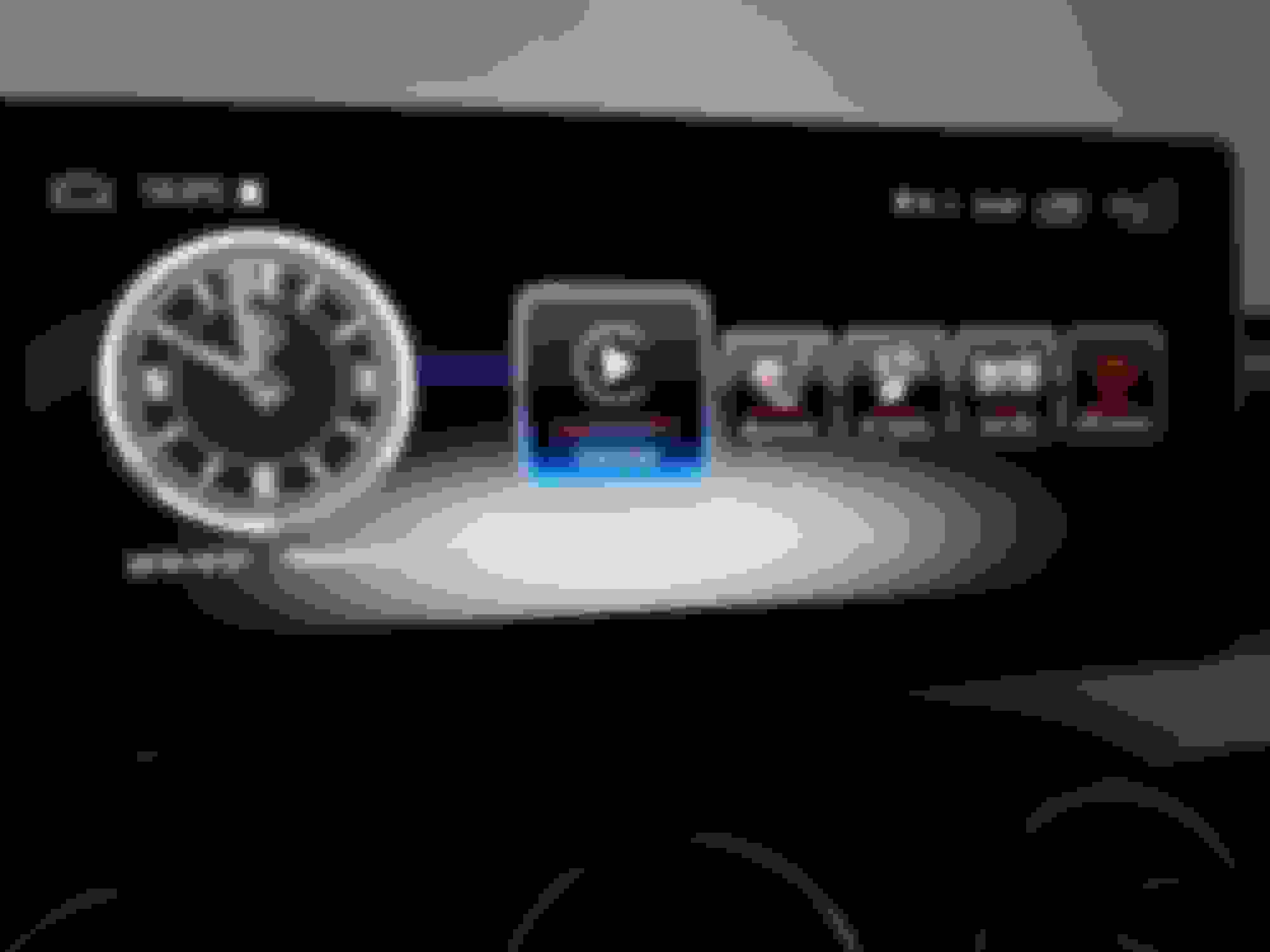
There are some new things in icons area.
An Carplay icon and another one to turn the screen off.
Last edited by Pazevedo78; Nov 1, 2018 at 04:09 AM.
All problems with sound are solved!
carlife sent me the last software update, and boom!
Everything working! 😁
About time!
There are some new things in icons area.
An Carplay icon and another one to turn the screen off.
Hello, happy for youfo
Do you mind sharing the update?
I think you guys interested in update should contact your seller.
i don't know if this is the same for all or not!
Carlife-mall clients for sure can contact them to get the update.
i received a not a 10" android display, my decision was an 8" Android 8.0 system and I have a display issue regarding original Comand display.
So I'm sorry that this might not be correct thread to ask in, but please give me try.
The display of reverse camera or Comand navigation is flickering and so the usability is very bad. The support team (http://www.dvdgpsnav.com)
told me to configure my android box to switch mode 2 and 5, which is the correct aspect ratio for my Comand 8.4" display.
First I thought this could be a radiation issue with built in WLAN or BT. Disabled both things from the Comand but it didn't help.
Then I exchanged the LVDS cable from the Comand head unit to the android box. But this did not work either.
Has anybody an idea what ist wrong with my android device? I think it is defect
I've got 9,33'' version (android 7.1) . And I notice that every time I turn off my engine and get off, the screen shuts down.
After I while (even 15 minutes) when I get in the car and start engine the screen starts (in takes about 15-20 sek) and every application like navigation 'waze' or spotify doesn't continue working. So I need to enter a destination ones again and choose my songs.
I thought that screen contains the battery and should go to sleep, and only after 1 hour (for example) turns off.
How does your unit behave?
The problem is that it doesn't have battery!
So it closes abruptly everytime... That's not good.
I'm always getting a message of app optimization everytime I start the car, and I think that it's related to that!
anyone with this issue?
My screen shuts off too when the engine is turned off.
But I don't get the Android app optimization
message each time. I get it only when I change a setting that requires reboot.
most of the time, I get the MB logo and sometimes I get the MB fire animation (depends of what...I don't know)
For what i´ve been reading, its some app that is causing that.
There are some that are famous to do that in android system but i dont have any of those.
Just going to start uninstall one each time and try...
It seems its a relatively comum issue. Never heard it before.
I've got 9,33'' version (android 7.1) . And I notice that every time I turn off my engine and get off, the screen shuts down.
After I while (even 15 minutes) when I get in the car and start engine the screen starts (in takes about 15-20 sek) and every application like navigation 'waze' or spotify doesn't continue working. So I need to enter a destination ones again and choose my songs.
I thought that screen contains the battery and should go to sleep, and only after 1 hour (for example) turns off.
How does your unit behave?
Hi,
I found something relevant.
Go to settings > common>standby
You can choose from 0 to 60min.
It is the time the screen stays in standby mode before really turns off.
It sets to 0 by default.
Cheers
Edit: I set the standy time to 60mn.
I turned the engine off this afternoon at 2:00 pm and turned it on at 5pm. The screen instantly displayed the home screen (no MB logo), but loosing opened applications.
Then turned it off 10mn before turned it on, and the screen turned on keeping all the started application.
so i assume the 60mn mean the time the screen maintains the current session before switches off.
But don't understand why the screen instantly displays home screen after more than 3hours.
Anyway, it is really cool now!!!
i just got the apple carplay usb. For those that have it, could you control the spotify app and all other apps with the center console wheel? The only way I can control or maneuver around and within the carplay apps is on the touch screen only. I want to enable the control wheel. Is that possible? thanks for all the other tips thus far!
Is there any updates to the lag everyone was experiencing with these android screens??? I have the 7.2 inch screen so no AUX for me. I want CarPlay really bad and I’ve been trying those modules that enable it under a separate menu but so far I haven’t had luck. This is the only other thing I can think of that would get me CarPlay or at least phone mirroring.
Can someone download CPU-Z or any of the device system apps from the play store? I wanted to get info on the installed system and the hardware in my screen and what was suppose to be an A53 chip running at 1.6ghz, I have an A53 chip with a max clock speed of 1.0 ghz is what it's showing. I downloaded 3 different apps just to be sure and they all shows a minimum clock speed of 299 mhz and max of 1000 mhz.
Where did the majority of you guys get your screen from? And what is the audio delay I've see some people talk about? Like one speaker plays before the other? or the whole system is just delayed a few seconds? I'm dying for CarPlay and I'm striking out on the retrofit boxes so far, so this might be my only other option but audio is important to me so I don't want that to suffer.
The carplay that from the usb dongle will not work with steering wheel control and center rotary knob control which sucks... It doesnt even allow you to adjust the volume. This is a pretty slick screen but i come to find out it's not really for me because I like to do everything from my iphone, whether it be streaming spotify or songs from apple music. I tried using the spotify app on the unit itself, it's ok, but again the control using the control knob is not really well integrated. I have to do everything via touch screen mostly unless im playing music from a usb or its hard drive. It's just my personal preference. I can see why others would like it. No delay issues for me as i've activated the aux input in my car..
Mercedes SLR McLaren 722 S Is Extremely Rare Example Modified by McLaren
Slideshow: A one-of-one U.S.-spec Mercedes-Benz SLR McLaren Roadster became even rarer after a factory-backed transformation at McLaren's headquarters.