When you click on links to various merchants on this site and make a purchase, this can result in this site earning a commission. Affiliate programs and affiliations include, but are not limited to, the eBay Partner Network.
Does anyone managed to use multi-window on the 10.25" screens?
Due to the fake Android I guess there is an issue. I was able to activate it via the developer menu, but if I try to toggle the split screen via tasker it says "not available on this device"
Try to bring the music player and navigation in one view.
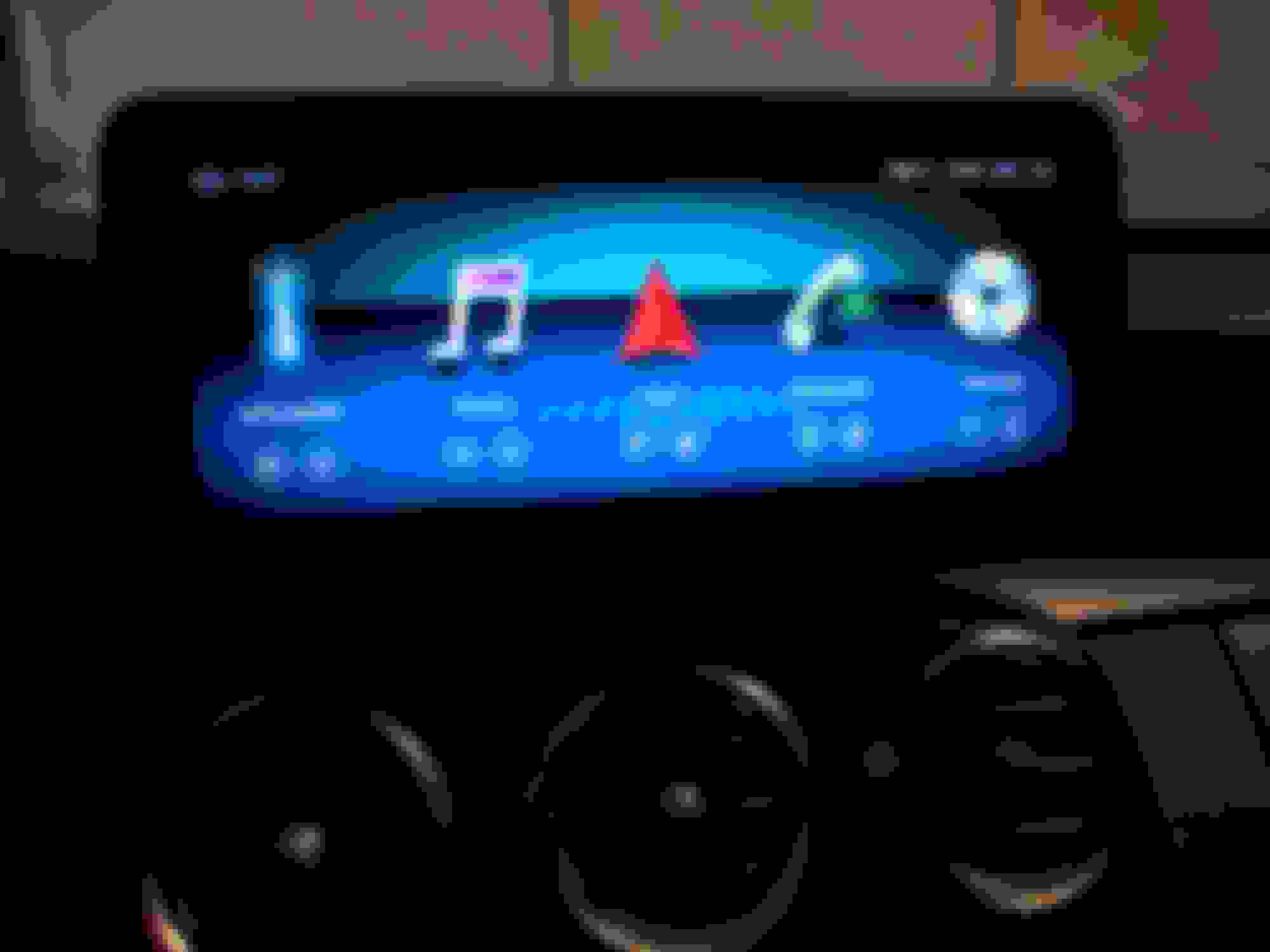
Additionally I wonder if someone knows how to trigger the apps on the launer (main menu) like "ntg mode"
I would love to trigger this via tasker too, but as it is no app, I don't know how
Mine is really not accurate, where did you put your antenna ?
I'm considering to buy a new antenna, maybe I would have a better signal.
Other question, since a week my NTG Navigation is crazy, my localisation is so bad...
Do you know which antenna is used by the NTG GPS after the screen installation ?
Thank you !
Axel
Hi Alex
My gps reception is also bad. My antenna is positioned on the back of the display.
I was thinking about splitting the signal from oem GPS antenna, but I was told that it will not work.
So I see 2 possible solutions:
Use oem antenna via an adaptor. Then losing the possibility to use oem navigation.
or...
Buying a replacement antenna for the display and hope it is better.
I bought two antennas, I will test and will give you a feedback.
I bought an antenna that does 4G + GPS (so I will be able to remove one antenna) and one that does only GPS but with good comments on amazon.
Hi, TorbinK, VERY NICE. This is the first time I've seen the car icon on the left-hand side not look like that terrible low-rez white car we see posted everywhere. The car on your screen looks half decent. Is this a new feature? Can you take a closer pic of that, what looks to be a W205 car icon, please?
My gps reception is also bad. My antenna is positioned on the back of the display.
I was thinking about splitting the signal from oem GPS antenna, but I was told that it will not work.
So I see 2 possible solutions:
Use oem antenna via an adaptor. Then losing the possibility to use oem navigation.
or...
Buying a replacement antenna for the display and hope it is better.
Hello,
so, I just replaced the antenna with a new one.
Signal is better and Waze react far more better than before.
Hi, TorbinK, VERY NICE. This is the first time I've seen the car icon on the left-hand side not look like that terrible low-rez white car we see posted everywhere. The car on your screen looks half decent. Is this a new feature? Can you take a closer pic of that, what looks to be a W205 car icon, please?
Has anyone put on a aftermarket rest view camera ?
I have one in my car, but after the install, only the dynamic Lines are there, the two Grey, static Lines are gone, i have one composite (yellow) left from the back up camera box, that was used in the privisus setup, with the original screen, but now that i have connected the one from the camera, to the new Android screen, the Grey Lines are gone 😩
can i use a Y composite cable, to get back the static Lines ?
23 plate A class 180 amg prem plus night edition mountain grey
HI. bit off a strange one, Disconnected and removed my screen to remove attenas as I’m don’t use them as use CarPlay/phone ,everything back up and running but for some reason the screen isn’t switching off when I exit car and lock it... can’t for the life of me think what’s going on,always switched off before and all I’ve done is disconnect cables from the screen and then the main two back on,I’ve had to press the button on screen to turn screen off but is it still gonna drain my battery ?
Has anyone put on a aftermarket rest view camera ?
I have one in my car, but after the install, only the dynamic Lines are there, the two Grey, static Lines are gone, i have one composite (yellow) left from the back up camera box, that was used in the privisus setup, with the original screen, but now that i have connected the one from the camera, to the new Android screen, the Grey Lines are gone 😩
can i use a Y composite cable, to get back the static Lines ?
Why have the static lines when you have the dynamic?
In the menu you can choose if you want static OR dynamic.
HI. bit off a strange one, Disconnected and removed my screen to remove attenas as I’m don’t use them as use CarPlay/phone ,everything back up and running but for some reason the screen isn’t switching off when I exit car and lock it... can’t for the life of me think what’s going on,always switched off before and all I’ve done is disconnect cables from the screen and then the main two back on,I’ve had to press the button on screen to turn screen off but is it still gonna drain my battery ?
23 plate A class 180 amg prem plus night edition mountain grey
Originally Posted by TorbenK
Try a reset
First thing I thought of,thanks tho still changed nothing ..no clue how it’s running as it’s not a permanent power set up am assuming ? Has the Screen a battery ??
I have just installed one of these screens and i have an issue that i cannot work out and would like some help. When i use my indicator the screen switches from the android screen to the NTG screen for around 5 seconds and then switches back. This happens everytime i use my indicator
I have just installed one of these screens and i have an issue that i cannot work out and would like some help. When i use my indicator the screen switches from the android screen to the NTG screen for around 5 seconds and then switches back. This happens everytime i use my indicator
There is a function you need to unclick in the setupmenu. It is fro cars with 360 degrees camera
ok so i have another issue now and it is the apple car play not connecting to my phone. I have installed the autokit.apk on the screen and connect phone through the dongle but it just keeps telling me to connect phone.
I just installed my 10.25 round-corner screen. I ordered from Road Top, they are very unresponsive but will eventually reply. I was hoping some of you experts here could help with some minor issues. Any info would be greatly appreciated.
1- How are you running the USB cable with RCA jacks into your arm rest? Did you have to drill?
2- My screen did not come with any boot animations, so I have that awful green robot android boot animation. I found a post where someone linked two MB boot animations. I downloaded them, and got the files on my screen, they are saved in the download folder, but I cannot figure out what folder to put them in, and how to move the files to said location. If anyone has information on how to do this, I would be greatly appreciative.
3- Netflix app is not on Google Play store. Anyone else experience this?
One bizarre aspect of this Road Top company... I ordered my screen on Tuesday, and it arrived on Friday. AMAZING right? 3 days to get from Hong Kong to USA? Well, I ordered a wireless CarPlay dongle that same Tuesday, and it still hasn't even shipped. LOL. Anyway, here is a pic of the screen installed, and the boot logo options screen, which is void of any boot options.
screen installed. Pretty cool.
I just installed my 10.25 round-corner screen. I ordered from Road Top, they are very unresponsive but will eventually reply. I was hoping some of you experts here could help with some minor issues. Any info would be greatly appreciated.
1- How are you running the USB cable with RCA jacks into your arm rest? Did you have to drill?
Having just done this, I didnt see anywhere obvious to sneak any sizable cable into the arm rest. Considering you will likely be running at least a pair of RCAs or USB cable (+/- 2 USB female cables), it'd be best to just drill through. The front of the "wallet holder" is the best spot, real thin plastic and hidden from view.
I got the same unit for a while now, i mean you have also the 1920x720 version ?
I buyed mine from wincafactory. ( i have to say im not very happy with the skilles of the engineer where the dealing with. )
After a firmware update the carplay icon is gone from the homescreen ) the are not able to fix it.
Do you have this icon visible in your menu or not ?
i spend also a lot of time with the boot logo, but not working at all.
how is yours connected ? also with a 3.5mm rca to usb adapter box + ground loop isolator ( for the engine noise ) i tried it without ground loop isolator, and higher rca quality cable because it kill the bass but without any luck.
Last edited by guzman0344; Sep 13, 2019 at 03:47 AM.
Mercedes SLR McLaren 722 S Is Extremely Rare Example Modified by McLaren
Slideshow: A one-of-one U.S.-spec Mercedes-Benz SLR McLaren Roadster became even rarer after a factory-backed transformation at McLaren's headquarters.