When you click on links to various merchants on this site and make a purchase, this can result in this site earning a commission. Affiliate programs and affiliations include, but are not limited to, the eBay Partner Network.
Did anyone get a chance to try out the new Android Auto UI on a W205?
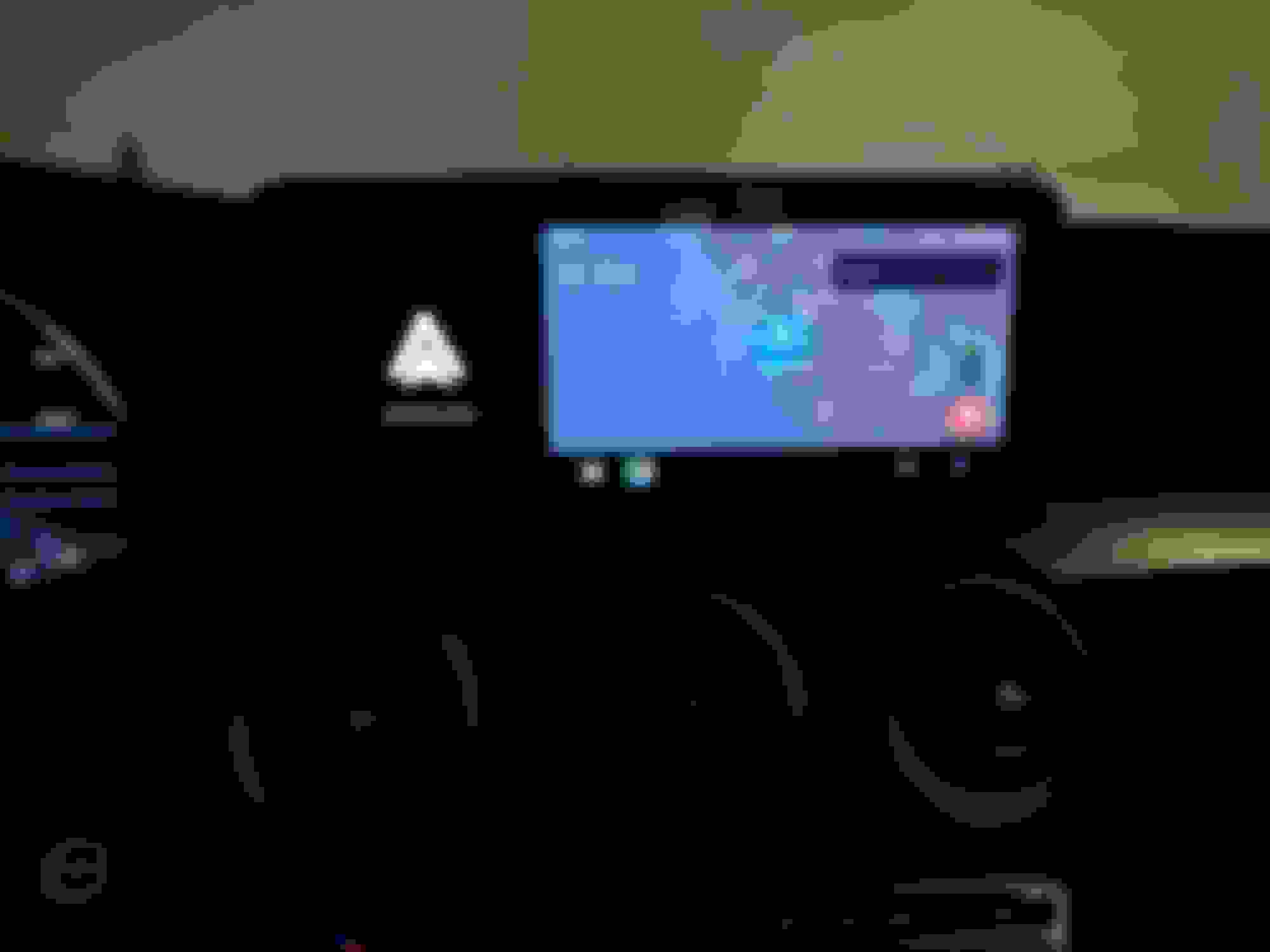
I have the 2019 model with the wider screen and I was hoping that the new UI would allow using the entire screen (like the one shown here), but it still only occupies the right hand side of the screen.
Few major differences I observed:
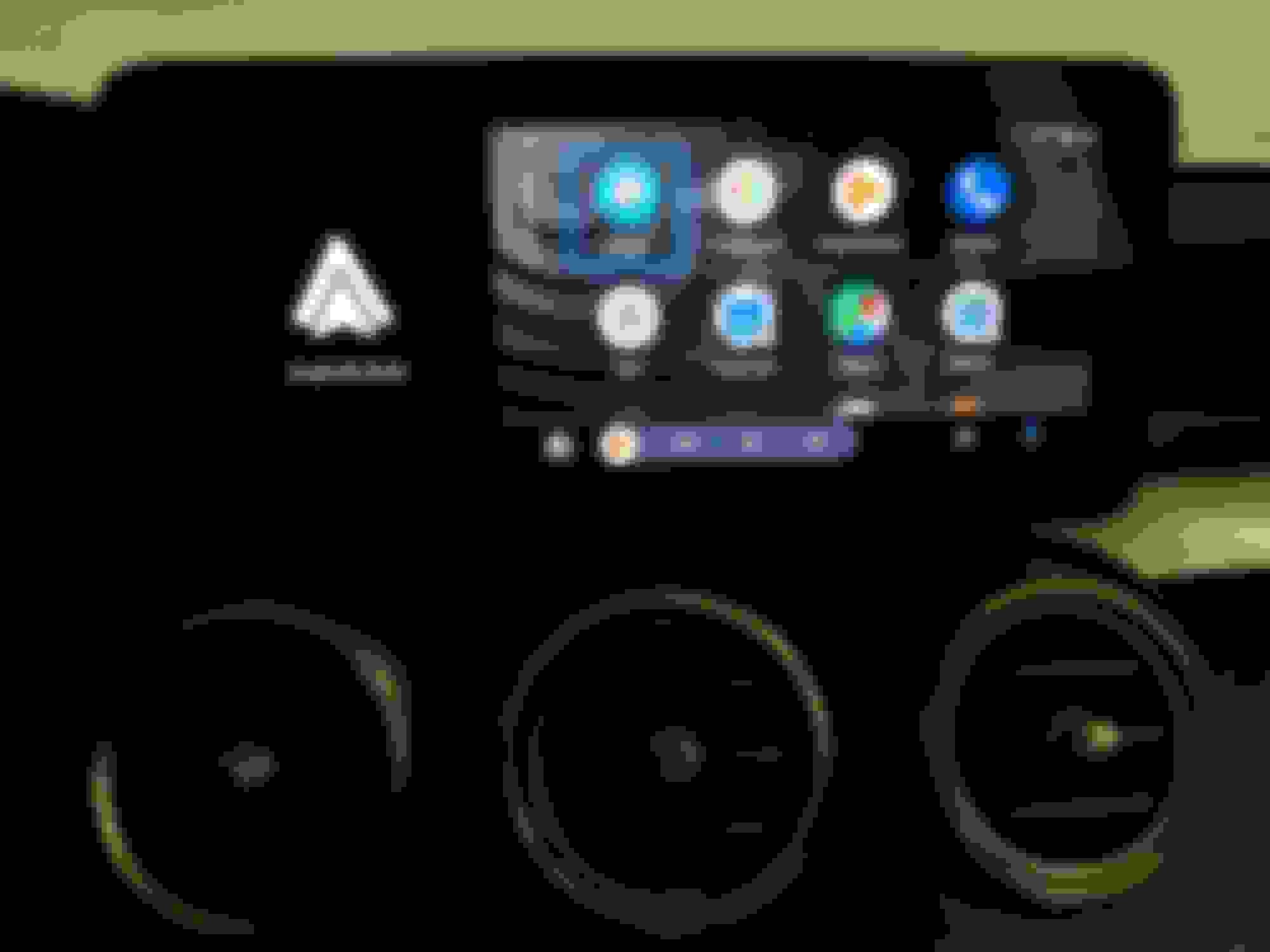
1. There is now an App drawer showing all the apps that support Android Auto. However, this does require scrolling through the list to select the app you want to open.
2. The ordering of the Apps shown varies depending on the last used apps.
3. The very first row stores four apps - the first one is the last used maps, the second and third are the last two used music apps and the fourth one is always the Phone app.
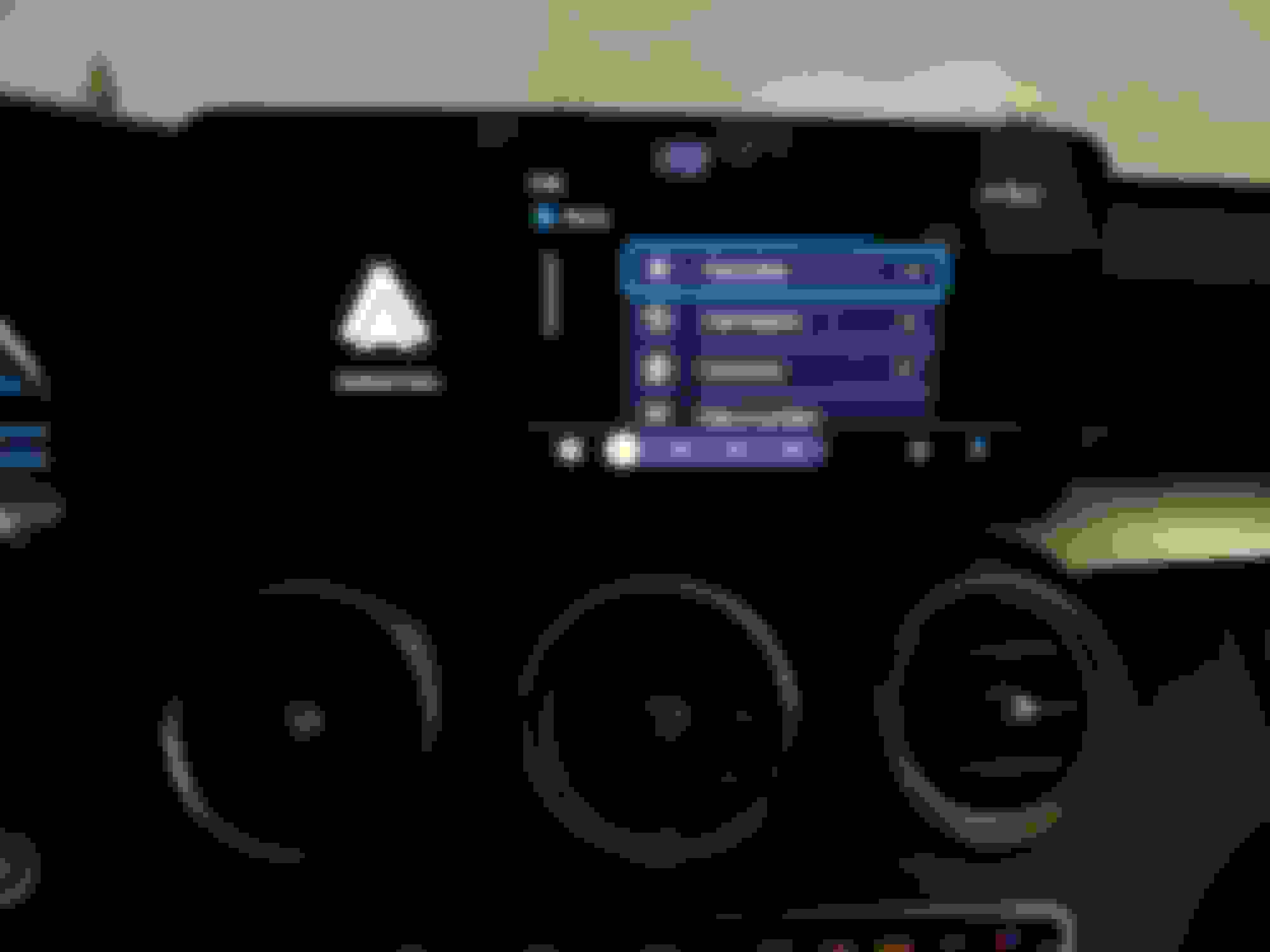
4. The controls in the bottom shows either the last app or sometimes controls/info from the last app. For example, you were using Maps for Navigation and you switched to the Music app the navigation info continues to be shown in the status bar. Similarly music controls show up in the status bar if you switch from a music app to a different app.
5. Google Assistant and notification items are now in the right hand most items of the status bar.
6. There are few apps which just launch Google Assistant to get the info (eg. Weather, Calendar, News etc.).
Overall these are major changes to the Android Auto UI home screen and how you switch between apps, but not much changes in the apps themselves. For W205 at least, no widescreen support still even if you have the 10.25" screen.
In the future, I hope they allow custom ordering of these apps and may be even pinning apps to the status bar so that I can switch among them much easily.
can someone show a photo how it looks on NON-widescreen, audio 20 screen ?
i scheduled to install oem carplay / android auto on Aug 15, 2019. cant wait !
can someone show a photo how it looks on NON-widescreen, audio 20 screen ?
i scheduled to install oem carplay / android auto on Aug 15, 2019. cant wait !
Originally Posted by Anstormning
Still waiting for my update to push through. I haven't seen any previews of how it'll fit on the pre-facelift non-command sized units.
AFAIU it should just fill up the entire screen with non-widescreen units. The widescreen head units seem to just use an additional block on the side which is static and the Android Auto only uses up the right hand side space (for LHD vehicles), otherwise they have similar Android Auto software and interface even in terms of dimensions and resolution.
Originally Posted by teksurv
Yeah I got the updated version on my phone as well and tried on my widescreen E Class. Same thing as you, not not use the full screen.
Either this requires some changes on Google's side and/or changes required on Mercedes's side to enable use of the full widescreen. It looks like the new Carplay update somehow is able to use up the full screen, so it is doable in theory.
Did anyone get a chance to try out the new Android Auto UI on a W205?
I have the 2019 model with the wider screen and I was hoping that the new UI would allow using the entire screen (like the one shown here), but it still only occupies the right hand side of the screen.
Few major differences I observed:
1. There is now an App drawer showing all the apps that support Android Auto. However, this does require scrolling through the list to select the app you want to open.
2. The ordering of the Apps shown varies depending on the last used apps.
3. The very first row stores four apps - the first one is the last used maps, the second and third are the last two used music apps and the fourth one is always the Phone app.
4. The controls in the bottom shows either the last app or sometimes controls/info from the last app. For example, you were using Maps for Navigation and you switched to the Music app the navigation info continues to be shown in the status bar. Similarly music controls show up in the status bar if you switch from a music app to a different app.
5. Google Assistant and notification items are now in the right hand most items of the status bar.
6. There are few apps which just launch Google Assistant to get the info (eg. Weather, Calendar, News etc.).
Overall these are major changes to the Android Auto UI home screen and how you switch between apps, but not much changes in the apps themselves. For W205 at least, no widescreen support still even if you have the 10.25" screen.
In the future, I hope they allow custom ordering of these apps and may be even pinning apps to the status bar so that I can switch among them much easily.
Here are some photos I grabbed of the new UI:
Looks great. Let me go update my app. Hate it doesn't use all of the new screen size.
Did anyone get a chance to try out the new Android Auto UI on a W205?
I have the 2019 model with the wider screen and I was hoping that the new UI would allow using the entire screen (like the one shown here), but it still only occupies the right hand side of the screen.
Few major differences I observed:
1. There is now an App drawer showing all the apps that support Android Auto. However, this does require scrolling through the list to select the app you want to open.
2. The ordering of the Apps shown varies depending on the last used apps.
3. The very first row stores four apps - the first one is the last used maps, the second and third are the last two used music apps and the fourth one is always the Phone app.
4. The controls in the bottom shows either the last app or sometimes controls/info from the last app. For example, you were using Maps for Navigation and you switched to the Music app the navigation info continues to be shown in the status bar. Similarly music controls show up in the status bar if you switch from a music app to a different app.
5. Google Assistant and notification items are now in the right hand most items of the status bar.
6. There are few apps which just launch Google Assistant to get the info (eg. Weather, Calendar, News etc.).
Overall these are major changes to the Android Auto UI home screen and how you switch between apps, but not much changes in the apps themselves. For W205 at least, no widescreen support still even if you have the 10.25" screen.
In the future, I hope they allow custom ordering of these apps and may be even pinning apps to the status bar so that I can switch among them much easily.
Here are some photos I grabbed of the new UI:
Let me go update my app. Hate it doesn't use the whole screen size.
From the info I could gather from other Android related and car forums, this is an issue not with Google/Android but with Mercedes. Mercedes needs to perform an OTA software update for COMAND (i.e. the head unit) to fix this.
Mercedes only is supporting 480p output resolution for Android Auto, whereas 720p or 1080p is needed to support the widescreen UI. Mercedes screen hardware itself supports widescreen, but the software is not advertising widescreen capabilities to the phone and hence the issue. This is not an issue with Apple CarPlay because Mercedes already built software support to support widescreen with CarPlay.
I'm going to call Mercedes Customer Center and report this issue. If more people using Android Auto with MY19 C-Class (or other vehicles which have widescreen hardware) also call and report this, we could push Mercedes for the OTA.
Mercedes only is supporting 480p output resolution for Android Auto, whereas 720p or 1080p is needed to support the widescreen UI. Mercedes screen hardware itself supports widescreen, but the software is not advertising widescreen capabilities to the phone and hence the issue. This is not an issue with Apple CarPlay because Mercedes already built software support to support widescreen with CarPlay.
The issue is that Mercedes screen is neither 1080p nor 720p. It's a non-standard 8:3 aspect ratio with 1920x720 resolution. Apple does support this aspect ratio in CarPlay and they have it clearly written in their website: https://developer.apple.com/design/h...design/layout/
Android Auto however seems to support only the standard 4:3 and 16:9 aspect ratios.
So unless Google adds support for additional aspect ratios and resolutions, we will not have full screen Android Auto in our Mercedes vehicles.
I bought an older, used iPhone from a friend just to use it for CarPlay. It's a shame.
The issue is that Mercedes screen is neither 1080p nor 720p. It's a non-standard 8:3 aspect ratio with 1920x720 resolution. Apple does support this aspect ratio in CarPlay and they have it clearly written in their website: https://developer.apple.com/design/h...design/layout/
Android Auto however seems to support only the standard 4:3 and 16:9 aspect ratios.
So unless Google adds support for additional aspect ratios and resolutions, we will not have full screen Android Auto in our Mercedes vehicles.
I bought an older, used iPhone from a friend just to use it for CarPlay. It's a shame.
That's an interesting find. I wasn't sure of the exact resolution used by the MB screen - 1920x720.
At least with Android Auto what you need to note is that phone just sends a video to the HeadUnit and the HeadUnit can decide where to actually render it. Any touch (if there is a touchscreen) or other controller based input events are returned back to the phone, and the phone app acts on it and then renders the UI accordingly. 720p is a HD resolution and maps to 1280x720 pixels area which is a subset of 1920x720. It gives horizontal space for the MB head unit to display any additional information (like the AA logo currently being overlayed/hard-coded).
In other words, MB can choose to advertise 1280x720 as a supported output and still allow rendering the AA supported 720p HD Widescreen UI on the headunit. It won't fill the entire screen (the hard-coded overlay will still be on either the left or right side), however still is a wider UI compared to what is being displayed today. This AA widescreen UI allows showing the UI from two different apps for example at the same time.
Not sure if this is what is happening, but my guess is that currently the 480p (720x480) video output is scaled up by the head unit to make it 1080x720 and the remaining pixels are occupied by the hard-coded AA overlay. This could be what other manufacturers are doing as well, since the actual screen sizes vary between head units, and there is always some form of scaling, overlay, etc. in the final rendering done by the Head unit.
Really wish Mercedes and Google would talk over this as it's really annyoing!
I'm having to use my work iphone as although carplay is buggy as hell, it at least fills the screen!
Really wish Mercedes and Google would talk over this as it's really annyoing!
I'm having to use my work iphone as although carplay is buggy as hell, it at least fills the screen!
do you have a different sim card in the iPhone or do you connect the iPhone to your android = hotspot?
I am also worried about screen burn, as the AA logo is bright and not moving, but that will not stop me using AA
Mercedes SLR McLaren 722 S Is Extremely Rare Example Modified by McLaren
Slideshow: A one-of-one U.S.-spec Mercedes-Benz SLR McLaren Roadster became even rarer after a factory-backed transformation at McLaren's headquarters.