My new CL55

Thread Starter
Newbie
Joined: Aug 2007
Posts: 3
Likes: 0
2006 Mercedes Benz CL55
 My new CL55
I just picked up my new 2006 CL55 and loving every moment of it. It's my first Mercedes Benz and I'm still kind a new with all the features, can anyone tell me how to ativate the dvd to watch movies?
Ray
Ray

MBWorld Fanatic!
Joined: Feb 2004
Posts: 2,566
Likes: 7
'14 ML BT
h
This has worked for me:
* Connect your camera to your computer
* When your computer "sees" your camera, hit Reply on this thread
* Now, you see the paper clip thingy up there in the toolbar section of your reply?
* Click on that and it will open a box that says "Manage Attachments"
* The click on the Browse button
* Now find the camera directory on your computer where the pictures are located
* Single click on the pic and single click on Open. (Make sure those file sizes are less than 1.14 megs!)
* Now click on the Upload button
* Then click on Submit Reply.
This has worked for me:
* Connect your camera to your computer
* When your computer "sees" your camera, hit Reply on this thread
* Now, you see the paper clip thingy up there in the toolbar section of your reply?
* Click on that and it will open a box that says "Manage Attachments"
* The click on the Browse button
* Now find the camera directory on your computer where the pictures are located
* Single click on the pic and single click on Open. (Make sure those file sizes are less than 1.14 megs!)
* Now click on the Upload button
* Then click on Submit Reply.
Thread Starter
Newbie
Joined: Aug 2007
Posts: 3
Likes: 0
2006 Mercedes Benz CL55
Few pictures of my Cl55
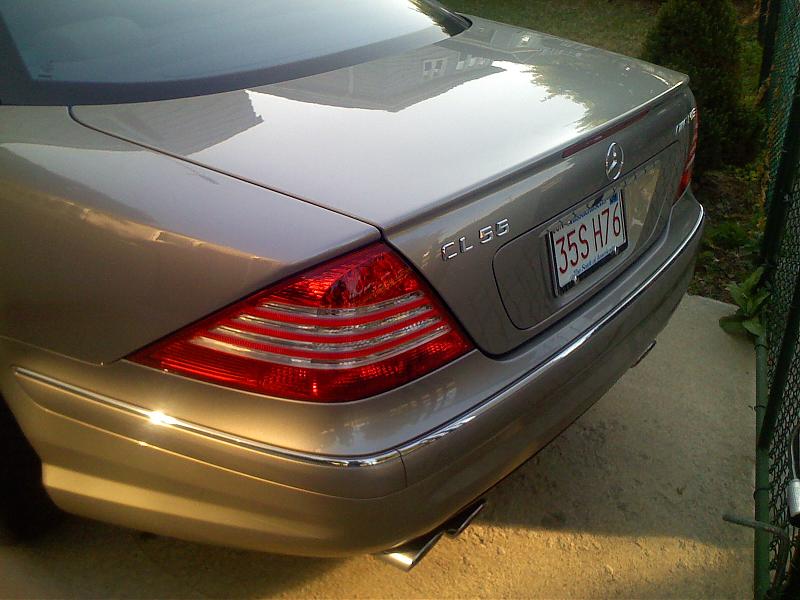
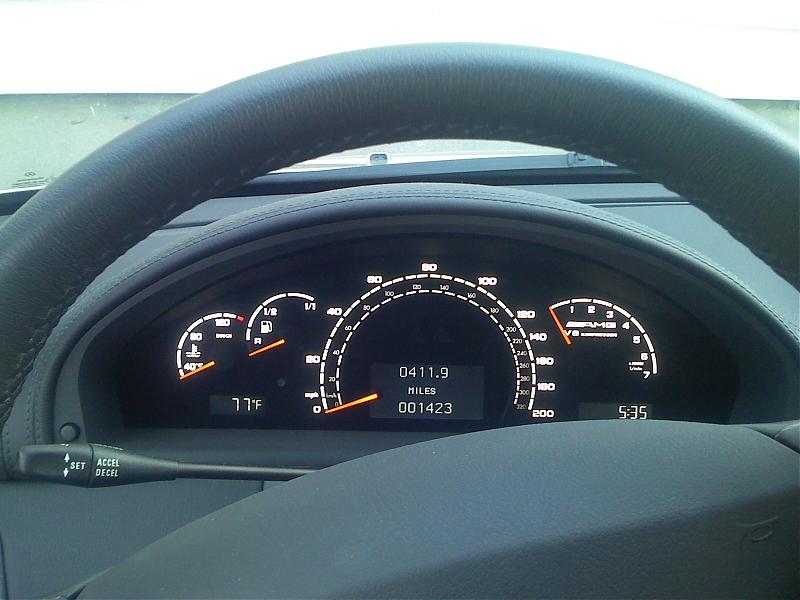
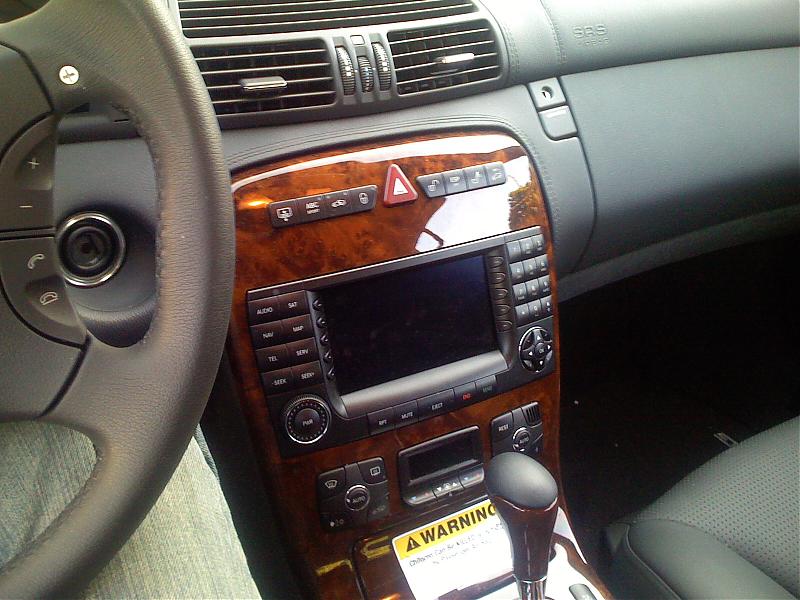
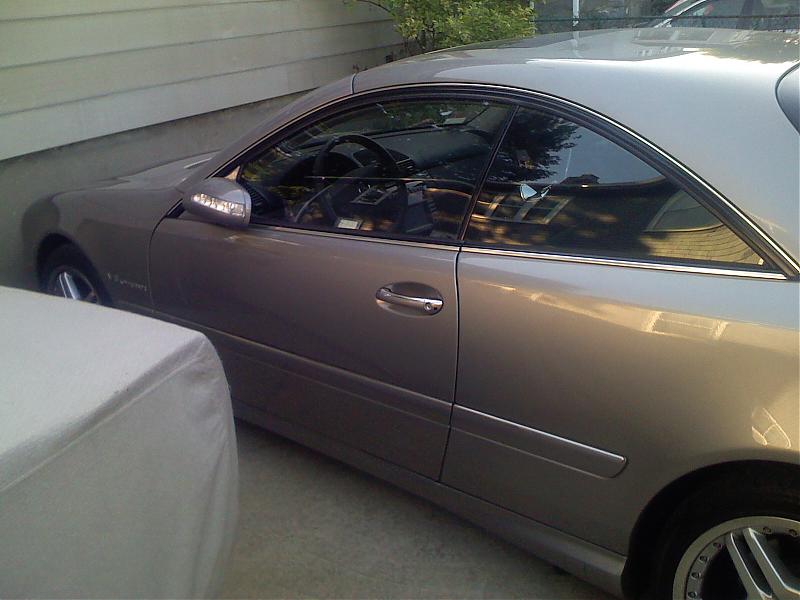
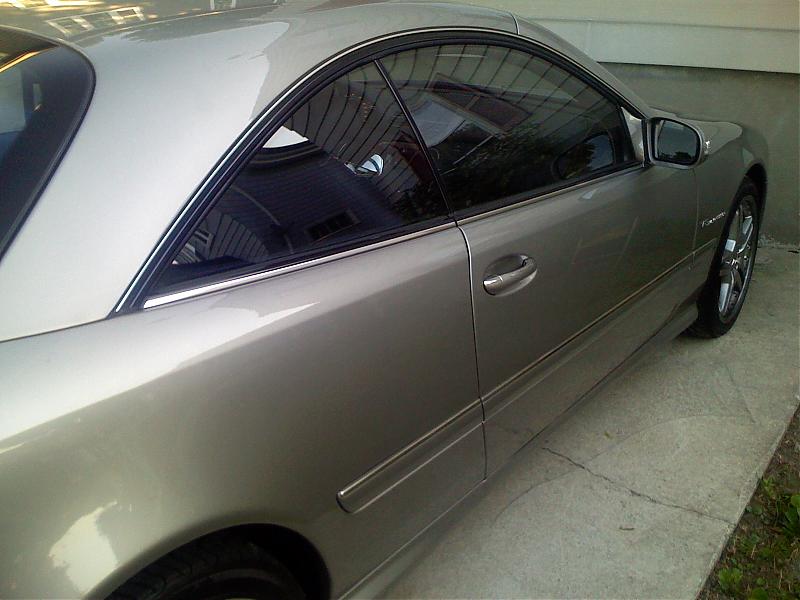 Here's a few pics of my Cl55
Ray
h
This has worked for me:
* Connect your camera to your computer
* When your computer "sees" your camera, hit Reply on this thread
* Now, you see the paper clip thingy up there in the toolbar section of your reply?
* Click on that and it will open a box that says "Manage Attachments"
* The click on the Browse button
* Now find the camera directory on your computer where the pictures are located
* Single click on the pic and single click on Open. (Make sure those file sizes are less than 1.14 megs!)
* Now click on the Upload button
* Then click on Submit Reply.
This has worked for me:
* Connect your camera to your computer
* When your computer "sees" your camera, hit Reply on this thread
* Now, you see the paper clip thingy up there in the toolbar section of your reply?
* Click on that and it will open a box that says "Manage Attachments"
* The click on the Browse button
* Now find the camera directory on your computer where the pictures are located
* Single click on the pic and single click on Open. (Make sure those file sizes are less than 1.14 megs!)
* Now click on the Upload button
* Then click on Submit Reply.
Trending Topics

MBWorld Fanatic!
Joined: Feb 2004
Posts: 3,703
Likes: 5
From: Arizona
SL55AMG, Ferrari 348, Ferrari Testarossa, Ferrari F40, Ferrari Mondial t, Ducati 916, Indycar
Great car, and a great engine. You will love it.......and when you start looking for a bit more power, we have the answer!
Have fun and be safe!
Have fun and be safe!
MB World Stories
The Best of Mercedes & AMG

Manual Mercedes? 6 Times Sindelfingen Let Drivers Have All The Fun
Verdad Gallardo
Mercedes SLR McLaren 722 S Is Extremely Rare Example Modified by McLaren
Verdad Gallardo
8 Classic Boxy Mercedes Designs That Have Aged Like Fine Wine
Verdad Gallardo
Flawlessly Restored Mercedes 190E Evo II Heads to Auction
Verdad Gallardo
Electric Mercedes C-Class Unveiled: 11 Things You Need to Know
Verdad Gallardo
Mercedes EQS Gets A Major Update: Everything You Need to Know
Verdad Gallardo
5 Underrated Mercedes-Benz Models That Don't Get the Love They Deserve
Verdad Gallardo
Mercedes 300D Has Pushed Well Past 1 Million Miles and It Ain't Stopping
Verdad Gallardo