When you click on links to various merchants on this site and make a purchase, this can result in this site earning a commission. Affiliate programs and affiliations include, but are not limited to, the eBay Partner Network.
I currently receive notifications via email about car status. For example, "Mercedes me connect: Your vehicle was stopped". Is it possible to disable the emails and instead enable app notifications only? I haven't been able to find the setting anywhere in the app (android) or on the web site.
Go into the Web Portal and try this to see if you still notification on the app.
Open Mercedes.Me portal on your computer
Tap your name
Tap Settings
Tap Notifications
Turn off email notifications
That should stop the emails. What I don't know is if it has anything to do with the app notfications, but I suspect it won't stop the app from notifying you of an event or status.
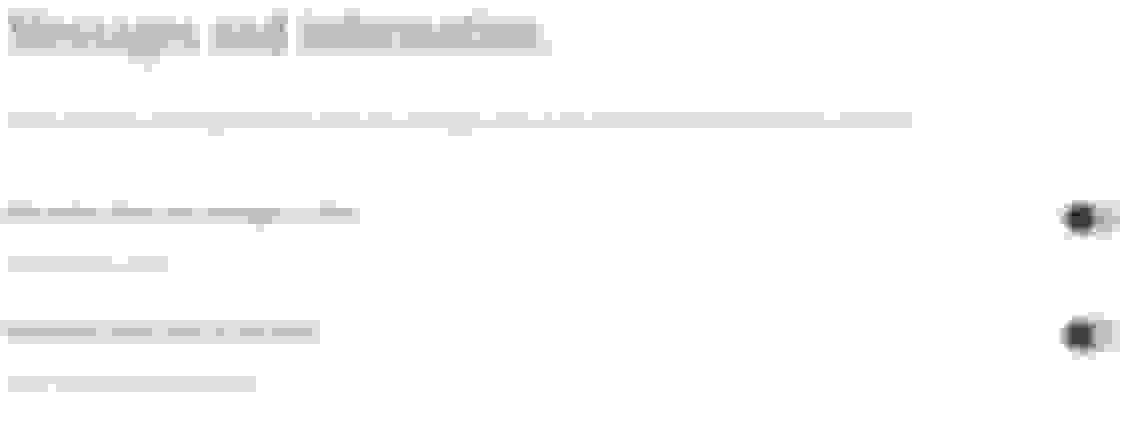
Thanks for the suggestion. I went into the site and my email notifications are already disabled. I copied the screenshot below. I really like the notifications from the app so I want to disable email so that there isn't redundancy. It's pretty crazy how convoluted the settings are. There appears to be options everywhere rather than in a centralized location.
Very interesting to experience the mercedrs me app with the car on the garage. It tells me where in the garage complex the car is that it has been left unlocked with the drivers window and tailgate are open and that the battery needs charging (i assume it has been disconnected). I feel like trying to lock the car but have though better of it
Very interesting to experience the mercedrs me app with the car on the garage. It tells me where in the garage complex the car is that it has been left unlocked with the drivers window and tailgate are open and that the battery needs charging (i assume it has been disconnected). I feel like trying to lock the car but have though better of it
This is one situation where knowing about your car may not be such a good thing.
It's working great for me. When you enter the destination in the Me Connect App, how are you sending it?
I click on the map icon at the bottom of the screen and then enter a new location at the top and then it asks me if I wish to send to vehicle and I select yes..
When you get in your car, it should pop up. If it doesn't you can open Navigation in the car and it should appear.
Thanks Rod - that’s what I was hoping for but it doesn’t seem to do that. I have check nav menus, poi’s, previous destinations etc but they are not there. Tried several times and different addresses now.
Everything else, including the remote parking pilot is working fine, but can’t seem to crack this. On my previous BMW I got a notification asking if I wanted to use the sent address for navigation and I was expecting something similar? Sounds like it is working fine on yours if it just pops up!
Yes, on mine, when I get in my car, it just pops up. I hate to say this, but you need to call the Me Connect people (often a hopelessly frustrating thing to do) for more assistance.
Yes, on mine, when I get in my car, it just pops up. I hate to say this, but you need to call the Me Connect people (often a hopelessly frustrating thing to do) for more assistance.
Well now. Just tried again but this time sent an address from Google Naos and it popped up straight away in car. So did an address from Apple Maps. 😀.
Just not from the map in Me yet 🤔. Working on it !
Well now. Just tried again but this time sent an address from Google Naos and it popped up straight away in car. So did an address from Apple Maps. 😀.
Just not from the map in Me yet 🤔. Working on it !
OK.....progress. So I went and entered an address. Do you tap search when you enter the address in the search bar, then the app finds the address you then tap before you send it to your car?
2019 Dune Silver Metallic E-450 Mercedes Cabriolet NEW Mercedes 2020 GLC300 graphite gray SUV
On mine, I found that sometimes it required me to send it twice in order for it to work properly....so now, I just hit the send address twice and it usually sends it and it pops up on my Nav like rbrylaw says.
OK.....progress. So I went and entered an address. Do you tap search when you enter the address in the search bar, then the app finds the address you then tap before you send it to your car?
Thanks for the suggestion. I went into the site and my email notifications are already disabled. I copied the screenshot below. I really like the notifications from the app so I want to disable email so that there isn't redundancy. It's pretty crazy how convoluted the settings are. There appears to be options everywhere rather than in a centralized location.
I see the same. I cannot figure out how to disable the emails. It's not the end of the world, but I'd rather not get them all all.
I see the same. I cannot figure out how to disable the emails. It's not the end of the world, but I'd rather not get them all all.
That's how the settings should look. I don't get email notifications. Just Text. If you haven't rebooted your phone lately, reboot your phone and see if that helps.
That's how the settings should look. I don't get email notifications. Just Text. If you haven't rebooted your phone lately, reboot your phone and see if that helps.
I have rebooted, no change. However, I don't know that there'd be any connection between the phone and email. The emails are going to my hotmail account, seemingly from the Mercedes Me server at noreply@mercedes.me.
I have rebooted, no change. However, I don't know that there'd be any connection between the phone and email. The emails are going to my hotmail account, seemingly from the Mercedes Me server at noreply@mercedes.me.
Buried in the phone app is the same setting as in the Web version. Again, I get text messages, but I don't get emails.
Buried in the phone app is the same setting as in the Web version. Again, I get text messages, but I don't get emails.
I did look on the app as well, again no luck.
I should have noted that my wife also gets the email notifications (regardless of which one of us starts/stops the car).
Also, whether this matters or not who knows...We had a 2016 C300, and we currently have a 2017 GLC300 and 2019 C300. So both of us have both the MM (for the GLC) and MM Connect (for the C300) apps installed. And we have access to both of the web portals. (Side note...thanks for making this so user friendly MB!)
Yes - I have a strong signal at home and the car has a full 4G signal.
Will keep trying 👍🏼
Update - I reported the issue to Me support and they investigated. Apparently my connection to the MB Connect (one of the main menu options in car) had dropped out.
Apparently this needs to have been activated and still active for it to receive maps and produce pop ups. (It should stay active all the time unless battery disconnected). Seems to be working fine now. 👍🏼
Mercedes SLR McLaren 722 S Is Extremely Rare Example Modified by McLaren
Slideshow: A one-of-one U.S.-spec Mercedes-Benz SLR McLaren Roadster became even rarer after a factory-backed transformation at McLaren's headquarters.