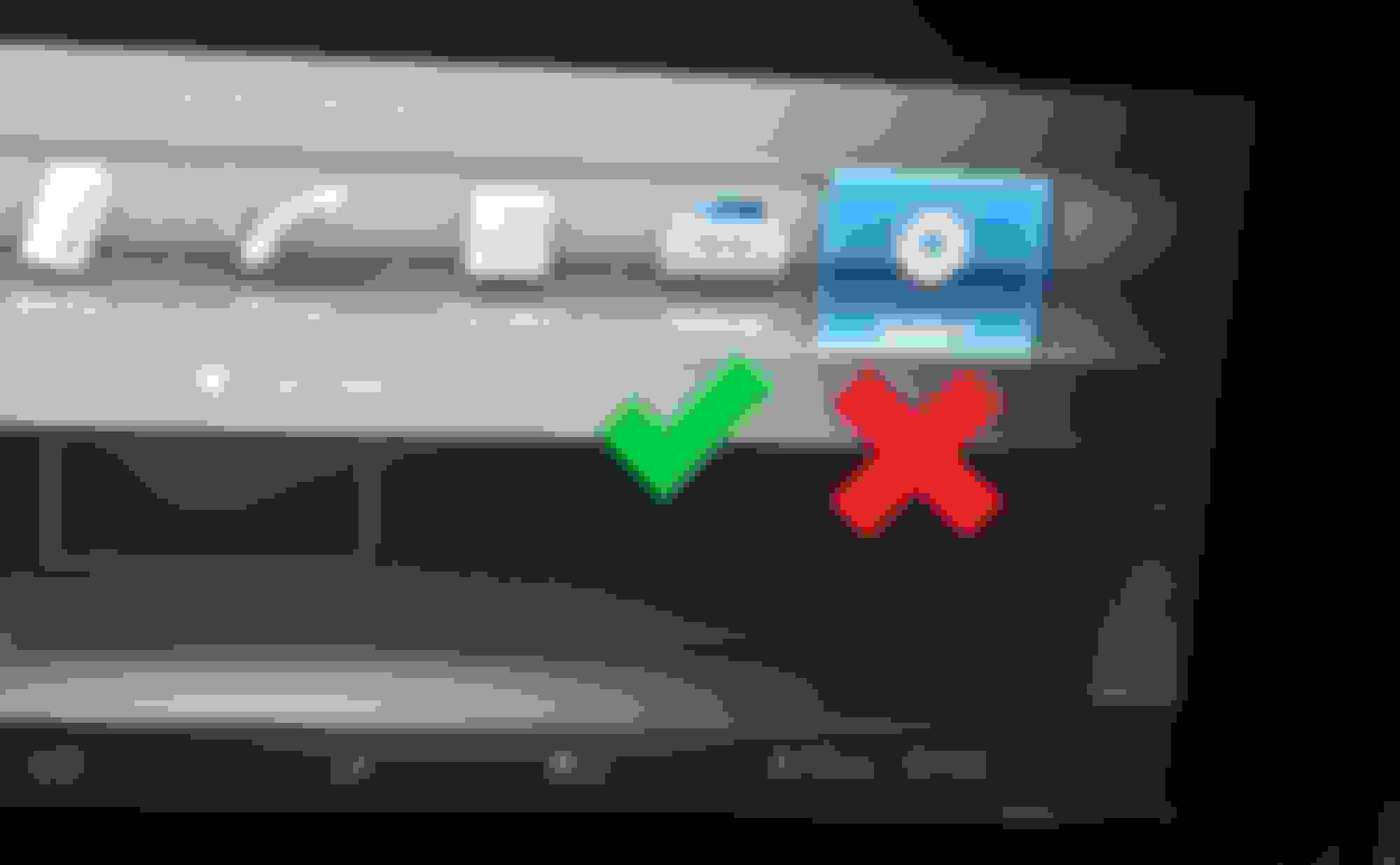
You mean you wouldn't like to have mirror link on your car why not it's awesome! Whatever your phone can do now your car screen can do !🙂
Quote:
Originally Posted by ua549
I never use a cell phone in the car while driving let alone watch videos.
It is illegal in Florida to drive and hold a cell phone.
I guess it is nice to use for the front passenger to watch youtube but unlike new MBs, the screen doesn't turn off when the driver looks over so there is certainly is a risk of distraction plus I guess the passenger can just get a tablet to watch instead.
What is useful on the other hand is to use COMAND Touch which uses the phone's touchscreen to control the vehicle's infotainment.
I guess it is nice to use for the front passenger to watch youtube but unlike new MBs, the screen doesn't turn off when the driver looks over so there is certainly is a risk of distraction plus I guess the passenger can just get a tablet to watch instead.
What is useful on the other hand is to use COMAND Touch which uses the phone's touchscreen to control the vehicle's infotainment.
I'm not addicted to my phone or other screens. Have no interest in having YouTube in my car. My wife has an iPad with a SIM card and she never uses it in the car, even though I bought it for her specifically for that purpose.
The whole purpose of the laws prohibiting phone use while driving is to stop the ridiculous amount of distracted driving accidents. MH, please tell me where you live so I can make sure I'm not cycling anywhere near where you might be driving.
There are so many other ways to do this. I Currently use this mmb box. It just plugs into the usb in the dash. I can stream YouTube, Netflix or anything I want along with screen mirror. It works for both Android Auto and Apple CarPlay.
There are multiple products that will do all these things. I just chose this one.
Here’s the link:
MMB MAX 5.0 CarPlay Box 2024 Newest Android 13.0 Multimedia Video Ai Box, QCM 6225 8-Core 8+128GB Online YouTube/Netflix/Google Store, Support SIM&TF Card Wireless CarPlay & Android Auto Adapter https://a.co/d/fB229gD
Quote:
Originally Posted by Massimo Here
I have a 2017 Mercedes e300 (w213) and I cant get into Engineering Mode!? (I want to activate the Mirror link from my phone to the screen)
Some people say only dealers can unlock it the first time?
I tried holding down on the System icon with key pad and/or roller for 10 secs or more, did not work! If I do the same for Vehicle icon it pulls up a dealer menu but no Engineering Mode!
Anyone know how to do this? I don't want to take this to the Stealers! Thanks in advance!!!
Slideshow: A one-of-one U.S.-spec Mercedes-Benz SLR McLaren Roadster became even rarer after a factory-backed transformation at McLaren's headquarters.