When you click on links to various merchants on this site and make a purchase, this can result in this site earning a commission. Affiliate programs and affiliations include, but are not limited to, the eBay Partner Network.
I received a notice on my main screen indicating a software download was available. The update was completed when I checked this morning, but so far I haven't noticed any changes! Still on 3.16.
To get to 329 or such upgrades, your dealer has to do about a 2 hour upgrade.
Please read for comprehension / he clearly wrote about 3.16, for which 329 is the successor.
😃
I was talking about the OTA update for the communication module. Nothing to do with 316 or 329. Seems it is difficult to get the message to some, better to conclude something...
I finally got the newest MBUX update today at my dealer. It’s 329.5. I’m not sure if the .5 is something newer than 329 or it’s one in the same.
I do notice a few changes in the center screen. For example, there is something called “zero layer”. I went through the pages and it seems to have something to do with teaching us how to use certain functions.
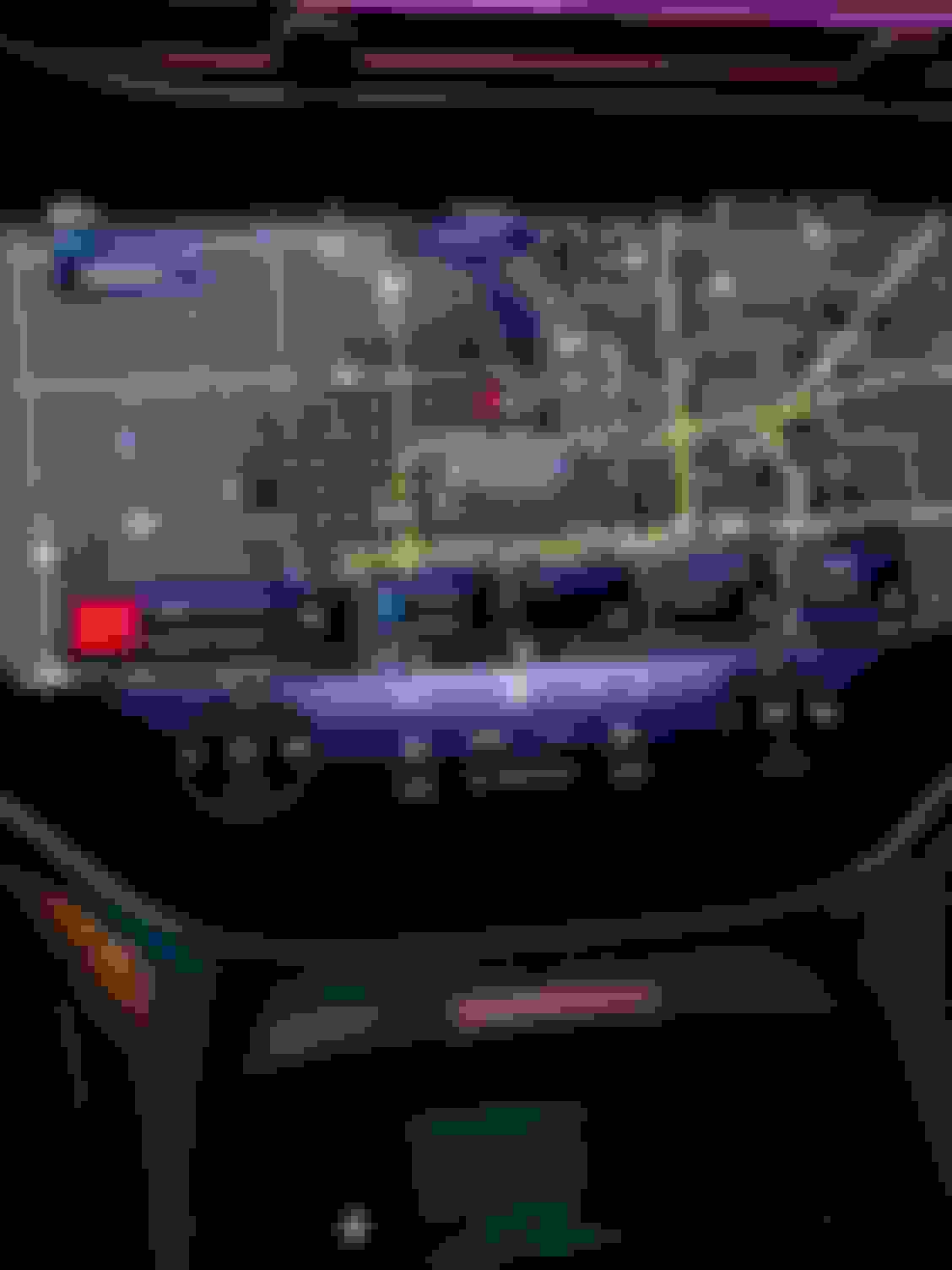
There seems to be a few minor changes on the destination augmented reality screen. For one thing the name of the street where you are suppose to turn shows up very clearly so that you can’t miss it. I haven’t had time to really play around with the various tech options yet and see exactly what changed elsewhere.
With 329, connection to android auto seems better. It would not show my contacts with the last release but it does now. I was also finally able to get the car to connect to my phone's mobile hotspot. But browsing the web via my phone hotspot seems very slow. Not sure why as I have 5G and when I connect a laptop or iPad to my phone it works fine.
I finally got the newest MBUX update today at my dealer. It’s 329.5. I’m not sure if the .5 is something newer than 329 or it’s one in the same.
I do notice a few changes in the center screen. For example, there is something called “zero layer”. I went through the pages and it seems to have something to do with teaching us how to use certain functions.
There seems to be a few minor changes on the destination augmented reality screen. For one thing the name of the street where you are suppose to turn shows up very clearly so that you can’t miss it. I haven’t had time to really play around with the various tech options yet and see exactly what changed elsewhere.
The "329" should refer to the current SW release: RL_NTG7_E329.501_22411AC3.
Considering the changes that you have observed, it would be useful to know which release did you come from. Zero layer was added at some point but has already existed for a year or so, wonder if you are referring to this feature or actually something within zero layer.
The "329" should refer to the current SW release: RL_NTG7_E329.501_22411AC3.
Considering the changes that you have observed, it would be useful to know which release did you come from. Zero layer was added at some point but has already existed for a year or so, wonder if you are referring to this feature or actually something within zero layer.
I had the E250 prior to this update.
Thanks for clarifying the new E329 update with the .5 number.
I will have to take a look at the zero layer a bit later to get a better idea of what’s involved.
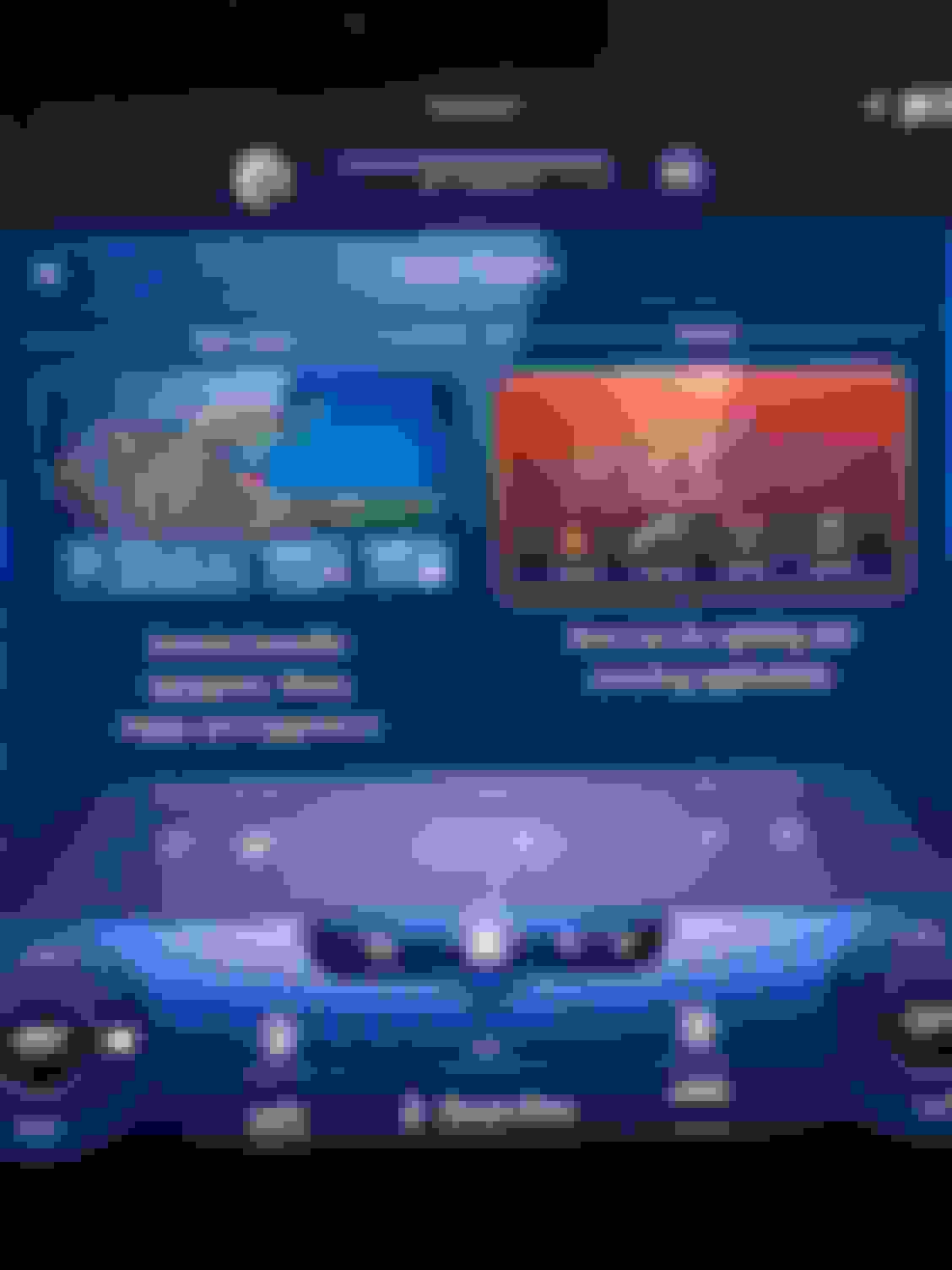
I’m lost. I cannot duplicate what was shown on the center display yesterday when I touched an app (can’t remember the name) and came up with zero layer. This is what I now see. It seems like the media radio station is taking up too much space for that other app to show up.
I’m lost. I cannot duplicate what was shown on the center display yesterday when I touched an app (can’t remember the name) and came up with zero layer. This is what I now see. It seems like the media radio station is taking up too much space for that other app to show up.
The radio crap appears on my nav screen since my 329 update.
Can anyone provide specific steps to get rid of it? I never turn on the radio or any media.
Thanks!
Radio section will get smaller and smaller as more tiles are added. You can also swipe up a tile to remove it from the screen. I haven’t tried it with the radio. It works with other tiles. Personally I like the radio to be as large as possible.
The radio crap appears on my nav screen since my 329 update.
Can anyone provide specific steps to get rid of it? I never turn on the radio or any media.
Thanks!
You can get rid of any tile that you don't want by simply flicking it up from the screen. I believe it teaches you that if you run through the tutorial for the zero layer. Alternatively, if you don't like the zero layer itself, press and hold the home button on the screen to switch back to the other interface.
I personally really like the zero layer. It does a decent job of predicting what I use most (i.e., it will display the person I call the most as a tile so that I can easily call them with just a touch of the button) while still showing the main navigation screen. With the "old" interface you'd have to dive into the menu to do anything not navigation related.
The radio crap appears on my nav screen since my 329 update.
Can anyone provide specific steps to get rid of it? I never turn on the radio or any media.
Thanks!
To each his own but I would go nuts without satellite radio. Especially on long trips, I listen to a lot of sports, news stations, and other types of entertainment.
Highly unlikely to add “tiles.” First time I’ve seen that term used here.
As expressed here several times, I avoid systems as much as possible, other than cruise and distance (and strong regeneration for braking), on the infrequent occasions I’m driving out of town.
To each his own but I would go nuts without satellite radio. Especially on long trips, I listen to a lot of sports, news stations, and other types of entertainment.
I used to do the same in my youth. If wife is with me, she drives; out of respect for my lack of interest in today’s politics and sports and poor hearing for what seems to be atonal music, we just don’t use the radio.
Occasionally, for phone calls and very rarely for nav directions, do I need sound.
You can get rid of any tile that you don't want by simply flicking it up from the screen. I believe it teaches you that if you run through the tutorial for the zero layer. Alternatively, if you don't like the zero layer itself, press and hold the home button on the screen to switch back to the other interface.
I personally really like the zero layer. It does a decent job of predicting what I use most (i.e., it will display the person I call the most as a tile so that I can easily call them with just a touch of the button) while still showing the main navigation screen. With the "old" interface you'd have to dive into the menu to do anything not navigation related.
First I’ve seen what might be an explanation or definition of “zero layer”.”
You can get rid of any tile that you don't want by simply flicking it up from the screen. I believe it teaches you that if you run through the tutorial for the zero layer. Alternatively, if you don't like the zero layer itself, press and hold the home button on the screen to switch back to the other interface.
related.
Sitting in car, flicking up on radio simply enlarges it.
I removed the Trunk tile that way but doesn’t work with Radio,
Fooling around, I did something that made it disappear - disconnected?
Radio section will get smaller and smaller as more tiles are added. You can also swipe up a tile to remove it from the screen. I haven’t tried it with the radio. It works with other tiles. Personally I like the radio to be as large as possible.
I hope this is not a stupid question. How does one add new tiles?
I hope this is not a stupid question. How does one add new tiles?
I don't think there's a way to manually add them. It's supposed to be "smart" and automatically add the functions you use the most.
Also I did not realize that you couldn't remove the media tile. I guess it considers it an essential function. I agree which is why I never tried to remove it myself haha
Mercedes SLR McLaren 722 S Is Extremely Rare Example Modified by McLaren
Slideshow: A one-of-one U.S.-spec Mercedes-Benz SLR McLaren Roadster became even rarer after a factory-backed transformation at McLaren's headquarters.