When you click on links to various merchants on this site and make a purchase, this can result in this site earning a commission. Affiliate programs and affiliations include, but are not limited to, the eBay Partner Network.
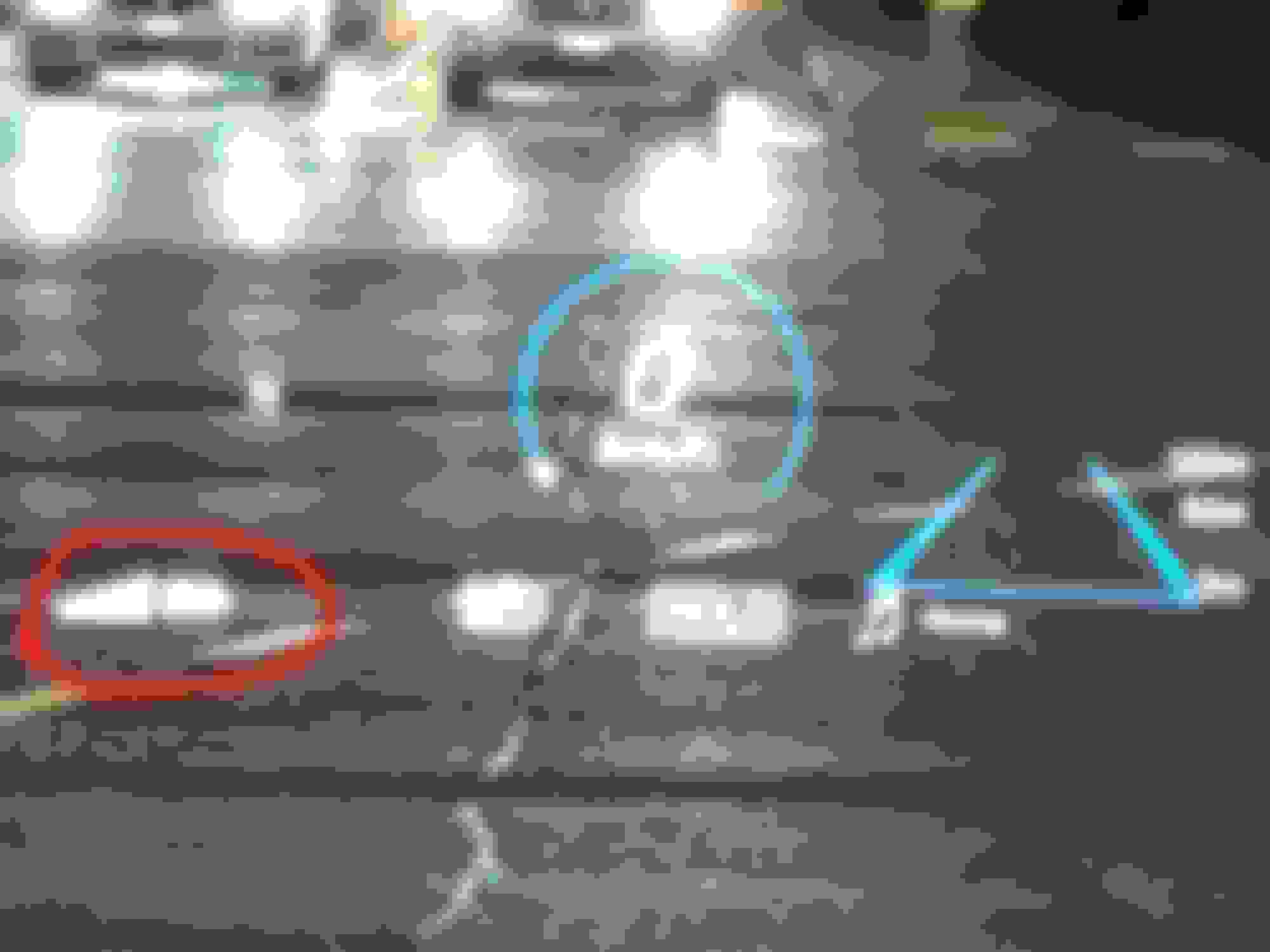
Just had the 2022 GLE 450 delivered a month ago and the HUD would display the cell phone battery status and signal strength when my phone is connected via bluetooth (pic1).
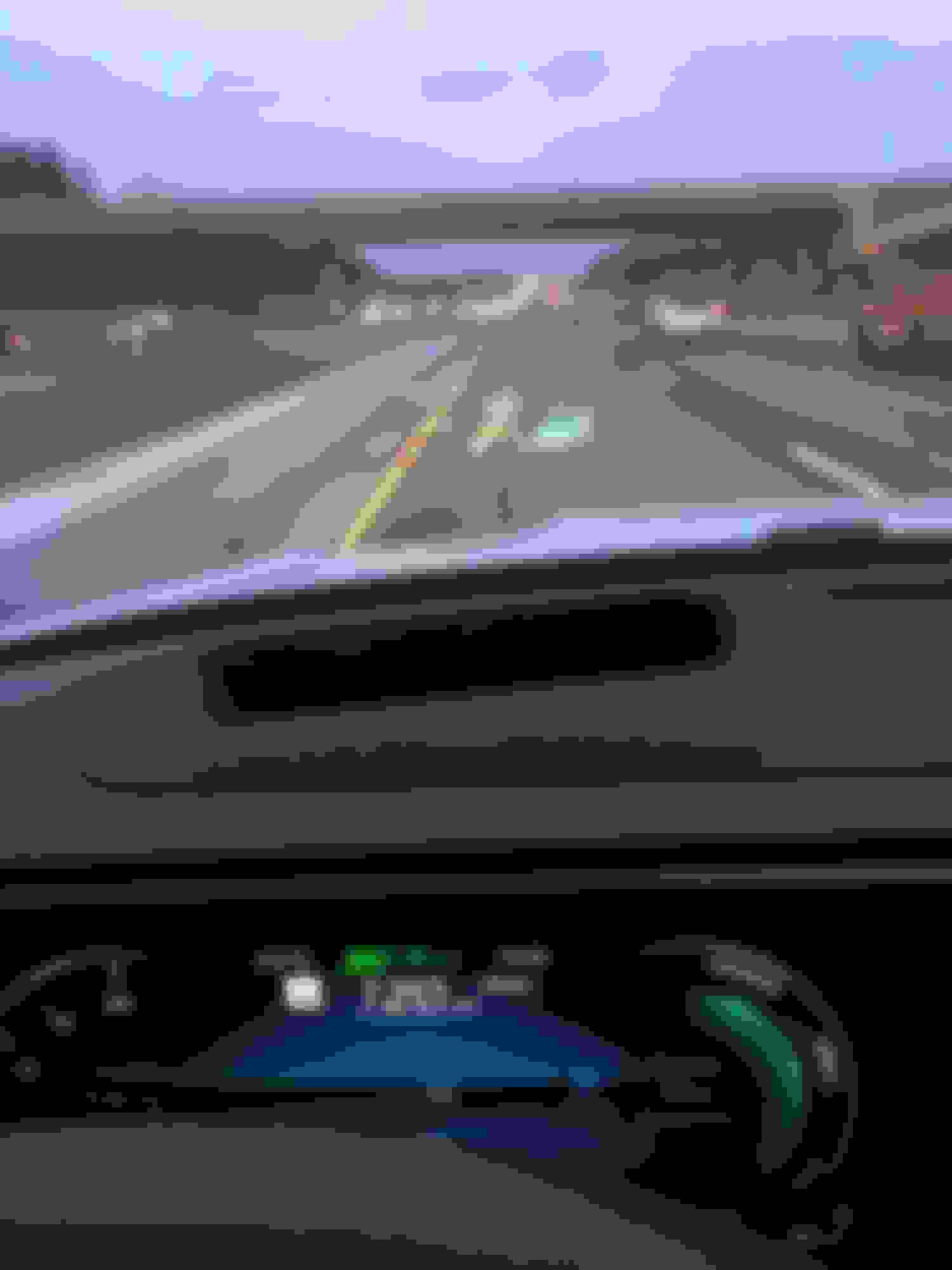
But a week ago, the battery status/signal strength display is gone for most of the time (pic2). The weird thing is, for sometime, this will come back but for most of the time, it's gone. I haven't changed any settings.
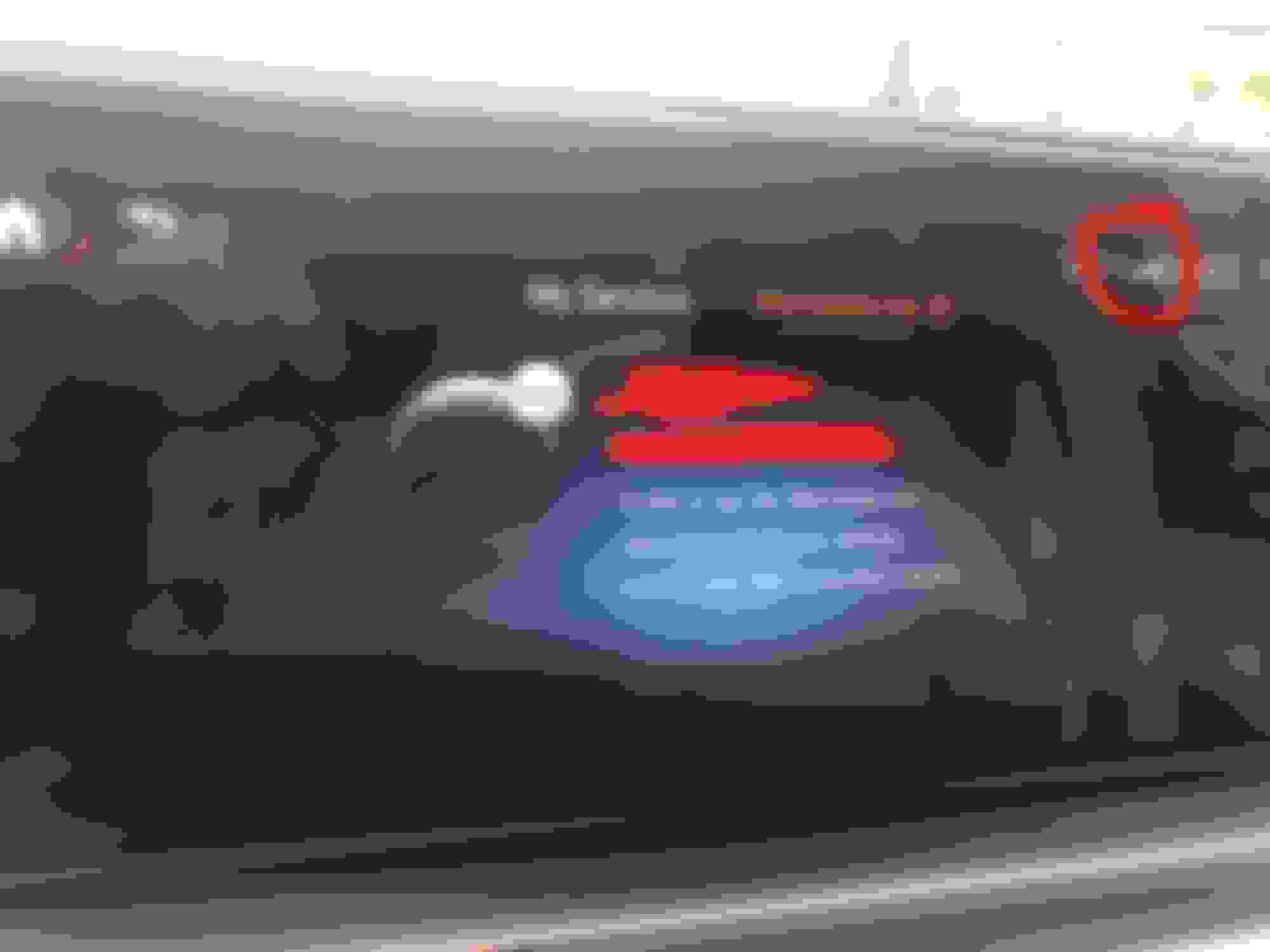
The cellphone battery status and signal strength is always displayed on the MBUX main screen, though, like, all the time. (pic3)
Tried to use different phones to connect, including both iphone and android phones, same issue.
Any idea if this is some setting I should change or should I set up a service appointment with the the MB technician to have them take a look? thanks!
Like all the tech in the new GLE line, the tech is buggy. Sometimes it works and sometimes it doesn't. No Lexus reliability here
Exactly. I didn't even mention the remote start function provided by mercedes me: it only works, like 20% of time, for the rest 80%, it says something like unable to connect to the vehicle. Hard to believe such unreliability with MB.
Like all the tech in the new GLE line, the tech is buggy. Sometimes it works and sometimes it doesn't. No Lexus reliability here
The only issue I seem to have with the tech is when I have the radio controls enabled in the center console. I have it set to station presets but many times, it just reverts to standard radio or satellite. If I haven't already notice, I surely do when I go to change the channel and don't get what's expected. There is no rhyme or reason as to why it changes. I haven't encountered any remote start issues yet.
Exactly. I didn't even mention the remote start function provided by mercedes me: it only works, like 20% of time, for the rest 80%, it says something like unable to connect to the vehicle. Hard to believe such unreliability with MB.
For the remote start to work you need to park the car in MB Corporate office parking lot or dealer parking lot. (:-)
They always blame it on poor wireless signal. AT&T, T-Mobile and Verizon has 100% signal but the car can't communicate. My remote start works only when i start it at home driveway. Never worked outside..
Did you try contact support & dealership? I have ticker opened 2 months ago. No response so far.
Are you sure you have the same left HUD portal setting as before?
The pic that shows your phone battery charge was also showing a compass, the second photo without is showing distance to your destination. There are 3-4 different Left HUD portal menu settings, and each one turns off functions to declutter the HUD. On the left side of the steering wheel, hit the home button, then swipe up on the left steering wheel touch pad to get access to the HUD menu. Swipe left to get to the left HUD portal menu settings, then swipe up or down to select different left HUD portal settings. If you do this with your phone connected via USB, I believe you will find the setting that will shows your phone info as in your first pic. Also, make sure you are set to your profile before changing anything.
I'm guessing you inadvertently changed the left HUD portal setting, or perhaps a software update did it. It's happened to me.
Thanks! I actually opened up a ticket with Mercedes Me support a week ago and currently pending their reply. I will schedule an appointment with the MB service at the dealership to see if they can reset the Hermes module.
Are you sure you have the same left HUD portal setting as before?
The pic that shows your phone battery charge was also showing a compass, the second photo without is showing distance to your destination. There are 3-4 different Left HUD portal menu settings, and each one turns off functions to declutter the HUD. On the left side of the steering wheel, hit the home button, then swipe up on the left steering wheel touch pad to get access to the HUD menu. Swipe left to get to the left HUD portal menu settings, then swipe up or down to select different left HUD portal settings. If you do this with your phone connected via USB, I believe you will find the setting that will shows your phone info as in your first pic. Also, make sure you are set to your profile before changing anything.
I'm guessing you inadvertently changed the left HUD portal setting, or perhaps a software update did it. It's happened to me.
Both photos are showing with the HUD was set to "navigation". The only difference with the one showing a compass is that I did not set a destination, while the second one had been set with a navigation. I tried all different possibilities as you suggested but still doesn't work. Just called the dealer and have an appointment set up in Jan to have them to take a look at this issue and the remote start issue. Thanks.
Thanks! I actually opened up a ticket with Mercedes Me support a week ago and currently pending their reply. I will schedule an appointment with the MB service at the dealership to see if they can reset the Hermes module.
I think it's a little more involved than just a Hermes reset. They also did a software update and massaged some other functions. And before the engineers sent those instructions for me to have done at the dealer, they did a few over the air resets from Germany, which worked for a day or two but then failed again.
Both photos are showing with the HUD was set to "navigation". The only difference with the one showing a compass is that I did not set a destination, while the second one had been set with a navigation. I tried all different possibilities as you suggested but still doesn't work. Just called the dealer and have an appointment set up in Jan to have them to take a look at this issue and the remote start issue. Thanks.
The only other thing I can think of that could mess it up is (1) make sure your profile is selected in MBUX, (2) your phone has blue tooth turned on and enabled, and (3) your MBUX setting has blue tooth enable and your phone is paired using your profile. Yes on the above 3 items, and I’m at a loss.
So, here’s the update:
- the car stayed with the dealership for one day and they told me today an update to the HUD software was made, BUT it still doesnt display the cellphone signal/battery status, They have no idea at all. So, the car was JUST returned to me…sigh. Since it’s not a major issue, i will just have to live with it.
Any suggestion would be appreciated.
- the remote start issue was fixed by the mercedes me tech team. Now it works every single time.This takes almost two weeks.
So, here’s the update:
- the car stayed with the dealership for one day and they told me today an update to the HUD software was made, BUT it still doesnt display the cellphone signal/battery status, They have no idea at all. So, the car was JUST returned to me…sigh. Since it’s not a major issue, i will just have to live with it.
Any suggestion would be appreciated.
I am assuming that you have your cell phone properly paired, and it's paired to the correct profile, although I don't know profile would make a difference.
Have you fiddled with the heads up display and chosen the correct display choice for the left pane of HUD?
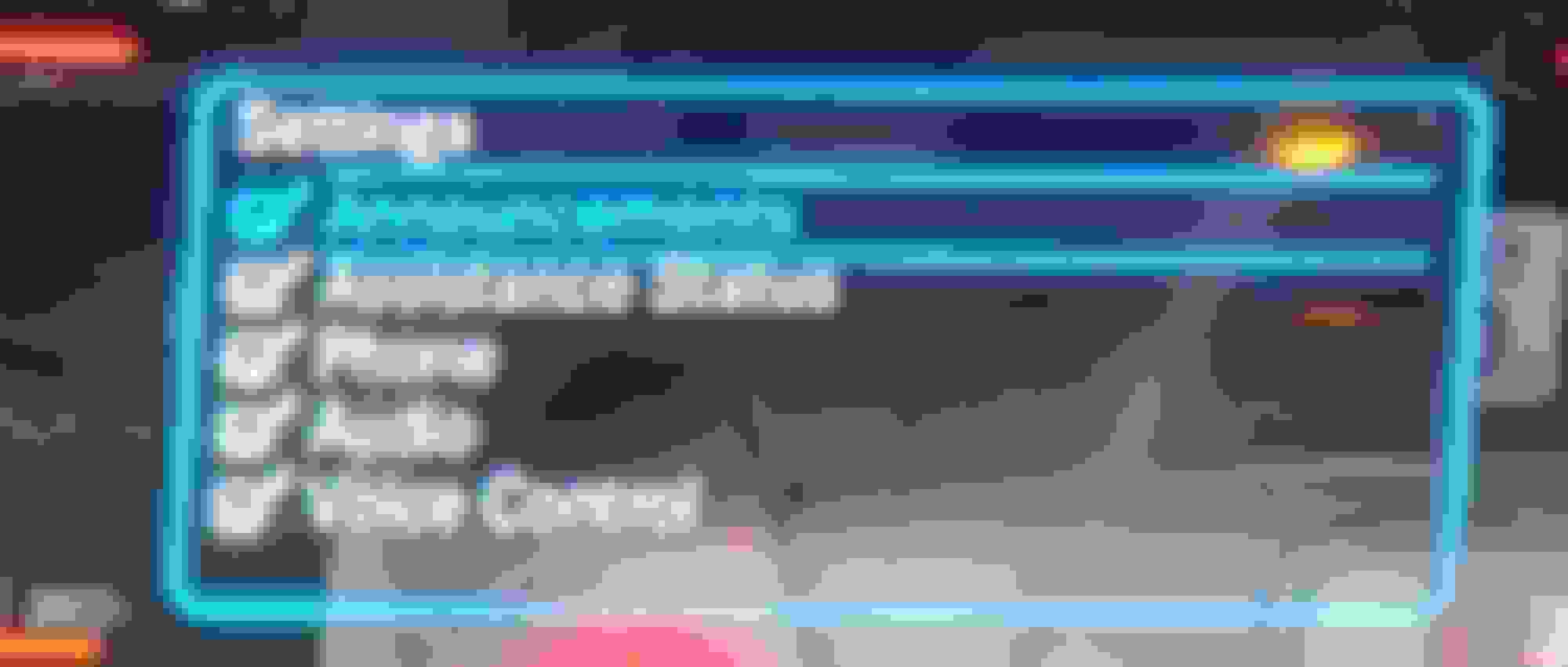
Have you checked your HUD settings to ensure Phone is selected? The menu is slightly hidden, you first go to the HUD settings by scrolling all the way to the right and clicking...
Then when you're on the above screen that lets you adjust vertical position (up/down) and brightness (left/right), it's not very clear that you can also click the thumbpad one more time to get the next settings screen:
Mercedes SLR McLaren 722 S Is Extremely Rare Example Modified by McLaren
Slideshow: A one-of-one U.S.-spec Mercedes-Benz SLR McLaren Roadster became even rarer after a factory-backed transformation at McLaren's headquarters.