When you click on links to various merchants on this site and make a purchase, this can result in this site earning a commission. Affiliate programs and affiliations include, but are not limited to, the eBay Partner Network.
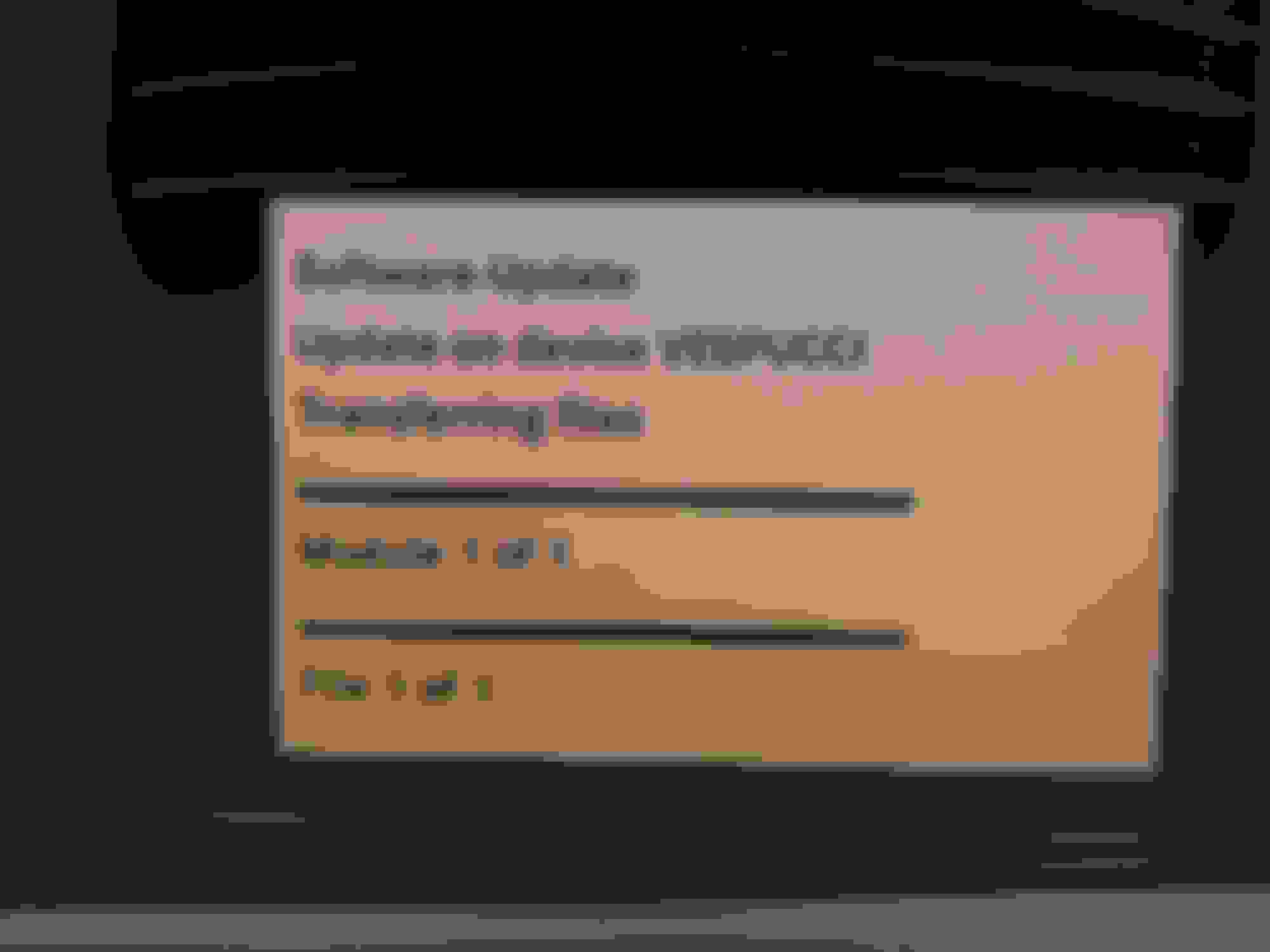
When I open the file... (using 7-Zip) I get two files and a folder all dated 25 Sept 2019
inside
Folder called \HEADUNIT\CODE_1\ECE\1460 we have SECURITY.DEF this file I can open as a text file and see all the supported comand units and an associated file hash
File called CONFIG.CDI , I can open as text file and find the same list of supported comand units
File called CD_INFO.CDI , I can open as text file and find the same list of supported comand units
it looks like everything else in the image to do the actual programming
I wonder if the 2218200692 has the same hash as mine with the 870 instead of 820. Either way, even if I change everything, if the hash is different, I don't think this will work.
Is my number a hardware number associated with my physical COMAND hardware? Or is it a software version that can be updated? I think this is the key question. If it's hardware, then, somehow, my version of COMAND is not updatable! That's crazy.
If I am reading EPC right, the latest P/N is 2218705995 which seem a lot more common on eBay. But this number does NOT appear in the update list, either!! Not sure what my car shipped with.
EPC also can't find anything on the 2218700692...but my EPC could be out of date.
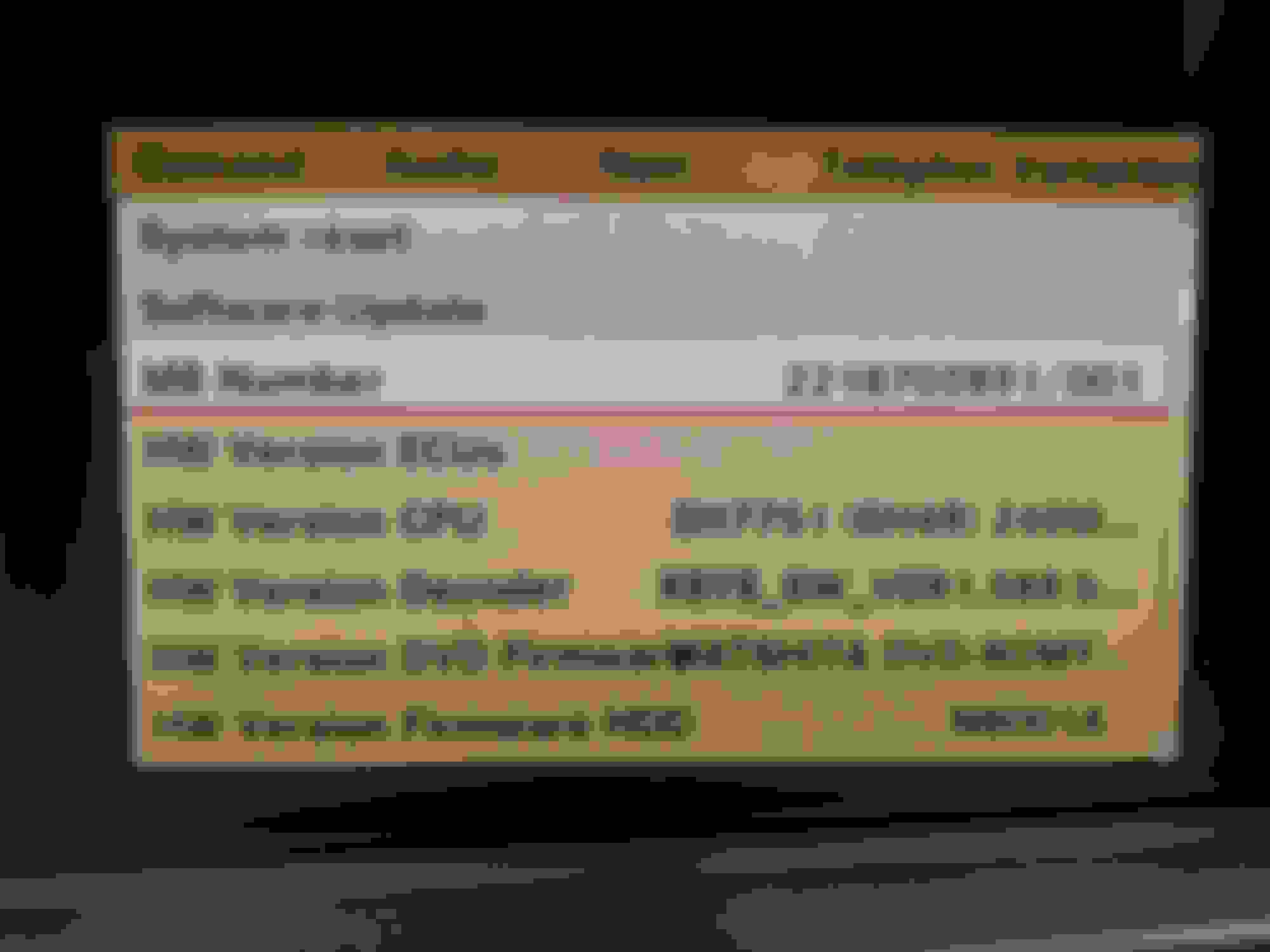
OK I don't know how to read this but here are all the numbers....
Is it possible that my unit doesn't need the update?? Kinda seems like it does though...
Also, not a single one of these damn numbers is in the update list. WTF?
.... the whole idea of Merc part numbers is WILD, it might make sense to someone but never did to me - I think they tried to follow this logic then messed it all up and gave half the stuff they make a muddle up
Part Number - the actual real part number you need to buy one
Hardware Number - any updated components inside for a given build of a compatible unit (MB number is often a mess up of part number or hardware number)
Firmware Number - any operating system baked in code (often confused with hardware number)
Software Number - specific customisation to suit the functional need of how they build your car (Phone system, Aux in, DAB, Sat Radio, TV, Massage seats etc. on the w221 comand)
Serial Number - a unique identifier of this specific unit (on the comand unit inside ENG menus the serial number is the MB number !!!)
depending which print out or diagnostics info you pull you get these all mixed up and inside out
That eBay unit that matches my 8700 number has a number above it that does appear in the EPC list in row #3. So I guess the numbers the update is looking for is the one below that number on the label.
Can anyone with a real EPC try looking up my number and see what it says? I will try some of the numbers from the update list. Maybe those don't go anywhere either (because like you said they could be firnware or SW numbers).
gist is the Part number here is called the ZB number and shouldn't ever be the MB number (but sometimes its all messed up and your head explodes... and when you search for a later unit there's 15 trillion maybe compatible units...)
2218703891 could be your part number, giving you a unit with 2218700692 hardware (which currently shows on the unsupported list) but other part numbers could also contain 2218700692 hardware
So I guess 3891 is my P/N. But that still doesn't help of course....I would need to find a 3891 with a different HW number from the update list. Then I'd at least consider manually adding my number to the list, and using the signature of the supported units. That's about all I can figure for a hack here.
I guess for budget markets where they didn't have GPS as std (much like the ones that didn't get a multi changer DVD either) there could be other differences / features to the comand unit software....
but if you car does time and date via satellite I don't see the difference - the code to fix the clock ought to be the same - and the code left on the CD is ONLY the clock "Vespucci update" everything else on the comand / telematics ring update CD was ripped out
I went looking for the other (UK) guys unit on fleabay (one of these)...
quite odd LOADS of your's and his part number out there to buy secondhand... (way more than any other unit part number 5 on UK site and about 10 for your unit) almost as if Merc were making crazy money fixing clocks ???
You're suggesting that people are replacing their COMAND units with ones that are supported for the update and, what, someone is then selling them on eBay?? That's quite a conspiracy theory.
not a conspiracy theory at all - on the face of it, just common sense... if you want the clock to work on certain comand units and you go to main dealer saying I'm too rich make my clock work, then without the ability to programme the right info, the next step for the dealer is to fit a comand unit that works... thus leaving LOTS of obsolete ones.... and that's just what ebay is for - off loading of detritus lying about...
Never seen so many comand units for sale (yes they are getting old and most are cars now are just scrapped if the repair bill is over $1000), but quite how is there so many of these two out there ?
I just updated the files and tried to make a CD, first round I too got the wrong file size of 736kb and I can't re open the ISO it fails to extract, and had a file hash's of
Did some digging its a Joliet ISO 9660 but level 1 or 2 and used UDF 1.02 which is pre CD-R
NOTE: level 1 or 2 both get me a 1376kb file but the hash on each is different (2 gets 32 bit long file names, I don't think we need, just saw a bit in the picture below of the original disc about Mode 1 or Mode 2 and added third wiki link for research boffins - is this really the level 1 or level 2 thing ? )
Tried again, making a tweaked .ISO disc and I can get a file of 1376kb that I can pull it apart again, and the Vespucci bit is the very same 177kb and the bit that really matters retains a file hash of
EXPERIMENTAL - I think it will either say No or try and load the updated Vespucci code ??? .
Revision 1.00[10] (24 October 1995). Original Release.
Revision 1.01[10] (3 November 1995). Added DVD Appendix and made a few minor changes.
Revision 1.02[11] (30 August 1996). This format is used by DVD-Video discs.
Revision 1.50[12] (4 February 1997). Added support for (virtual) rewritability on CD-R/DVD-R media by introducing the VAT structure. Added sparing tables for defect management on rewritable media such as CD-RW, and DVD-RW and DVD+RW. Add UDF bridge.
Revision 2.00[13] (3 April 1998). Added support for Stream Files and real-time files (for DVD recording) and simplified directory management. VAT support was extended.
Revision 2.01[14] (15 March 2000) is mainly a bugfix release to UDF 2.00. Many of the UDF standard's ambiguities were resolved in version 2.01.
Revision 2.50[15] (30 April 2003). Added the Metadata Partition facilitating metadata clustering, easier crash recovery and optional duplication of file system information: All metadata like nodes and directory contents are written on a separate partition which can optionally be mirrored. This format is used by some versions of Blu-rays and most HD-DVD discs.
Revision 2.60[16] (1 March 2005). Added Pseudo OverWrite method for drives supporting pseudo overwrite capability on sequentially recordable media. Has read-only compatibility with UDF 2.50 implementations.: 10 (Some Blu-rays use this format.)
So I think of the possible choices that might happen if you tried to use it
1) the COMAND would continue to refuse to download the GPS time calculation file, (as the hash isn't matched to your hardware - 820 vs 870 isn't the issue)
2) the COMAND would accept it and it would fix the date/time issue,
3) the COMAND would become inoperable - the only way I can see this is if your comand isn't listed as it does it differently, and this will throw a spanner in the works...
if u are really keen to get the clock working and accept the $800 of fun it might take to get the radio working again - I think its 50 50 of it will work or nothing happens
Nice. Yeah I did think something was funky with the file system on the ISO but didn't look into it. Good work. In Cadillac land, there were at least 2 or maybe 3 updates to go with the different years of the Denso unit. And at least one year was "not compatible" with the fix but I seem to recall that's because the Denso engineer who put it together didn't happen to have an original system to play with so he couldn't test anything. It was pretty crazy.
Looking back at the Cadillac stuff, I think there was an update file for the 2008 and one for 2009-2011. But the 2008 file ended up being compatible with the 05-06, except I lost voice command (which was mostly useless). But 2007 I think was NOT compatible. So.....actually this sort of suggests a bit of a similar precedence but it at least went by model year. With Mercedes, there is a lot more going on than just model year.
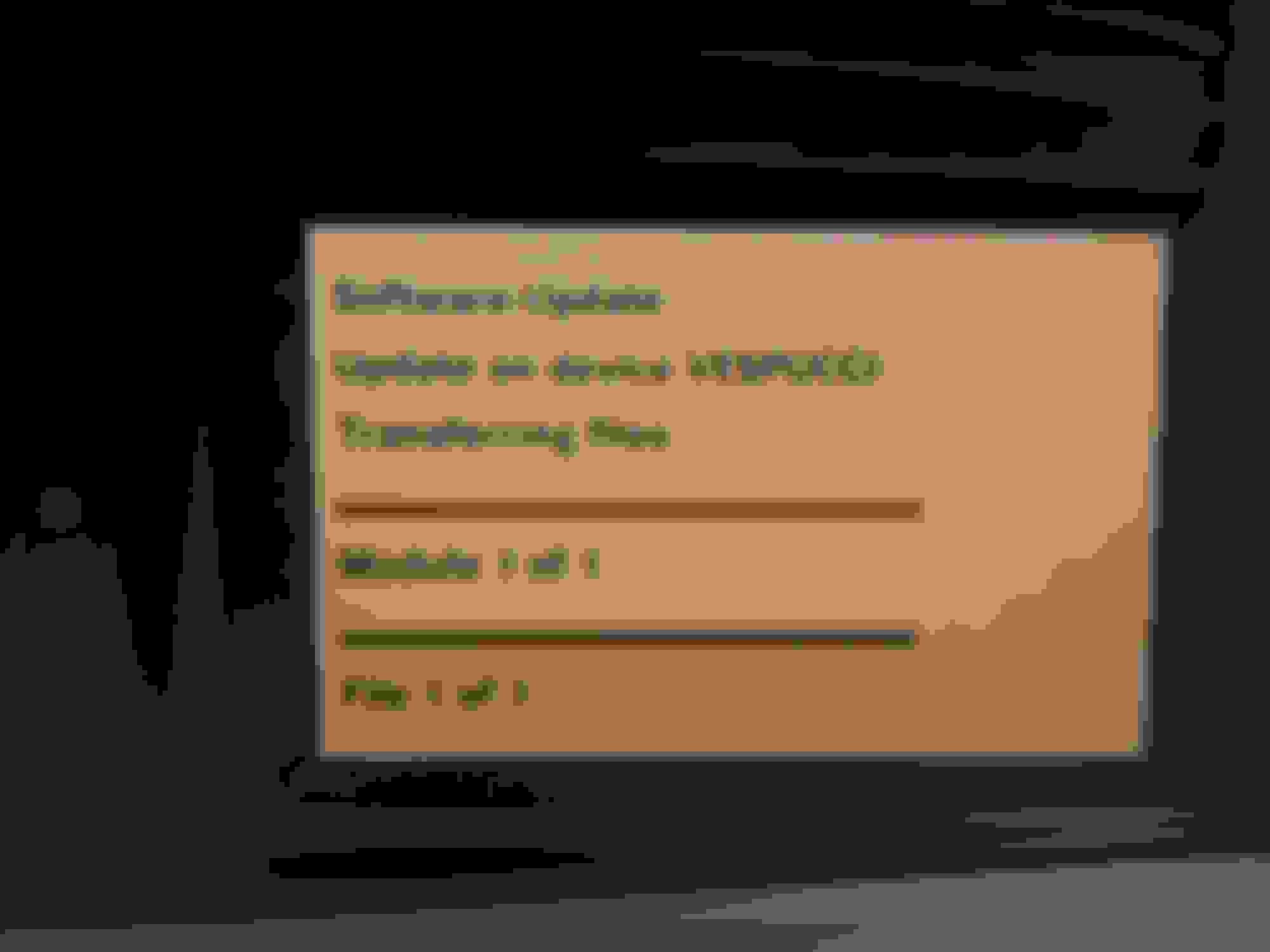
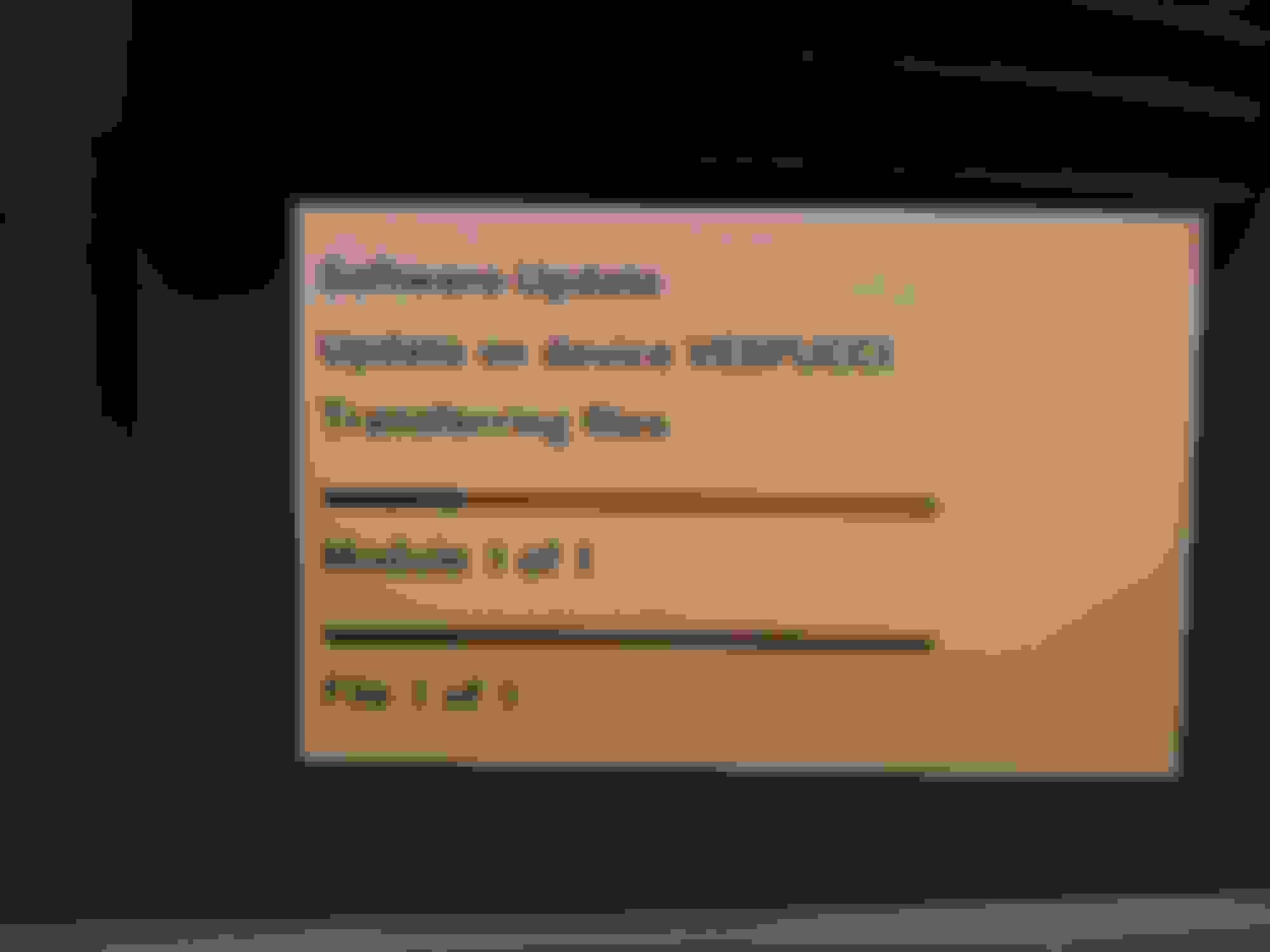
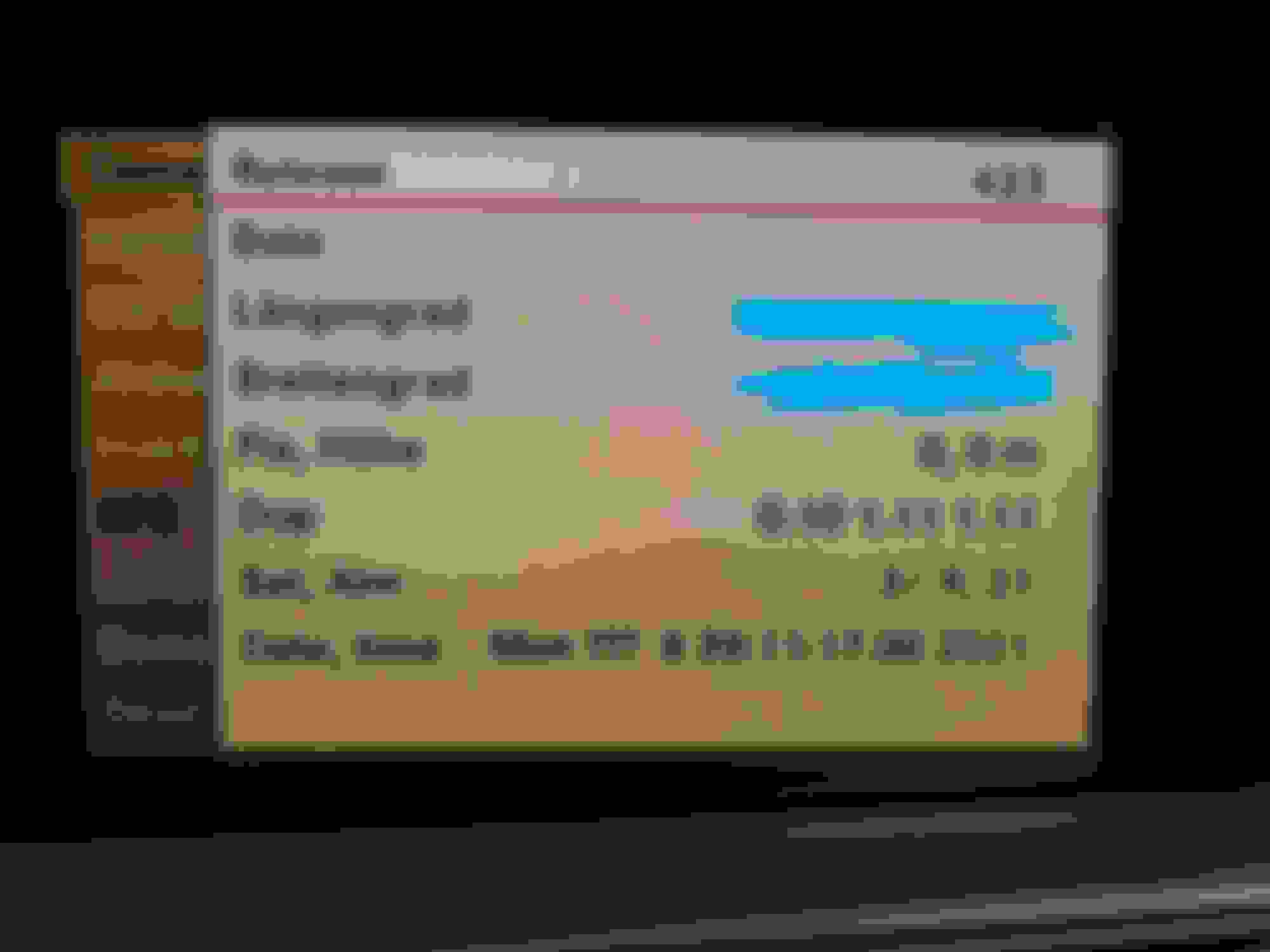
ENG Menus
get in the car and turn on the key (it can ALL be done with it running - they flatten batteries in seconds on these cars otherwise)...
move the comand cursor (which Icon is highlighted) on the top menu bar that reads Navi, Audio, Telephone, Video, Vehicle,
use the control wheel to select Vehicle. Then pull the control wheel to the bottom menu and highlight System Settings
now these four all have to be done together
o Press and hold the “*” button, which is referred to as the “Favorite” button and typically actuates the rear sunshade.
o While holding “*”, press the Control Dial to the Right without pressing it down or turning it.
o While the “*” is pressed and the Control Dial is held to the right, press the Seat Massage button to the right of the Hazard switch and hold it.
o While holding the “*” button, the Control Dial to the Right, and the Seat Massage button, press the Mute button, which is the button located below the VOL dial and has an icon of a speaker with a slash.
When this combination is performed successfully, you will have reached the Engineering Menu.
change NOTHING other than instigating update if you have fitted the right clock fix CD in the drive - but you can safely scroll round to look at everything
the back arrow key (one of the buttons around the comand knob switch panel), or key on off, will take you out of the ENG menus
for the UK guy - (with the 221870 0392 unit) - it MUST be 820 vs should have said 870 its the only change
So I think of the possible choices that might happen if you tried to use it
1) the COMAND would continue to refuse to download the GPS time calculation file, (as the hash isn't matched to your hardware - 820 vs 870 isn't the issue)
2) the COMAND would accept it and it would fix the date/time issue,
3) the COMAND would become inoperable - the only way I can see this is if your comand isn't listed as it does it differently, and this will throw a spanner in the works...
I think its 50 50 of it will work or nothing happens
Yes, I didn't realize it was staring me in the face in the eng menu. I recognized it immediately obviously. I don't think mine is a refurb then....it's "on the earlier side" being only the third revision but still a head scratcher to me.
Wow, just did the clock fix following the instructions posted here...worked like a charm. BTW, I only had a CD-RW disc, and that worked fine despite some warnings here that it would not.
Mercedes SLR McLaren 722 S Is Extremely Rare Example Modified by McLaren
Slideshow: A one-of-one U.S.-spec Mercedes-Benz SLR McLaren Roadster became even rarer after a factory-backed transformation at McLaren's headquarters.