When you click on links to various merchants on this site and make a purchase, this can result in this site earning a commission. Affiliate programs and affiliations include, but are not limited to, the eBay Partner Network.
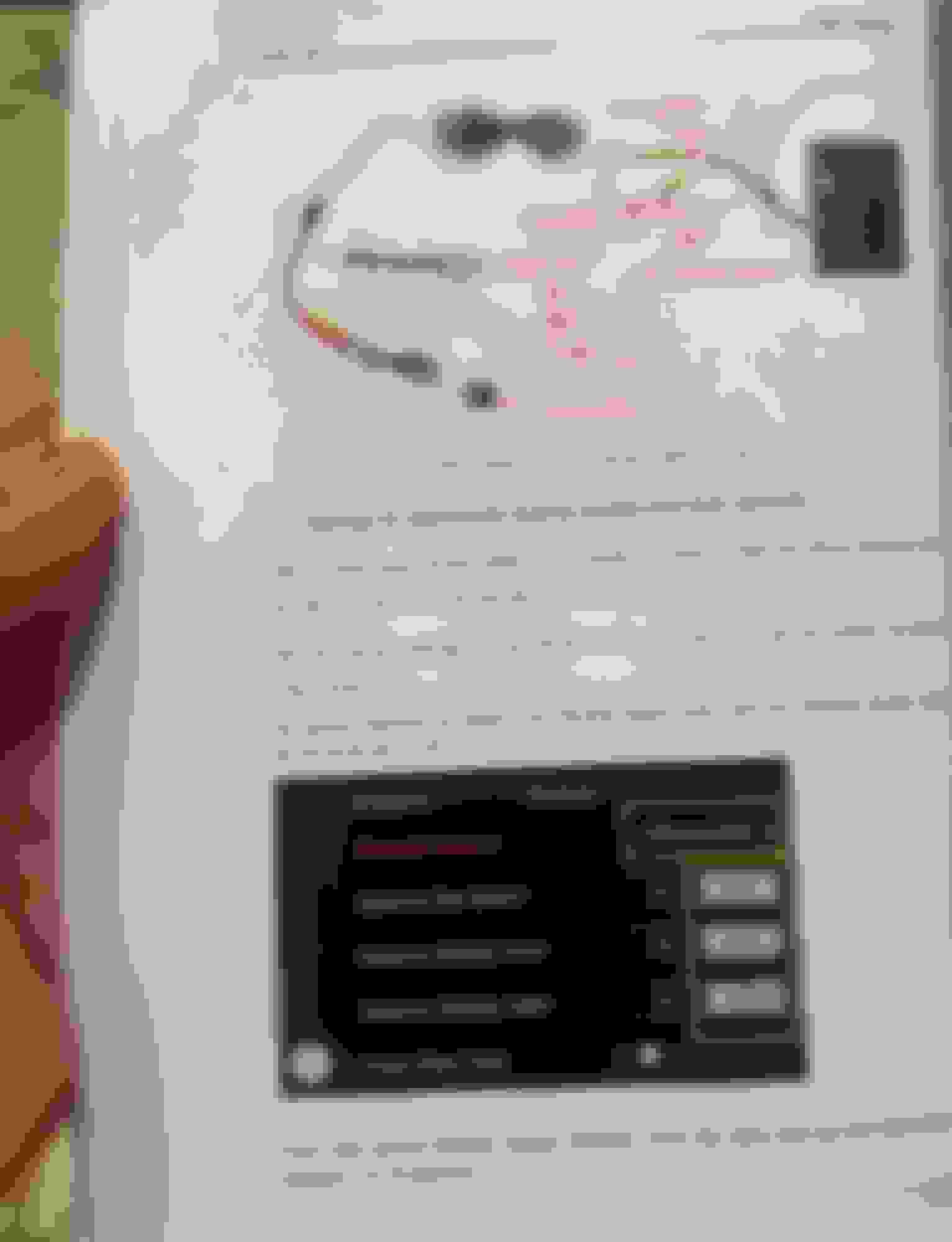
Have you double checked the DIP switches on the back of the unit? You can get strange behavior or error messages if the DIP switches are not in the correct on/off positions. Even if they were correct as you installed the unit, it's worth checking again since the switches are small and easily switched on/off as you're handling the unit. Since you have a 2015, you'll want to DIP switch configuration for the 7 inch screen. Switch No. 3, 6, and 8 should be on --- all others off.
I live in Germany and have a Mercedes SL400, 2015 (R231, NTG 4.7). I am facing exactly the same problem. I have attached all wires correctly and the original video screen of the COMAND is showing just fine. But when I switch to the RoadTop Box the screen keeps scrolling vertically. I already tried another box from a different vendor, which is probably the same device. Same problem. I also tried changing the wires with the ones that were supplied with that other box. Same problem. I even tried flashing a new firmware that I found in a forum. Flashing worked well, but problem remained. Looking at post no. 47 by Richardp1978 and also looking at the customers reviews on the US Amazon page of the RoadTop Box I assume the problem is related to the SplitView function of my car display. I already tried disabeling the SplitView function in the dealer menu (hangup-key + 1 + #). But the problem remained. If no one comes up with a good idea I will sassume that there is not way of using the box with a SplitView Display.
There are similiar offers on aliexpress and other sides in the web. If you already hav removed the NTG than it is only some small additional steps to change the display for the new one. It then has carplay and android auto connections as well as in integrated android system where you can also run all android apps without the need for a smartphone connection (e.g. navigation apps, music etc.). It also offers an larger 8,4 inch screen and touch functionality. And it looks more modern. So that could be good alternative to the RoadTop box. But as I found out there are several different displays available (with Android 10, 11 and 12 and with different CPUs) that look alike. And it seems that only the displays with Snapdragon 662 CPU are able to support wireless android auto (Boxes with Snapdragon 625 will support wireless carplay but only wired android auto).
I’ve now tried the box from JoyeAuto. It is very similar (I’m guessing it’s pretty much the same electronics card inside)
very similar outcome with the screen scrolling diagonally rather vertically. Firmware update did nothing. I’ve now return that box too.
in the mean time RoadTop have been in touch with me stating that they have fixed the problem with a software update and are willing to send me a new box to test (the old one has been returned already)
might be worth contacting RoadTop to get the new firmware before you send yours back.
Hi Nambot, thanks for the info. That indeed is very helpful. I have already contacted RoadTop. But besides checking my Amazon order number they have not come back to me yet. But I will now try to contact them again and keep my disassembled car for a few more days.
These issues still sound like a DIP switches on the back of the unit not being flipped correctly. Even new from the box they can be wrong. Lastly, if as you say this may be related to "split screen" wouldn't it be an easy fix to simply turn off split screen?
I am on roadmap two hours a day every day without issue, so I am hoping you can figure this out.
Originally Posted by fantasticn
Hi Nambot, thanks for the info. That indeed is very helpful. I have already contacted RoadTop. But besides checking my Amazon order number they have not come back to me yet. But I will now try to contact them again and keep my disassembled car for a few more days.
Hi ThatsMyDawg, thanks for your reply. I have tried all kinds of combinations for the dip settings. But most of them don‘t show any video at all. I need to have dip 6 and dip 8 activated on RoadTop Box (on the other box it is 3 and 6) for the video to be showing. However, then the screen is scrolling.
I have not activated the SplitView function. As described I even tried deactivating this functionality in the secret dealer menu of the COMAND. But it did not help. It must be related to the SplitView display on the hardware level.
Ok, now I got you.
The rolling screen just reminds me of the old vcr machines (not sure how old you are) when you didnt have the wires correct to the tv you could get a rolling screen sometimes. Dunno, strange happenings here, Keep us posted...
Originally Posted by fantasticn
Hi ThatsMyDawg, thanks for your reply. I have tried all kinds of combinations for the dip settings. But most of them don‘t show any video at all. I need to have dip 6 and dip 8 activated on RoadTop Box (on the other box it is 3 and 6) for the video to be showing. However, then the screen is scrolling.
I have not activated the SplitView function. As described I even tried deactivating this functionality in the secret dealer menu of the COMAND. But it did not help. It must be related to the SplitView display on the hardware level.
Here we go. And I have a SplitView display (though I do not use the SplitView function). Meanwhile I have mailed with RoadTop support and they claim to have a patch für the SplitView issue.
When you keep mentioning split view is that some thing you had prior to this attempted install, or is it something that came with the install?
You say you have splitview, but don’t use it, so I guess you already had it? Did you ever use it? Trying to figure out why splitview would screw you up and not us unless that’s something in the cars where you are.
What exactly do you mean by splitview?
Originally Posted by fantasticn
Thanks. Will look at my info screen tomorrow. Do you have SplitView?
Last edited by ThatsMyDawg; May 23, 2023 at 04:49 AM.
SplitView is an optional display feature. It shows different content for different viewing angeles. So the passenger may watch a movie (from his viewing angle) while the driver will still only see the navigation (from his viewing angle).
The display itself looks the same like the regular 7 inch display. You can turn SplitView on and off through the system menu. Any you can even disable the whole SplitView functionionality in the secret "dealer menu". However, it still causes issues to the RoadTop box (screen scrolling). I assume that it has something to do with "interlaced" and "de-interlaced" videostream, or with the screen refresh rate, which might be different on the SplitView display.
However, I just have received a patch (Firmware update) from the RoadTop supprt and applied it to the box. And now everything is fine. So the screen is not "scrolling" vertically anymore. THE SPLITVIEW PROBLEM SOLVED!
Maybe this is something to menation in your guide. It was really hard to find the reason for my "scrolling screen"-problem (took me three days of searching in the internet) and once I found it, I read that people were already returning the box because of this issue. But now we have a solution.
OK. I had never heard of, or seen splitview before it was mentioned in this thread. I assumed it was something for overseas models once it came up. Glad you were able to get to the bottom of the scrolling issue. The video said this tech started in 2010 with the S class. I wonder which years/models and regions have it now? Like I said I never heard of it before.I will mention the scrolling issue in the install.
Originally Posted by fantasticn
SplitView is an optional display feature. It shows different content for different viewing angeles. So the passenger may watch a movie (from his viewing angle) while the driver will still only see the navigation (from his viewing angle).
The display itself looks the same like the regular 7 inch display. You can turn SplitView on and off through the system menu. Any you can even disable the whole SplitView functionionality in the secret "dealer menu". However, it still causes issues to the RoadTop box (screen scrolling). I assume that it has something to do with "interlaced" and "de-interlaced" videostream, or with the screen refresh rate, which might be different on the SplitView display.
However, I just have received a patch (Firmware update) from the RoadTop supprt and applied it to the box. And now everything is fine. So the screen is not "scrolling" vertically anymore. THE SPLITVIEW PROBLEM SOLVED!
Maybe this is something to menation in your guide. It was really hard to find the reason for my "scrolling screen"-problem (took me three days of searching in the internet) and once I found it, I read that people were already returning the box because of this issue. But now we have a solution.
Last edited by ThatsMyDawg; May 23, 2023 at 06:41 AM.
“Though the wording may change in your state or province, law enforcement agencies are very clear on the rules about watching videos while driving. In most states and provinces, having a display within view of the driver that shows video while the vehicle is in motion is illegal.”
Yet somehow the police can drive while looking at a laptop and or typing info in a computer in their cars while driving without issue.Their multitasking has not affected their driving when doing so lol. I have had a tv in may cars dating back at least 30 years and have never had an issue, or an accident because of it. I think each state/area may have its own laws on this though, but just like smoking while driving, putting on makeup, or eating, each person has a different skill level. I agree it is not for everyone.
Originally Posted by JettaRed
There is probably some obscure law in the US that prohibits viewing streaming media from a device that the driver can see.
Last edited by ThatsMyDawg; May 23, 2023 at 08:58 AM.
Well, the idea behind the split screen is that the passenger can watch a video, while the driver is not able to see it. It is not possible do it it the other way round. So the SplitView actually supports that US law you decribed. By the way: As to the restriction of freedom it is getting much worse over here in Europe (and especially in Germany).
The SplitView display also comes with a set of Mercedes headphones and a remote control for the passenger to control "his side" of the display. Nice, but I have never used it.
Guys, now I need your opinion: Because I was expecting no patch for the SplitView issue I was already considering to buy that 8.4 inch display for the R231 (see my post no.77). Besides having wireless carplay and android auto the display itself is running an android 12 system. So you can run Android Apps (Navigation, Music, Video etc.) directly on the display without the need for carplay/android auto connection as well. Also it supports touch and is larger than the regular 7 inch display. And it looks more "modern" if you compare it to the new Mercedes SL or other Mercedes cars since the display has more like a "tablet look" (which - of course - also has a controversal aspect to it). And I could attach a DAB modul to the display for only 50 Euro and use DAB radio then (my car currently does not have DAB Radio included and FM Radio will probably be cut off by 2030). A separate DAB modul for the NTG 4.7 would be like 400 Euro, which is almost the price for the 8.4 inch display solution.
On the other hand I now solved the SpliztView issue and have all I was originally going for. And with that solution the car keeps its "stock look" in the interieur while the new display would change that. So what would you recommend: Stay with the now working RoadTop box or go for the 8.4 inch display solution?
Based on my Roadtop. experience I would say stay with that. Fit, function and a stock looking interior wins for me.
Whatever you go with be happy with it.
Originally Posted by fantasticn
Well, the idea behind the split screen is that the passenger can watch a video, while the driver is not able to see it. It is not possible do it it the other way round. So the SplitView actually supports that US law you decribed. By the way: As to the restriction of freedom it is getting much worse over here in Europe (and especially in Germany).
The SplitView display also comes with a set of Mercedes headphones and a remote control for the passenger to control "his side" of the display. Nice, but I have never used it.
Guys, now I need your opinion: Because I was expecting no patch for the SplitView issue I was already considering to buy that 8.4 inch display for the R231 (see my post no.77). Besides having wireless carplay and android auto the display itself is running an android 12 system. So you can run Android Apps (Navigation, Music, Video etc.) directly on the display without the need for carplay/android auto connection as well. Also it supports touch and is larger than the regular 7 inch display. And it looks more "modern" if you compare it to the new Mercedes SL or other Mercedes cars since the display has more like a "tablet look" (which - of course - also has a controversal aspect to it). And I could attach a DAB modul to the display for only 50 Euro and use DAB radio then (my car currently does not have DAB Radio included and FM Radio will probably be cut off by 2030). A separate DAB modul for the NTG 4.7 would be like 400 Euro, which is almost the price for the 8.4 inch display solution.
On the other hand I now solved the SpliztView issue and have all I was originally going for. And with that solution the car keeps its "stock look" in the interieur while the new display would change that. So what would you recommend: Stay with the now working RoadTop box or go for the 8.4 inch display solution?
2. Installation really isn’t that difficult. Couple things to watch out for. You have to adjust the dip switches according to the manual. You have to connect the 2 ground cables to eachother. The head-unit is locked in place by a sort of rotating bracket system, you may not notice this on removal of the head unit, but will not be able to reinstall unless you account for this. Itno big deal, but worth mentioning.
Dude! I feel like the biggest dunce! For some reason I can’t put the fricken thing back on. I fished all the wires to go to mesh net in passenger footwell so there’s plenty of room but for whatever reason I can not get the dash plate back on.
So this rotating bracket system, how does this work? (I’m still searching sub for answers on it but figured I’d ask since this post specifically mentions it.
2015 SL400 (M276 Turbo), 2014 C350 Sport (M276 NA), 2004 SL500 (M113), 2004 Audi TT225 (BEA)
I think I understand what you are saying. I put my RoadTop controller in the glove box. There is a knockout on the inside that allows you to run the cable harness from the head unit into the glove box. That way, you have minimal extra cabling behind the head unit. I do agree that it is a tight fit.
I assumed that’s what he is talking about too. You and I placed our units in the same space and it has worked well.
I have heard others say it is tight when trying to go behind the head unit and that’s one of the reasons I didn’t want to use that space.
Originally Posted by JettaRed
I think I understand what you are saying. I put my RoadTop controller in the glove box. There is a knockout on the inside that allows you to run the cable harness from the head unit into the glove box. That way, you have minimal extra cabling behind the head unit. I do agree that it is a tight fit.
Last edited by ThatsMyDawg; Aug 11, 2023 at 03:36 PM.
Mercedes SLR McLaren 722 S Is Extremely Rare Example Modified by McLaren
Slideshow: A one-of-one U.S.-spec Mercedes-Benz SLR McLaren Roadster became even rarer after a factory-backed transformation at McLaren's headquarters.