When you click on links to various merchants on this site and make a purchase, this can result in this site earning a commission. Affiliate programs and affiliations include, but are not limited to, the eBay Partner Network.
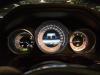
8" Aftermarket Nav Unit Installed - Looks Awesome and straight forward installation
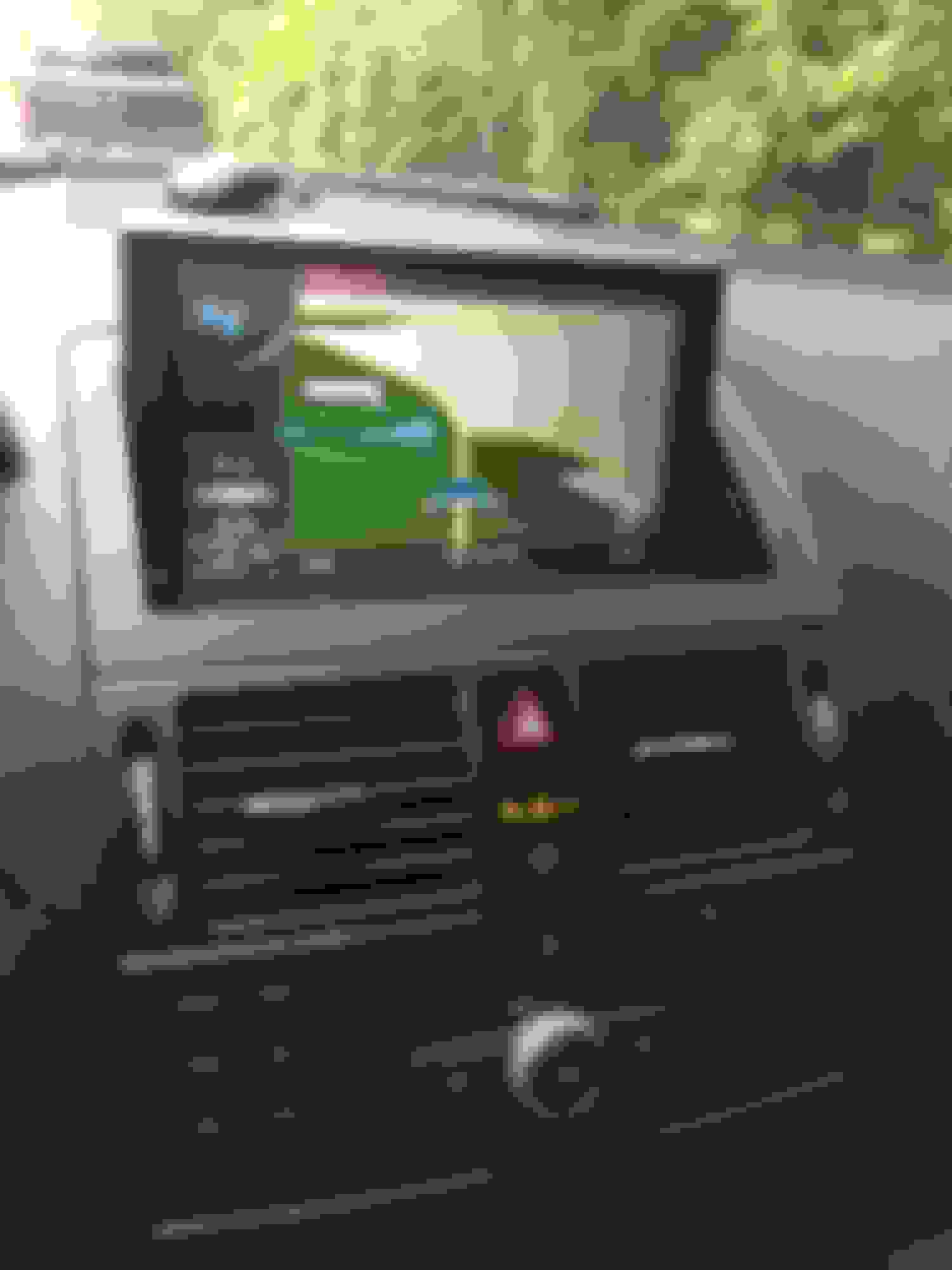
So, I bought the 8" Navigation Unit from www.cars-electronics.com and installed it last night. For $500, you can't beat the value. Their customer service was great, they talked to me for a while to make sure my car was suitable for the unit. After clearing everything with them, the unit came within a week.
It's basically a plug and play installation. I still need to run a backup camera to it. The GPS on this unit is super nice, I really like it. I wouold highly recommend people upgrading to this unit. Anyways, I will write a DIY on the installation if there's enough interest since I gotta take the unit apart again anyways because I forgot to plug in the USB port lol.
The pros:
*Very nice touchscreen
*Plug & Play install
*Nice GPS display and easy to use
*OEM look with OEM matching bezel - very clean looking unit
*Lots of capabilities
The cons:
*the speaker for the GPS that came with it, I have no idea where to mount it because it doesn't fit where the instruction says it should go.
*I can't figure out how to see what radio station I am on or what CD I am playing yet. I think this is just user error, but whenever I press on the "AUX" option, it says "switch to original Aux". Not sure what that means yet, I am guessing I didn't install the Aux stuff correctly.
*the ipod cable that comes with it is for the older apple product with the 30-pin connector. You'll need a converter.
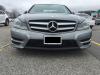
I only took one picture this morning, but i'll take more pictures if I decide to do a DIY.
that does look better hopefully you get the cons figured out
Thanx man, yeah, I plan on taking this apart a few more times, just couldn't find a DIY anywhere online, so it's going to take some trial and error to fix all the bugs.
i asked customer service about that to they said it is not compatible with the newer iPhones such as iPhone 5 and up that have the new lightning connector, and you can not sync music over blue tooth just can make phone calls over bluetooth, thats what they told me . but if it works let me know then i can purchase it for my car!
Hi, just few questions:
1) could you make a small youtube video how it works, cuz I can't see any Radio button, just AUX1 Navi etc.
2) And how about command knob is it works too, or you have to use touchscreen?
3) What about voice activation button on the steering wheel, I know, that it doesn't work with Audio20 (it needs stock navi package) what about this unit?
Looks good! Sometimes I think of mounting a tablet or something like this but I'm waiting to see how the aftermarket Apple CarPlay solution that Mercedes is promising for 2015 will look.
Mercedes SLR McLaren 722 S Is Extremely Rare Example Modified by McLaren
Slideshow: A one-of-one U.S.-spec Mercedes-Benz SLR McLaren Roadster became even rarer after a factory-backed transformation at McLaren's headquarters.