When you click on links to various merchants on this site and make a purchase, this can result in this site earning a commission. Affiliate programs and affiliations include, but are not limited to, the eBay Partner Network.
There's been a post in the W212 section regarding these units but I figured I would start one for us W204 owner to discuss the units specifically for the W204. I assume both pre-FL and FL units are the same with the exception of the mounting molds and the exclusion of the the LVDS converter from pre-FL units.
These are the info that I know of so far:
-Android 5.0
-1gb RAM
-16gb Memory
-10.25 inch screen 1280x400
-Full touch screen except for command fuctions
-Built in microphone
-Only replaces your screen so all command function still available to the screen including OEM back up camera (if equipped)
-Can use control nav for navigating the android side
-Mirror link for android and iphone (have not gotten this to work with my note8 and i don't have an iphone to test)
-Includes youtube, google maps (can install Waze if you prefer)
Things I've run into:
-Audio switching from OEM radio to youtube works intermittently.
-Cannot change the metric unit
-BT connection to phone app need to reconnect every time unit restarts (not a big deal as you can still use the command BT connection to make calls which is the preferred method IMO)
-Cannot get mirror link to work with my Samsung Note 8 (works with iphone 8)
-Cannot install more apps after installing Waze, iheart, swiftkey, LMT pie even though my internal says 12gb. Setting the storage to SDcard did nothing for me. Had to root to move apps to SDcard
-It seems every 3 starts I encounter an issue (OEM command doesn't show, black screen). This has been fixed. Issue was the square connector for the hardness was getting squished.
I will add more as I'm still getting to know this unit.
UPDATES:
Fix for my memory issue (for now)
Root with Kingroot
Install Foldermount and move app data to SD card (I currently have a 32gb sd card in the unit)
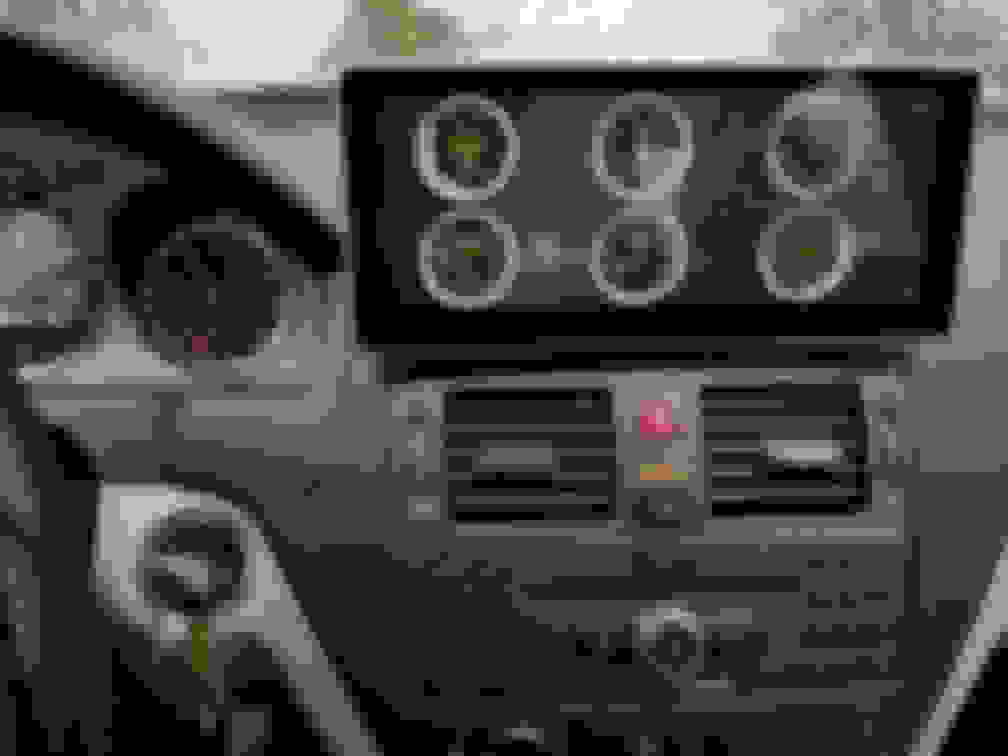
Bluetooth OBDII scanner that plugs into my OBDII. This way I can see information such as RPM, speed, boost, temp etc on the screen. Except I can't get it to pair. When I go to my bluetooth setting, I see the OBDII on the list but when I try to pair, it won't pop up the screen to where I can enter the pairing code. Do you guys know of any bluetooth OBDII devices that do not require a pairing code?
Not sure I like the interface of Torque Pro so I will keep searching for one that I like.
--------------------------------------------
Create quick shortcuts to home, back, recent app
Here are 2 similar cool app so you don't need to mess with that small dot in the bottom left corner of the screen to expand the home and back button. I'm using the LMT Pie on xda since I also use it on my phone. The issue I found with the xda one is that you can't access accessibility option on your screen. You need to access this for the back button to work. The one from the play store will get you to accessibility during setup. But if you are rooted then the xda one will work right away.
I have mine set to so I just swipe from the left or right side (mid section) of the screen and added a "recent app" button so I can get to my open apps quickly without going to home > apps. Also set up "quick Openquicksettings" button so I can quickly access BT, wifi, etc.
Make phone a file server to view image/ play videos (Phone needs to be a hotspot or both on the same network)
**This may only work on Android phones
Install X-plore File manager on both devices. On your phone, open X-plore File manager app, go to "wifi file sharing" then click on "Wifi server" to make it a server.
On the android screen, also open X-plore File Manager, go to "Wifi server" then "+ Add device". Once you see your phone connect to it. You can then navigate through your phones files open or play your saved videos.
The Car Launcher is my go to app now as I can customize it better to have my specific set of app list. If I need to go back to the standard android one I just press home button. Using LMT PIE I can easily go back to Car Launcher.
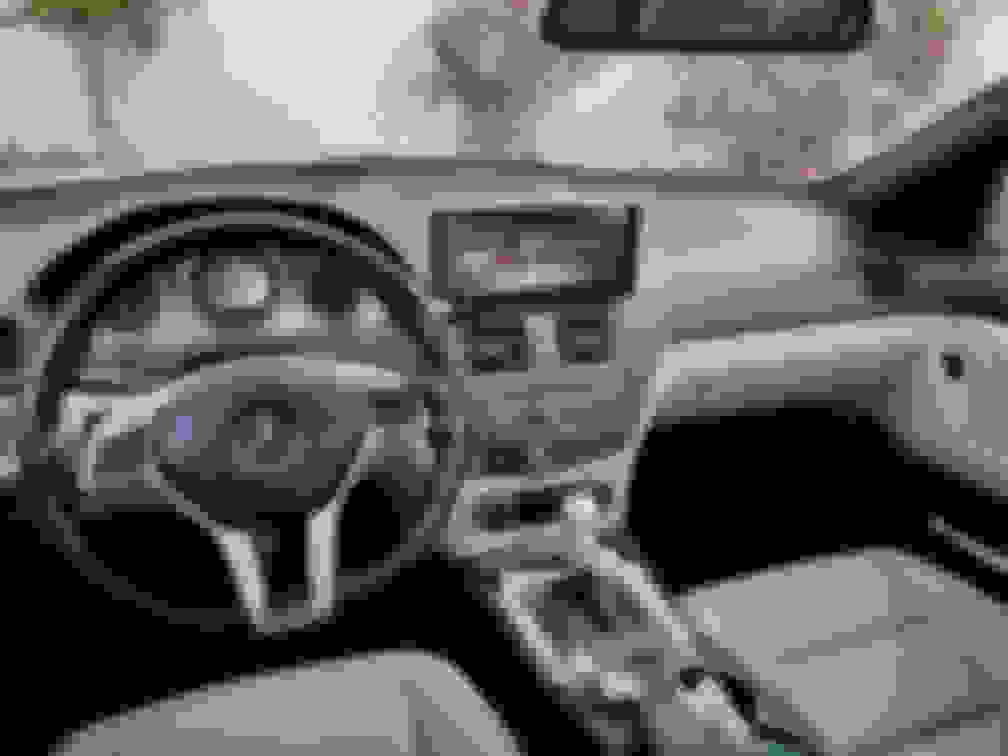
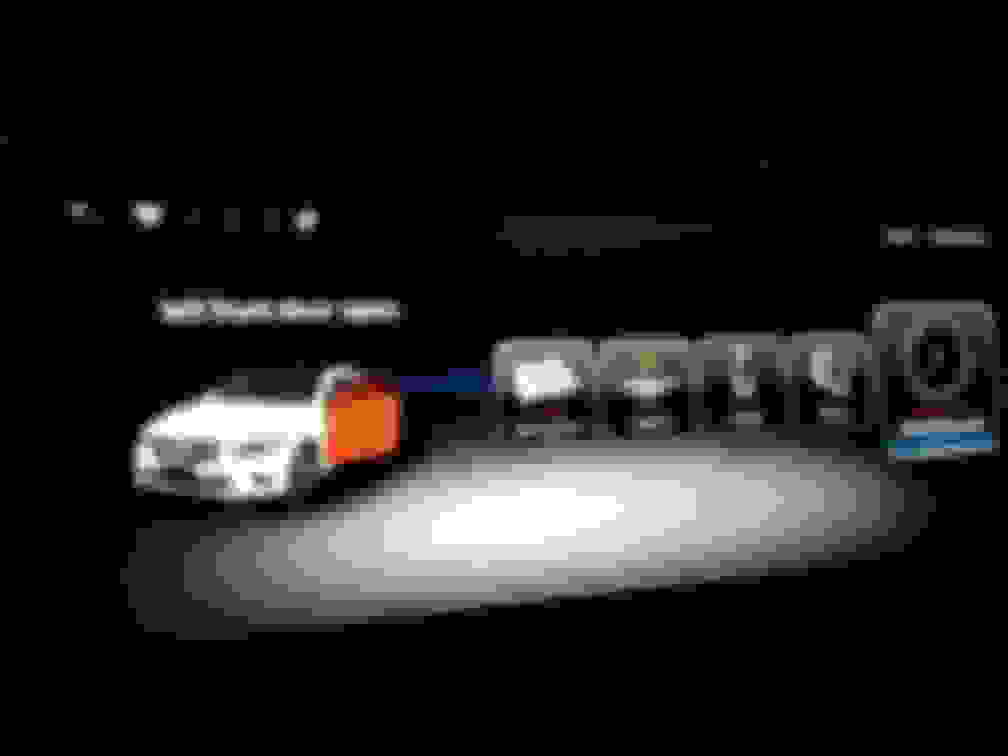
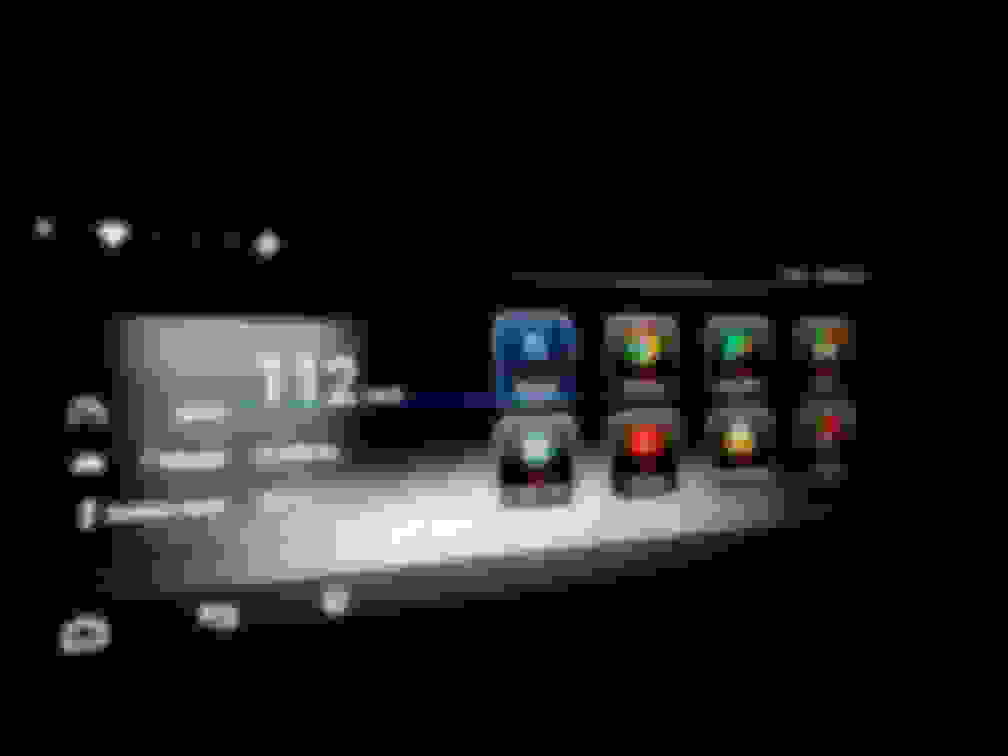
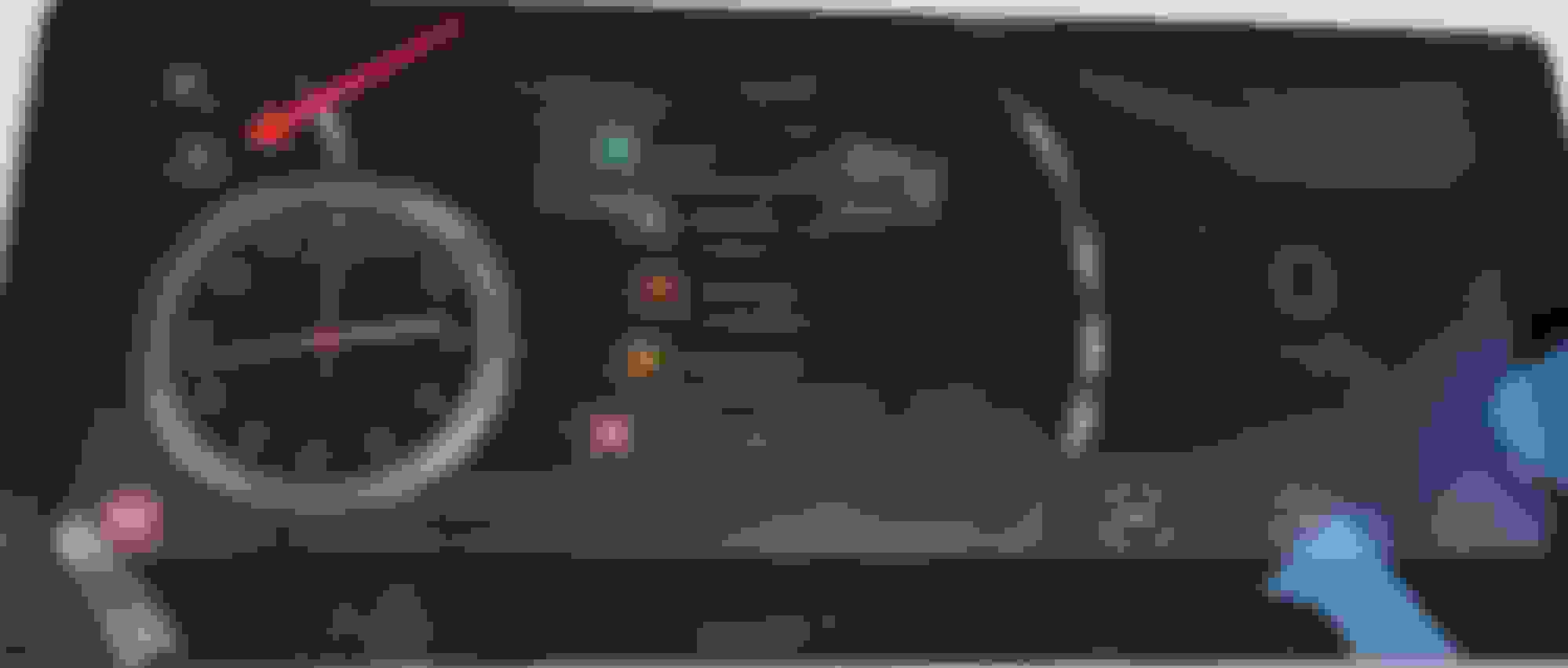
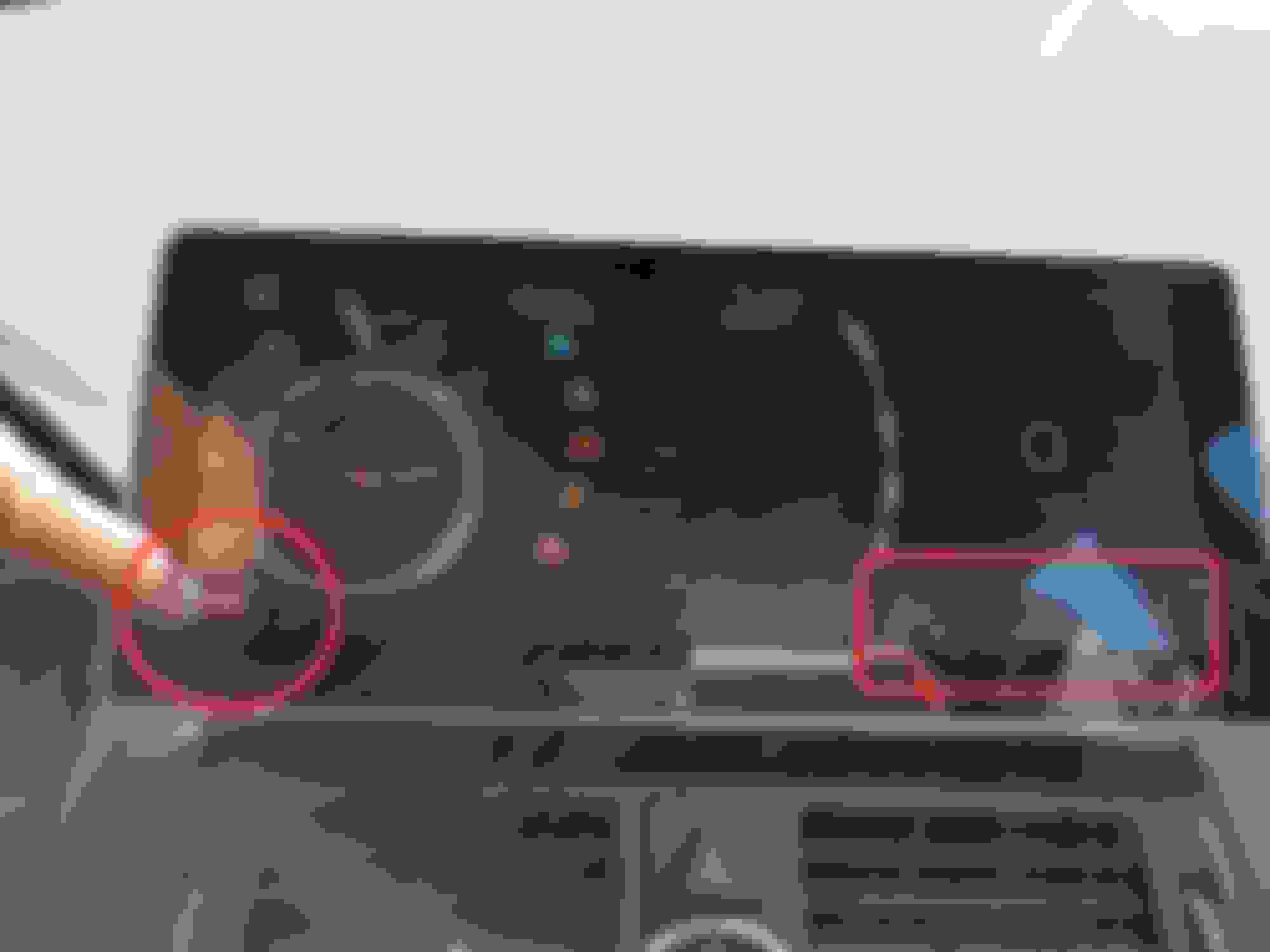
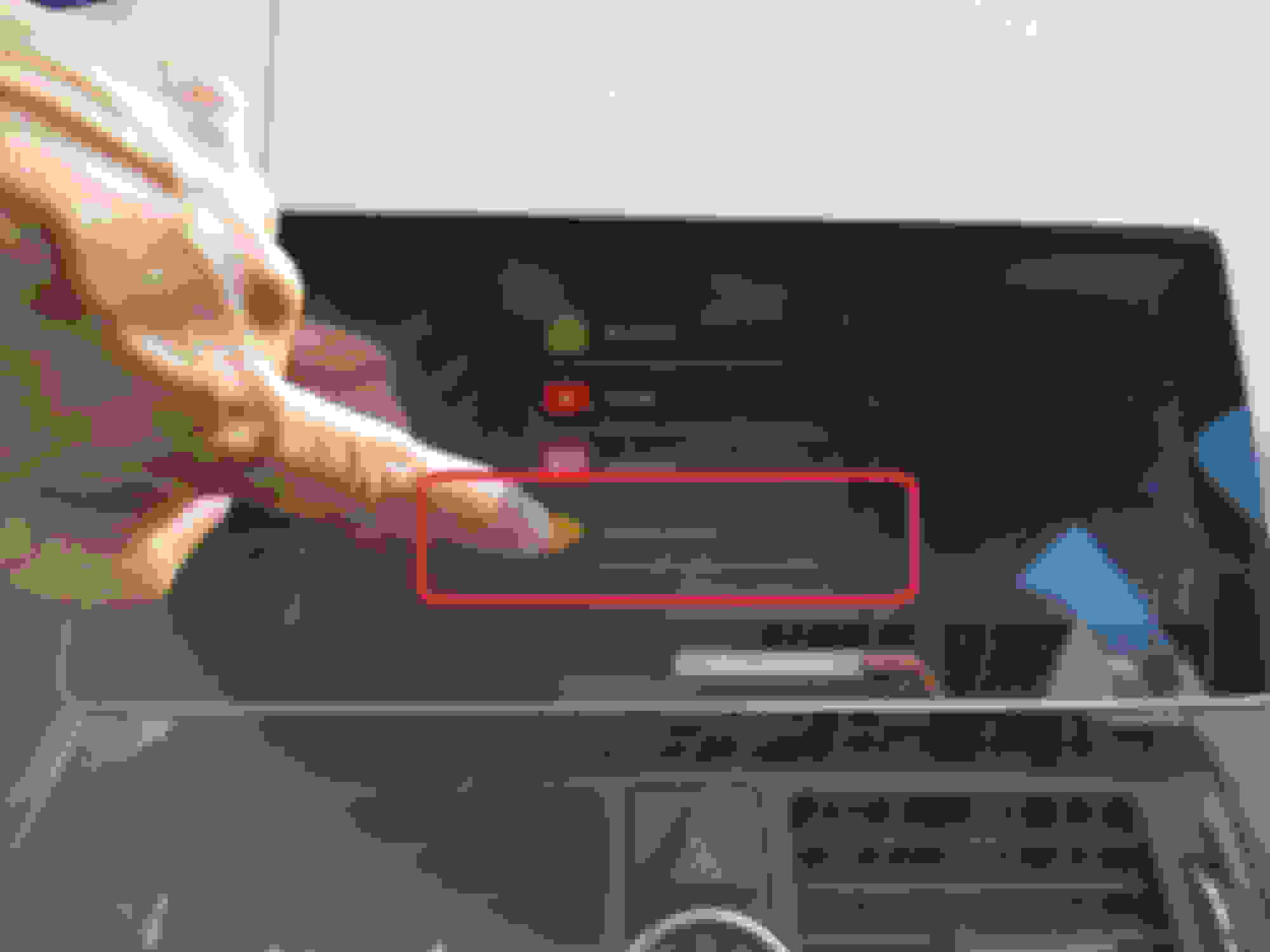
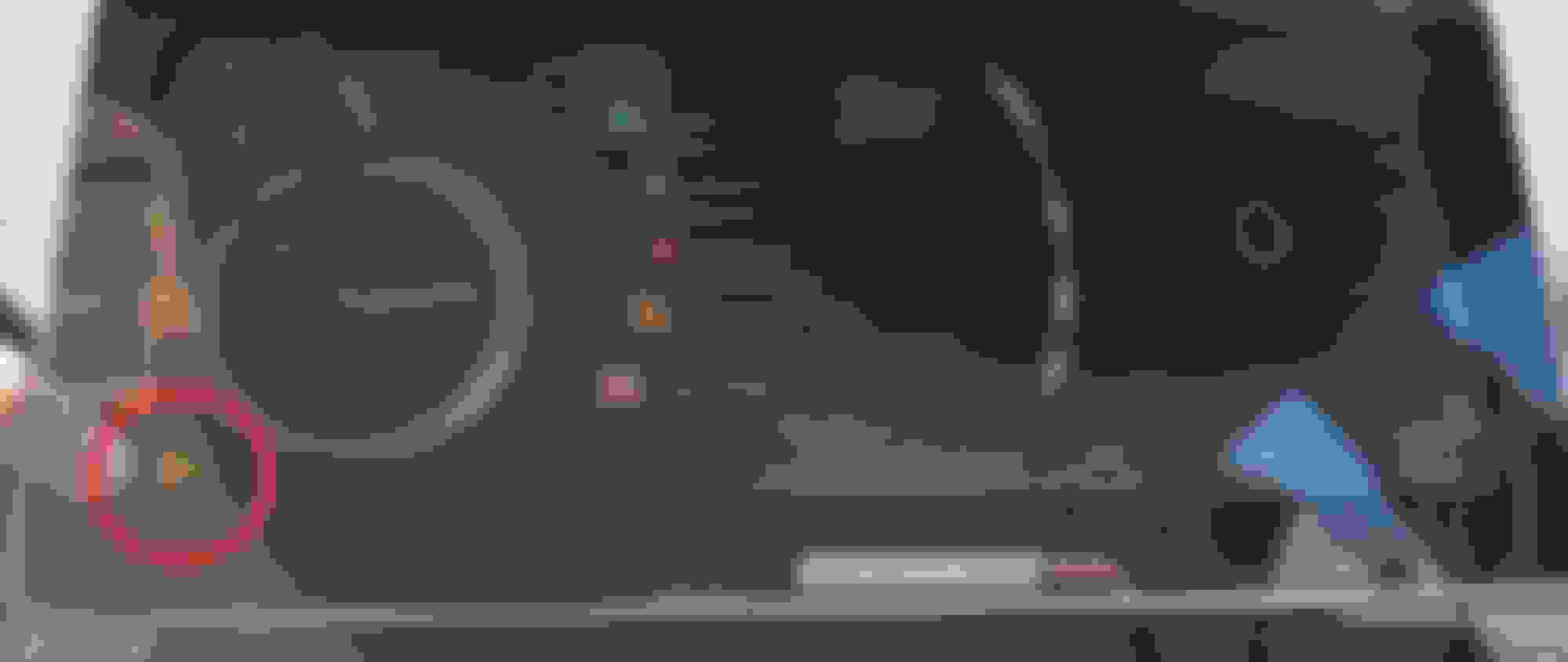
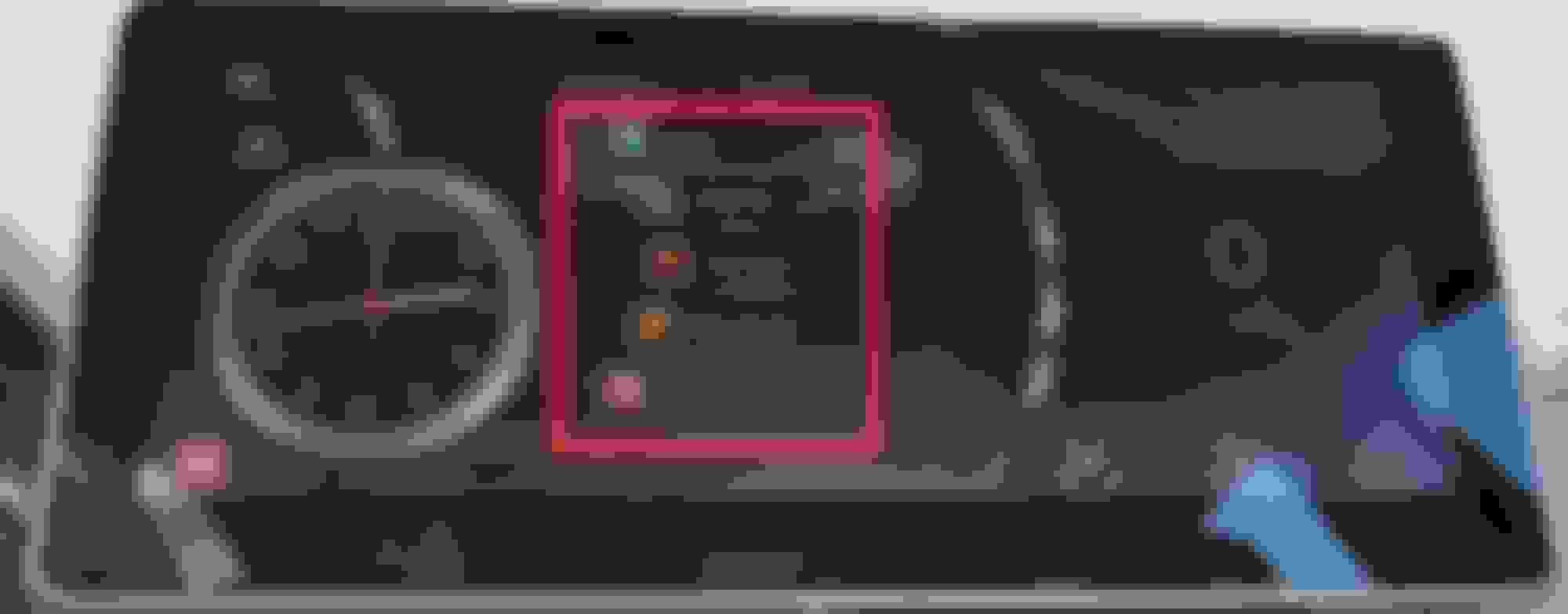
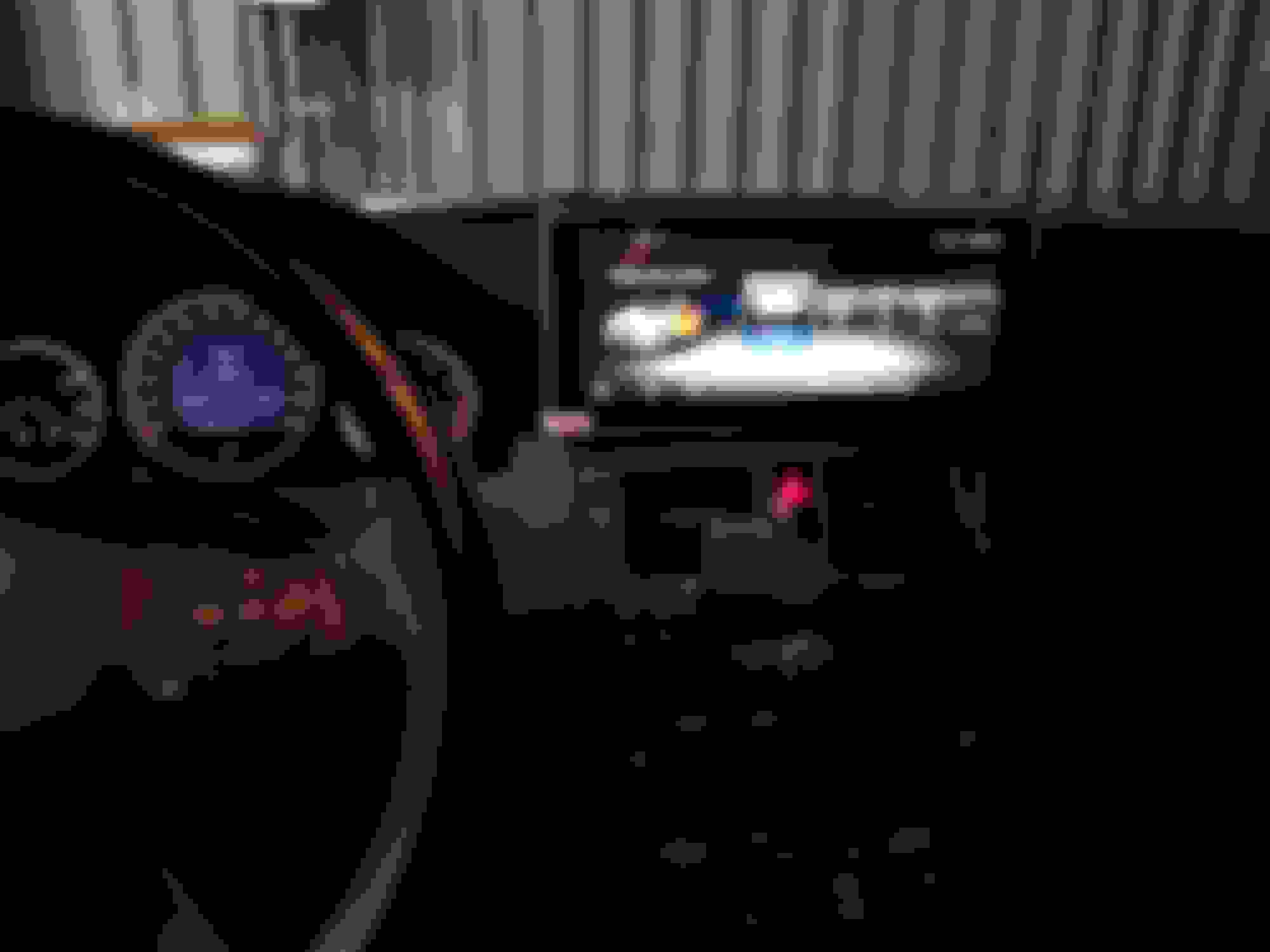
Here is why I like Car launcher (Sorry for the blurry pics):
1. Built in voice search button
2. Choose any player installed and control play pause forward back
3. Create custom app list
4. Knob control
5. MPH. Minor but still a plus (far right of screen)
Looks good! I just got mine in the mail today. How long did it take you to install?
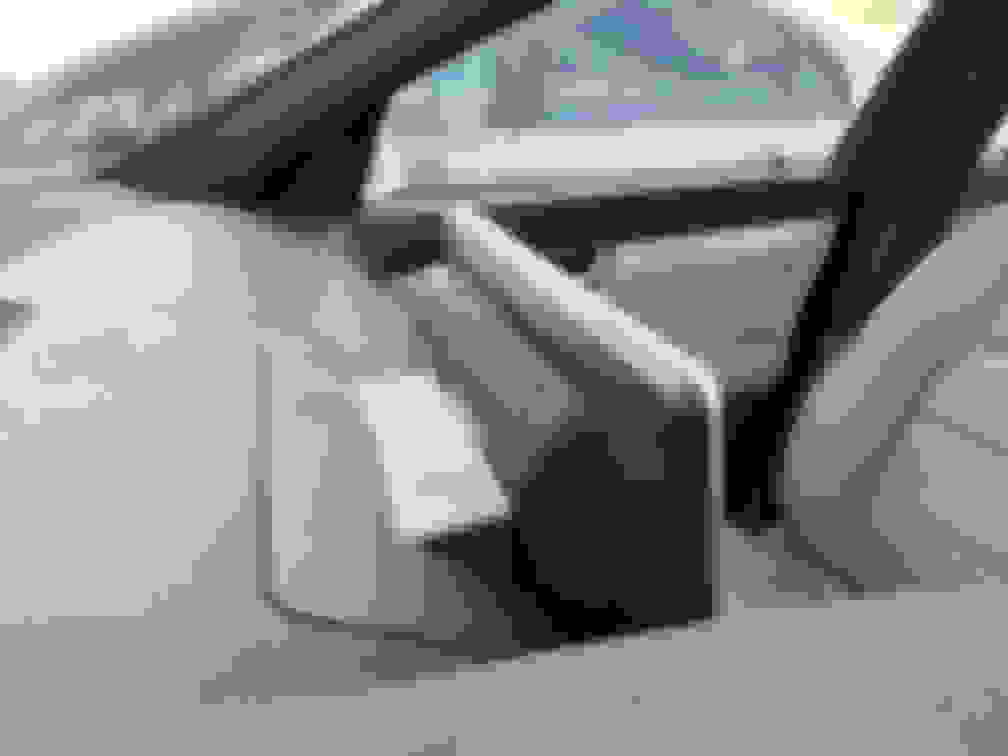
Routing the USB cable took the longest as well as tucking all the cables behind the command. I really had to push that command in while I locked the release clips and screwed it down. Everything else was easy thanks to the how to video. Had it not been for the cables I would say about an hour. Took me and extra 30.
doesbt look to pad. Would do it if it was apple not android sincei have an iphone
Unfortunately you will never find an Apple version of this. The closest you can get is do screen mirroring on this device or buy a mirror link module to attach to your stock command but since you're using stock screen still then it won't be touch screen. Navigation still done on the phone.
Unfortunately you will never find an Apple version of this. The closest you can get is do screen mirroring on this device or buy a mirror link module to attach to your stock command but since you're using stock screen still then it won't be touch screen. Navigation still done on the phone.
do you have a link for the mirror link module for stock screen?
Root with Kingroot
Install Foldermount and move app data to SD card (I currently have a 32gb sd card in the unit)
Working with Chris at CKM on the audio auto switch intermittent issue & mirroring issue with my Samsung Note 8 (this mirroring issue might be Note 8 specific)
That didn't take long. Awesome! Were you able to install more apps now? I think the limitation will soon be the 1GB of RAM and not the storage memory.
I was able to move youtube (200+mb) to sd card. So I can only assume I've made room for only that much. So I am still limited to downloading any app larger than 200gb. Which is good for now as most app I want to install are less than that. I just need to keep moving them to sd after install.
Since I'm rooted, if remember back in the old android days I was able to make storage the internal storage so potentially I can increase my storage to 32gb. I will try to see if it will recognize a 64gb then that's even more room.
I recently installed this in my pfl C180K, haven't used it that much yet But so far I'm really liking it. Google maps was lagging quite bad though, doesn't seem to happen with Waze. Installed Spotify and that works really well.
I recently installed this in my pfl C180K, haven't used it that much yet But so far I'm really liking it. Google maps was lagging quite bad though, doesn't seem to happen with Waze. Installed Spotify and that works really well.
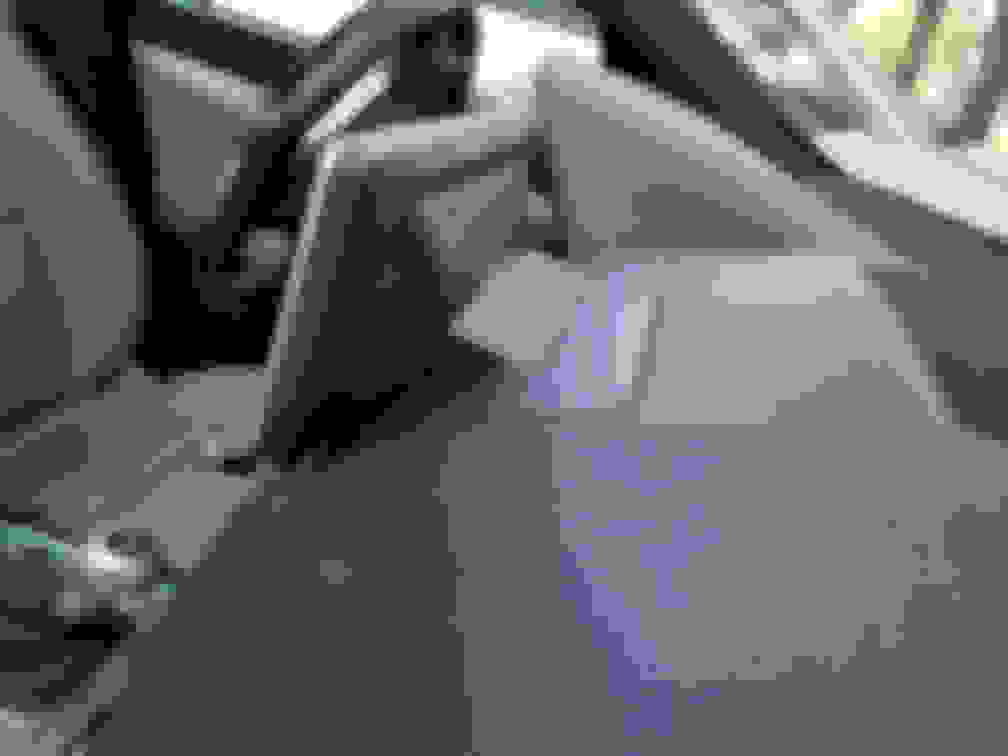
I see you still haven't removed the plastic film on the screen either. LOL. Might just leave mine on there and just remove the white sticker on the corner.
I have to agree. That would bug me. Maybe it isn't as bad when looking at it from the driver seat?
from the image it looks like they need to make it 2 inches wider on each side to cover the whole current screen pocket, ill wait for something bigger lol!
from the image it looks like they need to make it 2 inches wider on each side to cover the whole current screen pocket, ill wait for something bigger lol!
That's what she said! Although I will have to say, since the screen is dead center for Pre FL, it is a little bit of reach to the top right of the screen. So maybe it is a good thing it is closer to the driver side for FL w204? At least it would be good to some.
So I bought a bluetooth OBDII scanner that plugs into my OBDII. This way I can see information such as RPM, speed, boost, temp etc on the screen. Except I can't get it to pair. When I go to my bluetooth setting, I see the OBDII on the list but when I try to pair, it won't pop up the screen to where I can enter the pairing code. Do you guys know of any bluetooth OBDII devices that do not require a pairing code?
Mercedes SLR McLaren 722 S Is Extremely Rare Example Modified by McLaren
Slideshow: A one-of-one U.S.-spec Mercedes-Benz SLR McLaren Roadster became even rarer after a factory-backed transformation at McLaren's headquarters.