When you click on links to various merchants on this site and make a purchase, this can result in this site earning a commission. Affiliate programs and affiliations include, but are not limited to, the eBay Partner Network.
This is my first post, unfortunately, its a cry for help!!
I got my new W205 C250 Sport on Wednesday... and Love it...
Soooooo much better than my old BMW.
I have updated the Garmin map from V2.4 to V2.5 using the Mercedes
Download Manager. The manager recognised my Garmin SD card as genuine,downloaded V2.5 and told me that the upgrade was successful.
However, when I put the Garmin SD card into the centre console, the system displays, "Update Card Not Supported - Please contact your local Mercedes Benz dealer"
What!!!!!!!!!!!!!!!
The Mercedes apps web site states how important it is to update the maps on a regular basis, it checks the card is genuine, updates it, and then appears to render the navigation system unusable!!!!
Does anyone have any experience of this or can offer any help.
This is my first post, unfortunately, its a cry for help!!
I got my new W205 C250 Sport on Wednesday... and Love it...
Soooooo much better than my old BMW.
I have updated the Garmin map from V2.4 to V2.5 using the Mercedes
Download Manager. The manager recognised my Garmin SD card as genuine,downloaded V2.5 and told me that the upgrade was successful.
However, when I put the Garmin SD card into the centre console, the system displays, "Update Card Not Supported - Please contact your local Mercedes Benz dealer"
What!!!!!!!!!!!!!!!
The Mercedes apps web site states how important it is to update the maps on a regular basis, it checks the card is genuine, updates it, and then appears to render the navigation system unusable!!!!
Does anyone have any experience of this or can offer any help.
Thanks Merc' dudes.
Update
Took the car to a main dealer, they updated audio 20 to the latest version, still get the error, they have logged everything and will now raise technical issue with MB
Keep us up date. I am interested in getting the Garmin Pilot. If this is so much trouble, I might as well stick with a real garmin on the window.
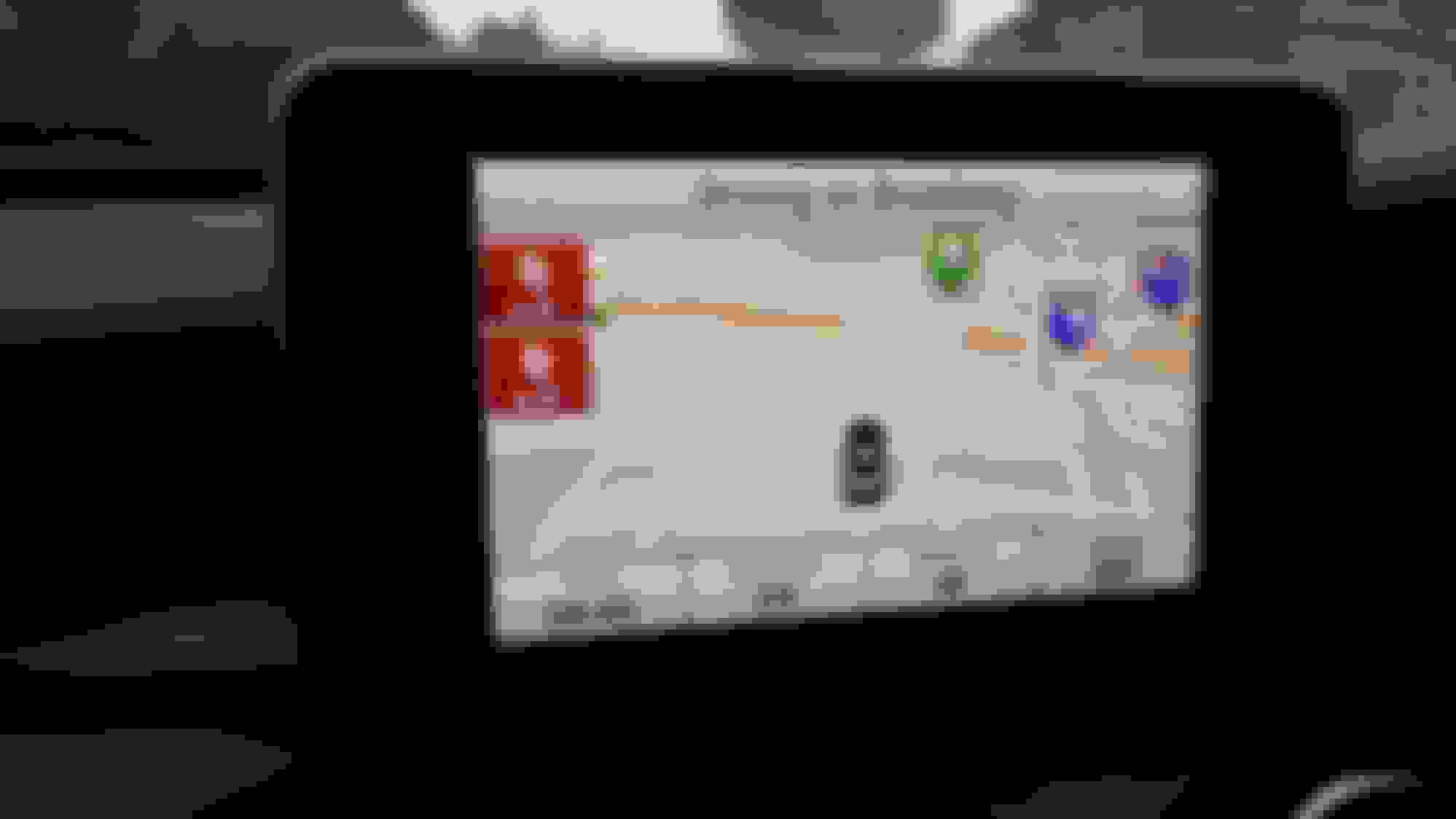
Yes. Please keep us updated. I really like my Garmin Map Pilot. My MB dealer sold it to me for $500. I love how it is fully integrated with the car. It is simple to operate and it gets the job done. The only weird thing is that the traffic legend says green = free flowing traffic. my Garmin shows orange for free flowing traffic, yellow for congested, and red for heavy. Not sure what happened to green.
Of course, I haven't tried to update the SD card to a newer version...
Yes. Please keep us updated. I really like my Garmin Map Pilot. My MB dealer sold it to me for $500. I love how it is fully integrated with the car. It is simple to operate and it gets the job done. The only weird thing is that the traffic legend says green = free flowing traffic. my Garmin shows orange for free flowing traffic, yellow for congested, and red for heavy. Not sure what happened to green.
Of course, I haven't tried to update the SD card to a newer version...
Do you have to press enter every time to bypass the initial startup warning screen, or is there a way around that?
Do you have to press enter every time to bypass the initial startup warning screen, or is there a way around that?
Haven't found a way to avoid the startup warning. But, haven't looked for one either. Just a natural reaction when starting the car, like turning off the damn ECO button. BTW, is there a way to permanently turn off the ECO button?
Haven't found a way to avoid the startup warning. But, haven't looked for one either. Just a natural reaction when starting the car, like turning off the damn ECO button. BTW, is there a way to permanently turn off the ECO button?
Keep the battery at a very low level Don't know how...
Haven't found a way to avoid the startup warning. But, haven't looked for one either. Just a natural reaction when starting the car, like turning off the damn ECO button. BTW, is there a way to permanently turn off the ECO button?
You can disable Eco in the "individual" setting, but I think the car defaults back to comfort mode when it's started
Yes. Please keep us updated. I really like my Garmin Map Pilot. My MB dealer sold it to me for $500. I love how it is fully integrated with the car. It is simple to operate and it gets the job done. The only weird thing is that the traffic legend says green = free flowing traffic. my Garmin shows orange for free flowing traffic, yellow for congested, and red for heavy. Not sure what happened to green.
Of course, I haven't tried to update the SD card to a newer version...
Main dealer has raised technical request to get this resolved, hoping to hear something early next week sigh!
Keep us up date. I am interested in getting the Garmin Pilot. If this is so much trouble, I might as well stick with a real garmin on the window.
MB dealer called me today, they to have had an issue updating the SD card. Emailed them pictures of SD card, download manager screenshot and card contents. They are going to post me a new card.
I used the download manager to update the SD card and got the same error. It was only after registering my vehicle details including the VIN and registration number at https://shop.mercedes-benz.com/INTER...r-ViewVehicles and then running the download manager again that it worked and my C220 then recognized the SD card. Total lack of documentation for this process.
I used the download manager to update the SD card and got the same error. It was only after registering my vehicle details including the VIN and registration number at https://shop.mercedes-benz.com/INTER...r-ViewVehicles and then running the download manager again that it worked and my C220 then recognized the SD card. Total lack of documentation for this process.
Regards
Jim
Hi Jim, Thanks for that, I am already registered, I have checked that my VIN/Plate is correct, re-ran the download manager and still get the same error message
Was you updating the map from V2.4 to V2.5 as I was?
Updated mine from 2.3 to 2.4 as Jim. In addition I also copied on the SD some .gpi files for speedcams and other POIs. Tonight, coming back home I'll check if everything works (crossing my fingers)
Upgraded my Garmin SD-Card from v2.3 to v2.4 (with Mercedes Download Manager) - upgrade went OK. When I installed the SD-card back in the car - everything works. But when I go into the menu and ask which map-version is installed - it indicates me v2.3 (Europe) ?!?
Anyone is seeing v2.4 - or is that a software version v2.4 update that was done with v2.3 maps ?
Last edited by SiriusDD; Jan 31, 2015 at 05:13 PM.
Upgraded my Garmin SD-Card from v2.3 to v2.4 (with Mercedes Download Manager) - upgrade went OK. When I installed the SD-card back in the car - everything works. But when I go into the menu and ask which map-version is installed - it indicates me v2.3 (Europe) ?!?
Anyone is seeing v2.4 - or is that a software version v2.4 update that was done with v2.3 maps ?
Hi,
I'm new to this forum I found when googling for the lack of apps on my Audio 20 system.
After a lot of searches I was finally able to find the Mercedes download manager, and install it on my old PC (was not able to find it with Safari of FireFox on my Mac).
I upgrade my Garmin SD Card to version 2.4 but on the Audio 20 it still give a v2.3 map version. I put back again the card in my PC but the download manager says my card is up to date with version 2.4
I own a V-Class V250 since January 9th (coming from a 2012 V6 Viano). In the Audio 20 unit manual, some Mercedes apps are explained : Google Street View, Weather, destination from and to Google maps, internet radio, facebook, ...
Unfortunately none of these apps are present : only the "country driving rules" is available.
I wrote several mails to the given address mail (mba.apps@daimler.com) but never received any answer !
So, even if the V-Class is a huge step compared to the Viano, I'm quite disappointed regarding the way MB deal with in-car entertainment (years behind vehicles such the Tesla)
Regarding the Garmin Map Pilot, I'm also disappointed : the map is out of date (at least in my area here in Belgium) and there are a lot of mistakes on driving directions (the mistakes we had in Tomtom system 5 years ago which are fixed since a long time).
Talked with MBUSA late last week about lack of update and documentation for Garmin Map Pilot. Was told that there may be an update available for North America at mid-year (June or July).
Talked with MBUSA late last week about lack of update and documentation for Garmin Map Pilot. Was told that there may be an update available for North America at mid-year (June or July).
In my opinion the only thing it's really missing is an efficient management of POIs and speedcams. It is something actually present in all Garmin satnavs except the map pilot: they seem to have modified the SW in order to disable some useful features that everyone can find in a €100 mobile navigator.
Wow, just upgraded Garmin map pilot from V2.3 to v2.4 and it works!
However,
Map still shows as V2.3
It looks like speed camera POI's aren't working, but I need to verify this by driving past a speed camera.
Thoughts.
How come my phone that has a FREE add-on map/navigation system (google maps) is better, faster than a dedicated GPS system with an SD card that costs $500
The mind boggles!!!
V2.4 Maps, you now get a red warning line at the top of the screen, then 1 camera icon,then 2, then 3. You have to exit maps and go back in to clear them. It didnt pickup a further camera, garbage.
Mercedes SLR McLaren 722 S Is Extremely Rare Example Modified by McLaren
Slideshow: A one-of-one U.S.-spec Mercedes-Benz SLR McLaren Roadster became even rarer after a factory-backed transformation at McLaren's headquarters.







 Don't know how...