When you click on links to various merchants on this site and make a purchase, this can result in this site earning a commission. Affiliate programs and affiliations include, but are not limited to, the eBay Partner Network.
My issue was a CAN bus connection issue. Just had to swap the A/B with A and B connections until I had the right right connection. I believe I ended up with A/B to B and ‘cap’ A on A.
Installation overall was a little rough. I blew an AC fuse and had some difficulty cramming all the wires in. In the end though, I did exactly as was described before on fitting wires and it ended up working.
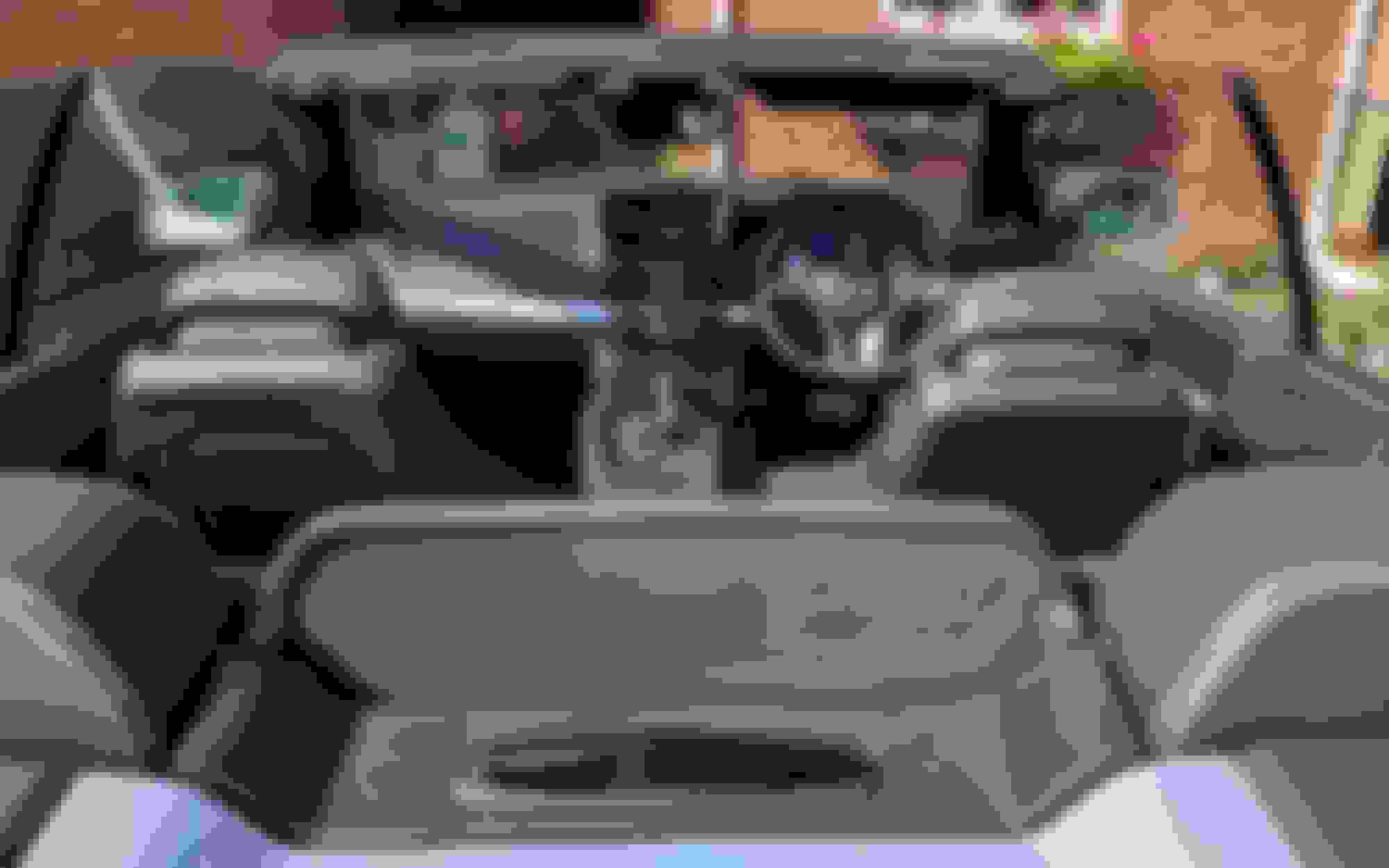
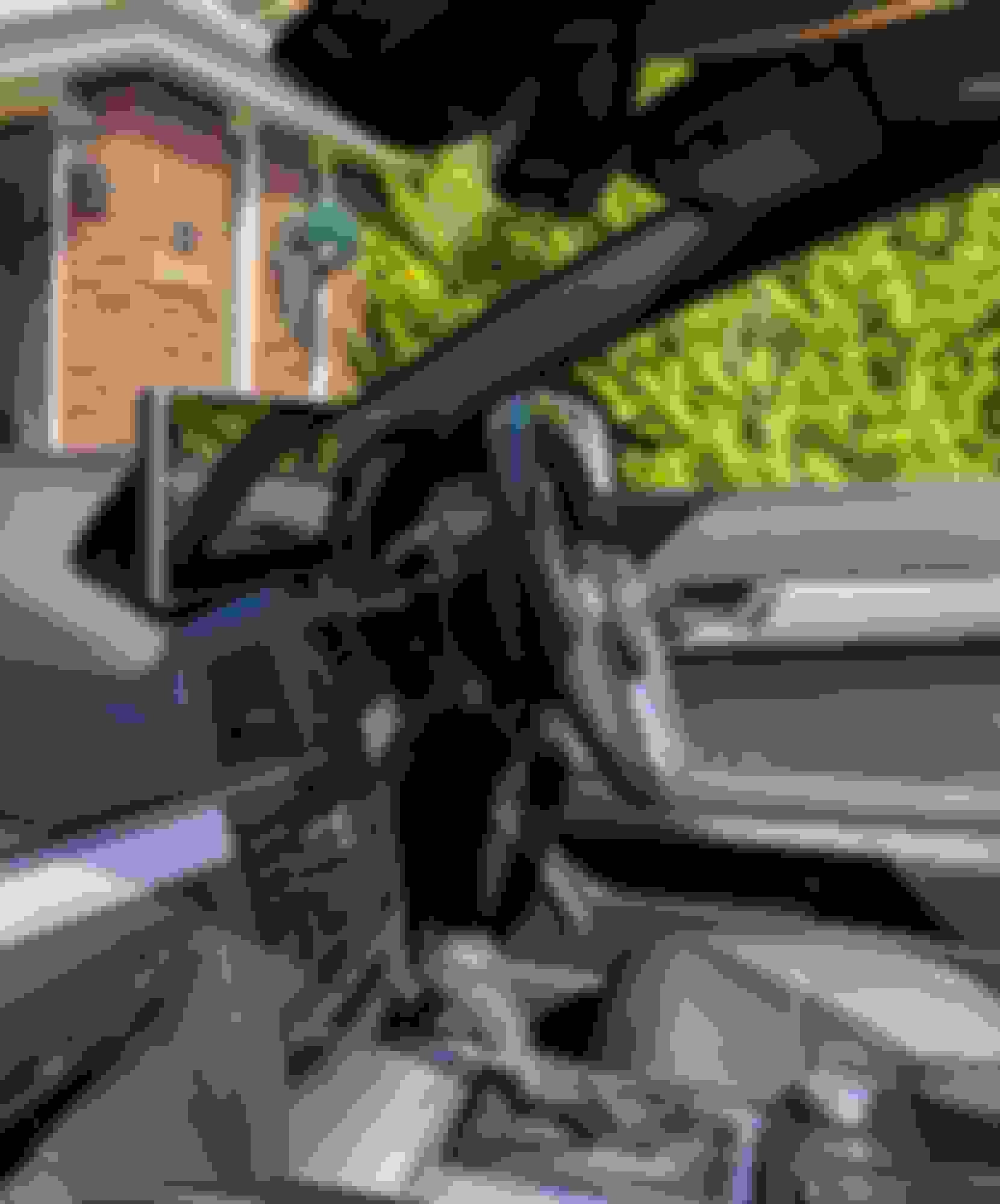
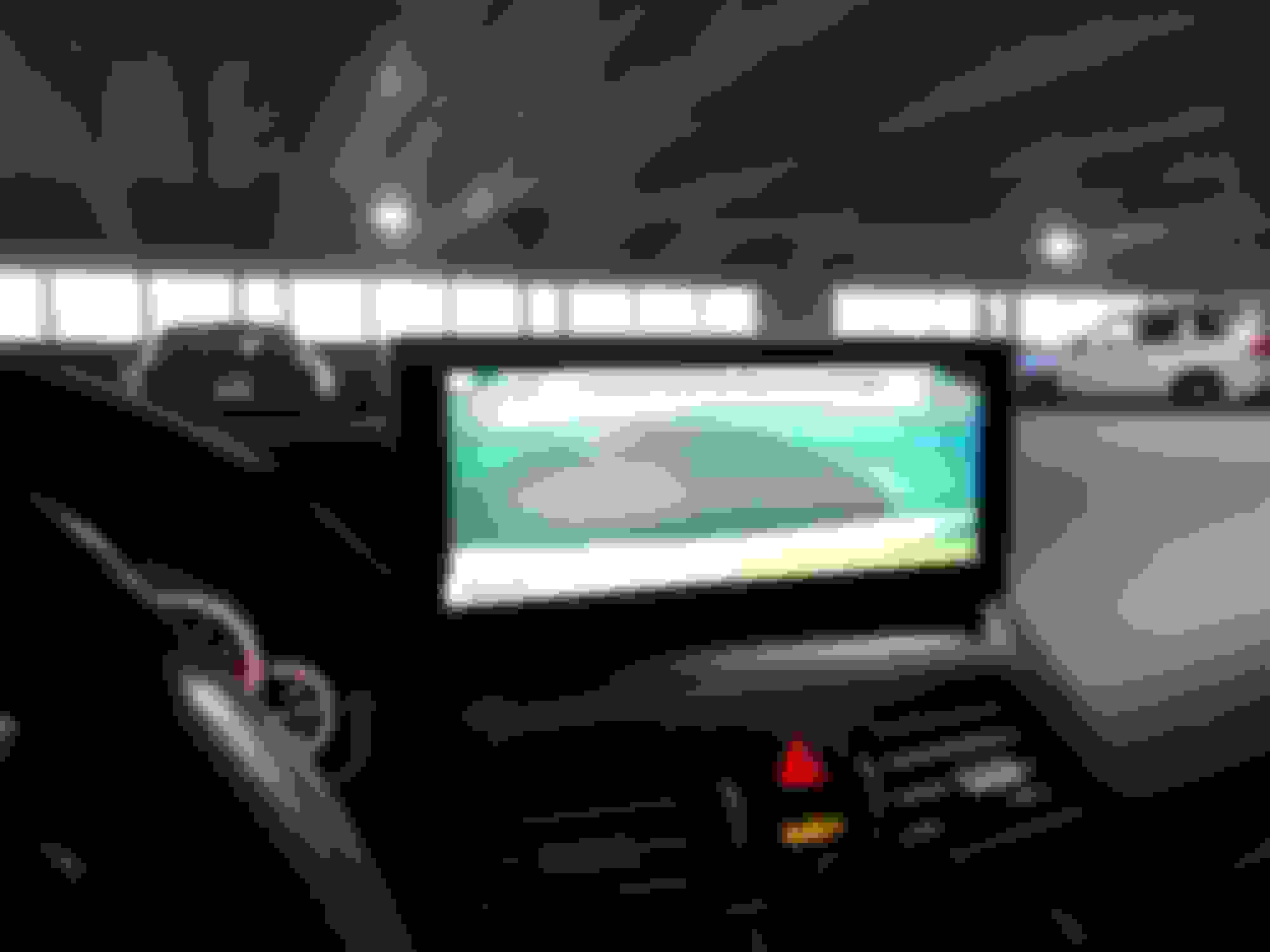
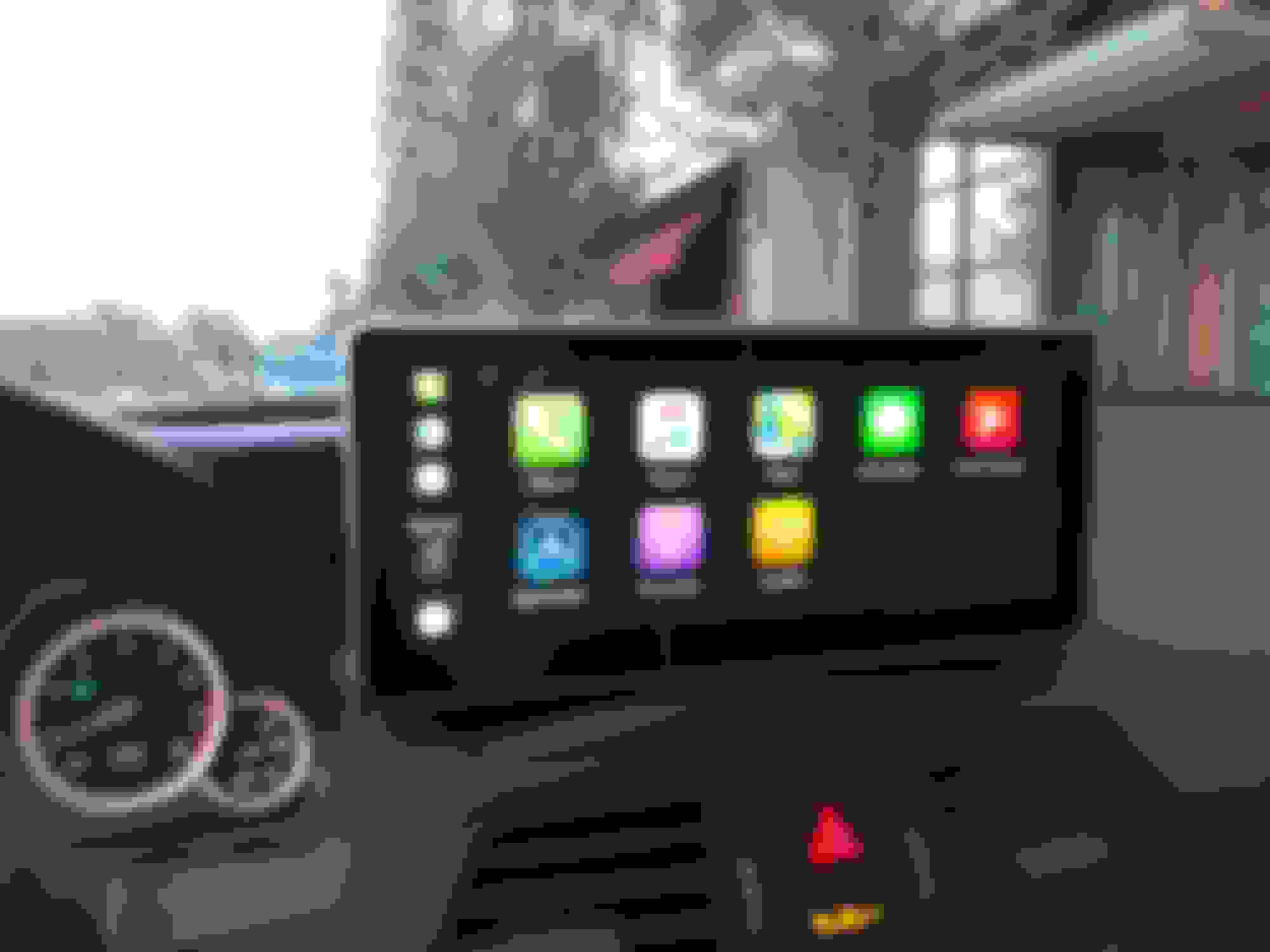
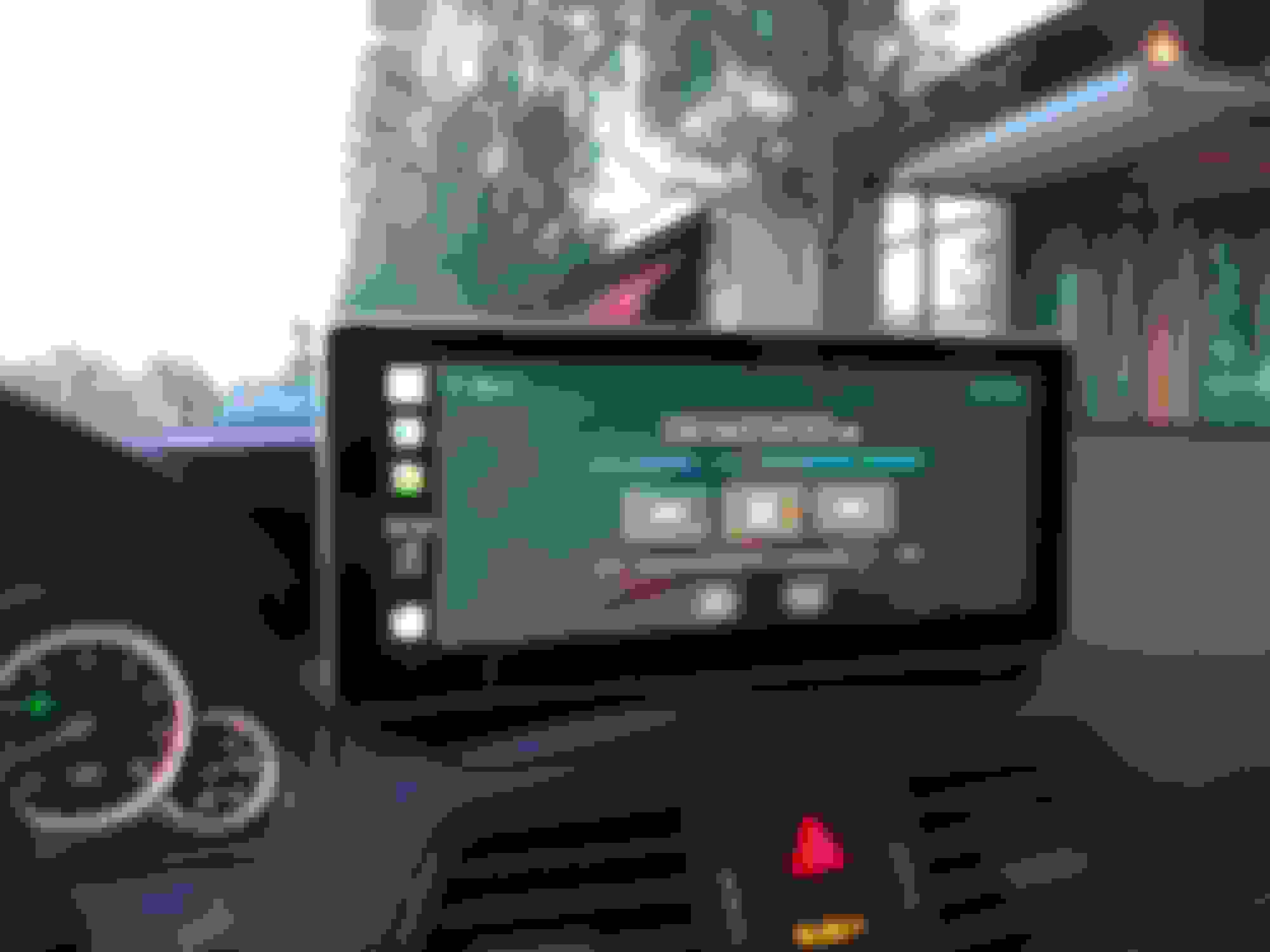
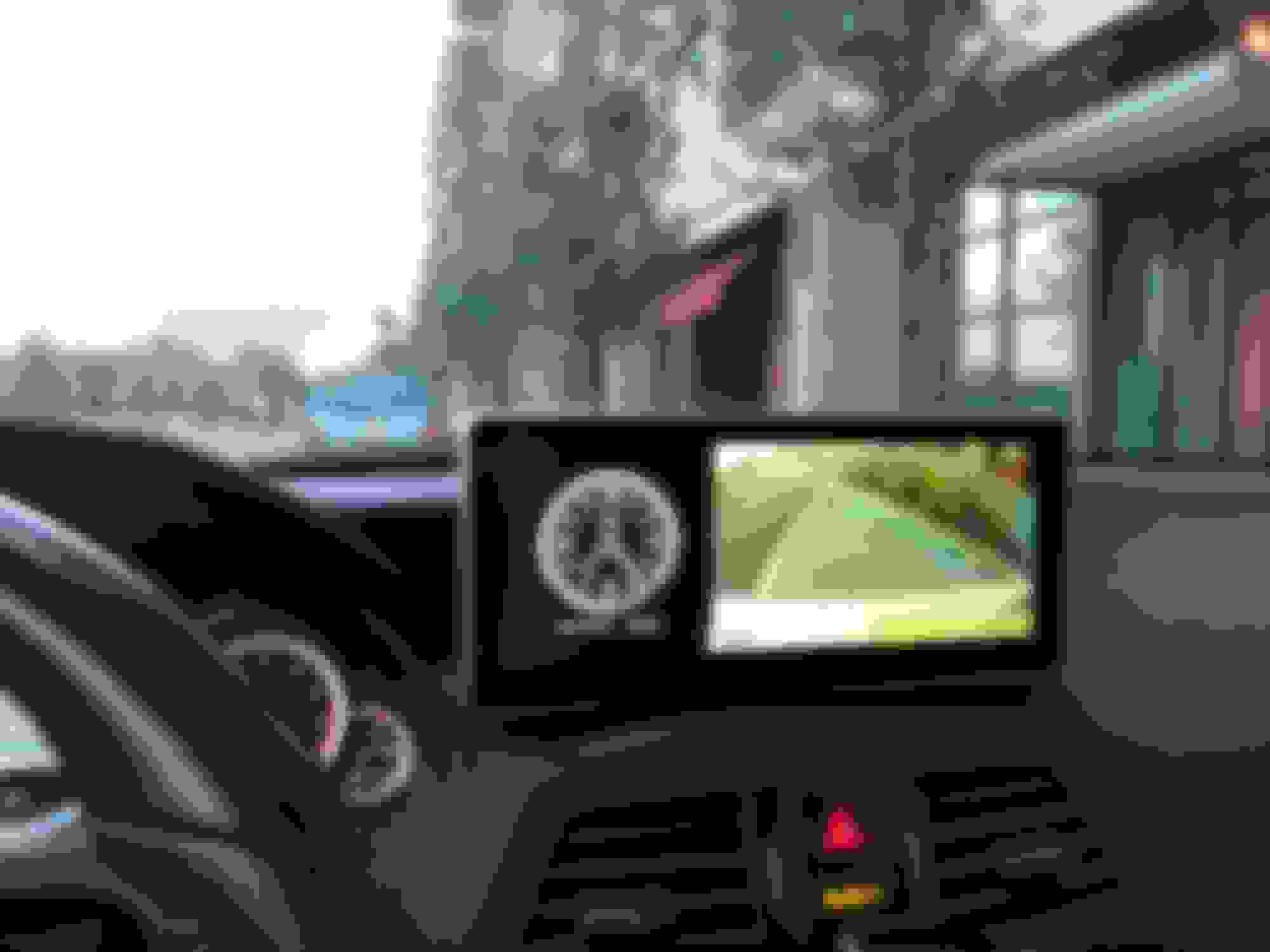
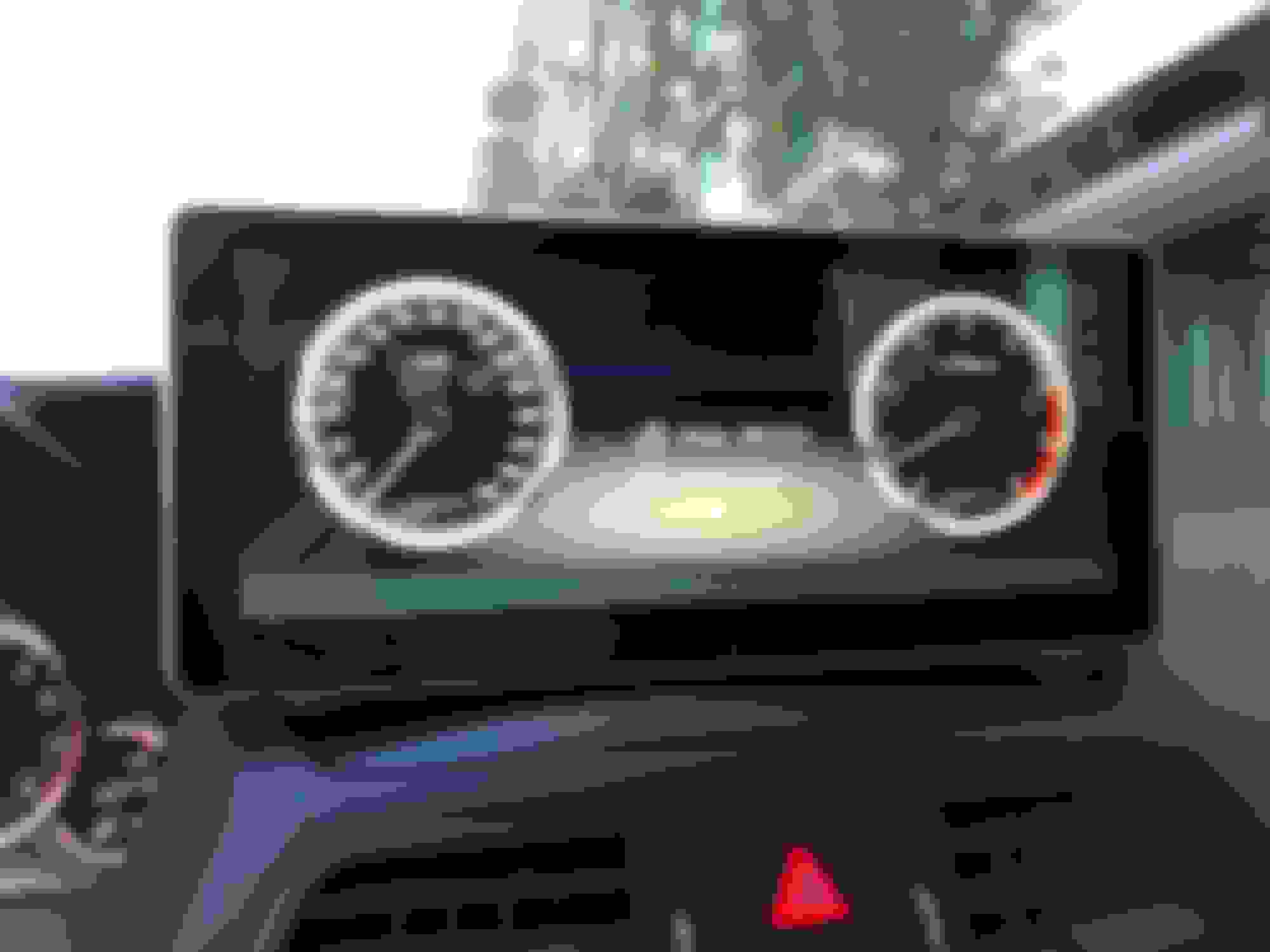
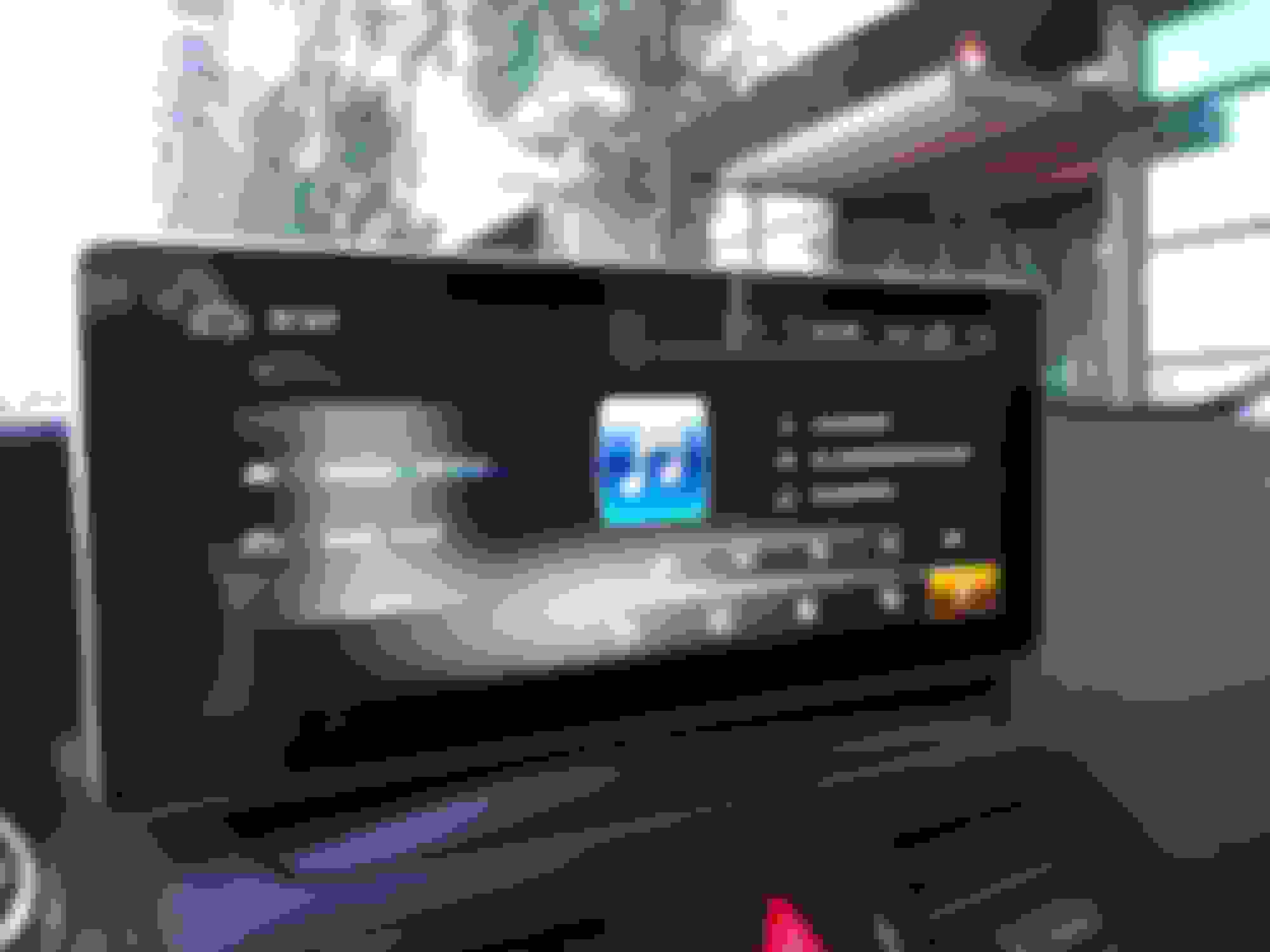
Everything stock works perfectly. As far as the new unit, mostly everything works well. Start up is comparable to oem unit. Need to figure out how to swap out apps on the main screen, need to refine the system volume, get a noise filter for the aux connection, and CarPlay is a little glitchy when in the background. Otherwise, it looks practically OEM and is gorgeous.
Also, need to figure out how to route usb and aux directly to glove box. Currently, I have aux coming out from under the dash and into glove box, while usb is dangling from behind screen. I’m sure I’ll have to take apart the glove box for that.
Not too bad. Thanks for all the follow up this might be a good stickie thread as I see a lot of people doing or wanting to do this mod.
i will try to do a full removal and setup and review bideo when I get mine. Should help a lot. I’ll create a how too topic. People can post in to it any extras.
awesome. Do you have the proper tools? Or did you fashion something
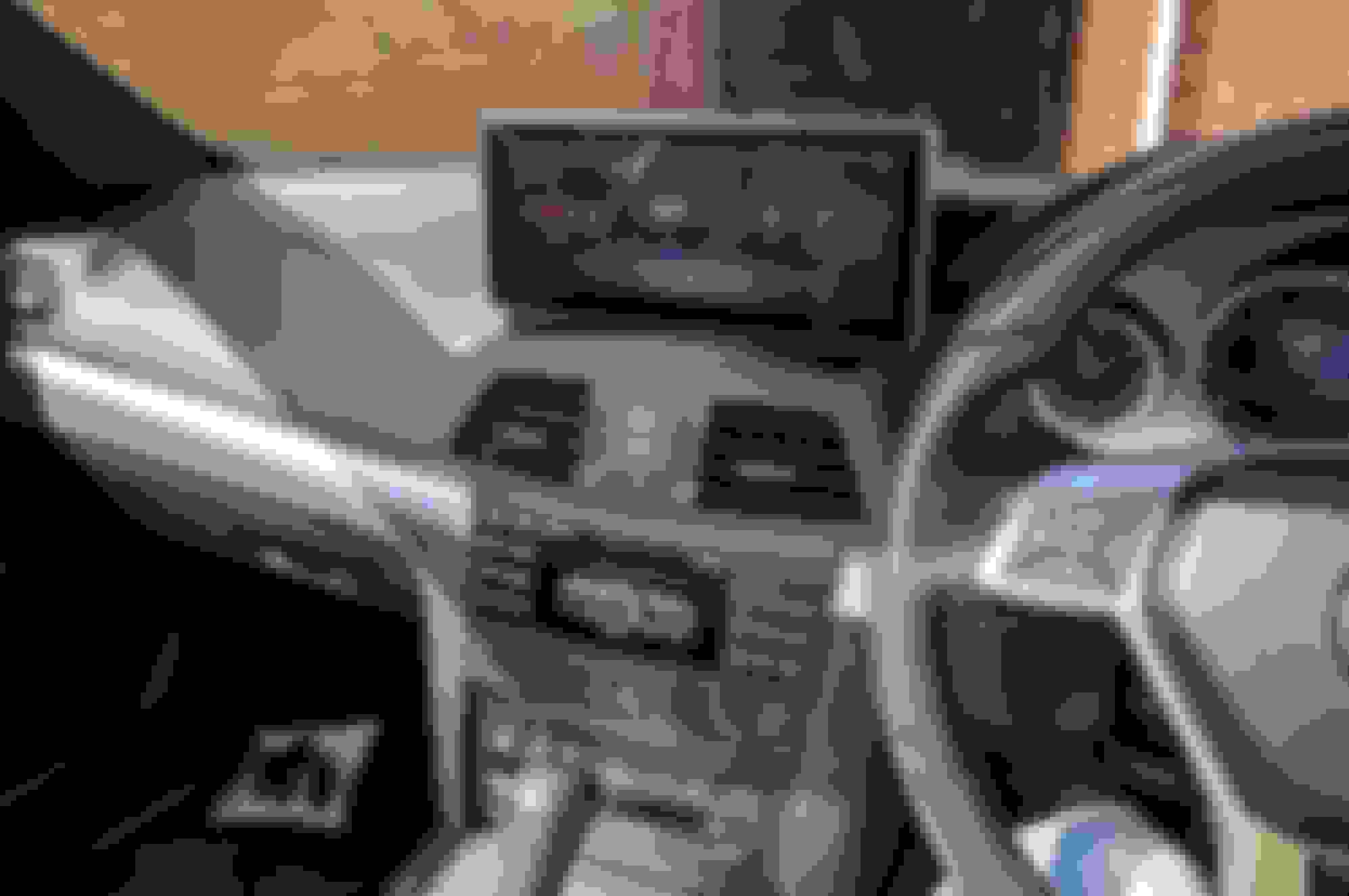
For the armrest it was pretty much the star drive and trim remover tools. Plus a drill to make a hole to get the cables into the cubby hole. For the stereo part, it was the same plus the hook tool.
Small crew driver also for unclipping the wiring connectors.
Not to rain on the parade but has anyone noticed any difference in their collision prevention system notifications after installation of these? I recently got my car back from the dealership after a significantly high amount of false flags and seatbelt tightenings, I thought it may have been my aftermarket grill disrupting the radar but was told it was a tiny aftermarket blutooth/music adapter from amazon that I had plugged into the iphone jack in the glove box. This is a much more sophisticated product so i'm guessing this shouldn't be an issue but wanted to check before I do this on my 2010 e550.
Not to rain on the parade but has anyone noticed any difference in their collision prevention system notifications after installation of these? I recently got my car back from the dealership after a significantly high amount of false flags and seatbelt tightenings, I thought it may have been my aftermarket grill disrupting the radar but was told it was a tiny aftermarket blutooth/music adapter from amazon that I had plugged into the iphone jack in the glove box. This is a much more sophisticated product so i'm guessing this shouldn't be an issue but wanted to check before I do this on my 2010 e550.
I don't have this on mine so will not know but as the unit sits outside the dash is should cause no more disruption than a mobile phone would.
I hope to fit mine this weekend so will see how it goes.
Rear speakers working for what? The OEM system (e.g. radio) , the HU syustem (e.g. music app)?
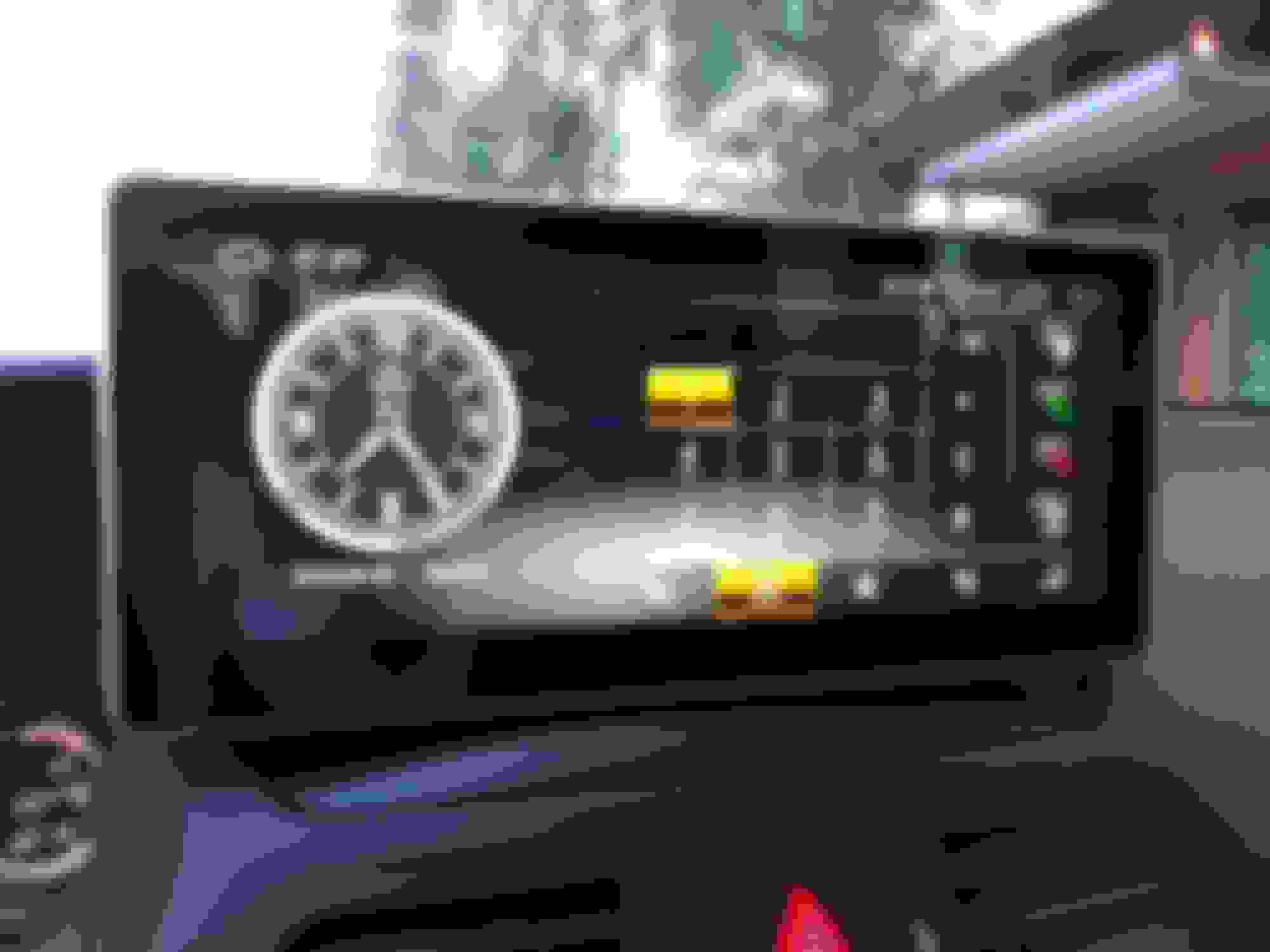
Mine uses all speakers for everything (for some reason Waze is only using one at the moment) but everything else is through all. Sport and clock (in cluster on mine) work fine.
If your clock is in the vents you may have a loose connection.
Rear speakers working for what? The OEM system (e.g. radio) , the HU syustem (e.g. music app)?
Mine uses all speakers for everything (for some reason Waze is only using one at the moment) but everything else is through all. Sport and clock (in cluster on mine) work fine.
If your clock is in the vents you may have a loose connection.
the tablet is only using the front speakers. Need to test the command is still ok on the rears. I suspect they are.
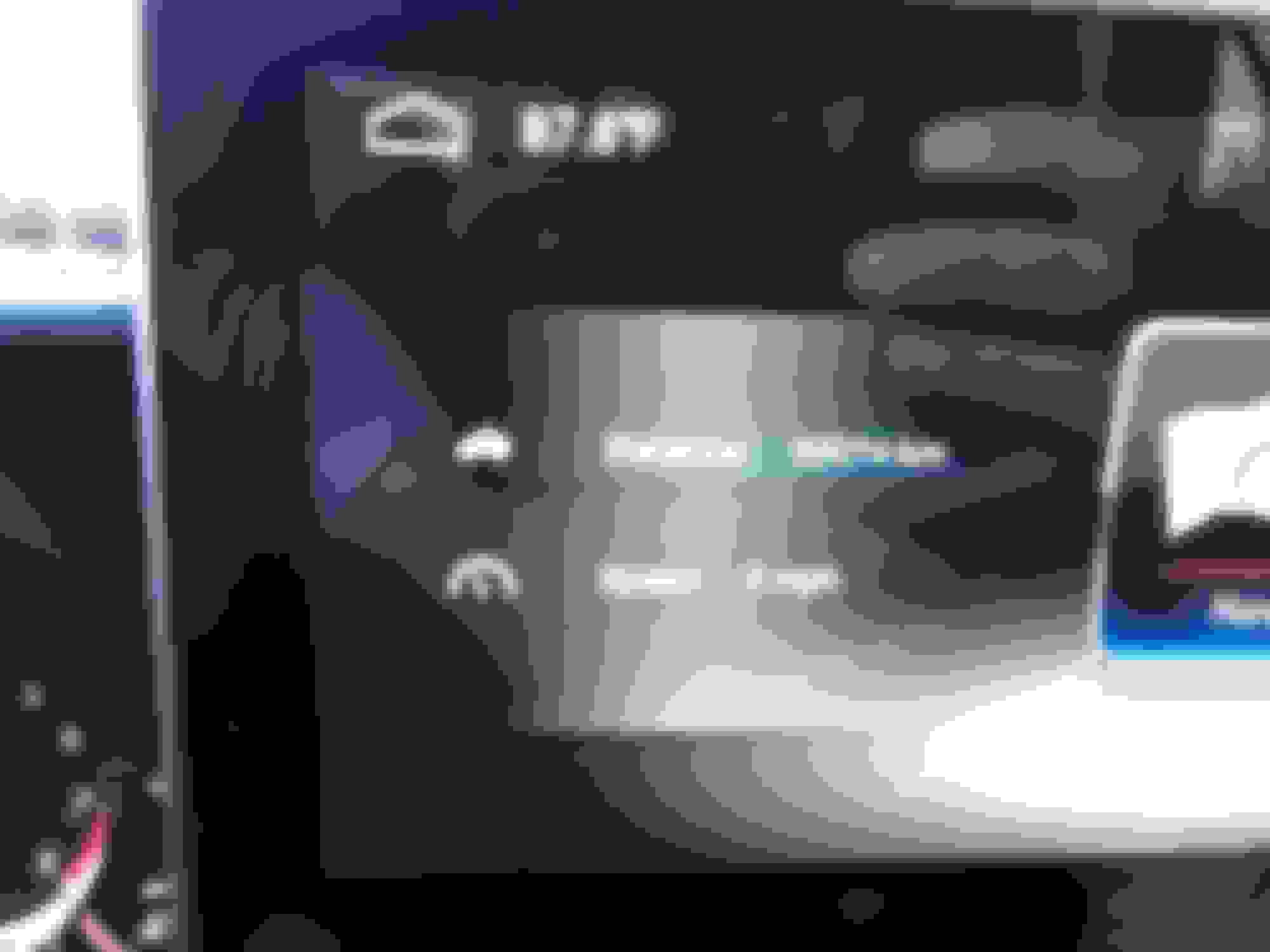
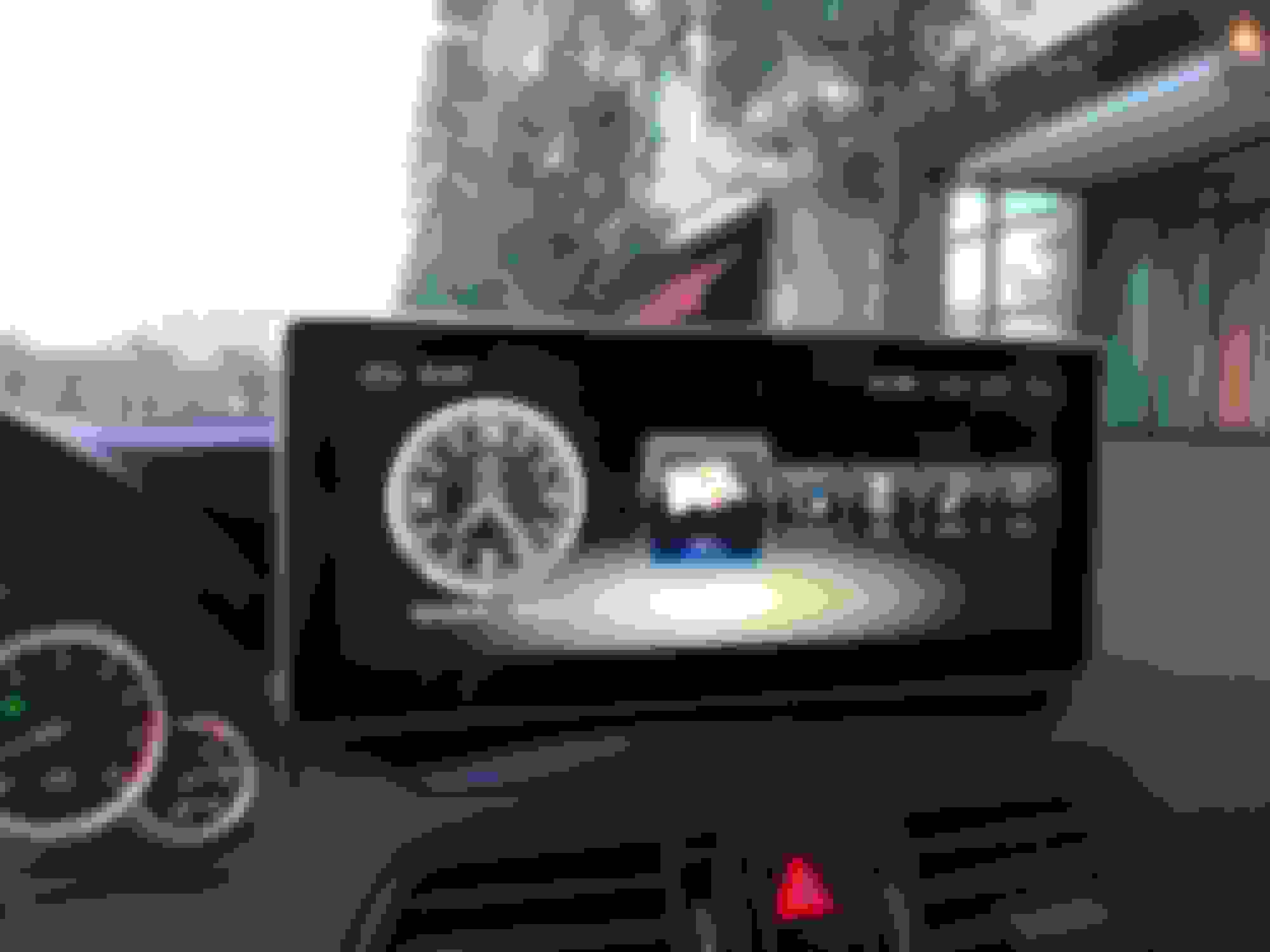
The tablet on the the home screen has a section for sport,tunnel/recirculating mode and a few other bits. Not working.
hello, for those who installed the screen: how shiny is it? can it be seen easily when it's sunny? (the comand screen is incrusted in the dash so the light dos not hit it directly, but this screen is installed in front of the dash)
So I got my unit today. Came configured appropriately and everything (including CarPlay) works as it should. Routed the USB and AUX wires to the center console (what a ***** as my comand dial cable was clipped underneath the center console). Put each GSM antenna into the A-pillars and the GPS unit behind the rear view mirror.
I am having issues getting COMAND back into its spot. Tried for 3 hours and tore up my hands. Have been trying the advice of creating a hole underneath the unit by clearing other cables but still won't seat appropriately.
Also, I stupidly took out the screws from the CD unit and the locks are no longer in place. Is this maybe causing issues? As anyone screwed this up to? Any advice on fixing this issue?
Mercedes SLR McLaren 722 S Is Extremely Rare Example Modified by McLaren
Slideshow: A one-of-one U.S.-spec Mercedes-Benz SLR McLaren Roadster became even rarer after a factory-backed transformation at McLaren's headquarters.