When you click on links to various merchants on this site and make a purchase, this can result in this site earning a commission. Affiliate programs and affiliations include, but are not limited to, the eBay Partner Network.
2019 Dune Silver Metallic E-450 Mercedes Cabriolet NEW Mercedes 2020 GLC300 graphite gray SUV
If you're talking ME Connect, yes a lot of of use it with varying results. There are multiple,multiple threads on it. I had my tech specialist at the dealership set up mine. I suggest you do the same if you are having problems.
It's getting all the functions to work that seems to be the challenge. Luckily, mine is working fine after I deleted and reloaded the app. The updates are questionable in whether they help or make the app worse.
The key according to my advisor is to download both the Mercedes ME and Mercedes App separately. Having both supposedly negates problems down the line...don't ask me why.
Last edited by rustybear3; Feb 15, 2019 at 08:18 AM.
If you're talking ME Connect, yes a lot of of use it with varying results. There are multiple,multiple threads on it. I had my tech specialist at the dealership set up mine. I suggest you do the same if you are having problems.
It's getting all the functions to work that seems to be the challenge. Luckily, mine is working fine after I deleted and reloaded the app. The updates are questionable in whether they help or make the app worse.
Im talking about Mercedes-Benz Link (you have this option next to Apple CarPlay and Android Auto in Connect menu), not about Me connect (It works fine for me also)
2019 Dune Silver Metallic E-450 Mercedes Cabriolet NEW Mercedes 2020 GLC300 graphite gray SUV
Originally Posted by FedM
Im talking about Mercedes-Benz Link (you have this option next to Apple CarPlay and Android Auto in Connect menu), not about Me connect (It works fine for me also)
To be honest, that's the first I've heard of a MB link. Whats is it supposed to access?
I would like to provide you some information that I have found online.
If you check the images from the AppStore u posted, If you check your manual (Mercedes Benz Guides: Search "Link") or you check this video (https://www.dailymotion.com/video/x6h07ou) you will see that a device is needed.
This device is called "Mercedes-Benz Link control unit" and it's sold in your local Mercedes seller. This device is connected to the "special" USB port. Before this, your mobile is connected to this device via bluetooh or wifi.
I think the video is very illustrative but it look like this video was made at a "development stage" of MB-Link. The video was publised 11 months ago.
If you have AppleCar or AndroidAuto, I think MB-Link would be like a "low-quality" version of those (Apple and Android) but a free one. In my case (Mercedes C w205) I have no AppleCar neither AndroidAuto so this is my only posibility to connect the mobile but I couldn't still do it... I will try to buy the device tomorrow at morning in my Mercedes local seller. However, I phoned them this week but they looked like they do know nothing about this.... Also, in my country the MB-Link App do not appear in the PlayStore.
Tomorrow I will tell you what seller says to me but I have no hope. Probably the device is not sold in my country yet.
Hello mates!, I posted a little reply to this post with a lot of information of MB-Link that I found online but I added a link to a video and the reply was never posted because of this link .
To use Mercedez-Benz Link a special device is needed. You can see the device at the image [IMG-1]. Also, if you check your car guides (Mercedes Benz Guides App search for Link - Check image [IMG-2] below) or if you check the images from the AppStore App that you posted (Check image [IMG-3]), you will see that this device is needed. This device, whose name is Mercedes-Benk Link Control Box, has to be connected to the "special" USB Port (The one with the smartphone and the screen icon). Then, you are able to connect your mobile phone to this device via Bluetooth or even via Wifi. This device is sold in your Mercedes local center, theorycally.
The video is very ilustrative, I couldn't post the link but if your search "MB Link (Accessoires): Commandes, fonctionnement Type VP dailymotion.com" in Google you will get it This video shows the MB-Link in a development stage, the device needed, how to pair with your mobile, a view of the MB-Link App and a view how its would look in your car. The video was made for the old A-Class (w176) but could be very similar how the C/E-Class would look like. Also, the video is in french and it's an old one because it was published year ago but.. it's the only video of MB-Link that I found.
In my opinion, If you have AppleCar and AndroidAuto, the MB-Link will be like a "low-quality app" in comparision to AppleCar and AndroidAuto, but the wireless connection could be an advantage. However, in my case I have no one of them (no AppleCar, neither AndroidAuto) so this is my only way to connect my mobile and interact with it using the car buttons.
I have no this device. I phoned my local Mercedes seller but they looked like they do know nothing about this. Tomorrow, I'm going to the store to try to buy this device for my c-class. However, I have no hope... For example, the app MB-Link is not published in my country yet. Also, founding information about MB-Link is very hard because "Link" is a very common word and "Mercedes-Benz" too, so google do not "find" the correct posts and there are few posts talking about this.
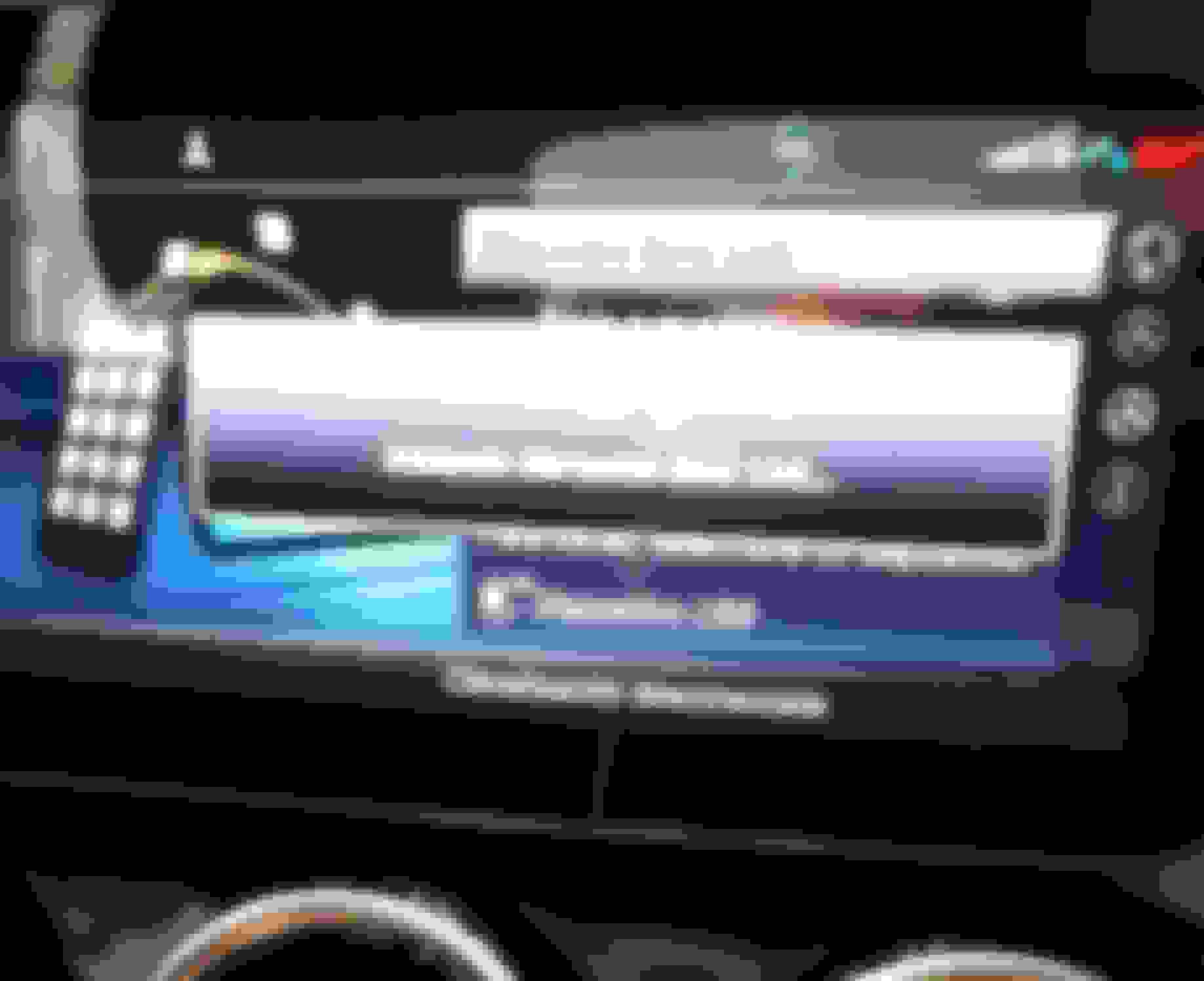
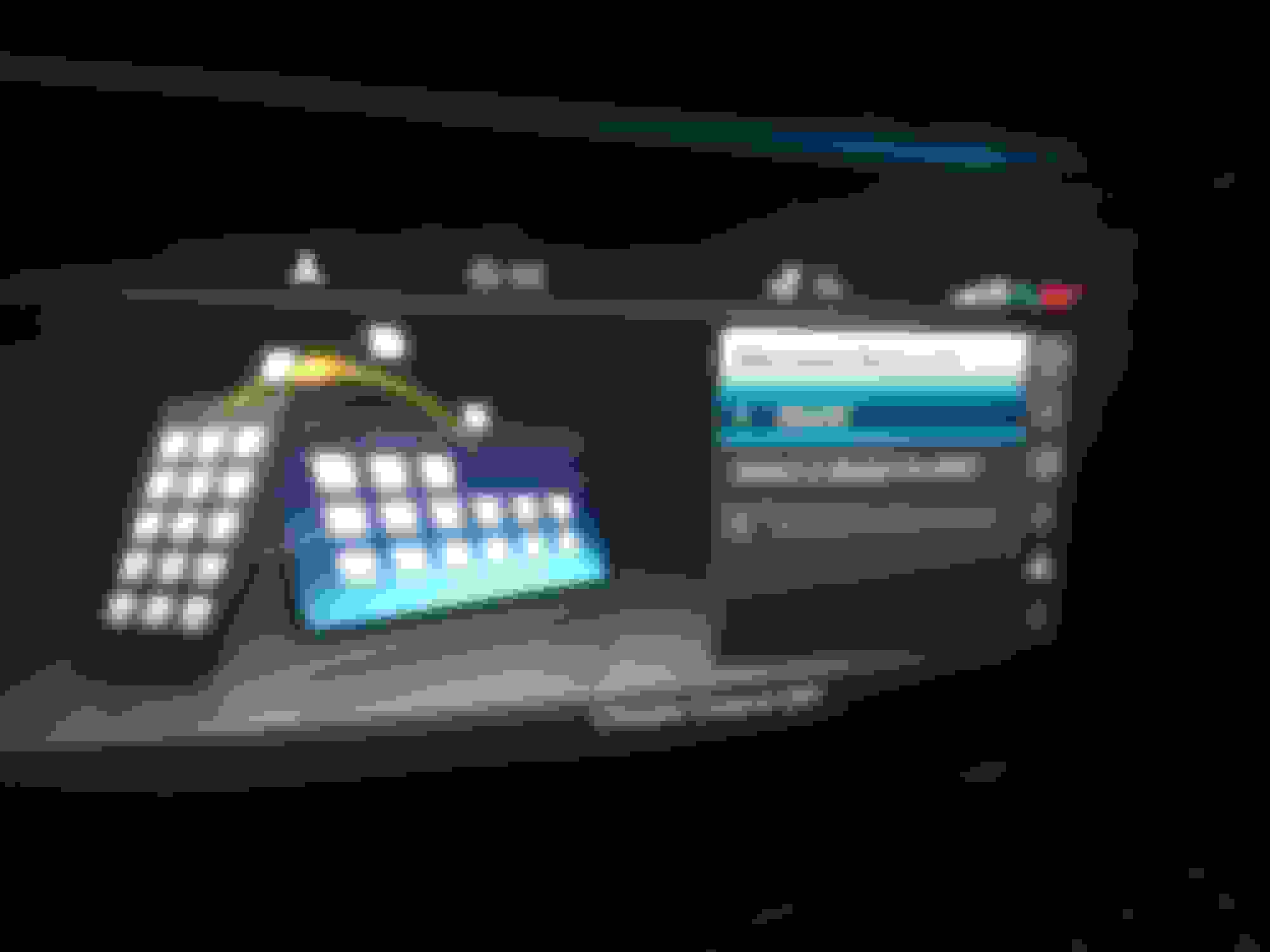
I have a Samsung mobile and when I connect it directly using a usb wire like you were doing (using that special usb port), the screen shows "USB Device" at the "Select a device to start" list, see [IMG-4]. However, when I select my mobile, the car shows "Connection couldn't be done/performed (My car is in Spanish) and the mobile stay blocked with a screen that shows: "The device is connected to the car. Pay attention to other cars"
I wish I could help you. I spent a lot of time looking for MB-Link information this last two months (Yeah, I've just bought my car 2 months ago ) but there is few information of this.... Well, it's look like is starting to be launched!
Like always, sorry for my english .
IMAGES:
[IMG-1] This is the device (Mercedes-Benk Link Control Box)
[IMG-2] This is the App image extracted from AppStore that I was talking about.
[IMG-3] This the manual page of Mercedes-Benz Link for the 2019 C-Class w205. For the E-Class the manual page is equal (Page 309 of 2019 E-Class manual)
[IMG-4] Initializing Mercedes-Benk Link connection to the Samsung directly via USB wire.
Last edited by alcudialair; Feb 22, 2019 at 07:50 PM.
I was told by the dealer that MB are still working on the software for MB link functionality and though my MY2019 E coupe has the capability for it, it won't work until a software update comes out to enable it. Nothing was mentioned to me about additional adapters etc. In other news, I have found someone in Germany who has told me he can enable CarPlay on my widescreen audio 20 so will be trying to do that next weekend.
Thx for the info and video. In my A217 it is also available in the menu (and in the manual), but I read on German forum it is currently only available in Russian and Turkish market (maybe there less availability for Android Auto / Apple CarPlay?).
Thx for the info and video. In my A217 it is also available in the menu (and in the manual), but I read on German forum it is currently only available in Russian and Turkish market (maybe there less availability for Android Auto / Apple CarPlay?).
Will be rolled out elsewhere gradualy.
I’m in Russia and we have both Apple CarPlay and android auto working perfectly
but dealer still don’t sell mb link modules, so it is still not available.
Mercedes SLR McLaren 722 S Is Extremely Rare Example Modified by McLaren
Slideshow: A one-of-one U.S.-spec Mercedes-Benz SLR McLaren Roadster became even rarer after a factory-backed transformation at McLaren's headquarters.
















 .
. This video shows the MB-Link in a development stage, the device needed, how to pair with your mobile, a view of the MB-Link App and a view how its would look in your car. The video was made for the old A-Class (w176) but could be very similar how the C/E-Class would look like. Also, the video is in french and it's an old one because it was published year ago but.. it's the only video of MB-Link that I found.