When you click on links to various merchants on this site and make a purchase, this can result in this site earning a commission. Affiliate programs and affiliations include, but are not limited to, the eBay Partner Network.
xtrons is the manufacturer of this head unit. They have 3 different models for the w211. They are offering a 30% discount with promo code Adventure. I'm tempted to purchase a head unit but also contemplating on upgrading to a 2017 merc.
The CD changer function is no longer supported, and i just found out recently that the CD changer DOOR no longer operates either.
(i never used it anyways, so i didn't notice it very quickly.) I plan on removing the cd changer itself, and fabricating a storage box that lays in where that used to be. Then rewiring the "door" to open and close without a signal from the OEM command. That would be the ultimate solution to the problem, since the CD changer is no longer needed.
UPDATE: Still loving this HU setup. Its got more features than I really need and almost fully integrates with he car. The only thing really missing is displaying GPS directions on the IC, and maybe a little better Bluetooth audio streaming quality. Its really not that bad, but its not as good as CD/ MP3 files of the SD card in the HU. Call quality over Bluetooth is fantastic though. i've the "delay off" setting set at 2 hours, so the HU stays in "sleep mode" rather than turning all the way off when you remove the key. That way when you're running around place to place, or shutting your engine on and off frequently, the HU turns on INSTANTLY. Even from a standard boot it takes less than 30 seconds. Quite pleased with this purchase.
did you have to modify anything or adjust the settings on the HU to get good bluetooth call quality? i'm still having major issues with mine....echos on the other end
xtrons is the manufacturer of this head unit. They have 3 different models for the w211. They are offering a 30% discount with promo code Adventure. I'm tempted to purchase a head unit but also contemplating on upgrading to a 2017 merc.
To all those with successful Android head replacements, I'm on the second day of my attempt to install an XTrons Android 5.1.1 head unit in my wife's 2006 W219. I've been somewhat successful except for the fact I have no audio, which my wife has reminded me is fairly basic to a radio.
I'm also using the AVIN Most Fiber Optic Amp Interface so that I can continue to use the stock amp for the HK system.
I do have the head unit operating, but there is no audio through the speakers. However if I remove the RCA connectors from the MOST box and plug them into a set of headphones, the audio is fine. At one time however, I did have audio through the speakers. Here's what I did.
First I have not connected the two green wires from the CANBUS box to the wires coming off the back of the CD changer because it's not that important to me right now and I'm not exactly which two wires are the correct ones. I'm assuming this has nothing to do with my problem. Also I have not connected the antenna.
After making the necessary power connections to the head unit and MOST box, the unit powered up with all modules displaying, GPS functioning, phone linking, network connected, etc. When I put an SD with MP3s on it, I found I wasn't getting audio. This is when I checked for audio through the headphones via the Aux port, but got nothing. However, through the Front R and L audio connectors that had been connected to the MOST box, I did get audio through the headphones.
At this point it seemed like the fiber optic system wasn't working and since I had the CD changer still out, I decided to first reconnect its fiber connection. No change, but after I also reconnected the other two connectors to the changer I did get audio. I played MP3s and a CD and had very strong and clear audio through the system speakers.
Since I'm still waiting on cables run the antenna connection to the trunk and to connect the factory GPS antenna to the head unit, I decided to mount the unit and call it a day. After putting the head unit in the dash and before mounting the CD changer, I powered the head unit once more and found no audio again. Pulled the unit, checked all the connections, everything looks fine, but no matter what, no audio. Put the old unit back in. It works, Pulled it out and connected the new HU, still no audio.
Obviously I'm missing something.
Here are some questions and additional info:
Does the CANBUS have to be connected just to use the new HU? Could this be stopping the audio?
Does the CD changer have to be connected since it has a fiber interface?
I have the MOST unit powered on constant (unswitched) circuit. I used the ground and 12V that powered the original unit.
The power to the new HU is off a fuse tap (#26). ACC is from the cigar lighter and Illum is from the lighter light.
Although I can hear audio through headphones connected to the Front R and L RCA connectors, It's not loud. I don't know how much amplification in in the HU amp, but there's not much there. Also, I could hear nothing through the Aux output of the HU. This seemed strange.
Any suggestions out there on what to try next? This is my wife's car I'm tearing up, I really need help.
I'm having trouble identifying the CANBUS wires from the car that I need to tap in to. I've identified the 2 green wires coming from the CANBUS adapter supplied with the new HU. I just don't know what to tap them in to.
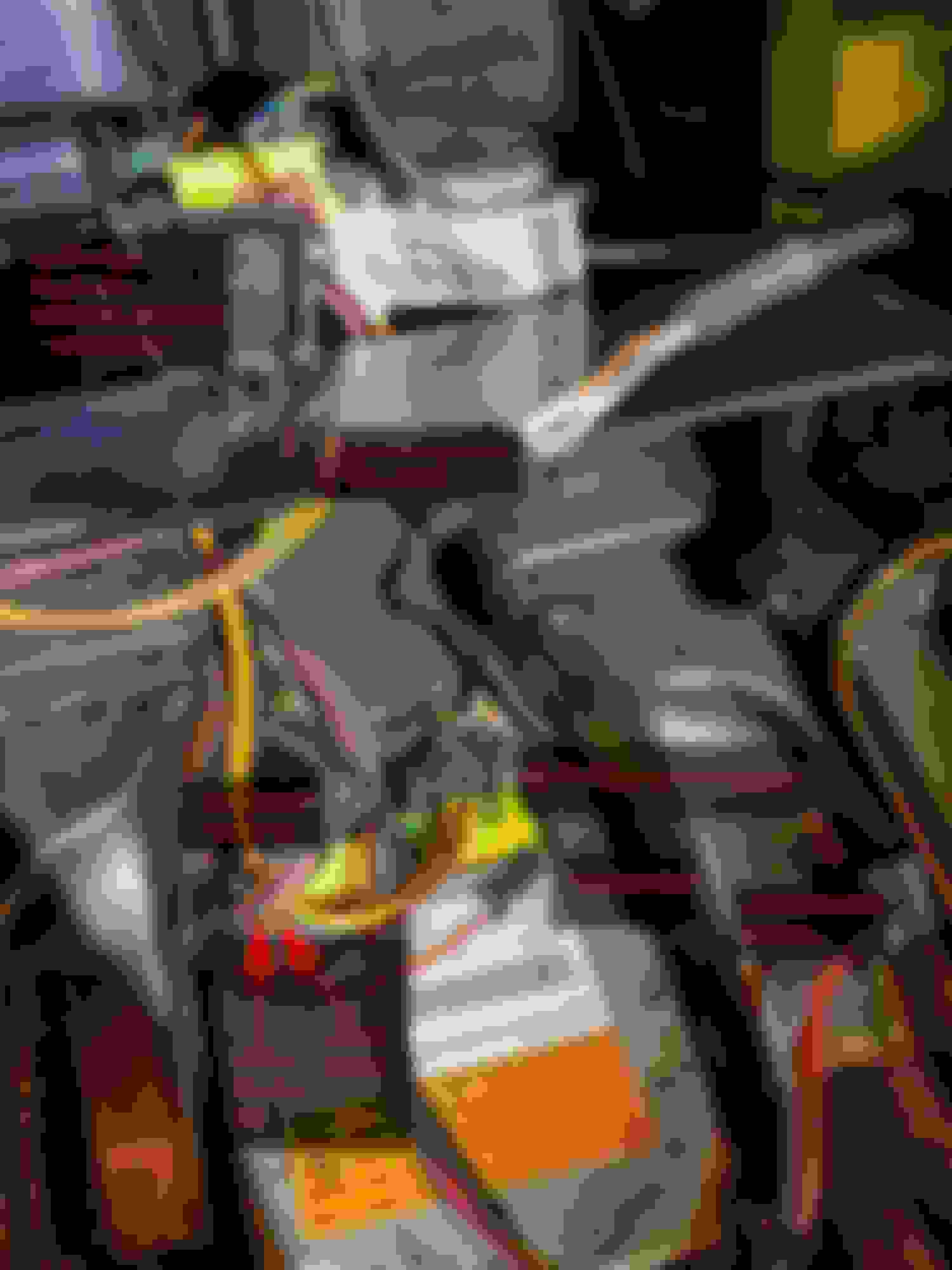
I'm wondering if the pair of wires coming off the 6 pin connector at the bottom of the picture are the CANBUS wires. I believe that connector is for the controls on the front of the CD Changer panel.
The car is a 2006 W219
Thanks for any help and thanks for your initial post. It's what made me decide to upgrade to an Android unit.
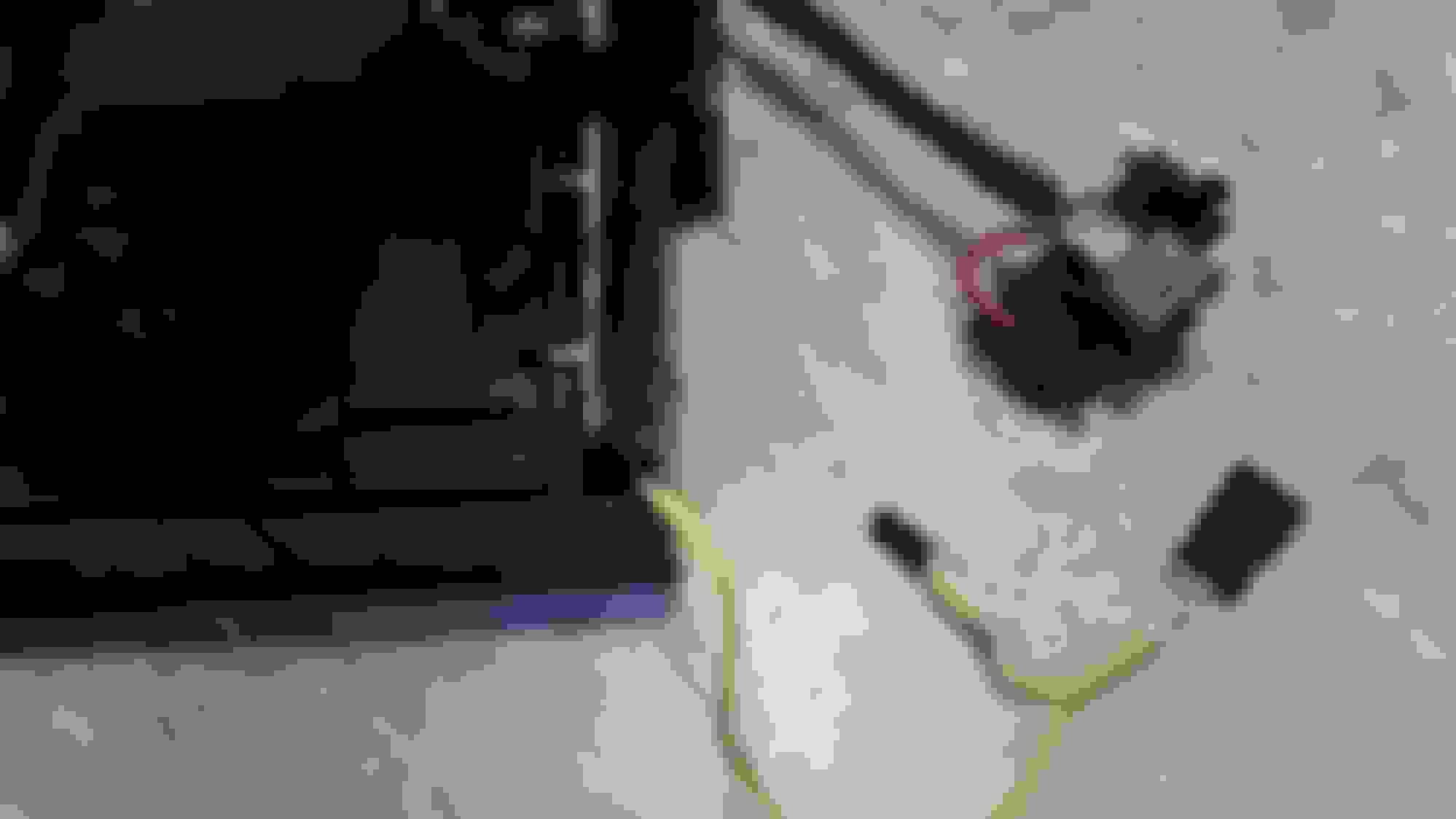
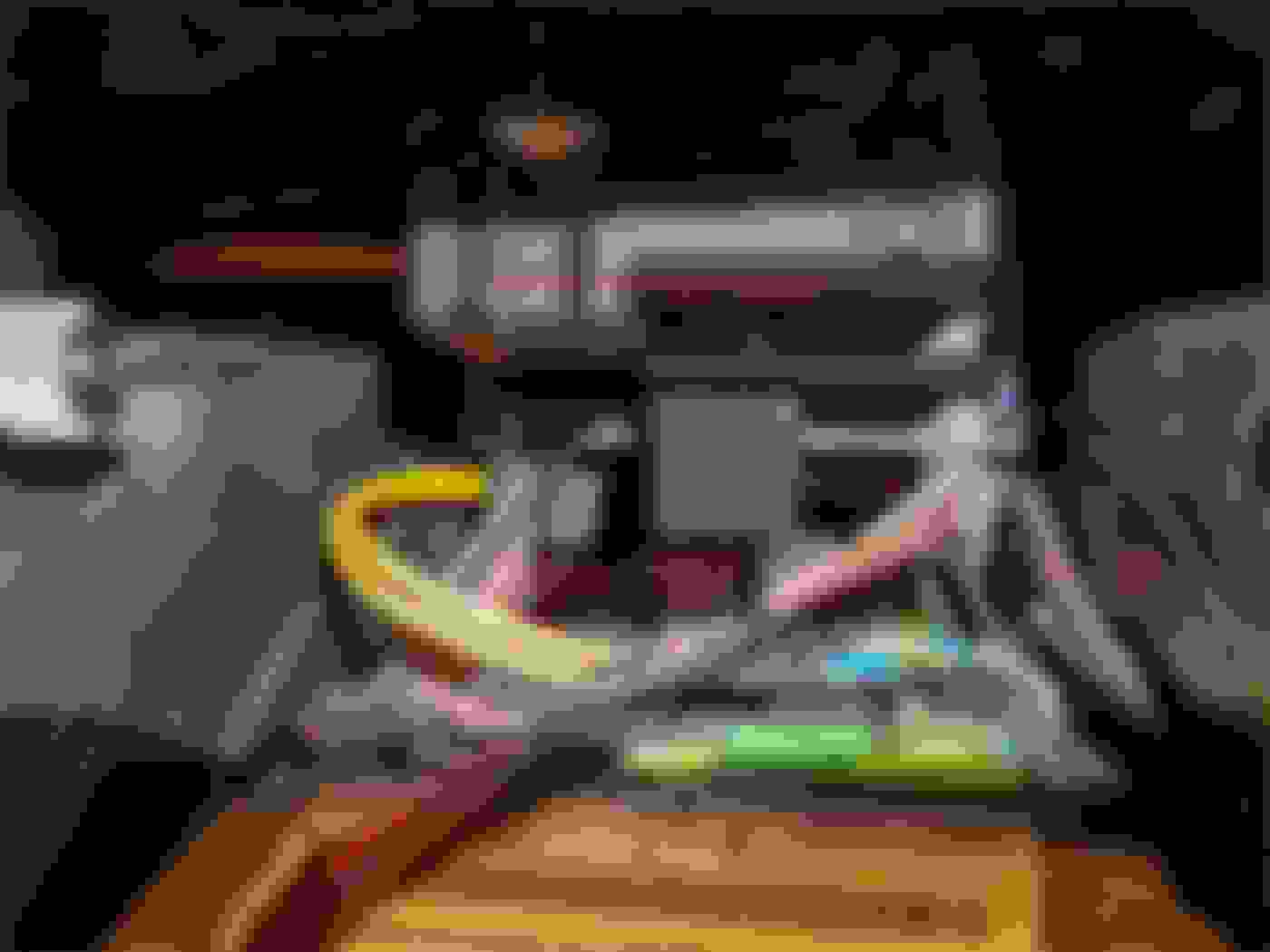
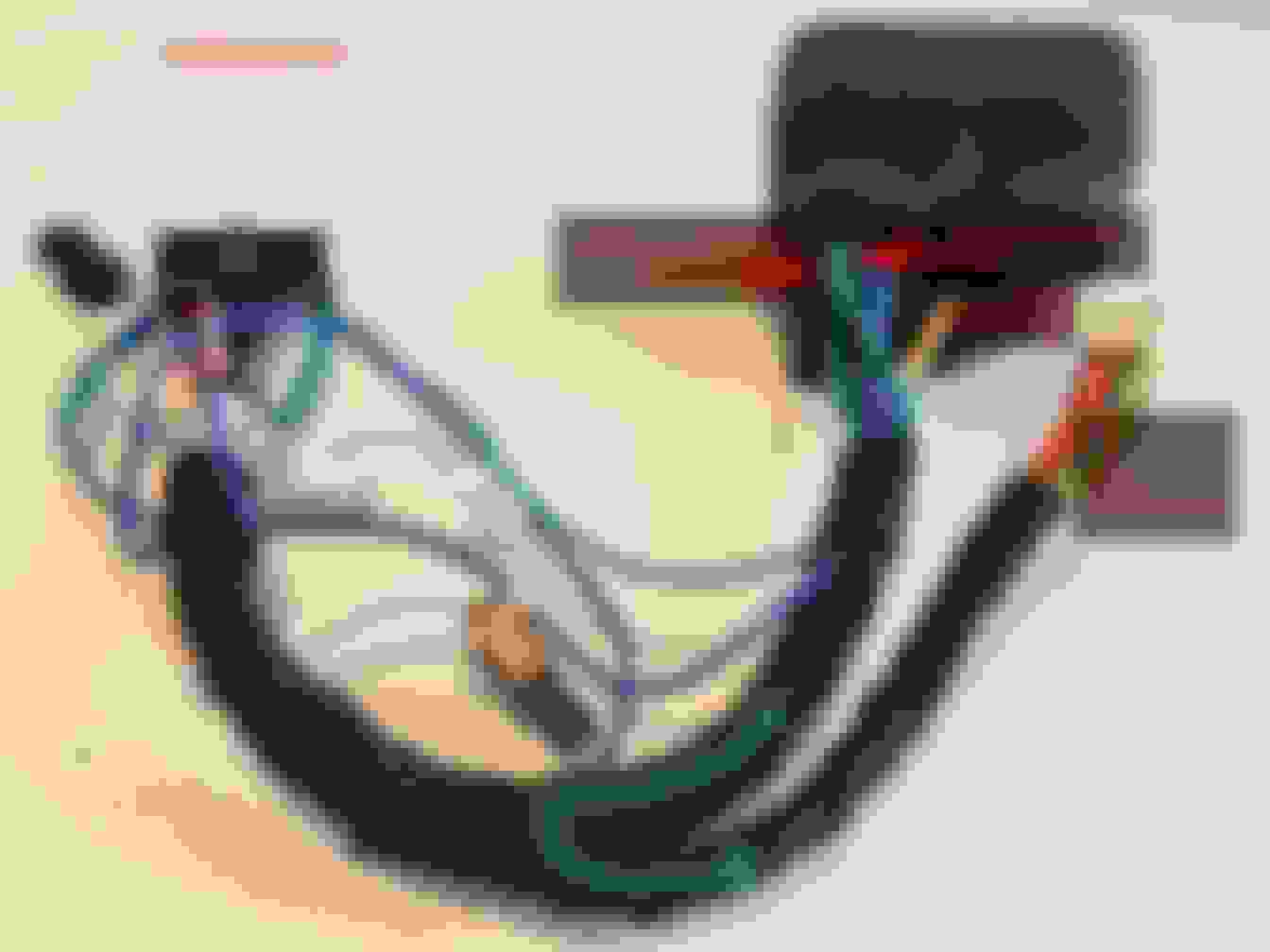
An update from the previous message. Here are two pictures that show the car side connector that the CD Changer was plugged into. The brown wires on this connector seem to match your previous description of the CANBUS wires.
The bottom picture has the car side connector only and the top picture with it connected to the CD Changer.
Do you think this is it?
My car is a MB W211 E280 CDI Station wagon 2007 mod, with NTG1 unit.
I started today to go over things to do the install.
Every instruction I read for cabling just says connect the supplied power adapter too the existing power connector in the car. The problem is my car does not have this multi port power connector many are referring to.
Power connector from other car
I only have a power connector (brown, pink and red) + 2 orange fiber cables w connector.
The power cable in my car powering my NTG1
I could probably re-solder and get power from the cables available, but then what about all the other options that go in there that I will miss?? (Key position, illumination cable, brake wire, reversing wire etc.)
Connection scheme my new Android HU
I am guessing all these functions are provided through to my current NTG1 through the fibre cable, but the fibre adapter for the Android HU is only converting analog audio to digitial, hence only one way communication, so how can my new Android HU receive any of this info?
To add extra frustration I got two power adapters, I have no idea which to use, but nowhere to connect any of them anyway. Here are my power adapters and optical converter:
My power cables and optical converter
Here is a screenshot from another car connecting the power adapter (same as one of mine it looks) to the power connector in his car (which I am missing).
Power adapter to power connector
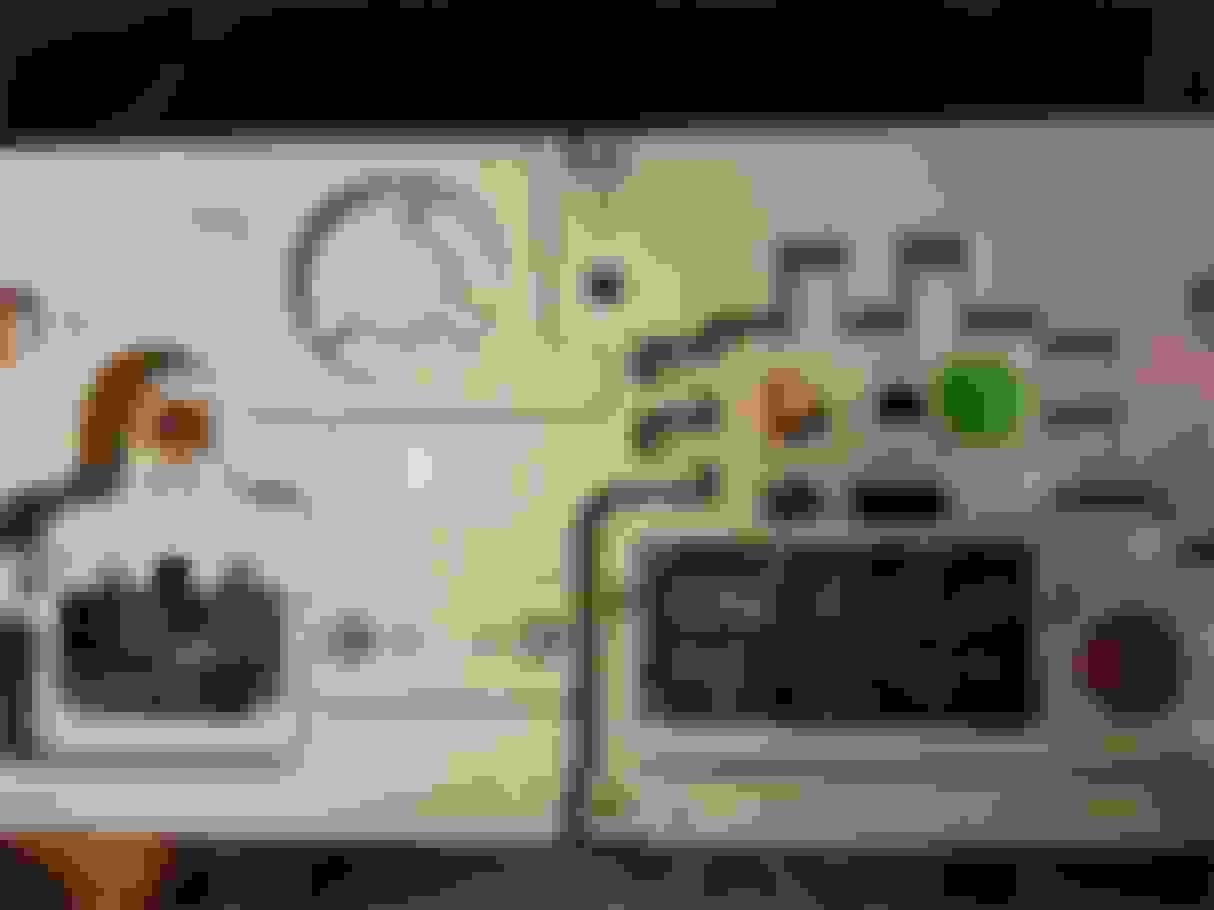
Here is tha back of my new HU Unit:
Back of my new HU unit
The seller was asking a lot if I had optical fibre cable, to find out if I needed the optical converter. After providing pictures I was told to get the optical converter, since I seemed to have optical audio system in my car.
Now I realize that I need a 6m antenna cable, and I also read something about a 6m power cable. Is this what I need? If so where can I get it? The seller does not list this as an optional accessory.
Shouldn't the seller had known that I would need this (and a 6m antenna cable) when I have an optical system in my car and the amp in the back?
BTW I have not started to dismantle carpets etc, yet. I have not checked the amp in the back, but I know I have the navigation unit in the back, and I read the amp is behind it.
BTW there was another 3-cable connector connected at the back of my MErcedes NTG1 headunit, what are these for? (for phone connection which I have, or something else??)
3 wire connector, grey, brown, transparent
Any help to get me started here would be greatly appreciated.
I just installed a head unit similar to yours in my wife's 2006 W219. I had cables sent to me that didn't match my unit, but one did.
Can you give us some pictures of what was connected to your original head unit? On mine a small power connector like the one you pictured was in a connector that held the fiber lines. You should have a set of cables that will attach to the connector on the left side of the back of your new unit (above the fuse). I can help you with those connections. Can you show everything you received?
You will need the antenna extension, but my unit at least came with the piece that attaches between your amp and the antenna. Let me know what else you have then I'll be happy to help you through some of the bumps.
Reading this thread, and other threads, everybody talks about the CANBUS taking care of waking up the Head-Unit, reverse camera, illumination, etc etc. But nobody seem to mention how to locate the CAN wires on the power adapter and actually connecting them to the cars CANBUS. I realize now this is because most have the Benz ISO harness adapter making connecting CANBUS and power and everything easy. Kinda surprised not more people have been facing the same issues as me. CAN-wires are not marked on my power adapters.
After doing some more research, and I found the CAN-B hub under the left side carpet/rocker.
Canbus hub left carpet with rocker
But then I read in this thread that you can splice into the brown + brown/red wires connected to the CH-changer, for CANBUS connection, I assuming these are the ones here?
CANBUS wires located on CD changer connector
I received two power adapters with my Head Unit, and I am not sure which of them to use. The Canbus decoder is connected to one of them, but can be connected to the other as well. Probably it does not matter which I use.
My two power adapters
Anyway using this scheme, I managed to locate CAN-H and CAN-L on one of my adapters.
Layout of Benz ISO harness plug/adapter
Layout of Benz ISO harness plug/adapter
Seem like CAN-H is the green/black and CAN-L is the green. And these green cables are the only ones going from the large Benz Harness connector to the connector for the Canbus adapter, so it makes sense these are in fact the CAN-H and CAN-L. (how hard was it for the seller to just mark these cables? - instead of assuming everybody has the Benz ISO harness)
Power adapter 1 - Location of CAN-H / L on Benz ISO harness plug/adapter
Power adapter 1 - Location of CAN-H / L on Benz ISO harness plug/adapter
Power adapter 2 - Location of CAN-H / L on Benz ISO harness plug/adapter
Now, for CANBUS connection, I am assuming I connect the green/black wire from the power adapter to the brown/red cable going to the CD changer. And the green to the brown.
Can I destroy the Canbus or any devices in my car if I am wrong?
For constant +12 and GND to the Head Unit and optical adapter, I can connect to the wires already powering my old COMAND APG. Or should I use power from the ash tray as they look thicker?
And I am guessing it should not matter which of the power adapters I use, since I will not be connecting to the Benz ISO Harness side anyway.
There is however a difference between them in how they are pre-wired.
One of them has the WHITE wire from the HU connected to the WHITE wire of the Canbus Decoder. The other one has the BLUE wired from the HU connected to the WHITE wired on the Canbus Decoder. I have no way to know what these connections do as I have not succeeded to find pin-outs for any of the sides.
My two power adapters
Sorry to see the attached images being blow up even if I had downsized them, but that is another story.
I just installed a head unit similar to yours in my wife's 2006 W219. I had cables sent to me that didn't match my unit, but one did.
Can you give us some pictures of what was connected to your original head unit? On mine a small power connector like the one you pictured was in a connector that held the fiber lines. You should have a set of cables that will attach to the connector on the left side of the back of your new unit (above the fuse). I can help you with those connections. Can you show everything you received?
You will need the antenna extension, but my unit at least came with the piece that attaches between your amp and the antenna. Let me know what else you have then I'll be happy to help you through some of the bumps.
Hmm checking the two different schemes again (Audio 20), I see that they are contradictory, in what is CAN-H and CAN-L. (I marked the pic of Power Adapter 2 correct after what color the leads actually have, but it is the opposite from the scheme explaining the layout of Power Adapter 2). Which makes me uncertain. I don´t want to mess up my CANBUS. What do you think is right? Green/Black = CAN-H and Green = CAN-L , or the opposite?
Got my unit connected, the CAN-H is the green/black, CAN-L the green, on my poweradapter. Connected the Can wires from power adapter, to Canwires on CD-changer. HeadUnit power ons with ignition, powers off when car power off. And reacts with rear camera mode when putting car/gear in reverse. So canbus appear to be working, but :
Some issues though:
- DAB+ adapter not recognized/working at all
- NO canbus info in instrument cluster/panel from radio
- And not finding the menus to enable Canbus in settings. Not the color settings either, so seem some part of the software is missing.
- 2 sone control missing, (but will not work anyway wiht optical fibre adapter(
- Sometimes the unit is not starting when starting car, buttons are lit, and when I hit the power button is wakes is starts imediately
- Audio through Optical adapter was first not working, then suddenly working after I connected the HU to the web through wifi.. (weird I know)
- Audio quality through Optical adapter is bad, not very loud, and hissing sound when volume low. Have to bypass the amp and buy a new external amp.
- Besides this the unit is quick and seem to work
- Built in DVB-T TV tuner working fine
- GPS/Nav working fine
- Not able to test FM yet as missing antenna.
BTW! connected yellow +12V constant from headunit/optical adaper, to red power lead which went into Comand APG. But also pink lead is showing +12V. What is the pink wire for? Why are there two wires in same harness which measures +12V even without key inserted?
Anyhow, it looks like you're moving forward pretty well.
As far as the settings, I would simply talk to Seicane. I've heard their support was pretty good on the unit itself.
The audio quality through my MOST adapter seemed fairly equal to the original head unit, but I'm no audiophile. My MOST adapter required a constant (non-switched) power connection and my understanding this is a requirement of the car's MOST system. That may have something to do with the starting problem and maybe quality. The OP on this thread recommend line filters on the audio connections so possibly the low hiss is part of that.
I think I connected the Aux to the pink wire.
Did you locate what you needed for the antenna? Amazon has a 5 meter cable that works but you'll need the adapter to fit the amp.
Also, if you do decide to go the amp route you'll need a jumper to by-pass the head unit MOST connector.
I am in the process of installing an 8.8"(9") display HU in my 2009 CLS 63 AMG. The HU is the same as the one Seicane sells, but I found it on AliExpress. Unfortunately, it's harness is really designed for 2006-2008 CLS's. So, it turns out that the harness does not match up.(probably because my unit is an NTG 2.5, and the harness was made for a prior version)
So, I'm just wiring it up manually. I found the pin-out for the NTG 2.5, however, I could not determine if there should be an amp turn-on lead. I only see the Antenna Amp trigger.(I'm using the original amp via a fiber optic interface) I see in Xpresion's post that the Antenna AMP trigger is wired to the amp, which seems strange to me. See attached. Is it wired like that because the wire serves as an audio amp turn-on, in addition to an antenna amp turn-on? Does the amp actually use a turn-on lead, or does it get triggered to turn by the an fiber optic signal somehow?
The reason I ask is because I'm not getting any sound with the setup. The fiber optic interface also says 06-08, but I can't imagine the optical protocol to have changed.(it's still MOST, right?) So, I'm just wondering if I'm missing the amp turn-on lead. I'd rather not do too much experimentation, considering what a mess it will be if I burn something up . . . : )
My CLS is a 2006, so I'm not sure if we have the same thing. I have an android head unit and I purchased a MOST Interface from AVIN. At first I didn't get sound and it turned out the problem was that I had disconnected the CD Changer which broke the fiber loop. Once I realized what I had done (I work fiber in IT but didn't realize there was only one fiber path for all devices in the car that are fiber connected) I reconnected the changer and great sound.
Earlier I had some issues figuring out power for the head unit itself. I needed an Aux, light, and switched power. Oh and the AVIN MOST interface needs an unswitched always on power connection.
My CLS is a 2006, so I'm not sure if we have the same thing. I have an android head unit and I purchased a MOST Interface from AVIN. At first I didn't get sound and it turned out the problem was that I had disconnected the CD Changer which broke the fiber loop. Once I realized what I had done (I work fiber in IT but didn't realize there was only one fiber path for all devices in the car that are fiber connected) I reconnected the changer and great sound.
Earlier I had some issues figuring out power for the head unit itself. I needed an Aux, light, and switched power. Oh and the AVIN MOST interface needs an unswitched always on power connection.
Hope this helps a little.
D
Oh great so the most interface does work.. I have the same year and make cls as you and was concerned because they claim on their site it does not work on the cls but on every other car with the same sound setup (which didn't make sense to me) but that is what they have told me. How much was the most adapter for you? I see them on ali express for like 140.
I too got the AVIN box (used from the classified section) and got it up and running with the help of depoteet. Sounds a little better than stock IMO and just as loud. Also, I don't know about everyone else but I don't have that engine whine problem that a lot of people were noticing. I bought an automotive noise filter but didn't even need to use it.
I bought by android unit from AliExpress btw for $268 from a seller called Zenith-Make btw..
My CLS is a 2006, so I'm not sure if we have the same thing. I have an android head unit and I purchased a MOST Interface from AVIN. At first I didn't get sound and it turned out the problem was that I had disconnected the CD Changer which broke the fiber loop. Once I realized what I had done (I work fiber in IT but didn't realize there was only one fiber path for all devices in the car that are fiber connected) I reconnected the changer and great sound.
Earlier I had some issues figuring out power for the head unit itself. I needed an Aux, light, and switched power. Oh and the AVIN MOST interface needs an unswitched always on power connection.
Hope this helps a little.
D
Thanks a bunch, Depoteet. I was using a fiber optic interface that was an add-on to the android head unit I got.(on AliExpress) The description said '06-'08 CLS, but I assumed that '09 would work, as well. I couldn't imagine that the MOST protocol had changed between years. Now, I'm wondering if it actually did.(?) I ordered another fiber optic interface on AliExpress, which is supposed to work with on '09 -'12 Mercedes and Porsche MOST systems. I'll let y'all know how it goes. If it doesn't work, I guess I'll get the AVIN inteface.
By the way, the unit I have (9" touchscreen) has the option of a delayed shutdown for up to one hour(it stays in standby mode for one hour after it loses the switched/accessory power). Has anyone figured out a way to increase that amount of time? I've heard that some units (e.g., Newsmy) can be set to stay in standby mode for up to 48 hours. Has anyone figured out a way to increase the possible shutdown delay? Maybe a modified MCU?
Thanks a bunch, Depoteet. I was using a fiber optic interface that was an add-on to the android head unit I got.(on AliExpress) The description said '06-'08 CLS, but I assumed that '09 would work, as well. I couldn't imagine that the MOST protocol had changed between years. Now, I'm wondering if it actually did.(?) I ordered another fiber optic interface on AliExpress, which is supposed to work with on '09 -'12 Mercedes and Porsche MOST systems. I'll let y'all know how it goes. If it doesn't work, I guess I'll get the AVIN inteface.
By the way, the unit I have (9" touchscreen) has the option of a delayed shutdown for up to one hour(it stays in standby mode for one hour after it loses the switched/accessory power). Has anyone figured out a way to increase that amount of time? I've heard that some units (e.g., Newsmy) can be set to stay in standby mode for up to 48 hours. Has anyone figured out a way to increase the possible shutdown delay? Maybe a modified MCU?
Thanks!
I don't know about a software method, but you could always wire up a timer relay. I would be worried about going past 2 hours (available in the stock rom) as it may drain your battery.
Mercedes SLR McLaren 722 S Is Extremely Rare Example Modified by McLaren
Slideshow: A one-of-one U.S.-spec Mercedes-Benz SLR McLaren Roadster became even rarer after a factory-backed transformation at McLaren's headquarters.