When you click on links to various merchants on this site and make a purchase, this can result in this site earning a commission. Affiliate programs and affiliations include, but are not limited to, the eBay Partner Network.
damn it! Just when im ready to order... I get freaked out LOL.
you know to come to think of it you have a good point there ...it used to be pretty easy to spoof your Android version by editing the build.prop. You used to be able to make your Android version anything you'd like. The big reason I am suspicious is because no one reports that they're able to use the PiP function which is a staple of Android 7.0. Perhaps they edited the build. Prop to shut up us whining Americans....
could someone who has the product say what this link says?
https://whatismyandroidversion.com/
or maybe download this from the app store?
it will confirm the CPU and Android version... I just don't know if changing it in the build. Prop what effect would it displays but it's worth a shot
Its avalible but there is actually no need for it at all. The version sold now handles all perfectly and you will not have any use for the 4,64 spec. So its like a $150 difference for a less reflex option.
Autostereo Android 8 7 Car GPS navigation head unit For MERCEDES-BENZ E220 W212 2010-2016 auto multimedia radio tape recorder
http://s.aliexpress.com/nYNvqqmM?fromSns=Copy to Clipboard
so that would explain WHY native pip isnt working!!!!! Its really android 6.0 as i suapected. Which falls in line with what the guy from china said. From whom did you buy your v2 from? Chris from this forum?
Its avalible but there is actually no need for it at all. The version sold now handles all perfectly and you will not have any use for the 4,64 spec. So its like a $150 difference for a less reflex option.
chris, i have a question for you. Android 7.1.1 released on Dec. 5th, 2016.
As you can see that evb3562v_c_66_m0's security patch level is June 1, 2016. This is the most common MediaTek's Android security patch release for 'Android 6.0'.
So really, evb356x models are running Android 6.0, not Android 7.1.1 Also, these devices seem to be missing many core google libraries which would seem to explain so much trouble with Play Store apps and lack of PIP. Are you aware of this?
As I said.. It starts out as a 6 and Our SW team make it to a 7. Wish makes 7 apps apk files possible to install and use. This is what I am told and what I know. It works perfectly to me.
Last edited by Chris The Swede; Sep 5, 2018 at 09:20 AM.
AND if ANYONE is not happy with this 7 version I am happy to do a full refund of course. But I see no reason since it works flawlesly like it is and are 100 times better than the V1. But if focus is on PiP then maybe its better to retun it.
My V2 also reports Android 6, 2GB RAM, 32GB onboard storage, 8 core 1GHz. I don’t care about PiP and the unit works great. Side by side apps would be cool because of the aspect ratio but PiP is way overrated. The unit has to have those APIs enabled and the apps have to support it. PiP is not automatically “native” to Android 7 and all of its apps. It is up to the manufacturer to enable the APIs even is 7 is installed.
RAM seems fine for me, no problem running BRD rips and simultaneous apps like playing flacs while running Waze. For on board, also don’t care since it has SD slot (I run 200GB SD Card) and 2 USB ports. 64 onboard is just as pointless as 32. Both too small to hold your media, especially if you host videos and lossless audio.
i don’t get what all the apprehension is. The unit supports play store, is fast, GPS works, has dual USB, supports android auto, supports car play with a dongle, etc.
So far I have found only two apps that won’t run, Netflix and AT&T U-Verse and have not even tried side loading Netflix. I use Apple Music, Waze, Twitch, YouTube and VLC all the time and it all works great. I have not found a media file of any size or type it won’t play at full frame rates including 4K.
It is a car media interface, not a desktop PC. It does car stuff, lots and lots of car stuff and does it very well.
There will ALWAYS be another version or design on the horizon. After IPS there will probably be a newer OS, higher resolution or even OLED. You can play the waiting game with and endless “should I, should I” or have a great unit now and worry about what better comes along next year, next year. Other makers will have them more like the COMAND screen set into the dash like OEM, there is always something different coming along, always.
The situation is very simple. If if you want a better audio interface that supports and does more than COMAND ever could and do so with an elegant interface that wows your friends while rewarding yourself every time you drive, this V2 is the unit to get. And if you want good install support, including all the tips about secret menus and everything else that unlocks even more potential, get it from Chris.
Again...it is a CAR media interface. It is not your laptop on which you will be doing anything and everything. Really, it is already tricky manipulating half of what it can do while driving as it is.
Also, these devices seem to be missing many core google libraries which would seem to explain so much trouble with Play Store apps and lack of PIP. Are you aware of this?
What trouble with play store apps are you referring to? I have not experienced "so much trouble" with play store apps. In fact, I have found only 2 of the dozens I have installed and neither have anything to do with 6 vs 7, but some other regional problem or poor design problems like modal windows that are more than 480px tall so they won't run on anything with a short vertical resolution. I have not tried sideloading Netflix so I can't even confirm if it is truely a non-working app. AT&T U-Verse fails to authenticate as they lock down their content with strong DRM.
One more tip:
For hot-spot I've used an old galaxy a3 (first one),I've installed from play store Automate and I've created 2 "flows" - is quite easy and intuitive.
1st: when the phone is pluged to power adapter (connected to the socket inside the glove box and the engine is turned on - obviously) - turn off airplane mode, turn on hot-spot and activate flow 2.
2nd: when the phone is disconnected from power (turning off the engine) - turn off hot-spot, turn on the airplane mode and activate flow 1.
The phone battery consumption per night with these settings is 2-3% and it will be recharged in 5-10mins. In my experience data consumption for 2 hours of waze+Spotify per day is somewhere at 2GB monthly.
So now I have a cheap solution for hot-spot and is working flawlessly from two weeks now.
Guys, please keep this thread alive and share your tips and tweaks for this unit. Together we can diminish the frustration of spending +600USD for a semi retarded device.
My V2 also reports Android 6, 2GB RAM, 32GB onboard storage, 8 core 1GHz. I don’t care about PiP and the unit works great. Side by side apps would be cool because of the aspect ratio but PiP is way overrated. The unit has to have those APIs enabled and the apps have to support it. PiP is not automatically “native” to Android 7 and all of its apps. It is up to the manufacturer to enable the APIs even is 7 is installed.
RAM seems fine for me, no problem running BRD rips and simultaneous apps like playing flacs while running Waze. For on board, also don’t care since it has SD slot (I run 200GB SD Card) and 2 USB ports. 64 onboard is just as pointless as 32. Both too small to hold your media, especially if you host videos and lossless audio.
i don’t get what all the apprehension is. The unit supports play store, is fast, GPS works, has dual USB, supports android auto, supports car play with a dongle, etc.
So far I have found only two apps that won’t run, Netflix and AT&T U-Verse and have not even tried side loading Netflix. I use Apple Music, Waze, Twitch, YouTube and VLC all the time and it all works great. I have not found a media file of any size or type it won’t play at full frame rates including 4K.
It is a car media interface, not a desktop PC. It does car stuff, lots and lots of car stuff and does it very well.
There will ALWAYS be another version or design on the horizon. After IPS there will probably be a newer OS, higher resolution or even OLED. You can play the waiting game with and endless “should I, should I” or have a great unit now and worry about what better comes along next year, next year. Other makers will have them more like the COMAND screen set into the dash like OEM, there is always something different coming along, always.
The situation is very simple. If if you want a better audio interface that supports and does more than COMAND ever could and do so with an elegant interface that wows your friends while rewarding yourself every time you drive, this V2 is the unit to get. And if you want good install support, including all the tips about secret menus and everything else that unlocks even more potential, get it from Chris.
Again...it is a CAR media interface. It is not your laptop on which you will be doing anything and everything. Really, it is already tricky manipulating half of what it can do while driving as it is.
I couldn't agree more.
As a side note, do you mean micro SD when you say "SD card"? Which one are you using if you don't mind me asking?
yes, micro SD. There is a SIM slot which doesn't do non Asia markets any good because of the very limited bands supported and a microSD slot that supports large capacity cards (at least 256GB which is the largest I tried). In addition as part of the harness there are 2 1/2A USB cables which you can route into the glove box or whatever. To this you can add more storage, either lower power HDD or USB memory sticks or optional functions like the Apple Car Play dongle. For the USB I tried a large 2TB notebook drive with single bus power and the V2 didn't like it. If I had used both ports to supply 1A, it probably would have worked fine since it would work after booting. I ended up not bothering since 200GB of storage was enough to store my FLAC and video files while I stream the rest using Apple Music, Youtube Music, iHeartRadio,, SiriusXM app, etc.
Has anyone been able to pair an OBD2 bluetooth adaptor to the V2 head unit? If so, could I ask which one is it and where did you get it from?
Looks like the unit is restricted in what adaptors it will pair with (many of these Chinese HU's only pair with devices named "OBD"). Short of decompiling MTCBluetooth3.apk and Settings.apk , modifying the smali files to remove the restriction and recompiling them, or rooting it and putting the Xposed module in its finding a compatible device.
Chris, is this something you could ask the developers about and whether they have restricted the devices it will pair with. Its one of your units.
I have a BlueDriver and Veepeak Bluetooth OBD2 adapter. I inquired about using the BlueDriver adapter with Torque Pro and general compatibility with the Android 10.25" screen. BlueDriver support has come back with the following:
"BlueDriver uses 2.0 so it’s compatible with all version of Android 4.4+ BlueDriver is an original design and not based on generic components, as a result it isn’t currently supported by other third party apps which expect elm components. If you’re planning on using it with an aftermarket Android head unit it might not be compatible, in our testing we’ve found that most of these tablets are based on a common custom Android build that is set up to only permit pairing with a specific type of scan tool and actively blocks our device from connecting."
I will be testing both OBD2 adapters in the next couple days to see if I can get either of them to work. I will report back.
Well got my Android 7.1 (V2?) unit today from Chris and NOTHING but problems trying to get it to work in my 2011 E350 SDN with NTG4. First, no comand is showing in the picture in picture, but the 7.1 settings screen looks different than the one in the beginning of the thread so I cannot find that scaling menu. Also no audio at all, even when I hook up the old command screen (in parallel) and the dash shows it is on a radio station. The comand dial also doesnt do anything. Finally major android apps crash. When trying to start navigation for example, I get global_cfg not found error.
This thing is a complete mess.
Things I have done and tried.
First my unit uses the silver video adapter since I do not have the OEM blue plug. The paper in the box (there was absolutely ZERO instructions included with this thing) said connect the red off of the silver box to white and black on teh adapter hardness. Done and no comand. Tried the thing earlier in the thread providing video (yellow) with 12v and still nothing.
Double checked the fiber optics were going into the adapter cable at the head unit, fine.
Check that the connector was well seated between the OEM harness and the adapter cable and the adapter cable and the head unit. The cable is very hard to plug into the head unit but is in as far as it will go and the latch barely latches.
Checked fiber optics again were plugged into the outer port.
What does work, RPM, door is ajar, reports correct temp and then android stuff itself, screen obviously functions, touch functions, some apps open, but that it is. Nothing works as it should when it comes to the comand interface, dial and audio. Car has ZERO audio now..
HI,
absolute same problem for me.
No OEM screen.
Door open , RPM and Air condition is shown.
...and check the video starting at 6:56, then follow along until 7:28 and you will see Original Car Screen Resolution. There is no set number for every model, you just have to try different numbers, like 2 or 4 until you get the best command image. If you get no image after trying all of these, you need to recheck your wired connections.
Last edited by Skeechan; Sep 6, 2018 at 09:48 AM.
Reason: Added picture
Here are some photos/notes of my installation (2013 C207) in case they are of some assistance to someone. I know it helps me to see pictures of how other people approach their installs. I wish I had taken additional photos of the process to share some of the nuances of the installation. I ran the 3.5mm Aux and one of the two USB cables (both attached to the larger wiring harness) from the Android screen to the center console storage. I ran the second USB (from the smaller wiring harness) to the passenger side footwell, and I ran the GPS antenna to my rear view mirror.
Before install (disregard my white legs):
The two blue clips to be removed from vent assembly:
Back of factory radio, just for reference:
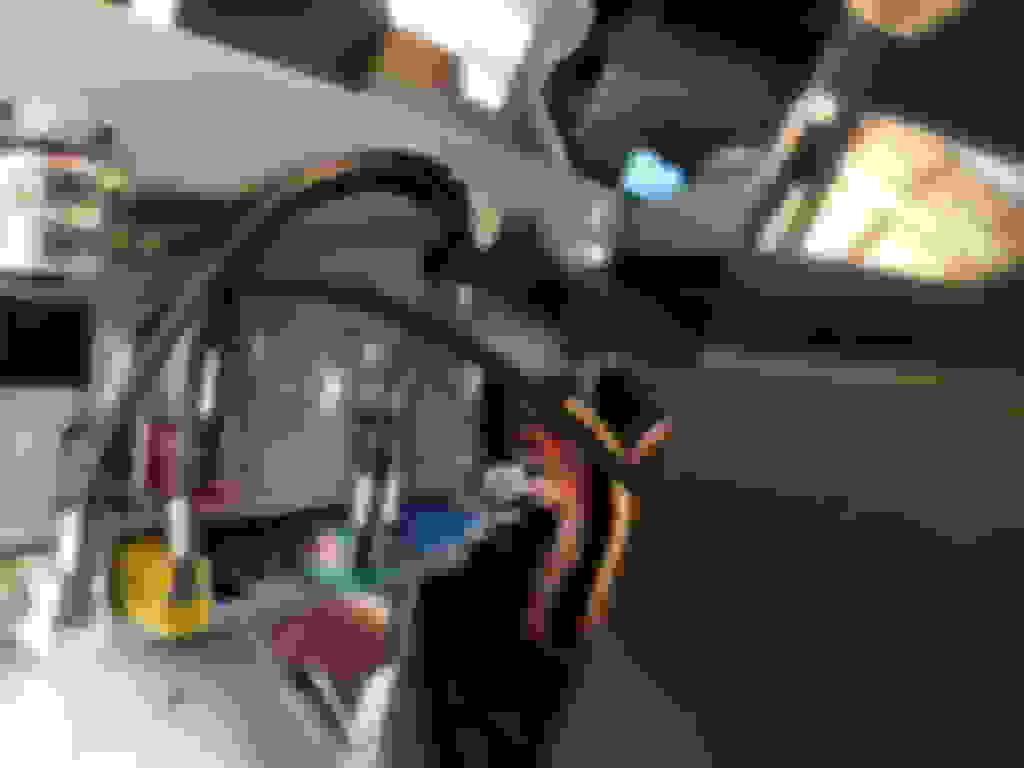
Wiring harness in place, ready to connect up:
Below is how I ran the USB connector and 3.5mm Aux to through center console:
Notice the shrink tubing on the COMAND control knob. The 4 wire ribbon cable that is attached to the COMAND control knob is wedged underneath the console itself from the factory. From what I can tell, it's almost impossible to disconnect and remove the COMAND control knob without wrecking/cutting the 4 wire ribbon cable, unless a person were to remove the ENTIRE center console first. I still wasn't able to pull the cable out once I had the control knob disconnected.
Soldering the COMAND control knob's 4 wire connector back to the control knob itself. I had to completely disassemble the knob to get at the connector located on the PCB:
Here is how I ran the cables through the center into the center console storage:
The second USB routed to the passenger side footwell:
GPS antenna attached to rear view mirror. This took WAY less time than expected. It's very easy to remove the A-Pillar trim and run the cable to the rear-view mirror. Yes, I know the orientation of the antenna is all wrong, but it's only temporary until I get my cameras mounted. Signal is not too bad (Max 1M accuracy), and also appears to be accurate when driving as well:
Getting the factory radio back in was the hardest part in my opinion. That said, some people seem to have a much easier time than I did. It took me many hours to get the factory radio seated properly. You can see that the cables need to be tucked down as far as they can, with the block connector placed down in the crevice perfectly to avoid the radio catching on it:
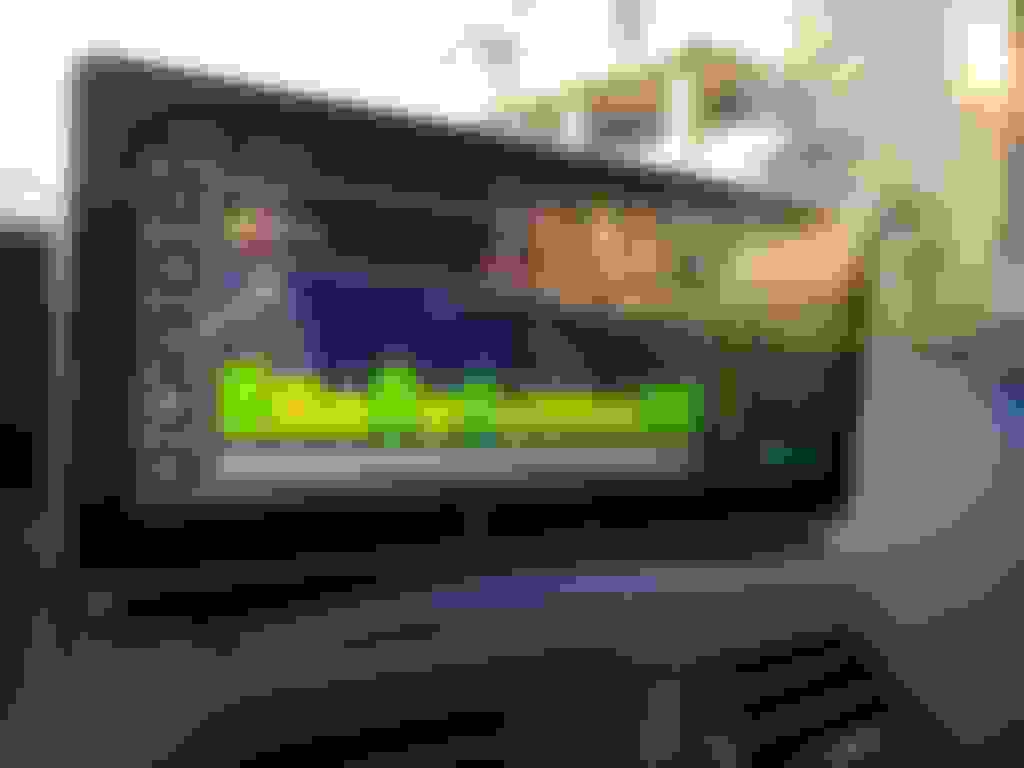
About device - Password protected settings gear icon (to the right of HMI Benz) - Menu Icons
You can remove Icons here, but have you found a way to add new ones, or change the application associated with the existing icons through this menu? I couldn't find how to do that part.
Mercedes SLR McLaren 722 S Is Extremely Rare Example Modified by McLaren
Slideshow: A one-of-one U.S.-spec Mercedes-Benz SLR McLaren Roadster became even rarer after a factory-backed transformation at McLaren's headquarters.