When you click on links to various merchants on this site and make a purchase, this can result in this site earning a commission. Affiliate programs and affiliations include, but are not limited to, the eBay Partner Network.
Excited to share this with everyone. Saw this in another thread and came across this unit. Unit purchased from Chris The Swede, although other sites and vendors do sell this unit, shoutout to Chris because he offered tons of info and support. Glad I purchased from him. He also has YouTube videos on this unit.
I'm still trying to work out a few things like getting mirrorlink and google maps to work properly but so far I'm really satisfied with the result.
As far as I'm concerned, this particular unit works on ntg 4.5 4.7 and 5. Aux cable I routed behind the ac control unit, then under ash tray and center scrolling knob, and into the aux jack in center compartment. Audio is automatically supposed to switch over from own radio to anything being played in android unit but I haven't gotten that auto switch to work yet. Usb cable I have routed into glove compartment.
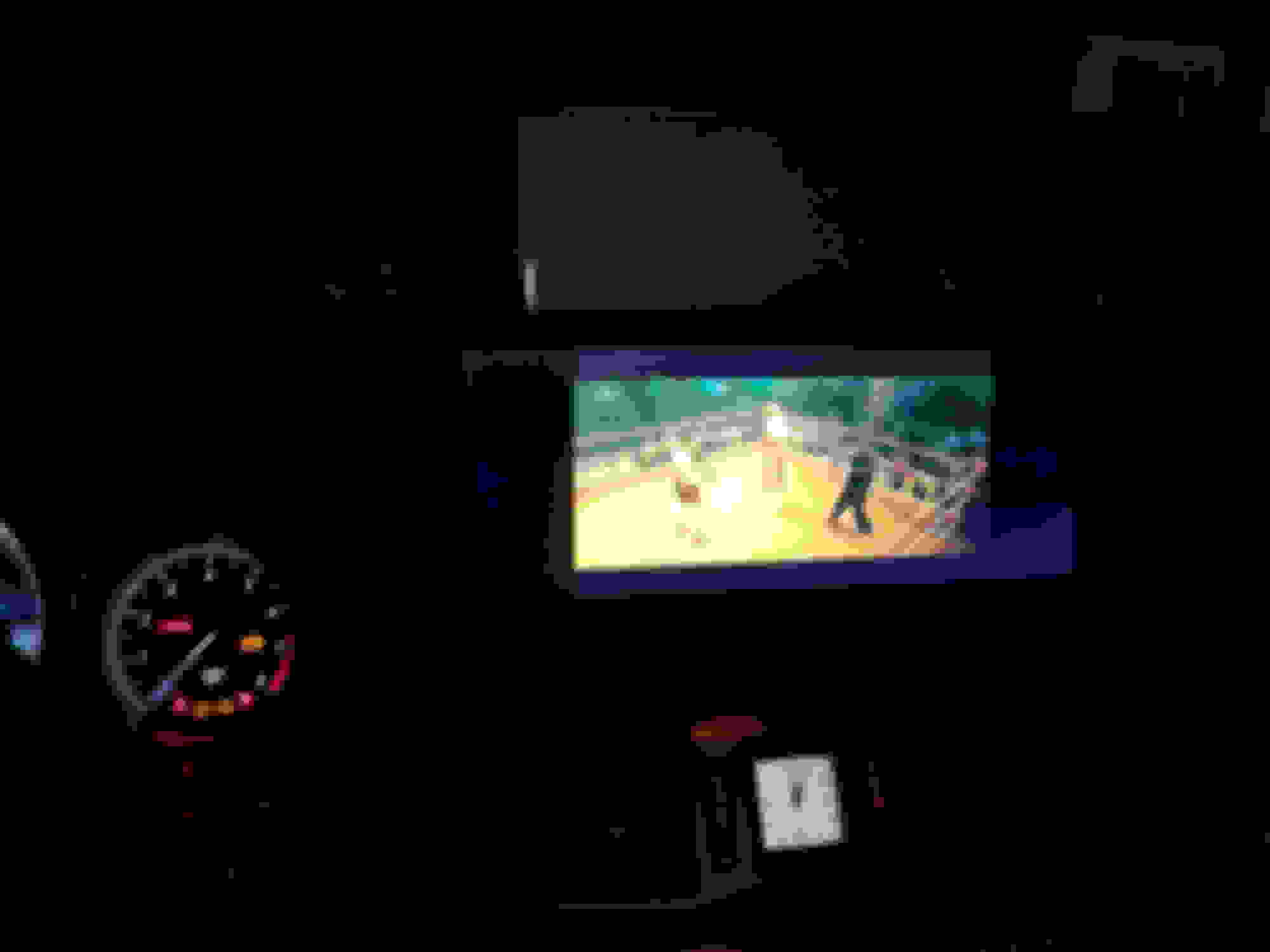
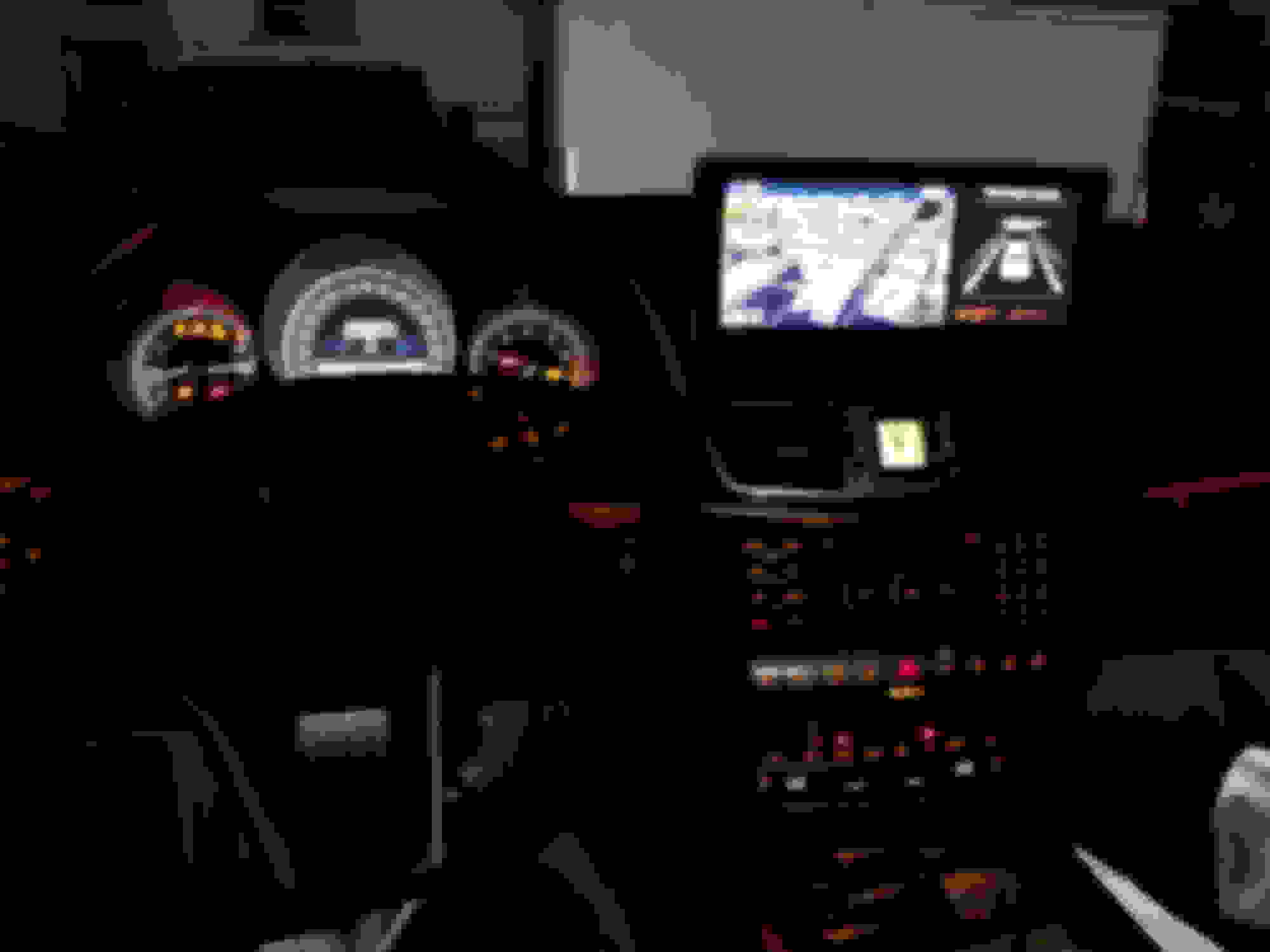
Here's a picture of unit installed.
Video in motion/youtube/usb drive. Movies in my usb drive utilize the entire screen, YouTube videos will not.
The best part is that this unit retains oem functionalities! This is primarily the only reason why i purchsed this unit. When using oem mode, the oem doesn't go full screen, the extra space on the right is filled with a stock dummy image. It'd be nice if we could get that right side functional.
Tell me more?
My W212 come with no GPS and when I ask dealer- I would have to replace whole unit$$$$$$
Would that operate GPS independently, or at least would my android GPS play on the big screen?
What about 360 cameras?
HOW MUCH?
From what I understand, since it's an android unit, you can use pretty much any navigation app. It comes pre-installed with google maps and iGO navigation. The unit comes with an antenna cable that you can use for any offline maps. You can use hotspot on your phone to use Google maps with live traffic. Theoretically you should be able to download offline Google maps and use it without tethering and antenna only.
I haven't gotten my Google maps to work in the few minutes that I spent time on it, seems a lot of others have though. I should have time in the next coming days to try it out.
yes you can add an aftermarket backup camera or 360 camera. There does appear to be an option to select oem vs aftermarket camera in the options for when you hit reverse
site that i used was www.ckmcardesign.se but it looks like the same site posted above.
So that's about $800? Any discount seller?
How hard is installation? I am mechanically-inclined and can follow the manual for cable installation, but software hacking is not my thing.
I'm interested in one, any group buy discounts?
I'm from 28262, Charlotte, NC.
I have 360 cam and auto parking, which I'm interested to get a demo beforehand.
BTW, since it is like an android tablet, I can connect to my home wifi (when parked near my home WiFi range) and get apps, offline maps downloaded installed/updated easily I believe..!
Can it be used with 6-disc changer; it has video-in-motion option, so, I can rent some dvd's from RedBox when I start my trip and return them in a different state altogether. Good for families with kids..!
Last edited by raja777m; Dec 20, 2017 at 12:28 AM.
So that's about $800? Any discount seller?
How hard is installation? I am mechanically-inclined and can follow the manual for cable installation, but software hacking is not my thing.
Mine was without VAT taxes so a little cheaper. Install was hard for my first time, after a couple rounds it's actually quite straight forward. Should be able to remove and reinstall everything within 30 minutes. Running the wires were the tricky part, I have large hands and all thumbs, took me a while.
Its not really software hacking, you're just plugging in your old cables into an adapter, into a screen and thats about it.
Fair warning though, since you asked about nav, I'm not having very good luck getting a my offline nav to work very well. My location seems to take a while to pick up, which makes location while moving choppy. I also havent gotten nav audio directions to work yet. The manufacturer has communicated with me but i wont have time to fiddle with it for another 2 weeks or so
Originally Posted by raja777m
I'm interested in one, any group buy discounts?
I'm from 28262, Charlotte, NC.
I have 360 cam and auto parking, which I'm interested to get a demo beforehand.
BTW, since it is like an android tablet, I can connect to my home wifi (when parked near my home WiFi range) and get apps, offline maps downloaded installed/updated easily I believe..!
Can it be used with 6-disc changer; it has video-in-motion option, so, I can rent some dvd's from RedBox when I start my trip and return them in a different state altogether. Good for families with kids..!
360 camera does display on the screen, it will automatically display when you hit reverse, but front view 360 cam wont display unless you go into oem view first. I have not tried the semi auto park yet, but im not sure what that has to do with the center screen.
Dont have an answer with the 6 disc cd, but it does have a usb dongle for you to stick a usb drive in there if you want to watch movies through that.
Fair warning though, since you asked about nav, I'm not having very good luck getting a my offline nav to work very well. My location seems to take a while to pick up, which makes location while moving choppy. I also havent gotten nav audio directions to work yet. The manufacturer has communicated with me but i wont have time to fiddle with it for another 2 weeks or so.
Thanks for the warning and keep us updated, please.
Main reason I would go for the unit is GPS, but if that doesn't work too well, why spend that kind of money?
For time being I put my android over car screen and it gives good directions with live traffic. The bad side is 5" screen, dropping down on heavy acceleration and also with my prepaid minutes, the data goes very fast.
Still would I find android with 8" screen that doesn't cost a fortune, that would be easier.
Mine was without VAT taxes so a little cheaper. Install was hard for my first time, after a couple rounds it's actually quite straight forward. Should be able to remove and reinstall everything within 30 minutes. Running the wires were the tricky part, I have large hands and all thumbs, took me a while.
Its not really software hacking, you're just plugging in your old cables into an adapter, into a screen and thats about it.
I just did my install into a 2014 GLK 350. I just can't seem to figure out how to adjust the date and time. Also changing the unit from Kilometers to Miles and the climate from Celsius to Fahrenheit has been a task. I got my unit from CKMcardesign. I'm still playing around with the unit trying to solve these issues.
I just did an install on my 2010 E350. The stock COMAND screen is not coming up. I don't know why. I just emailed Chris about this, hopefully he answers back. Another thing I noticed is the fiber optics needed to be detached from the unit and be plugged into the radio unit and not through provided the A/B connector. LemonSqueezy did you notice this during your install?
I just did my install into a 2014 GLK 350. I just can't seem to figure out how to adjust the date and time. Also changing the unit from Kilometers to Miles and the climate from Celsius to Fahrenheit has been a task. I got my unit from CKMcardesign. I'm still playing around with the unit trying to solve these issues.
I don't remember much about the date and time as it was already accurate out the box. I believe there is currently no option to change units from rest of world to US units. Hopefully devs can work on that and make an update. The metric units don't really bother me
I just did an install on my 2010 E350. The stock COMAND screen is not coming up. I don't know why. I just emailed Chris about this, hopefully he answers back. Another thing I noticed is the fiber optics needed to be detached from the unit and be plugged into the radio unit and not through provided the A/B connector. LemonSqueezy did you notice this during your install?
the fiber optics cable in Chris's install video is a little off. The cable is supposed to come off the radio unit and into the adapter cables provided, not back into the same connector you unplug from. As for comand not coming up, I'd need more details.
Thank you guy for doing the R&D and going thru the growing pains on this.
I think I will wait until all the kinks are ironed out and the unit/install is perfected.
I'd get anxiety attacks if I tried this and something went wrong.
I just did an install on my 2010 E350. The stock COMAND screen is not coming up. I don't know why. I just emailed Chris about this, hopefully he answers back. Another thing I noticed is the fiber optics needed to be detached from the unit and be plugged into the radio unit and not through provided the A/B connector. LemonSqueezy did you notice this during your install?
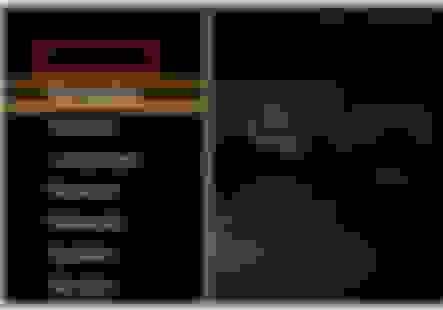
I may know the solution for your Comand screen not showing. It has to do with the parameter setting. On the android unit, there's a hidden menu. Go to the Settings Menu. Press the screen 3 times where I placed this red box visual reference.
Press the screen 3 times where this red box is located, right above the navigation field.
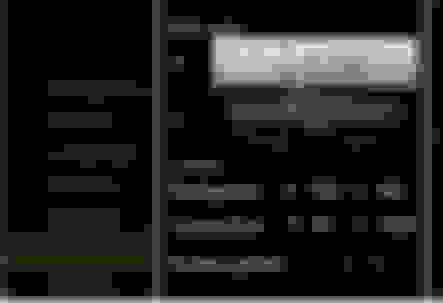
It will take a few try's but eventually you will get the hidden menu to appear. The menu will look like this. Toggle "Screen param" between values 1 - 10 to adjust the parameter for your original comand screen to be shown on the android unit. Below are further instructions.
The Screen Parameter has 10 options. Cycle through those screen parameters to find the right one for your car. Some may be a blank screen, a static screen or a miss-sized screen. Go through each of them until you found the right screen parameter. Just repeat the process back to the hidden menu until you find the right screen parameter.
the fiber optics cable in Chris's install video is a little off. The cable is supposed to come off the radio unit and into the adapter cables provided, not back into the same connector you unplug from. As for comand not coming up, I'd need more details.
Do you happen to have a step-by-step procedure? I'm having trouble with a few things. I think I did everything correct, however, my stock COMAND is not displaying, my knob doesn't work with the new interface, my sound is not working even when I connected it through the aux connector. Chris sent me a PowerPoint of what I needed to do and yet again, it still doesn't work for me. Not sure what I'm doing wrong. Any help or feedback would be greatly appreciated.
I may know the solution for your Comand screen not showing. It has to do with the parameter setting. On the android unit, there's a hidden menu. Go to the Settings Menu. Press the screen 3 times where I placed this red box visual reference.
Press the screen 3 times where this red box is located, right above the navigation field.
It will take a few try's but eventually you will get the hidden menu to appear. The menu will look like this. Toggle "Screen param" between values 1 - 10 to adjust the parameter for your original comand screen to be shown on the android unit. Below are further instructions.
The Screen Parameter has 10 options. Cycle through those screen parameters to find the right one for your car. Some may be a blank screen, a static screen or a miss-sized screen. Go through each of them until you found the right screen parameter. Just repeat the process back to the hidden menu until you find the right screen parameter.
Do you happen to have a step-by-step procedure? I'm having trouble with a few things. I think I did everything correct, however, my stock COMAND is not displaying, my knob doesn't work with the new interface, my sound is not working even when I connected it through the aux connector. Chris sent me a PowerPoint of what I needed to do and yet again, it still doesn't work for me. Not sure what I'm doing wrong. Any help or feedback would be greatly appreciated.
If neither the screen, comand knob or aux working, then check if the main T harness you installed is really flushed and locked inside the back of the radio. This happened to me and my harness wasn't properly installed in the radio. Once I got a good fit and lock, everything was functional.
Mercedes SLR McLaren 722 S Is Extremely Rare Example Modified by McLaren
Slideshow: A one-of-one U.S.-spec Mercedes-Benz SLR McLaren Roadster became even rarer after a factory-backed transformation at McLaren's headquarters.