When you click on links to various merchants on this site and make a purchase, this can result in this site earning a commission. Affiliate programs and affiliations include, but are not limited to, the eBay Partner Network.
My ride is a 2020 E450 purchased in February 2020. I recently discovered that my map data can be updated automatically OR manually updated through meMercedes. First question: has anyone successfully performed a manual update? Successful in updating your vehicle? Note for me this service is at no charge until 2023.
Here is my recent experience.... I navigated through me.mercedes-benz.com and was able to reach "Online Map Update". I can share this path - just ask; I found it to be less than straightforward. A "Manual Update" update is available rather than waiting or hoping for an online update directly to your vehicle. To do a manual update you must download the updates to your computer and then transfer to a flash drive. You would then insert the flash drive into your Media USB port. I quickly found out that the "Download Manager Installer" app does not execute on the latest version of macOS (Sur 11.2.3); Apple sees a security exposure (see below). I am now pursuing the Windows process. Note the installer software also does not work with Chrome OS.
It is not clear how this Installer works. I was trying a old Windows/Chrome laptop. I was able to install the Installer but it failed when the Installer could not find formatted (NFTS) media. Not sure why it did not recognize my 64GB SanDisk Cruzer Glide flash drive formatted as NFTS. I asked my daughter who is more Windows-conversant to try to download the updates for me. She saw a number of .exe files appeared on her Windows desktop. She is transferring them to a flash drive and will mail the flash drive to me (we are not in same state). Selecting for update most of the US regions, the application states the updates total 14.6 GB plus another 500 MB. We will see what happens when I get her flash drive in the mail.
I was able to get the downloader V 1.0.11 to run on my Mac, and I'm trying to remember if I had to run in admin mode in order to install the download manager properly, but I was able to do the manual update in the car. A little while after that, I got an over-the-air update and from there haven't felt a need to download off the web and install manually.
V1.0.11 of the download manager still works on my Mac with Sur 11.2.3. Just checked. Maybe it's the unpacking and installing the manager that's sticking at your end?
All that said, it might be best to stick with OTA updates?
I tried recently on Big Sur and had an issue with download manager. Then tried on my Windows 10 Surface Pro and all was fine. Downloaded maps and installed into car without any problem.
Why not just leave the setting on Automatic? I do that with my 2019 E450 and it's had a couple of map updates automatically since I got the car a couple of years ago. I also have a 2018 S560 and have that one set to automatic but have yet to get an update on that car. The dealer tells me there are no updates for that car, weird.
Thank you for your comments! I was successful in updating my E450 with the 2020 (V20.0) updates for USA Western, Central, Southern, and Great Lakes. I agree automatic updates are easier but only region you drive in - Central for me - are updated automatically. I plan to do some traveling so manual updating for the 48 states made more sense for me.
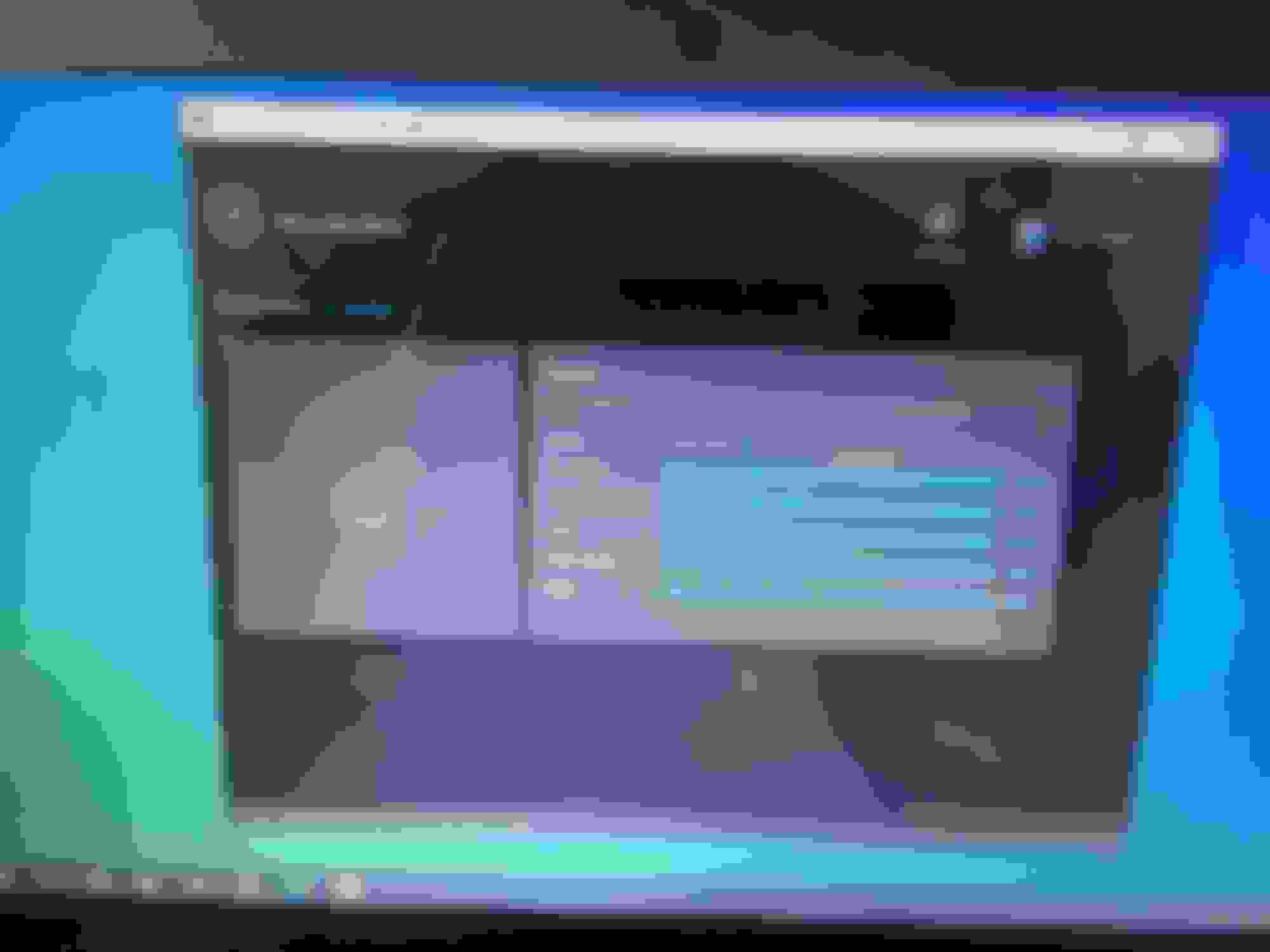
Observations: Used a laptop running Windows 10. Used a 64GB flash drive (32 GB would do) that is formatted as ExFAT. This is important; a FAT formatted drive was not acceptable to the Download Manager. My internet speed over WiFi was 72 Mbps download and 64 Mbps upload. Downloading all the above regions took just about an hour. The Download Manager clearly displays the progress as you wait (see attached). The download used 16.2 GB of the flash drive.
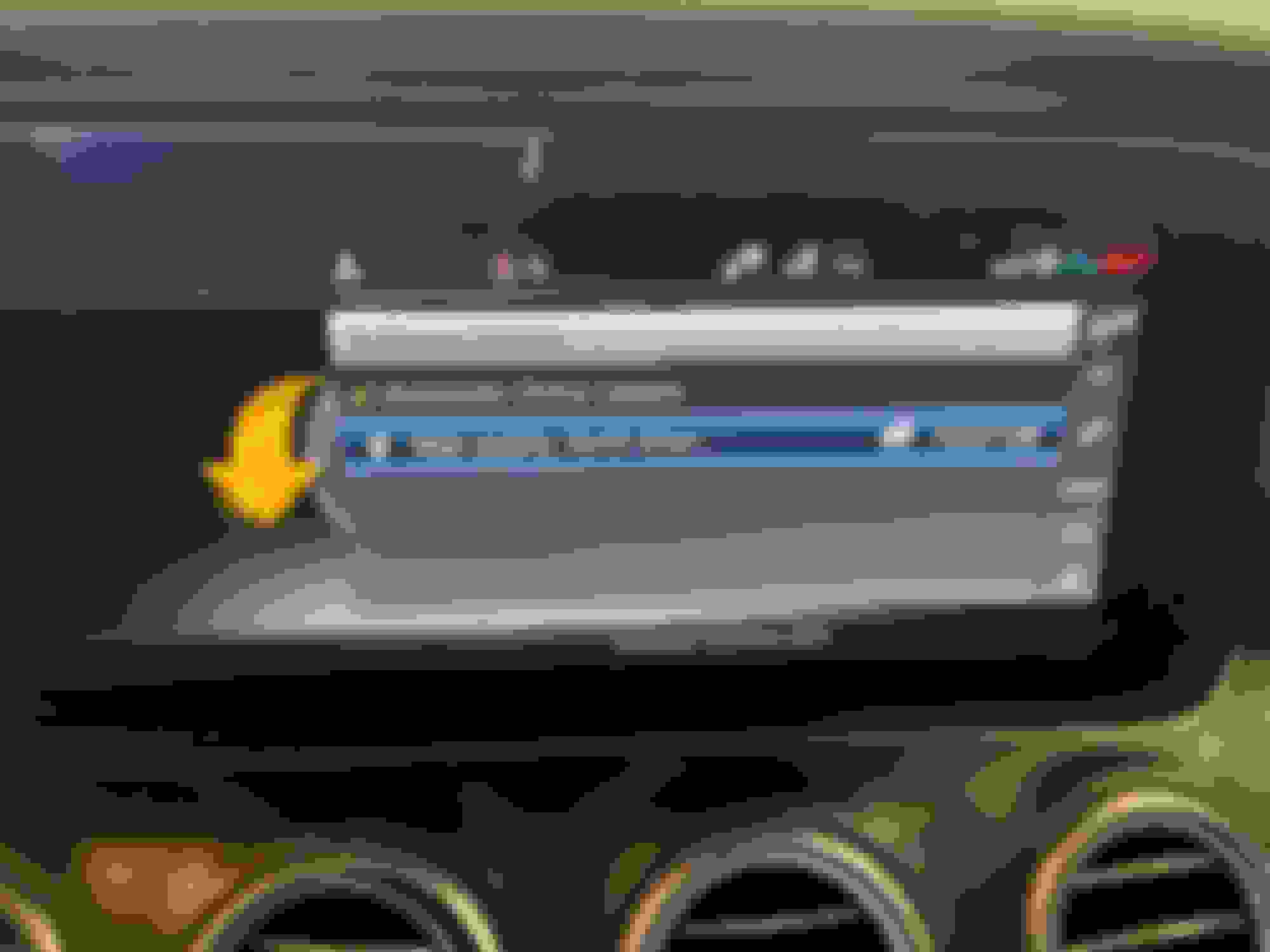
Uploading into the E450 was very straightforward. The flash drive is inserted into the USB port and the Media option recognizes the updates (see attached). It took about 23 minutes to upload the updates into the E450. A clear message is displayed that the upload is successful and a Restart System is required. Upload from M-B Download Manager.
I've done several manual updates over the last ~1.5 years and it always worked fine. They did have an issue in Chrome and New Edge recently, and I had to use FireFox for my last update, but it's fixed now. Make sure the storage medium you use has been partitioned using MBR (Master Boot Record). GPT (GUID Partition Table) is not supported and it won't detect the storage medium. I usually follow up the OTA update with a manual update, or even skip the OTA update, because it only updates the home region and it doesn't update the voice recognition. To update the remaining regions and the voice recognition, you have to do a manual update.
The US is a region, not a bunch on smaller regions as in the last century.
Interesting. I'm in Canada, and if I want to download US map data, there are several sub-regions that I can select to download (with Canada indicated as being set to automatic download).
USA (western states)
USA (central states)
USA (southern states)
Great Lakes region
Alaska
USA (eastern states)
Mexico
Canada
The US is a region, not a bunch on smaller regions as in the last century.
Not true. It's broken up into the common geographical regions such as Western USA, Eastern USA etc as shown in the post above. It's not broken down to the state level, but it's several region and the home region can be configured in the web portal. I'm in the Western USA, so the OTA update covers all the western states.
I have a 2018 E400 Coupe and I don't think I am able to update the map on my own.
BTW, how do you retrieve an address in the car when you sent it through Mercedes Me App?
I tried but could not find it.
Does this App even work? I tried sending a signal to unlock the door and the app said it transfer was successful and should take a couple of minutes but it never happened.
Last edited by dudley07726; Mar 28, 2021 at 09:42 AM.
I send addresses and lock/unlock/start commands to my '18 E300 almost every day. Rarely do they fail. Usually it is because a building or enclosure is blocking the signal. To see an address you've sent open the navigation app.
I send addresses and lock/unlock/start commands to my '18 E300 almost every day. Rarely do they fail. Usually it is because a building or enclosure is blocking the signal. To see an address you've sent open the navigation app.
I do open the NAV in the car but I can never find it. Do I have to go into Last Dest or is it supposed to pop up automatically?
I will try it again.
Well you need to be on a computer with a USB port for the map data to be loaded, then you load that USB stick into the car.
I was able to now unlock & lock doors and remote start the car.
The send to benz address function doesn't seem to work. While the phone says it sent the address to the car, nothing pops up in the NAV menu in the car.
I am now on the computer but do not see anywhere to upload new maps.
Do I even have that function on a 2018?
Last edited by dudley07726; Mar 28, 2021 at 11:43 AM.
Mercedes SLR McLaren 722 S Is Extremely Rare Example Modified by McLaren
Slideshow: A one-of-one U.S.-spec Mercedes-Benz SLR McLaren Roadster became even rarer after a factory-backed transformation at McLaren's headquarters.





 Map Updates thru meMercedes



 Map Update Successful!















 I travel across different areas UK -> France so need to manually download Europe.

 That's a lot of GIGs. Here's the list I see from the Mercedes ME online service: