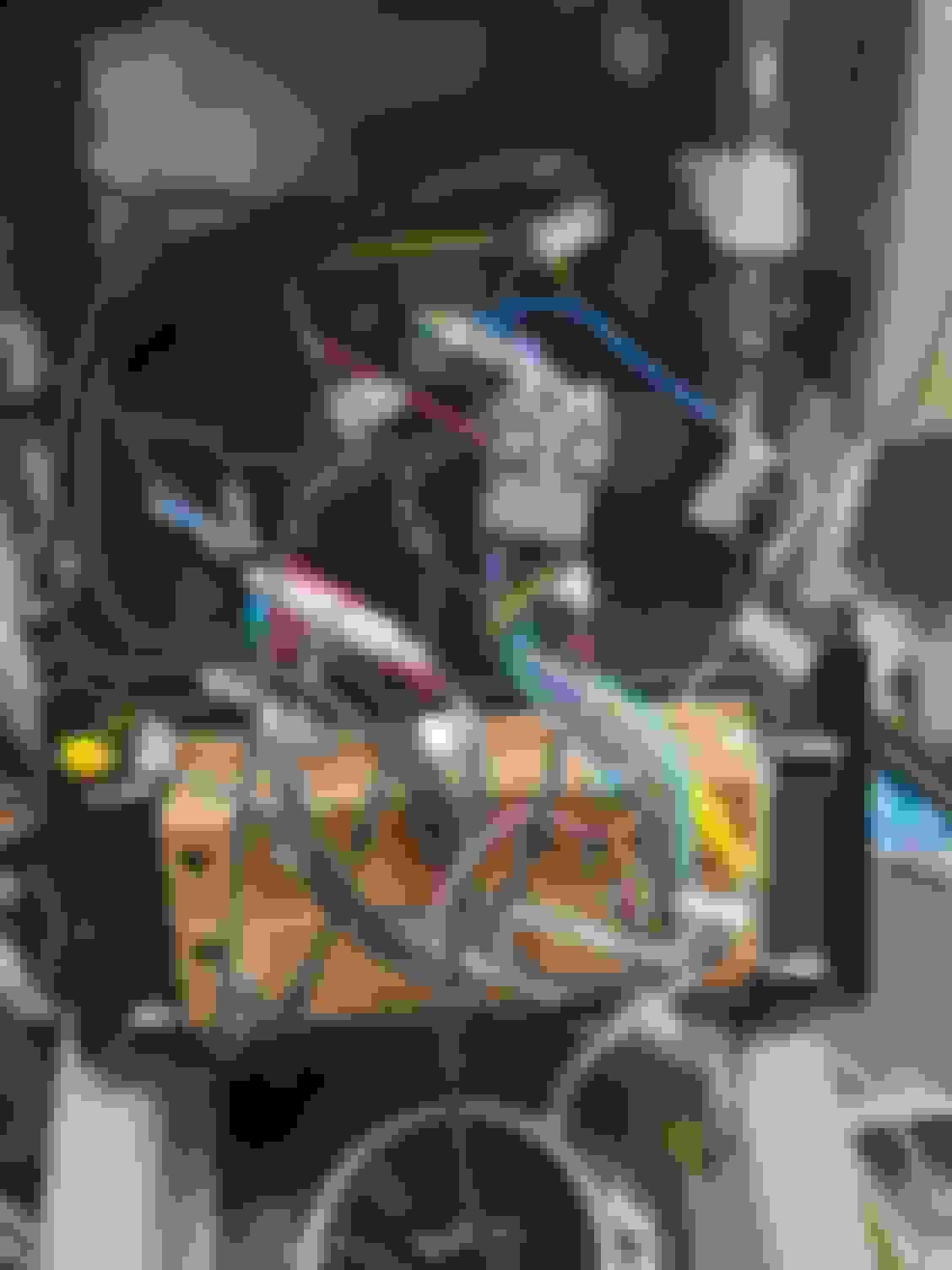
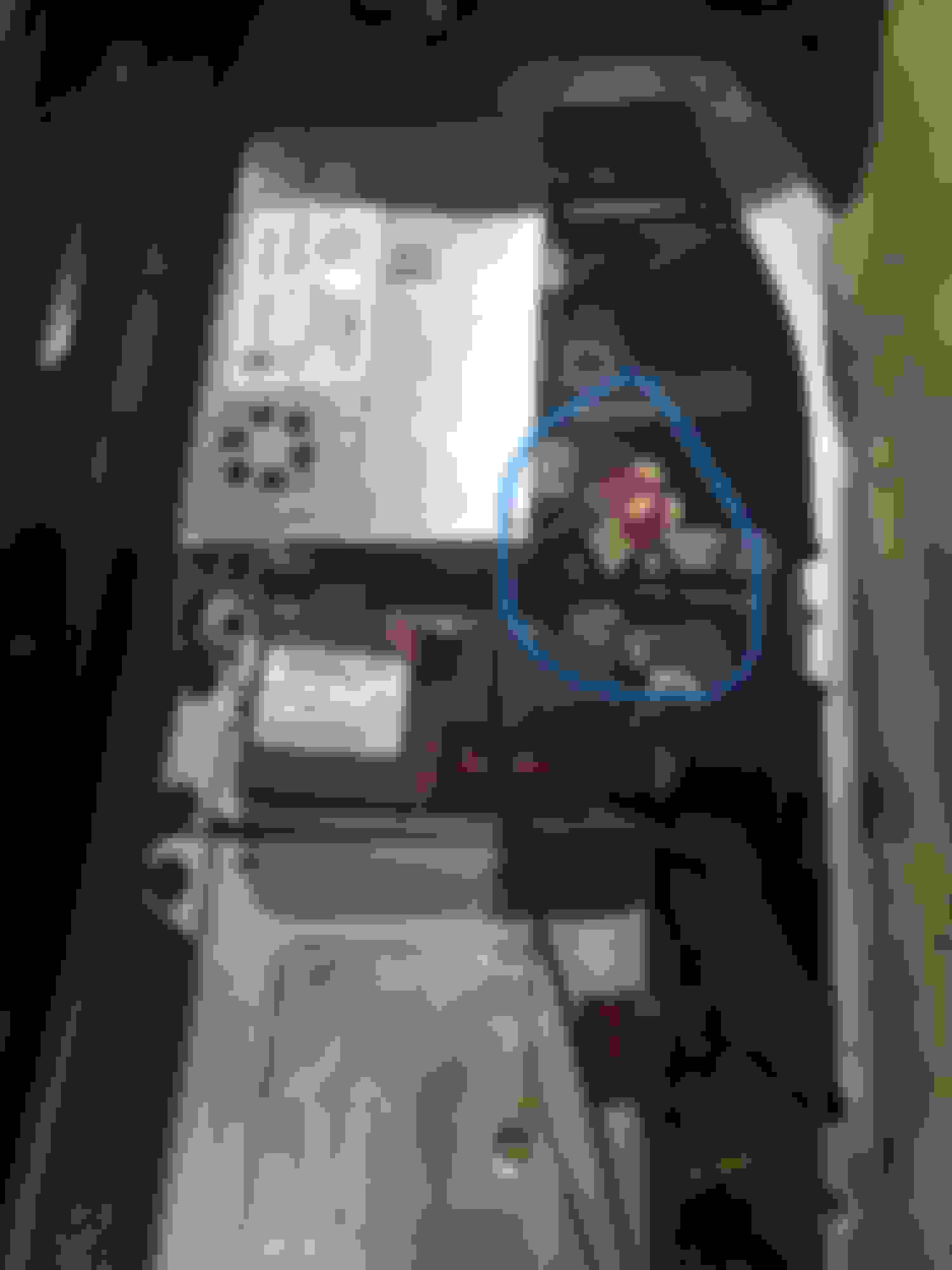
Yep. Working on it right now, I expect it should work.
Any thoughts on my ACC problem? If you have a ML63, you probably had the same thing - I have a R63, so push button start etc. Did your experience any issues with the device staying on after ignition off?
I did not run into that issue, I'm not sure who made the radio but the harness might be different. You might need to change the power to go to the switching. I vaguely remember some information about that in a post or a video. Are you using a most box? I had to wire mine to the harness and theres some specific wiring at least for the AVIN, I wonder if your most interface is staying on. Here is the connection guide they provide.
In the meantime, happy to report success with the camera. Made my own cable using an RCA cable and a pin pulled from an old connector and just connected it to the white wire pin from the quad lock. That connector is unused, btw, so can just remove it like the fiber connector and you’re good.
FM isn’t working, of course. I have these wires:
But connecting the two blue wires didn’t work. I guess I need to run power from somewhere else to AMP-CON? Maybe once I wire the fiber box…
I did not run into that issue, I'm not sure who made the radio but the harness might be different. You might need to change the power to go to the switching. I vaguely remember some information about that in a post or a video. Are you using a most box? I had to wire mine to the harness and theres some specific wiring at least for the AVIN, I wonder if your most interface is staying on. Here is the connection guide they provide.
Thanks - let me read this. I wonder if my seller wired the quad lock wrong … that would be great. So for sure you have push button start and it works for door open/unit off, right? Just confirming it before I rip it apart because on my R56 Mini, after all that work, I discovered the push button versions actually don’t have an accessory wire. Go figure. So it has to be fully off every time the engine switches off. facepalm
Yes I have the push button start. Part of the reason why I went with AVIN is because of the amount of information and support out there to integrate it. With the generic android headunits you never really know if something is wired differently. Actually the whole reason why I upgrade to this is because my stock unit was never turning off despite the screen appearing to be off, it was still drawing 1.1 amps.
Yes I have the push button start. Part of the reason why I went with AVIN is because of the amount of information and support out there to integrate it. With the generic android headunits you never really know if something is wired differently. Actually the whole reason why I upgrade to this is because my stock unit was never turning off despite the screen appearing to be off, it was still drawing 1.1 amps.
Interesting! I wonder if my stock unit did that, too. Yeah, AVIN looked good, but I thought they fell a little bit behind on specs, which is why I went with one of the more recent ones (Ownice). I may yet come to regret it, return it and go with the Avin.
Btw, have you looked into upgrading the OEM camera? I'm happy mine works, but the video quality is pretty awful (as is the angle). Tempted to see if I can solder a "newer" camera on.
Interesting! I wonder if my stock unit did that, too. Yeah, AVIN looked good, but I thought they fell a little bit behind on specs, which is why I went with one of the more recent ones (Ownice). I may yet come to regret it, return it and go with the Avin.
Btw, have you looked into upgrading the OEM camera? I'm happy mine works, but the video quality is pretty awful (as is the angle). Tempted to see if I can solder a "newer" camera on.
Yeah the camera quality is honestly terrible on the stock one now seeing it on a bigger screen. Haven't looked into it but I'd definitely do it if it wasn't too hard.
Yeah the camera quality is honestly terrible on the stock one now seeing it on a bigger screen. Haven't looked into it but I'd definitely do it if it wasn't too hard.
Having looked on eBay, it looks like the OEM camera has four wires in its harness. My *guess* would be one is video, one is power, and the two others, who knows, I should pull up WIS to look, but I'm lazy, heh. The problem is everyone wants $90+ for the OEM camera... while all I want is the actual harness so I can make my own wire, without cutting the OEM harness / camera. I'll try to keep an eye out on scrapyards in case I ever come across a poor condition OEM one, and if I do, my plan is basically to get an eBay R-class camera (i.e. not the license plate mount one, but the one that goes into the OEM mount spot), then wire it into the OEM harness, and see if I can make it work or not.
Right OK. My pin 15, which is supposed to be switched, seems to be ALWAYS providing power. Hmm.
Update: I solved it! Posted my solution in the R-Class forum as well since I was also trolling that thread.
TLDR: disconnect pin 16 on the quadlock.
Detail: Pin 15 is supposed to be hot all the time. I was on the wrong path. The pin that's "supposedly" ACC is pin 16. the problem is that if you have the MOST bus, it seems like the wire that these Chinese units use for ACC, which maps to the "MOST wakeup wire", i.e. pin 16, is hot all the time. This means that the radio will neither turn off nor on; it will just stay on all the time. A guy installing one in his S-Class with an older COMAND wrote about this. So it hit me: it seems like the wakeup signal is NOT sent over pin 16, but maybe over CANbus? Either way: I pulled pin 16 from the quadlock, taped it up, and bam, everything works - unit turns on and off with ignition, and sound follows ignition, too. Somewhat bizarrely, FM started working, too - I connected AMP-CON to ANT, but previously it wasn't working right; but after pulling pin 16, it now is. Search me why.
So my guess is anyone who hasn't had this problem with a Chinese unit had a harness where pin 16 was disconnected.
Hmm. I almost have everything, but AM/FM antenna booster isn’t working. I looked at AMP-CON but my car’s harness actually has nothing on pin 14 that the harness’s AMP-CON connects to.
Has anyone tried any other pins on a 2007 (NTG2) harness?
Hmm. I almost have everything, but AM/FM antenna booster isn’t working. I looked at AMP-CON but my car’s harness actually has nothing on pin 14 that the harness’s AMP-CON connects to.
Has anyone tried any other pins on a 2007 (NTG2) harness?
This is what worked for me. If you have a power control wire, you can connect it to ant power.
if not, connect Acc wire or amp power to ant power.
basically we want to give antenna power only when system is on.
This is what worked for me. If you have a power control wire, you can connect it to ant power.
if not, connect Acc wire or amp power to ant power.
basically we want to give antenna power only when system is on.
The problem on my harness is that there’s nothing in the pin that AMP CON goes to - that’s pin 14 and it’s listed as NC on the diagram, and there’s no pin there on the vehicle’s
side. So I’m currently unsure into what I should feed the 12V line.
Also, looks like I messed up - I fed +12V to the MOST box and the car died overnight. I’m not sure if it’s because the navi was on (the screen was off for sure) or the MOST box kept the amp on all night. Hrmmm.
[EDIT] would you happen to have a closer picture of your harness to see where that blue P.CNTR wire is going on the quad lock?
The problem on my harness is that there’s nothing in the pin that AMP CON goes to - that’s pin 14 and it’s listed as NC on the diagram, and there’s no pin there on the vehicle’s
side. So I’m currently unsure into what I should feed the 12V line.
Also, looks like I messed up - I fed +12V to the MOST box and the car died overnight. I’m not sure if it’s because the navi was on (the screen was off for sure) or the MOST box kept the amp on all night. Hrmmm.
[EDIT] would you happen to have a closer picture of your harness to see where that blue P.CNTR wire is going on the quad lock?
I did the same mistake in terms of battery drain overnight. Following picture shows final working power connections.
pink wire is amp control
Thanks for this. Is there any chance you have the vehicle side diagram, or at least a very close up picture of the vehicle side big connector? I really want to know what pins you have on your harness… because as I was saying, I can find ACC (from my lighter, as my main harness, oddly, doesn’t have one) but I don’t think there’s anywhere I can plug it into on the harness to wake the FM amp
Thanks for this. Is there any chance you have the vehicle side diagram, or at least a very close up picture of the vehicle side big connector? I really want to know what pins you have on your harness… because as I was saying, I can find ACC (from my lighter, as my main harness, oddly, doesn’t have one) but I don’t think there’s anywhere I can plug it into on the harness to wake the FM amp
I took those pictures back in January when I did the install. I was planning to do a write up but just haven't gotten around to do it. So, unfortunately those are all pictures that I have for now.
You don't need ACC. For MOST adapter, you can tap into 12 volt from vehicle side harness which you probably already have, the ACC connection on MOST adaptor is to be connected to AMP Power from Android Unit. So, basically ACC gets the wake up signal from android unit. Therefore MOST adaptor ACC <---> amp control or AMP power from android unit.
For FM power, you can give it either Amp power which will make FM antenna on all the time as long as car is running, or you can give it auto ANT which will turn it on only when FM radio is selected on android unit.
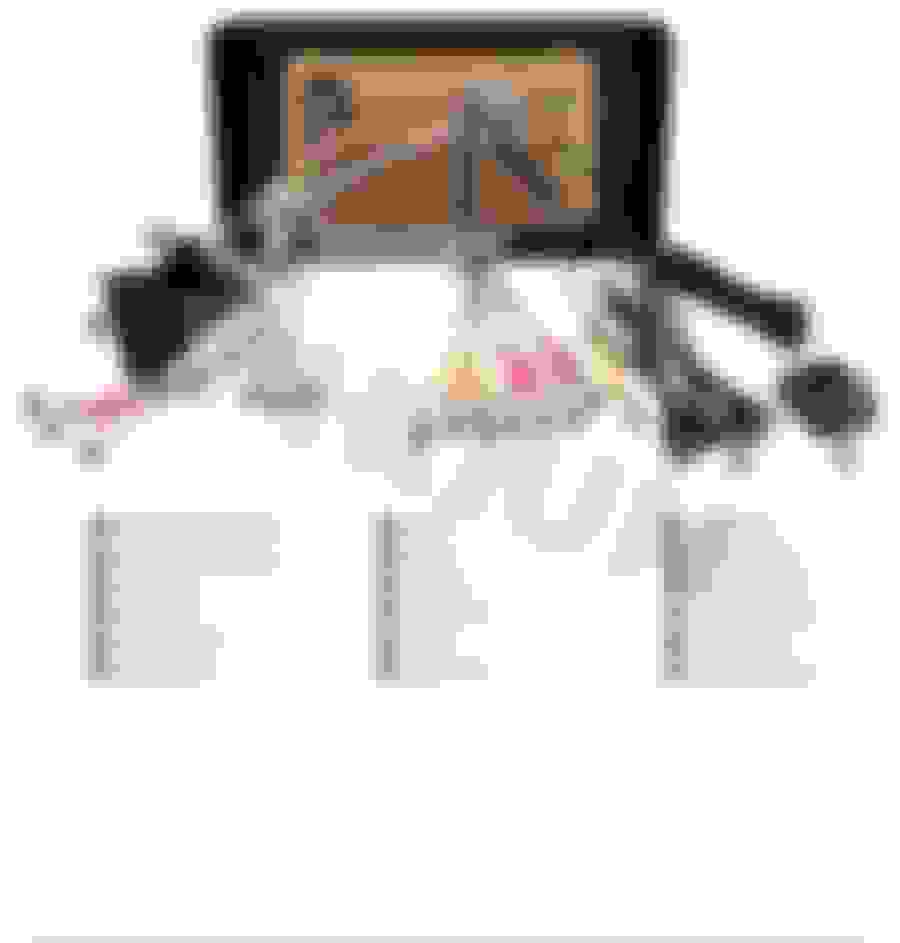
Now your last question about which wire for vehicle side FM power. I found this picture of my unit so it is number 5 and number 6 connection. This picture is from an ebay listing.
I took those pictures back in January when I did the install. I was planning to do a write up but just haven't gotten around to do it. So, unfortunately those are all pictures that I have for now.
You don't need ACC. For MOST adapter, you can tap into 12 volt from vehicle side harness which you probably already have, the ACC connection on MOST adaptor is to be connected to AMP Power from Android Unit. So, basically ACC gets the wake up signal from android unit. Therefore MOST adaptor ACC <---> amp control or AMP power from android unit.
For FM power, you can give it either Amp power which will make FM antenna on all the time as long as car is running, or you can give it auto ANT which will turn it on only when FM radio is selected on android unit.
Now your last question about which wire for vehicle side FM power. I found this picture of my unit so it is number 5 and number 6 connection. This picture is from an ebay listing.
Wait a second. You’re suggesting that the ACC red wire on the MOST adapter should be going to AMP CON on the android… woah. I didn’t even think of that. That’s a good idea. I’m going to try this. This should indeed solve the power drain. Cool.
That would just leave the FM antenna. I see it’s wires 5/6 on your photo, but unless the Android unit sends a CAN signal to wake up the radio (which I doubt), I need something to receive the switched 12V from the AMP power wire … and none of the wiring schematics seen to suggest there’s any antenna power wire on the vehicle side. Hrm. I feel like I saw pin 13 on one diagram, might just plug that in and see if a fuse blows … lol
No microphone came with it, I connected it to the OEM microphone with the adapter that came with it. No music info shows on my dash screen, only the radio stations when I pull that screen up which allows me to change stations via the steering wheel controls
Hey Rich, this is probably way out of date, but in case you still could not get the phone to work I will post this.
this .I seem to remember from my w164 android that Bluetooth phone was output through only front or only rear channel. You may not hear anything because you have the 'wrong' channel plugged into the fiber converter (RR and RL vs FR and FL). This may not be the case on your unit but may be worth a shot?
So for my fellow 2011+ guys I think I finally got the fm radio reception perfectly working
Hey WaveyKat, question for you. If the Sirius tuner under the rear seat provides FM reception to Command, then there must be a connection from it to Command, right? Can't one just use that connection and connect it directly to fakra antenna on one side and to the android on the other? (Eliminating the need for the long fakra)
Or is the tuner a computer of its own and talks to command through can is or something?
I have a 2007 GL450, i installed the AVIN head unit back in January and i have been fighting ghosts ever since. The AVIN folks have sent me software 10 times, but it is usually the wrong software. I have finally gotten almost everything working, but i have two issues that i cant figure out:
1 -- The backup camera only works sometimes, every 4th or 5th time i go in reverse the image will come up, other times, it is just a black screen
2 -- there is a very loud high pitched squeal that randomly occurs at least once every trip... the pitch is always the same but the volume and duration will change. it usually is so loud is scares the crap out of me while im driving. it will do it no matter what is connected or playing, radio, carplay (i have the wired adapter), or BT.
At this point my wife wants me to pull it out and put the original HU back in!
Please help!
Hey, Did you ever figure out the high pitch? I am having the same issue
I’m not sure for other model year but for those of us who are missing that Fakra FM Antenna Wire that was supposed to be plugged into Factory Radio this fix may work for you!
So in my previous post I bypass the Sirus tuner and plug a new Fakra cable directly into the FM Antenna Amplifier that was mounted in tailgate.. but I had no idea how I was going to run the fakra cable into headliner to the radio..
Parts you will need New 15 feet or longer Fakra-Z cable one end female other end Male..
so under the driver side second row seats there you will find the Sirus tuner and some other components..
unplug double White Fakra Cable from the Sirus Tuner
and plug in your new male side Fakra-Z cable try both double fakra .(you will have to shave the tab off the male head) for it to fit into the factory double white fakra. Plug the under end of the female fakra-z into the Avinusa unit verify that it’s picking up the FM reception..
once everything is working it’s time to route your cable neatly hide away..
route the cable under the rear seat to the left side rear door seal you may have to remove the sill plate it pulls up easy just take your time.. tuck your cable along the plastic sills and carpet.. running along the driver side pull up the driver side weather strip and run the cable up and into the dash. Remove the 3 screws holding the bottom panel of the driver side dash and route the cable to the Avinusa radio.. tuck and replace all panels and enjoy..
everything took be about 20-30 mins snake/tuck and replace panels..
Hope this help other.. enjoy!
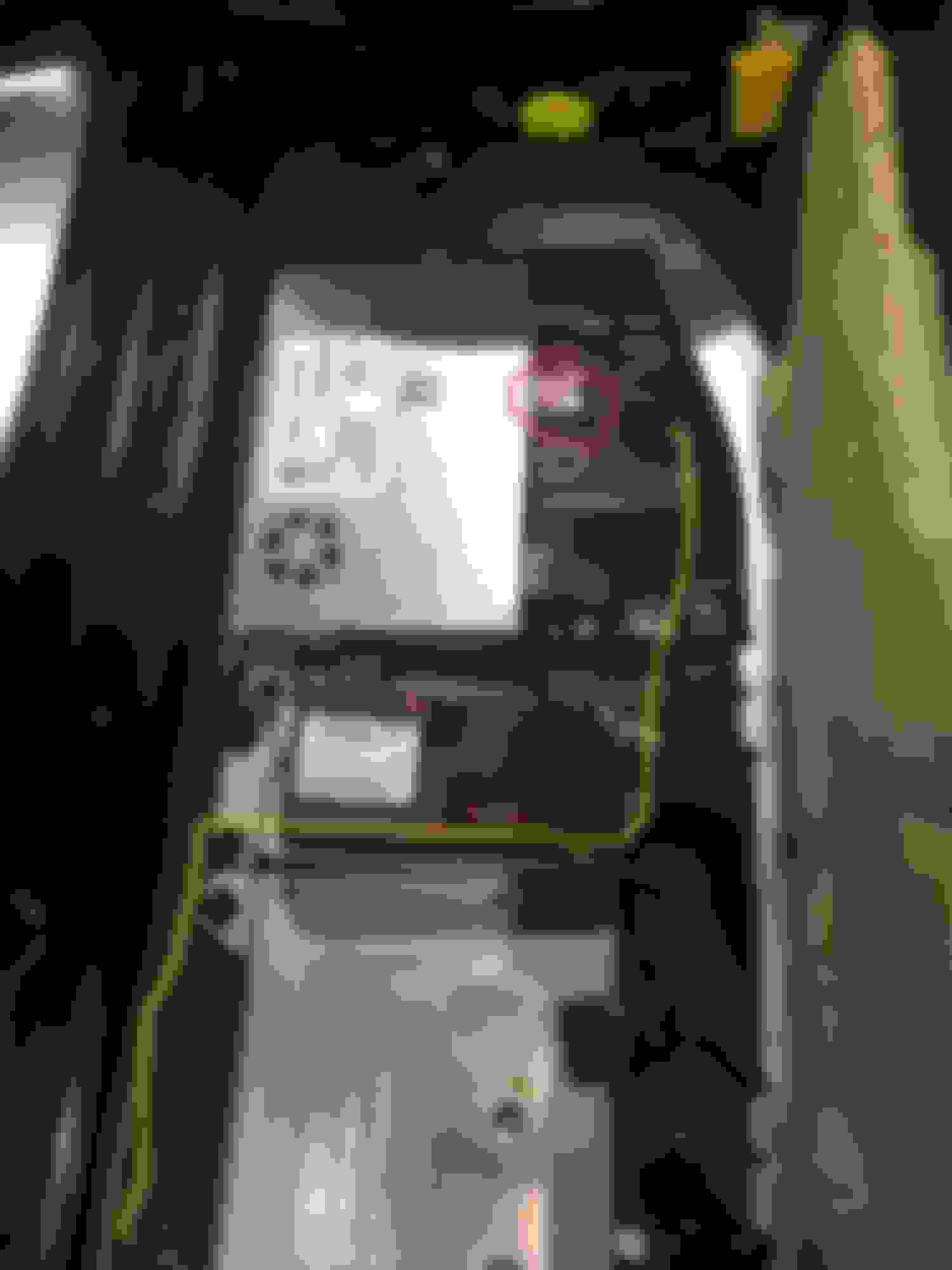
Red circle: White Double Factory Fakra Cable Yellow Line: is how I route my cable after connection is made! Blue Circle: Double Fakra Removed and connected to New Fakra-Z Male
I know that this thread is a bit dated and I've read every post but hoping that WaveyKat, Icey, one of the Rich's or anyone else can help me. I have a 2009 ML350 4matic with Harmon Kardon. I don't really want to get into the HU replacment... yet. My SiriusXM (orig equipment) reception has become spotty with "No Service" message coming and going. I know there is a satellite control unit (see pic from WaveyKat) under rear left seat. I believe that an antenna for the satellite then comes out of here and goes to the flat antenna in the roof near the hatch. I want to try and just plug a generic satellite antenna into this control unit and see if that solves the problem. I purchased one to replace the BLUE top wire coming out of the satellite unit under the seat but what I purchased does not fit. The connector on what I purchased is FAKRA but a slightly different config. I'm figuring that I could "make it work" but won't go that route until more investigating so I can return the part if I have to. It looks to me like you all were focusing on the double white FAKRA connection (middle of the unit) trying to get your FM to work.
Question: Do you think the top blue FAKRA plug is the antenna for the satellite and if so, by replacing that, do you think that could solve my issue? I'm realizing that if this does not work than I will then try replacing the satellite unit itself and if that does not work then I'll have to go the HU replacement if I want SiriusXM back. FYI, everything else works fine (BT/FM/AM/backup cam/steering wheel controls.
However, did not address the radio reception issue. When I read this post, I thought, aha, I'll try it, however when I opened my back seat I did not find the HD Tuner, instead I found this:
Digging deeper, I found that what I was looking for was actually bolted underneath of this thing:
Unlike WaveyKat I saw that it was a double-fakra instead of a single one, probably one of them supplies power and the other is antenna.
This setup did a "good enough" job, I might try to plug the other one in for more power to the antenna. (Non purple side for the better reception)
Quote:
Originally Posted by WaveyKat
I’m not sure for other model year but for those of us who are missing that Fakra FM Antenna Wire that was supposed to be plugged into Factory Radio this fix may work for you!
So in my previous post I bypass the Sirus tuner and plug a new Fakra cable directly into the FM Antenna Amplifier that was mounted in tailgate.. but I had no idea how I was going to run the fakra cable into headliner to the radio..
Parts you will need New 15 feet or longer Fakra-Z cable one end female other end Male..
so under the driver side second row seats there you will find the Sirus tuner and some other components..
unplug double White Fakra Cable from the Sirus Tuner
and plug in your new male side Fakra-Z cable try both double fakra .(you will have to shave the tab off the male head) for it to fit into the factory double white fakra. Plug the under end of the female fakra-z into the Avinusa unit verify that it’s picking up the FM reception..
once everything is working it’s time to route your cable neatly hide away..
route the cable under the rear seat to the left side rear door seal you may have to remove the sill plate it pulls up easy just take your time.. tuck your cable along the plastic sills and carpet.. running along the driver side pull up the driver side weather strip and run the cable up and into the dash. Remove the 3 screws holding the bottom panel of the driver side dash and route the cable to the Avinusa radio.. tuck and replace all panels and enjoy..
everything took be about 20-30 mins snake/tuck and replace panels..
Hope this help other.. enjoy!
Red circle: White Double Factory Fakra Cable Yellow Line: is how I route my cable after connection is made! Blue Circle: Double Fakra Removed and connected to New Fakra-Z Male
After hooking up the AM/FM this way, eventually the system started buzzing during a drive, like a bad ground-loop, trying to troubleshoot ended up with popping noises from Optic decoder.
Overall, it would be great if the headunit had some proper wiring instructions and not require a separate optic decoder, better harness to adapt the factory one.
I have never had so many complications installing an after market head unit as with this one, lol. I reverted, no strong signal, but at least I'm not getting an annoying feedback buzz.
Quote:
Originally Posted by anothermarcus
Thank you WaveyKat for your great post.
Honestly, I have been struggling with installation of my AVIN unit, these two videos helped a lot.
However, did not address the radio reception issue. When I read this post, I thought, aha, I'll try it, however when I opened my back seat I did not find the HD Tuner, instead I found this:
Digging deeper, I found that what I was looking for was actually bolted underneath of this thing:
Unlike WaveyKat I saw that it was a double-fakra instead of a single one, probably one of them supplies power and the other is antenna.
This setup did a "good enough" job, I might try to plug the other one in for more power to the antenna. (Non purple side for the better reception)
I have a 2008 GL450. However, mine does not seem to behave as described in this thread. What I read appears to say that once the MOST adapter is powered then sound should work. I can clearly see the MOST adapter working. However, no sound.
I have connected MOST ACC to Android AMP CON. Still the AMP does not wake up. However, some times it comes on. No idea what is going on. I don't understand how power to the MOST adapter wakes up the Amplifier.
Turns out that my SDAR satellite unit which has blue Fakra (Satellite) and middle double fakra (AM/FM) plugs was defective. Sent unit to Hi-Tech Electronics in Van Nuys, CA who confirmed defective satellite module in unit and that the AM/FM module was fine. They replaced in one day and sent back. Works perfect now and cost $285 plus shipping.Hi-Tech Electronics
i have a STAR/DAS System And was Messing around with it not sure what i did.. but i know when i was trying to remove the COMAND from the System it was password Protected needed online access.. but the next day i notice the Clock/Date Menu..
I know this from 2019 lol but do you have a name for your star/das? I want to by one. I'm missing gps clock and auto on cluster display and want to fix. Thx in advance
Slideshow: A one-of-one U.S.-spec Mercedes-Benz SLR McLaren Roadster became even rarer after a factory-backed transformation at McLaren's headquarters.