When you click on links to various merchants on this site and make a purchase, this can result in this site earning a commission. Affiliate programs and affiliations include, but are not limited to, the eBay Partner Network.
Hello all!
Quick question. Is there a way to make Android Auto actually use the full 10.25 inches of the multimedia screen instead of just about 2/3 of the screen?
I do not believe there is a way. From what I read new MBUX 2.0 give you full screen access for Android Auto and Apple Carplay. Would be nice if older model years can be updated to MBUX 2.0, but I am not sure if hardware is compatible with it.
Tried different setting and changing resolutions via Android Auto developer setting. Nothing changed except the layout.
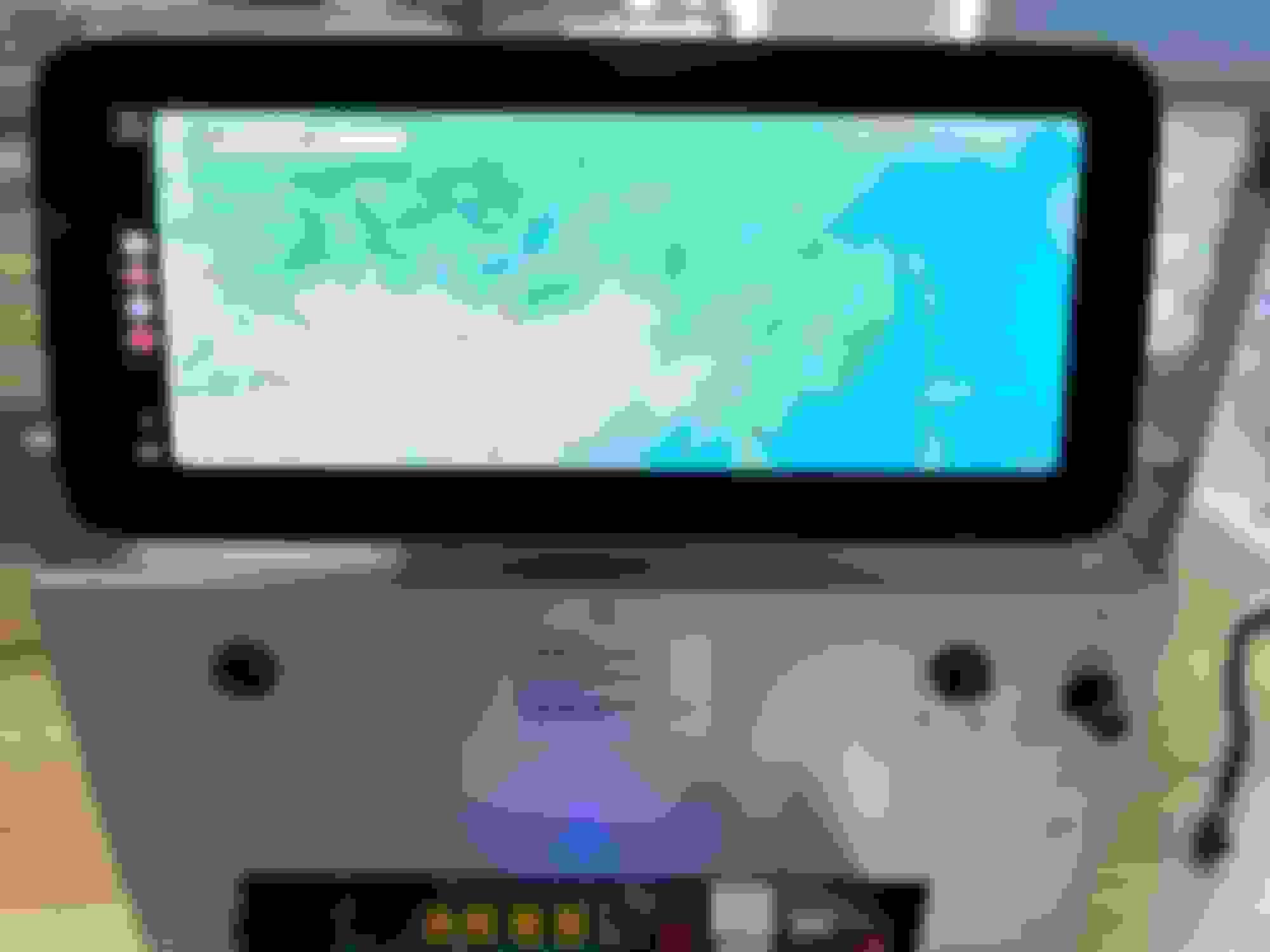
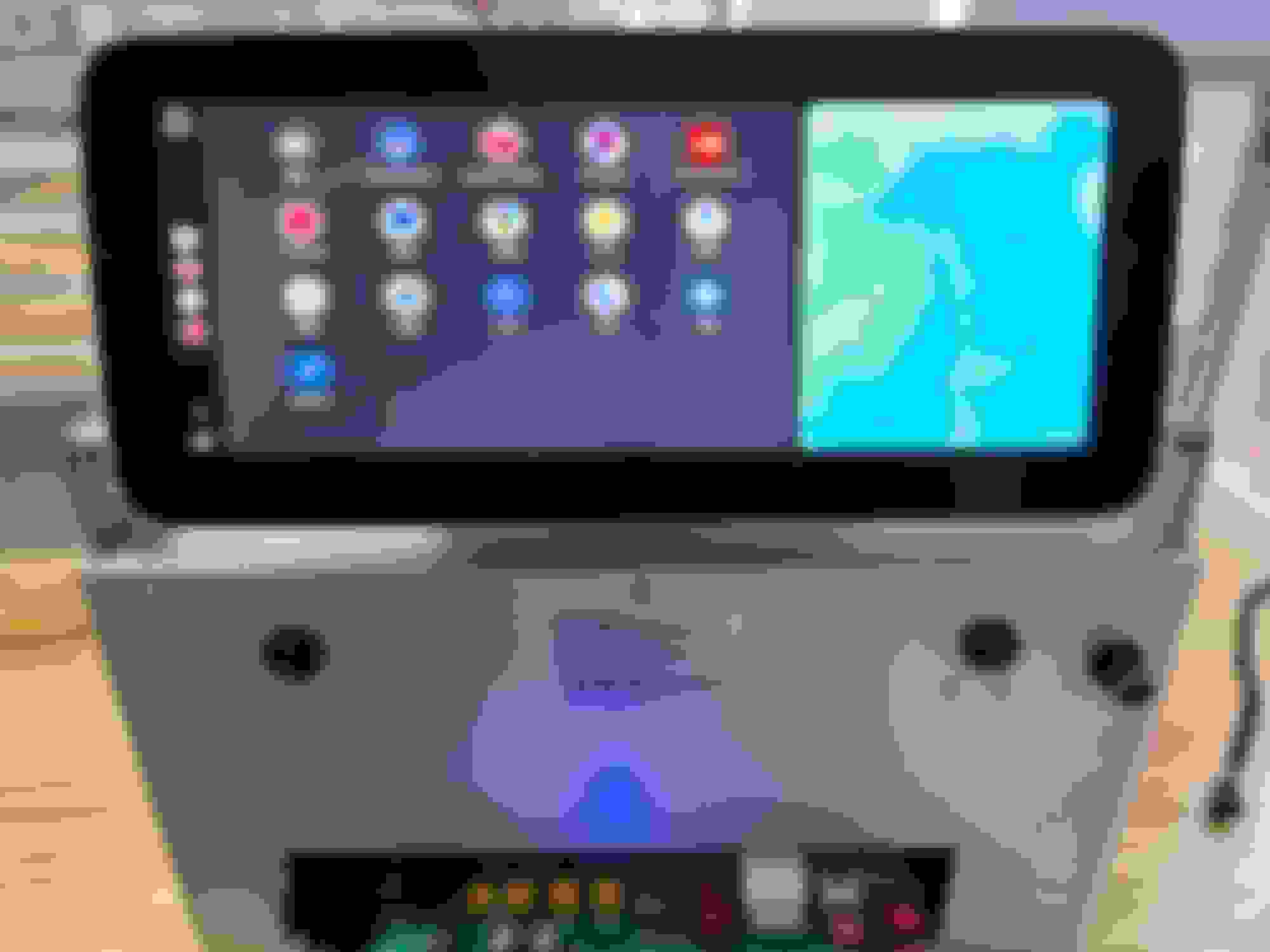
I prefer the layout using the adapter as it displays the recently used icons below the map, effectively making the map look widescreen. And seems to use a higher resolution
The normal layout just using my phone hooked up to the car looks like a 4x3 box that is zoomed in (so lower resolution?) with the icons to the left of the map. So the map looks smaller to my eyes.
Just FYI
Do you know if there is already any way for GLB 200 2022 to get Android Auto fullscreen?
Anyone tested any of those external wireless unit? any of them any good with getting the full screen? Thanks
I'd be delighted to be able to MIRROR my Android Screen on the 2024 GLC300, along with the ability to touch apps and open them on the vehicle's big screen. Google MAPS is the only app that is included with the Android Auto software. I use several others in the car that Android Auto will not put on the big middle screen, which is why I want to mirror my phone to that screen. But thus far, I haven't found a way to do so with this year's GLC300. Older cars only.
Hello, Mercedes has deliberately limited the display of Carplay so that it cannot be displayed over the full width of the screen. So if you want to show AA/CarPlay in full screen mode you will need a carplay module kit special for Mercedes. Check this carplay module kit here: https://www.carputech.com/products/w...r-link-airplay
Wireless Android Auto:
I can confirm that AAwireless unit works perfectly and provides Android Auto in full screen. All you need to do is enable AA over CP (Android Auto over Car Play) in advanced settings. Proof:
Hello all!
Quick question. Is there a way to make Android Auto actually use the full 10.25 inches of the multimedia screen instead of just about 2/3 of the screen?
Hello! I purchased this product and it worked perfectly. 2019 Mercedes C300, there is a setting that you have to turn on called 'AA over CP' (Android Auto over Car Play) everything works well.
I would like to revive this topic. Is there a practical way of enabling full screen AA on MBUX system? Does enabling Coolwalk in AA (phone) makes any difference or is it a limitation from MB side?
So far I used the AA over CP method with AAwireless unit. It technically works but has several major flaws:
1. Display resolution is low (it is projected AA over CP)
2. Calls either do not work or cause AA to crash
3. AA crashes itself for no apparent reason from time to time
4. This solution is no longer viable for new users (AAwireless current gen devices do not support this feature).
Mercedes SLR McLaren 722 S Is Extremely Rare Example Modified by McLaren
Slideshow: A one-of-one U.S.-spec Mercedes-Benz SLR McLaren Roadster became even rarer after a factory-backed transformation at McLaren's headquarters.