When you click on links to various merchants on this site and make a purchase, this can result in this site earning a commission. Affiliate programs and affiliations include, but are not limited to, the eBay Partner Network.
Sorry if it's in the wrong sub-forum; it's directly relevant to the 2022 GLE 580 order I'm trying to place. Here's a situation:
1. Dealer #1 I'm working with - no allocations for 580 in 2021 for now. They claim that they get more allocations monthly and should know more in the upcoming weeks/months. I like this dealer slightly better the way they treated us so far, but they're also pretty far away (~1.5 hour drive). Price: MSRP.
2. Dealer #2 has a 580 allocation at the end of 2021 (either Nov and Dec, need to verify). According to them, the dealers are unlikely to get any additional allocations for 580 in 2021 after what's available now. They're also much closer (~30m away) and I'd much rather use their service center due to proximity. MSRP +5/10k, but the sales person promised MSRP as long as I commit.
Questions:
1. Which dealer is correct -- do they get extra allocations for the upcoming months all the time or no? I'm okay with waiting 6 months, as long as it's not the case where dealer #1 is pulling my leg and come December I will discover I'm still 6 months away.
2. Is it much easier/faster to just go with the dealer #2 for a guaranteed allocation (as long as they can match MSRP)?
We just heard this story recently about a 2021 allocation that turned out to be false.
I discussed orders with the General Manager recently and he said that all his orders have been 2022 for weeks. If you consider Dealer 2, you might want to ask to see the actual Allocation.
We just heard this story recently about a 2021 allocation that turned out to be false.
I discussed orders with the General Manager recently and he said that all his orders have been 2022 for weeks. If you consider Dealer 2, you might want to ask to see the actual Allocation.
The dealer 2 has an active allocation for 2022 model year (scheduled for the end of 2021 calendar year), it's in their system and currently available for editing and putting the order in.
The dealer 1 doesn't have allocations for GLE 580s for model year 2022 at all, but hoping to get it soon.
The dealer 2 has an active allocation for 2022 model year (scheduled for the end of 2021 calendar year), it's in their system and currently available for editing and putting the order in.
The dealer 1 doesn't have allocations for GLE 580s for model year 2022 at all, but hoping to get it soon.
That makes sense…from your post I mistakenly assumed you meant 2021 MY.
The situation with ordering these cars is quite depressing to be honest. You spend a lot of time researching, customizing, waiting, and have no idea if your car will actually get built within the time frame you were told not to mention with the options you wanted. You could wait 3-4 months only to find out in the last minute you lost the auto cruise control which was a deal breaker and you are back to square one. No way to know when it will get built and what will get built precisely. I think 9 out of 10 cars that were custom ordered recently were either delayed or built with less options than they were customized or both. Maybe its best to wait a year and not only get a discount on the same car, get the car you want the way you want by the time you want.
The situation with ordering these cars is quite depressing to be honest. You spend a lot of time researching, customizing, waiting, and have no idea if your car will actually get built within the time frame you were told not to mention with the options you wanted. You could wait 3-4 months only to find out in the last minute you lost the auto cruise control which was a deal breaker and you are back to square one. No way to know when it will get built and what will get built precisely. I think 9 out of 10 cars that were custom ordered recently were either delayed or built with less options than they were customized or both. Maybe its best to wait a year and not only get a discount on the same car, get the car you want the way you want by the time you want.
You always have the option to refuse a car with anything missing from your order. They come with normal Cruise control so DAP is the issue. On my last two GLE’s that has been the most troublesome part of the electronics. The Distronic function comes in handy but doesn’t work as good as it should at best. Even if they fix traffic signs there are still some issues. I would take a pass next time and wait until it’s solid at level 2 SD…even better if it was 3. It’s an expensive gimmick, IMO.
There’s a good chance that initial 2022’s might be delivered as ordered since they have already made a decision on restrictions vs the supply chain.
I have a 22 GLE 63 on order since June. It will be a 2022 for sure, hoping for a November delivery.
I know AR and the Dashcam have been removed since i entered it. I learned this last Friday. Waiting to see if this gets put back in, or if anything else drops.
I can attest to the fact that they are not doing the augmented reality video option for now. My 21 order got messed up (they got the completely wrong color) so doing a 22 order now and the manager told me they can't do the augmented reality. It just sucks that you need that option to get the full screen navigation on the dashboard. If anything I wanted it more for that than anything but whatever not a deal breaker. However wrong color is definitely a deal breaker.
I can attest to the fact that they are not doing the augmented reality video option for now. My 21 order got messed up (they got the completely wrong color) so doing a 22 order now and the manager told me they can't do the augmented reality. It just sucks that you need that option to get the full screen navigation on the dashboard. If anything I wanted it more for that than anything but whatever not a deal breaker. However wrong color is definitely a deal breaker.
Are you sure about that?
Do you mean the instrument cluster, or the dash in front of the console?
I have driven two cars without Augmented Video, and as I remember they both allowed full screen NAV in the instrument cluster. But there are so many combinations of views that I may be mistaken.
Are you sure about that?
Do you mean the instrument cluster, or the dash in front of the console?
I have driven two cars without Augmented Video, and as I remember they both allowed full screen NAV in the instrument cluster. But there are so many combinations of views that I may be mistaken.
I thought an earlier discussion was about the DIC, driver side but I just tried it. I couldn’t find a way to activate map except in 1/3 screen. Messing around at stop lights so could have missed something. The Camera isn’t full screen so I’m scratching my head about this subject and Augmented.
Are you sure about that?
Do you mean the instrument cluster, or the dash in front of the console?
I have driven two cars without Augmented Video, and as I remember they both allowed full screen NAV in the instrument cluster. But there are so many combinations of views that I may be mistaken.
Sorry when I said dashboard I meant instrument cluster in front of the driver. I'm very confused about this functionality because I am hearing opposite things. I'm hearing you can't have a full screen NAV on the instrument cluster without the augmented reality but from your experience you said you can. Obviously not a deal breaker but just curious to know what the actual functionality is.
This is how I understand it:
Full-screen nav in the instrument cluster and video playback on MBUX is available only if your vehicle has option code 549 - MBUX "high-end".
When AR nav is optioned, 549 is guaranteed to be included because it's required for the video playback.
Without AR nav, it seems to be up to chance if you get 549 or the mid/low-end MBUX instead.
This is how I understand it:
Full-screen nav in the instrument cluster and video playback on MBUX is available only if your vehicle has option code 549 - MBUX "high-end".
When AR nav is optioned, 549 is guaranteed to be included because it's required for the video playback.
Without AR nav, it seems to be up to chance if you get 549 or the mid/low-end MBUX instead.
Any tip on how to access full screen. I have AR and didn’t find it toggling through the Driver screen menu’s. I’ll check the main menu later. I think I might remember seeing it once so it’s probably there. Maybe I don’t have AR on my build it comes up U19-Augmented Video for Nav. That is the only option so answering my own question…U19 =AR.
Edit-I checked my detail build sheet and I have no option 549 either.
I ordered AR for 2022 450. Dealer just told me yesterday that it is deleted for now, but he’s trying a few things to get it added back in the car. I have no earthly idea what that could possibly mean. My build is supposed to be mid Sept for late Sept/early Oct delivery. Frankly, my head is exploding with this thread as to what does or doesn’t work with and without AR. I really wanted the AR, but if it is deleted, does that mean NO full screen Nav in either driver instrument cluster AND dash over console?
I can't comment on having full screen nav in the instrument cluster as I haven't tried it yet but you still have full screen display in the center display. I had ordered augmented video but it was dropped during production.
I ordered AR for 2022 450. Dealer just told me yesterday that it is deleted for now, but he’s trying a few things to get it added back in the car. I have no earthly idea what that could possibly mean. My build is supposed to be mid Sept for late Sept/early Oct delivery. Frankly, my head is exploding with this thread as to what does or doesn’t work with and without AR. I really wanted the AR, but if it is deleted, does that mean NO full screen Nav in either driver instrument cluster AND dash over console?
I’m beginning to think that some are confusing the GLE with another car. I have DAP and U19 Augmented Video for Nav(AR). There are no other options listed to order on the GLE. There is no setting for full screen Nav on the Driver Side that I can find on my car.
As I mentioned earlier it doesn’t make sense anyway since the AR camera stoplight function isn’t full screen in the display.
I’m beginning to think that some are confusing the GLE with another car. I have DAP and U19 Augmented Video for Nav(AR). There are no other options listed to order on the GLE. There is no setting for full screen Nav on the Driver Side that I can find on my car.
As I mentioned earlier it doesn’t make sense anyway since the AR camera stoplight function isn’t full screen in the display.
I ordered 2022 GLE 450. I should know in a couple of weeks if the AR is deleted. If they also delete the DA option, I'll ditch my order.
My wife's car has full screen Navigation in the Instrument Panel, the car has AR and code-549. To get to the full screen Navation, hit the return/home button on the left side of the steering wheel.
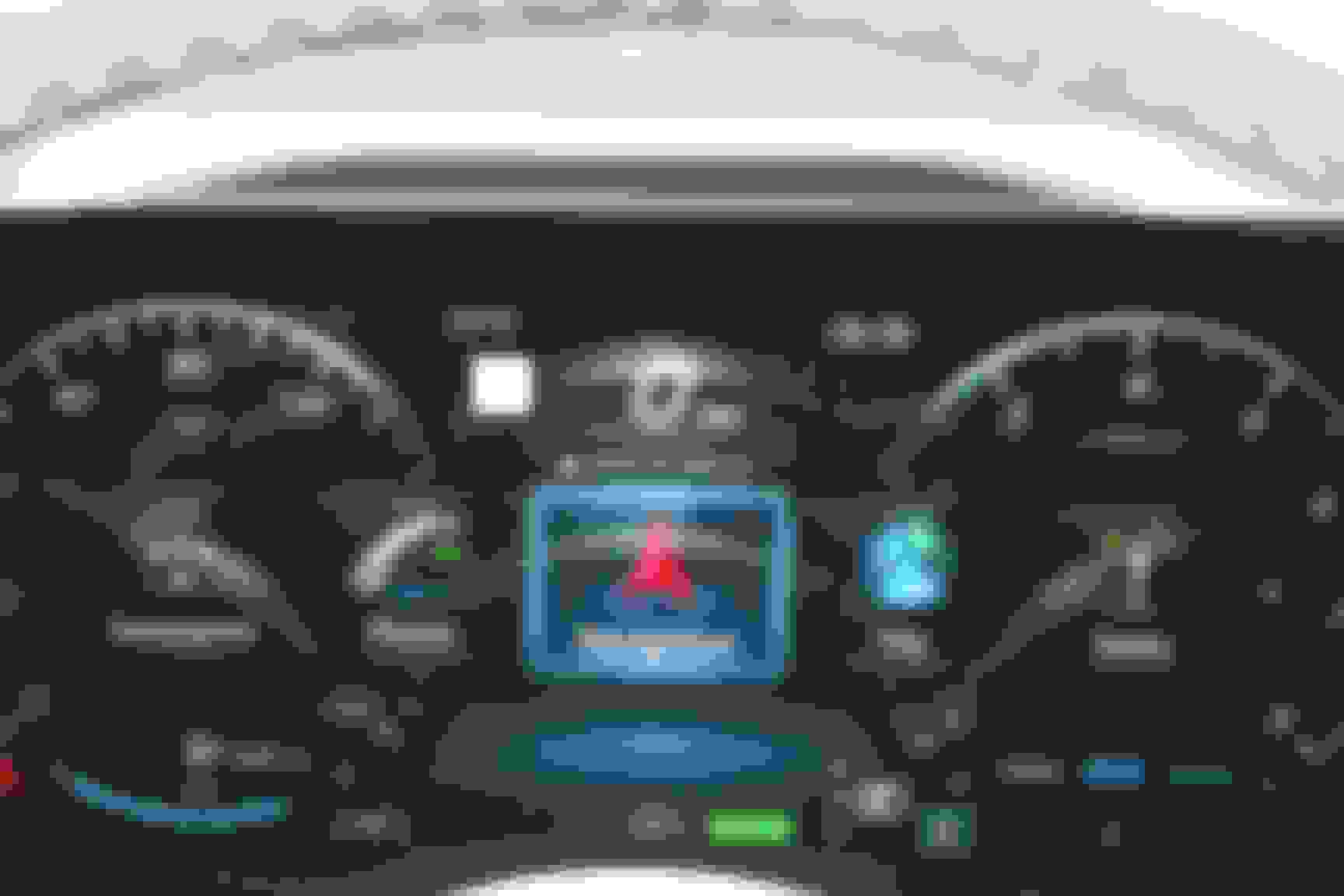
Move to Navigation (please excuse the dust on the screen)
Select Navigation and scroll down/up to Full Screen
There is no full screen navigation on DASHBOARD - not the side screen, without AR. This feature alone is why people add this because without the full screen nav on dashboard, the dashboard cant be used for navigation. Using dashboard for navigation allows you to use the side screen (in full form) for a lot of other things such as carplay/music/etc.
My wife's car has full screen Navigation in the Instrument Panel, the car has AR and code-549. To get to the full screen Navation, hit the return/home button on the left side of the steering wheel.
Move to Navigation (please excuse the dust on the screen)
Select Navigation and scroll down/up to Full Screen
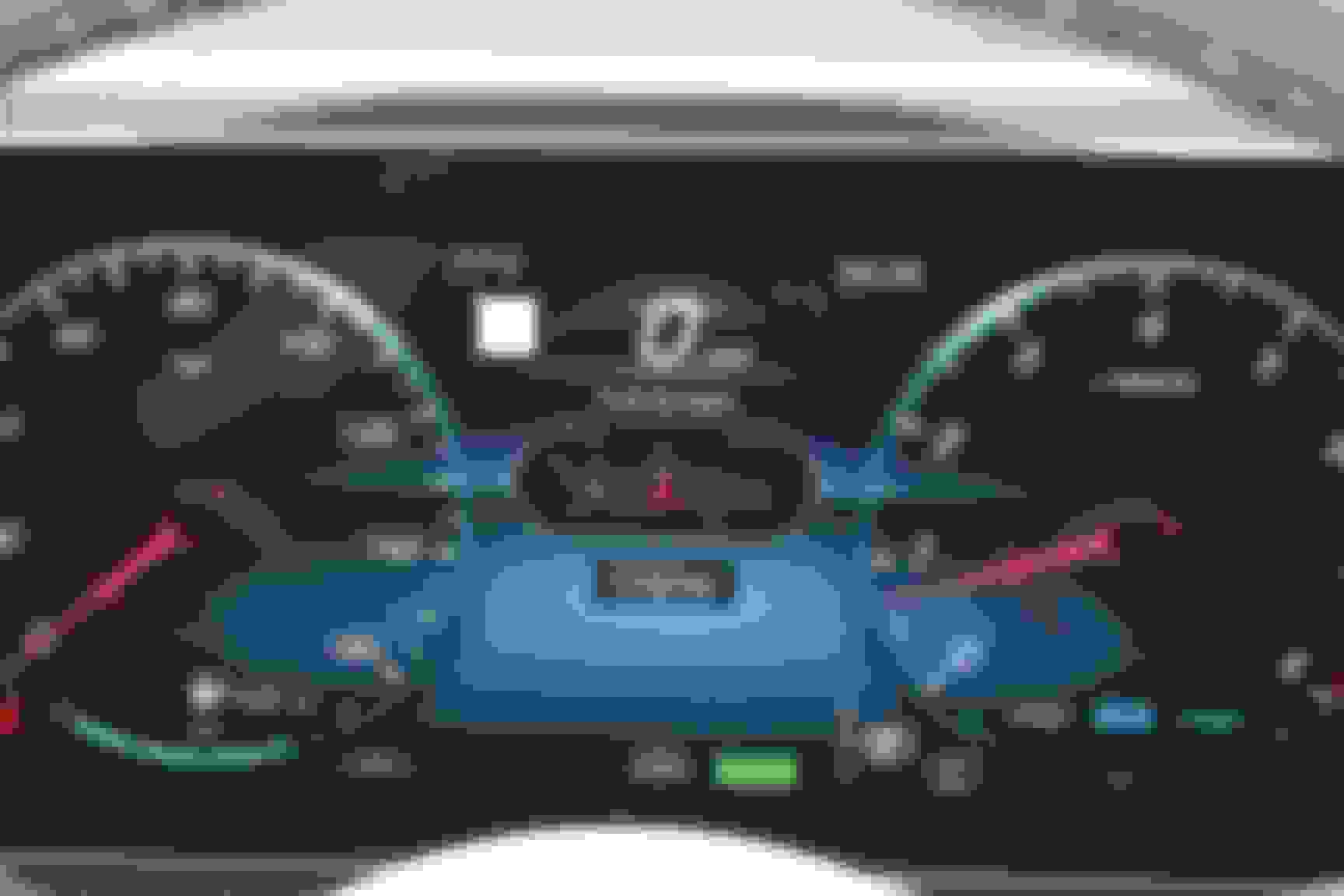
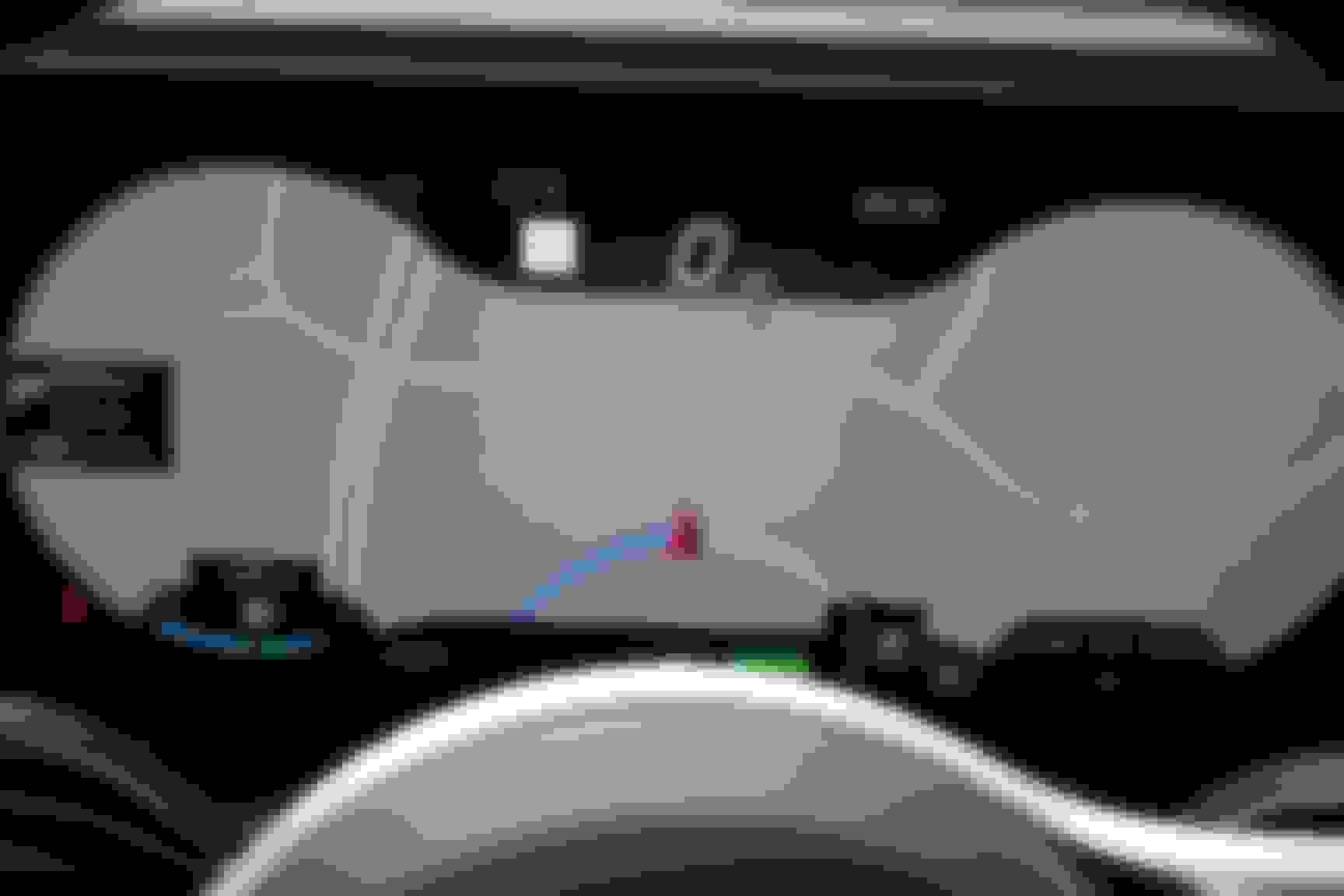
Then select Full Screen and you get:
Thanks for clearing that up…I found it now. With HUD directions I would seldom if ever use it but this seems to clear up any question about what you get with & without. 👍
Mercedes SLR McLaren 722 S Is Extremely Rare Example Modified by McLaren
Slideshow: A one-of-one U.S.-spec Mercedes-Benz SLR McLaren Roadster became even rarer after a factory-backed transformation at McLaren's headquarters.