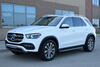
I have a 2020 GLE 350 with the 360 degree camera option. Is it yet possible to enable the dashcam capabilities?
I also have the AR navigation as well (not sure if that is a pre requisite to activating the dashcam)
RJ Automotive should be able to unlock this for you.
Thank you. I reached out to them and they mentioned that this will be possible through the Mercedes Me app, which is coming to US later this fall.
However they dont recommend it, as according to them the built in camera quality is poor.
Thank you. I reached out to them and they mentioned that this will be possible through the Mercedes Me app, which is coming to US later this fall.
However, they don't recommend it, as according to them the built-in camera quality is poor.
You have 2020 without the 21U option and were told you could enable it with the upcoming Mercedes me app. I have the 21U option and they could not help me with the auto record. I agree camera resolution is not very good but it does the job.
You have 2020 without the 21U option and were told you oud enable it with the upcoming Mercedes me app. I have the 21U option and they could not help me with auto record. I agree camera resolution is not very good gut it does the job.
Yes, i plan on checking out the App as and when it is available.. i think it would be available for 2020 models since the hardware is present already.
The option is already visible in the app and the online portal (but you can't "purchase" it at the moment).
I personally wouldn't get it after seeing how it works, because
- its front camera only
- have to activate it everytime
- no parking mode recording
Plus I already have a 2 channel dashcam installed
The option is already visible in the app and the online portal (but you can't "purchase" it at the moment).
Where are you seeing this? I checked the app (both Android and iOS) and the online portal but saw no references to the dashcam. I have a 2020 450 with the U19 option.
Where are you seeing this? I checked the app (both Android and iOS) and the online portal but saw no references to the dashcam. I have a 2020 450 with the U19 option.
If you go to the Manage Service screen, you will see the option to "Buy" dashcam (at least for me)
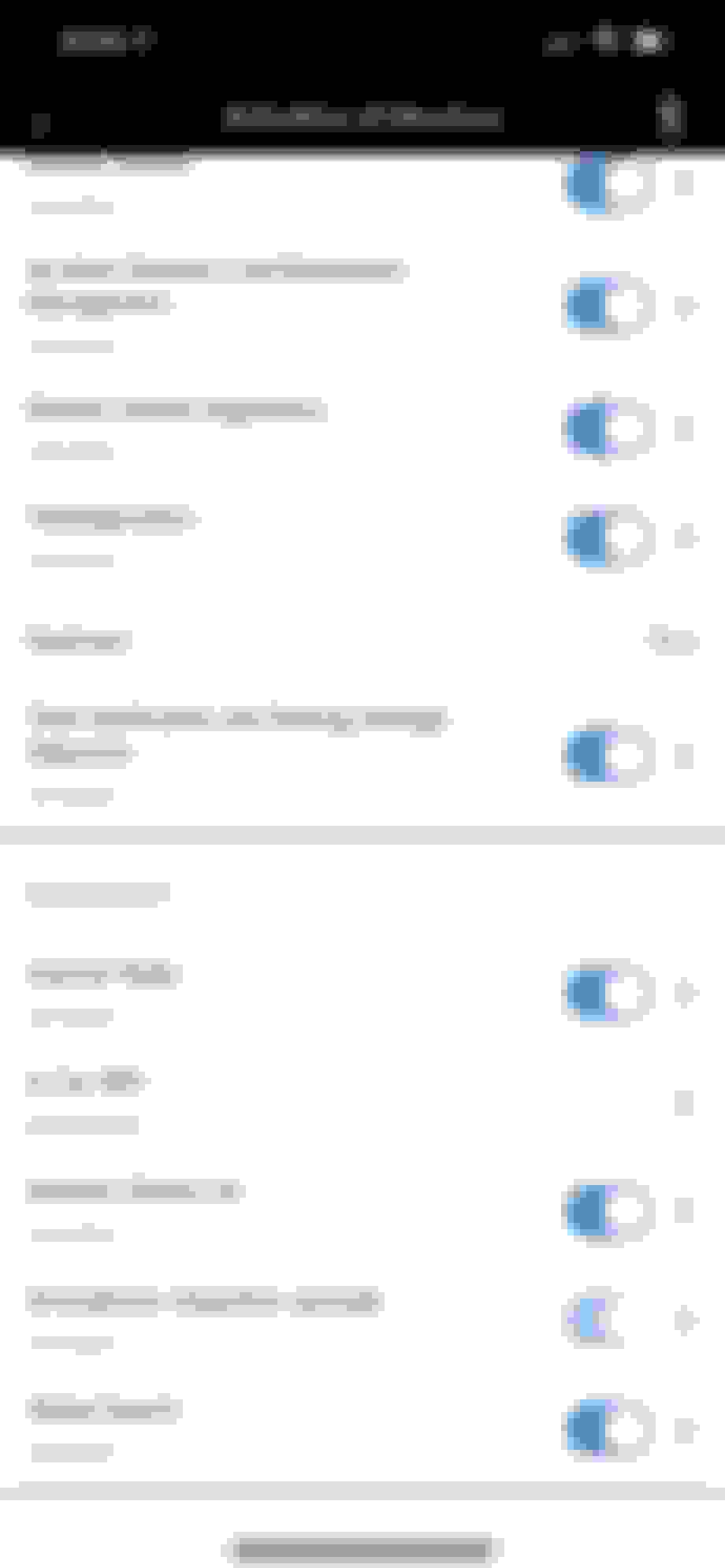
Interesting, I was going to say I don't see any "Manage Services" section in the mobile apps, but I found a whole section of the app I wasn't aware of thanks to you. The app starts me in a "home" or "dashboard" view where you see the lock status, remote engine start option, tire pressure, etc... But if you click on the menu on the top left, then select your car again (which you'd assume would take you to the same "home" page I just described), then you get another page with "Vehicle Information", "Manage Services", and "User Management" options. I do see Dashcam there with a "Buy" option but like you it's not orderable yet.
Still don't see any references in the web portal about Dashcam, even under the "Orderable Services" tab (within the Manage Services screen), but no big deal. I guess it's getting closer.
Side note: 2 of my services seem stuck in "Initializing service" state: "Smartphone integration package", which is described as "Transfer your personal smartphone screen to the media display in your Mercedes", and "Mercedes-Benz Navigation", which is described as "For a fast and safe arrival: latest-generation Hard-disc navigation with 3D map display." I'm not sure if those are just bugs in the app/web portal as I do have working Android Auto / Car Play and Navigation.
Useless side note: The iOS app shows all the services in a single list, whereas the Android app groups them into 4 categories that you then click through to see the sub-services: Comfort, Infotainment, Navigation, Safety&Service
Interesting, I was going to say I don't see any "Manage Services" section in the mobile apps, but I found a whole section of the app I wasn't aware of thanks to you. The app starts me in a "home" or "dashboard" view where you see the lock status, remote engine start option, tire pressure, etc... But if you click on the menu on the top left, then select your car again (which you'd assume would take you to the same "home" page I just described), then you get another page with "Vehicle Information", "Manage Services", and "User Management" options. I do see Dashcam there with a "Buy" option but like you it's not orderable yet.
Still don't see any references in the web portal about Dashcam, even under the "Orderable Services" tab (within the Manage Services screen), but no big deal. I guess it's getting closer.
It was showing up for me in the web portal before, but now they break it into 2 sections, My Services and Orderable Services. It is empty so I assume that it is not ready yet.
Quote:
Originally Posted by maalox
Side note: 2 of my services seem stuck in "Initializing service" state: "Smartphone integration package", which is described as "Transfer your personal smartphone screen to the media display in your Mercedes", and "Mercedes-Benz Navigation", which is described as "For a fast and safe arrival: latest-generation Hard-disc navigation with 3D map display." I'm not sure if those are just bugs in the app/web portal as I do have working Android Auto / Car Play and Navigation.
I have the same "issue" before, and its gone by itself after maybe a month or so? Not sure why.
Quote:
Originally Posted by maalox
Useless side note: The iOS app shows all the services in a single list, whereas the Android app groups them into 4 categories that you then click through to see the sub-services: Comfort, Infotainment, Navigation, Safety&Service
The Android app used to show the services in 1 list before, but one of the recent update changed it. Maybe its coming to iOS app soon?
Interesting, I was going to say I don't see any "Manage Services" section in the mobile apps, but I found a whole section of the app I wasn't aware of thanks to you. The app starts me in a "home" or "dashboard" view where you see the lock status, remote engine start option, tire pressure, etc... But if you click on the menu on the top left, then select your car again (which you'd assume would take you to the same "home" page I just described), then you get another page with "Vehicle Information", "Manage Services", and "User Management" options. I do see Dashcam there with a "Buy" option but like you it's not orderable yet.
Still don't see any references in the web portal about Dashcam, even under the "Orderable Services" tab (within the Manage Services screen), but no big deal. I guess it's getting closer.
Side note: 2 of my services seem stuck in "Initializing service" state: "Smartphone integration package", which is described as "Transfer your personal smartphone screen to the media display in your Mercedes", and "Mercedes-Benz Navigation", which is described as "For a fast and safe arrival: latest-generation Hard-disc navigation with 3D map display." I'm not sure if those are just bugs in the app/web portal as I do have working Android Auto / Car Play and Navigation.
Useless side note: The iOS app shows all the services in a single list, whereas the Android app groups them into 4 categories that you then click through to see the sub-services: Comfort, Infotainment, Navigation, Safety&Service
Thanks for describing how to get into this section. I was also not aware it existed however Dashcam is not in my list of activatable services. My app did update just last week so maybe they took it out??
Thanks for describing how to get into this section. I was also not aware it existed however Dashcam is not in my list of activatable services. My app did update just last week so maybe they took it out??
Mine is the same…no Camera buy option. There are 4 Services listed so I also checked Nav & Infotainment that had one service not activated. No Camera to be found.
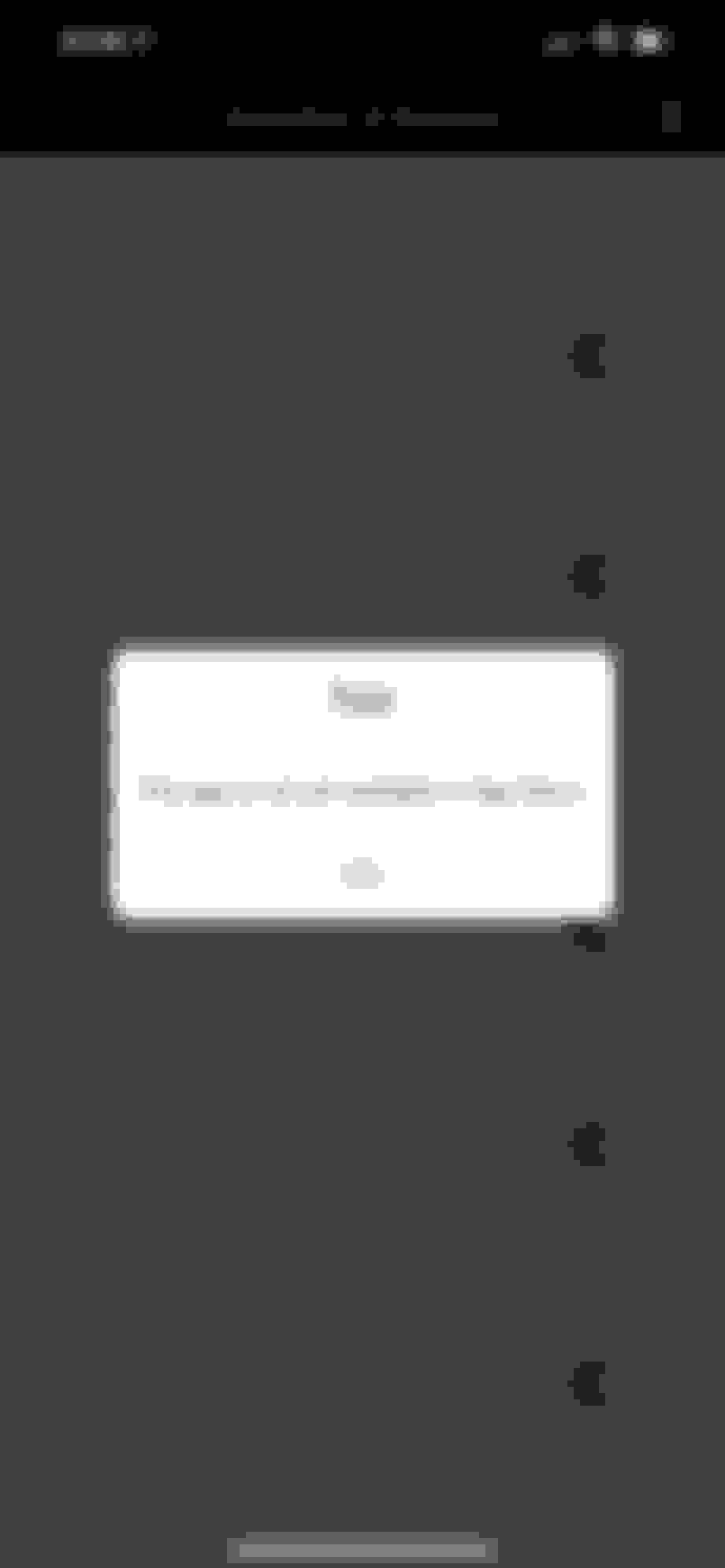
So I just checked the menu (thanks I didn’t know it was there) for my 2021 GLE 450 and I do indeed see the buy dashcam option but when you click on it is says not available. See photos. I’d buy it if available. Nice to have integrated regardless of quality.
I guess it might depend on the App one is using. My Android Phone App (Version 3.15.0 build 832, SDK2.51) is much different than on my iPad version 3.15.0…no other detail). Both are up to date. Neither have the Dash Cam buy option, I might check my desktop later.
We ordered our GLE 450 4matic mid January. Built late May and delivered early June. It was ordered and delivered with the U19 Augmented Reality feature and of course MBUX and a lot of other options. No dash cam, 21U. Actually I did not know it was available nor would I have known what it might do that the forward facing AR camera did not do. Our neighbor brought home a new AMG 43 with a dash cam. I found this thread and asked the dealer if in fact a download would become available and if my vehicle as configured would support it. The short answer was that they had no idea about the for-purchase down load and that without the dedicated dash cam (21U) I’m out of luck for a recordable camera. That seems to contradict some of the information in earlier posts. My Mercedes Me Connect app is IOS. No “Dash Cam- Buy” option is yet displayed.
A fellow named Nick O’Leary from the UK frequently posts MB instructional videos. I’ve found his information helpful and reliable. He posted one recently on YouTube titled “Upgrade your Mercedes with a dash cam”, in which he identifies the vital hardware necessary to accommodate the download as MBUX and the AR camera. Has anyone confirmed that the U19 package will support the dash cam download install? Thanks,
I am afraid that the dash cam buy option is being displayed only to those who opted for the 21U, and it will let them purchase the app as and when it becomes available.
Reason being, i do have the latest version of android app, and also checked the desktop page, but neither has the option. Not sure why the app purchase is restricted this way since the vehicles with AR option does have all the hardware required.
I am not sure for the 2021 model year, but if I remember correctly, for most if not all of the 2020 model year of the GLE (in US), the dashcam option (21U) is not available (also confirmed on my build sheet that its not there). So maybe that option is for that pocket of population? It could also extend to those with the necessary equipments (U19 for AR Nav) since my understanding is that they both are using the same camera?
As for the app, I do notice that Mercedes does seems to do a "batch" update approach? So it is possible that yours is not updated? But I could be wrong.
When we pull to a stop in our new (MY21) GLE it switches to the dashcam view in the main screen. Is that normal?
We have AR Nav but not the Dashcam option. It is shown on the app with a 'buy' as mentioned above but nothing happens if you click on 'buy'.
The view you mentioned is most likely the traffic light camera (forgot the exact term), and it usually activates when you are at a stop light and (most of the time) first in line. The idea is that it help you see the light in situation where the sun is directly in front of you and you have the sun visor down which block your view of the light.
As for the dashcam buy option, I don't think its ready yet. Mine said "The app is not available" when I click on it.
The view you mentioned is most likely the traffic light camera (forgot the exact term), and it usually activates when you are at a stop light and (most of the time) first in line. The idea is that it help you see the light in situation where the sun is directly in front of you and you have the sun visor down which block your view of the light.
As for the dashcam buy option, I don't think its ready yet. Mine said "The app is not available" when I click on it.
OK, thanks! I didn't realise we had that, learn something every day
I got a message over night in Mercedes Me that new Managed Services had been added however I can't see what is different. Definitely not the camera option??
I am afraid that the dash cam buy option is being displayed only to those who opted for the 21U, and it will let them purchase the app as and when it becomes available.
Not the case for me, as zengshengliu stated the U21 dash cam option wasn't even available when I ordered my car in early 2019 (nor when I received it in October 2019 I believe), yet I do see the Buy option in the app as of recently.
Not the case for me, as zengshengliu stated the U21 dash cam option wasn't even available when I ordered my car in early 2019 (nor when I received it in October 2019 I believe), yet I do see the Buy option in the app as of recently.
where do you see the buy option? I don't see it in my app (android version 3.15.0)
Slideshow: A one-of-one U.S.-spec Mercedes-Benz SLR McLaren Roadster became even rarer after a factory-backed transformation at McLaren's headquarters.