When you click on links to various merchants on this site and make a purchase, this can result in this site earning a commission. Affiliate programs and affiliations include, but are not limited to, the eBay Partner Network.
Been following this thread for a while. I just purchased a 2011 C300, and I don't have an aux port, but from what it seems I don't need one. I just want to make sure before I actually purchase the Kremersino box, also can anyone confirm that I just need to purchase a box with the correct ntg number, and if I can find one for cheaper even if the model of the car is different, it will still work? Or are they vehicle model specific?
Been following this thread for a while. I just purchased a 2011 C300, and I don't have an aux port, but from what it seems I don't need one. I just want to make sure before I actually purchase the Kremersino box, also can anyone confirm that I just need to purchase a box with the correct ntg number, and if I can find one for cheaper even if the model of the car is different, it will still work? Or are they vehicle model specific?
Well I guess it's NTG specific, since the cables are pretty much the same, @S550e has a different model and we had to do the same wiring, just the final place of the box is different. I have the folding screen C300 with NTG4. I can recommend Kremesino, they were straightforward, easy to install (if you are lucky with placing back the head unit ). Having carplay in my 10 year old car is just priceless! Keep us updated and if you have any questions we are here to help!
Well I guess it's NTG specific, since the cables are pretty much the same, @S550e has a different model and we had to do the same wiring, just the final place of the box is different. I have the folding screen C300 with NTG4. I can recommend Kremesino, they were straightforward, easy to install (if you are lucky with placing back the head unit ). Having carplay in my 10 year old car is just priceless! Keep us updated and if you have any questions we are here to help!
Will do and thank you!
A quick additional question: how fast was shipping for you guys? I'm located in the US, and its est of arrival is in April. Did you all go with the standard free shipping, because I don't really want to pay and extra $100 for faster shipping lol.
A quick additional question: how fast was shipping for you guys? I'm located in the US, and its est of arrival is in April. Did you all go with the standard free shipping, because I don't really want to pay and extra $100 for faster shipping lol.
Mine was standard, maybe 3 weeks to Europe, I also wouldn't pay an extra hundred
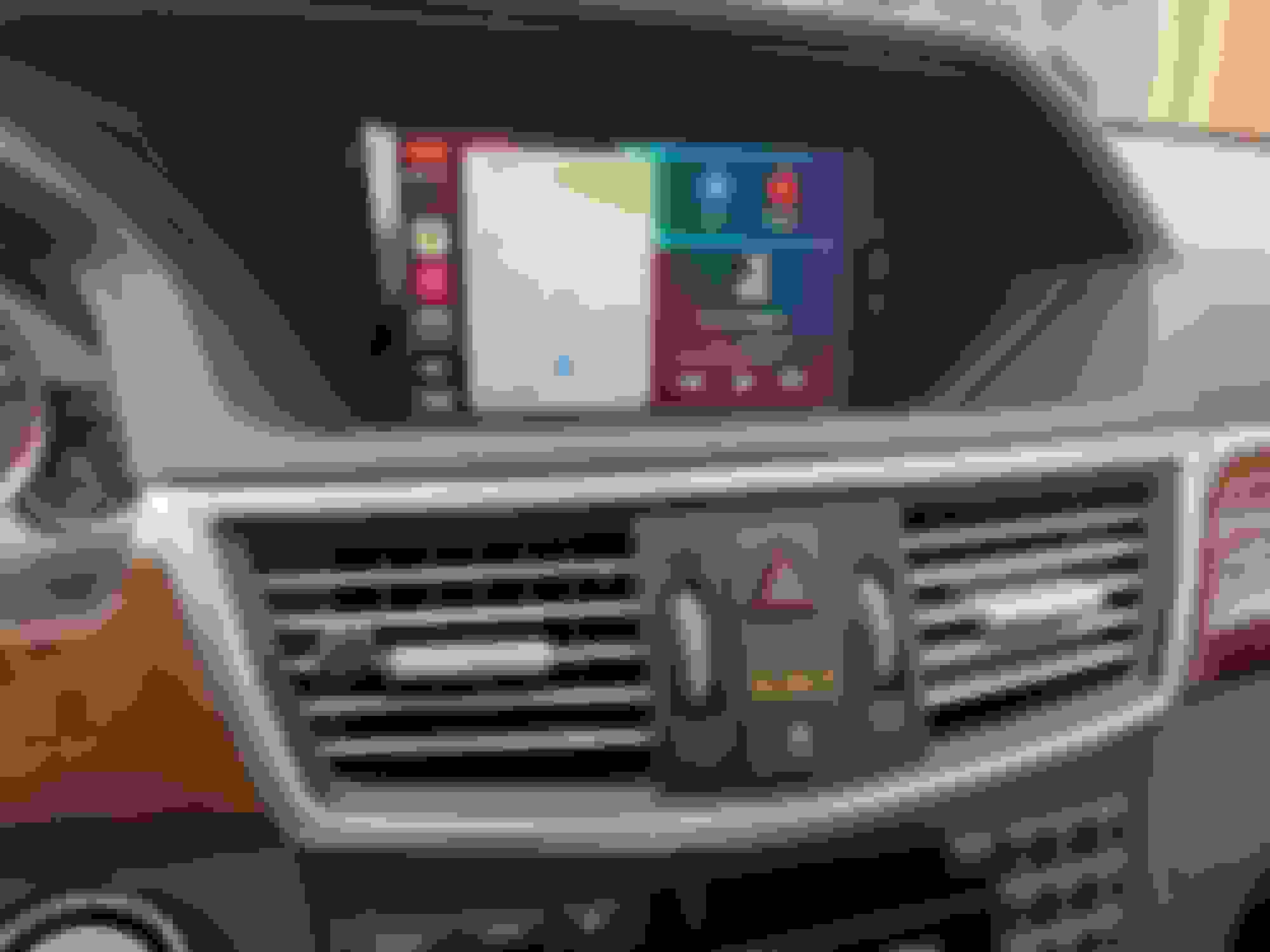
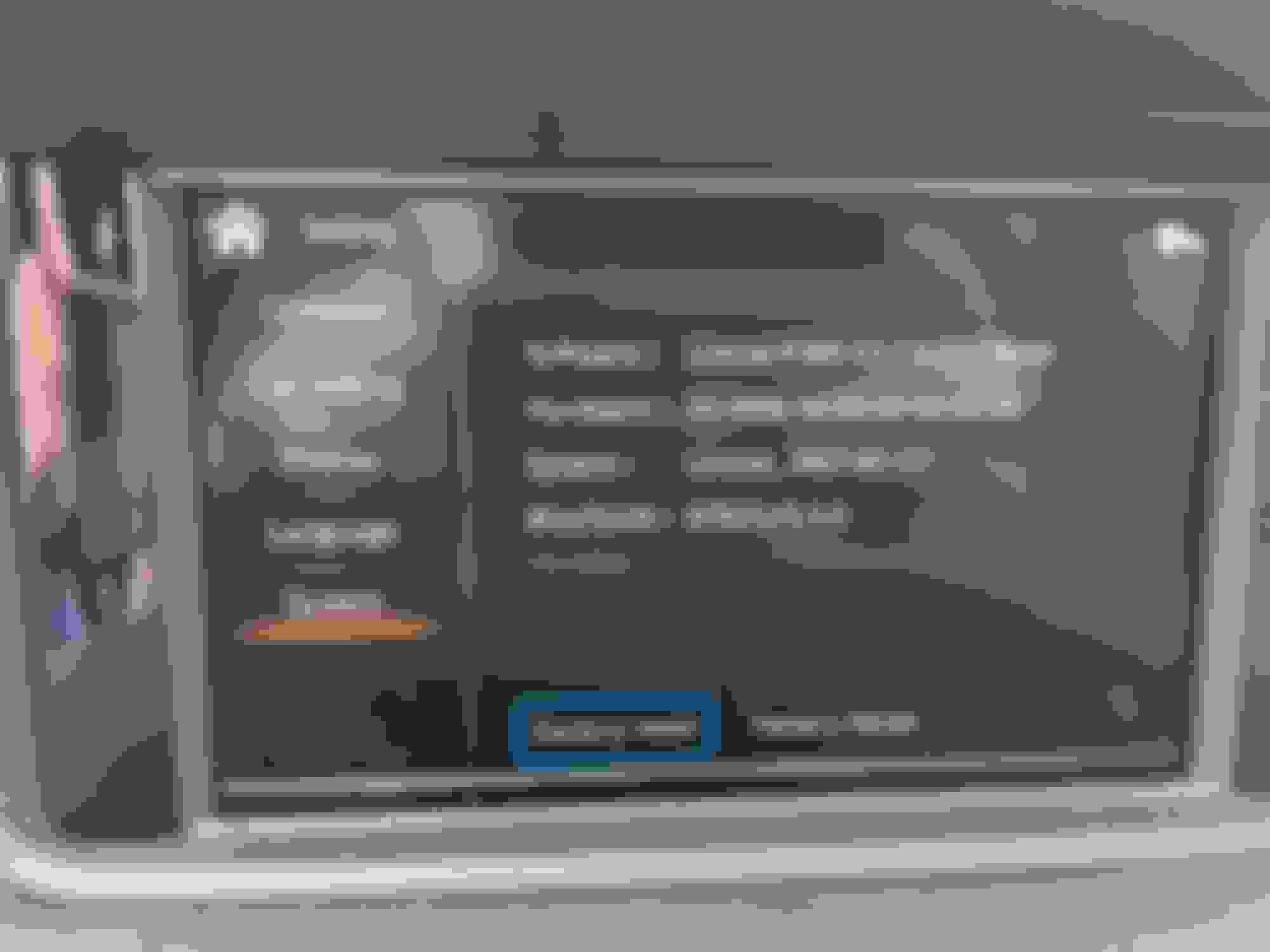
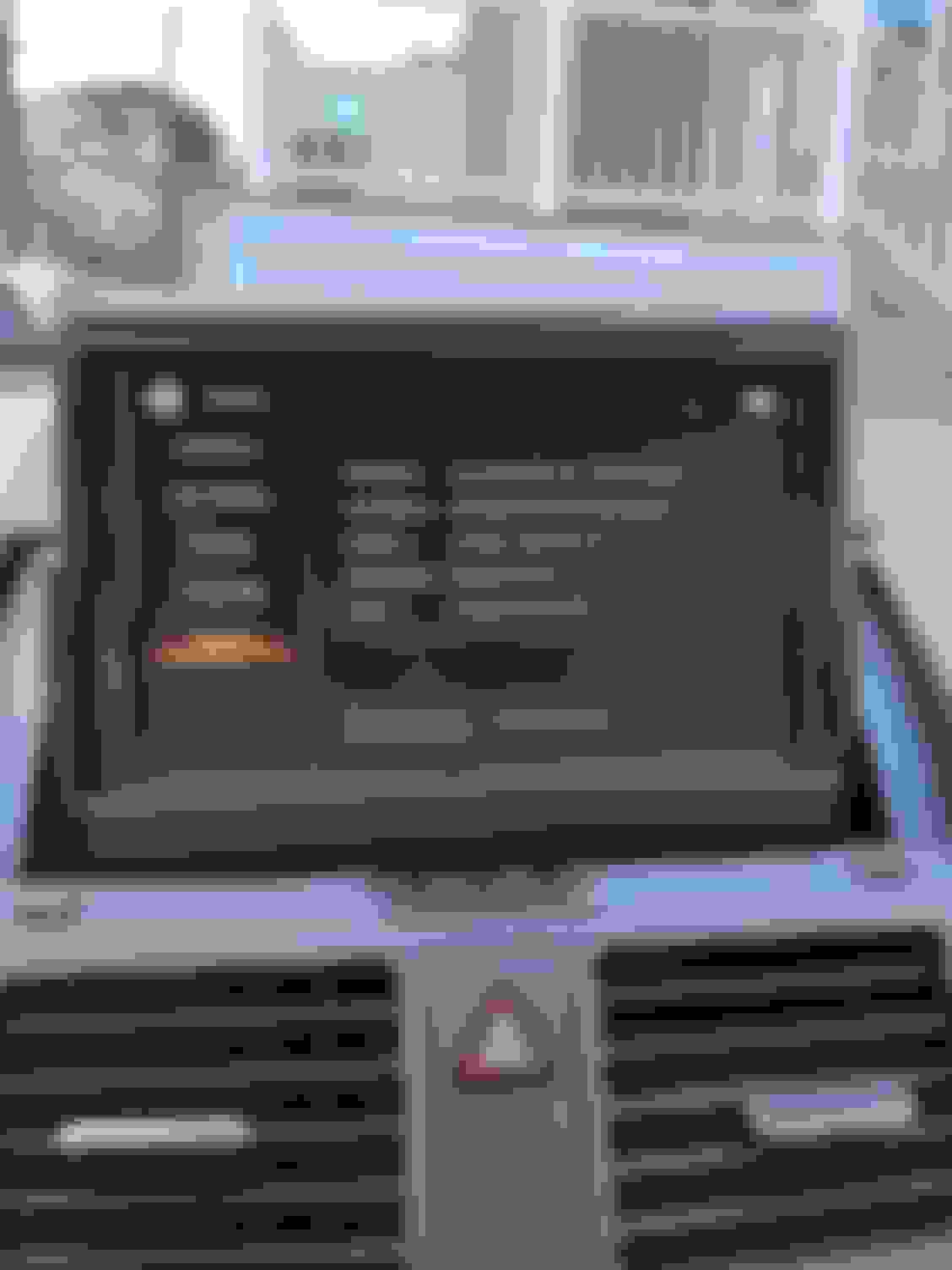
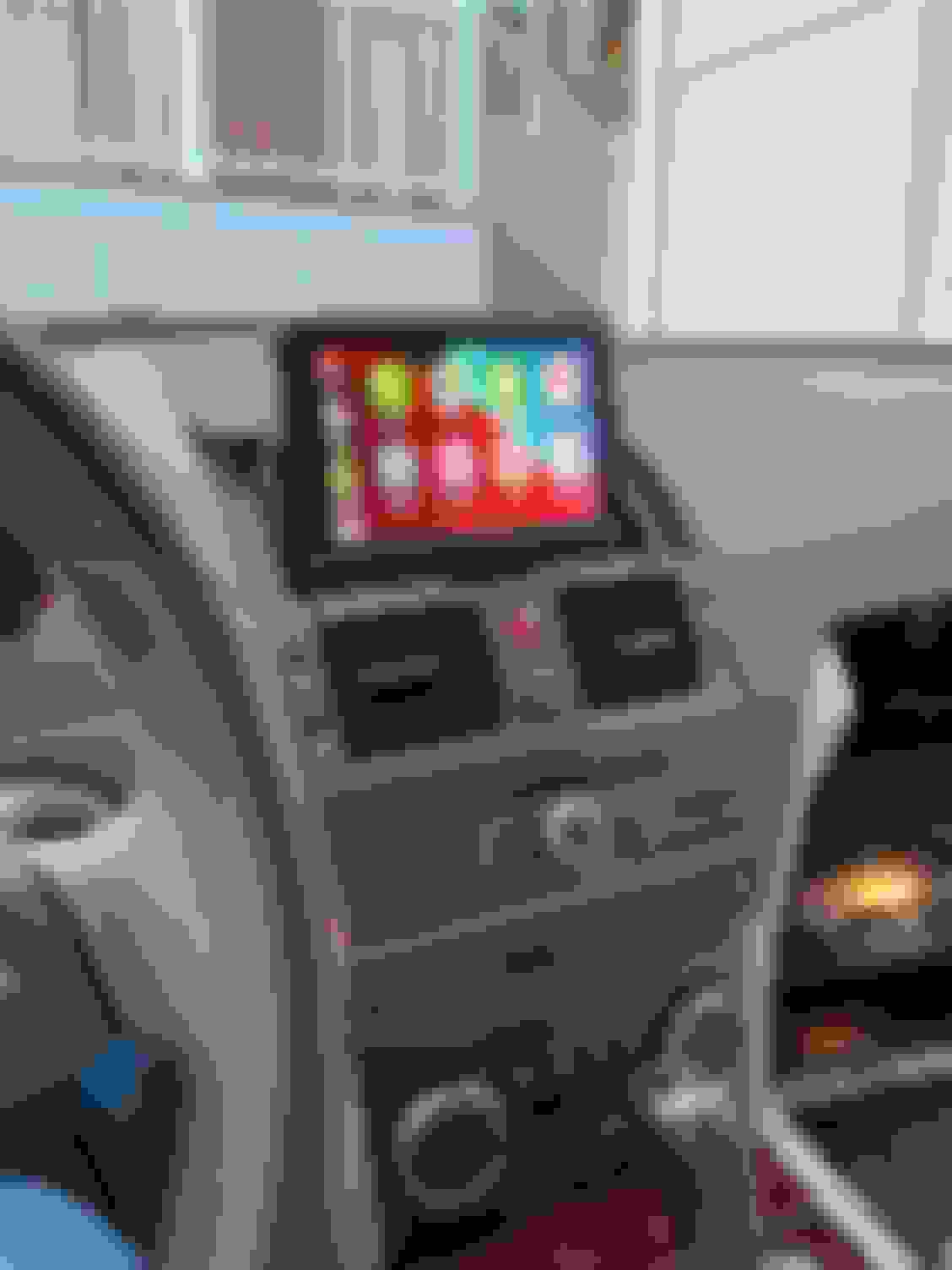
I just finished installing my unit. Was fairly painless other than I forgot to move the fiber cables over, so that was about 30 minutes of head scratching. So far works great, now I just wish I could get a better backup camera. Here's a finished photo and one of the firmware. Not sure I like the mic there but I don't notice it when sitting in the car so much and I wanted to be able use Siri. Haven't tested calls out yet.
I just finished installing my unit. Was fairly painless other than I forgot to move the fiber cables over, so that was about 30 minutes of head scratching. So far works great, now I just wish I could get a better backup camera. Here's a finished photo and one of the firmware. Not sure I like the mic there but I don't notice it when sitting in the car so much and I wanted to be able use Siri. Haven't tested calls out yet.
I ran the mic up the A pilar on the passenger side up along the headliner and placed it inside where the rain sensor is behind the rear view mirror, it was super easy to tuck the wire behind the headliner and it’s out of sight. It works fine when I speak to Siri.
Does anyone get guidance lines on the backup camera when they first put the car in reverse right after starting? It seems to happen when the car is in reverse and the "Don't like COMAND distract you from the driving situation" message is on the screen. Once the message clears the lines go away and the backup camera appears. It seems like it would superimpose the lines on the camera image, but it's not doing that for me (and I'm not sure if it's supposed to be doing it).
Anyone know a solution to this issue? Whenever I get an incoming call and answer it via the apple carplay, I can’t hear the person on the other end. If I look at my phone I can see that the call’s sound is hooked up to CarPlay, but I can’t hear it. Have to switch it over to my MB Bluetooth in order to hear the person on the other end.
Anyone know a solution to this issue? Whenever I get an incoming call and answer it via the apple carplay, I can’t hear the person on the other end. If I look at my phone I can see that the call’s sound is hooked up to CarPlay, but I can’t hear it. Have to switch it over to my MB Bluetooth in order to hear the person on the other end.
Hey! Try the setting what @S550e suggested in the first post. Settings->Accessibility->Touch->Call Audio Routing->Bluetooth Headset. I rarely use carplay's AUX sound, instead I listen to the normal radio while driving, but the incoming calls are going through MB Bluetooth this way (ofc with AUX also). I did install the microphone but my feeling says the built in might be better quality, with this setting I never had any problems with the calls. Hope it works!
Hey! Try the setting what @S550e suggested in the first post. Settings->Accessibility->Touch->Call Audio Routing->Bluetooth Headset. I rarely use carplay's AUX sound, instead I listen to the normal radio while driving, but the incoming calls are going through MB Bluetooth this way (ofc with AUX also). I did install the microphone but my feeling says the built in might be better quality, with this setting I never had any problems with the calls. Hope it works!
thanks aibkresz!! I knew it was here somewhere, just couldn’t see it. I just tested it out and it seems to have worked. Thx again
Ok everyone, so I got everything installed today, but I ran into a couple of problems. Firstly, I think one of the HU cables has some sort of electrical short, because the front left speaker sounds blown. This happened before I installed the kremisino box, but I figured it was a blown speaker. After taking out the HU and plugging in the harness, I realized that the radio wouldn't turn on. I had to reseat fuze 11 and 26 in the fuze box, that got the radio and screen working again, but the speaker was still blown. Sometimes I could get the speaker to sound ok, if I messed with the cables, but it was inconsistent.
Any ideas on how to fix that electrical issue? I was able to get the HU back flush, and everything works, but the left front speaker still sounds blown.
Also where did you guys put the box? did you put it in the Glovebox? I'd prefer to keep it somehow out of the glovebox.
Also there is some weird scan lines happening on my display, but only when I'm in the factory HU, when in Carplay it doesn't happen.
I've attached a picture of my firmware version as well.
Lol I spent like 5 hours struggling in my car today, so any help would be awesome, haha!
Thanks in advance!
UPDATE: 03/15/21
So I was able to get the box and installed and placed below the glovebox and below the footwell lining. Everything went back fairly smoothly lol.
Still running into the audio issue, and the scan lines on the normal command screen are less frequent but still happening. Other than that everything works pretty flawlessly. I also routed my calls to use the MB mic/bluetooth call per @S550e suggestion- and the calls are much clearer.
Overall very happy with it, the only thing I wish I could do, would be to improve the resolution output of the kremersino box, it looks far more pixelated than the normal command software. If anyone knows how to do this, let me know
Last edited by TechnoMinute; Mar 15, 2021 at 06:48 PM.
Reason: Update
Ok everyone, so I got everything installed today, but I ran into a couple of problems. Firstly, I think one of the HU cables has some sort of electrical short, because the front left speaker sounds blown. This happened before I installed the kremisino box, but I figured it was a blown speaker. After taking out the HU and plugging in the harness, I realized that the radio wouldn't turn on. I had to reseat fuze 11 and 26 in the fuze box, that got the radio and screen working again, but the speaker was still blown. Sometimes I could get the speaker to sound ok, if I messed with the cables, but it was inconsistent.
Any ideas on how to fix that electrical issue? I was able to get the HU back flush, and everything works, but the left front speaker still sounds blown.
Also where did you guys put the box? did you put it in the Glovebox? I'd prefer to keep it somehow out of the glovebox.
Also there is some weird scan lines happening on my display, but only when I'm in the factory HU, when in Carplay it doesn't happen.
I've attached a picture of my firmware version as well.
Lol I spent like 5 hours struggling in my car today, so any help would be awesome, haha!
Thanks in advance!
UPDATE: 03/15/21
So I was able to get the box and installed and placed below the glovebox and below the footwell lining. Everything went back fairly smoothly lol.
Still running into the audio issue, and the scan lines on the normal command screen are less frequent but still happening. Other than that everything works pretty flawlessly. I also routed my calls to use the MB mic/bluetooth call per @S550e suggestion- and the calls are much clearer.
Overall very happy with it, the only thing I wish I could do, would be to improve the resolution output of the kremersino box, it looks far more pixelated than the normal command software. If anyone knows how to do this, let me know
I believe you have the same model as @aibkaresz so he should chime in if I am wrong. As far as the screen resolution and lines, I believe it may have something to do with your DIP switch settings. A previous post on here from @aibkaresz he stated he needed to change the DIP switch settings to get his screen working. The resolution in carplay is very crisp and clean, no pixels for me. I was shocked that this screen could produce such great quality since I was used to the ugly and dated yellow menus.
Not sure about anything as far as the blown speaker, fuses, and/or electrical short. I know nothing about that kind of stuff, sorry.
Hi everyone. This is a great thread and I've recently purchased the Kremersino unit for my W204 C63. I know this is a W212 thread, but it is the most comprehensive thread about the Kremersino box and it is active so I was hoping you guys could field some questions.
I haven't received it yet but I'm trying to prepare for the installation and after reading the thread + watching some installation videos, I have the following questions:
1 - The big box (not the small one that sits behind the COMAND module) is installed betweem the bottom of the glovebox and the footwell trim? Or is it preferrable to keep it within the glovebox compartment itself? I am not sure which is better and I'm concerned that having it sit between the footwell trim and the glovebox might produce noise/vibrations.
2 - My car doens't have the MB Media Inteface, it actually has an AUX jack on the right side of the glovebox. When we talk about using the AUX entry, does the box plug-in into this glovebox AUX jack or do I need to enable the "internal" AUX entry that's on the COMAND box itself, making the glovebox AUX jack useless?
3 - Has anyone actually tried Android Auto/Wireless Android Auto? Michael from Kremersino tells me that the box now also supports Wireless Android Auto and I was wondering if anyone has had any experience with this.
I am thinking about trying to install it myself due to covid restrictions. I am a bit of a novice but have already tackled some minor projects such as fixing my sunroof (broken cog on the sunroof motor) and fixing my rear AC vents.
Hi everyone. This is a great thread and I've recently purchased the Kremersino unit for my W204 C63. I know this is a W212 thread, but it is the most comprehensive thread about the Kremersino box and it is active so I was hoping you guys could field some questions.
I haven't received it yet but I'm trying to prepare for the installation and after reading the thread + watching some installation videos, I have the following questions
Hello and welcome! There are many members on this thread with the w204! In the end, we are all running NTG4, so it really does not matter what car you drive! Great to have you!
1 - The big box (not the small one that sits behind the COMAND module) is installed betweem the bottom of the glovebox and the footwell trim? Or is it preferrable to keep it within the glovebox compartment itself? I am not sure which is better and I'm concerned that having it sit between the footwell trim and the glovebox might produce noise/vibrations.
It is up to you for where you would like to place the main unit. For me, I decided to go in-between the foot well and glove box. The reason I did this, was so the unit can be easily accessed with just 3 torx screw if I ever needed to. Since installation, I have never needed to get to the unit for any reason. I am planning to relocate the box somewhere else (like the glovebox) because there is the slightest rattle and I think my mechanic got confused when he did the cabin air filter replacement. I am planning to relocate the unit during the summer time when I have dedicated time off.
2 - My car doens't have the MB Media Inteface, it actually has an AUX jack on the right side of the glovebox. When we talk about using the AUX entry, does the box plug-in into this glovebox AUX jack or do I need to enable the "internal" AUX entry that's on the COMAND box itself, making the glovebox AUX jack useless?
Yes, it was discovered during installation that the internal aux does work! You may or may not need to check your engineering settings to enable it to work, but only go into engineering mode after the unit has been installed. Once the unit is installed, if you are getting no sound without the aux cable, then you need to go into engineering mode, if you are getting sound without the cable, you're all set!
3 - Has anyone actually tried Android Auto/Wireless Android Auto? Michael from Kremersino tells me that the box now also supports Wireless Android Auto and I was wondering if anyone has had any experience with this.
I don't think anyone on this thread has used AA yet but I could be wrong. My current software only supports wired AA but I know some people on here have gotten newer units. I only have Apple products to test. Someone please chime in if you have Android!
I am thinking about trying to install it myself due to covid restrictions. I am a bit of a novice but have already tackled some minor projects such as fixing my sunroof (broken cog on the sunroof motor) and fixing my rear AC vents.
Do the install yourself! It is quite simple, and we are all here to help if you get stuck along the way. I had no prior experience with this type of stuff... save money while doing it the right way! Some of these shops are not trustworthy and have no clue what they're doing.
Yep, I just noticed that the map on the main page goes to the last used map program. That's pretty handy. Speaking of putting itself to sleep, when I turn off the car I see my music is still playing, I assume because the box hasn't gone to sleep yet. It would be great if it paused the music as soon as I turned off the car. Twice now I've noticed that my phone is connecting to the car's Bluetooth and playing music there instead of to the Carplay Bluetooth. I'll have to see if I can find out what causes that.
I have a question for you specifically since you are running a newer software... my one and only issue with this carplay box is that the turn-by-turn direction announcements are way too loud. It is very distorted and sounds like the speakers are about to blow (yes it is that bad). So I have disabled all turn-by-turn directions for now until I find a solution.
I was wondering, in your 'Common settings' page there is the Master Volume (which I have) and Navigation Volume (which my software does not have), does that control the Apple Maps and Waze volume? I'm guessing it should because on my unit there is no built in navigation system or application so my only other thought would be the turn-by-turn direction volume in Apple Carplay.
Please let me know if that 'Navigation Volume' controls audio such as Apple Maps or Waze. Then I would be interested in updating mine or purchasing a whole new unit. Thanks!
Here is the setting I am referring to. It is a picture that you took:
Yep, that controls the navigation volume in Waze as expected. They really should be making a software update available to us. It's a little frustrating that they said they would do this and they claim they have no update but obviously that's a lie.
Yep, that controls the navigation volume in Waze as expected. They really should be making a software update available to us. It's a little frustrating that they said they would do this and they claim they have no update but obviously that's a lie.
Hmm interesting... Thanks for the info.
I did find this File Download Section on the Kremersino website. Password 1234. Not seeing anything for 4.0 though. Scanned through really quick. Let me know if you see otherwise
They've never had one posted. I asked before I bought mine and they said that's because they didn't have any updates yet. Once I installed mine it was clear they lied, as I am running a later version of the software. I just sent them an email asking if they'll post the updated software.
Ok everyone, so I got everything installed today, but I ran into a couple of problems. Firstly, I think one of the HU cables has some sort of electrical short, because the front left speaker sounds blown. This happened before I installed the kremisino box, but I figured it was a blown speaker. After taking out the HU and plugging in the harness, I realized that the radio wouldn't turn on. I had to reseat fuze 11 and 26 in the fuze box, that got the radio and screen working again, but the speaker was still blown. Sometimes I could get the speaker to sound ok, if I messed with the cables, but it was inconsistent.
Yepp this is the same as mine, I think it's not a dip switch problem, since it happens on the factory screen (although worth a try). What I can imagine is a not correctly inserted cable in the LVDS box, or what you wrote, a cable damage. Please note I am not expert on these cable issues, I was really hoping there would not be any problem with them, because it would drive me nuts . All in one my best guess is a loose cable somewhere, they needed to be pushed real hard to fit correctly. For me the resolution is also stunning, I am amazed
Hi everyone. This is a great thread and I've recently purchased the Kremersino unit for my W204 C63. I know this is a W212 thread, but it is the most comprehensive thread about the Kremersino box and it is active so I was hoping you guys could field some questions.
I haven't received it yet but I'm trying to prepare for the installation and after reading the thread + watching some installation videos, I have the following questions:
1 - The big box (not the small one that sits behind the COMAND module) is installed betweem the bottom of the glovebox and the footwell trim? Or is it preferrable to keep it within the glovebox compartment itself? I am not sure which is better and I'm concerned that having it sit between the footwell trim and the glovebox might produce noise/vibrations.
2 - My car doens't have the MB Media Inteface, it actually has an AUX jack on the right side of the glovebox. When we talk about using the AUX entry, does the box plug-in into this glovebox AUX jack or do I need to enable the "internal" AUX entry that's on the COMAND box itself, making the glovebox AUX jack useless?
3 - Has anyone actually tried Android Auto/Wireless Android Auto? Michael from Kremersino tells me that the box now also supports Wireless Android Auto and I was wondering if anyone has had any experience with this.
I am thinking about trying to install it myself due to covid restrictions. I am a bit of a novice but have already tackled some minor projects such as fixing my sunroof (broken cog on the sunroof motor) and fixing my rear AC vents.
Ahm I wanted to try Android Auto for you, as I understand you have to download some APKs to get it enabled (like the hotspot generator app etc), and unfortunately I did not have the time now to sort which app is working. If you bump through this issue it should be easy to set up and I expect it to work like Carplay, which is really amazing still after more than 6 months.
I have an MMI port which made it easy for me to install it in the glovebox, with only an AUX on the other side, or cutting a small piece out of the top of the glovebox, well I wouldn't have tried... I only installed it in the glovebox for quick access in case of overheating or something (I did not experience any, working really fine), and my glovebox has a divider which makes it useless to store stuff in it. Since I installed the box I did not even open the glovebox (only when I'm showing the friends where the magic box is ). For first try as @S550e did, maybe under the glovebox would be nice, I'm not sure how much we W204 owners have compared to their E classes, maybe it does not fit, you will have to try, it's not a hassle .
They've never had one posted. I asked before I bought mine and they said that's because they didn't have any updates yet. Once I installed mine it was clear they lied, as I am running a later version of the software. I just sent them an email asking if they'll post the updated software.
Yep I also searched on krem website and e-mailed them, our conversation died after he was asking for a photo of the current versions. Maybe I will go with a reminder mail, or if you guys have any answer it would be nice to get us updated They definitely ship the current boxes with a newer software. Thanks!
My box arrived in Brazil on the 19th and its currently sitting in customs. Hoping I get my hands on it by mid-April. Super excited as the C63 is still a pretty loaded car for 2010, the only oudated part of it is the infotainment and that should be solved with the Carplay box.
Also caved in and switched from Android to iPhone due to a good sale on the iPhone 11, so less worried about Android Auto at the moment. Excited to enjoy wireless carplay on a 11 year old car! Haha.
My box arrived in Brazil on the 19th and its currently sitting in customs. Hoping I get my hands on it by mid-April. Super excited as the C63 is still a pretty loaded car for 2010, the only oudated part of it is the infotainment and that should be solved with the Carplay box.
Also caved in and switched from Android to iPhone due to a good sale on the iPhone 11. Excited to enjoy wireless carplay on a 11 year old car! Haha.
Setting up Carplay on iPhone is pretty easy and straight forward I agree that the infotainment system goes through a HUUUGE upgrade with this, I don't even know how I was able to live without it
Hi All, two questions:
1) In the 2010 E350, there is no USB charging port. Did you add that somewhere e.g. in the center console or the glove box?
2) How much should we pay an installer? What would be reasonable?
Mercedes SLR McLaren 722 S Is Extremely Rare Example Modified by McLaren
Slideshow: A one-of-one U.S.-spec Mercedes-Benz SLR McLaren Roadster became even rarer after a factory-backed transformation at McLaren's headquarters.







 ). Having carplay in my 10 year old car is just priceless! Keep us updated and if you have any questions we are here to help!