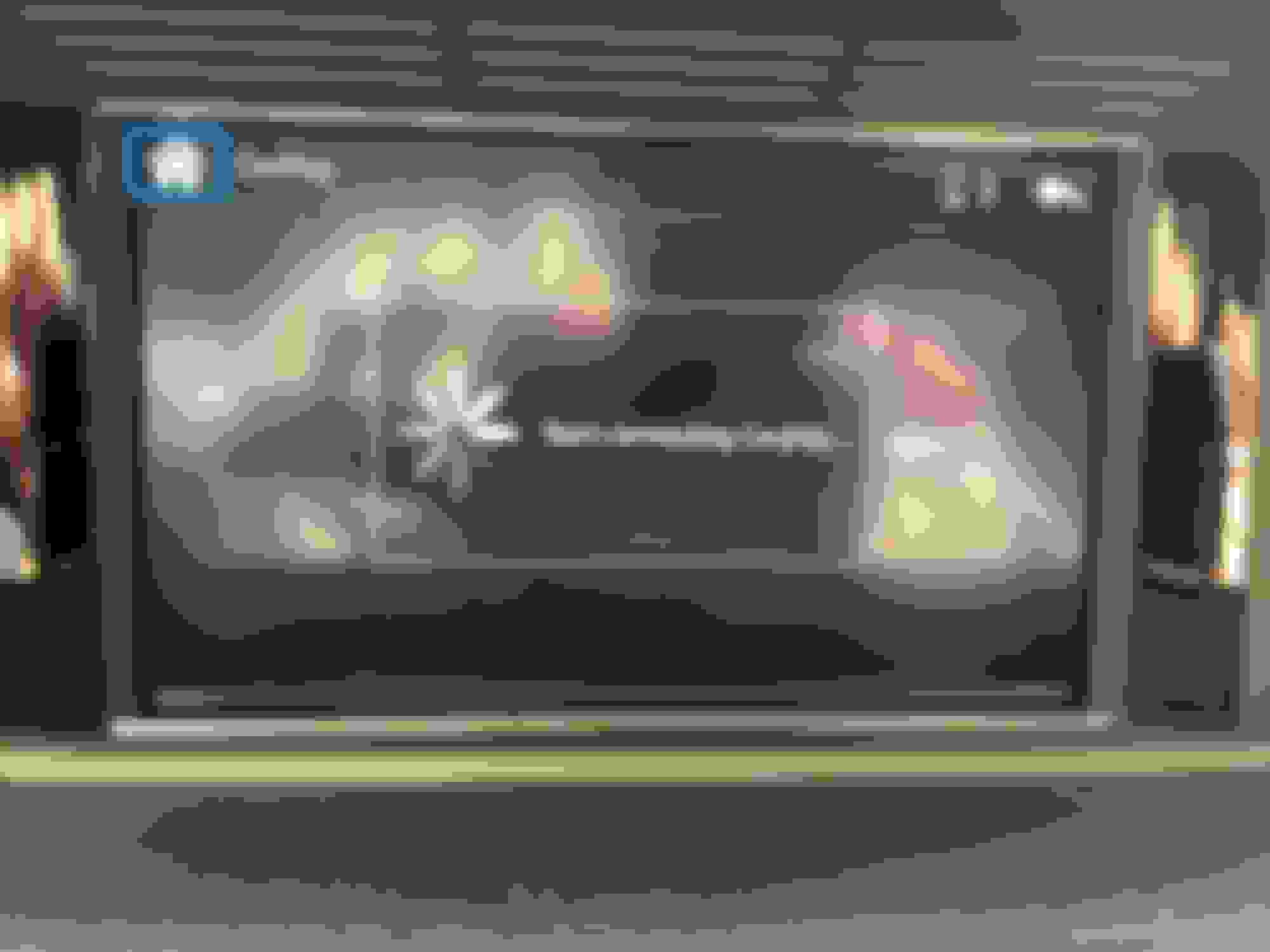
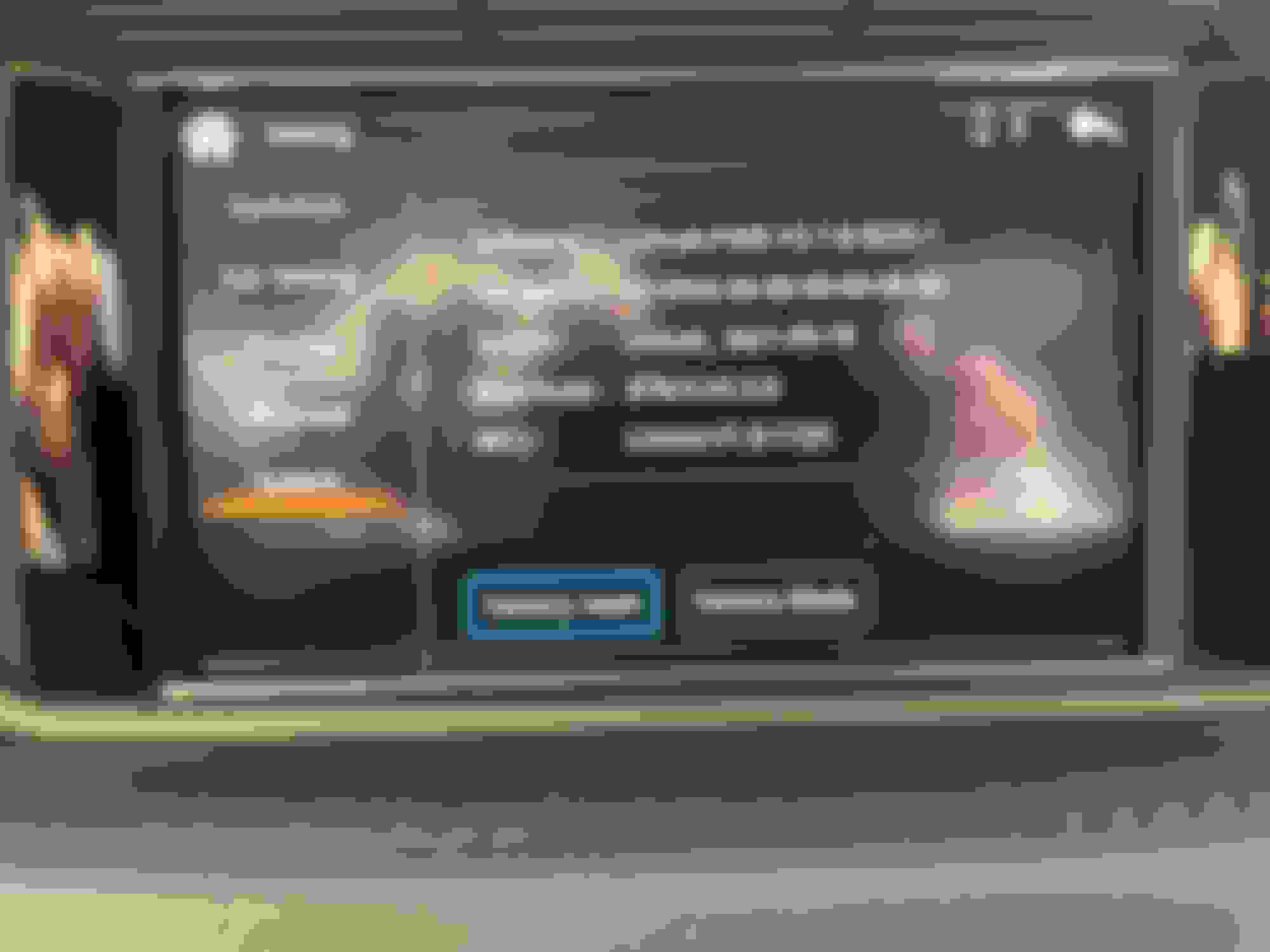
Got Kremersino installed by AV shop, it was working via wireless....yesterday. Today it's unable to get CarPlay up on the screen. My bluetooth is connected to Limcet Box_886e and it can play audio directly to the Kremersino but the CarPlay won't display "Start connecting CarPlay"
The device is recognizing the wired connection as indicated in the top right. I've reset the Kremersino various times, restarted the iPhone. Is there a way to force a wired connection to stop messing with the wireless?
Was working yesterday Keeps trying to connect today, nothing. Software
Took 6 weeks but I’ve resolved the issue. Spoke with Michael over the course of a 4 work days and we determined my unit was faulty. Got my new unit installed and the joy of CarPlay is finally here.
How do you disconnect from CarPlay if you want to try Phone Mirroring?
This is absolutely amazing! Thanks for all the details S550e! I just did this to my 2010 C63, which I love, but have been growing really tired of the outdated infotainment. I think Kremersino updated the unit, as mine didn't come with a separate box for plugging the LVDS in/out. That portion connects directly to the main unit with 2 separate harnesses now, but install wise it doesn't change much.
Aside from not having the physical steering wheel/head unit controls, it looks and functions like it's OEM. It auto connects to my phone and fires up immediately when I start the car, OEM backup cam still works, audio quality is excellent, and Siri is very responsive with the included mic. I ran the mic up the b piller and put it in the windshield rain sensor housing just like someone recommended in this thread.
Nearing trigger time on this unit... when carplay is connected and enabled, does the phone screen need to be "ON"? Specifically an iPhone, can the phone remain blank/locked and carplay does its thing or does the iPhone need to be in one of screens (home, app, etc..).
Since my phone mount is via the CD-slot, I think it'll be silly having the carplay mirror the phone and both being "ON".
Also anyone running this with ios 14.6, upgraded to 12.
Nearing trigger time on this unit... when carplay is connected and enabled, does the phone screen need to be "ON"? Specifically an iPhone, can the phone remain blank/locked and carplay does its thing or does the iPhone need to be in one of screens (home, app, etc..).
Since my phone mount is via the CD-slot, I think it'll be silly having the carplay mirror the phone and both being "ON".
Also anyone running this with ios 14.6, upgraded to 12.
the phone can remain blank/locked, it does not need to be on. Also, CarPlay doesn’t mirror your phone. It just picks up the CarPlay enabled apps (like pandora/Apple Music) and can play them in the background on your phone, all with your phone screen off. I had 14.6 and it was fine. I’m at 14.7.1 now and all is good.
the phone can remain blank/locked, it does not need to be on. Also, CarPlay doesn’t mirror your phone. It just picks up the CarPlay enabled apps (like pandora/Apple Music) and can play them in the background on your phone, all with your phone screen off. I had 14.6 and it was fine. I’m at 14.7.1 now and all is good.
Nearing trigger time on this unit... when carplay is connected and enabled, does the phone screen need to be "ON"? Specifically an iPhone, can the phone remain blank/locked and carplay does its thing or does the iPhone need to be in one of screens (home, app, etc..).
Since my phone mount is via the CD-slot, I think it'll be silly having the carplay mirror the phone and both being "ON".
Also anyone running this with ios 14.6, upgraded to 12.
bmwpowere36m3 Pull the trigger.
I ordered my unit in late March and installed in May. Thanks to this thread I knew where the challenges would be and a resource to troubleshoot. It has been the best investment. Kremersino continues to improve/upgrade this product since the the original post by S550e
In January I purchased an '11 S212 with under 65k miles as an extra car for the family. It has become my daily driver with the Kremersino addition. The system has been flawless in operation.
I am running the latest Apple upgrade on an iPhone 8. My wife's iPhone 11 works just as well.
Now, I am searching for a headunit/carplay upgrade for my '06 330ci
I too installed that Kremersino kit in my SLS. Both settings seem to work, however my controller won't respond at all. No reaction in neither of the screens.
NTG 4 stays on, no volume control on steering wheel
Hello everyone, today I installed my Box. Everything works fine, except the volume control on the steering wheel and the radio doesn't shut off when I turn off the car. Anyone got the same problem?
This is brilliant, I’ve been trying to a figure out what Audio system I have (it’s Audio 20 / NTG4.0 so most conversion kits don’t support it). Now I know what I need this is so helpful.
I’m a total novice and have never done something like this. I currently also have the factory iPod aux kit installed and my trusty iPod has now died so want to update plus take advantage of not needing a phone and power etc cluttering up the dash.
Do you know if the old iPod cable and controls will cause a problem? I assume it at least mean I have the aux enabled on the unit but will I need a new cable.
I’m in the uk so just wondered if the right hand drive layout causes any challenges ? I guess it would only potentially be an issue if something on the back of rage screen sticks out sideways
Hi everyone - i successfully installed the unit, but was definitely a challenge to fit everything back in. All working - except i just noticed all of the console below the HU is no longer working e.g. heated seats, Parking assistance, ECO Mode. I don't think its a fuse as the systems e.g. parking are still operational (I just cant turn it off) ECO mode is on (although i cant put the seat heating on). So perhaps i have disconnected/damaged a wire on that part of the unit. Can anyone assist? Thank you
Sounds very probable... start by pulling the HU and verify everything is connected and look for pinched wires, damage, wires pulled from their connectors, etc... A proper scanner would quickly confirm your suspicions.. barring that sounds like pulling the HU is your best bet.
Remember, when removing the head unit, you had to disconnect a small white plug on the back right. Right behind the passenger heated seat controls. Maybe it was as simple as you didn’t plug that back in? The head unit has to be almost fully back in before that plug can reach its socket.
Did a 1 hour and 30 min drive today. I tried out Waze and Apple Maps just to see how everything worked. Cons
-Cannot use steering wheel buttons to change tracks.
Quote:
Originally Posted by royalmathmtcs
Aside from not having the physical steering wheel/head unit controls, it looks and functions like it's OEM.
Is it just changing tracks or are there other things that don't work e.g. pickup/down phone, volume, speech control buttons. What about the standard functionality like navigating the display inside the odometer etc, does that still work as normal?
It would actually be great if someone showcased a bit of real-life usage in a video e.g. get in the car, ask it to navigate to the nearest McDonalds, then get Spotify to play something, using both voice and the controls.
Is it just changing tracks or are there other things that don't work e.g. pickup/down phone, volume, speech control buttons. What about the standard functionality like navigating the display inside the odometer etc, does that still work as normal?
It would actually be great if someone showcased a bit of real-life usage in a video e.g. get in the car, ask it to navigate to the nearest McDonalds, then get Spotify to play something, using both voice and the controls.
Everything works as normal. You are not losing any functionality by installing this system. The only thing that would not work is changing song tracks forward/backward like you could before on Bluetooth audio source.
In the gauge cluster menu, if you scroll over to the 'Audio' tab, all it will display is 'AUX.' If you try to press any arrow buttons to change the track, nothing will happen, just as it would if you were playing an iPod from the AUX cord. \
Hope this cleared up some confusion. Everything works as normal, you can scroll through the gauge cluster, answer calls, and change the volume.
Hi everybody,
few weeks ago I bought W212 E350 CDI Estate and I am looking for update this prehistoric system. Previous owner probably changed multimedia system from from NTG4 to Audio 50 APS I guess becauce my display is smaller than displays in this manual, and also Engineering menu looks different (as in picture). Is there possibility to instal Carplay into my car?
Has anyone been able to reprogram the dash keys to alter the Audio source? I.e. Whilst i have carplay running - i can press the radio button to switch the Audio to Radio. Would be great to be able to press one of the buttons to return Audio to Carplay (i.e. Aux) without having to come out of carplay mode and into the NTG Audio menu
about to pull the trigger for my 2010 C300. Can't wait. BUT, is anyone having issues with iOS 15? I noticed this "notice" on their site: Important Notice | Kremersino
Has me wondering if I'll start to run into issues once my work forces me to go to iOS 15
I have ios 15.0 and I have not noticed any issues, everything seems to work fine for me. There is a known issue with carplay and ios15.
The current fix based on what I saw in the apple forums is to go into Settings->Music and turn off EQ. I haven't tried that out as like I say I don't have any issues. Not sure I want to turn on EQ and possibly start having issues.
Thank you! I just went ahead and rolled the dice and ordered. I'm original owner and put all 136k miles on this 2010 so far. Just put on new tires and with this box the car will have everything I need! ...except thigh support. I would love my seats to have thigh support extender
Quote:
Originally Posted by Stephen Durham
I have ios 15.0 and I have not noticed any issues, everything seems to work fine for me. There is a known issue with carplay and ios15.
The current fix based on what I saw in the apple forums is to go into Settings->Music and turn off EQ. I haven't tried that out as like I say I don't have any issues. Not sure I want to turn on EQ and possibly start having issues.
Pulled the trigger 2 days ago. Michael reached out on Ali Express asking if I'd like the newer version that works with factory microphone. All other functions the same and same installation...yes please Even more integrated.
Pulled the trigger 2 days ago. Michael reached out on Ali Express asking if I'd like the newer version that works with factory microphone. All other functions the same and same installation...yes please Even more integrated.
That's pretty cool, I wish they would release the updated software to the rest of us.
I thought I'd post this here for new 'order-ers'. Basically, the newer version that uses the factory microphone also eliminates the small LVDS box. Linked below are the updated directions Michael sends. Can't wait for mine to come to see how this all goes. My order is still in dispatch (in China) so it'll be a bit (I'm in USA).
I am also waiting on a new box from Michael. I had trouble with my original one but he was very cooperative and agreed to ship me a new one once I returned the defective unit to him.
It appears that I also going to receive the new box, so I'm excited for that. Hope it works perfectly this time around.
Just updating that yesterday I finally received my updated box from Michael and installed it.
Overall, I found the new box easier to install because it's a single unit with no LVDS box, taking up less space. The wifi antenna now is just something you screw into the box, instead of being something you glue into the car.
Also, the dip switches now allow you to toggle between an option that allows you to use the car's own microphone instead of using a microphone on the box itself. I've tried it out and it seems to work.
All in all, the new box looks like an improvement.
Everything worked well on my 2010 C63 and I didn't have to mess around with the engineering menu or anything. All in all, satisfied so far.
Just updating that yesterday I finally received my updated box from Michael and installed it.
Overall, I found the new box easier to install because it's a single unit with no LVDS box, taking up less space. The wifi antenna now is just something you screw into the box, instead of being something you glue into the car.
Also, the dip switches now allow you to toggle between an option that allows you to use the car's own microphone instead of using a microphone on the box itself. I've tried it out and it seems to work.
All in all, the new box looks like an improvement.
Everything worked well on my 2010 C63 and I didn't have to mess around with the engineering menu or anything. All in all, satisfied so far.
I received the same box today and when I tried to instal, my screen would not even show the original command unit or the carplay screen. Do you remember how you put the dip switches (since now it's 6 dipswitches instead of 5) and another question if you don't mind. The LVDS cable that has to be puggled into the Head unit, how far in was it plugged? I would hear a click when I insert the cable, but it was easily removable. Any help would be really appreciated.
Slideshow: A one-of-one U.S.-spec Mercedes-Benz SLR McLaren Roadster became even rarer after a factory-backed transformation at McLaren's headquarters.