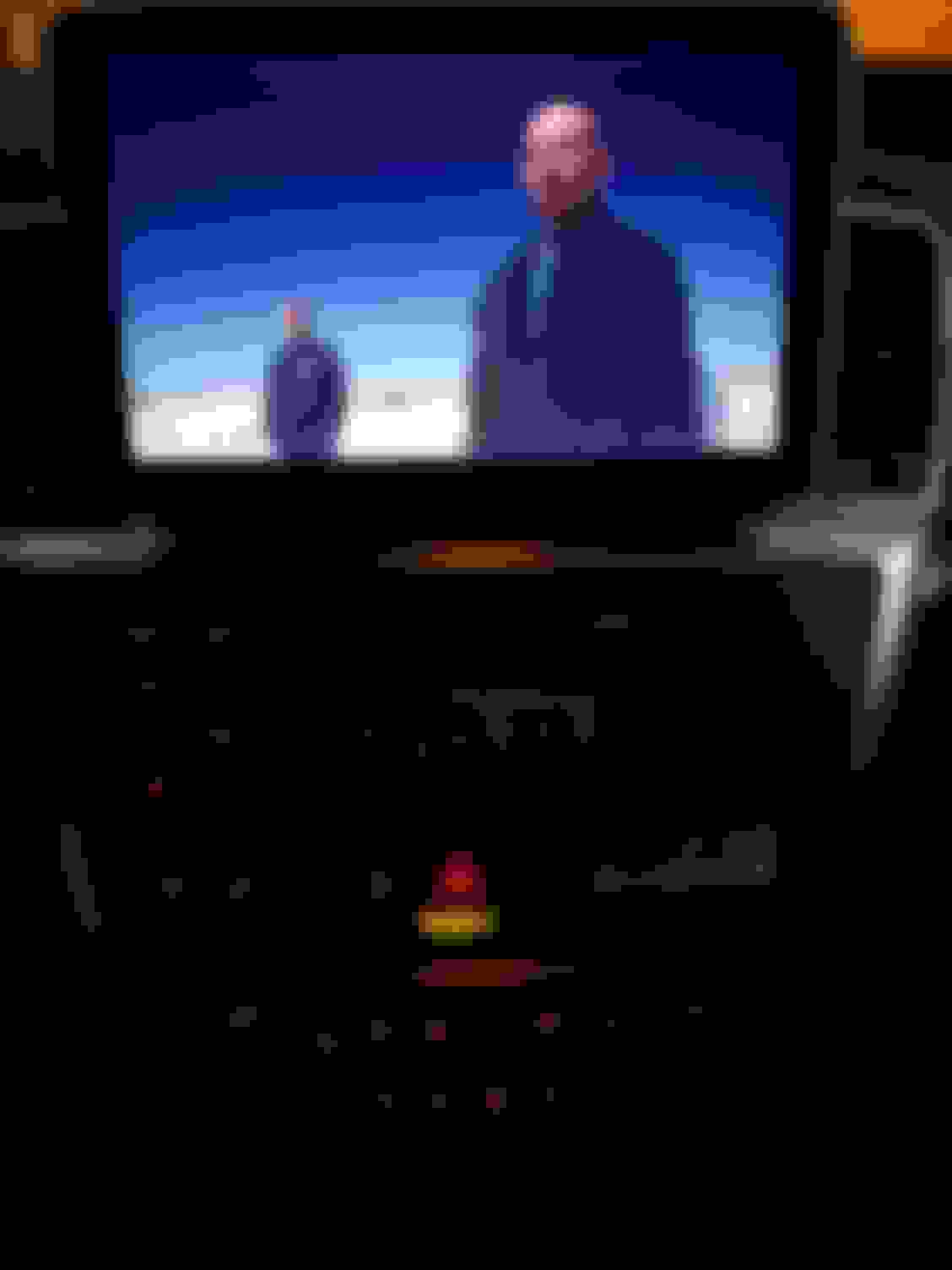
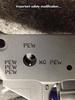
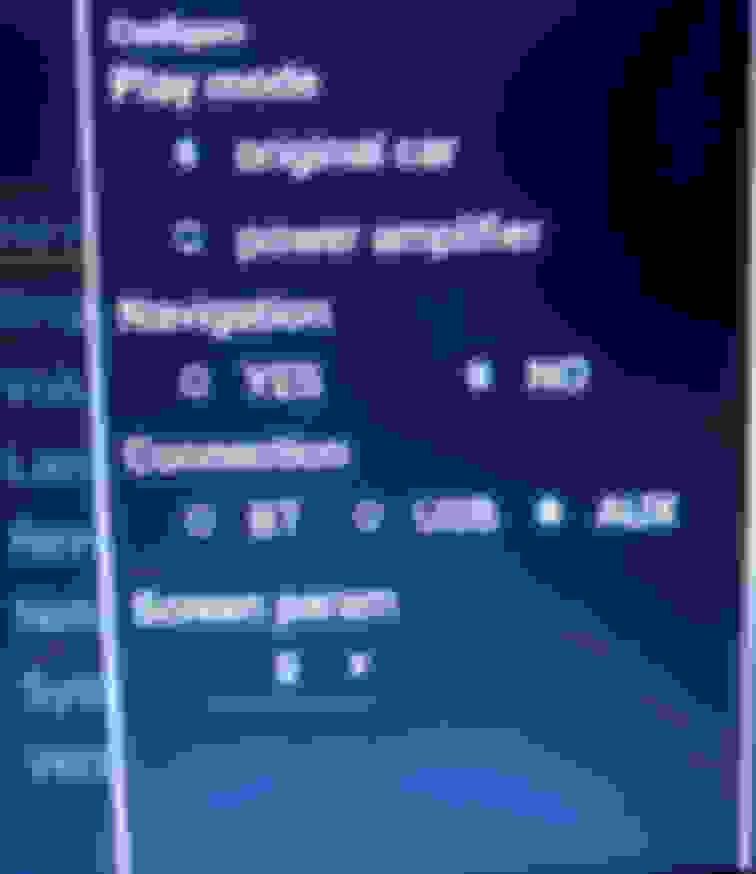
Got it working. You have to change the jumper in the pic below. I actually did try this earlier today but it worked now. Also have to change the language and the screen parameter which is in a hidden menu.
I received some questions via private message so I thought I would post the answers here. I purchased this unit via the ebay link below and received it from Hong Kong in 7 days. DHL ship time was actually very quick, delivered 42 hours after it was picked up in Hong Kong.
I had to change a jumper on the wiring harness in order to get power to the screen. The below picture shows the correct configuration, just had to swap those two plugs.
The first setting that I had to change was the language. That setting can be found here:
Then press on this line which says language in Chinese.
Then select english on the next menu.
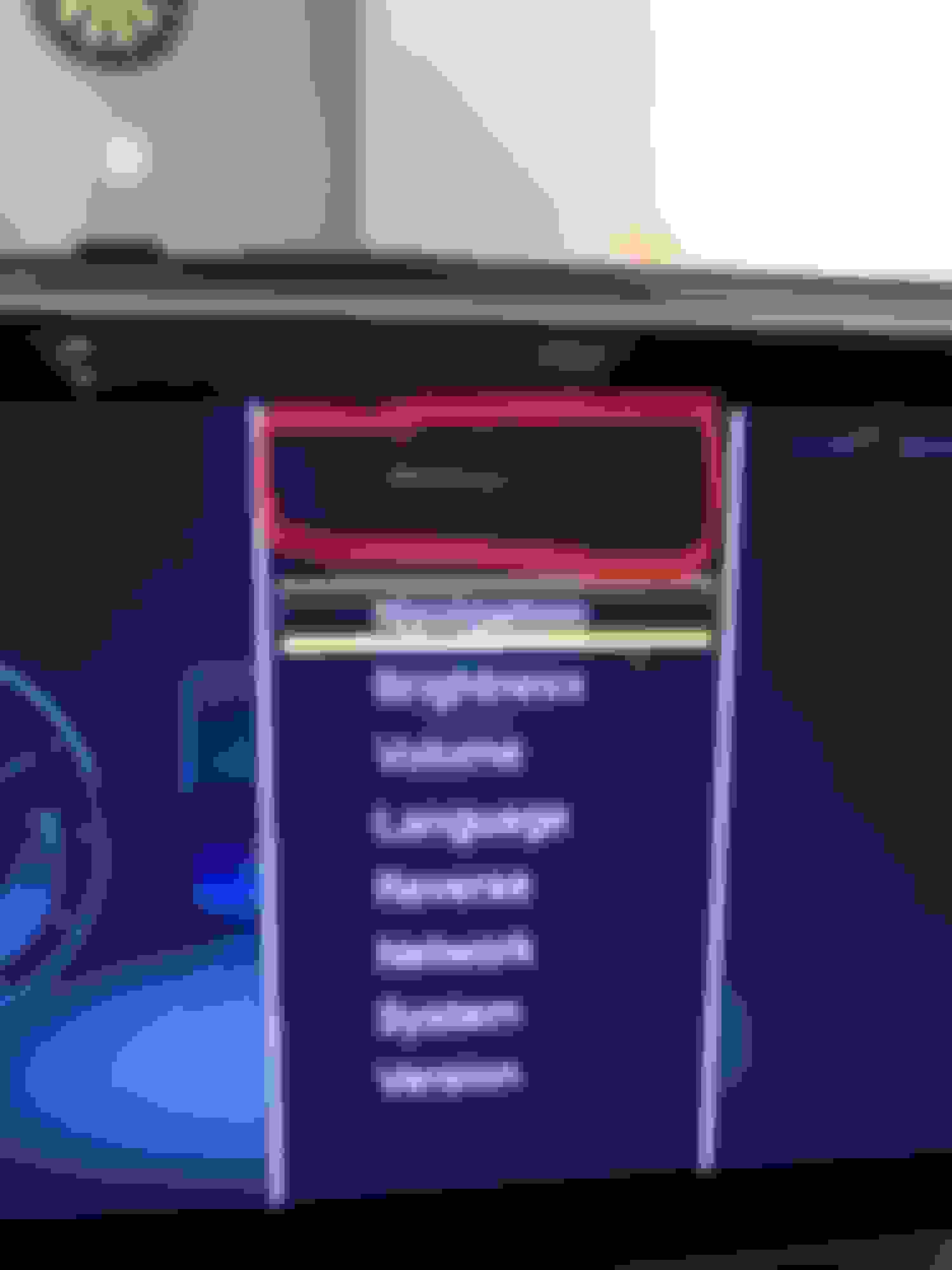
The final thing I had to change was the screen parameter in order to get the oem input to work. Go to settings:
Then the hidden menu can be found by pressing 3 times on the area below.
.
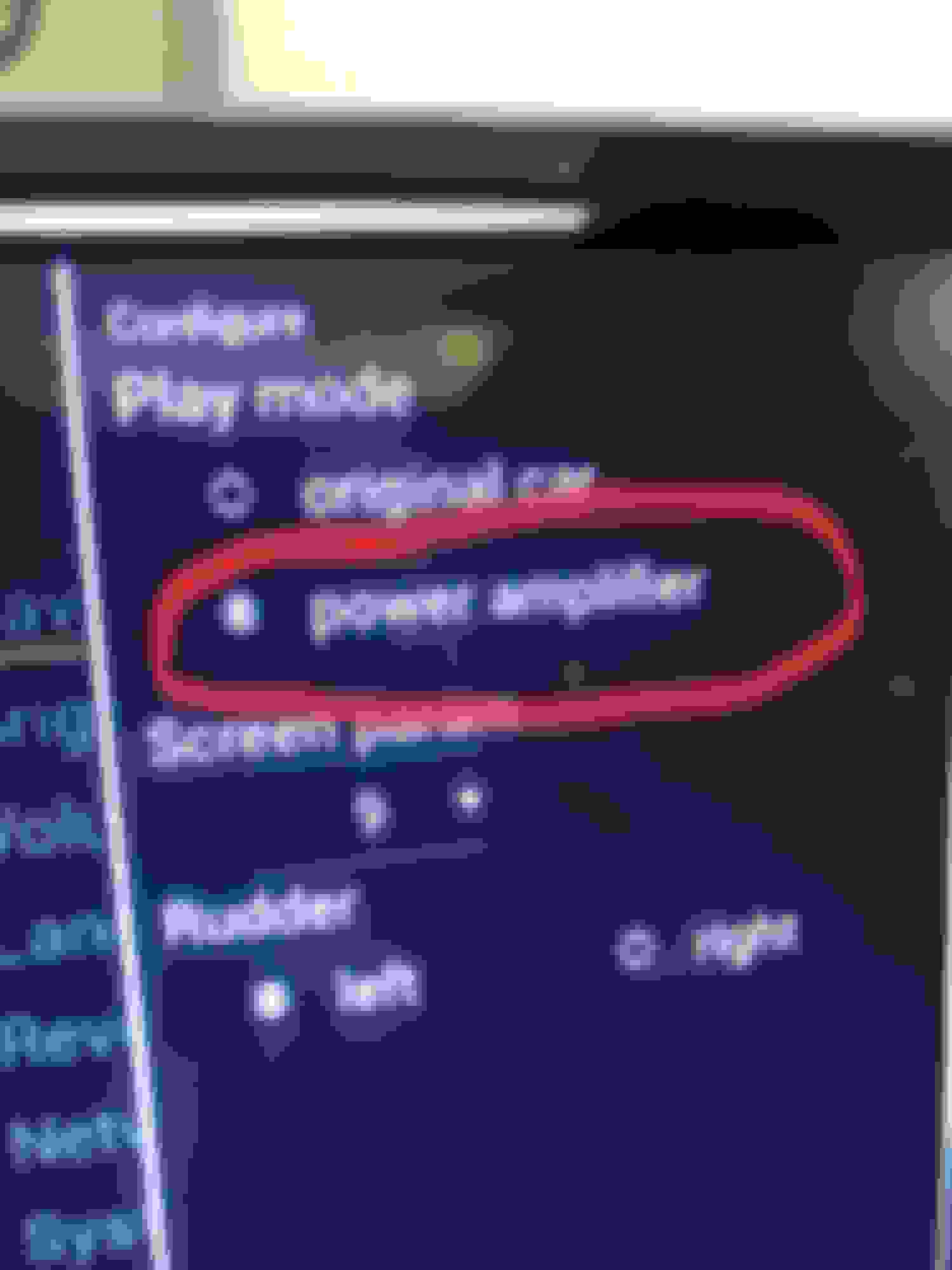
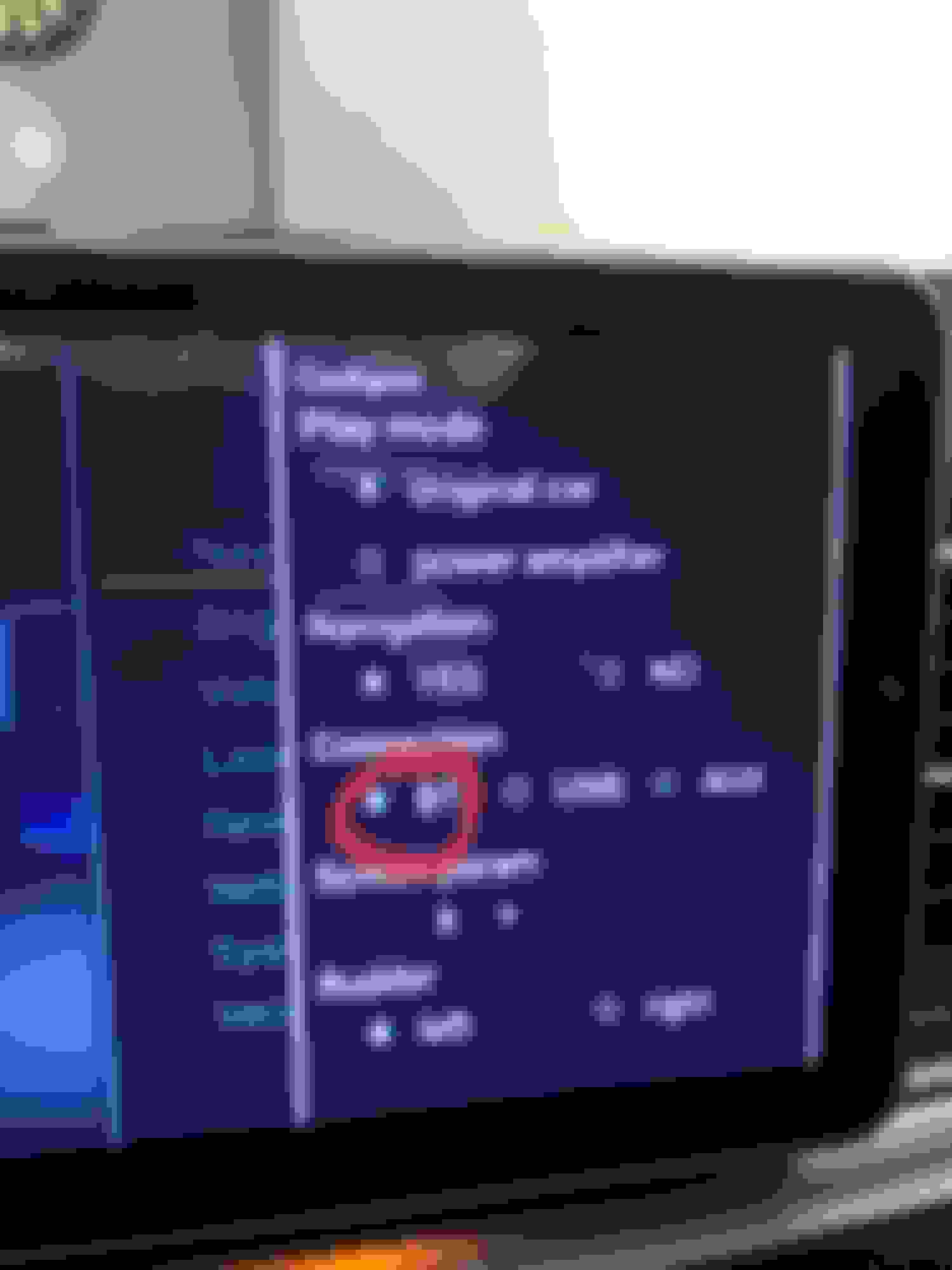
Then I had to change the screen parameter to 9. If this doesnt work for you, I would then try 8 or 10 next. This is also where you can change the audio output from AUX or Bluetooth.
I have used both aux and bluetooth for the audio output for pandora/youtube/netflix etc. After playing with it briefly I have noticed some songs sounded very distorted via aux and after finally getting the Bluetooth working I found the sound quality to be much better. The only problem I noticed with BT was that audio and video wasn't in sync when playing a youtube music video, but haven't played with it much, aux didn't have this problem at all. Pandora sounds great via BT whereas it sounded horrible via aux. Overall it is well worth the $450 (+$35 s/h) I paid and it completely transforms the look and gives you the modern options of a new radio with apps and internet when using a hotspot. A must have upgrade in my opinion.
Thanks Orion for the input, I took another crack at it, and now everything works but the rear camera during reverse. It pulls up with the yellow lines, but no display. Any suggestions?
Thanks Orion for the input, I took another crack at it, and now everything works but the rear camera during reverse. It pulls up with the yellow lines, but no display. Any suggestions?
Anyone with new screen able to figure out changing to MPH? And Fahrenheit?
I don't think its possible with our version. The 10.25 screen for the E class recently came out with a new version made for the U.S. that came with android 7.1 and mph and Fahrenheit. FM/CD was also changed to "car device" to view the factory screen. Would be nice if an update became available that we could apply on our screen.
We have two slots on the side of our screen. One is for a sim card and the other is supposed to be a micro sd card. Has anyone tried inserting a micro sd card because apparently mine doesn't have a memory card reader and its just an open slot? I now have a sd card inside my screen, at least I used an old 8gb card.
I’m wondering about the compatibility with a rear entertainment equipment and it’s communication with the head unit. Has anyone installed this unit with a factory rear entertainment system?
guys I installed this screen and cant get sound working from it(youtube,netflix,pandora).
Changed to AUX in secret menu,set to aux in original screen still nothing.
Sound from head unit is there when i switch to original screen and play radio.Seller from china is not much help
Help!
I suggest using the Bluetooth audio connection because the quality is much better and no wires are required.
But, to get the audio to work via AUX you have to use the extra wire included. It is AMI to aux. It gets plugged into the connection in the center console and it has a male 3.5mm connector that gets plugged into the female 3.5mm connector on the back of the new screen's wire harness.
To change to Bluetooth audio, access the hidden menu (I explained in earlier post) and change to BT. You only do this one time.
Turn the factory radio on Bluetooth and search for new device and switch back to the android screen and use an app that plays audio and it should put in discover mode. If you tap help on the pop up it takes you back to the stock screen and make sure it is still searching. If not search again. It took a few minutes switching back and forth to get it paired but you only have to do that once after you save the device. Then in the future you only select connect to previous device when you start the car once the audio app is open If you leave it on the Bluetooth audio screen on the factory radio you just tap help on the pop up and then tap the knob to select when its on the factory screen to select connect to previous device and tap anywhere on the screen to get back to the android screen. Its a p.i.t.a. at first to get paired but Bluetooth sounds great and you also get to use the skip forward button by using the arrow up on the steering wheel when you have the audio selected via the cluster.
Quote:
Originally Posted by victor1987
guys I installed this screen and cant get sound working from it(youtube,netflix,pandora).
Changed to AUX in secret menu,set to aux in original screen still nothing.
Sound from head unit is there when i switch to original screen and play radio.Seller from china is not much help
Help!
OrionS55 thank you for your reply.I did what you said connected screen to car’s bluetooth and could hear a sound for a split second and quite again.I go back to original screen and it shows bluetooth device “paused”.i hit play and go back to aftermarket screen ,turn on youtube and no sound again.Am i missing something or i have bad unit? Thanks
Just in case someone else will have same problem :
When i changed to BT in secret menu ,even after connecting aftermarket screen to car’s BT i kept getting no sound and when i go back to OEM screen its changed back AUX even though it was set to BT in secret menu so what i did was go back to secret menu and where it says :Configure Play Mode set it to “power amplifier” .After that it doesnt automatically switches back to Aux. Hope this helps someone
Firstly thanks everyone, especially Chedman13, for this thread as it gave me confidence to take the leap.
I purchased this unit, as it was a recently updated unit with Android 7.1, can confirm I have imperial units. https://www.ebay.com/itm/2013-2016-M...d=392054798873
Couple of thoughts while installing.
- Hurdle 1, getting over prying open the center console. I spent a lot of time researching prying open the center console as it was my biggest fear initially.
- Hurdle 2, wires wires and more wires. So many wires... a lot which I didn't use. Once you get your wires sorted doesn't feel as bad.
- Hurdle 3, getting the radio back in to the system because you just added so much wires and bulk to the back. This was the biggest pain for me because I had everything working then had to take everything apart to reorganize my wires. I did this 3 times because I thought maybe I could get everything down behind the AC console, but it didn't work so I had to take the wires out again and organize the wires so I had the bulk of the wires and large plug going UP behind the screen. I got a lot of scratches on my hands trying to push the wires up while sliding the radio back in.
- I strongly suggest you have a game plan of how to organize the wires while your installing and before you plug and route everything.
- Total time to install .... probably around 4 hours. Took me 2 hours to get everything working, then another 1:30 hours trying to get the radio back in and about 30 mins to close everything up. This is just physical install time, will probably take a couple more hours fiddling around with the software.
- Time it would take me to install after I've done this once... about 1 hour.
Weird quirks
At first the screen wasn't working, then I changed around the jumper setting. Then it was dinner time so I took a break. When I came back the screen was working but the MB console remote wasn't working. So I changed the jumper back and the screen didn't work. I turned everything off, locked the doors, took a 5 min break, and when I got back it was working... Maybe locking the door was like resetting a computer? because when you're sitting in the car with the keys it doesn't turn everything off... not exactly sure... but it's working now.
Anyways, was so excited that I got the physical install done that I wanted to post here. 360 camera and MB console remote works perfect. It a little weird seeing a photo of a GLE/ML whenever I open a door as I have a GL, on my unit there's a photo of a GLE/ML that pops up and shows you which door is open. Will fiddle around with software to make sure everything on that end is working well, like bluetooth (bluetooth works already in the stock MB screen, haven't tested the aftermarket screen yet) and gps.
Slideshow: A one-of-one U.S.-spec Mercedes-Benz SLR McLaren Roadster became even rarer after a factory-backed transformation at McLaren's headquarters.