When you click on links to various merchants on this site and make a purchase, this can result in this site earning a commission. Affiliate programs and affiliations include, but are not limited to, the eBay Partner Network.
So I installed the new rounded unit with the black ux today. Looks and works great (yet to try the rooting instructions but will get to that this weekend)
Question for anyone with the newer or v2 unit; do your steering wheel controls work for track selection? With the v1 unit I was using a tune2air to achieve this by pairing the tablet to it, but the new unit doesn't seem to have a way to pair the head unit to a Bluetooth adapter in the android settings. Is there a way to do this I'm missing (or any other way to get track selection from the steering wheel buttons?)
I managed to root my headunit v2 with the following method:
Install adb on a laptop and load the latest superSU on your Headunit and extract "su" from "arm64" (in the .zip file) to "/sdcard". Connect Laptop to the same wifi network as your Headunit and try the following commands:
"Adb connect HEADUNIT_IP"
(Use the IP address of your Headunit)
"Adb shell"
"su @#zxcvbnmasdfghjklqwertyuiop1234567890,."
(yeah, it's a stupid username..)
"mount -o remount,rw /system"
"cp /sdcard/arm64/su /system/bin/su"
"chmod 0755 /system/bin/su"
"cp /sdcard/arm64/su /system/xbin/su"
"chmod 0755 /system/xbin/su"
"su --install"
"su --daemon&"
"setenforce 0"
"mount -o remount,ro /system"
"exit"
"exit"
After that, install SuperSU, for example from Playstore.
That's it, hope it will work for you.
Sorry but I can't. The reason is, I already changed my unit v2 to a 9,33" unit because I prefer the original look.
What I can tell you is that this method does not work for the 9,33" unit because wireless adb is disabled and you can't enable it because the device is not recognized on a windows computer by using a USB connection. I think the problem is that this device only supports host mode.
Not sure if anybody noticed this, but when I try to adjust the navi volume in Carplay, the background music volume changes along. Currently the Google Map/Apple Map navi voice is low so I try to turn it up while it's speaking. However after the speaking finishes, the music becomes really loud due to the adjustment. So the adjustment doesn't change the navi volume alone. It changes both navi and music. I tried to figure out a set up in the hidden menu but failed. Does anyone know how to solve this problem? Thanks a lot!
Sorry but I can't. The reason is, I already changed my unit v2 to a 9,33" unit because I prefer the original look.
What I can tell you is that this method does not work for the 9,33" unit because wireless adb is disabled and you can't enable it because the device is not recognized on a windows computer by using a USB connection. I think the problem is that this device only supports host mode.
does the 9.33 flip up and down then? can you post a pic?
does the 9.33 flip up and down then? can you post a pic?
In the W212 E Class the 9" screen fits into the original recess in the dashboard rather than the tablet stuck on the dash look of the 10.25". This means it is further back and a longer reach for the touch screen side of things.
Pro's and con's of both and down to what the owner prefers.
Not sure if anybody noticed this, but when I try to adjust the navi volume in Carplay, the background music volume changes along. Currently the Google Map/Apple Map navi voice is low so I try to turn it up while it's speaking. However after the speaking finishes, the music becomes really loud due to the adjustment. So the adjustment doesn't change the navi volume alone. It changes both navi and music. I tried to figure out a set up in the hidden menu but failed. Does anyone know how to solve this problem? Thanks a lot!
Not sure if anybody noticed this, but when I try to adjust the navi volume in Carplay, the background music volume changes along. Currently the Google Map/Apple Map navi voice is low so I try to turn it up while it's speaking. However after the speaking finishes, the music becomes really loud due to the adjustment. So the adjustment doesn't change the navi volume alone. It changes both navi and music. I tried to figure out a set up in the hidden menu but failed. Does anyone know how to solve this problem? Thanks a lot!
I've been experiencing similar problems I have 2013 E-class with NTG 4.x system without AUX port. I noticed that some multimedia apps started to follow Navi Volume setting. One of those apps is Spotify. To hear anything from the app, you need to increase Navi volume to 100%, but then also Navigation volume increases to ear breaking level. Typically when listening to OEM radio 15% Navigation volume setting is ok. I have been discussing the issue with the seller, but we have not found any solution. There is another multimedia app which worked fine for a while, but suddenly started using the Navi volume. I tried to reinstall the app, but it only helped for a while and the app changed back to the same audio as Navigation. If I have understood correctly, when the OEM system has no AUX port, the unit uses BT audio "channel"? For some reason some apps switch to the same channel as Navigation. I would be very happy with the display if I could find solution to this,
Sorry, forgot I'm in the E , W212.
For a minute, I pictured a display that would be an OEM replacement solution for my W204, would have modern day resolution and be touch screen and carry carplay, yet flip up and down with the W204 mechanism. Maybe even be cheaper than this tablet-style solution.
So, my enthusiasm took over..
What brand is it, I'll take a look to see if there's a W204 friendly version.
Obviously, I'm here because there is a W204 version of the 10.25", fixed, tablet-style.
The V3 unit has crashed three times on its own, usually with car start-up. It starts doing the following:
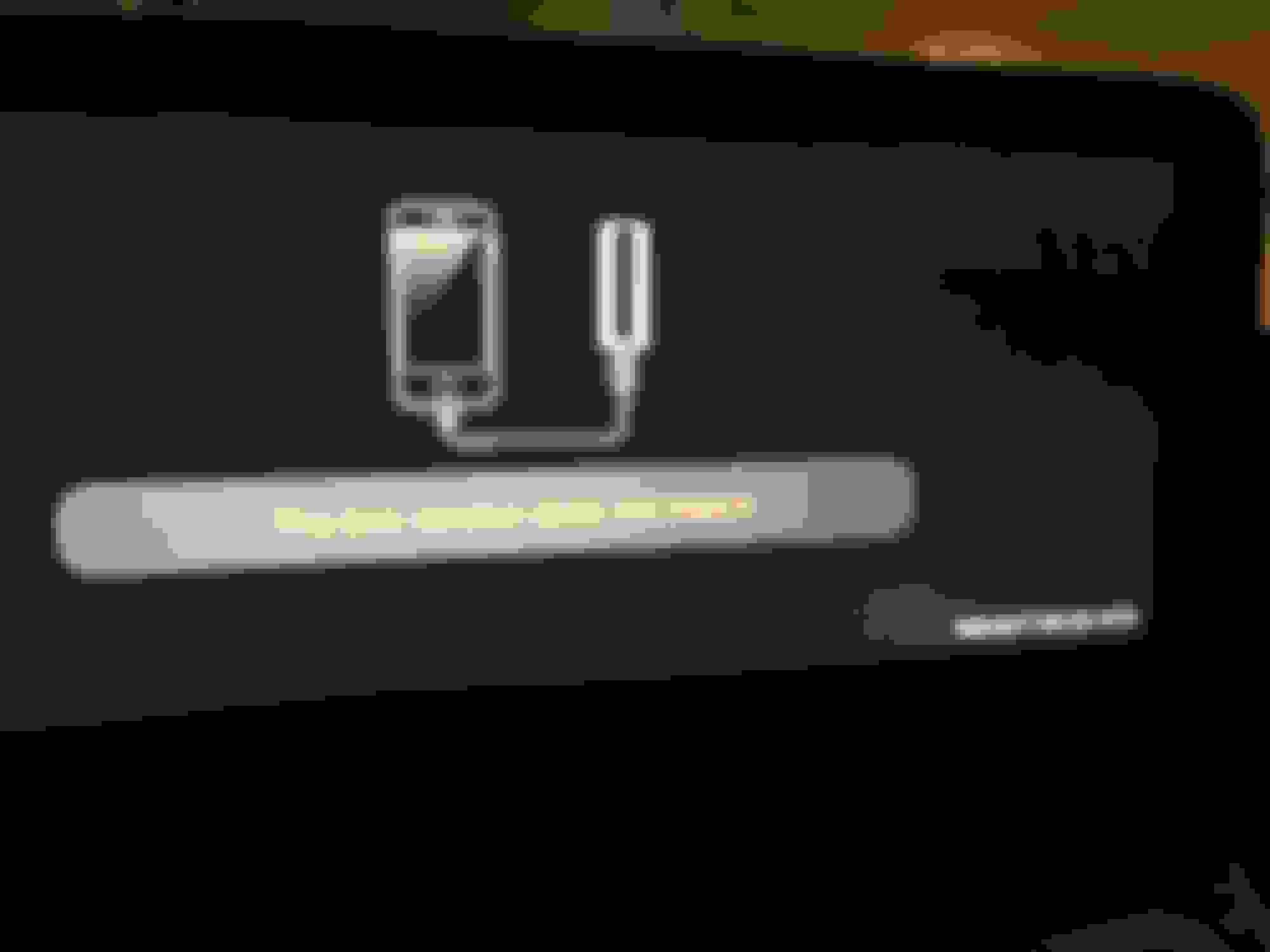
Then deletes the contents of the entire unit, reboots and shows this:
Then when I try to access the CarPlay adapter, I get this:
I discussed with CarLife who gave me the file for CarPlay which gets the dongle/adapter working again, but it forces me to re-install all my apps on the unit over and over. Moreover, it wipes all settings including the boot-up logos and my car information. I've tried reaching out to both CKM and CarLife re: the issue but to not avail. Has anyone else been experiencing these issues? This is NOT the experience for which I paid. Very very buggy.
The V3 unit has crashed three times on its own, usually with car start-up. It starts doing the following:
Then deletes the contents of the entire unit, reboots and shows this:
Then when I try to access the CarPlay adapter, I get this:
I discussed with CarLife who gave me the file for CarPlay which gets the dongle/adapter working again, but it forces me to re-install all my apps on the unit over and over. Moreover, it wipes all settings including the boot-up logos and my car information. I've tried reaching out to both CKM and CarLife re: the issue but to not avail. Has anyone else been experiencing these issues? This is NOT the experience for which I paid. Very very buggy.
My device settings are as follows:
That's why I don't bother selling the v3 units because they're too new and may have tons of bugs. Request a replacement from them. Best thing you can do.
Hello, I have one of the newer round corner 4GB RAM 8 Core 64GB ROM headunits. Just installed today.
Questions:
- Steering wheel volume buttons only change volume on the Comand unit, not directly on the android unit. When I’m in AUX on the Comand unit, I can hear sound from the Android unit, but as I said above, changing it using the steering wheel doesn’t change it for the android unit.
- I believe the above also has to do with rather poor sound quality through AUX, sound appears to only come from front speakers and the quality pretty bad.
Hello, I have one of the newer round corner 4GB RAM 8 Core 64GB ROM headunits. Just installed today.
Questions:
- Steering wheel volume buttons only change volume on the Comand unit, not directly on the android unit. When I’m in AUX on the Comand unit, I can hear sound from the Android unit, but as I said above, changing it using the steering wheel doesn’t change it for the android unit.
- I believe the above also has to do with rather poor sound quality through AUX, sound appears to only come from front speakers and the quality pretty bad.
Any suggestions?
Yes. I'd say you have to contact the seller. He is obligated to to deliver a product that works
Hello, I have one of the newer round corner 4GB RAM 8 Core 64GB ROM headunits. Just installed today.
Questions:
- Steering wheel volume buttons only change volume on the Comand unit, not directly on the android unit. When I’m in AUX on the Comand unit, I can hear sound from the Android unit, but as I said above, changing it using the steering wheel doesn’t change it for the android unit.
- I believe the above also has to do with rather poor sound quality through AUX, sound appears to only come from front speakers and the quality pretty bad.
Any suggestions?
You have to swap the connectors on the harness. For the sound via aux to work properly.
The box version doesn't match / unauthorized message is the carplay software being different than the box it detects and that alone shouldn't trigger the app reinstalls. Installing the correct apk should just overwrite the existing version. The file they gave you might be way more than just the carplay box apk. Had that message today when I changed from Autobox to the Carlinkit wireless for wireless carplay. Installed the recommended apk and the message went away and it installed like any other software, no reboot, nothing.
BTW, the carlinkit with the updated firmware (which fixes the carplay audio stuttering) is beyond epic, especially when used with iOS13. The widescreen layout of the new iOS13 carplay is perfect for these 10" screens. It only takes about 15-20 to detect my iP8 in my pocket and autostart carplay. Flawless so far. It seems to work by the phone first connecting to the USB box via BT which then triggers a WiFi connection between them and thus far it is very stable, even with navi+audio which I had problems with before.
Wireless Carlinkit with iOS13 on a V2, no more having to plug into USB every time I get into the car (although the option is still there, wired or wireless). Siri works as well. Not sure how well it works with Android Auto but it is supposedly supported as well. Now I will NEVER sell this W212.
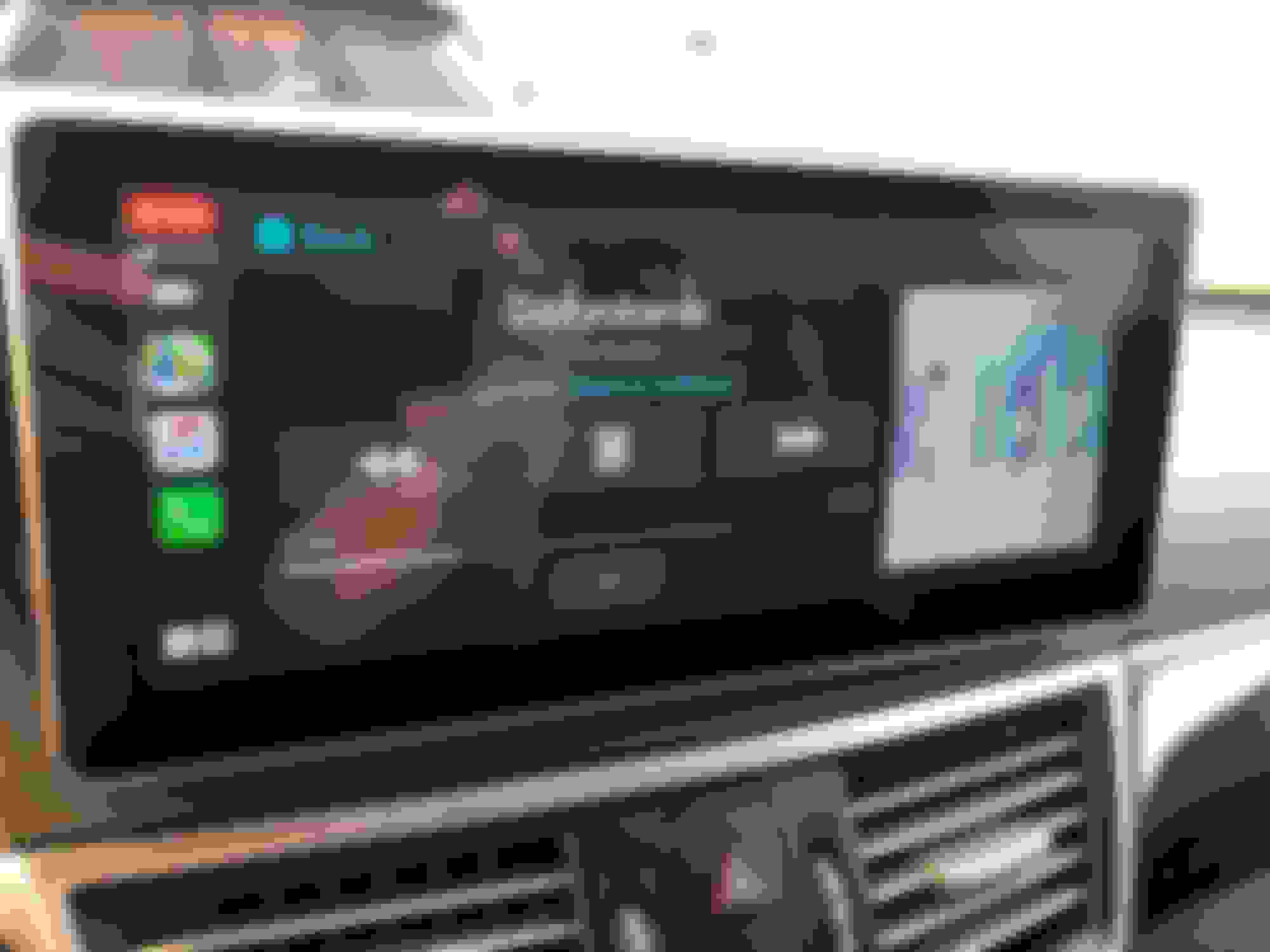
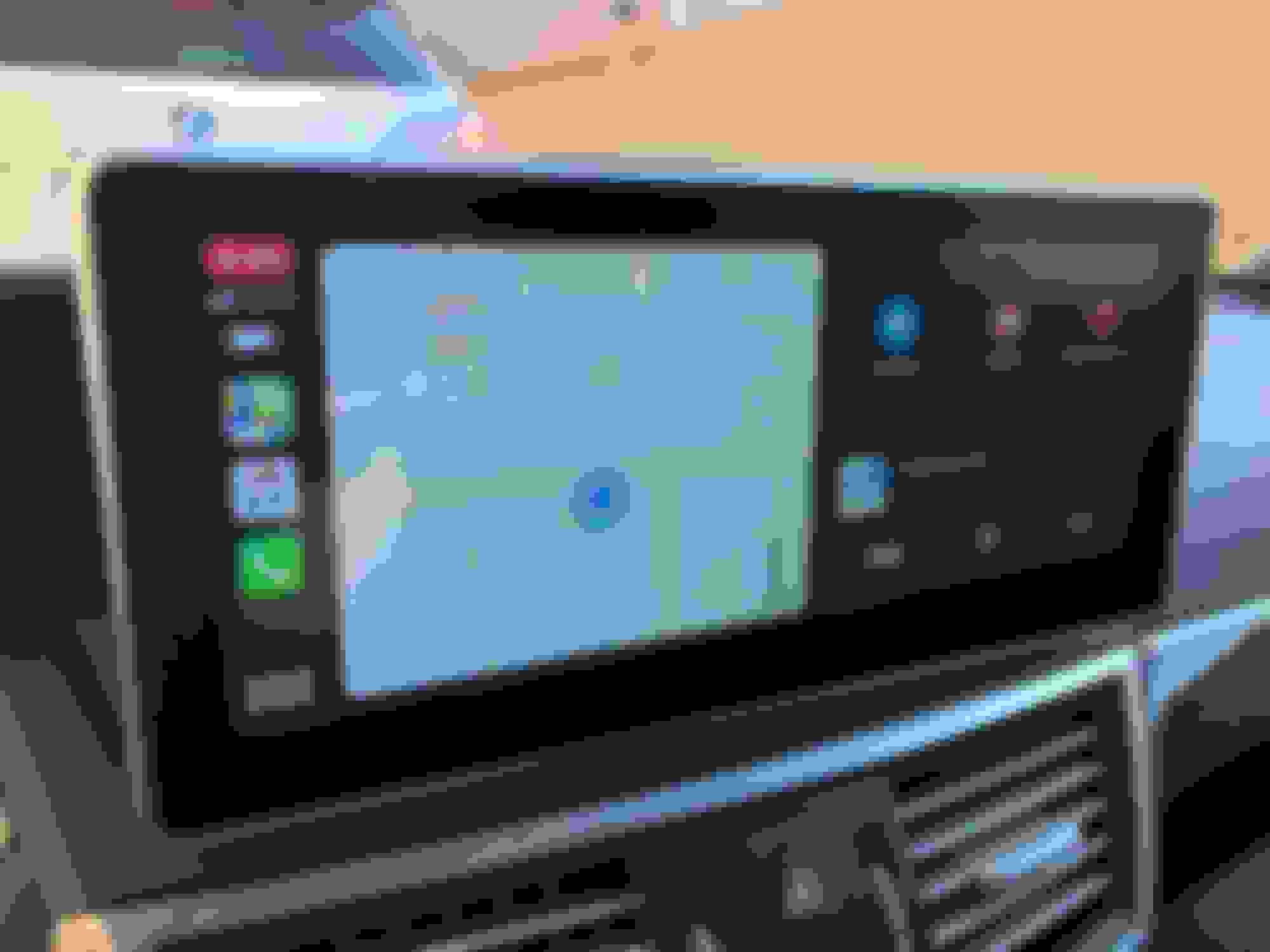
New iOS13 Carplay layout for audio New multi-task layout for Apple's apps. Works only with Apple Maps, not Waze but is nice to have audio, maps and other tasks like calendar on the screen at the same time. Waze and stuff still works, but runs fullscreen like with previous iOS versions.
Does anyone know how to get faster charging? its extremely slow to charge my phone through the units usb ports (i have enabled fast charging in carplay too)
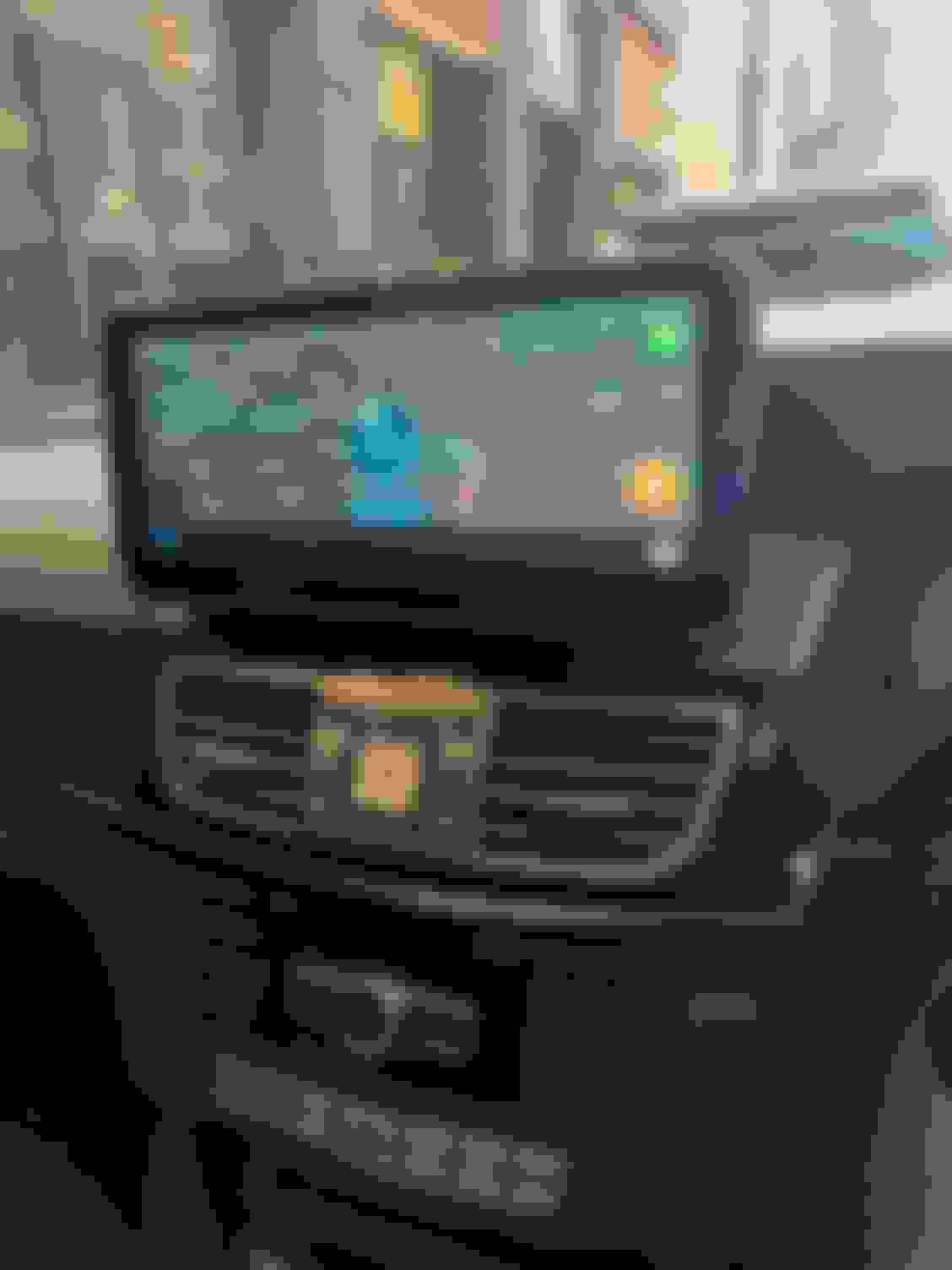
here is a photo of my round edge unit. Loving it so far with 4G LTE and using waze without carplay so i dont have to plug in my phone all the time for carplay
Mercedes SLR McLaren 722 S Is Extremely Rare Example Modified by McLaren
Slideshow: A one-of-one U.S.-spec Mercedes-Benz SLR McLaren Roadster became even rarer after a factory-backed transformation at McLaren's headquarters.