When you click on links to various merchants on this site and make a purchase, this can result in this site earning a commission. Affiliate programs and affiliations include, but are not limited to, the eBay Partner Network.
I couldn't even find a setting for reverse camera. I went through all the menus.
Same here. It look like by default it is available. So if you connect a camera, it will take it and display it with its own lines.
No options in the Eng Menu and I'got no clue if the MB dealer can set it up so it is centered (my local MB dealer certainly does not). Try with yours. They should...I think.
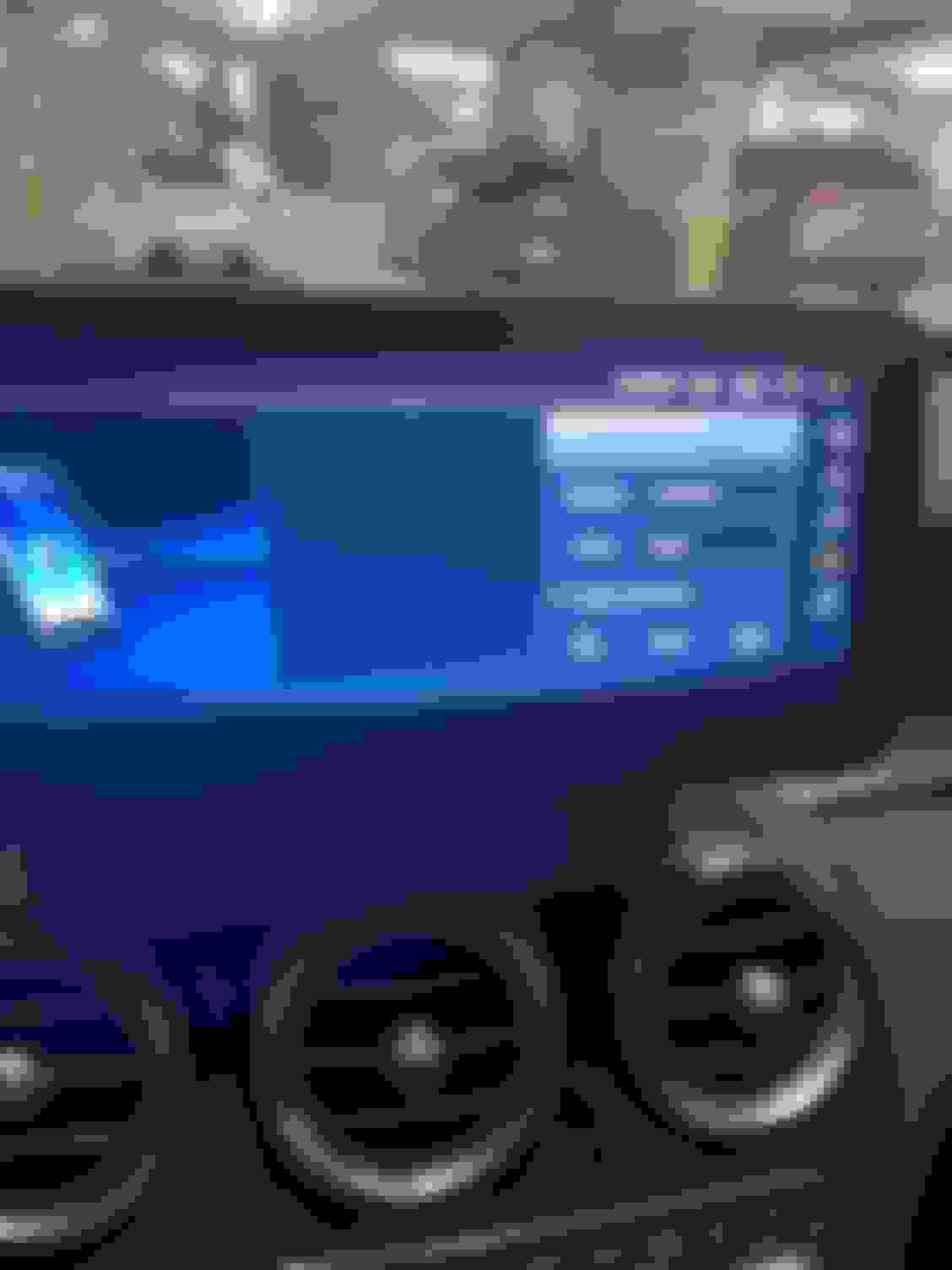
Hi I believe my unit was factory reset by mistake. Not when I go to the phone section to connect my phone. It says not activated. It normally says connected or not connected. Does anyone know how to fix?
Does the OEM GPS antenna connection reach the connector on the Android unit?
I just installed it yesterday and its working fine, but I did not install any of the supplied antennas, I have to make a trip tomorrow and would like to use the unit... if not.. I will revert it back to stock for the trip and order the splitter and extension and reinstall when that arrives.. Also I will lengthen a lot of cables and cut a bunch of others for a cleaner install..
LICG, yes, the cable will reach, but you're better off getting a splitter and adapter to use the factory antenna, but not steal it from the car stereo (you'll get some warnings if you do).
Alright, so I've had the DMP Car Designs 12" unit it my W218. It looks nice, but, there's a lot of issues I've had with it to date. Latest one is that the Zlink stopped working (CarPlay), so I uninstalled thinking I could just re-install... yeah, DON'T do that. Now I gotta try and figure out WTH I did and re-root the new app to the current app... DMP is not super responsive, so if he doesn't answer when you're working on the car, you're basically sunk, as he'll usually answer when you're NOT at the car... can take days to get it working right.
Hi I believe my unit was factory reset by mistake. Not when I go to the phone section to connect my phone. It says not activated. It normally says connected or not connected. Does anyone know how to fix?
here's what I did -- although I am on an Android device, so not sure if the same or similar app exists for iOS.
I wrote an automated script in an app called MacroDroid, that does the following: When my phone connects to MB-Bluetooth, the Mobile Hotspot is turned on. The screen the picks up the wifi coming from my phone and voila. I am also on T-Mobile and have unlimited tethering data (at full LTE speed). I don't stream movies or anything on the screen (and all those apps just put unnecessary load on the screen and cause a lot of the problems people post around here). When I turn the car off and the Bluetooth disconnects from MB-Bluetooth, the script then turns off the Mobile Hotspot.
Doesn't get more seamless than that IMHO.
Can you please explain how to set up the script.
I downloaded the app you suggested but I have no clue what I'm doing lol
I'd appreciate any help you can give me.
Can you please explain how to set up the script.
I downloaded the app you suggested but I have no clue what I'm doing lol
I'd appreciate any help you can give me.
it's an idiot proof gui. What are you having issues with?
I don't know anything about scripts.
I assume you go to add macro. Then 3 options come up after that, Triggers,Action, and Constraints. That's where I don't know what to do.
I don't know anything about scripts.
I assume you go to add macro. Then 3 options come up after that, Triggers,Action, and Constraints. That's where I don't know what to do.
I've posted multiple times around here on how to configure. Pls search.
I searched your posts and didnt see anything on how to set up the script using the app.
Any help would be greatly appreciated.
you're killing me smalls -- you're not telling me what step you"re stuck on and what you've done thus far. It is literally an idiot proof app that I posted, in the first post you quoted, how to configure. Last chance. You're new here, try and figure it out based off of the 1500 posts on this thread. Otherwise you're wasting my time on a relaxing Friday night; all due respect.
2016 E350 4Matic wagon, 2019 Ford Expedition, 2019 Chevy Bolt EV
you shouldn't have to do any scripting or nothing to link a phone to an android auto or apple carplay host. it should just work. you have to initially bond them, basically answer a few taps on the phone to say, yes, I want you to play nice with this car, then boom, you plug, it plays.
you shouldn't have to do any scripting or nothing to link a phone to an android auto or apple carplay host. it should just work. you have to initially bond them, basically answer a few taps on the phone to say, yes, I want you to play nice with this car, then boom, you plug, it plays.
I did say what I was stuck on. My trigger is Bluetooth enabled. My Action is Enable Hotspot. My Constraints is Device Not Connected (MB Bluetooth)
is that the correct script?
I did say what I was stuck on. My trigger is Bluetooth enabled. My Action is Enable Hotspot. My Constraints is Device Not Connected (MB Bluetooth)
is that the correct script?
you're being lazy. See attached screenshot. I've literally spelled it out for you again. If you can't figure it out at this point I don't know what to say. You're not giving me anything in terms of where you're at in terms of screenshots/videos etc....
im new to this thread to please bare with me
installed new display and no audio. i have the fiber optics in the new harness and adjusted the aux position on the android deviceas well as put it in aux mode on the oem. im also getting device unavailable when using oem satellite. im seeing the light in the fiber optic line. i have reset the comand unit as well as diconnected the fuses for the radio/amp/satellite and disconnected the battery and still no audio. any help or advice?
did you ever get your audio working and if so how? I am running into the same issue, with zero audio.
anyone have some suggestions as to why I would have no audio?
I put everything back as it was before even attempting the android radio install and I still have zero sound. Everything worked before and now nothing.
Hi Dlmx!
I had to move the fiber optic connectors manually from OEM harness to INAV harness.
If you don't do this you disconnect your external amplifier.
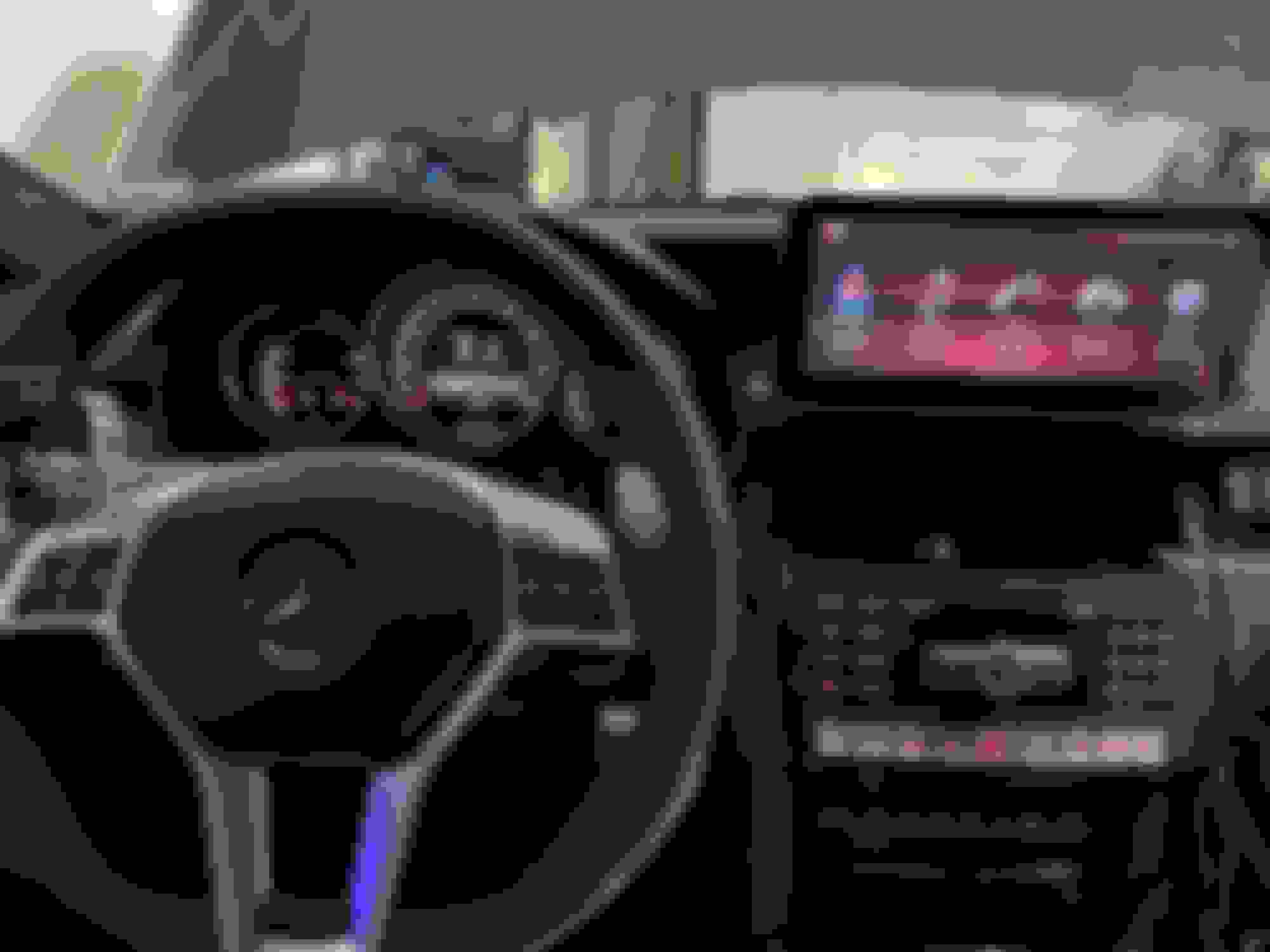
Working on installing my brand new Android 11 10.25” in my ‘14 E63S.
to the person above that asked, yes the GPS connector on the back of the unit is infact the white one. I went with the splitter on mine and so far so good.
I knew this unit would take some getting used to and getting all the settings right. As of right now my main issues are the audio switching. I’ve been messing with the manual and automatic switching, but anytime I get out of the Carplay screen it stops whatever audio I had on and that kinda annoys me. Then you gotta cycle back to aux on NTG, then back to Carplay to restart the music. Anyway, besides switching my only complaint so far is the dimming of the unit. It appears to either have manual or dim when the cars lights are on. I wish the screen had its own independent lights control. Coming home from work today it rained, my wipers came on which switched on my headlights, causing the screen to dim. Kinda sucks. Any work around for this?
Has anyone replaced the HU external microphone with something better? I'd like to improve voice quality while on the phone. Also, I might be able to fit a smaller-format mic in the same place as the OEM mic (center roof console), for a cleaner look.
Mercedes SLR McLaren 722 S Is Extremely Rare Example Modified by McLaren
Slideshow: A one-of-one U.S.-spec Mercedes-Benz SLR McLaren Roadster became even rarer after a factory-backed transformation at McLaren's headquarters.