When you click on links to various merchants on this site and make a purchase, this can result in this site earning a commission. Affiliate programs and affiliations include, but are not limited to, the eBay Partner Network.
Has anyone replaced the HU external microphone with something better? I'd like to improve voice quality while on the phone. Also, I might be able to fit a smaller-format mic in the same place as the OEM mic (center roof console), for a cleaner look.
The MB mic is German engineered, noise-cancelling, and stood the test of time for 9 years. What other evidence do you need to continue using the MB mic for phone calls with an Android HU?
I agree that MB's OEM mic is really good. However, if i am using the Android screen with CarPlay and I want a seamless operation of the whole system, I need to be using the Android mic for calls and any other function (Whatsapp dictation, etc). That is why I am looking at using a better microphone.
I agree that MB's OEM mic is really good. However, if i am using the Android screen with CarPlay and I want a seamless operation of the whole system, I need to be using the Android mic for calls and any other function (Whatsapp dictation, etc). That is why I am looking at using a better microphone.
Pull over, send your whatsapp using your phone, then continue to focus on driving then. And don't try and argue "I'm not a distracted driver". You are. End of story. Stop making it dangerous for others.
If you want to help with my request, then great. Otherwise keep your advise to yourself.
Why do you even troll these forums? Distracted or not distracted, it is none of your F-ing business.
If you want to help with my request, then great. Otherwise keep your advise to yourself.
Why do you even troll these forums? Distracted or not distracted, it is none of your F-ing business.
Sold my E63 so my new Android 11 10.25” unit is for sale. In original box purchased new from 4x4shop only a couple weeks ago. I’ll sell for 100 less than I paid which includes installation instructions and all the install vids from 4x4shop. I’m located in the U.S. and can ship same day. I can even provide my original purchase receipt as well which shows $655 purchase price, I’ll sell for $550 shipped. Some extras included such as GPS splitter so you can use your oem GPS antenna. Message me or email at jamespowles@yahoo.com
Whenever I make a call through the Android system, if I try to hang up using the steering wheel buttons, the call is put on hold instead. Anyone having the same issue?
I have a 10.25 android 10 with Snapdragon 625 4GB / 64GB and NTG 4.5
I also am going to see if I can try and split one of the camera signals - the unit supports recording of a video signal through an RCA input port (so CVBS or perhaps a digital equivalent), I got this hoping that I can split the signal for either the front or rear cameras: Fakra Z Plug Male long and Female to RCA Female Vedio Adapter Extension Cable 6" | eBay (RCA to the roadtop DVR input)
Hey, have been following this thread for a while and am considering getting one for my 2010 w207. Was wondering do these things work with the cars built mic and gps antenna? Or do I have to use the included stuff. Also has anyone installed a 12 inch wanted a big screen but didn’t want it to look crazy. Lastly is it worth to get the ones with advertised wireless CarPlay or is that something they can all do with a sub dongle.
Can I use a unit for made for ntg 4.5 in to an older car if I use the right bracket? Not sure if the units and cables are all the same for ntg 4.0 and 4.5.
Hey, have been following this thread for a while and am considering getting one for my 2010 w207. Was wondering do these things work with the cars built mic and gps antenna? Or do I have to use the included stuff. Also has anyone installed a 12 inch wanted a big screen but didn’t want it to look crazy. Lastly is it worth to get the ones with advertised wireless CarPlay or is that something they can all do with a sub dongle.
For NTG 4.5 and 4.7 at least if you have COMAND everything I’ve seen here indicates it will work with the built in mic. However there will need to be some configuration in engineering mode I think. No one has really explicitly explained the final actual steps from what I can see - either means it is readily apparent or it means I will have a surprise here in the next few days.
i’m worried if I have to actually wire to my aux in or not - which I’ve read is not required but likely needs a configuration change in the engineering mode.
if anyone has any explicit information on that it would be welcome.
Just found this thread and need to read it to figure out some things. I bought the 10.25" Android 11 screen and started the installation yesterday. I watched a lot of Youtubes over the past two weeks and felt comfortable installing it. I grew up in the 70's when everyone used aftermarket stereos and I'll bet through the years, I've installed close to a 100 including full systems. When people said the instructions sucked, they weren't kidding.
So far:
Removed the factory screen
Removed the A/C vents
Removed the Comand unit. What a pain in the ***. In my '11 A207, none of the trim had to come off. I unscrewed the top screws until they got hard to turn and the unit would wiggle but not come out. I unscrewed some more but I didn't want the lock bars to fall off, but kept going until I could feel the bars not hitting the hooks on the head unit.
I installed the wiring harnesses and connected it to the Comand and Android screen
Issue 1 - no sound. After rereading another set of instructions that didn't come with the unit, I realized I needed to move the fiber optic from the factory harness plug to the Android plug that goes into the Comand.
Issue 2 - I tried several Vehicle Display settings, starting with NTG4.0 (2008-2010) and I'm still getting No Signal.
Issue 3 - They sent me the GPS cable splitter so I can use my factory GPS antenna. The factory plugs on the Comand have a double wire/plug in 3 locations - Blue, White, and Green. The GPS should be Blue like they are on the splitter but not sure which wire to install the splitter.
Overall, nothing is difficult. It is really the lack of documentation. It should also start out with a diagram of how your factory Comand system is laid out and what does what. Then there should be a diagram of where the Android system integrrates into it and what drives each Comand and Android functions. I'll get it completed over this weekend and post up some notes.
Just found this thread and need to read it to figure out some things. I bought the 10.25" Android 11 screen and started the installation yesterday. I watched a lot of Youtubes over the past two weeks and felt comfortable installing it. I grew up in the 70's when everyone used aftermarket stereos and I'll bet through the years, I've installed close to a 100 including full systems. When people said the instructions sucked, they weren't kidding.
So far:
Removed the factory screen
Removed the A/C vents
Removed the Comand unit. What a pain in the ***. In my '11 A207, none of the trim had to come off. I unscrewed the top screws until they got hard to turn and the unit would wiggle but not come out. I unscrewed some more but I didn't want the lock bars to fall off, but kept going until I could feel the bars not hitting the hooks on the head unit.
I installed the wiring harnesses and connected it to the Comand and Android screen
Issue 1 - no sound. After rereading another set of instructions that didn't come with the unit, I realized I needed to move the fiber optic from the factory harness plug to the Android plug that goes into the Comand.
Issue 2 - I tried several Vehicle Display starting with NTG4.0 (2008-2010) and I'm still getting No Signal.
Issue 3 - They send me the GPS cable splitter so I can use my factory GPS antenna. The factory plugs on the Comand have a double wire/plug in 3 locations - Blue, White, and Green. The GPS should be Blue like they are on the splitter but not sure which wire to install the splitter.
Overall, nothing is difficult. It is really the lack of documentation. It should also start out with a diagram of how your factory Comand system is laid out and what does what. Then there should be a diagram of where the Android system integrrates into it and what drives each Comand and Android functions. I'll get it completed over this weekend and post up some notes. Wish me luck!
good luck. Would you mind posting some close up pictures of the adapters and the conectors?
also in yours do you need to open up the console to plug into the factory audio aux in?
good luck. Would you mind posting some close up pictures of the adapters and the conectors?
also in yours do you need to open up the console to plug into the factory audio aux in?
I'll post up some pics tonight.
My car doesn't have an AUX port but it has an AMI port in the glove box. The kit came with an AMI to Aux cable. I'm going to run the USB and AUX to the glove box.
Just found this thread and need to read it to figure out some things. I bought the 10.25" Android 11 screen and started the installation yesterday. I watched a lot of Youtubes over the past two weeks and felt comfortable installing it. I grew up in the 70's when everyone used aftermarket stereos and I'll bet through the years, I've installed close to a 100 including full systems. When people said the instructions sucked, they weren't kidding.
So far:
Removed the factory screen
Removed the A/C vents
Removed the Comand unit. What a pain in the ***. In my '11 A207, none of the trim had to come off. I unscrewed the top screws until they got hard to turn and the unit would wiggle but not come out. I unscrewed some more but I didn't want the lock bars to fall off, but kept going until I could feel the bars not hitting the hooks on the head unit.
I installed the wiring harnesses and connected it to the Comand and Android screen
Issue 1 - no sound. After rereading another set of instructions that didn't come with the unit, I realized I needed to move the fiber optic from the factory harness plug to the Android plug that goes into the Comand.
Issue 2 - I tried several Vehicle Display settings, starting with NTG4.0 (2008-2010) and I'm still getting No Signal.
Issue 3 - They sent me the GPS cable splitter so I can use my factory GPS antenna. The factory plugs on the Comand have a double wire/plug in 3 locations - Blue, White, and Green. The GPS should be Blue like they are on the splitter but not sure which wire to install the splitter.
Overall, nothing is difficult. It is really the lack of documentation. It should also start out with a diagram of how your factory Comand system is laid out and what does what. Then there should be a diagram of where the Android system integrrates into it and what drives each Comand and Android functions. I'll get it completed over this weekend and post up some notes.
Issue 1 almost resolved. I'm getting sound from the factory system. The Android system works through AUX which is an AUX adapter in the AMI port. I set the radio to AUX and go to the Android screen. I play music and it comes out for 3 seconds and shuts off. The Comand is auto-switch from AUX to Media Interface.
Issue 2 resolved. I didn't have a power source going to the display adapter, duh.
Issue 3 workaround. I'm going to use the GPS antenna that came with the Android and hide it behind the A pillar cover. Easy solution.
Once that I fully solve Issue 1 I will take some pictures and cleanly run all of the lines. Then I will button it all up and it will be done.
Last edited by BigMike62; Jan 5, 2022 at 11:08 AM.
Issue 1 of the Aux setting automatically going to Media Interface on the Comand is resolved. The setting was in the Android unit and was set to automatic instead of manual.
It took about two hours to route the big harness properly in order for the Comand unit to fit back into the space. It was very frustrating figuring it out but patience prevailed. I ran the harness through the Comand space to the lover back left corner and up the left side to the screen space. I only left the T connectors for the main Comand plug. One in the back of the unit and the factory-Android tucked down in the bottom of the space.
I'm routing the USB and AUX plugs from the Android harness from the space where the old screen was to the glovebox. I managed to get some string routed and will finish up tonight. I didn't remove the glovebox which made it harder. I popped the AMI port out and ran the string through there. I'll notch the side of the opening so the cables can come through and pop the port back in when I'm done.
Last edited by BigMike62; Jan 6, 2022 at 09:49 AM.
Can I use a unit for made for ntg 4.5 in to an older car if I use the right bracket? Not sure if the units and cables are all the same for ntg 4.0 and 4.5.
I believe they are very vehicle and NTG specific. If you're trying to install an NTG4.5 in an NTG 3 or 4, the wiring harnesses likely won't match up. NTG4.5 has 4 buttons on the Comand controller too.
Issue 1 of the Aux setting automatically going to Media Interface on the Comand is resolved. The setting was in the Android unit and was set to automatic instead of manual.
It took about two hours to route the big harness properly in order for the Comand unit to fit back into the space. It was very frustrating figuring it out but patience prevailed. I ran the harness through the Comand space to the lover back left corner and up the left side to the screen space. I only left the T connectors for the main Comand plug. One in the back of the unit and the factory-Android tucked down in the bottom of the space.
I'm routing the USB and AUX plugs from the Android harness from the space where the old screen was to the glovebox. I managed to get some string routed and will finish up tonight. I didn't remove the glovebox which made it harder. I popped the AMI port out and ran the string through there. I'll notch the side of the opening so the cables can come through and pop the port back in when I'm done.
Some words of advise - the first step for installing one of these units is to drop the glove box. I ended up doing it and it would have save me about 3 hours total.
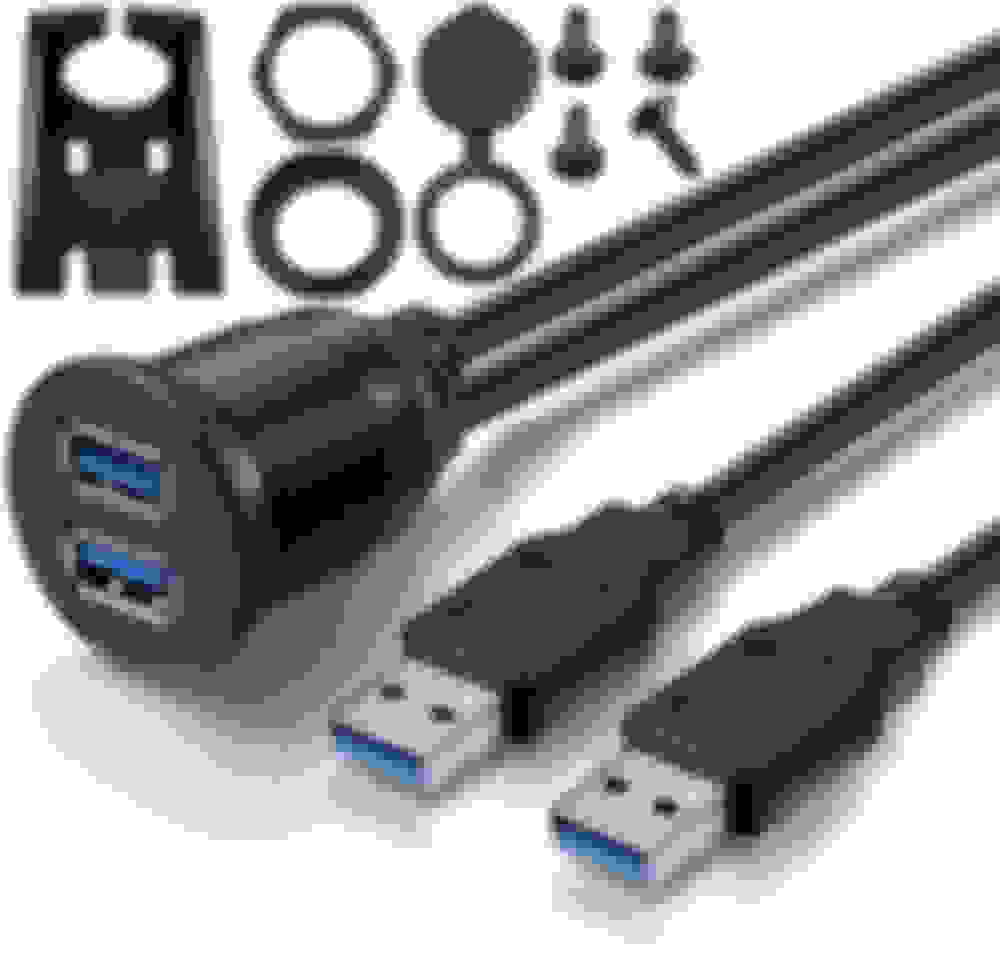
I dropped the glovebox because I'm OCD about clean installations. I didn't want two USB ports dangling in the glovebox so I ordered a dual USB port and will install it when it arrives tomorrow. Then the only thing left is to reinstall the glovebox.
Some words of advise - the first step for installing one of these units is to drop the glove box. I ended up doing it and it would have save me about 3 hours total.
I dropped the glovebox because I'm OCD about clean installations. I didn't want two USB ports dangling in the glovebox so I ordered a dual USB port and will install it when it arrives tomorrow. Then the only thing left is to reinstall the glovebox.
are you planning to drill this into the glove box shelf, the arm rest or somewhere else? Just a amazon special or ebay…?
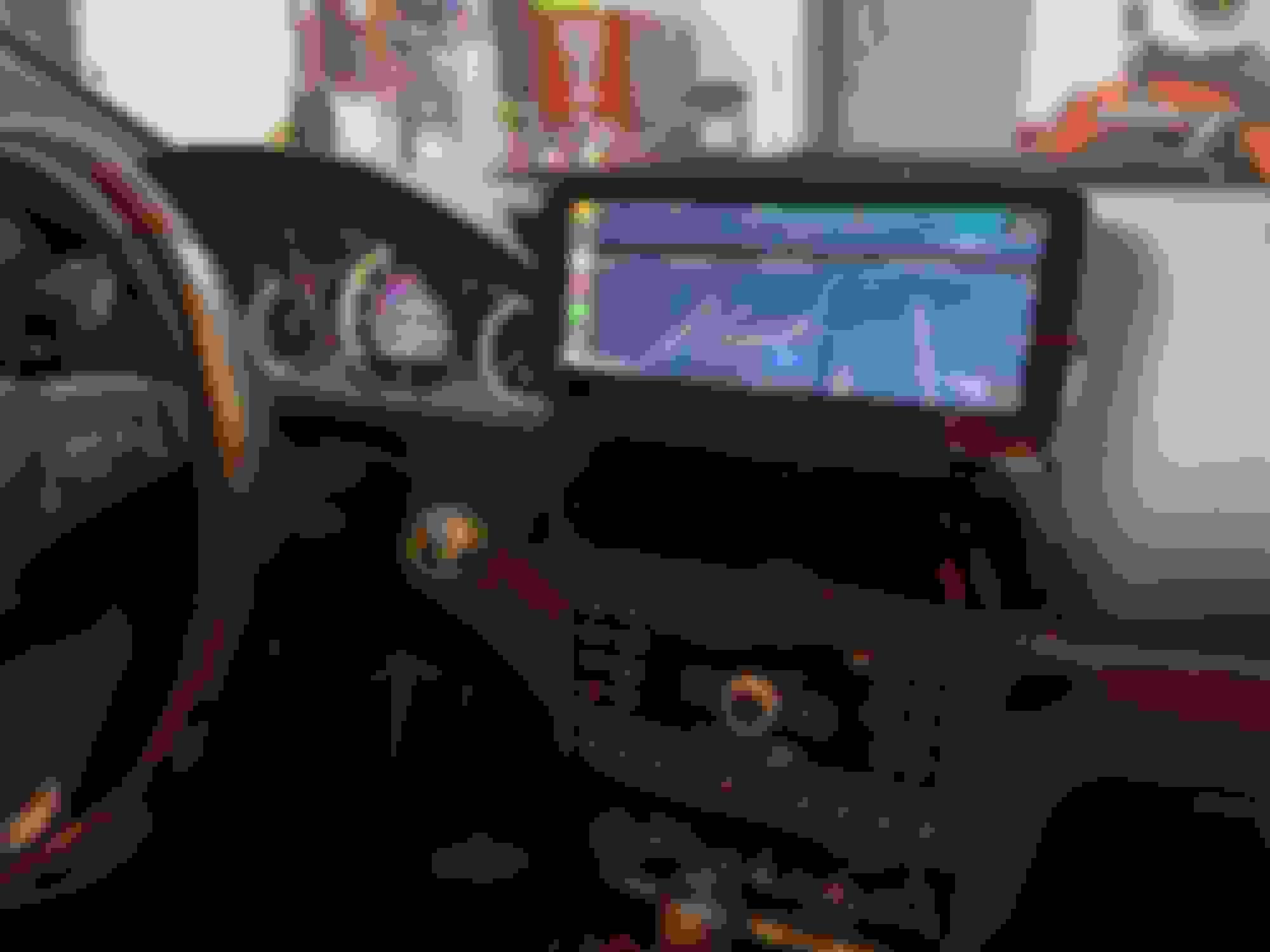
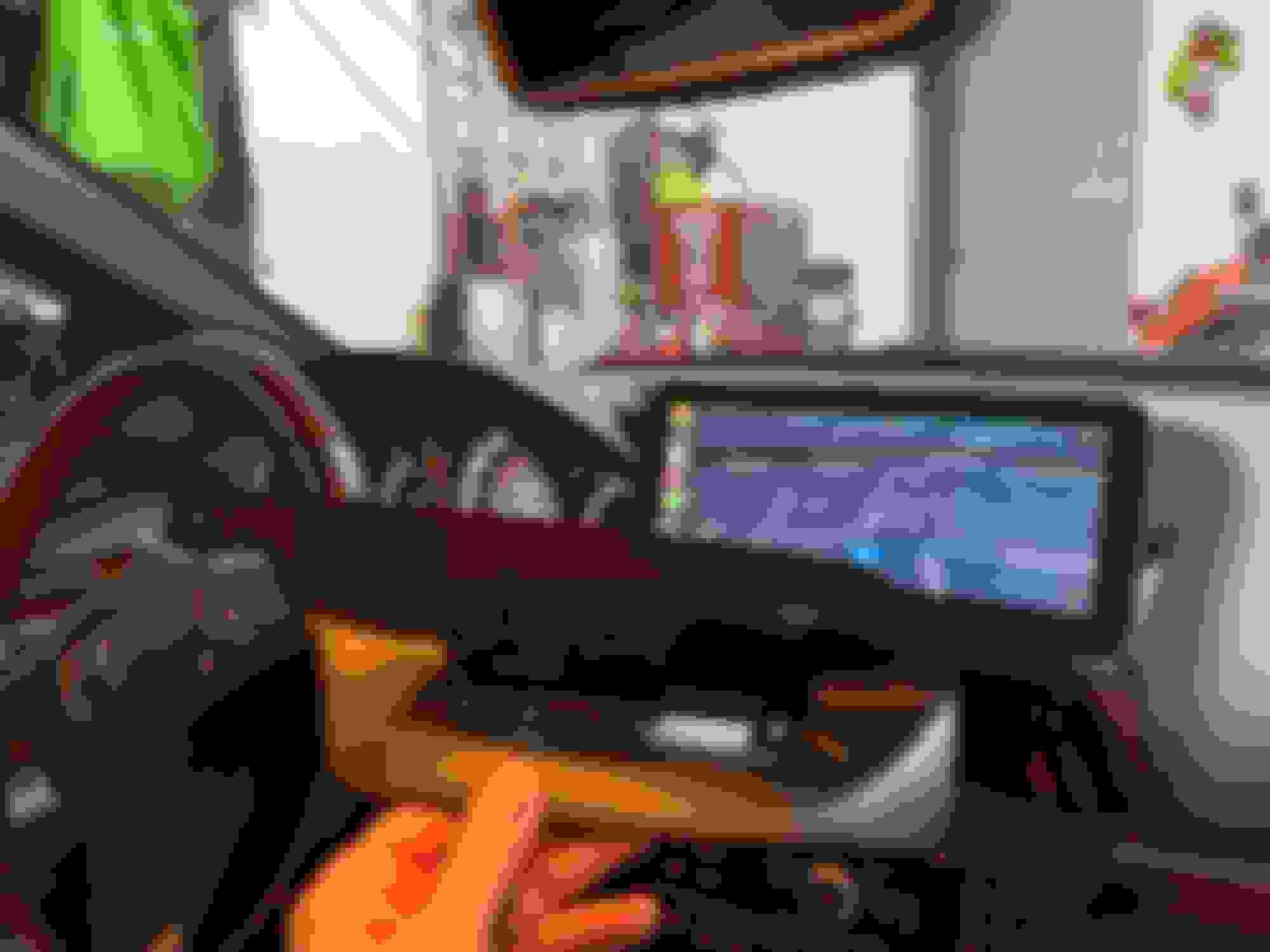
Hi, I also installed 10.25" android 11 unit last week. Mine is NTG 4.5.
Some screen is different then posted picture here, I don't know why.
On home screen for some unit - main icons which I can swipe left and right - show current car status by graphic, like opening doors, mine is not.
And original command screen, other shows like these pictures:
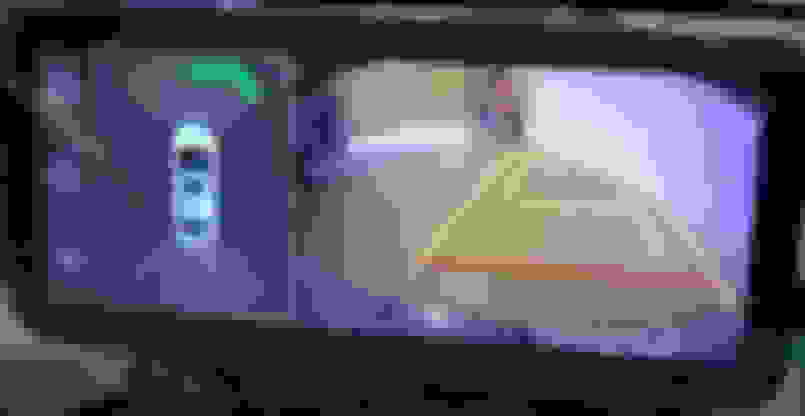
Right side has graphical information Left side you can see sensor information
This picture is from other member, but mine is exactly same, except this shows NTG 4.0, mine shows NTG 4.5.
Right side shows nothing but speed. Reverse mode also same style screen shows. No car graphic and more info.
Is it depend unit's software and firmware version?
My unit comes with Android 11, and seller said this unit has latest firmware/software....
Any suggestions?
Last edited by vcastceo; Jan 10, 2022 at 09:16 PM.
Mercedes SLR McLaren 722 S Is Extremely Rare Example Modified by McLaren
Slideshow: A one-of-one U.S.-spec Mercedes-Benz SLR McLaren Roadster became even rarer after a factory-backed transformation at McLaren's headquarters.