When you click on links to various merchants on this site and make a purchase, this can result in this site earning a commission. Affiliate programs and affiliations include, but are not limited to, the eBay Partner Network.
Hi guys, I've installed the box but am running into an issue - The mercedes knob only seems to register only the up and down movements within the software. Outside of the knob works in all directions and settings but when i start the software by holding the C button I can only browse the settings using up and down and it means I cant scroll through the apps. The same happens in Android auto when connected. Any suggestions? I've got a Mercedes Class c200 Kompressor 2007 and installed the ntg 4.0 box
I've attached a video of the issue but plan to have a look this weekend at the wiring as it feels the controls are somehow inverted.
I am having the exact same problem with the Limcet I installed yesterday. Installation went fine (although a pain getting the wires run) and I did the Aux fix in engineering mode but I can only use Up and Down on the command knob. Left, Right and the dial do nothing as soon as I'm in the Limcet interface.
I"m trying to explain it to the AliExpress seller but it's quite hard.
My car is a 2011 E350 CGI (A207) so it's not the same model as yours. This is the box I bought.
I am having the exact same problem with the Limcet I installed yesterday. Installation went fine (although a pain getting the wires run) and I did the Aux fix in engineering mode but I can only use Up and Down on the command knob. Left, Right and the dial do nothing as soon as I'm in the Limcet interface.
I"m trying to explain it to the AliExpress seller but it's quite hard.
My car is a 2011 E350 CGI (A207) so it's not the same model as yours. This is the box I bought.
Carplay box
Could the fibre connection that i moved be the problem? I wonder if I inverted the connector when I put it into the quadlock? Does anyone know what the FC does?
I just put an order in for the Kremersino unit a couple days ago. Very excited to get this thing installed, I even paid the extra $40 to get it a little sooner.
Ill update this thread when my unit arrives and I get it installed!
Hi guys, I've installed the box but am running into an issue - The mercedes knob only seems to register only the up and down movements within the software. Outside of the knob works in all directions and settings but when i start the software by holding the C button I can only browse the settings using up and down and it means I cant scroll through the apps. The same happens in Android auto when connected. Any suggestions? I've got a Mercedes Class c200 Kompressor 2007 and installed the ntg 4.0 box
I've attached a video of the issue but plan to have a look this weekend at the wiring as it feels the controls are somehow inverted.
Did you get anywhere with this? I pulled mine apart and did it all again but still no joy. Comand controller will only do up and down, nothing else. My retailer is apparently asking Engineering about the issue but I'm thinking that it's more likely to be a firmware issue within the P306 and NTG4/Comand systems.
As of this morning the reversing camera feed is no longer working either! Think it's going to have to go back!
Did you get anywhere with this? I pulled mine apart and did it all again but still no joy. Comand controller will only do up and down, nothing else. My retailer is apparently asking Engineering about the issue but I'm thinking that it's more likely to be a firmware issue within the P306 and NTG4/Comand systems.
As of this morning the reversing camera feed is no longer working either! Think it's going to have to go back!
Hi,
Sorry for the delay, have been tinkering away and was able to fix the issue. If you've got the symptoms of only being able to up and down the issue wasn't related to the box but actually the scroll function of wheel.
I purchased the car 2nd hand so I didn't know about the scroll wheel function. After watching the following video, I knew my car's scroll had broken:
I caught on that this was definitely the issue as the scroll didn't work in command either. the scroll wheel uses a plastic shaft and I would recommend purchasing a metal one like so: https://amzn.eu/d/9j8uCNA
Once fixed I was able to scroll through all the features which was great.
I also took some time to run through all the pieces of software and make sure I could use it all.
I personally use android auto and have been testing it out on a few long drives. I got the mirror link app working flawlessly and have used bluetooth to connect the android auto: I wanted to use the exact same APK that the manual provided in the thread and in the booklet. Its called mlink on the Google play store: https://play.google.com/store/apps/d...om.msnuo.mlink
(following the pdf make sure you enable 5ghz too for the hotspot)
I have run into some minor issues and one major one:
Sound quality - I'm hearing when I take take calls there's an echo - haven't investigated this too much but I have installed the mic that was included and ran it up the side panel and housed in the rain detection pod in the middle behind the camera. Need to see if both mics are being used to cause the echo.
2nd issue would be when using Waze the direction volume would sound horrible and distorted, followed by either a defeaning increase in volume or lowering.
I was able to resolve this for the most part by lowering the Waze volume to 30% in the app and changing the direction volume in the limcet menu to around 70%
I also ran into an issue where my sound would not work for the car, radio and Android auto and all. After tinkering multiple times in the engineering menu and the aux settings, re-seating fuses and factory resetting both boxes. the following settings worked for me and I've had no issues with sound since and both my radio and Android auto work with no issues.
Andriod Aux: On
most: On
Amp: Internal
the above settings has allowed my car to retain sound, I've tried external amp but would lose sound for radio and limcet box, so sticking with the above.
The current pain point:
While on long drives or even short (2 hour drives or a 20 min drive) I've had the issue of my limcet box, black screening. The box seemed to still have power but I would only see a black screen, I can come out to my command and the command interface works but my limcet module would no activity and remain a black screen. I tried coming in and out of the menu, turning the command on/off, shutting the car off but still a black screen. I left my car over night for the box to begin working again
I noticed both on occasions this occured was while I was connected over Bluetooth. I've driven the car some more today, around 6 hour drive but I directly plugged my phone via USB as it's a pain point to use lose your main navigation system while driving and trying to navigate through motorway traffic. I hoped that connecting via USB would also get rid of the annoying symptom of getting thrown out of android auto when there's no data connection. Good news is that there was no black screen during today's drive but I was thrown out of Waze and into the limcet interface. Annoyingly enough, re-opening android auto and Waze did not resume my drive and I had to pull over to reset the destination.
I'll continue to test but if I won't get any black screens it won't be an issue for me to stick with usb connections but the losing connection while still connected to usb is still a bummer.
I've attached my firmware version as I believe I've got quite an updated model/software based on previous posts
but if anyone knows or has experienced the above, any help would be appreciated.
Sorry for the delay, have been tinkering away and was able to fix the issue. If you've got the symptoms of only being able to up and down the issue wasn't related to the box but actually the scroll function of wheel.
I purchased the car 2nd hand so I didn't know about the scroll wheel function. After watching the following video, I knew my car's scroll had broken:
After doing more research, I found the scroll shaft had snapped and its a very common issue in mercedes Cars. it was a quick fix by following this -
https://youtu.be/gU5NB7jpqOM
I caught on that this was definitely the issue as the scroll didn't work in command either. the scroll wheel uses a plastic shaft and I would recommend purchasing a metal one like so: https://amzn.eu/d/9j8uCNA
Once fixed I was able to scroll through all the features which was great.
I also took some time to run through all the pieces of software and make sure I could use it all.
I personally use android auto and have been testing it out on a few long drives. I got the mirror link app working flawlessly and have used bluetooth to connect the android auto: I wanted to use the exact same APK that the manual provided in the thread and in the booklet. Its called mlink on the Google play store: https://play.google.com/store/apps/d...om.msnuo.mlink
(following the pdf make sure you enable 5ghz too for the hotspot)
I have run into some minor issues and one major one:
Sound quality - I'm hearing when I take take calls there's an echo - haven't investigated this too much but I have installed the mic that was included and ran it up the side panel and housed in the rain detection pod in the middle behind the camera. Need to see if both mics are being used to cause the echo.
2nd issue would be when using Waze the direction volume would sound horrible and distorted, followed by either a defeaning increase in volume or lowering.
I was able to resolve this for the most part by lowering the Waze volume to 30% in the app and changing the direction volume in the limcet menu to around 70%
I also ran into an issue where my sound would not work for the car, radio and Android auto and all. After tinkering multiple times in the engineering menu and the aux settings, re-seating fuses and factory resetting both boxes. the following settings worked for me and I've had no issues with sound since and both my radio and Android auto work with no issues.
Andriod Aux: On
most: On
Amp: Internal
the above settings has allowed my car to retain sound, I've tried external amp but would lose sound for radio and limcet box, so sticking with the above.
The current pain point:
While on long drives or even short (2 hour drives or a 20 min drive) I've had the issue of my limcet box, black screening. The box seemed to still have power but I would only see a black screen, I can come out to my command and the command interface works but my limcet module would no activity and remain a black screen. I tried coming in and out of the menu, turning the command on/off, shutting the car off but still a black screen. I left my car over night for the box to begin working again
I noticed both on occasions this occured was while I was connected over Bluetooth. I've driven the car some more today, around 6 hour drive but I directly plugged my phone via USB as it's a pain point to use lose your main navigation system while driving and trying to navigate through motorway traffic. I hoped that connecting via USB would also get rid of the annoying symptom of getting thrown out of android auto when there's no data connection. Good news is that there was no black screen during today's drive but I was thrown out of Waze and into the limcet interface. Annoyingly enough, re-opening android auto and Waze did not resume my drive and I had to pull over to reset the destination.
I'll continue to test but if I won't get any black screens it won't be an issue for me to stick with usb connections but the losing connection while still connected to usb is still a bummer.
I've attached my firmware version as I believe I've got quite an updated model/software based on previous posts
but if anyone knows or has experienced the above, any help would be appreciated.
Thanks for the excellent response @Dekyo . I can confirm that I pulled my Comand apart and it was indeed the problem so I replaced the broken shaft with the aluminium one you listed and now it's all working again. I've also told the AliExpress seller (Navifly) that they need to update their instructions for the box to reflect that Left/Right on the controller doesn't do anything and that that commands are actually Up/Down and Scroll Wheel.
It kind of says it in the manual but only once you know its the car.
My settings are Aux ON, Most ON and AMP set to External. If I set it to Internal I get no audio at all.
I haven't had any drop out issues but haven't done any long drives yet. My firmware is newer than yours (3.10.9.0610) so that many help?
The only problem I now have is that it no longer hears the OEM microphone (I don't have an external one). When I first installed it, I could speak commands to the box after pressing the voice button or saying "OK Google" but after removing, replacing and messing about in the engineer menu it no longer hears any commands. I can activate Android Auto to be listening but it doesn't hear anything. No idea what I've done. .
When using the OEM microphone am I meant to plug the limcet box audio out on the harness into the mic socket on the Limcet box???? I think I may have done that originally and then removed it when I was checking it...... the below image shows my box (just without the external MIC)
Last edited by VooDooD; Aug 24, 2022 at 02:57 AM.
Reason: update image
If a knob works only up and down and doesn’t work left and right, there is a simple fix and it’s written on a paper instruction:
Tilt the knob left for 30 seconds. Device will restart. After that left right tilts could be used to change tracks.
I just installed it on my C207. Is it expected that the buttons on the command at the front (change tracks, numpad) don’t work at CarPlay? Or did I have to rewire some cables to make them work?
If a knob works only up and down and doesn’t work left and right, there is a simple fix and it’s written on a paper instruction:
Tilt the knob left for 30 seconds. Device will restart. After that left right tilts could be used to change tracks.
I just installed it on my C207. Is it expected that the buttons on the command at the front (change tracks, numpad) don’t work at CarPlay? Or did I have to rewire some cables to make them work?
I didn't get any paper instructions but just tried left and right for 30 secs (just incase it was reversed in RHD) and no joy.
I don't think the buttons on the head unit do anything. I saw someone say that they could do forward reverse but it never worked with mine. My retailer is now telling me that i have to buy and install a separate mic to get Siri/OKGoogle working despite it working in the first place.
Bit of a shame that every retailer days something different about the exact same box.
2011 E350 retrofit - reverse camera wire stripping?
So recently purchased this car and found this forum when researching CarPlay. Hopefully, you guys in the know are still monitoring this forum. I came across this fairly recent video from Kremersino below and I think this is applicable to my 2011 E350 with the NGT 4.0. I am really confused about the reverse camera wire stripping part. I see that the pink reversing camera cable is on the main CarPlay cable but I don't see where the red power cord and male RCA jack of the reversing camera are coming from? Would I find that behind the command unit?
Also, in the video, the installer doesn't remove the whole glove box. Will this method work with my car? ie not removing whole glove box?
All in all, this video shows what seems to be a much more simple installation. Any have experience with this?
Trust me, I’m sure the new owner is grateful you didn’t jerryrig this into the Benz
IMO this is the complete opposite of jerryrigging. There is NO splicing involved and it retains all factory controls and functionality.
If he sold the car with CarPlay, the system doesn’t even turn on unless there is a wireless device saved. So a new buyer might not even know the car has it. It’ll just start in regular Comand.
I installed a new Kremersino adapter for NTG 4.0 in a A207 with an Audio 50 APS (5,8'' screen). Installation was smooth, CarPlay works well except sound. I am not able to hear anything. SIRI activates via activation button on the steering wheel or via "Hey Siri". So I assume, the option "use internal mic" works.
The adapter ist the following:
The Audio 50 APS NTG4.0 is this one:
The solution in the thread above to active the AUX input in the engineering mode does not work as I cannot active the grayed out entry.
Do you have hints or tipps how to solve this?
Thanks and Best,
a207
Hey,
I have the same problem with my APS50 could you find a solution?
Hey,
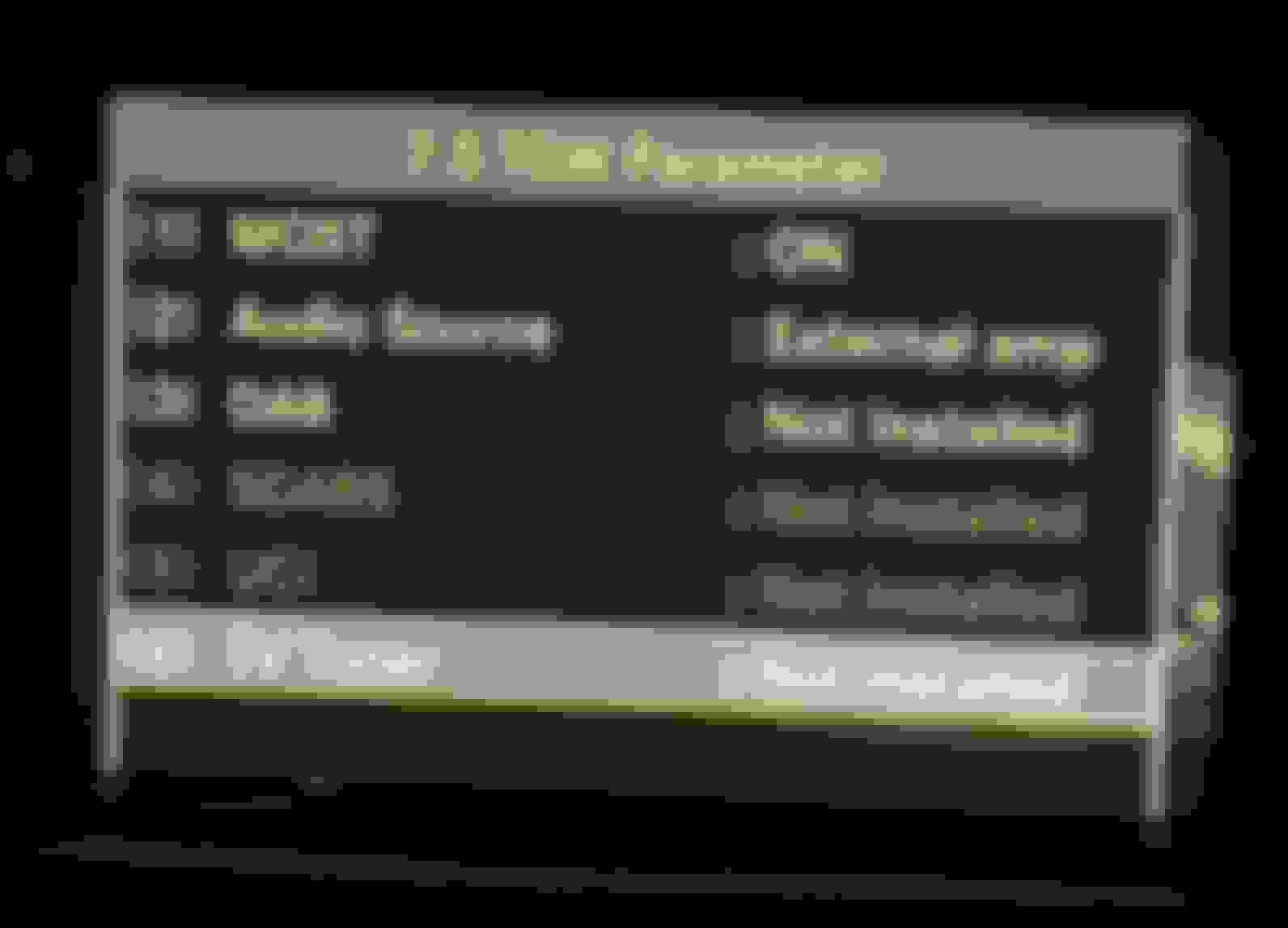
I just installed the unit and everything works fine except that I completely lost audio. Radio, bluetooth, calls - nothing works and I have no idea why. After I installed the unit I enabled the aux in the EM.and also set it to external amp. I’m attaching a photo of how the TGW menu looks. The car is w212 2009 with ntg 4.0. Any help will be deeply appreciated.
Hey,
I just installed the unit and everything works fine except that I completely lost audio. Radio, bluetooth, calls - nothing works and I have no idea why. After I installed the unit I enabled the aux in the EM.and also set it to external amp. I’m attaching a photo of how the TGW menu looks. The car is w212 2009 with ntg 4.0. Any help will be deeply appreciated.
I wrote today with someone in another MB-Forum.
For him the sound worked after he activated Aux and deactivated the Mercedes interface by coding.
I found this forum on a Google search and was wondering if anyone could help/give advice regarding the Limcet box.
I have had mine installed for over a year, no issues with sound albeit low sound via the aux input (I believe that is an issue with the firmware of the COMAND module rather than the Limcet box - My local Mercedes dealer wasn't able to update unfortuntely).
Anyway, since installation, it is a very regular occurance for when navigating via Google Maps, Waze, Here, Sygic etc to just freeze and the whole box become completely unresponsive. There is no pattern to these freezes I am experiencing and as you can see, I have tried various navigation apps; Sometimes the freezing will happen after 5 minutes of driving, other times I get a good couple of hours before it becomes unresponsive. The only "fix" I have so far it to find somewhere safe to pull over, turn the engine off on the car (I can't even navigate to the main menu where it's possible to reboot the box under settings > system > factory mode) and wait a few minutes for the Limcet box to power down (which can take anything from 1 minute, to 5, which in itself is pretty weird).
I was wondering if anyone has experienced a similar issue? If so, what did you do to fix?
Also, I see that my firmware is out of date compared to others here. How can I update this? I am convinced at this point that the software is causing my headaches.
Apart from these freezes, I love this box. As far as I know, it's the only way to have Android Auto whilst retaining the pop up screen functionality. Do any of these other Android solutions on Ali Express offer devices that retain the pop up screen? Doesn't necessary have to be the original screen.
I found this forum on a Google search and was wondering if anyone could help/give advice regarding the Limcet box.
I have had mine installed for over a year, no issues with sound albeit low sound via the aux input (I believe that is an issue with the firmware of the COMAND module rather than the Limcet box - My local Mercedes dealer wasn't able to update unfortuntely).
Anyway, since installation, it is a very regular occurance for when navigating via Google Maps, Waze, Here, Sygic etc to just freeze and the whole box become completely unresponsive. There is no pattern to these freezes I am experiencing and as you can see, I have tried various navigation apps; Sometimes the freezing will happen after 5 minutes of driving, other times I get a good couple of hours before it becomes unresponsive. The only "fix" I have so far it to find somewhere safe to pull over, turn the engine off on the car (I can't even navigate to the main menu where it's possible to reboot the box under settings > system > factory mode) and wait a few minutes for the Limcet box to power down (which can take anything from 1 minute, to 5, which in itself is pretty weird).
I was wondering if anyone has experienced a similar issue? If so, what did you do to fix?
Also, I see that my firmware is out of date compared to others here. How can I update this? I am convinced at this point that the software is causing my headaches.
Apart from these freezes, I love this box. As far as I know, it's the only way to have Android Auto whilst retaining the pop up screen functionality. Do any of these other Android solutions on Ali Express offer devices that retain the pop up screen? Doesn't necessary have to be the original screen.
Many thanks in advance!
Trev
i have the same issue about the low sound through the aux / carplay box. When using the car original bluetooth the difference is night and day! I am not sure if this is something with the NTG or the box itself. I hoped someone would confirm this or if there is a solution for it because my phone’s bluetooth connection to the car isn’t always great for some reason so it is inconsistent.
I have the same problem with Limcet freezing sometimes after 5 minutes, sometimes after days, sometimes after months. What I suspect on mine is that gets hot because it's fitted behind the head unit lcd screen and the lcd screen becomes itself very hot and I think dispersing it's heat to the limcet box too. This is just a supposition and doesn't make me think this is the problem 100% because how I've said, sometimes the Limcet freezed after few minutes from start to using it. This is very annoying while driving because always I have to be prepared to use Maps on my phone in case Limcet freezed, BUT... but I found a quick way to unfreeze the Limcet simply long middle pressing of control armrest knob, the Limcet will restart, then it's quite quick and easy to select Android Auto and connect the phone again. Just try long middle press control knob (for about 2-3 seconds)
I have the same problem with Limcet freezing sometimes after 5 minutes, sometimes after days, sometimes after months. What I suspect on mine is that gets hot because it's fitted behind the head unit lcd screen and the lcd screen becomes itself very hot and I think dispersing it's heat to the limcet box too. This is just a supposition and doesn't make me think this is the problem 100% because how I've said, sometimes the Limcet freezed after few minutes from start to using it. This is very annoying while driving because always I have to be prepared to use Maps on my phone in case Limcet freezed, BUT... but I found a quick way to unfreeze the Limcet simply long middle pressing of control armrest knob, the Limcet will restart, then it's quite quick and easy to select Android Auto and connect the phone again. Just try long middle press control knob (for about 2-3 seconds)
i have a w212, I passed all wires as well as the box behind the COMAND and through the plastic sidewall towards the glovebox where there was a space to fit it. Never had an issue and I live in a hot country. I noticed when I had the box out that it does get hot enough to notice though but never impacted performance.
My 2 issues with this box is as I said low sound and sometimes when I use car equipment it makes the screen flicker (only on factory UI) even after trying to ground LVDS out cable
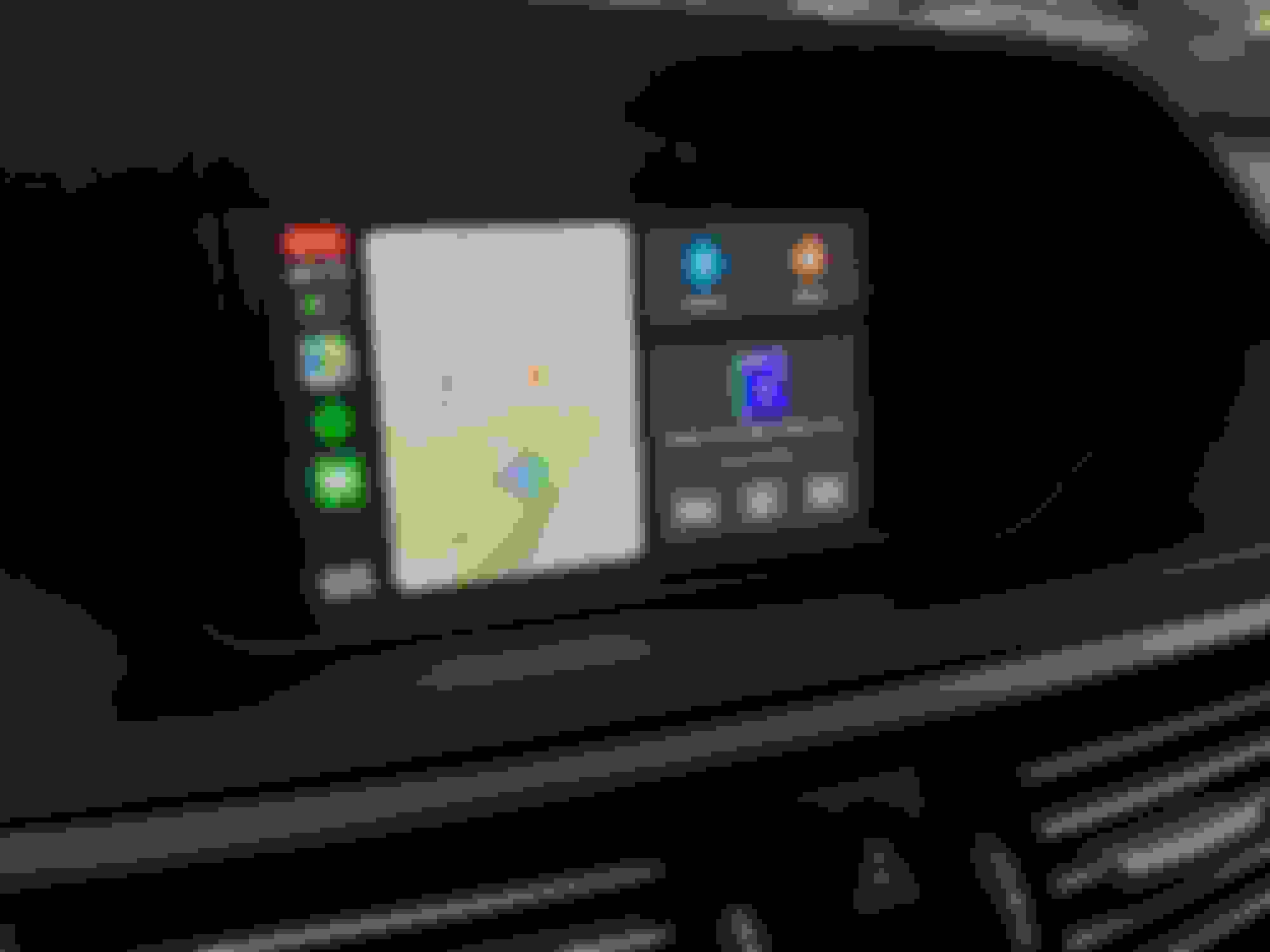
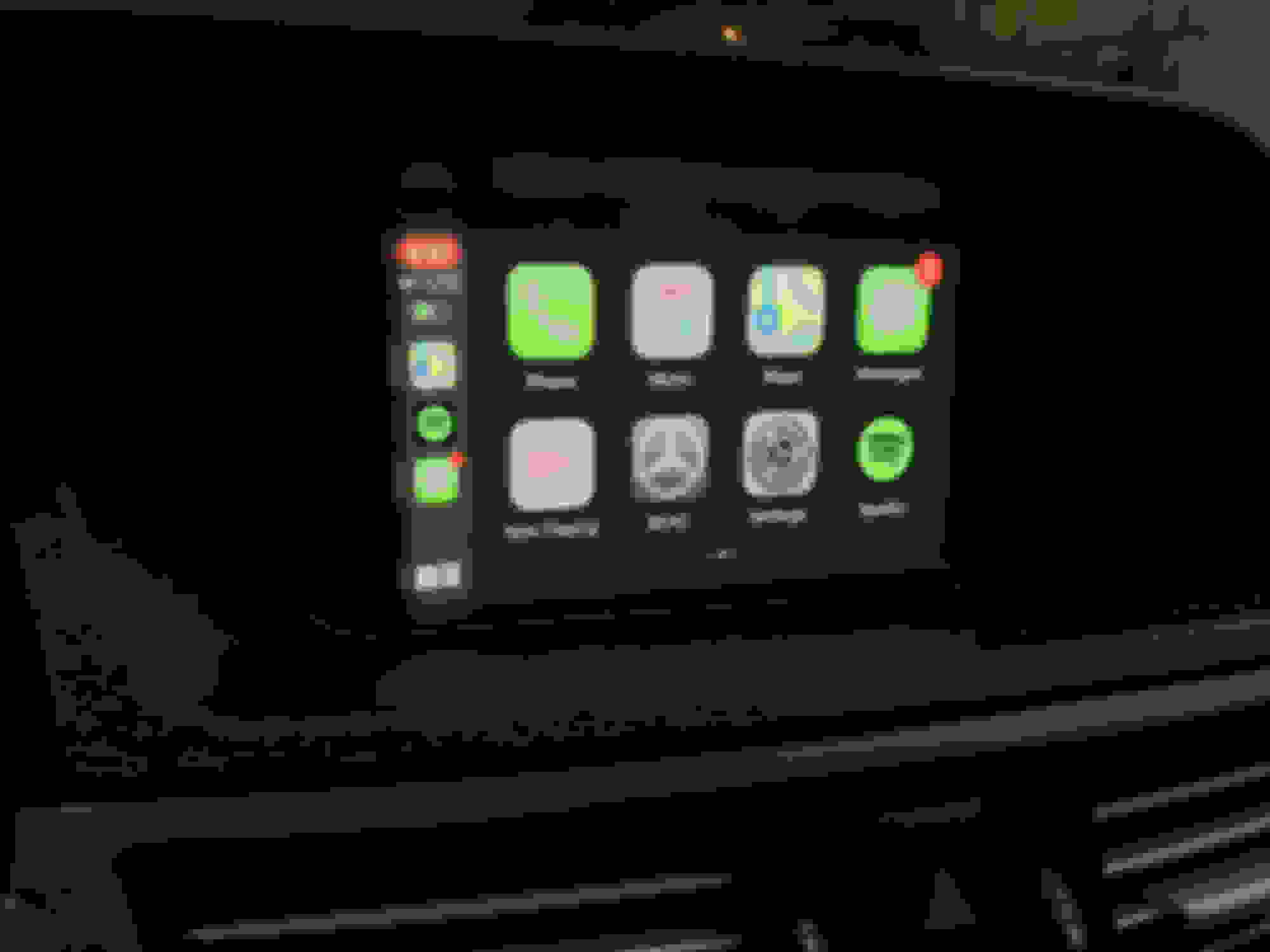
This is a DIY Installation thread that covers how to install wireless Apple CarPlay for Comand unit NTG4.0 in most Mercedes-Benz models from 2009-2011. This thread is based and inspired off of @cadetdrivr 's amazing install thread for NTG4.5/4.7 foundhere.
The device I used is a Kremersino Wireless CarPlay box that merges the videos cables of the factory Comand unit and allows for a plug and play install, no splicing or cutting what so ever. The install is very clean and looks factory (retains factory resolution), you can switch easily between the CarPlay screen* and the factory Comand navigation screen. *(As I keep referring to this unit as a CarPlay device, please note that it also supports Android Auto. I am all Apple products so I will refer to the screen as the CarPlay unit. Please also note that I have not tested Android Auto on my NTG4.0 unit.)*
I am not going to cover how to install the unit in-depth as @cadetdrivr has already made clear instructions on how to get started on the W212 interior foundhere. There are some differences, as his car is a W212R 2014+, and I will cover those differences here.
I am not much of a DIYer or a mechanic but I found this job to be somewhat easy with some help from a friend.
Job time - 3 to 4 hours Experience level - none prior Tools needed - Big towel, plastic pry bars, electrical tape, and TORX T20
Unit purchased - https://www.aliexpress.com/item/4001049263624.html (Must select NTG4.0 option before adding to cart) My vehicle - 2010 W212 E350 with NTG4.0, Harman Kardon, and glovebox audio AUX (Mercedes Media Interface Cable)
Please make sure to identify what NTG unit you have before purchasing your CarPlay unit. Contact Kremersino if needed. WhatsApp +86 134 2516 3678 or Ali Express chat
This is what comes in the package:
Everything you will need to get CarPlay working in your Mercedes. (Source: @reject )
Some owners stated it was hard to find the last screws for the glovebox, You will need to pry off the side panel to the right of the glovebox (LHD USA) with the plastic pry bar. The glovebox is still fixed in place with all screws removed, so remember that for the reinstall, the glovebox should not move or be unstable even with all screws removed.
I could not figure out how to fully remove the MMI cable from the glovebox, so I left my glovebox in the passenger footwell. There is plenty of slack for the thick MMI cable to rest and the glovebox sat fine on the passenger floor. Feel free to disconnect the MMI cable if you know how to or leave it and do what I did. This is one of the differences from the W212R removal process.
Remove the two screws on the top of the Comand unit. You'll want to remove everything from the cup holders and close the lid. Place a big towel over the AC controls, Comand scroll wheel, Cup holders, and any other lower center trims. This is to protect your car while the Comand unit is pulled out.
Make sure to transfer the orange Fiber-Optic cable to the new power harness, this is for your sound. It is very special (handle with care). 10 year old plus wires.
Plug everything in and test to see if the unit works before reinstalling. Make sure sound, controls, and all features work on both the factory Comand screen and the CarPlay screen.
IMPORTANT: LVDS CABLE
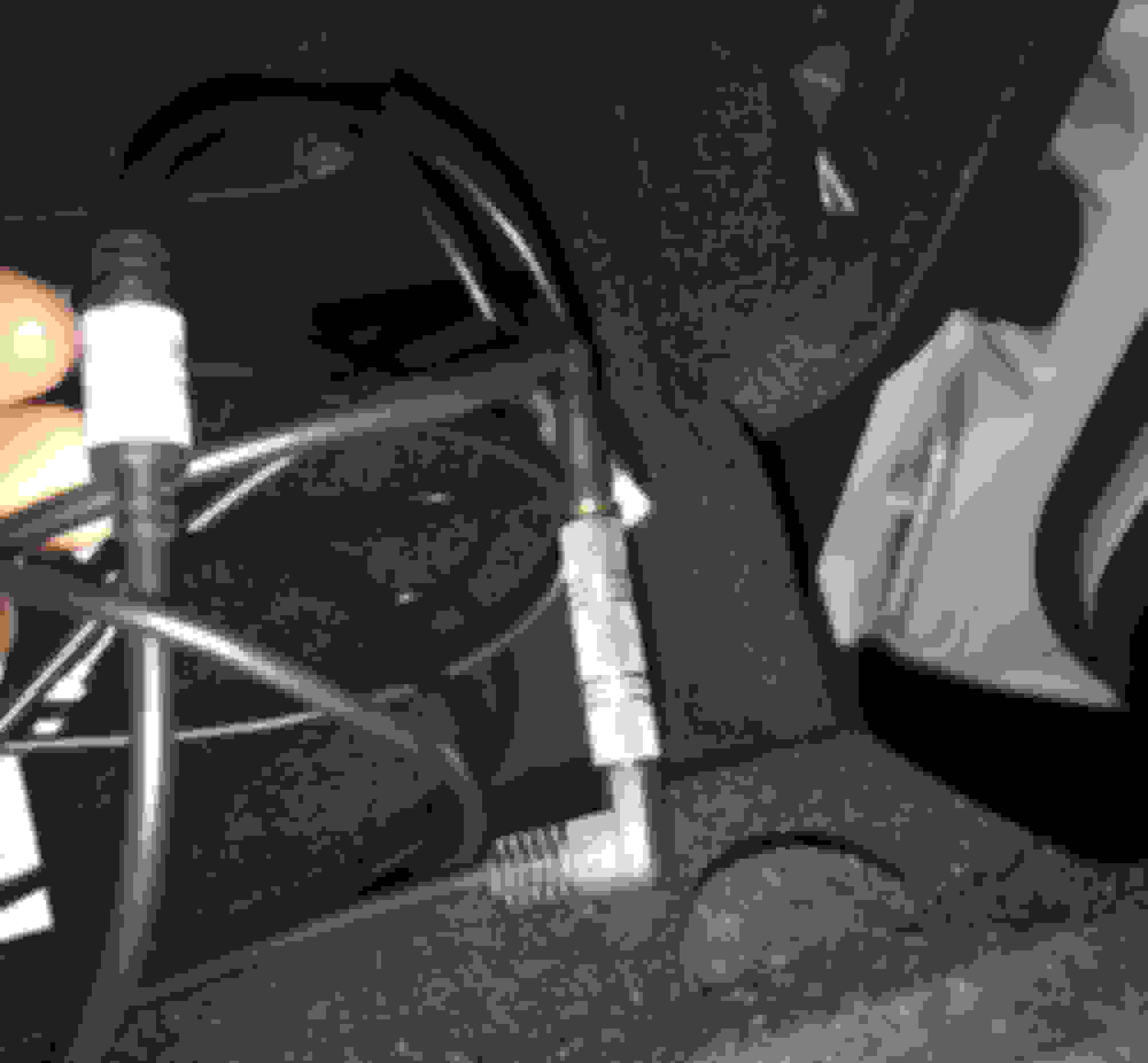
MAKE SURE THE LVDS CABLE GOES IN THE RIGHT WAY. There is an indent, or small marking that shows and that should be facing up. Do not install upside down. It will be a pain to remove from Comand unit. I have included a picture here to show which way it should be plugged in. There is this marking in the middle on one side only, you can't miss it.
See the little hump that the blue arrow is pointing to? Make sure that side is facing up. Plug in and it should be snug. (Source: Kremersino Install video)
RE INSTALLATION:
Run all of the cables to right side where you removed the glovebox. Unfortunately, our gloveboxes do not have a removable opening like the W212R gloveboxes (I checked and could not find anything. YMMV). So, I was unable to store the CarPlay unit on the top tray of my glovebox like @cadetdrivr . We will get back to this later.
Tuck all of the extra wires and cables behind the AC control unit. There is plenty of room for the big power harness and the small LVDS box. Slide the Comand unit back into place until it is flush. This may take a couple of tries before it become flush. Slide the Comand unit in and out unit it is flush.
Reinstall the glovebox and make sure all of the wires you pulled over are clear of the glovebox's path and it is set to the bottom corner (in between the bottom footwell trim (removed right now) and the glovebox. Near the OFF button on the AC controls.
At this point, your Comand unit should be reinstalled, the glovebox reinstalled, and the upper air vent long strip. Almost done.
(UPDATE 9/14/20 - NO NEED FOR MMI TO AUX)Run the Aux cable from the wires at the bottom to inside of the glovebox, very easy. This is how you will get your sound. Using the MMI cable in the glovebox. You will need the 3.5mm female to female adapter if your MMI to aux is male.
This is my 3.5mm female to female. Found at Guitar Center the same day as the install. In glovebox.
Reinstall the bottom footwell trim (three screws). Leave the CarPlay unit resting on top of the trim (on the insulation). Make sure the wifi antenna, and all other connections are plugged in. It is going to be harder to get the three screws in with the box sitting on top, but you can do it! This is a great way to store the box for the people who don't have access to put the unit in the glovebox. It can be easily acessed with only three torx 20 screws.
The unit will be good here. You can also turn on head and footwell airflow to blow some more cold air in that area near the unit but, it hasn't been an issue for me yet. (Some other owners were having overheating issues).
Run the USB cable to wherever you would like (get creative). You can drill into the ash try and hide it there, route it to the glovebox, or simply let it poke out of the footwell. Regardless, the cable needs to be easily accessible (for updating the unit, charging, and wired CarPlay / Android).
It should look something like this.
FINISHED:
Everything should be working now. Take a drink, pat yourself on the back, and make sure everything is working one last time.
It should look like this! YAY
If you are not getting sound through CarPlay, go back into the Comand screen and make sure you have selected AUX.
If you are still not getting sound, make sure you have activated AUX in engineering mode. Here is a video on how to do it. Your AUX may be already activated, everyone's will be different.
(UPDATE 10/14/20 - RE-ENABLE SDARS AND EXTERNAL AMP IN TGW PARAMETER MOST SETTINGS) Make sure to re-enable SDARS and External amp in the TGW Paramter MOST settings. This will ensure the sound is going to the speakers as well as your SAT radio and live traffic updates for the regular Comand unit screens.
MY PERSONAL THOUGHTS:
This is a great unit. It really updates my 10 year old Mercedes. This is a great and cheaper alternative to the big android screen head unit upgrade. IMHO, this is better than those android screens. It retains factory look and the anti glare properties of the OEM screen. You can easily flip back and fourth with Comand and CarPlay. If you are thinking about getting it, go for it. It doesn't hurt and it is fully reversible.
This DIY thread was not possible without the endless support of @cadetdrivr !! Make sure to give him a shout! He spends loads of time troubleshooting and helping for the NTG4.5/4.7 owners. And I hope to do the same for the NTG4.0 owners along with some other members who also has this unit on the way.
I will constantly be updating and communicating on this thread. About software updates, new issues, and other comment about the unit. So far, so good. Kremersino has great support through WhatsApp with fast response times (+86 134 2516 3678). They offer software updates and a warranty similar to the owners with RoadTop and Joyeauto.
PLEASE NOTE:
I did NOT install the included microphone. I never use SIRI and that is the main use for the microphone. You can still answer calls through CarPlay and use the factory MB mic! All you need to do is go to Settings > Accessibility > Touch > Call Audio Routing > and SET to Bluetooth Headset. You can answer calls on CarPlay and when you hit Accept, it will route the call to the factory MB Bluetooth. Make sure you are connected to both MB Bluetooth and the CarPlay unit Bluetooth for this to work.
You may feel the need to install the included microphone (for SIRI only), follow the video installation and route it to where you wish.
OTHER THREADS TO READ:
I suggest checking out these other threads before purchasing or attempting to install the unit.
Hi Thanks for the post. Bought mine from hifimax and for few months all worked perfect. However couldn't find space for unit so drilled hole in glove box and left it there. After a while the location annoyed me as glovebox became useless so tried to relocate but for some reason unit stopped working. Video out flashes the limset logo for a second then screen goes black. Have tried every dip switch setting but no luck. Any ideas?
Tonight I was messing around with my CarPlay. Finally got the aux sound to work by installing the female to female plug. It was tinny and distorted. Sounded overall crappy. I unplugged the connector that bridges the 3.5 inch males together and the sound kept playing… and it went from sounding really tinny and distorted to sounding as crisp as when it’s connected via Bluetooth. So for those that are experiencing audio issues try and unplug your 3.5 inch connector. Somehow the audio is wired internally once you get it set.
Tonight I was messing around with my CarPlay. Finally got the aux sound to work by installing the female to female plug. It was tinny and distorted. Sounded overall crappy. I unplugged the connector that bridges the 3.5 inch males together and the sound kept playing… and it went from sounding really tinny and distorted to sounding as crisp as when it’s connected via Bluetooth. So for those that are experiencing audio issues try and unplug your 3.5 inch connector. Somehow the audio is wired internally once you get it set.
Was your audio volume on carplay lower than the factory radio / bluetooth or just the audio quality?
The sound quality on mine is great but volume is 60ish % of the factory radio’s volume.
Support team advised me to use a “boost option” on the AUX menu but I don’t have it.
Was your audio volume on carplay lower than the factory radio / bluetooth or just the audio quality?
The sound quality on mine is great but volume is 60ish % of the factory radio’s volume.
Support team advised me to use a “boost option” on the AUX menu but I don’t have it.
My CarPlay sound via AUX was quieter. I was playing some daft punk and when I disconnected that connecter it 100 percent went to the normal volume that all the other sources have. Same audio quality too.
Mercedes SLR McLaren 722 S Is Extremely Rare Example Modified by McLaren
Slideshow: A one-of-one U.S.-spec Mercedes-Benz SLR McLaren Roadster became even rarer after a factory-backed transformation at McLaren's headquarters.









 Think it's going to have to go back!